Kids Long Sleeve Pajama Mockup Set

Product Details
Kids Long-Sleeve Pajama Mockup Set
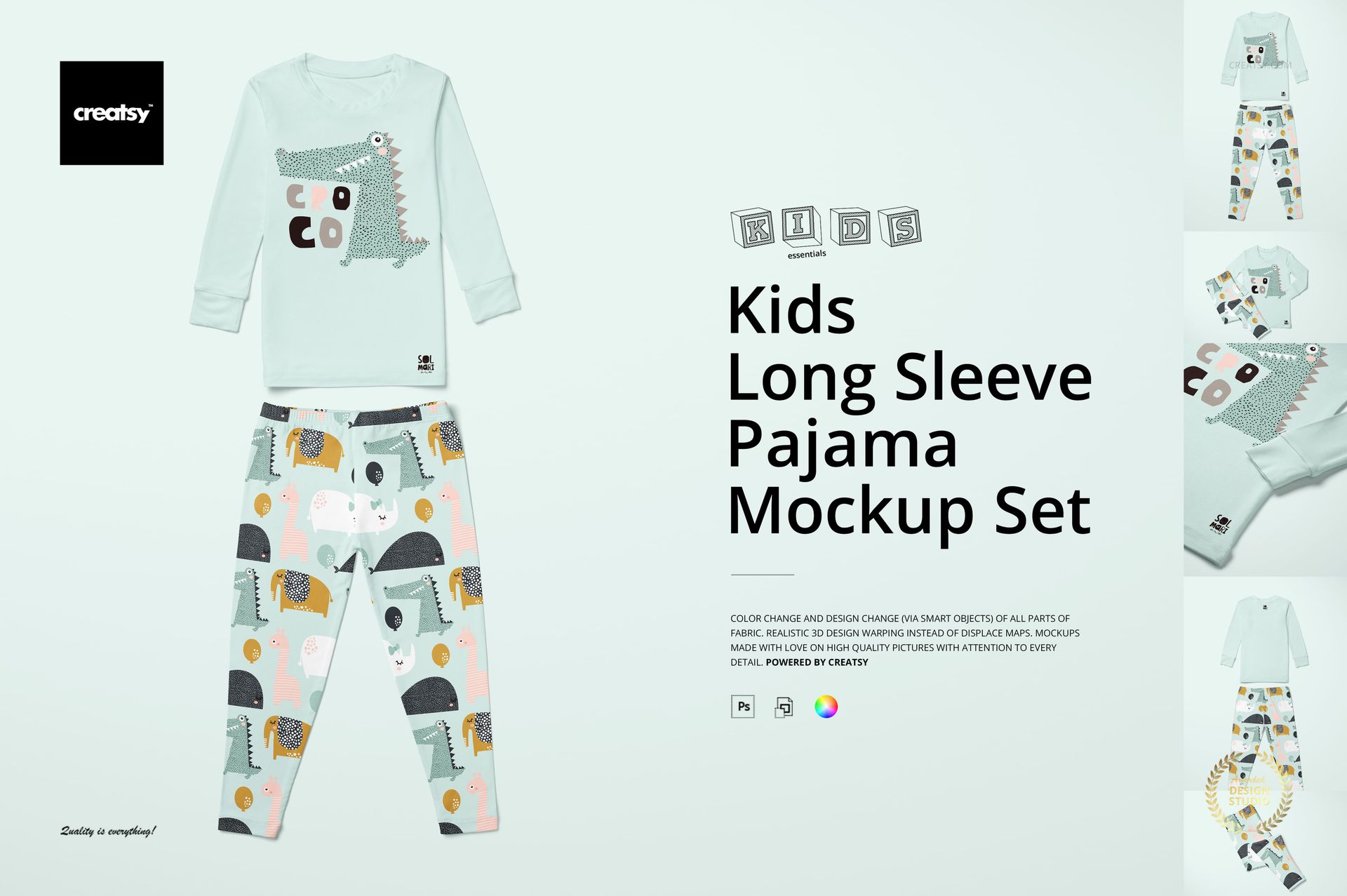
Get ready to turn bedtime into a canvas for creativity with the Kids Long-Sleeve Pajama Mockup Set. This cozy, playful set is designed to help you showcase your kidswear designs in the most charming and professional way. With multiple views and complete customization, it’s the perfect tool for building a magical, bedtime-ready collection.
Dream Big with Every Design
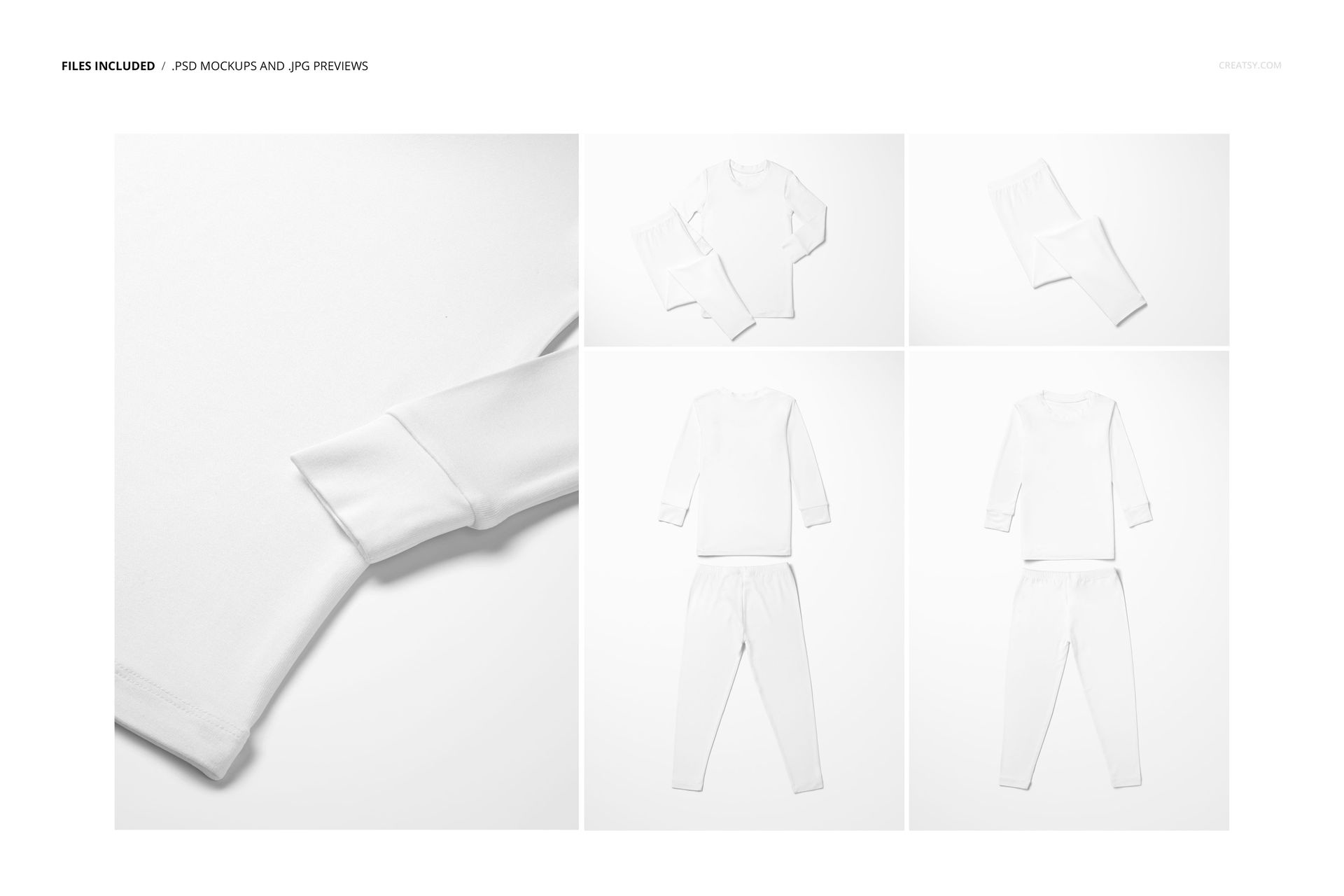
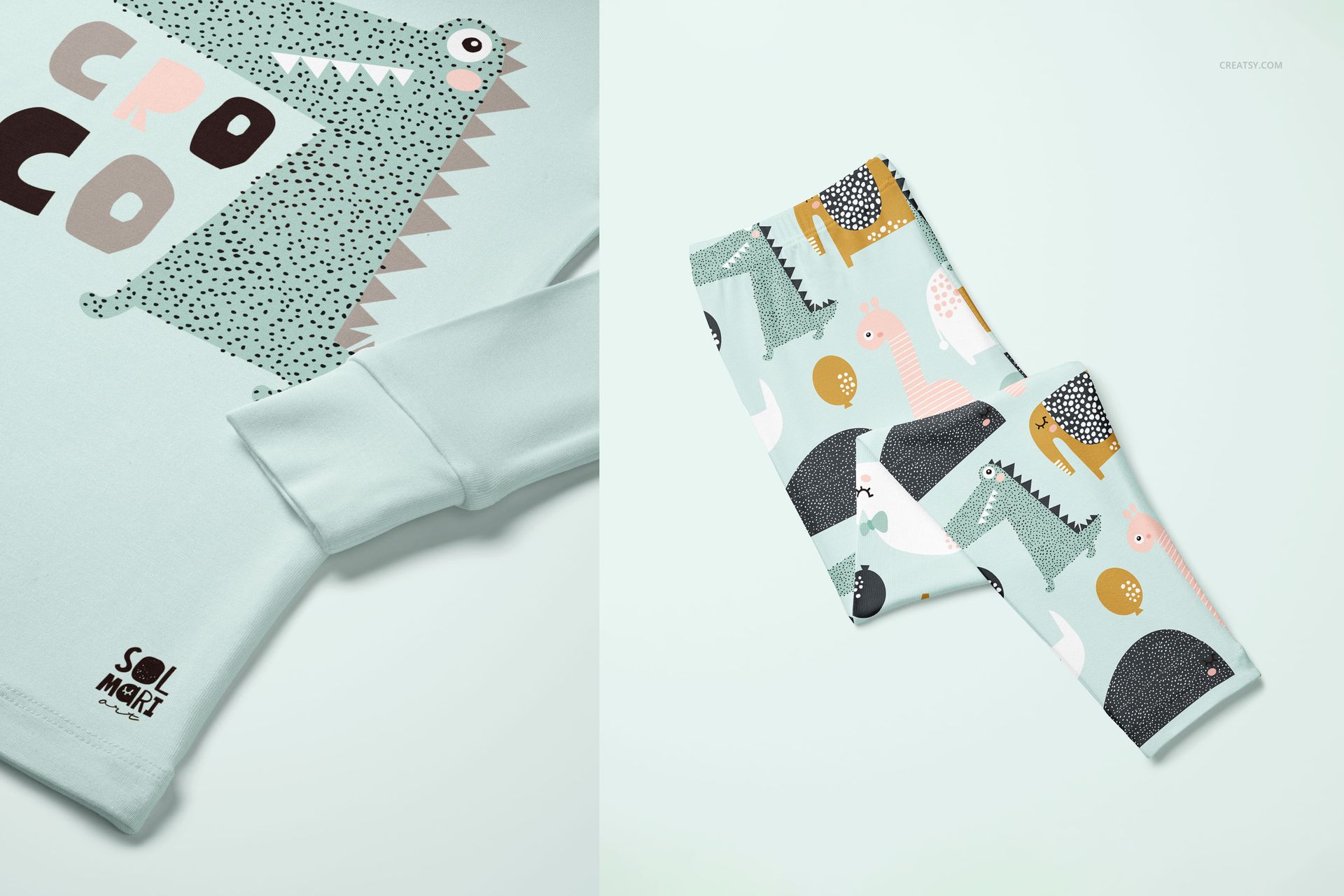
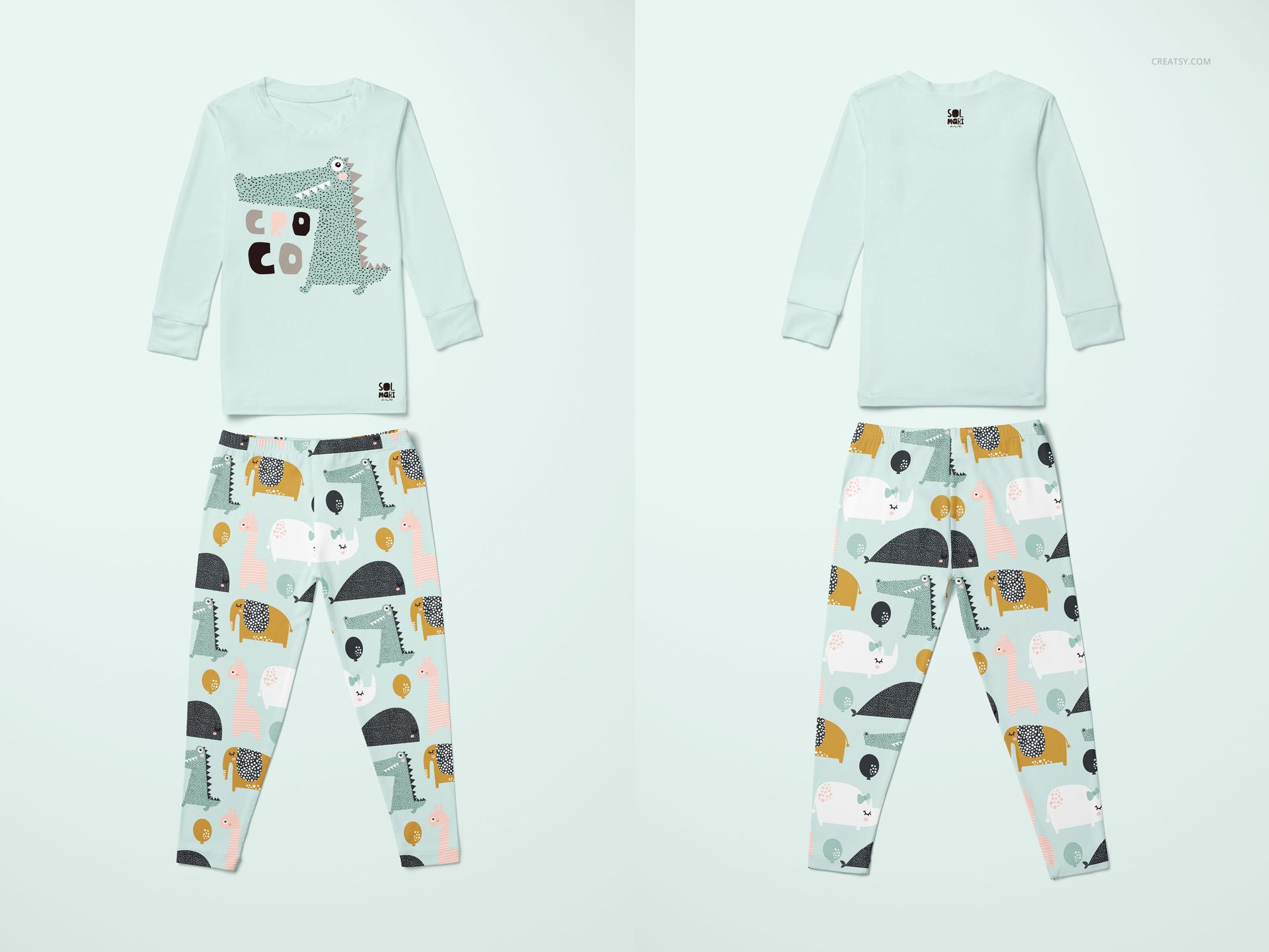
Inside this set, you’ll find five high-resolution PSD files: a front and back view of the full pajama set, a folded version ideal for product pages, a focused view of the pants, and a close-up of the pajama top. Each scene is styled to highlight both your patterns and design details – whether you're emphasizing soft textures, bold prints, or clever illustrations, there's a mockup made to support your creative vision.
Full Customization, Endless Imagination
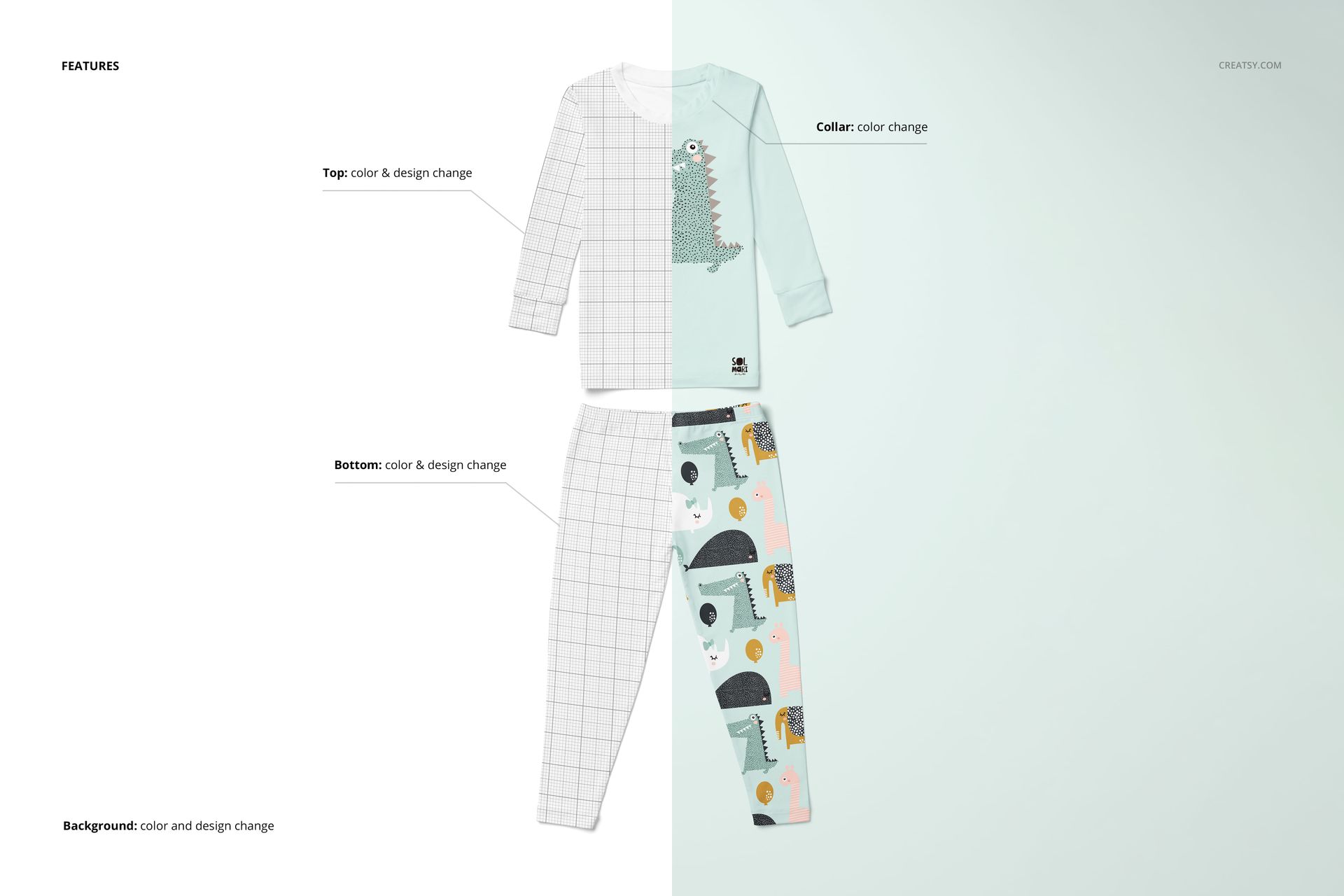
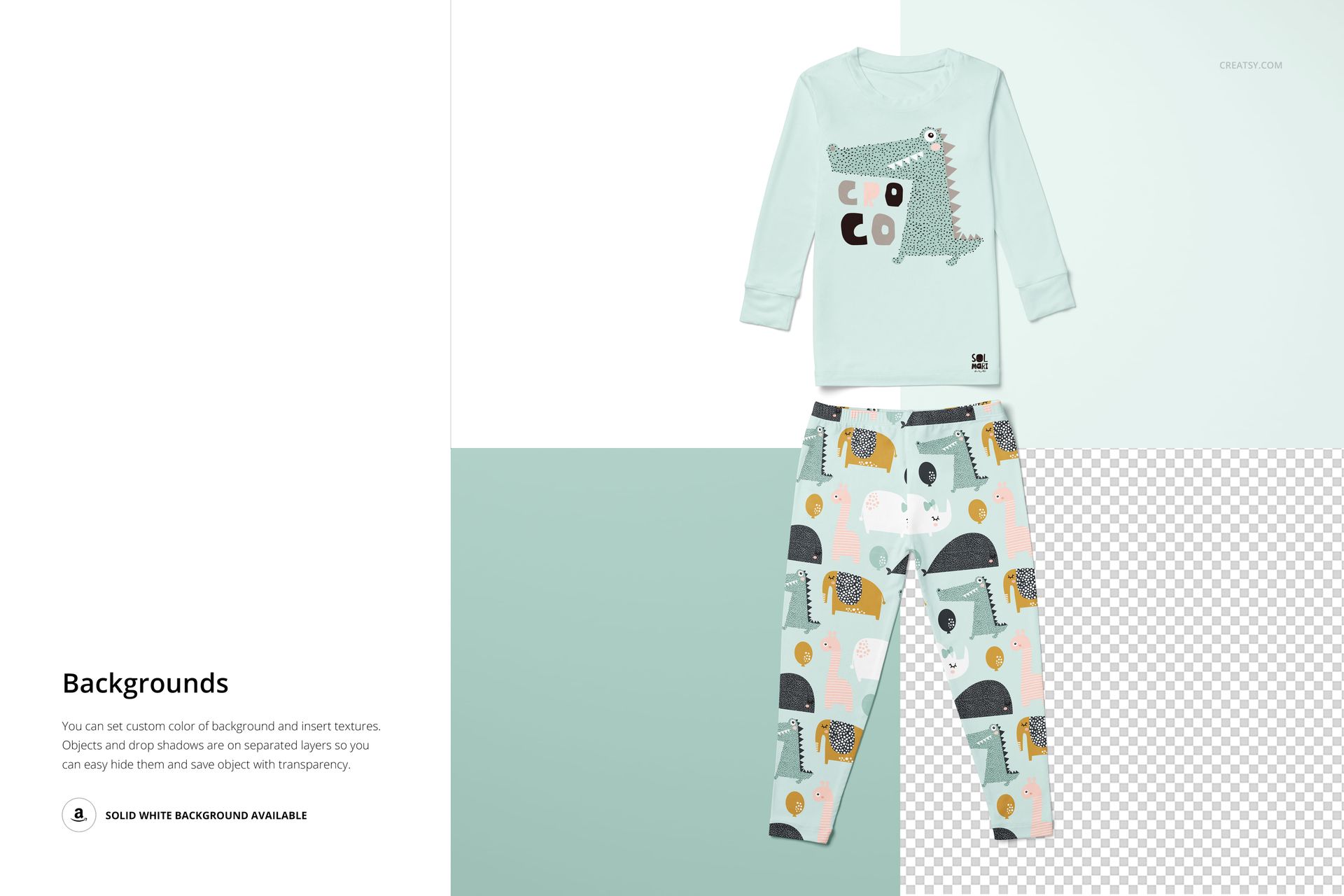
Every piece of the pajama set is fully editable. You can customize the top and bottom designs, change fabric colors, adjust the collar, and even modify the background to include your own textures or patterns. Build a story around your concept – be it dreamy galaxies, snowy nights, or underwater adventures. This set makes it easy to align your visuals with your overall textile or fashion design theme.
Files work in Photoshop (min. version CC2020) and in free online editor: Photopea.com;
Pack includes 5 .psd files: ~6000x6000 px, 300dpi;
Check screenshots for all the features;
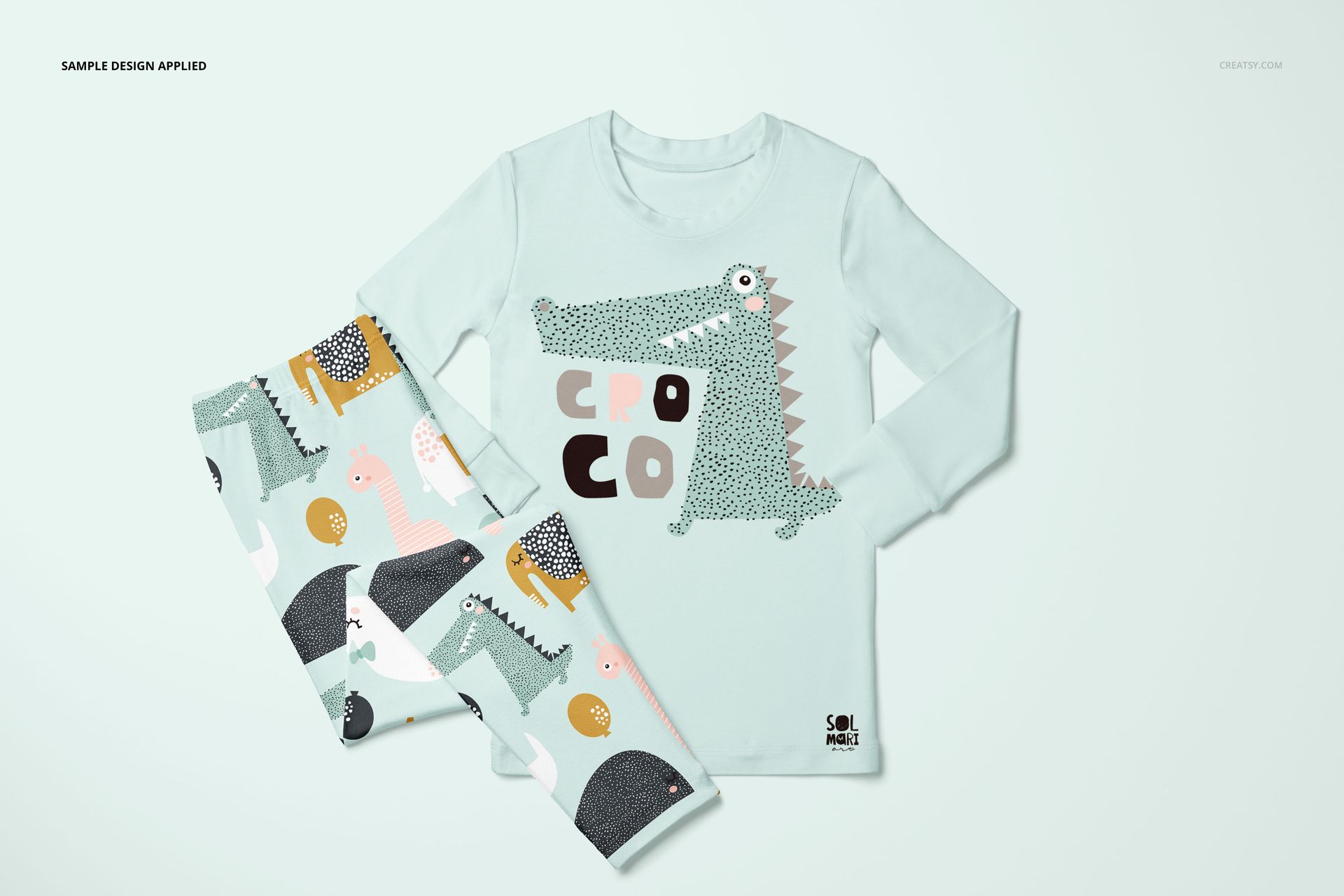
Design applied on mockups by Solmari Art: solmariart.com (not included in the main zip file);
Well organized layers.
File details
- Compatibility
- Number of files included
- 10
- Package size
- 1.22 GB
|1.31 GB
- Files type
- .psd, .jpg
- Files size
- 6000x6000


Reviews
Professional PSD mockups built in-house - editable, realistic, high-resolution, and supported by real people.
MEET THE SHOP

HOW IT WORKS
3 clicks. That's it.
No tutorial needed. If you can copy-paste, you can use this.
- 1OpenDouble-click the smart object inside the PSD - in Adobe Photoshop, or free in your browser with Photopea.
- 2PasteDrop in your pattern, print, or artwork. Any design, any style.
- 3SaveHit save and the mockup wraps it in for you - shadows, folds, and lighting included.
FROM IDEA TO IMAGE
Built for real workflows
Skip the photo shoot Show your artwork on the real product type for approvals or listings - no studio, no model, no sample.
See it on the product, not a swatch Drop your file into the smart object and the scene's lighting and folds wrap around it, so you judge the real thing before you commit.
Smart Objects
Edit once and you're done. Your artwork drops into a smart object and the mockup updates itself - no masking, no warping by hand.
Perfectly Organized
Named layers and folders you can actually navigate. Find what you need, change what you want, and get out fast.
Print-Ready
High-resolution files built to hold up on screen and in print. Exact size and DPI are in this product's Details above.


There should have been an option to change the color or add a pattern for the elasticized waistband and the pant leg cuffs.
Hi Yusuf, thanks for the feedback. In this pajama mockup, the waistband and pant leg cuffs are part of the original studio photo and are not separate editable fabric areas by default, so there is no dedicated layer to recolor or add a pattern to them independently. That said, we can prepare an update to add optional controls for the waistband and cuffs (color/pattern), and we will let you know as soon as it is ready.