Fabric Stack Mockup with Tape Measure and Sewing Props
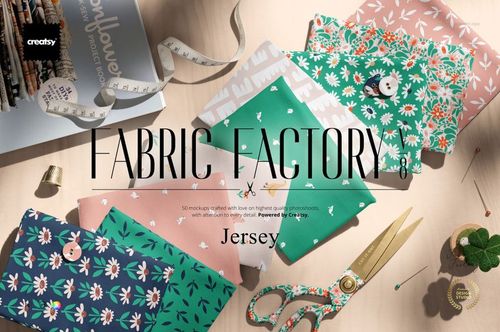
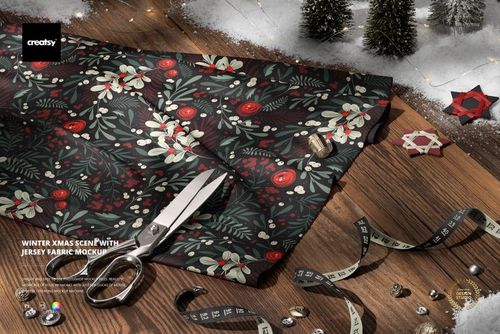
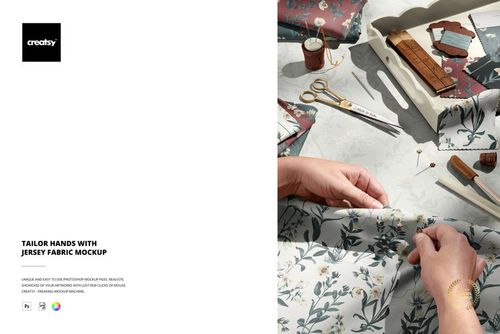
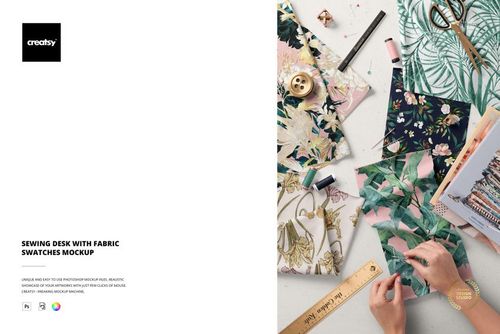
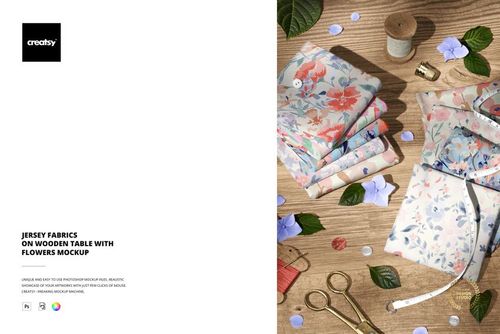
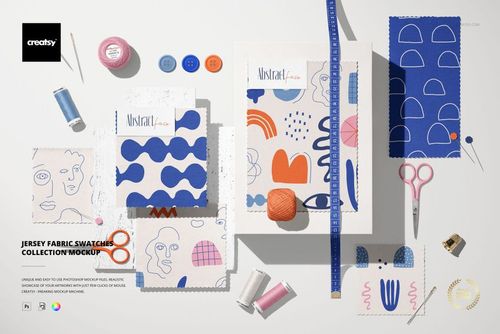
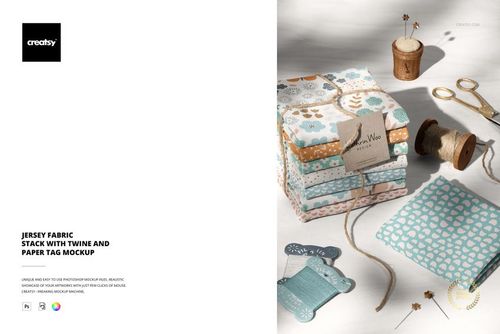
Create a realistic presentation of coordinated textile prints using three high-resolution fabric stack scenes. Folded cloth, a tape measure and sewing accessories place the artwork in a recognizable design studio context, making the set useful for surface pattern collections, fabric ranges, licensing presentations and ecommerce visuals. Multiple compositions help you show hero patterns, supporting prints and color variations as one cohesive story.
What Is Included?
3 layered PSD mockup files
6000 × 4000 px resolution at 300 dpi
Adobe Photoshop CC 2020 or newer and Photopea compatibility
PSD, JPG and PDF files
Well-organized layers with Smart Objects
Editable fabric colors and custom artwork
Present a Complete Textile Collection
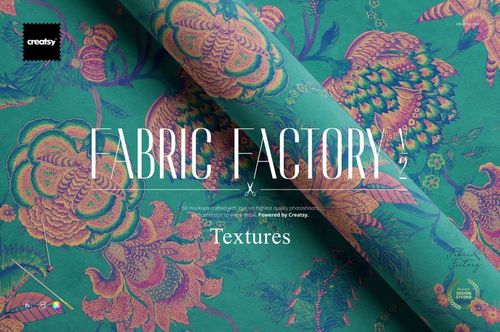
Use the separate fabric layers to combine related patterns, compare colorways or demonstrate how prints work together. The visible folds and stacked edges add material depth, while the measuring tape and sewing props suggest scale and practical textile use. The scenes are suitable for apparel, quilting, craft fabric, nursery collections and home decor concepts.
Professional Uses
Export the finished mockups for pattern portfolios, lookbooks, fabric store listings, social media campaigns, client reviews and manufacturer presentations. The high resolution preserves small motifs and fine linework across close-up marketing images.
Featured Artwork Credit
The Tropical Big Leaves artwork is by Irene Demetri of Youandigraphics. Sample patterns are not included in the download.