Scalloped Gift Paper Bag Mockup
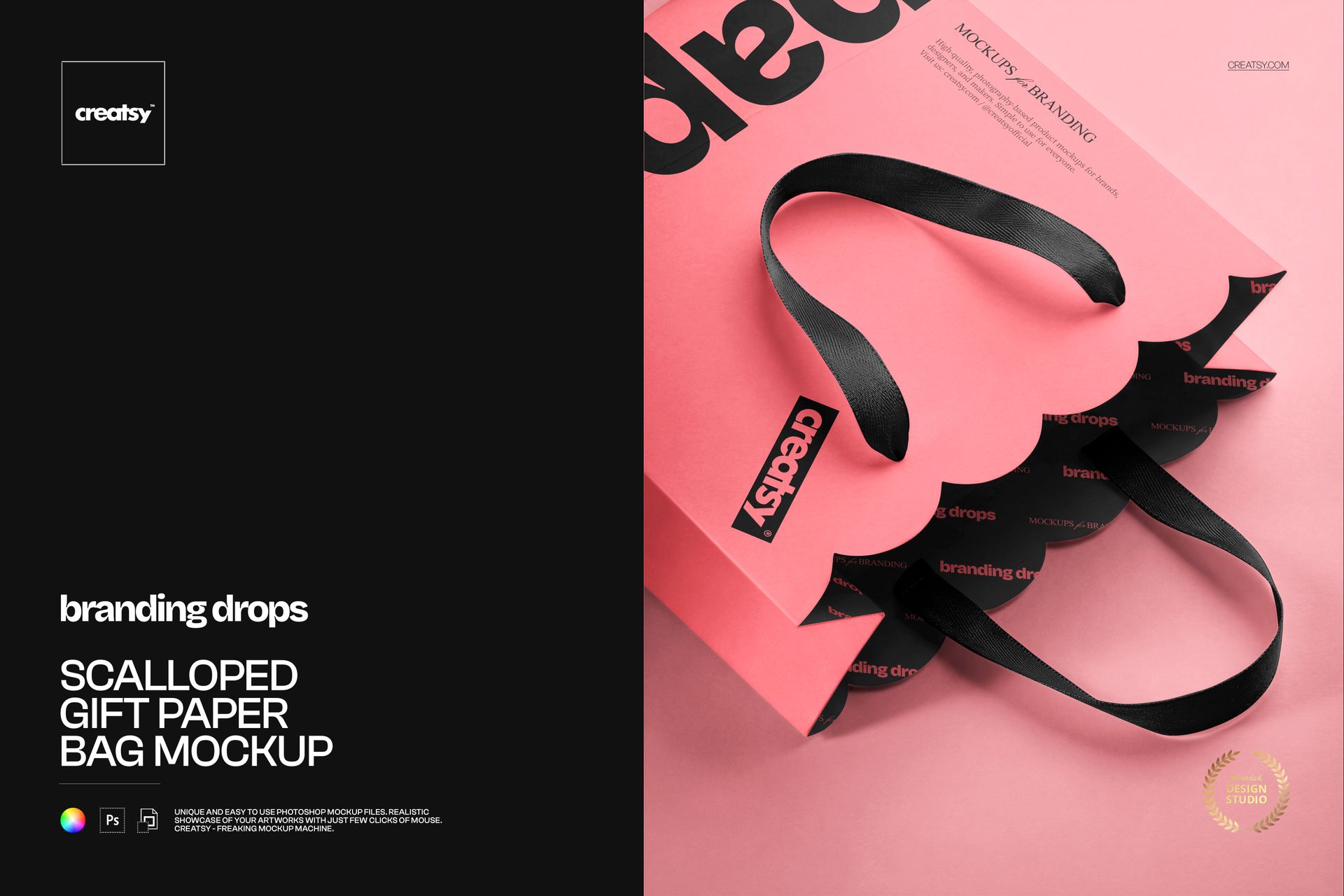
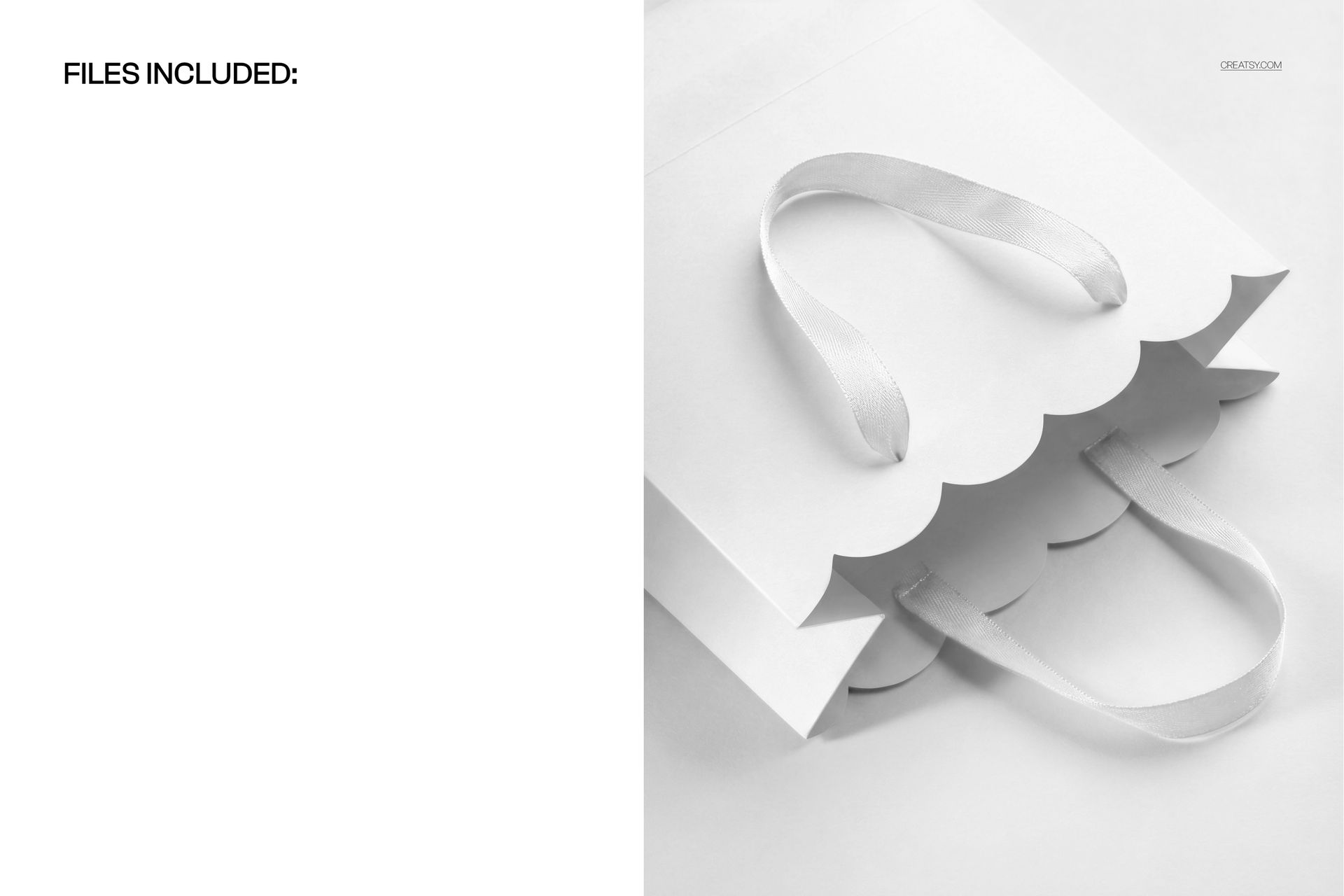
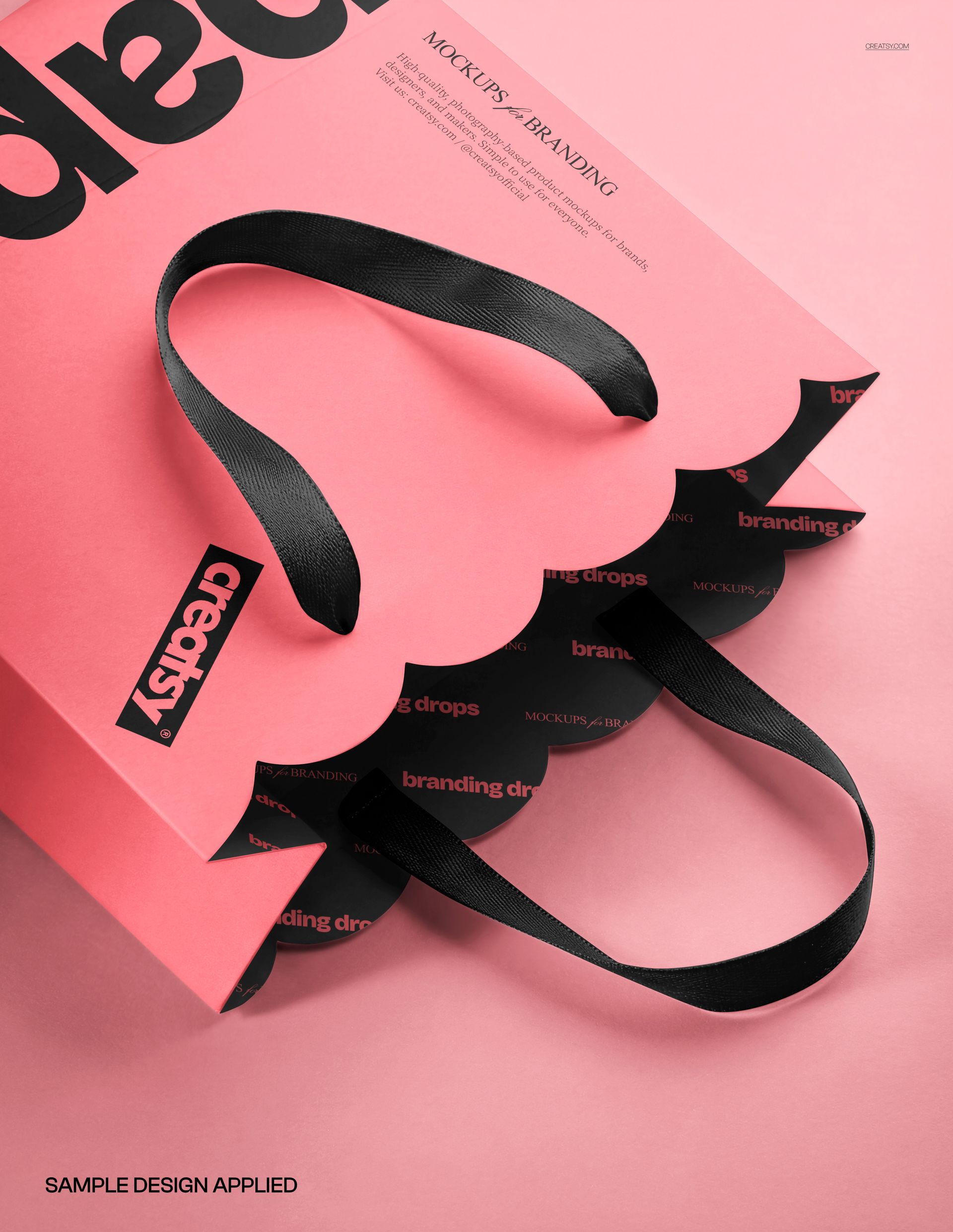
The scalloped opening gives this paper gift bag a distinctive silhouette before any artwork is added. Photographed diagonally from above, the scene brings the wavy paper edge, open mouth and ribbon-style loop handles into focus, with a glimpse of the inner surface.
This is a useful close view for presenting boutique packaging where the shape of the bag contributes to the identity. Show how a logo, oversized type or a repeating pattern sits near the curved edge and handle attachments.
What Is Included
1 layered PSD mockup containing one fixed bag scene.
PSD dimensions: 5000 × 3900 px at 300 DPI.
1 JPG preview, 2 files in the download.
Well-organized layers, compatible with Adobe Photoshop CC2020 or newer and Photopea.
A Scalloped Edge with Coordinated Handles
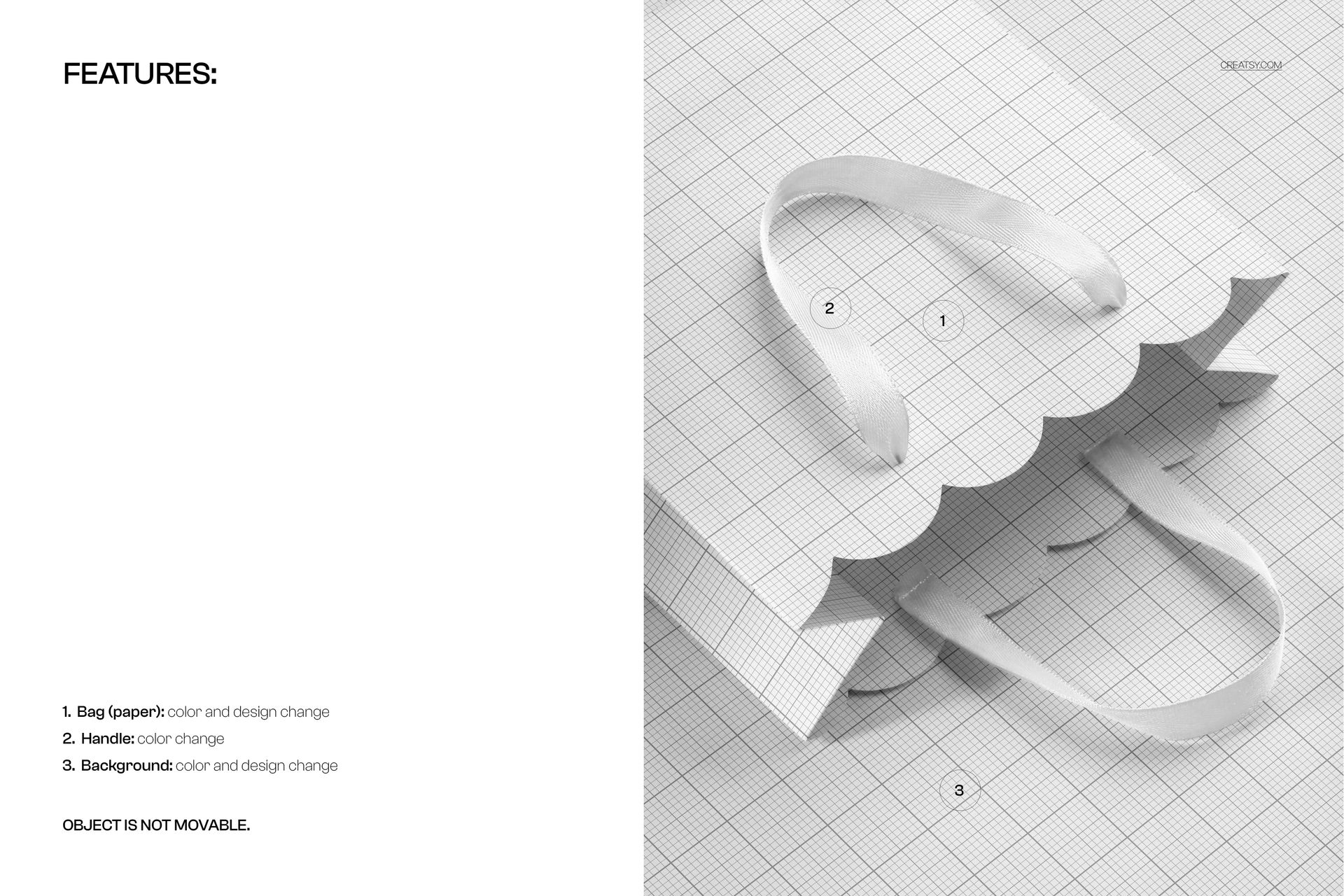
Replace the paper bag design and change its color. Adjust the handle color, then customize both the background color and background design. The bag stays in its original position; the handles are color-editable, with no separate handle artwork feature specified.
Easy Smart Object Editing
Open the PSD, enter the artwork Smart Object and place your design. Save the Smart Object to refresh the scene, adjust the available colors and inspect the result around the scalloped opening before exporting your presentation.
Perfect For
Boutique gift bag branding, decorative paper packaging, surface pattern proposals and retail identity presentations that need a closer look at the bag opening and handles.
Digital mockup only. No physical paper bag is supplied, and the sample artwork used in the previews is not included.