Tamarillo Jam Jar Mockup Set
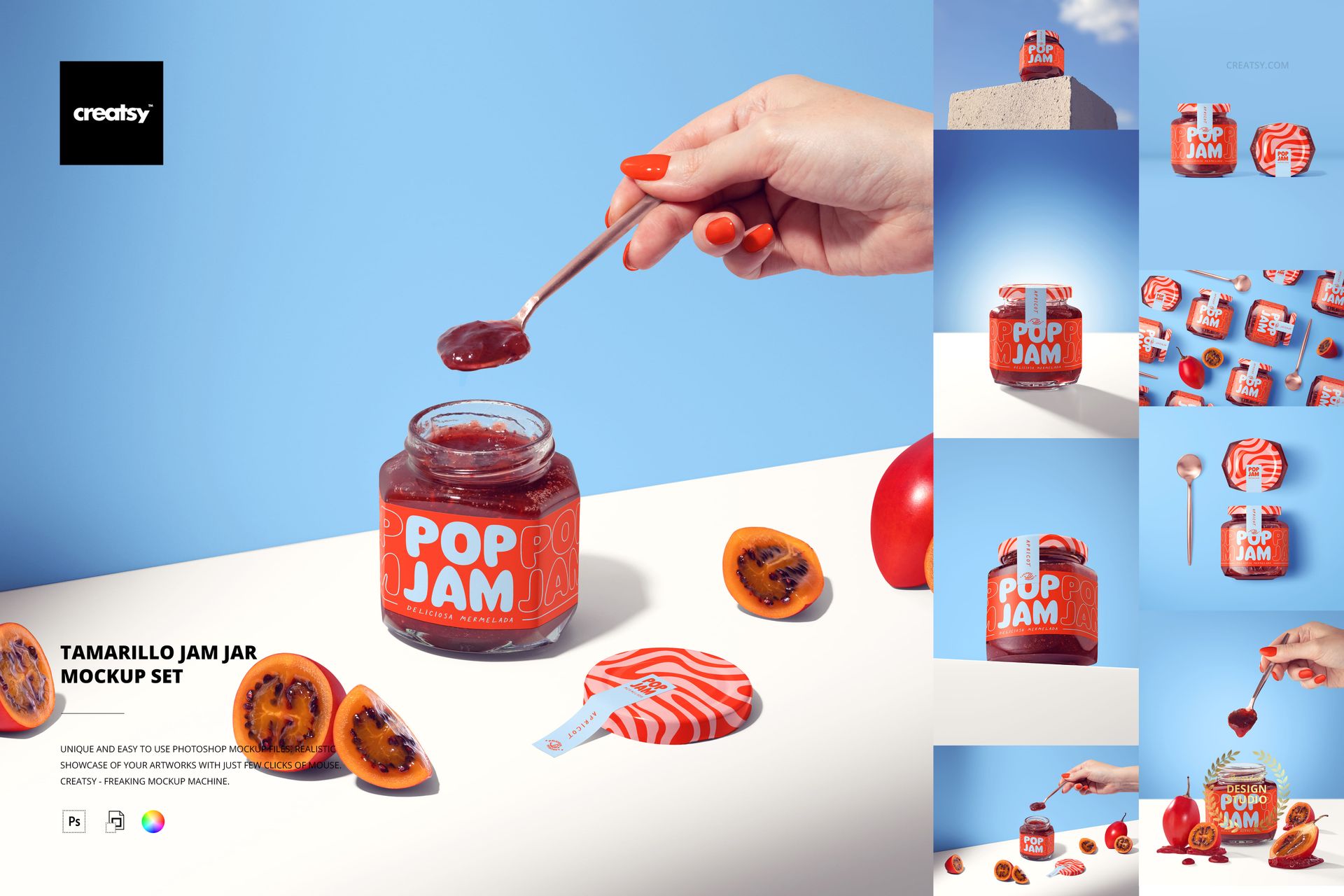
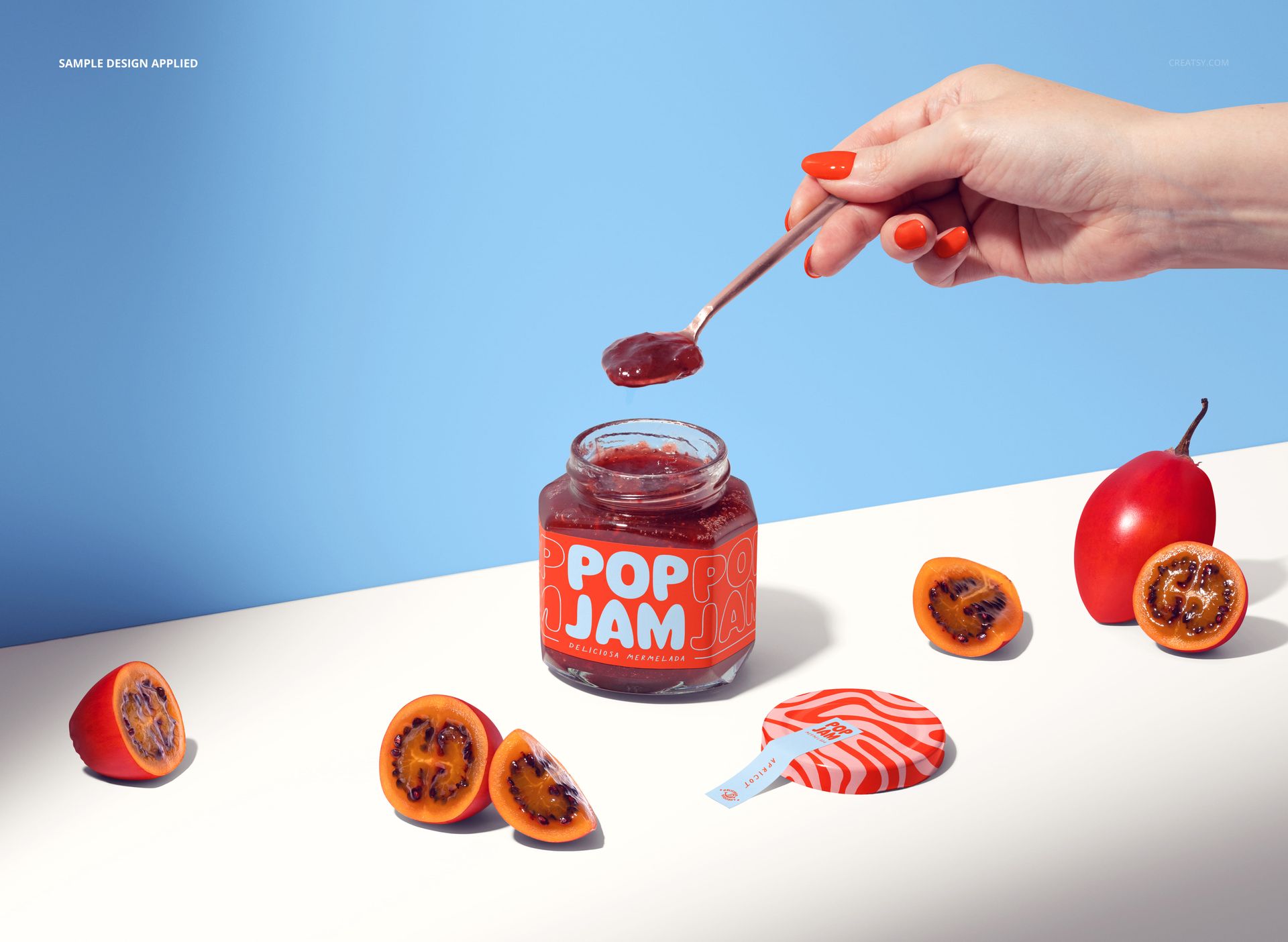
Give a tamarillo preserve concept a clear visual identity with eight PSD scenes featuring hexagonal glass jars, whole and sliced tamarillos, and spoon-serving compositions. This tamarillo jam jar mockup connects label design with the fruit shown beside the product, making it useful for specialty food branding and packaging presentations.
Explore the Jar from Multiple Angles
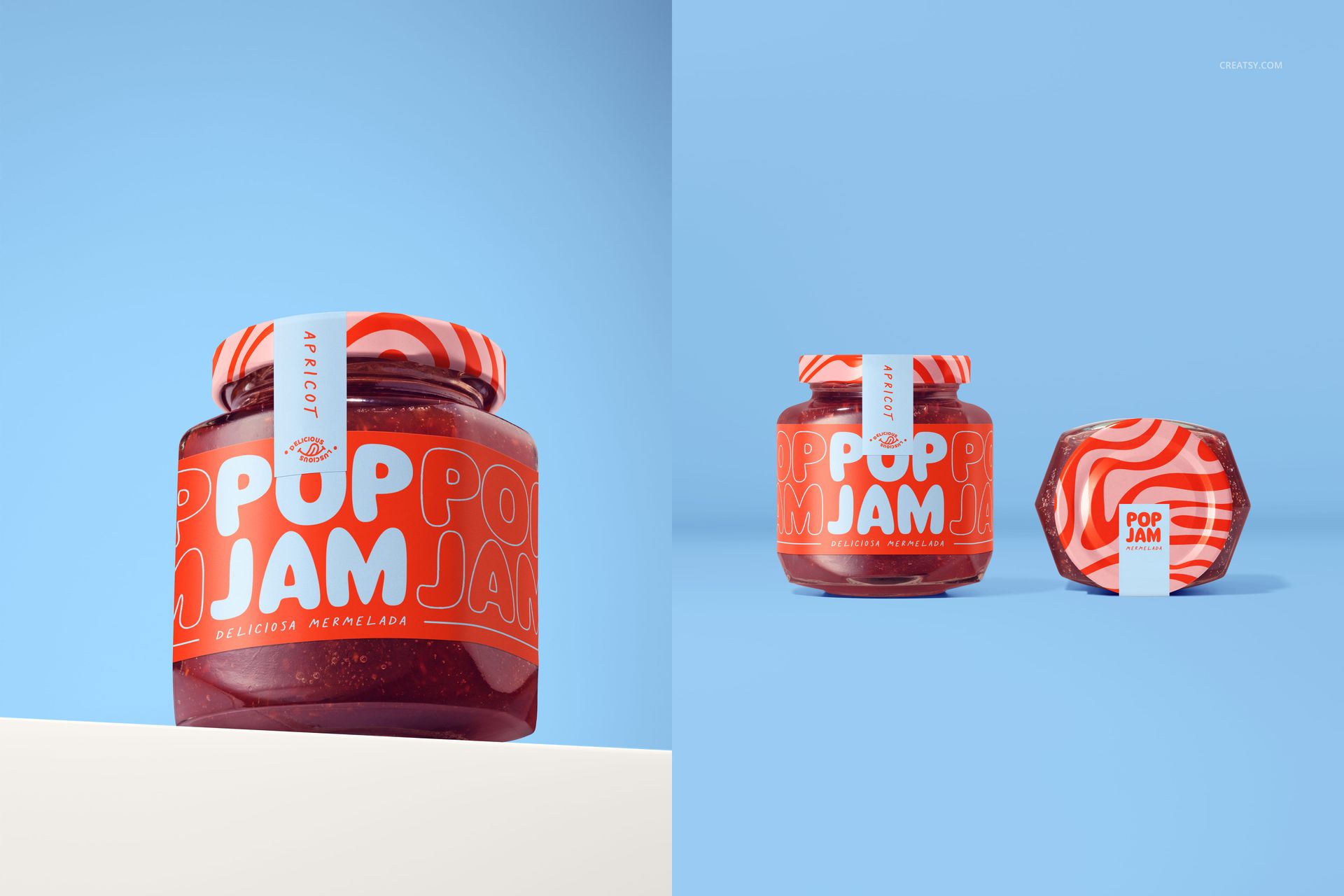
Front-facing and low-angle jar views focus attention on the main label and the faceted glass.
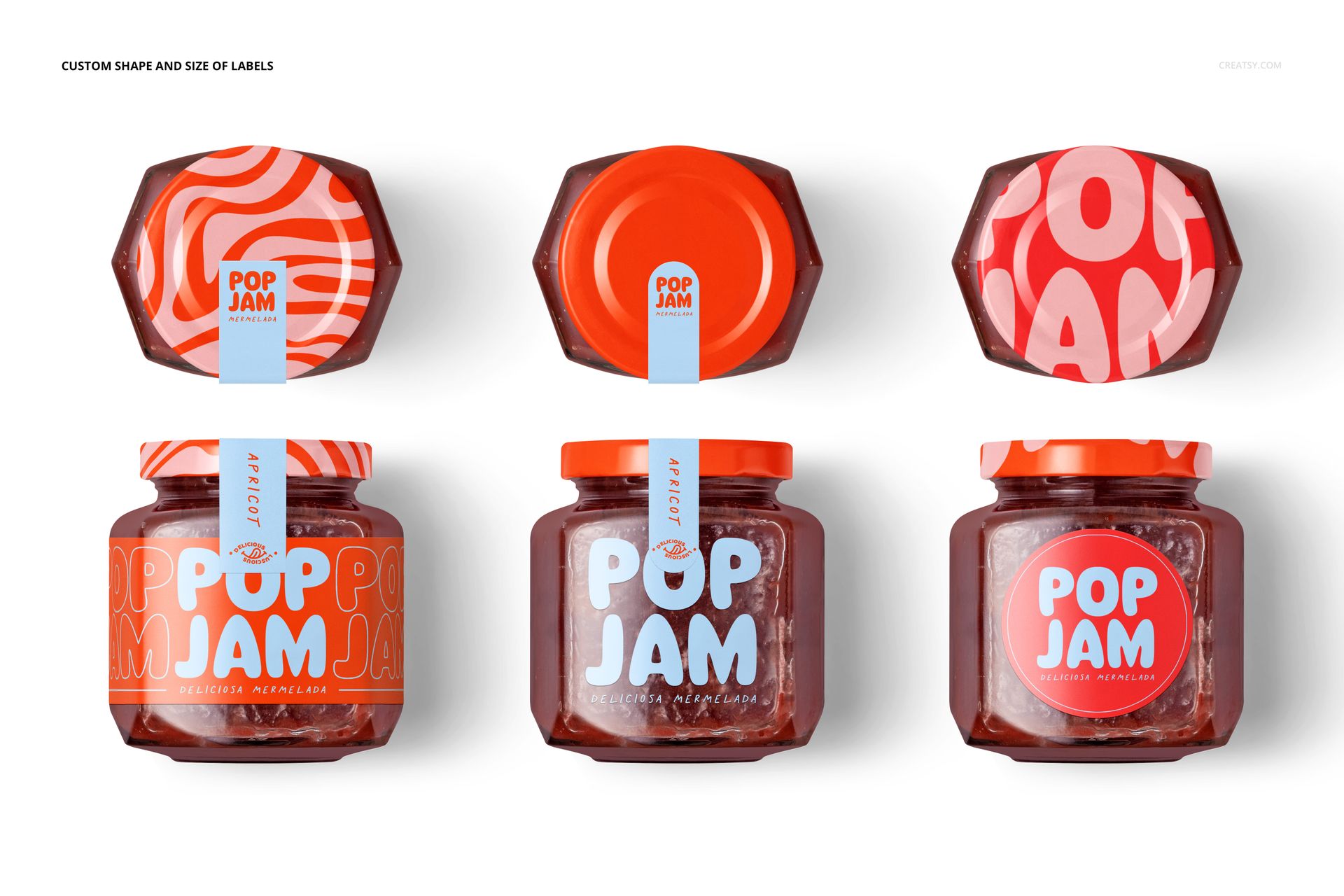
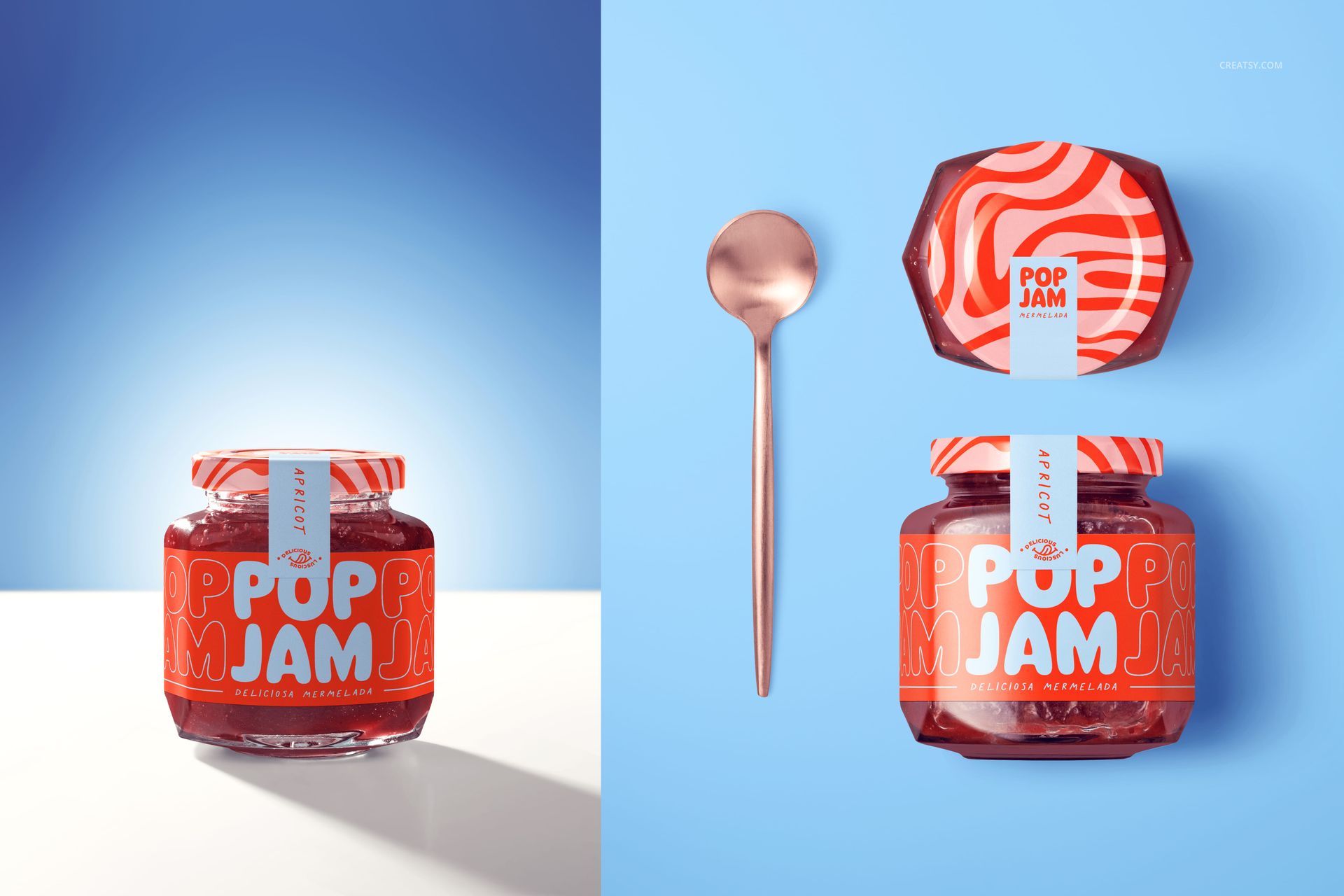
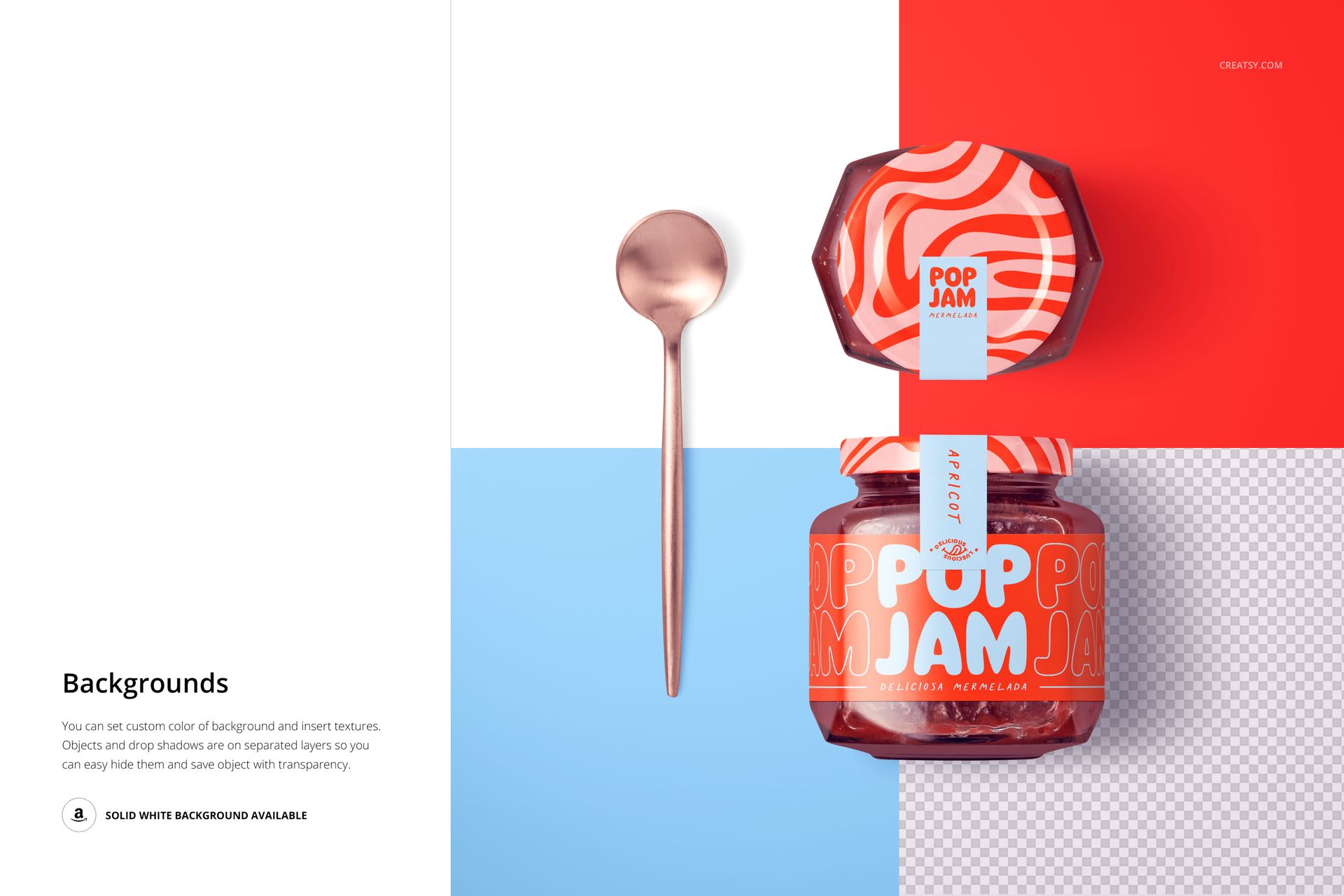
Top views and paired jars let you compare lid graphics with the front-panel design.
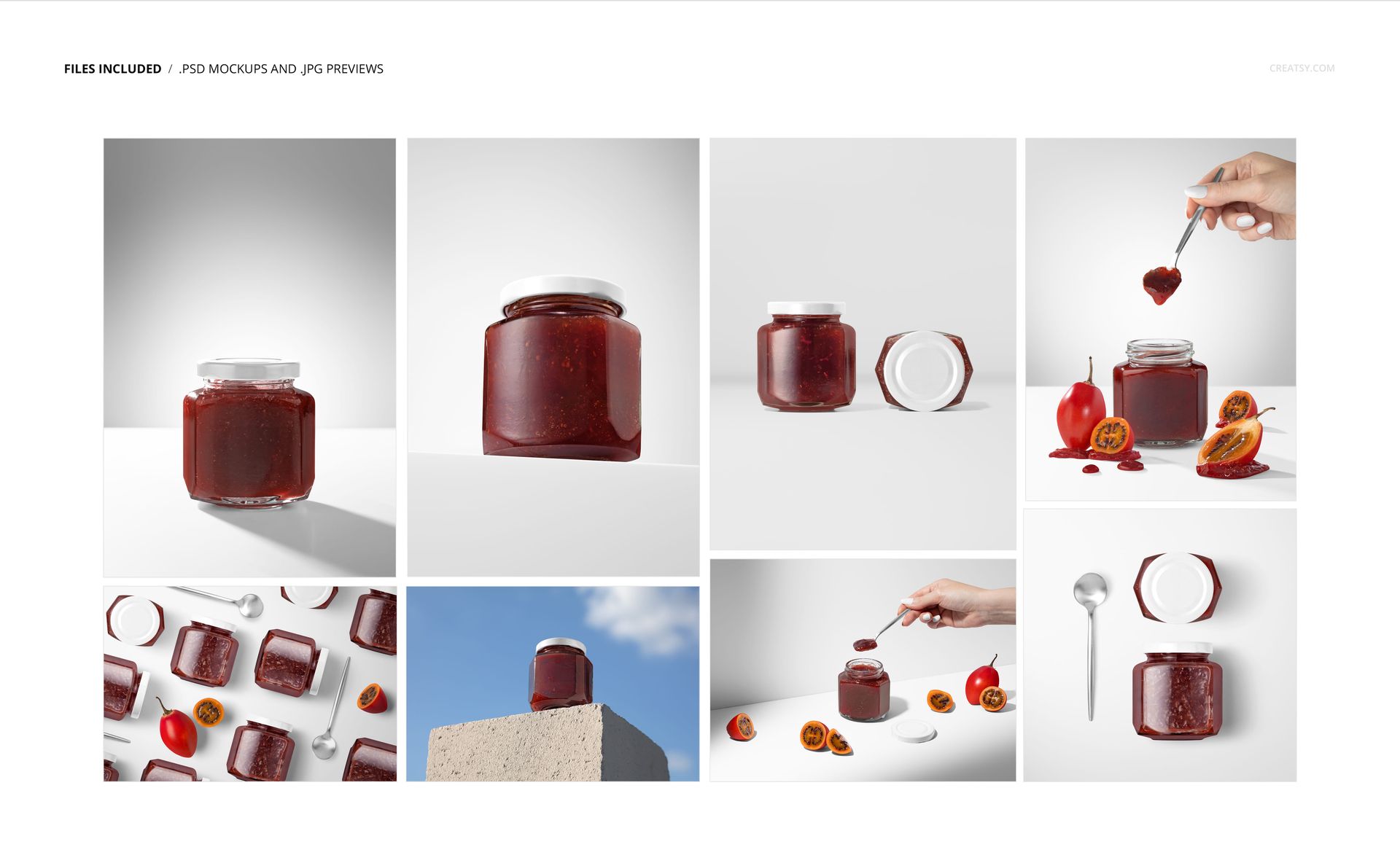
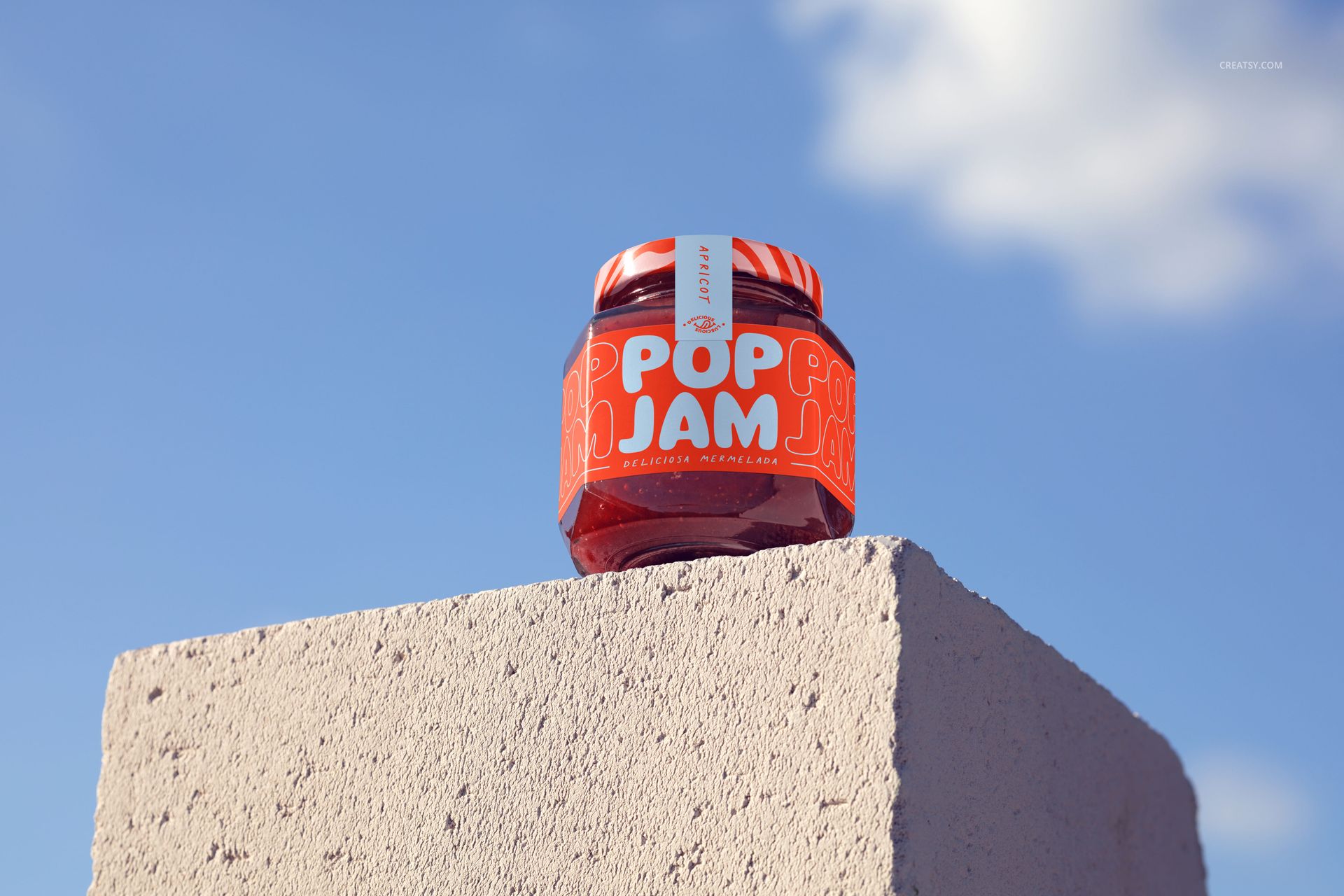
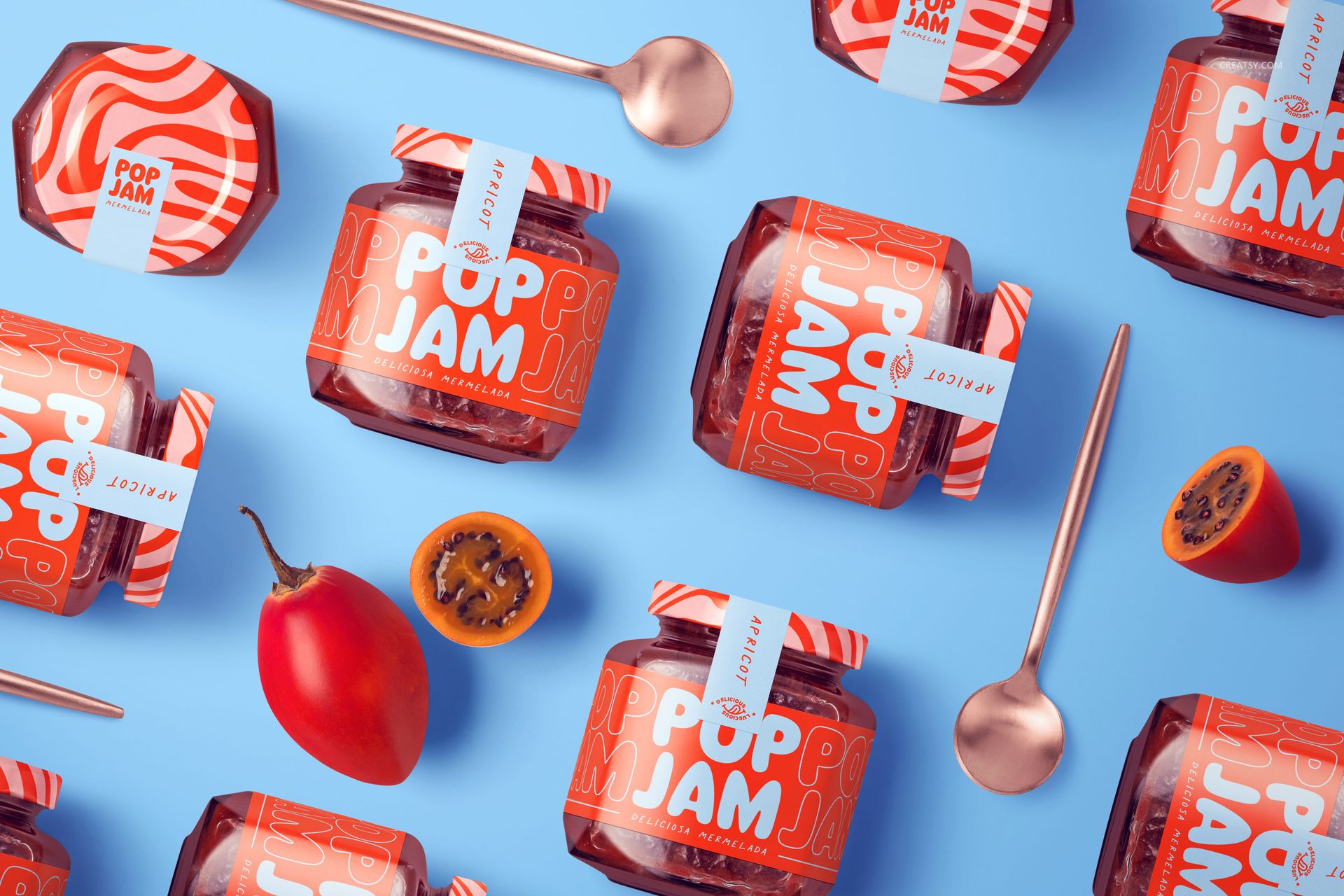
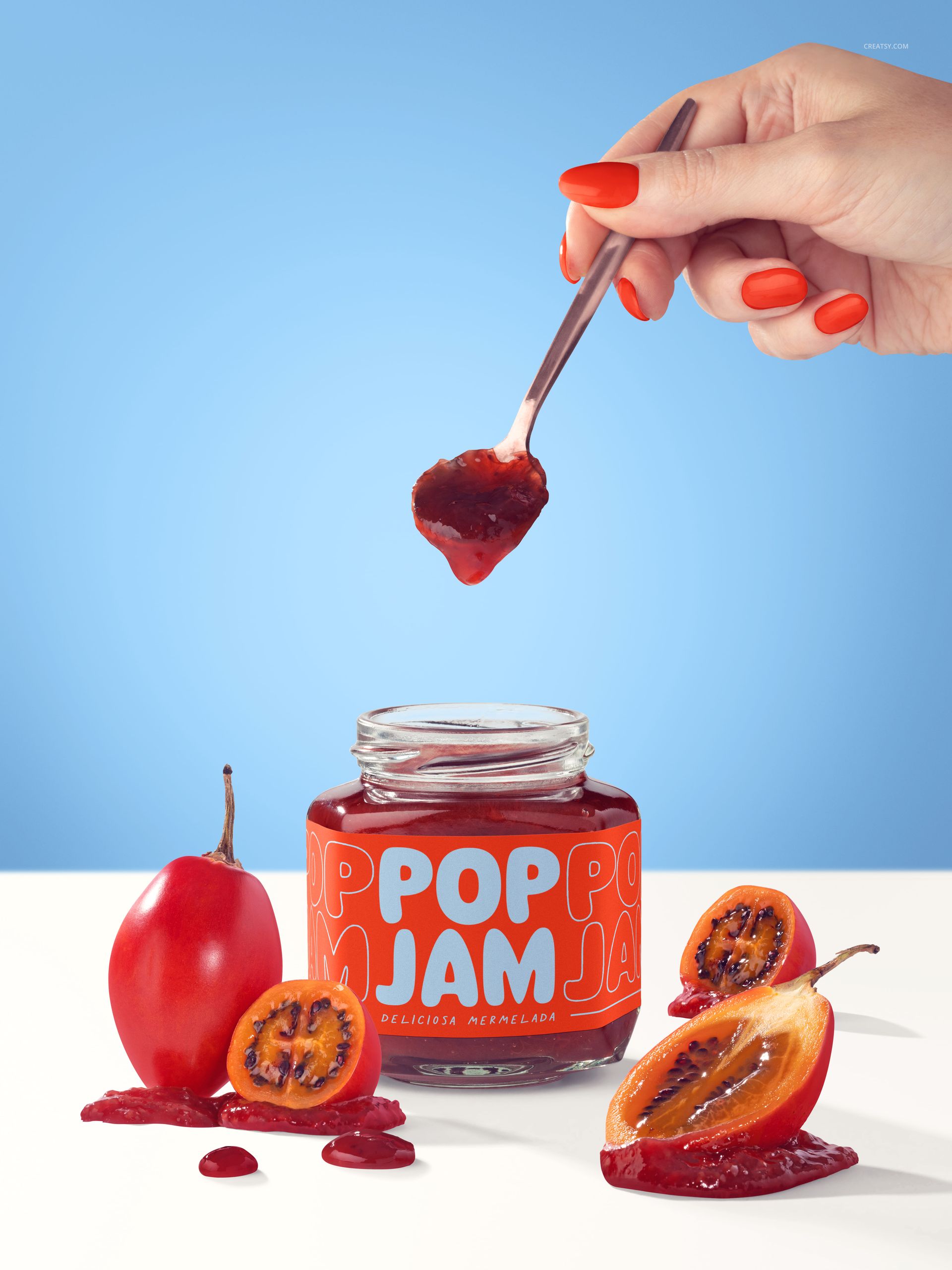
Fruit-and-spoon arrangements, a repeated-jar flat lay and a sky-backed block scene provide distinct options for campaign images.
Build Your Own Packaging Identity
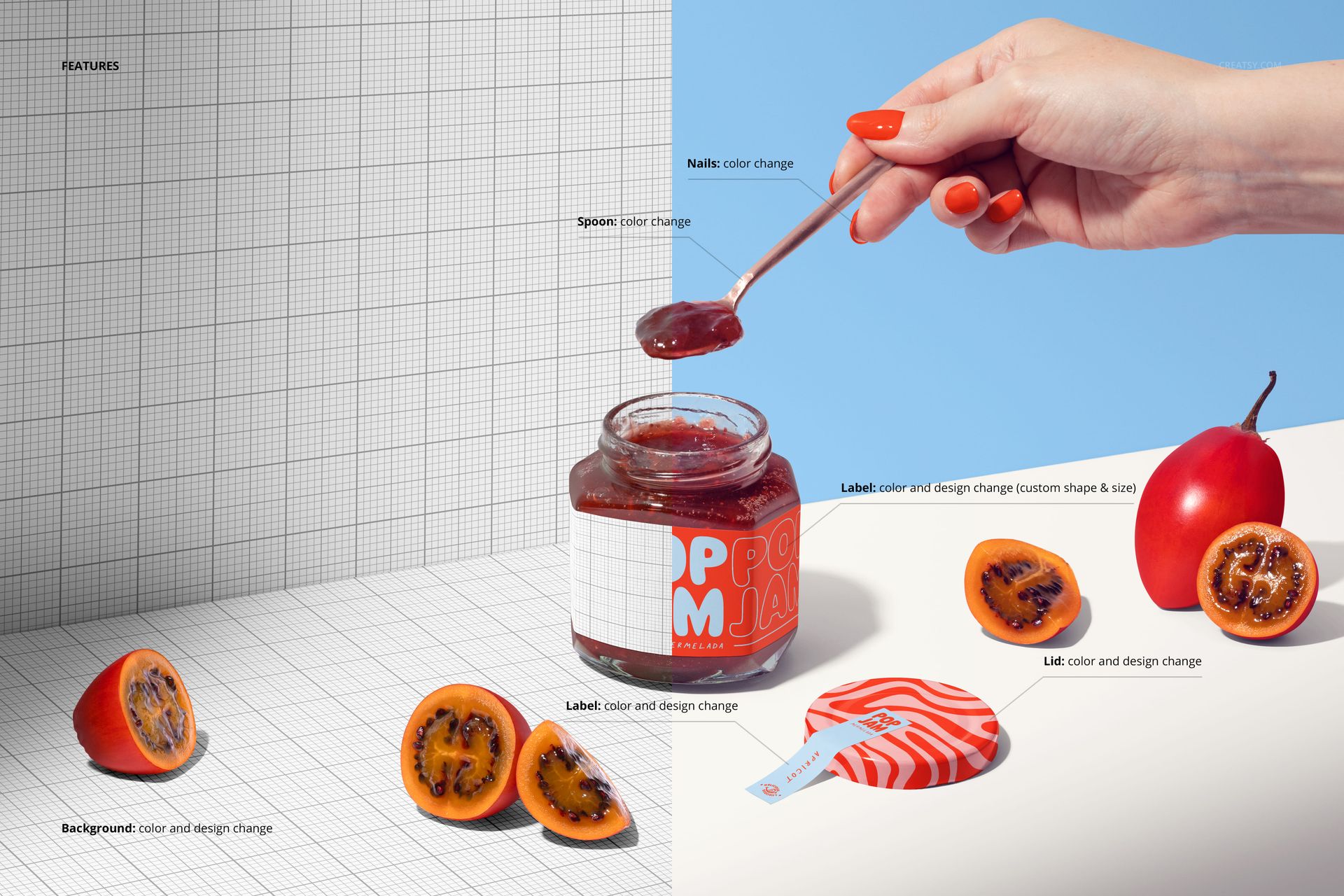
Smart Objects let you replace the sample artwork. Customize the main label color, shape and size, the lid design and the sealing strip. In the illustrated serving scenes, the spoon and nail colors can also be adjusted. Background color and artwork controls, plus separated object and drop-shadow layers in the demonstrated studio views, help you adapt the presentation to your brand.
Edit in Photoshop or Photopea
Choose a scene, open its PSD in Adobe Photoshop CC 2020 (version 21) or later, or in Photopea, and insert your design into the appropriate Smart Object. Save the Smart Object to update the scene, then check the label and lid at your intended export size. Eight JPG previews help you identify the compositions before editing.
Digital mockup files only. No physical jars, fruit or printed labels are included. Sample branding in the preview images is for demonstration and is not included.