Mango Jam Jar Mockup Set
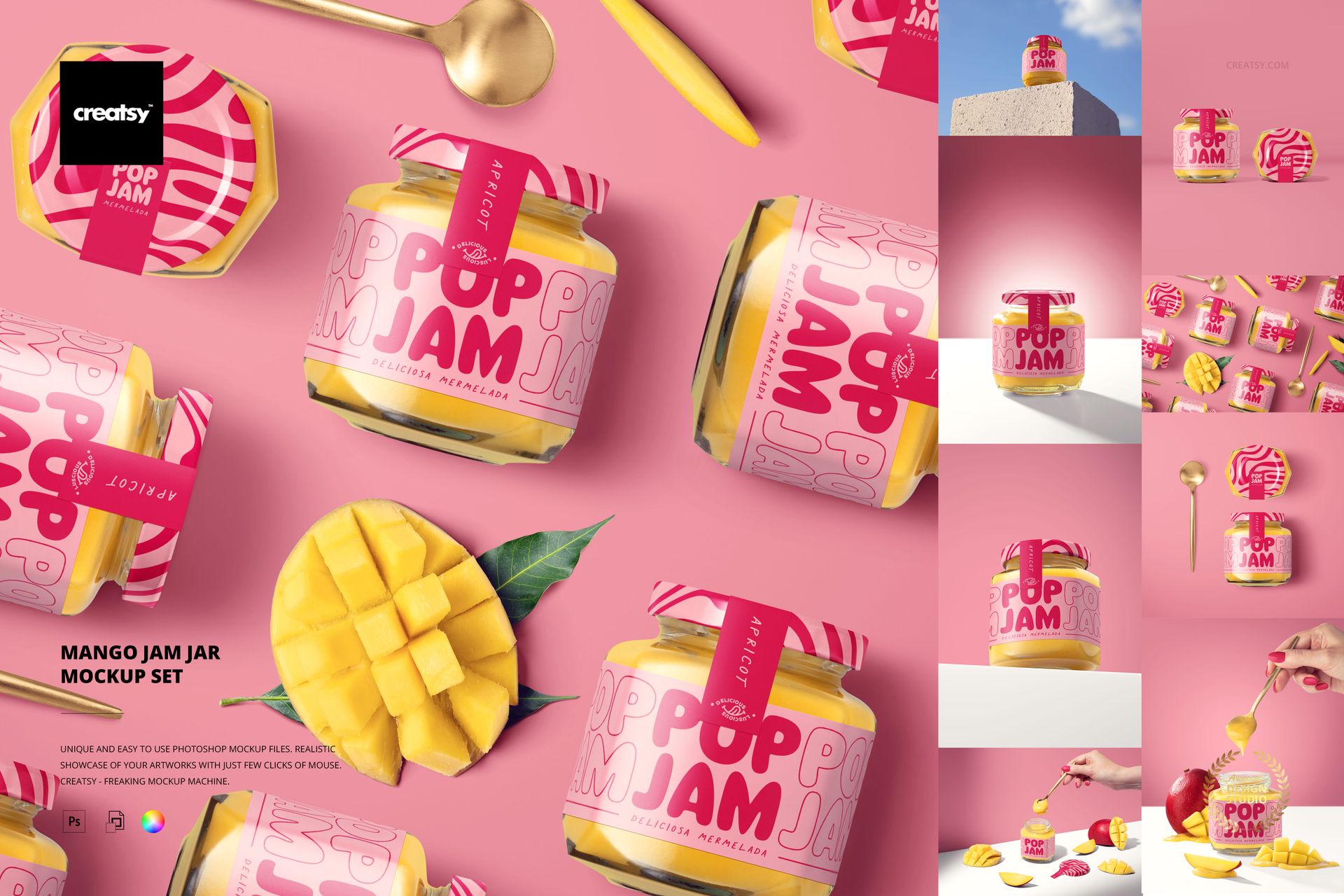
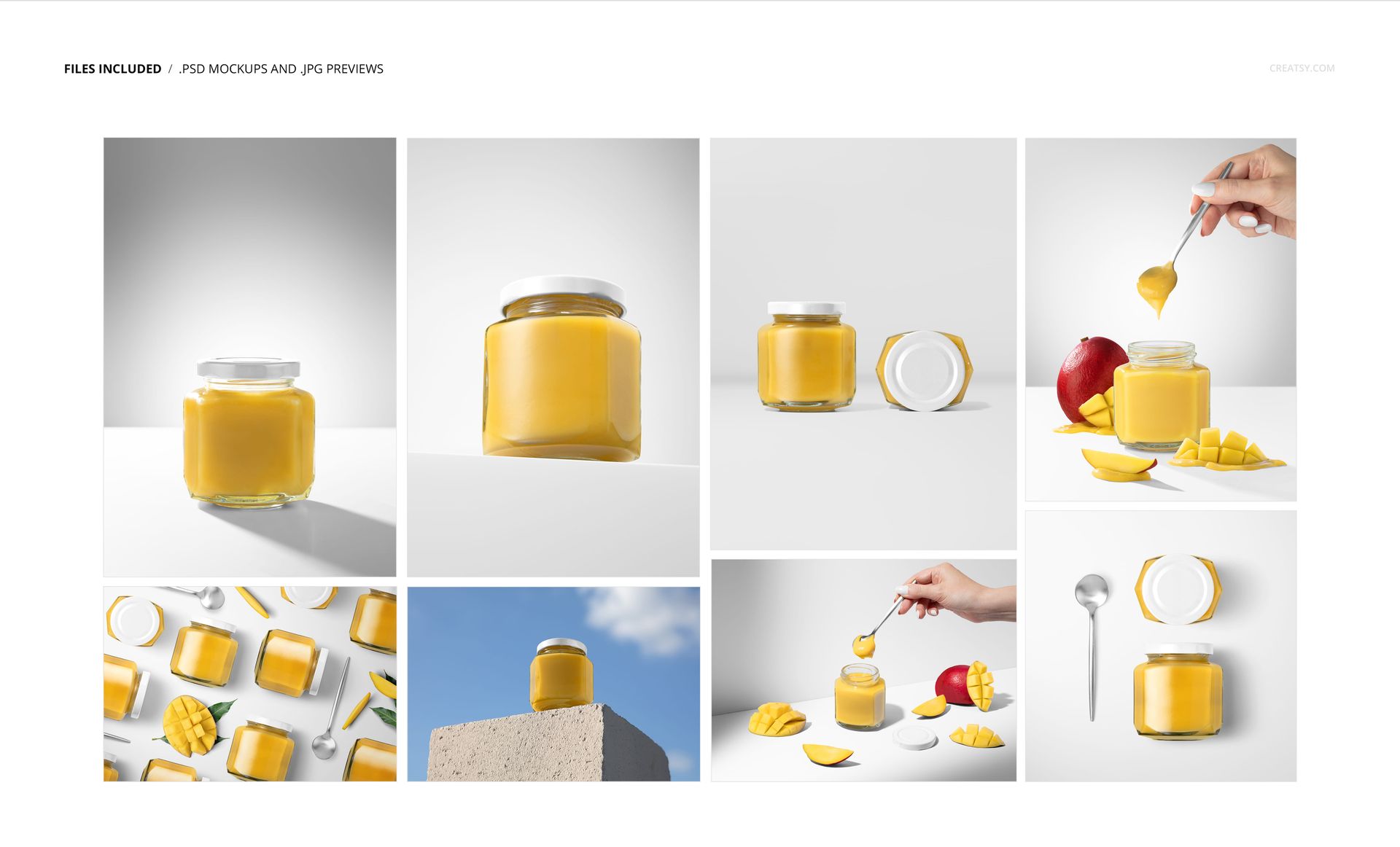
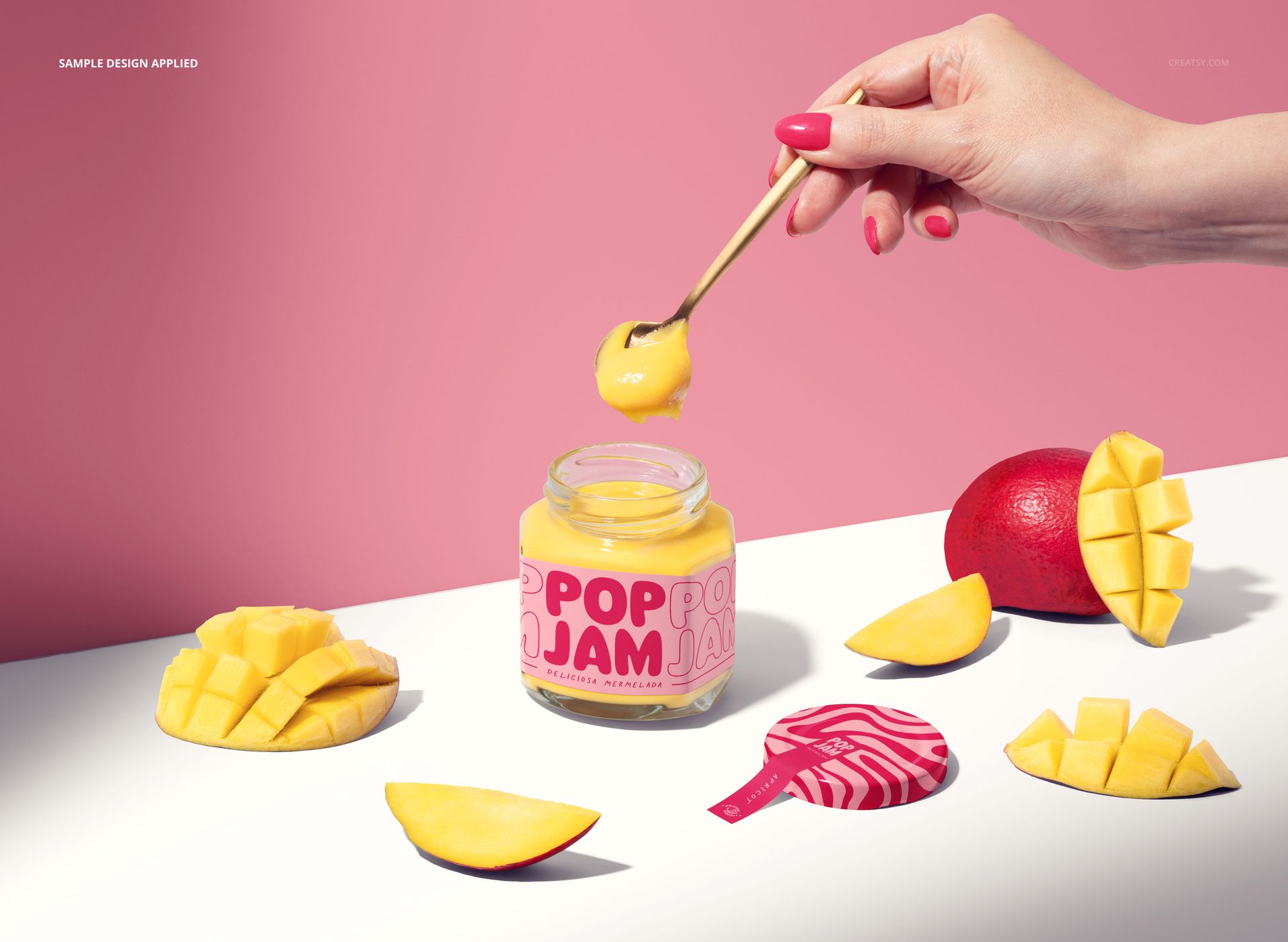
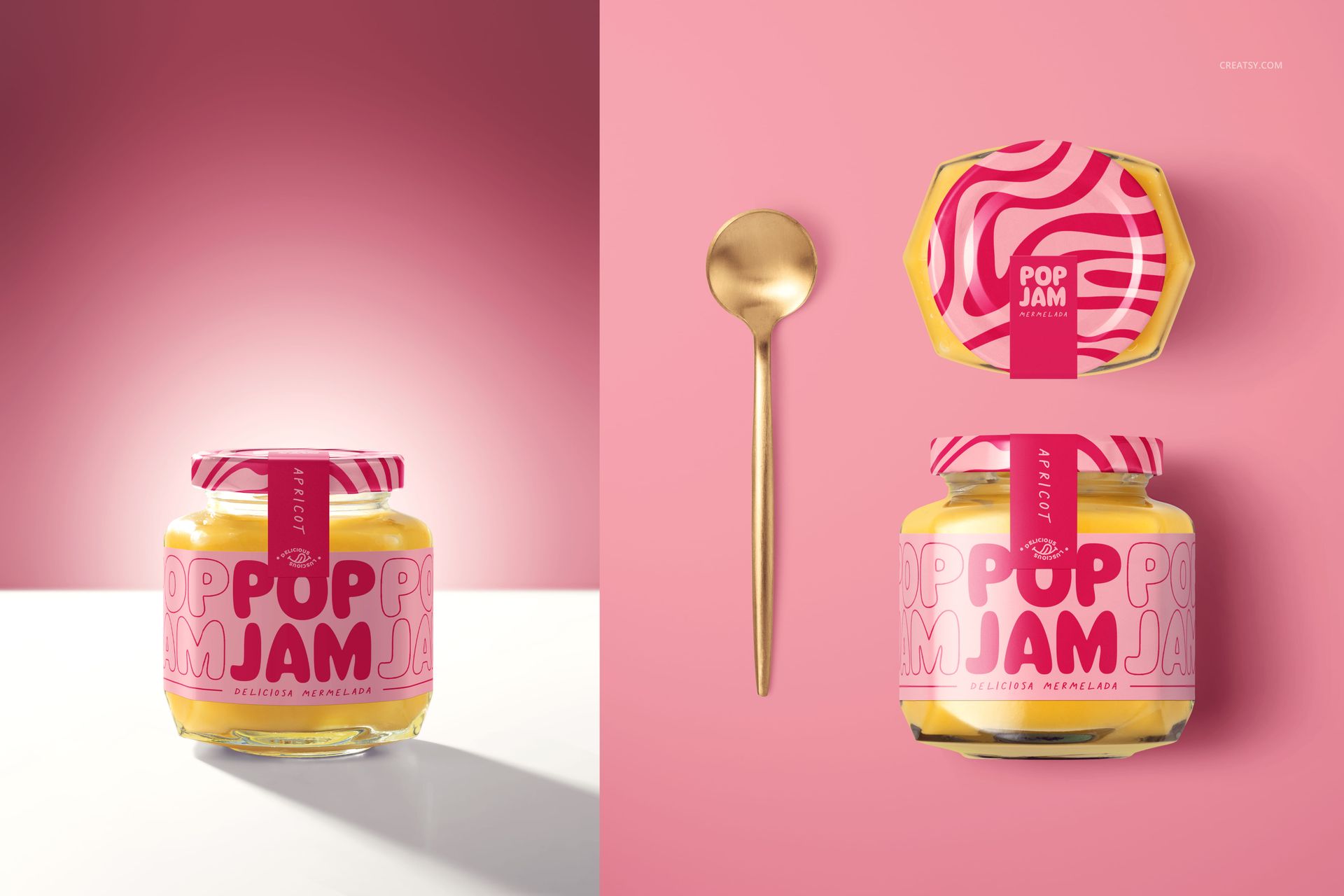
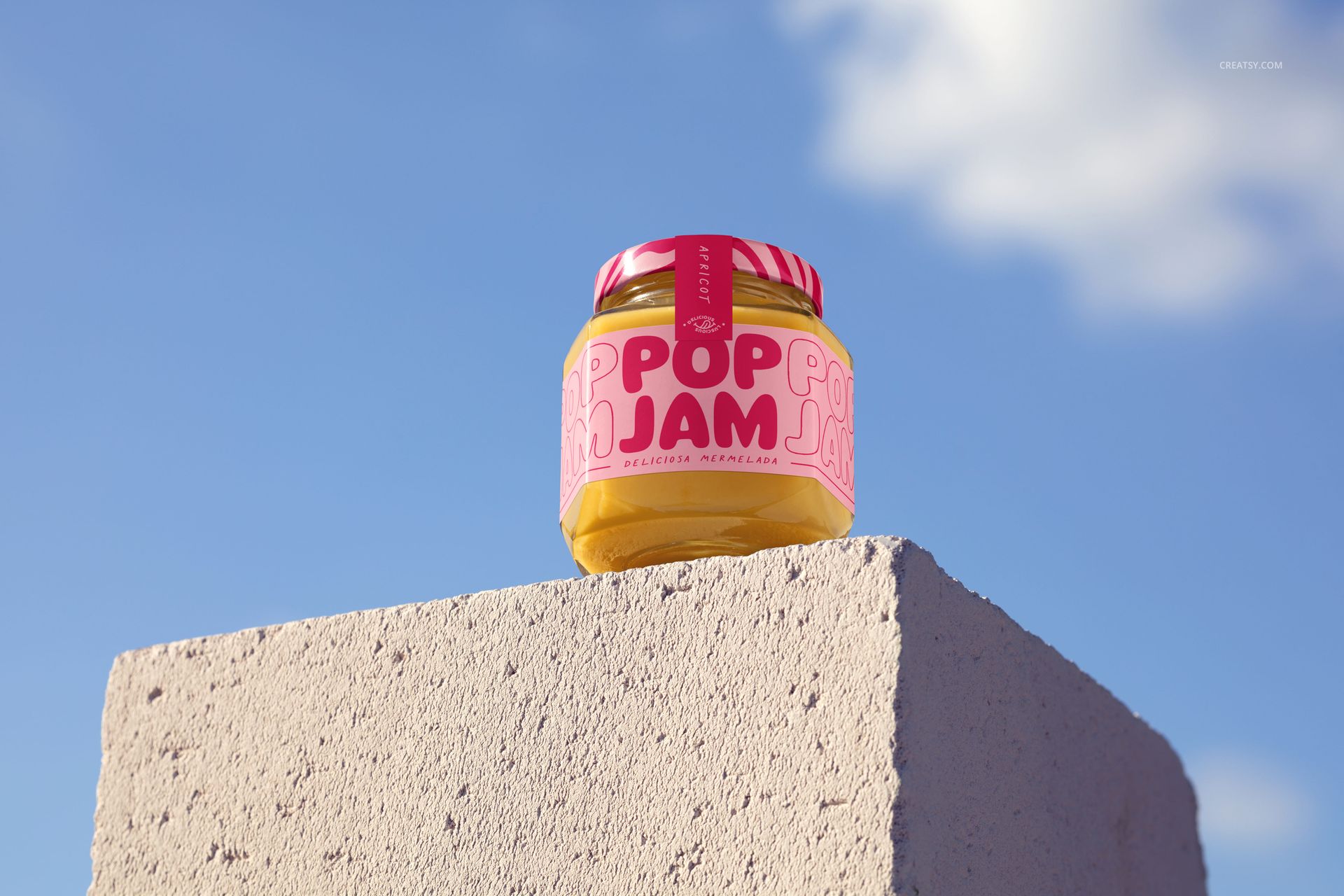
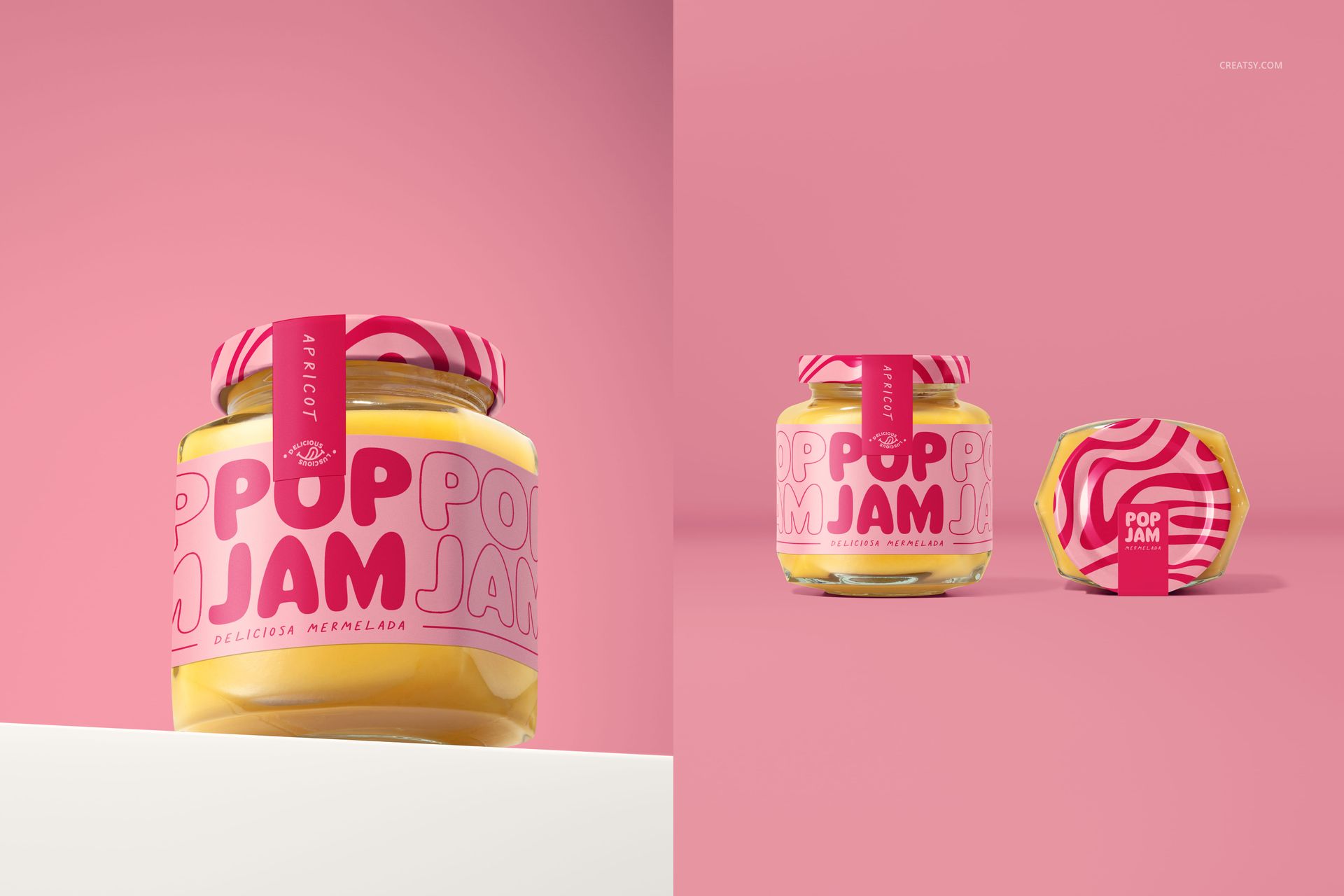
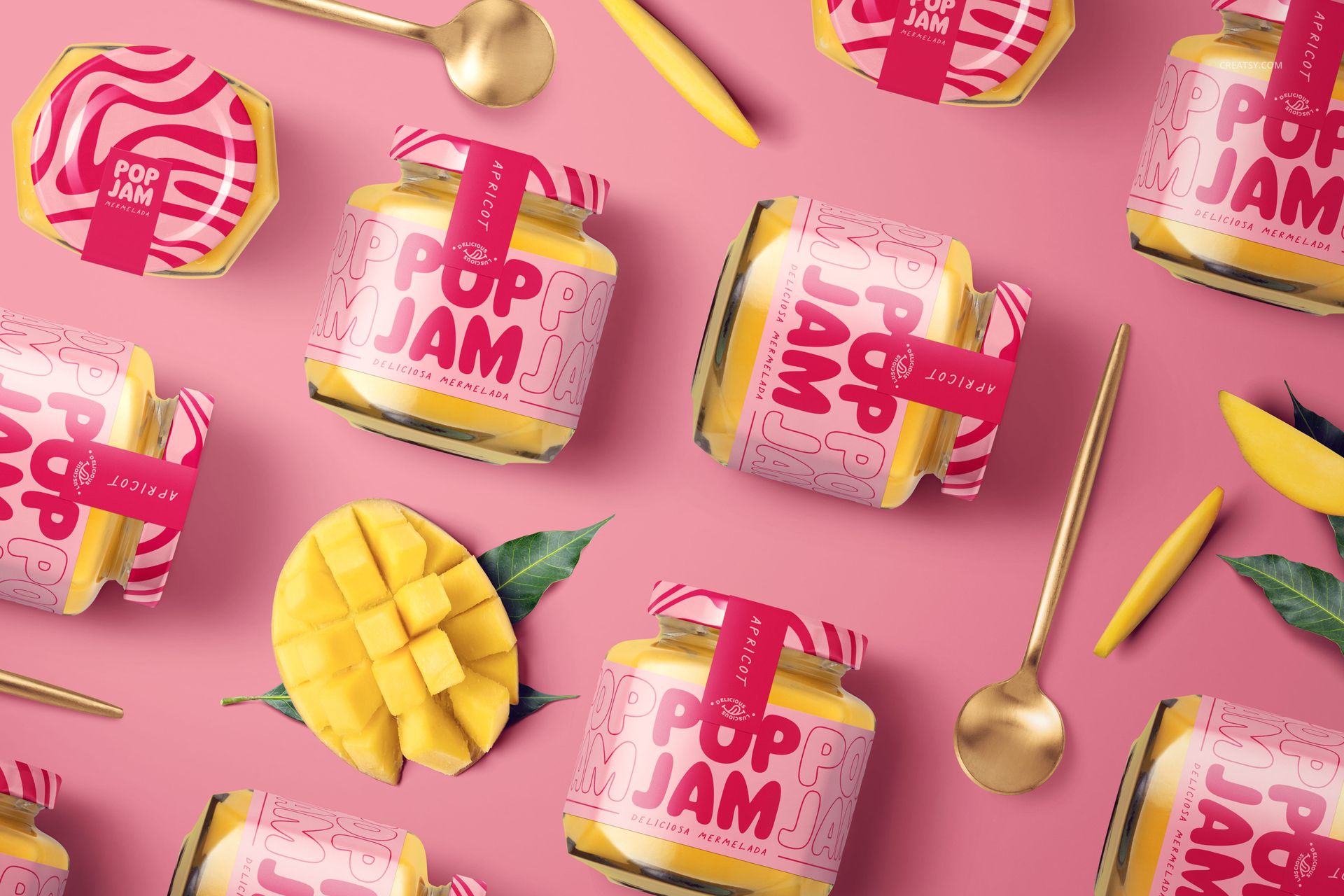
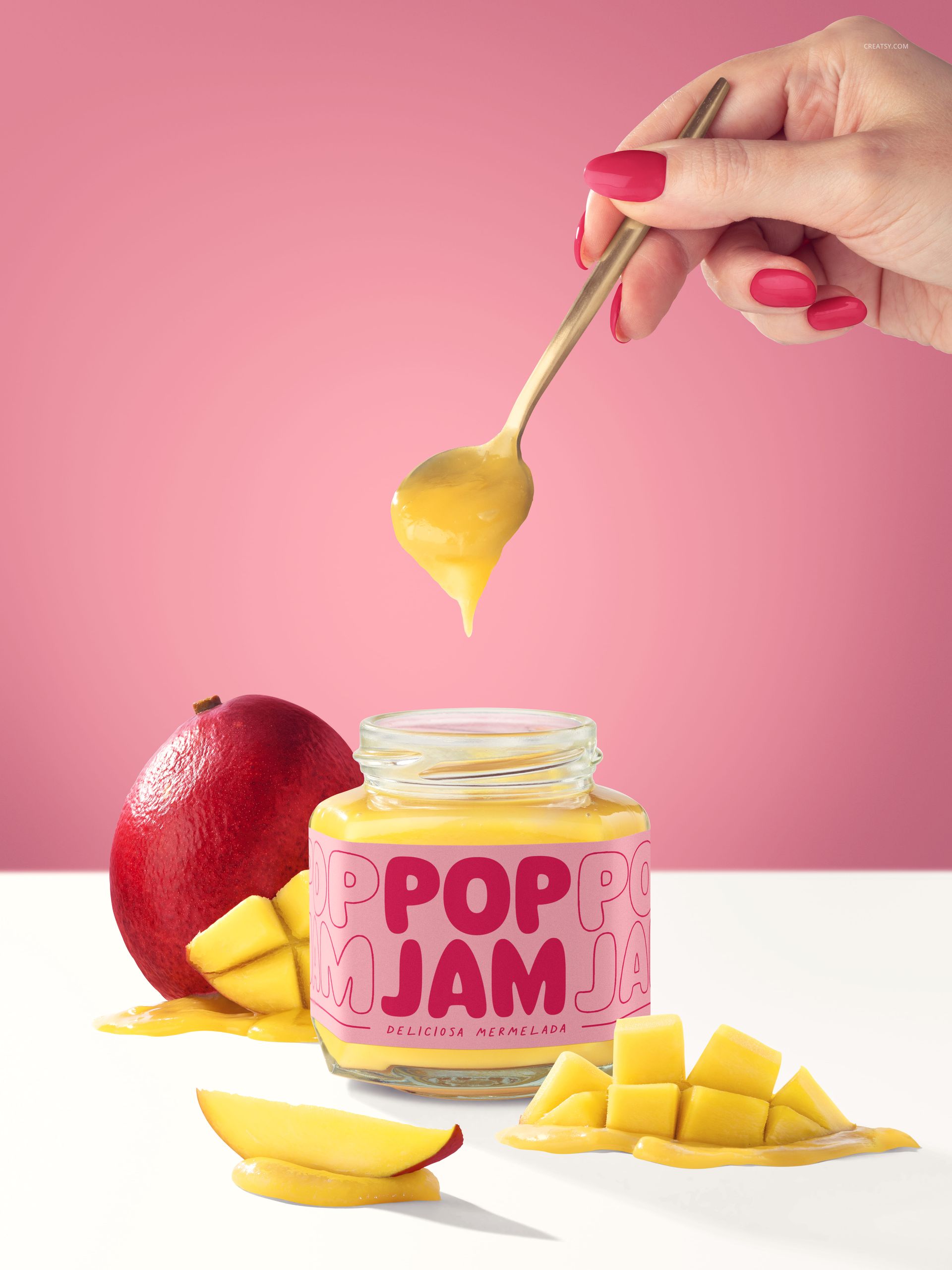
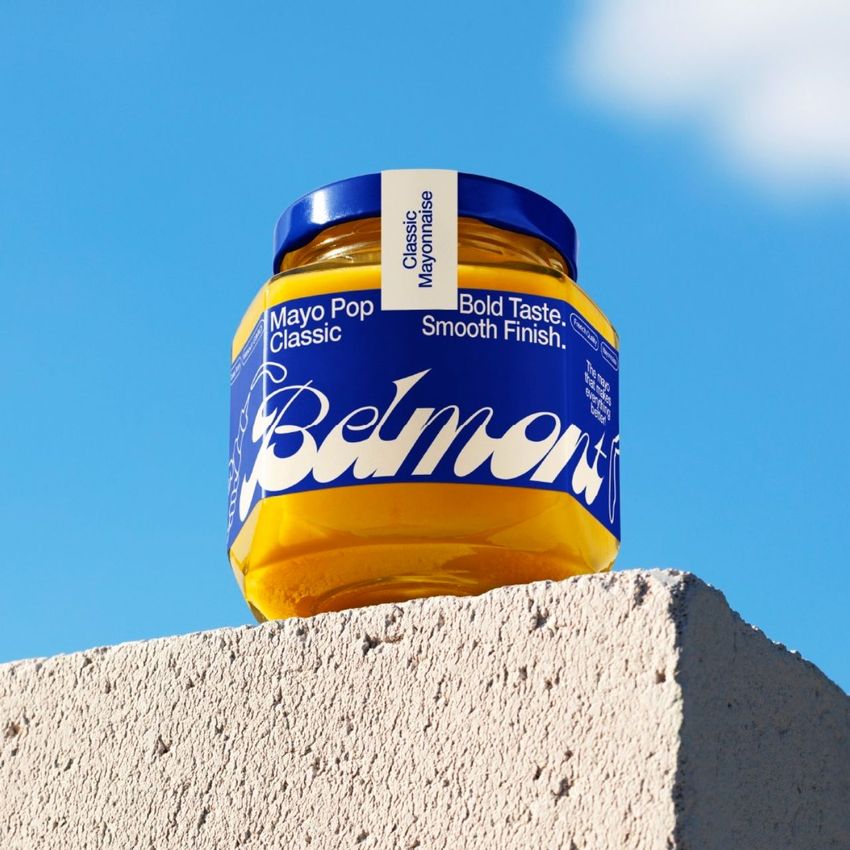
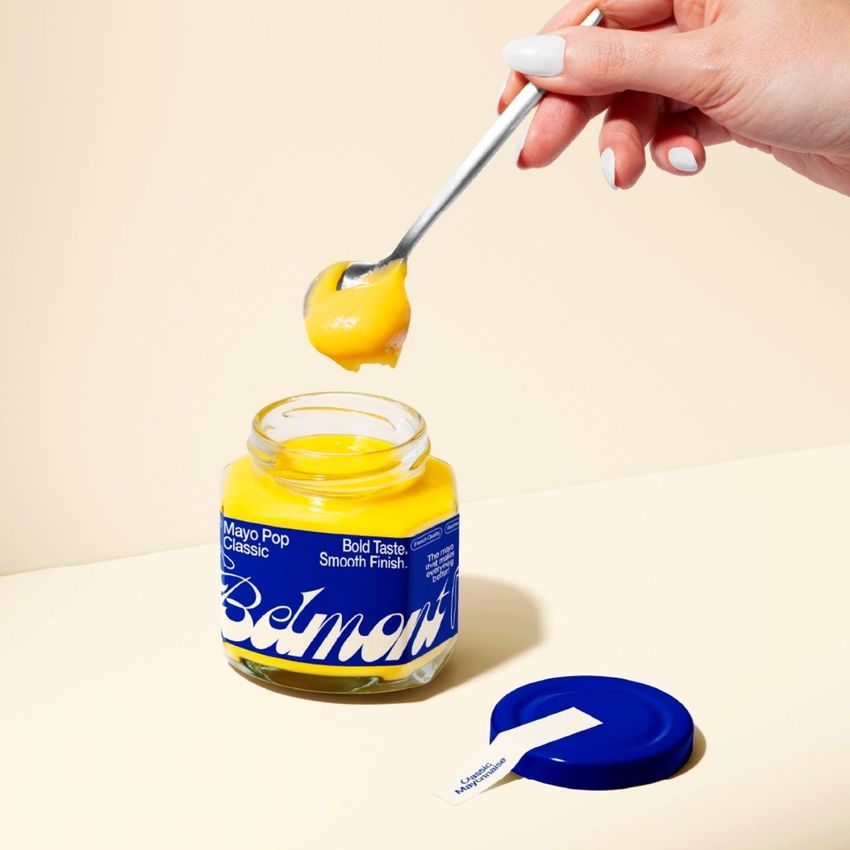
Turn a mango preserve label into a complete packaging presentation with eight layered PSD scenes. This mango jam jar mockup set pairs hexagonal glass jars filled with golden-yellow jam with fresh mangoes, scored mango cheeks, slices and serving spoons. Front views, close-ups, overhead arrangements and an outdoor concrete-plinth scene give your identity several settings to work in.
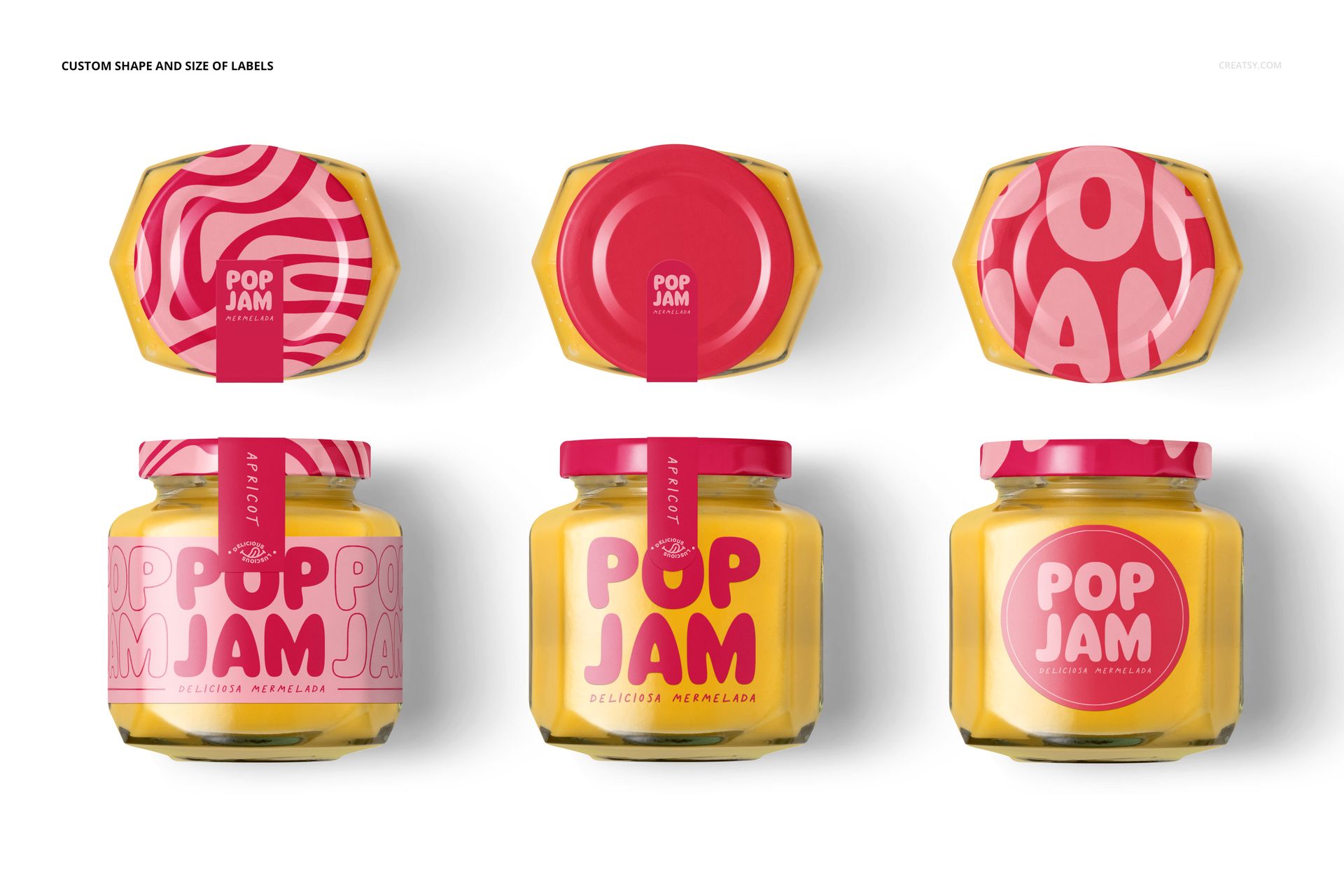
Present the jar body, lid and sealing strip as one connected design. The mix of open and closed jars shows both the finished pack and the product inside, making the set useful for food-brand proposals, portfolio case studies and launch imagery.
Customizable packaging and scene details
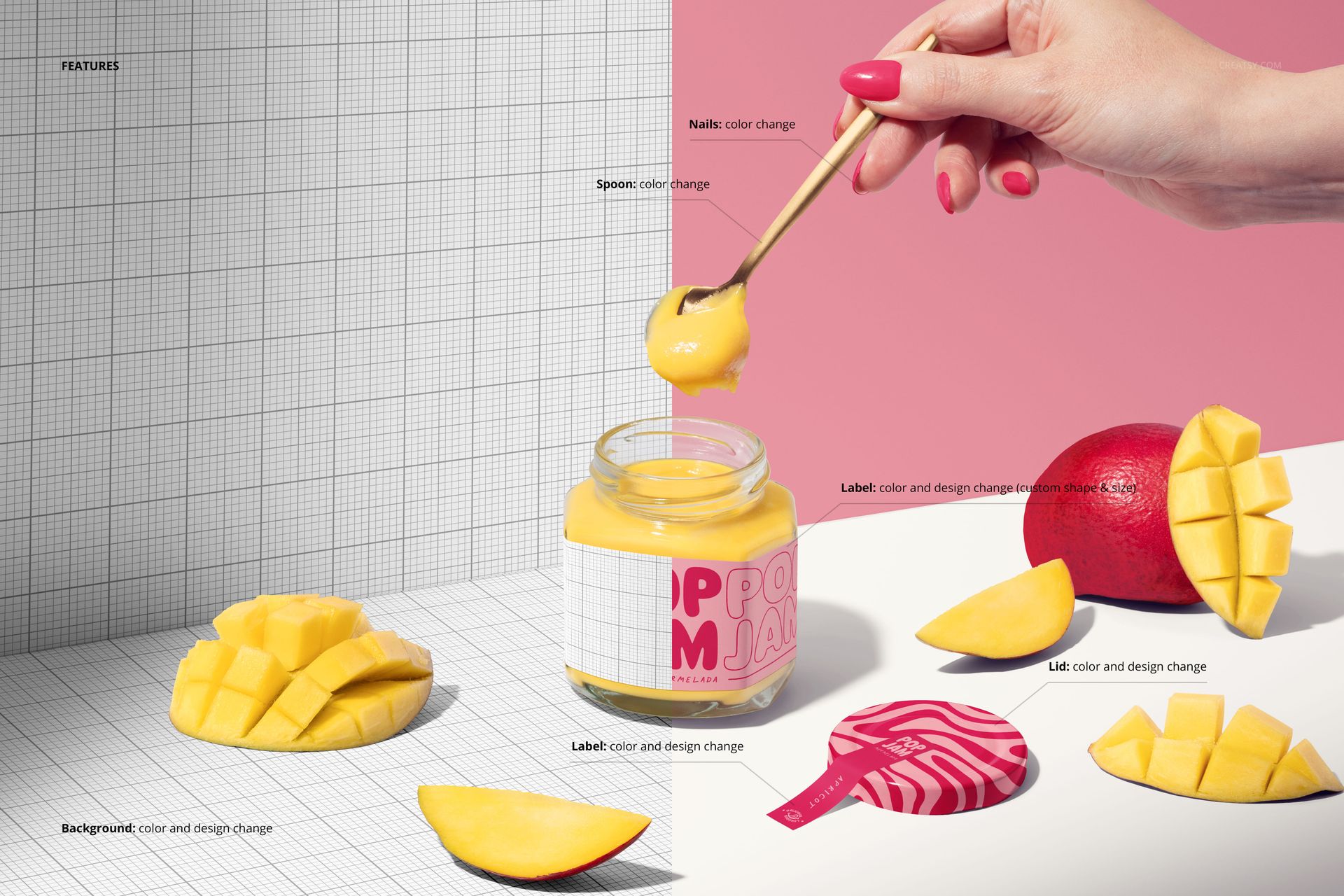
Replace label artwork and adjust its color, shape and size.
Change the lid color and design, plus the artwork and color of the sealing strip.
Adjust spoon and nail colors in the relevant serving scenes.
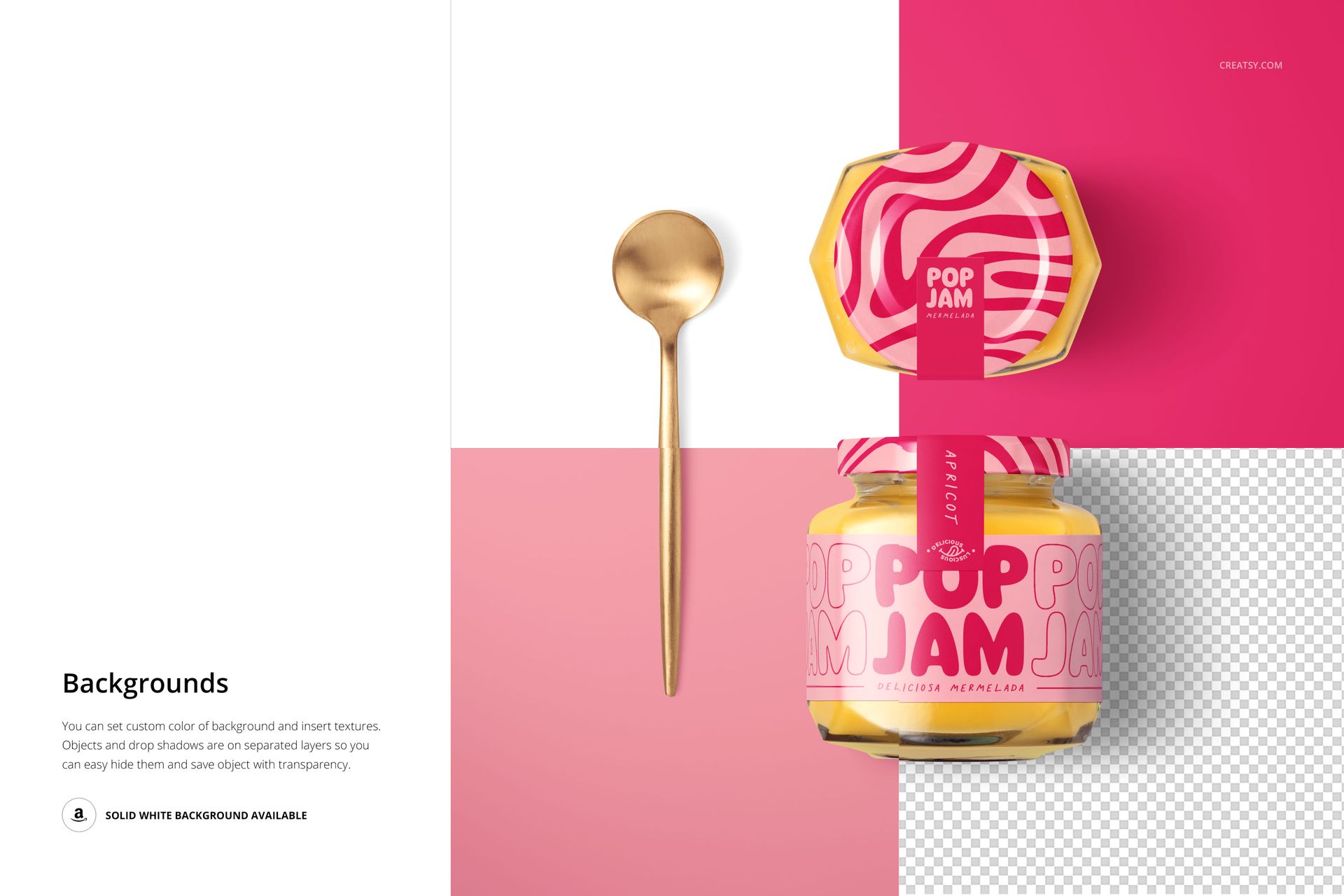
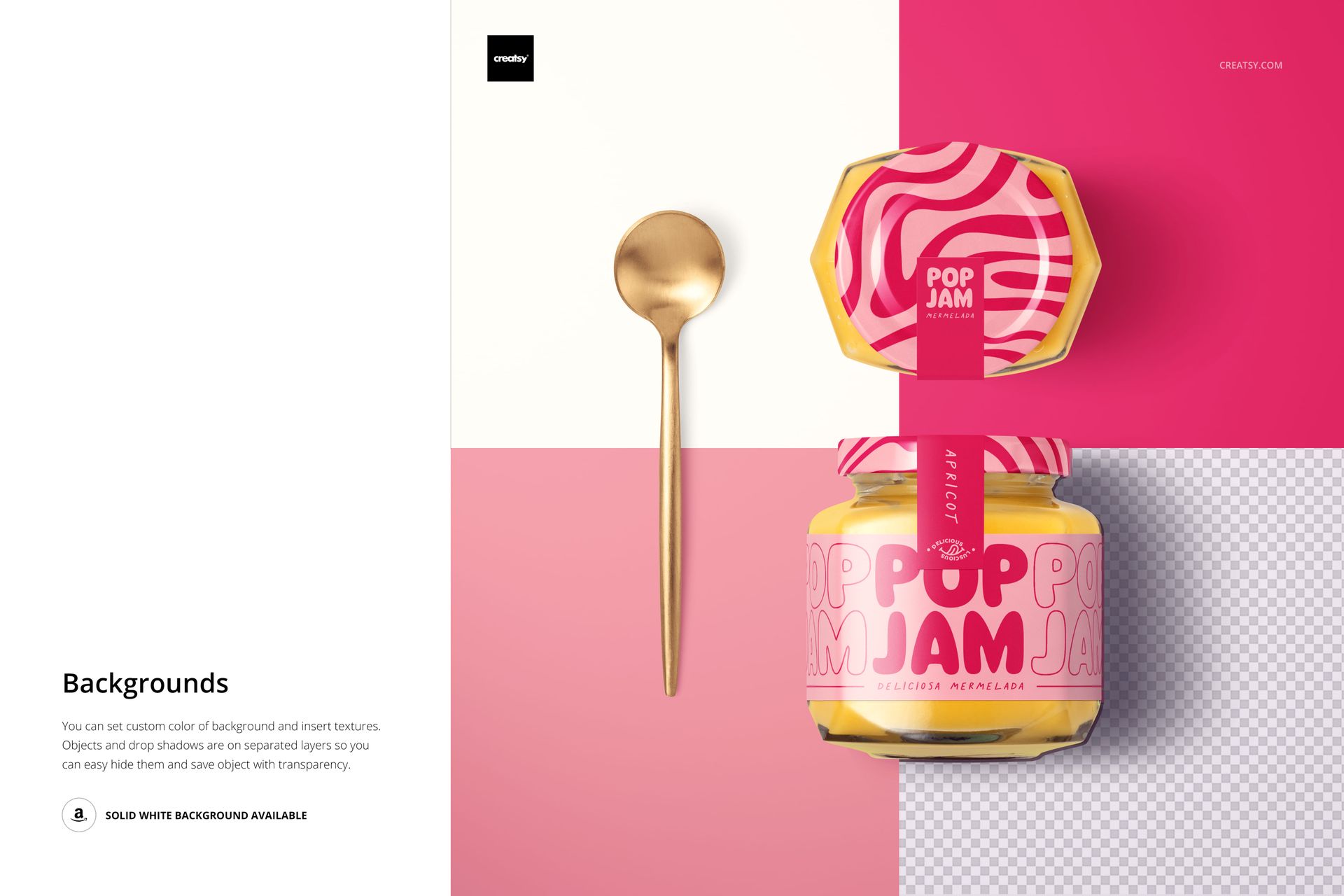
Set custom studio background colors and insert textures or designs.
Use separate object and drop-shadow layers in the demonstrated studio setup for transparent-background exports.
Work with 8 PSD mockups and 8 JPG previews in square, portrait and landscape formats.
Smart Object editing
Add your artwork through the Smart Objects, then review its placement in the main composition. Organized layers keep packaging edits manageable in Adobe Photoshop CC 2020 (version 21) or newer and Photopea. This is a digital mockup set for visual presentation, not a physical jar or a production-ready label dieline.