Square Gift on Wrapping Paper Mockup
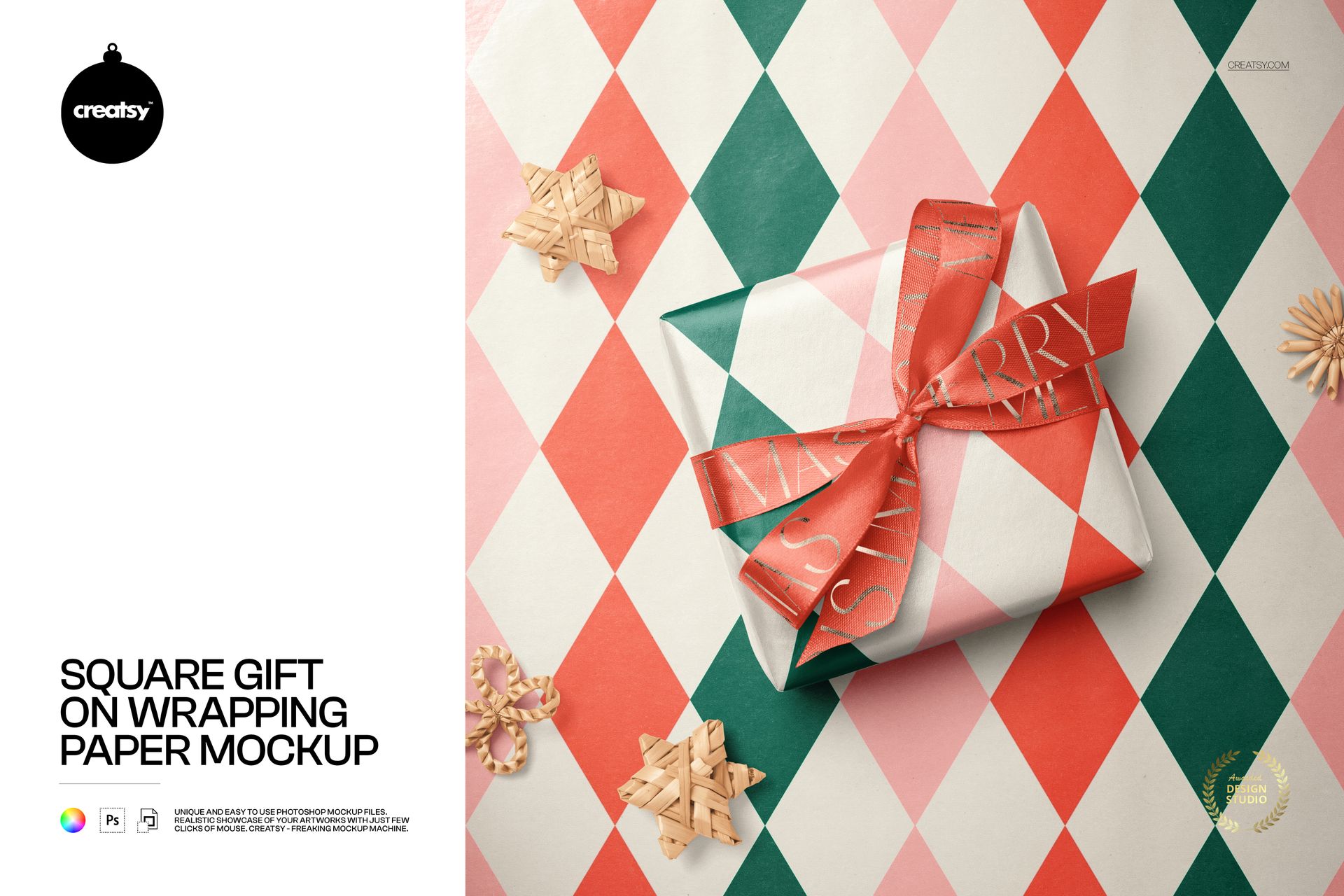
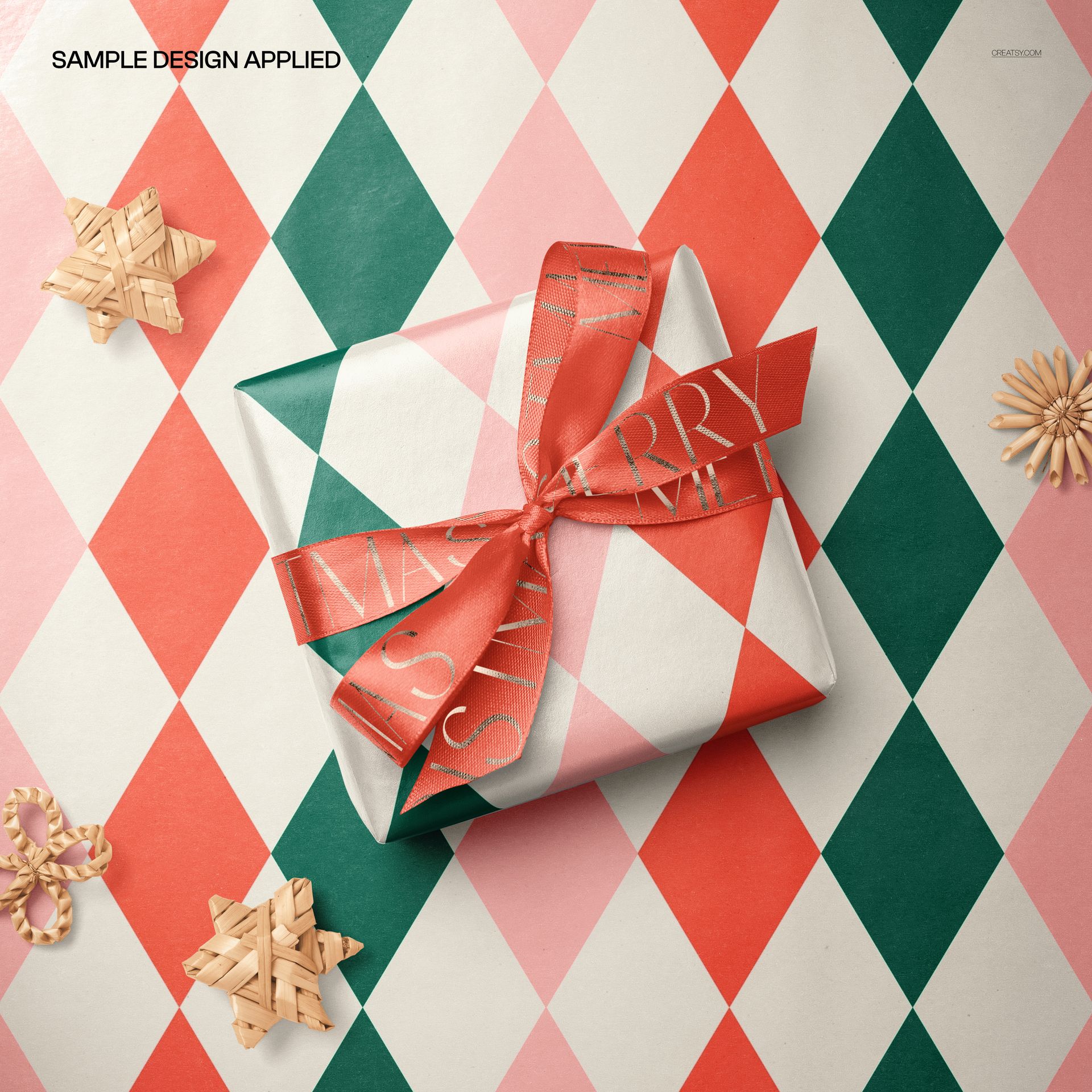
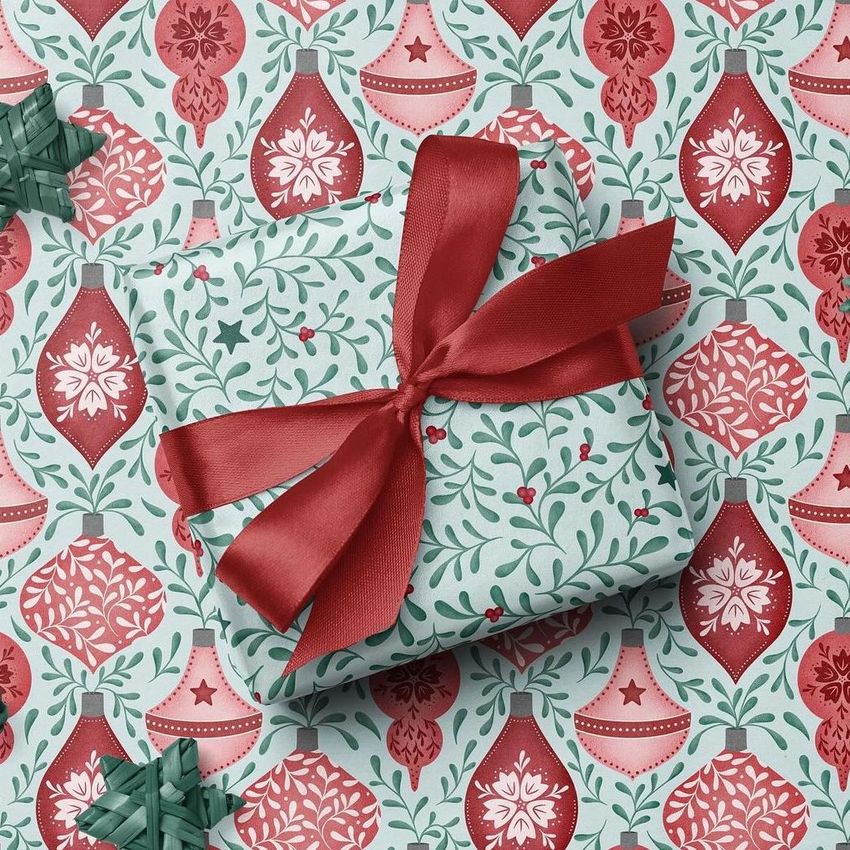
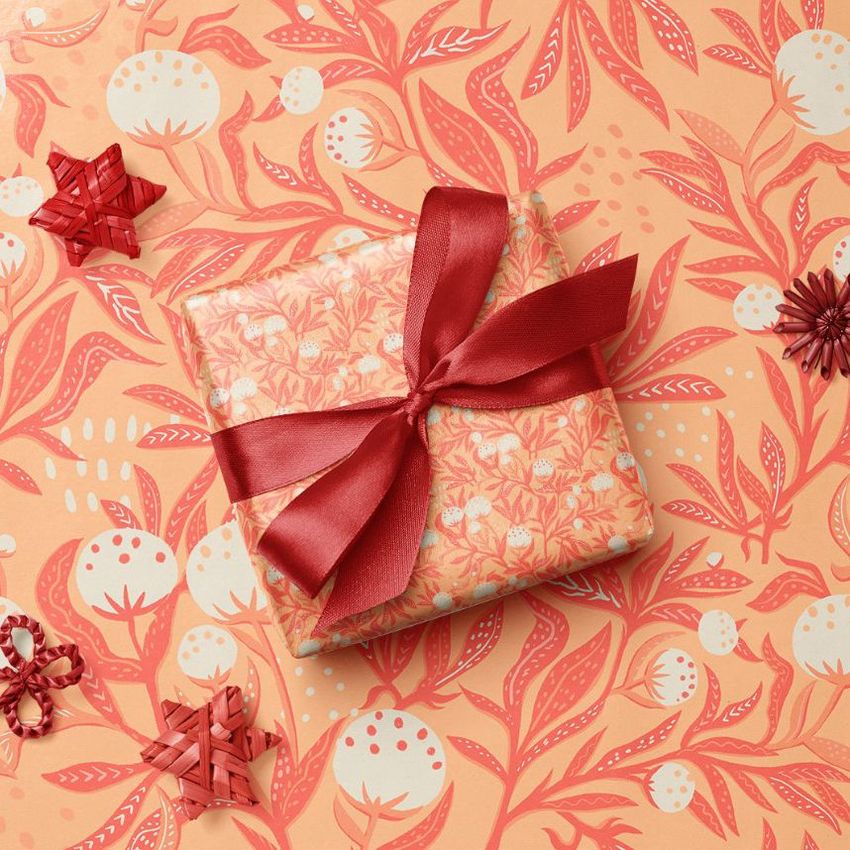
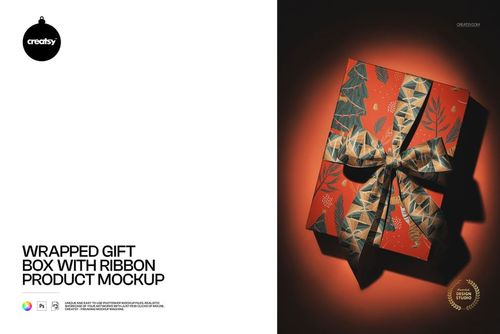
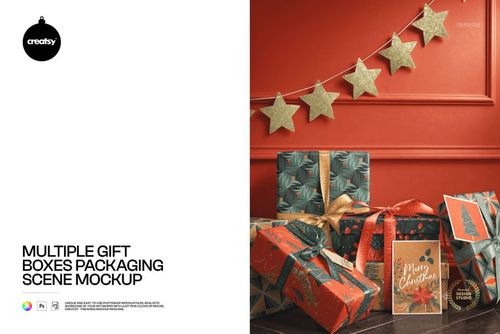
Celebrate the joy of simplicity with our Square Gift on Wrapping Paper Mockup. This petite square-shaped gift, adorned with a stunning bow, rests gracefully on a bed of Christmas wrapping paper. Immerse yourself in the charm of the little things, where every detail comes to life with playful patterns and authentic wicker Christmas ornaments scattered around.
Crafting Simplicity: Personalize Your Gift with Ease
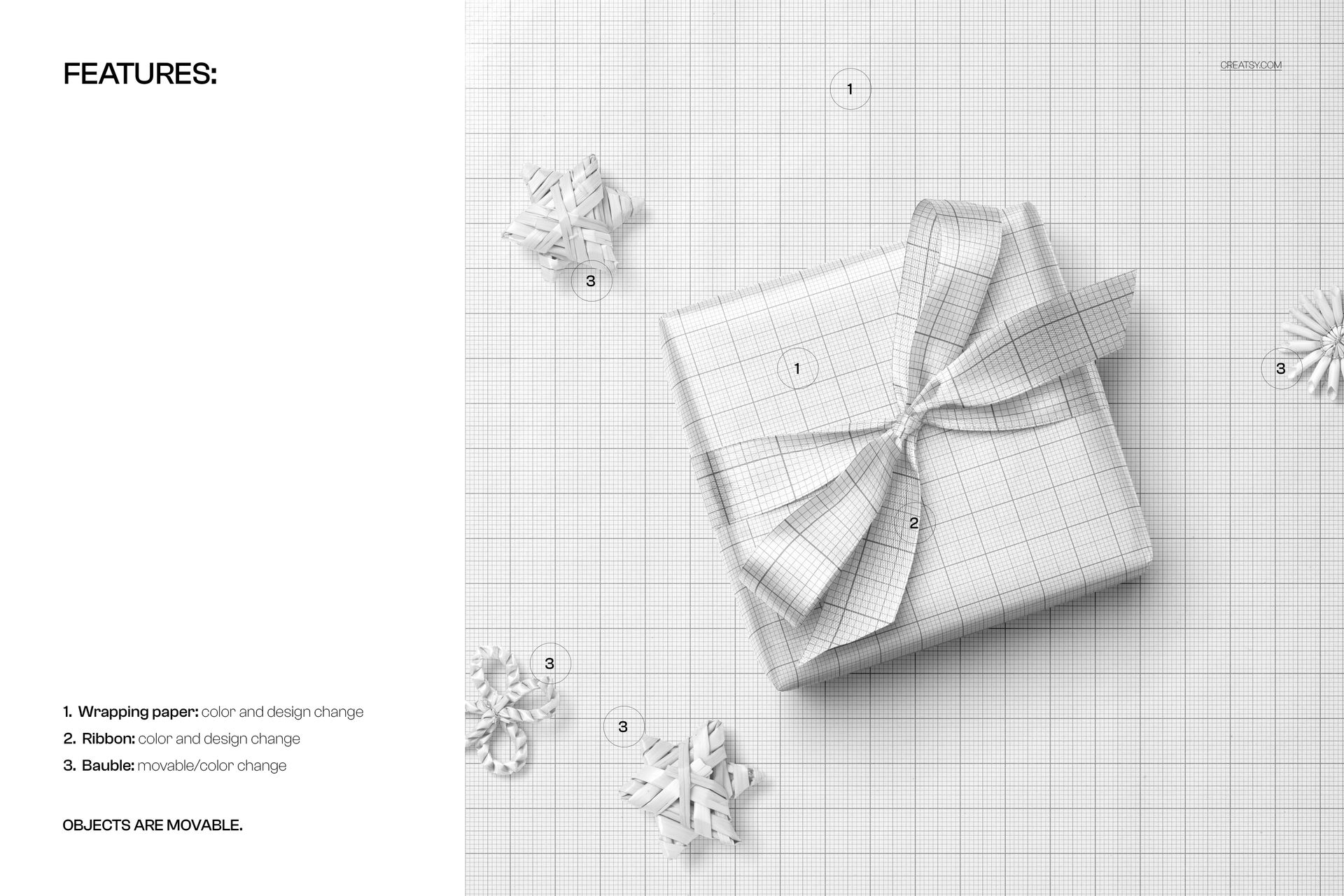
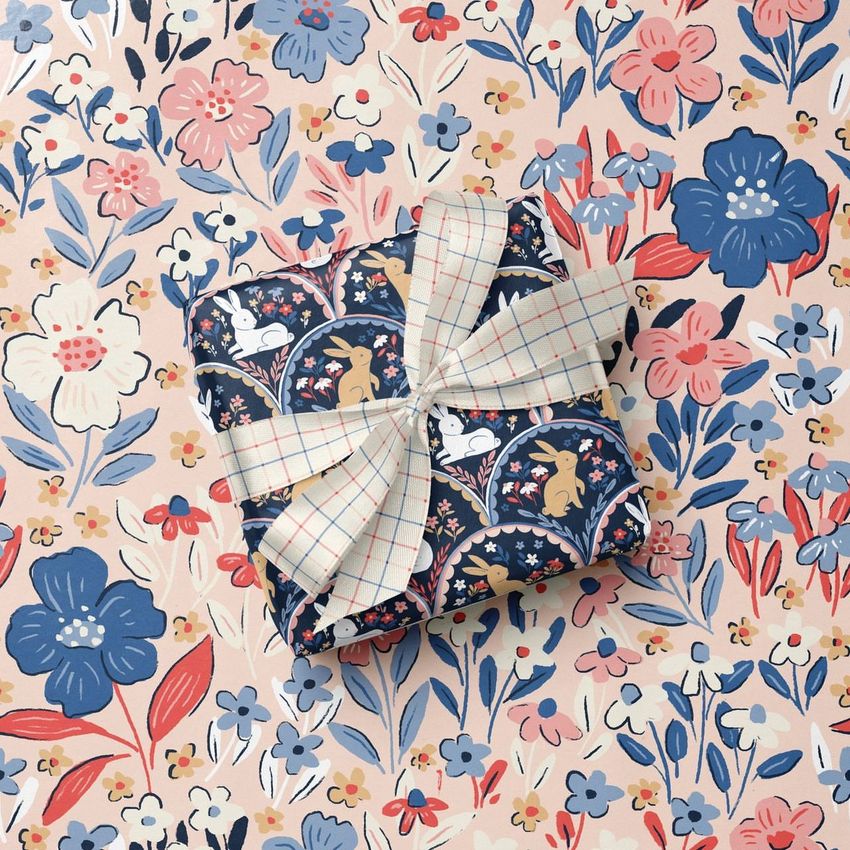
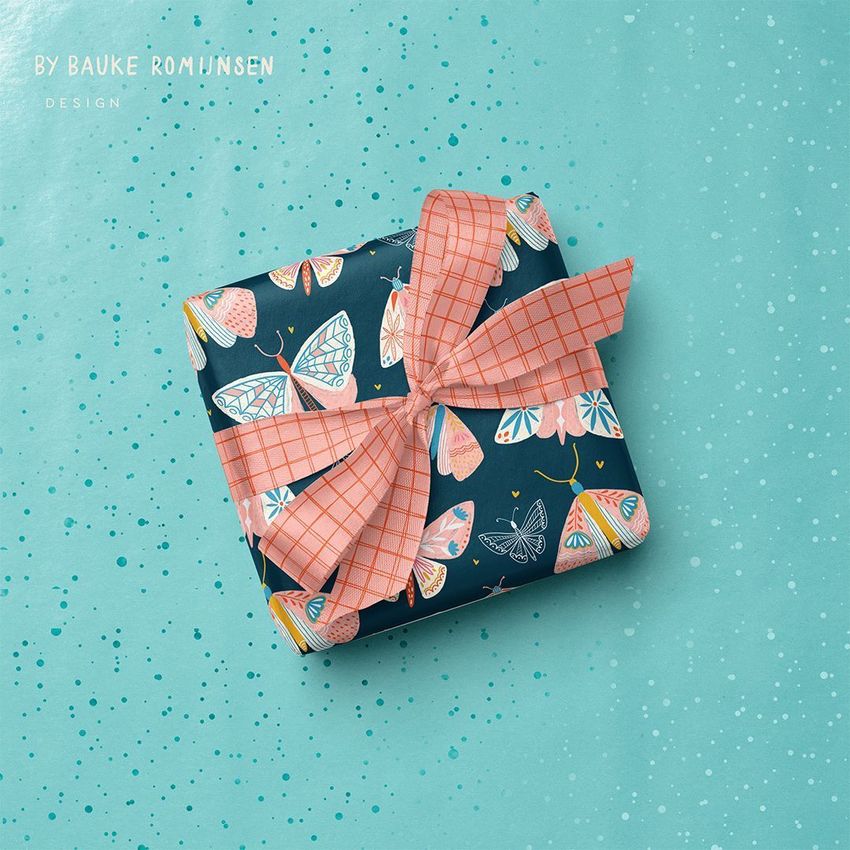
Dive into the art of personalization by changing the color and design of the gift, ribbon, and wrapping paper. Create a gift that reflects your unique style, whether it's a festive explosion of patterns or a subtle, sophisticated design. The square shape becomes your canvas to effortlessly express your creativity.
Gleaming Elegance: Elevate Your Design with Metallic Finishes
Add a touch of opulence by adding an optional metallic print to your gift, custom wrapping paper and ribbon. Transform your creation into a dazzling display of elegance and capture the magic of the holiday season with shimmering accents that make your gift truly stand out.
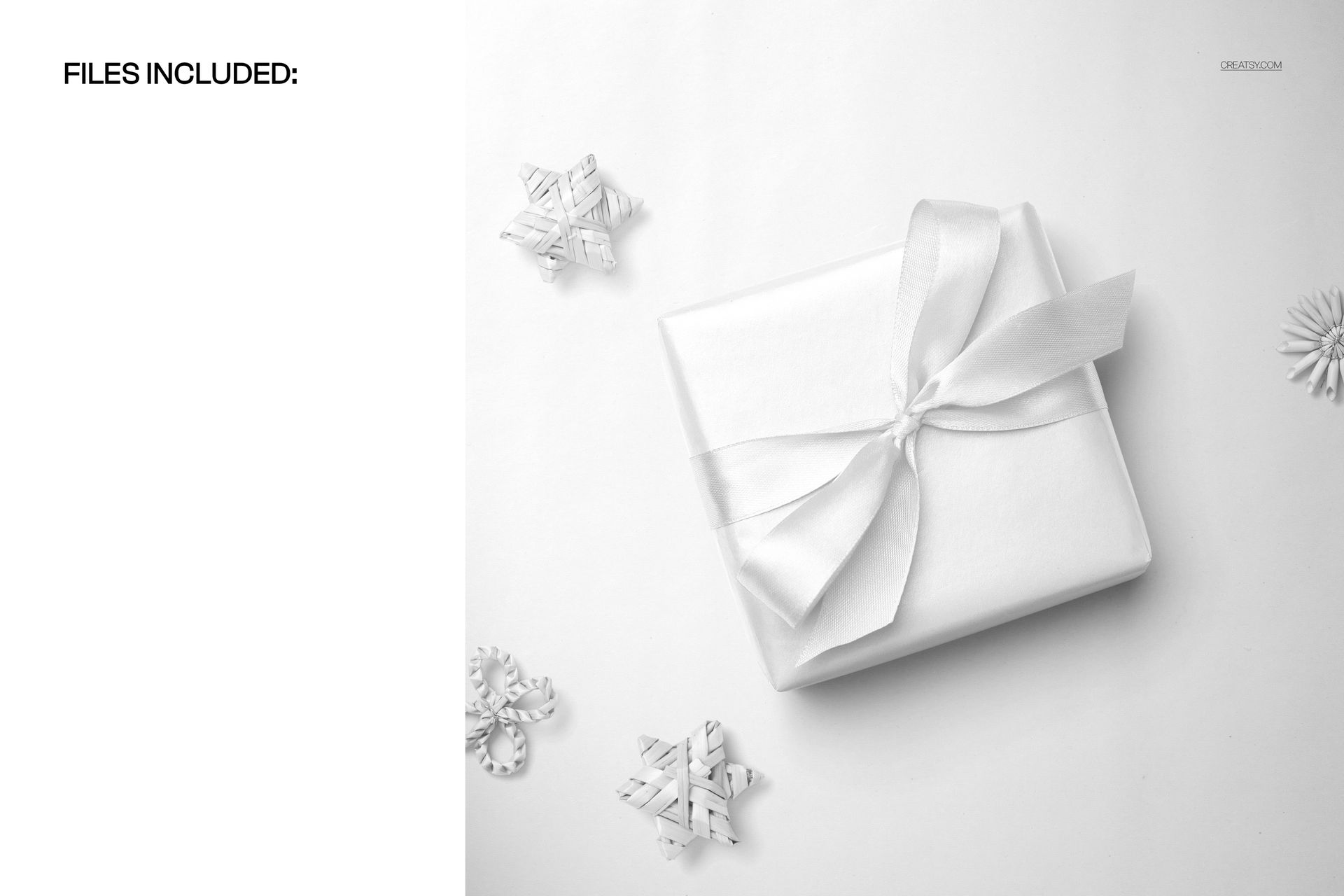
File works in Photoshop (min. version CC2020) and Photopea;
Pack includes 1 .psd file: 4000x4000 px, 300dpi;
Check screenshots for all the features;
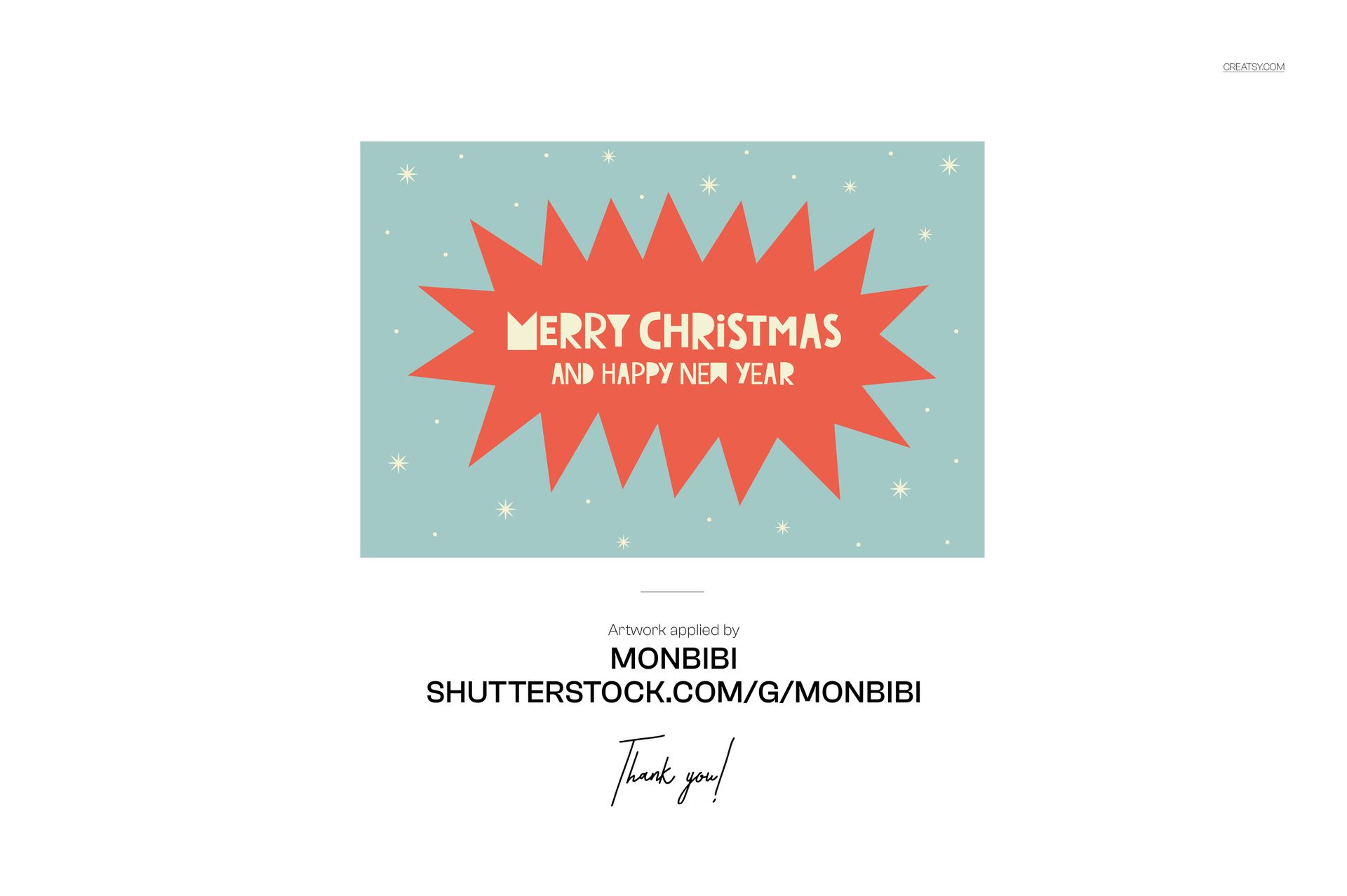
Artwork applied by Monbibi
Patterns are NOT included, this product is a mockup intended for you to add your own designs.

















LOVE IT!
Thank you so much, Izza! We’re so happy to hear that you love the Square Gift on Wrapping Paper Mockup. We hope it helps you create beautiful, festive and professional gift packaging presentations. Thank you for your lovely 5-star review!