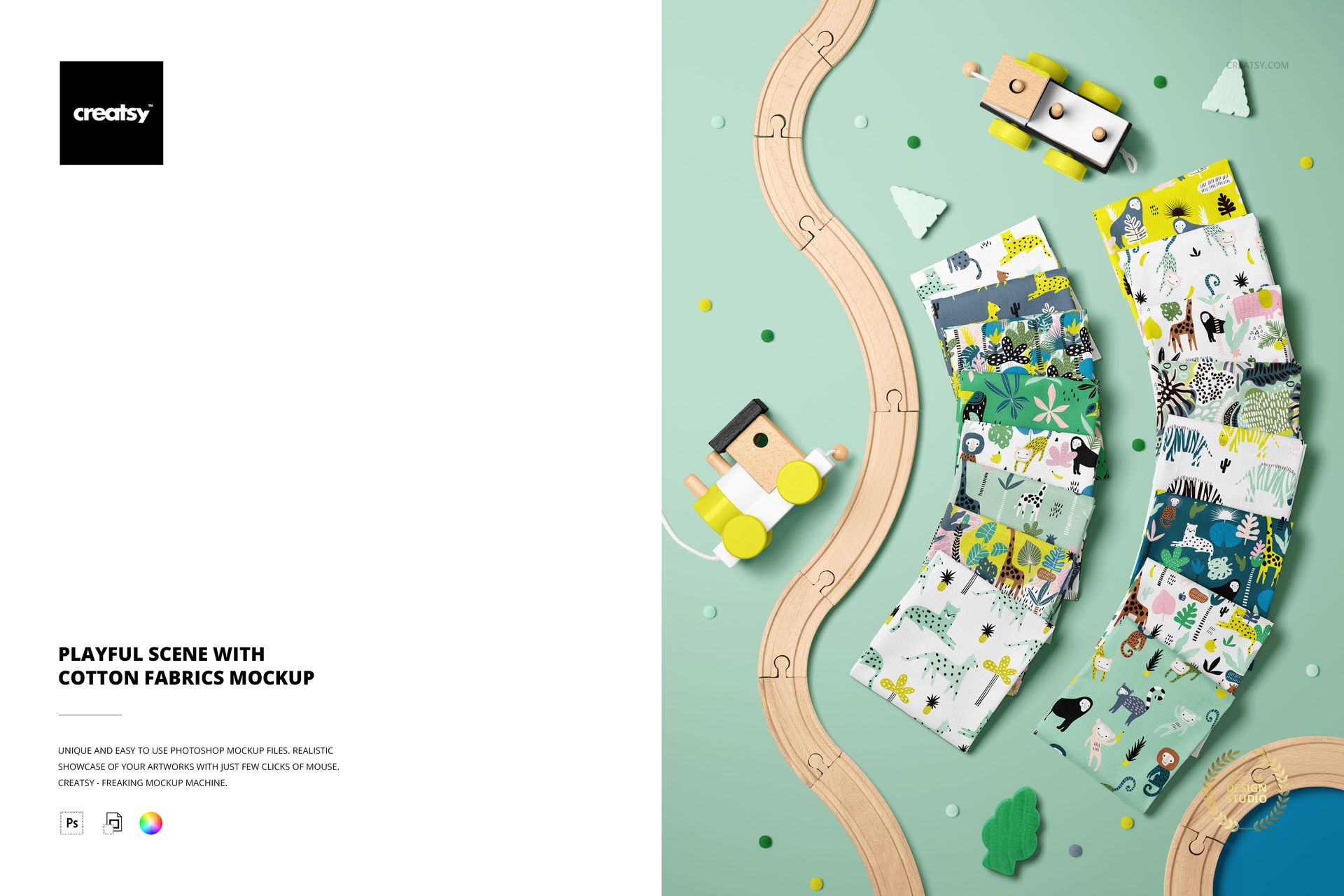
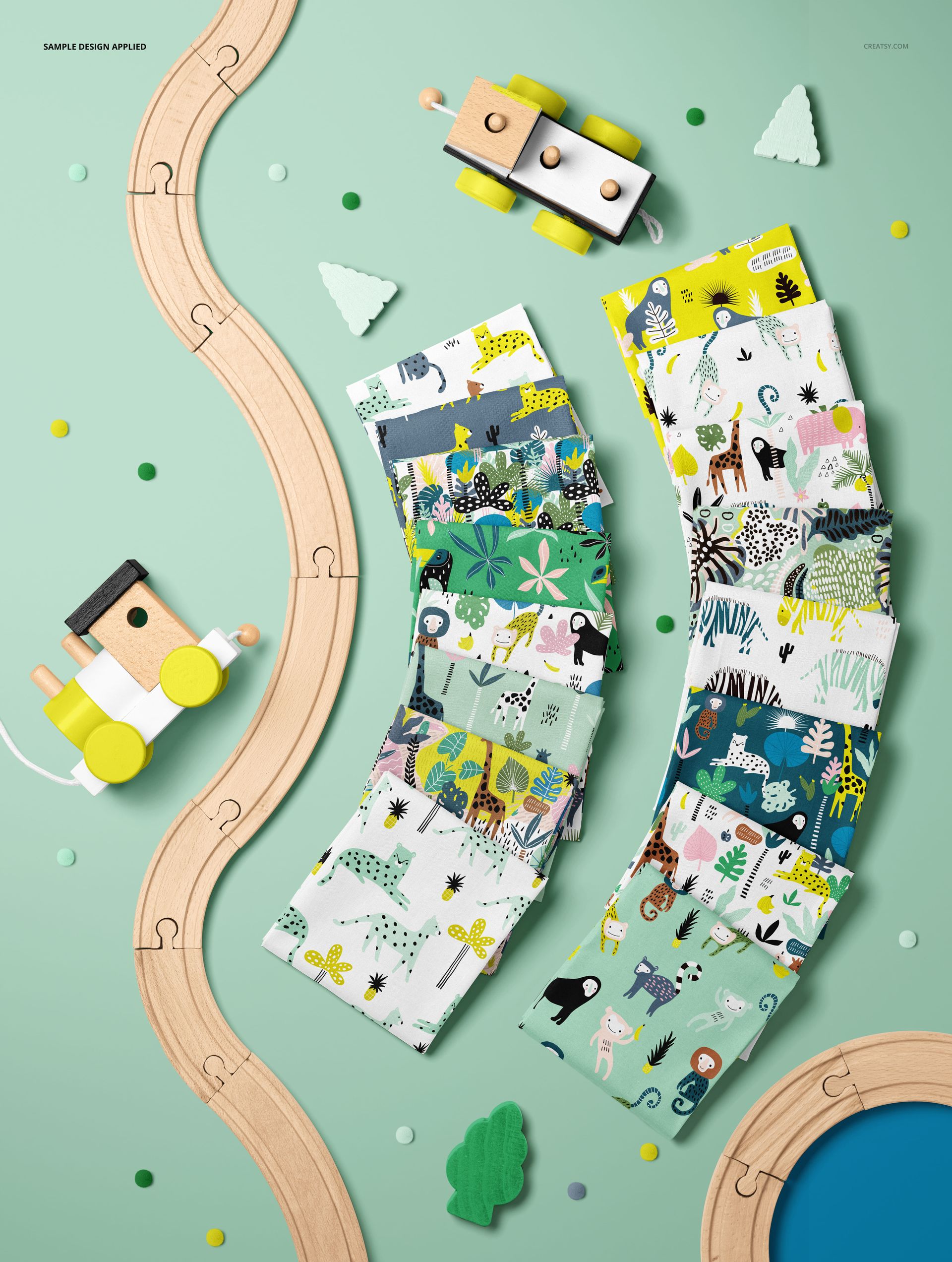
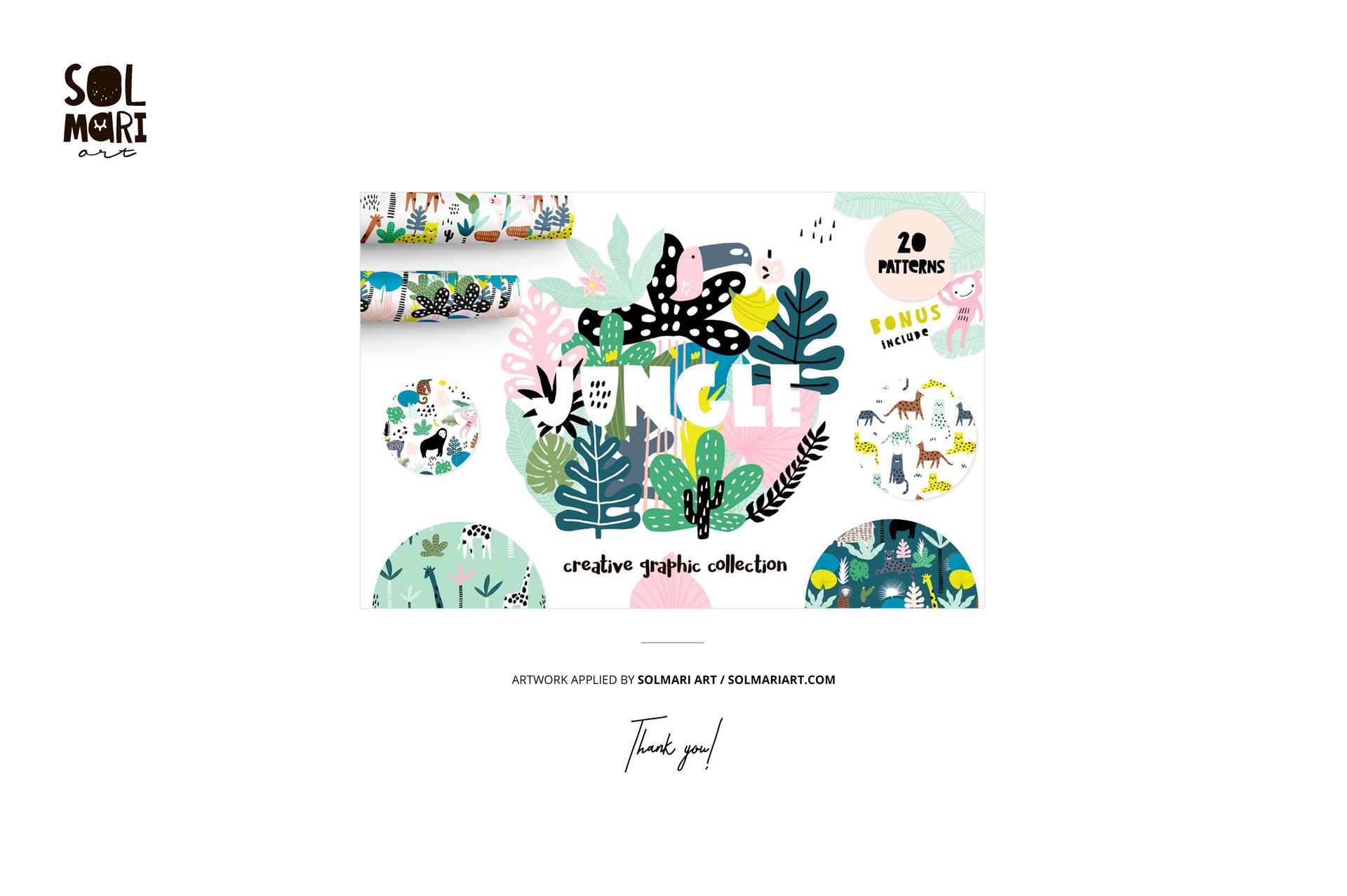
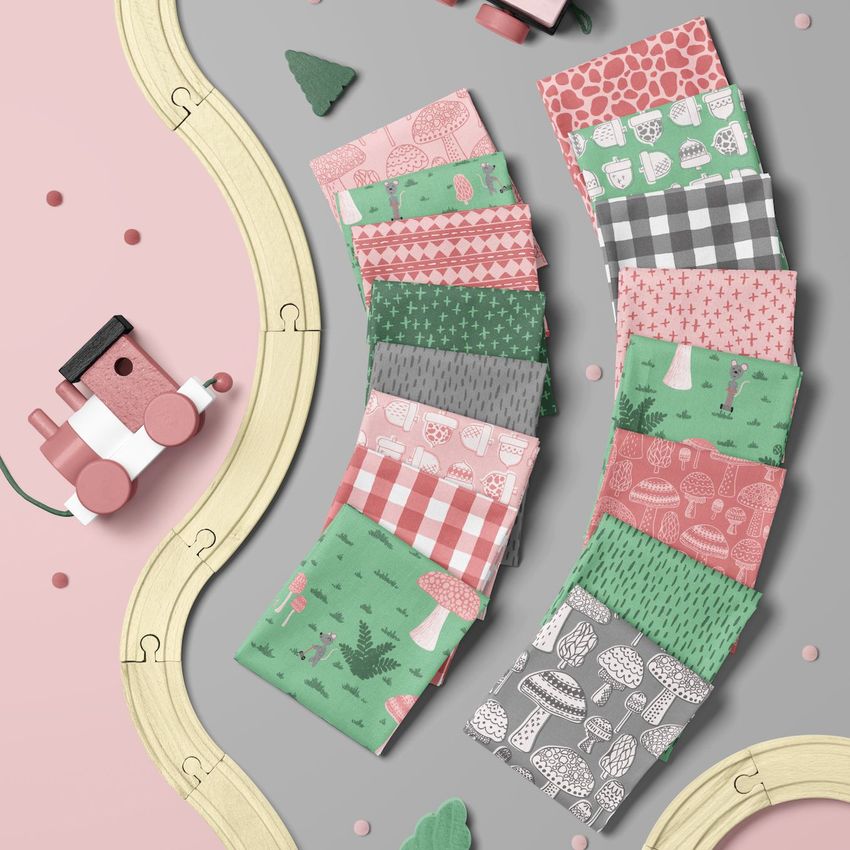
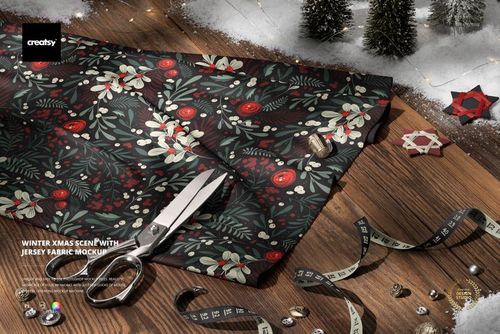
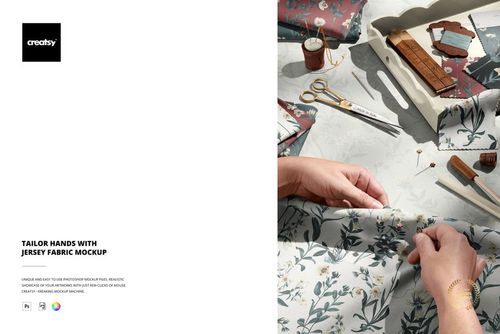
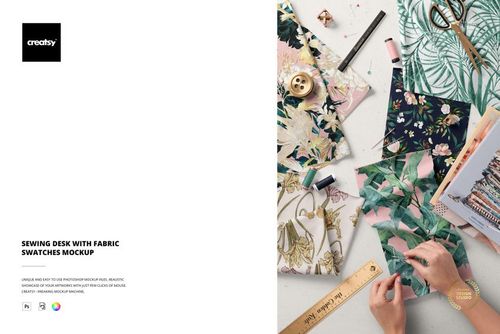
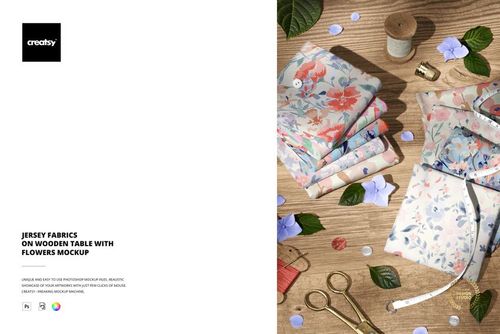
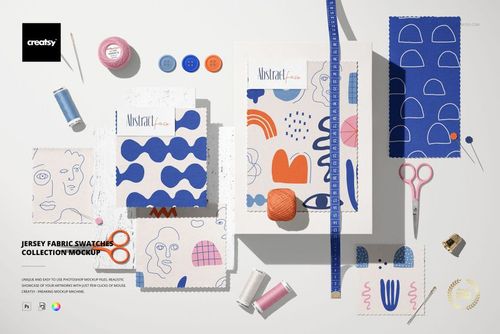
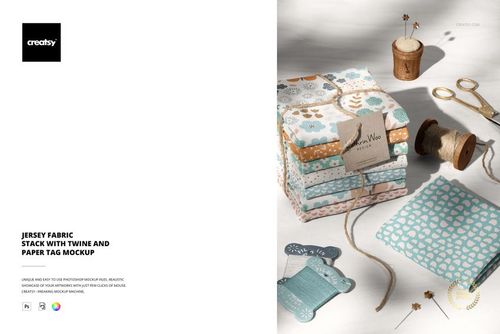
The Playful Scene with Cotton Fabrics Mockup arranges multiple fabric pieces, cotton branches, and natural styling elements in a bright, airy flat-lay composition designed for textile designers and surface pattern artists who want to present their work in a lifestyle context. The scene captures several draped and folded cotton fabric swatches scattered across the frame alongside raw cotton bolls, leaves, and other organic props, creating a cheerful, editorial-quality image that works for portfolio pages, social media posts, and client presentations. This PSD template measures 7200x5500px at 300 DPI with smart object layers and works in Adobe Photoshop CC 2020 or newer and Photopea. Example patterns applied on mockup screenshots by Solmari Art (not included in the download file).
Why This Mockup Works
Most fabric mockups show a single piece of cloth in isolation. This scene takes a different approach by arranging several fabric swatches together in a styled flat lay that reads as an editorial photograph rather than a product shot. The playful composition with cotton branches and natural elements communicates craftsmanship, organic materials, and creative energy, making it ideal for brands and designers who want their textile work to feel approachable and vibrant. The bright, even lighting keeps color accuracy high across all fabric pieces, so the patterns you apply will look true to your original artwork.
What Is Included
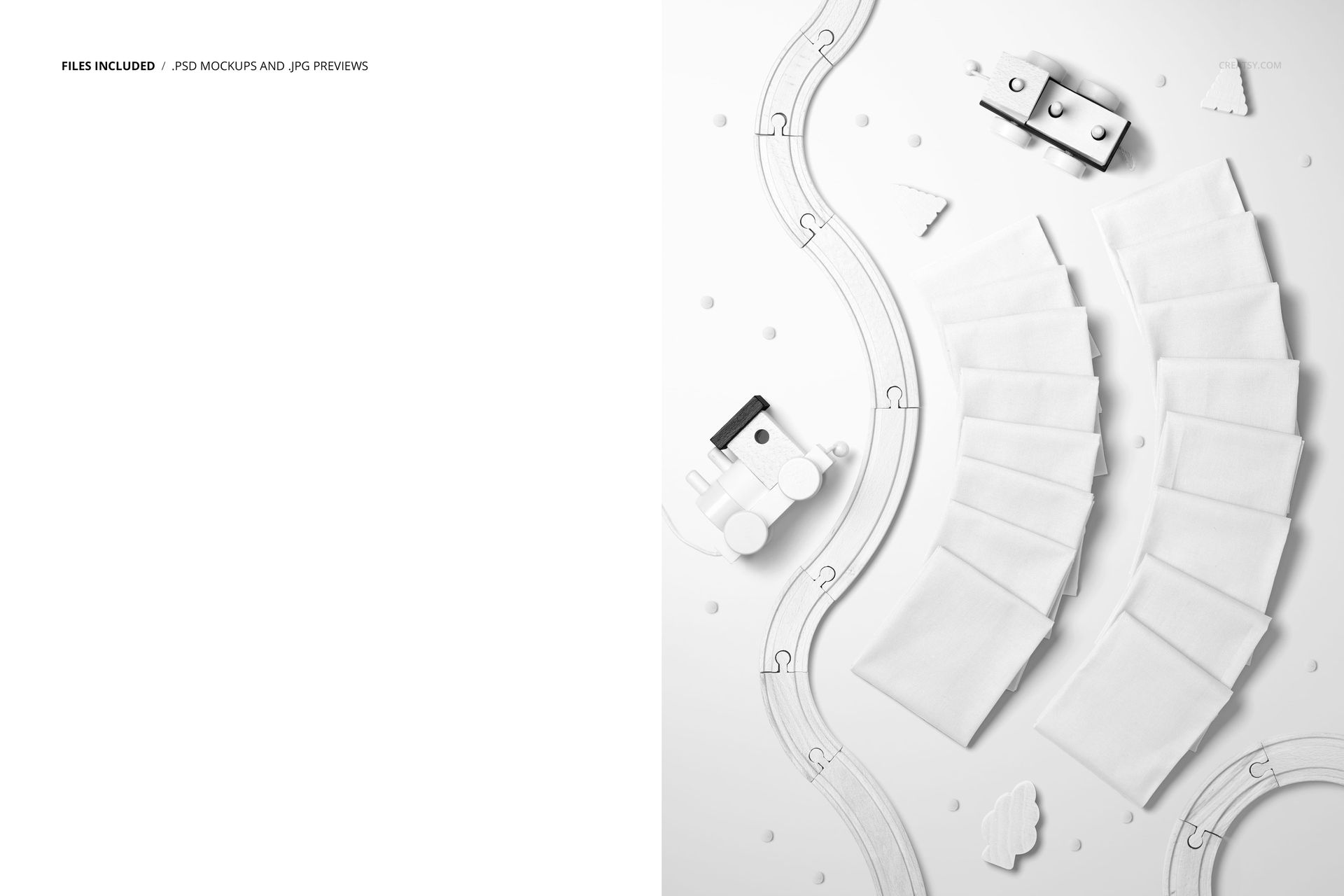
The download contains 1 layered PSD file at 7200x5500px resolution. The scene includes multiple fabric swatches, each with its own smart object layer for independent design placement. Cotton branches, leaves, and natural props are arranged throughout the composition as fixed photographic elements that add lifestyle context. The larger-than-standard canvas size gives you extra resolution for cropping specific sections or zooming into individual fabric pieces without losing sharpness. Layer organization is clean and labeled for quick navigation between the different smart object surfaces.
What You Can Customize
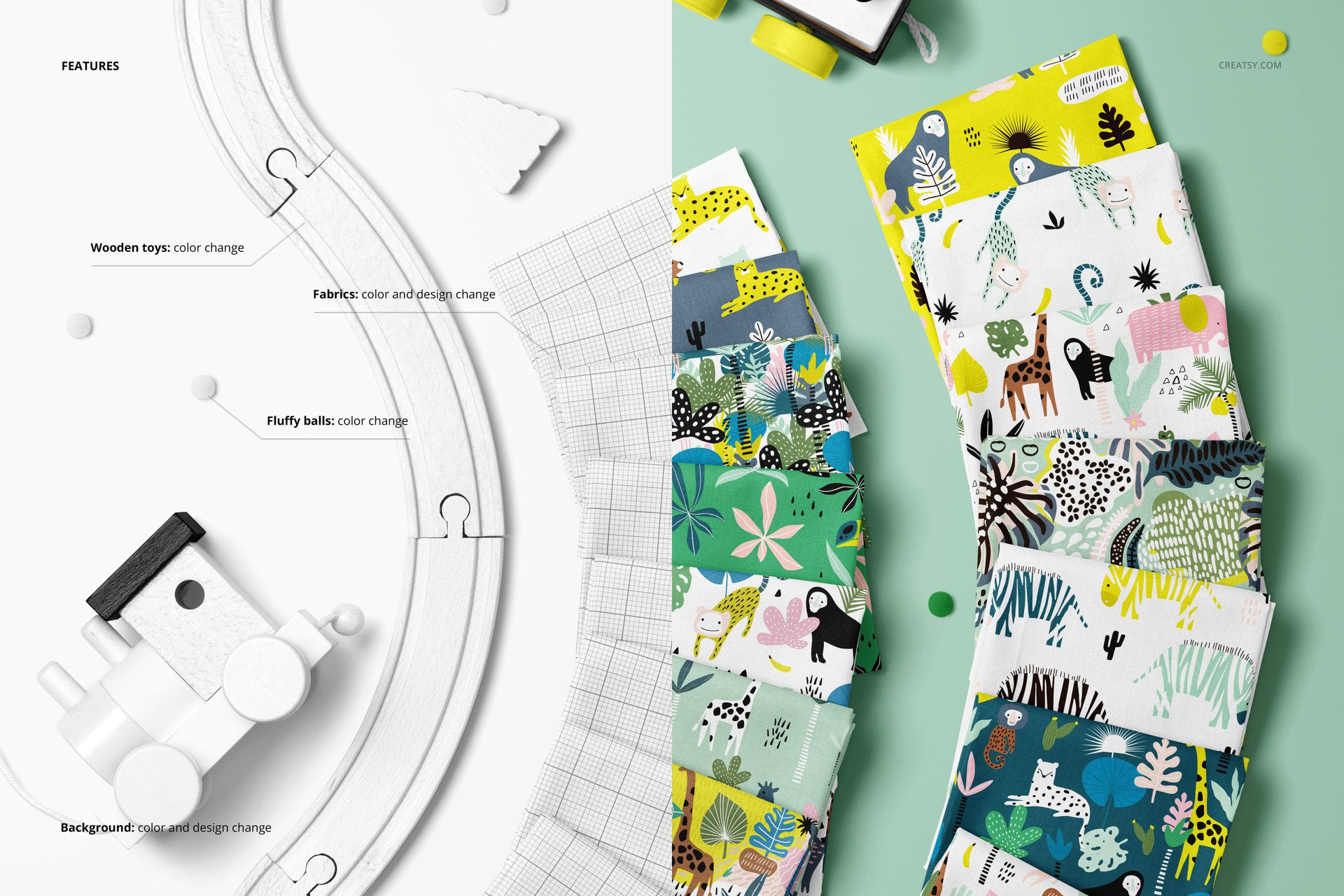
Each fabric swatch in the scene has a dedicated smart object. Double-click any smart object to open its embedded canvas, place your pattern or textile design, save, and the artwork maps onto that fabric piece with realistic draping, folds, and texture. You can apply a different pattern to each swatch to showcase a collection of coordinating prints, or use the same design across all pieces to demonstrate colorway variations. The adjustment layers let you fine-tune overall brightness and color temperature to match a specific mood or brand palette. The natural props remain fixed in the scene, providing consistent styling across different design iterations.
Who This Mockup Is For
Surface pattern designers building portfolio presentations or licensing pitch decks that show multiple coordinating prints together. Textile brands and fabric shops creating product listing images for Etsy, Shopify, or wholesale catalogs where a lifestyle flat lay outperforms a plain swatch photo. Fashion designers previewing a fabric collection before ordering samples from a mill. Home textile companies marketing bedding, tablecloth, napkin, or cushion fabric lines with a styled editorial image. Print-on-demand sellers who want listing images that stand out from competitors using basic flat mockups. Branding agencies creating mood boards for clients in the organic, sustainable, or handmade product space.
File Specifications
Files: 1 PSD. Dimensions: 7200x5500 px. Resolution: 300 DPI. Color mode: RGB. File size: 596 MB. Compatibility: Adobe Photoshop CC 2020 or newer, Photopea.