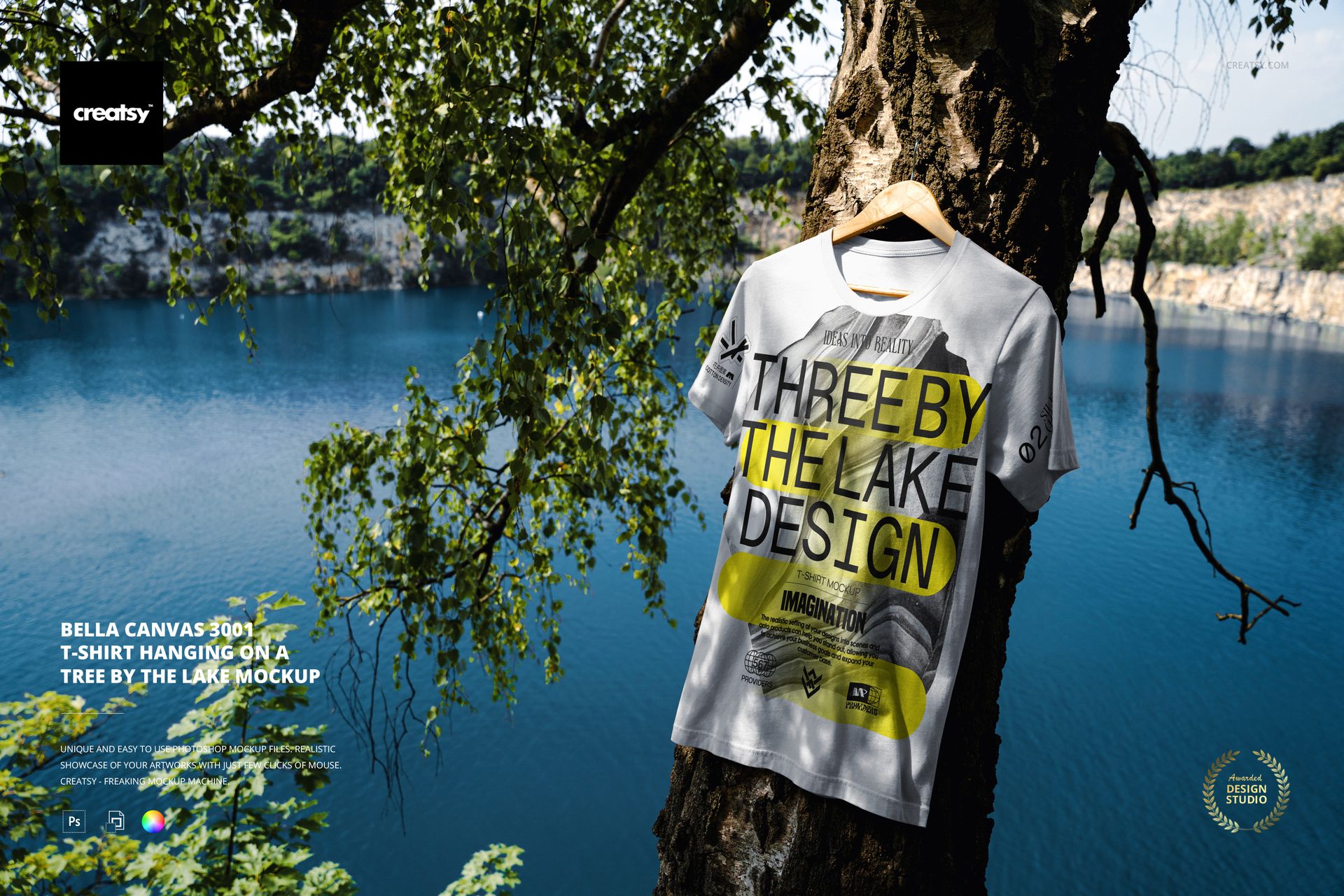
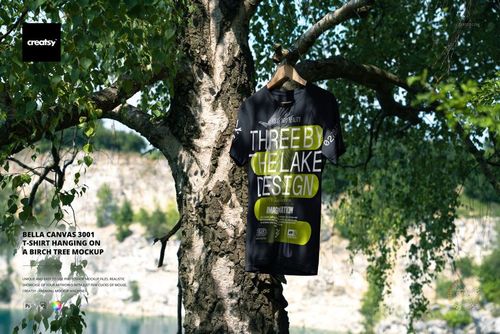
Bring your designs outdoors with this free Bella Canvas 3001 T-shirt Hanging on a Tree by the Lake Mockup. Show off graphics, logos, and typography on a classic Bella Canvas 3001 tee, captured in a natural lakeside setting with rich greenery and shimmering water in the background. Perfect for outdoor brands, music merch, and summer drops. Free for commercial use – see license for details.
Highlights
- Format: 1× PSD, 6000×4000 px, 300 dpi
- Workflow: Smart Object; clear, well-organized layers
- Editable: T-shirt design (front); T-shirt color (full garment recolor)
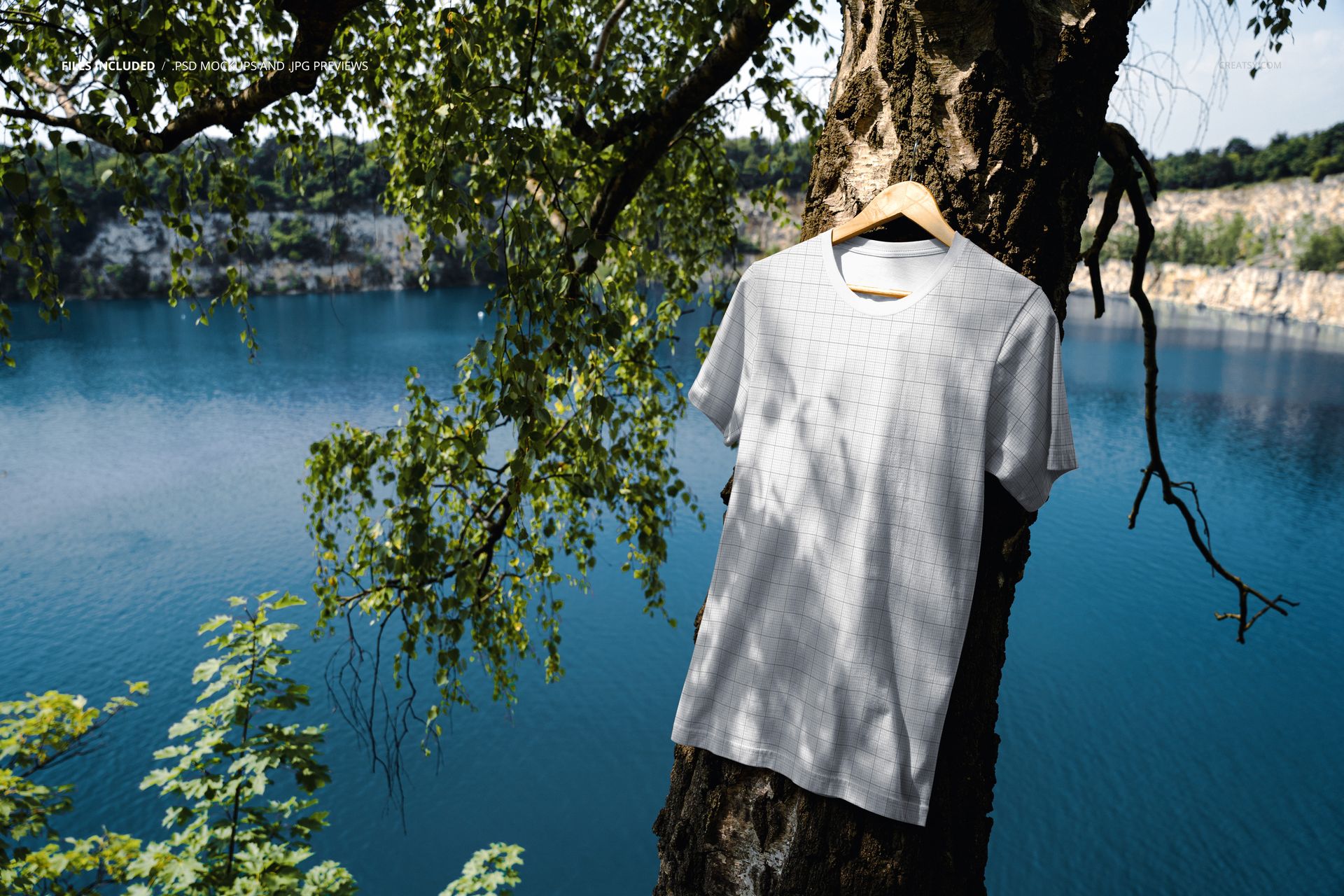
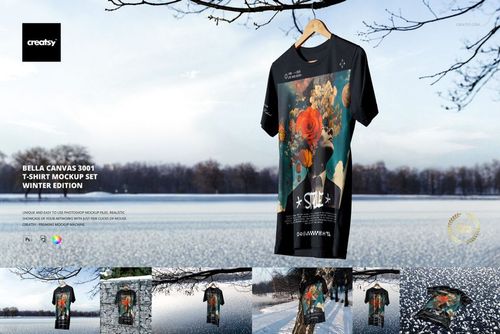
- Scene: Bella Canvas 3001 T-shirt on a hanger, hanging from a tree trunk above a deep-blue lake with leafy branches framing the view
- Composition: scene and background are fixed (objects are not movable)
- Apps: Photoshop (min. CC 2020) + Photopea (free online editor)
- Use cases: apparel branding, outdoor & nature-themed collections, band tees, Etsy or Shopify listings, social media promos
- License: free for personal & commercial use (see terms)
What’s inside / Specs
- Files: PSD (+ preview JPG)
- Canvas: 6000×4000 px, 300 dpi
- Layers & controls:
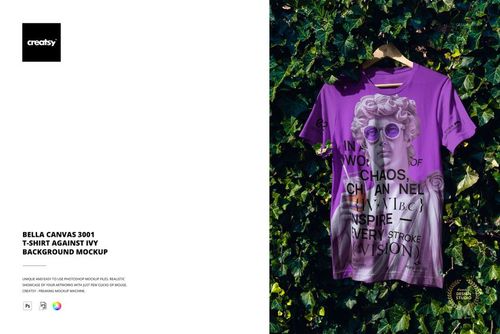
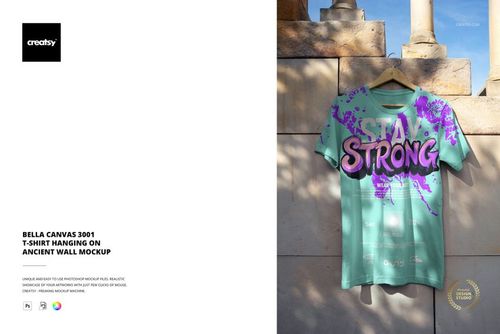
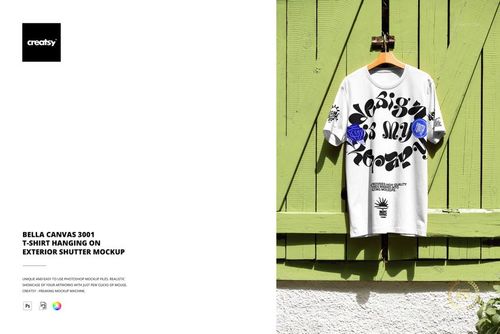
- Smart Object for the T-shirt print—drop in your artwork and it follows fabric folds and light
- Color adjustment for the T-shirt body so you can match Bella Canvas shades or custom brand colors
- Preserved natural lighting, shadows, and depth from the forested lakeside scene
- Look & feel: relaxed, airy, summery mood with strong focus on the print area and realistic fabric texture
- Compatibility: Photoshop CC 2020 or newer; works in Photopea
- Approx. size: ~125–131 MB (archive may vary by compression)
How-to (Photoshop & Photopea)
- Open the PSD in Photoshop (CC 2020+) or Photopea.
- Double-click the T-shirt Smart Object, place your design, and Save to update the mockup.
- Adjust the T-shirt color via the provided color layer for light, dark, or bright tees.
- Optionally fine-tune overall contrast or color grading to match your brand.
- Export high-resolution JPG/PNG/WebP files for lookbooks, online stores, or social media.
License & usage
Free for personal & commercial use (for 1 business, up to 5,000 end products). PSD source files cannot be resold, shared, or redistributed as-is. Please check the full license – “Freebie” row – on Creatsy.com for complete terms and restrictions.














High Resolution