Contrado Custom Swimsuit Mockup Set
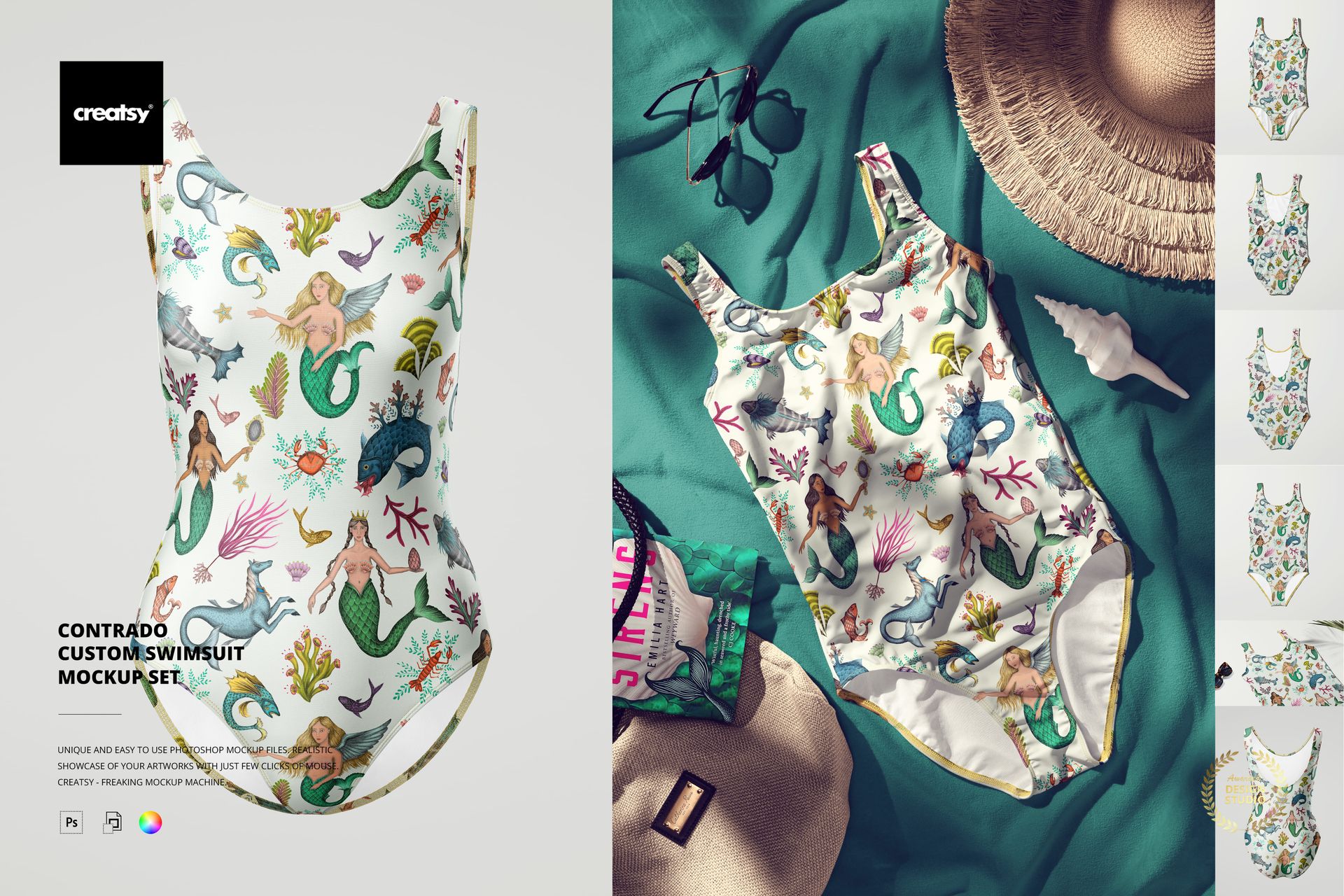
Let your creativity make a splash with the Contrado Custom Swimsuit Mockup Set – a dreamy, summer-ready collection made for bold patterns and ocean-inspired designs. With high-quality visuals and fully editable features, this set is perfect for showcasing your swimsuit designs in both serene and sun-soaked environments. It’s time to bring your artistic vision to life with a wave of fresh energy.
Dive into Design
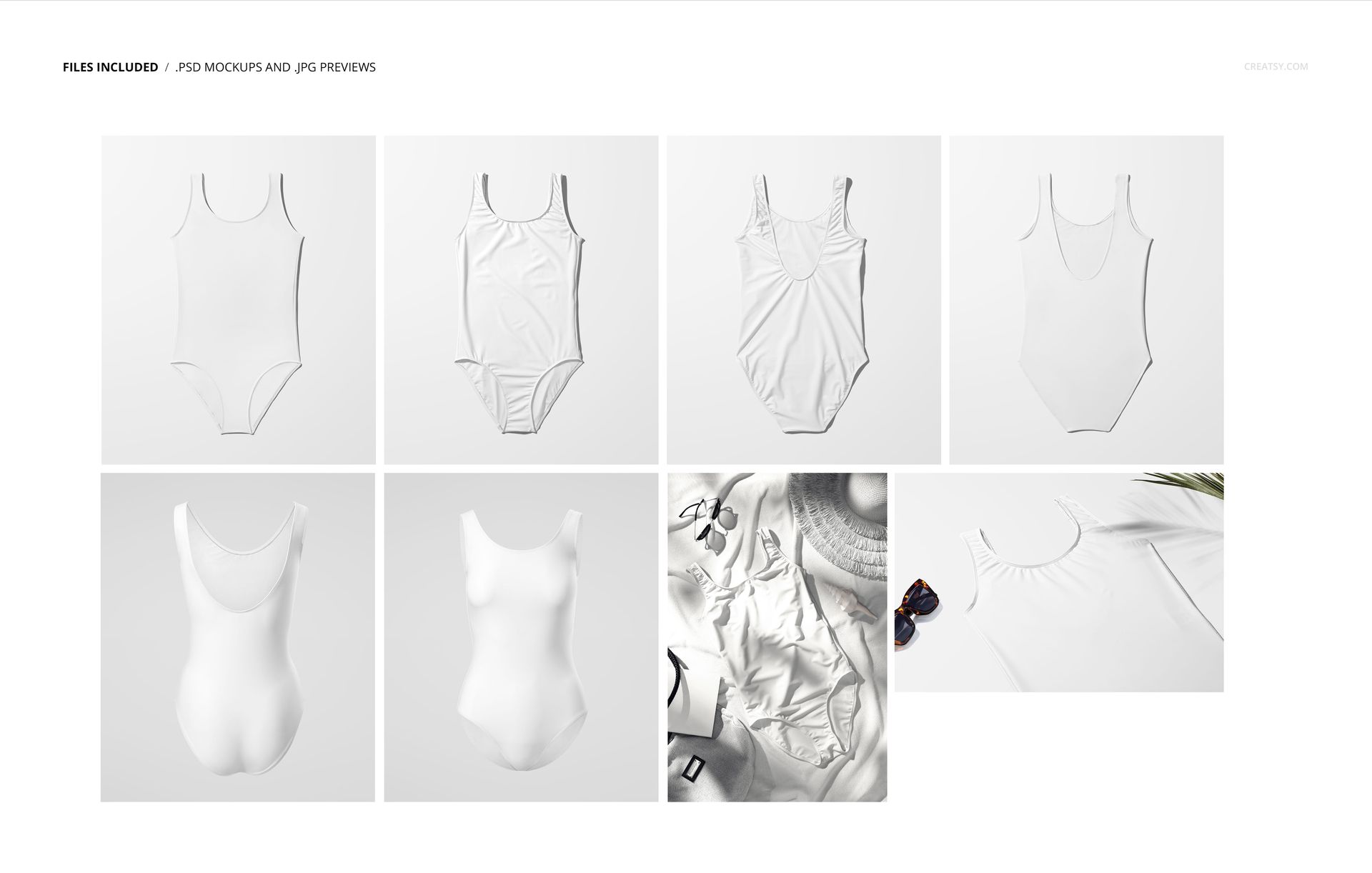
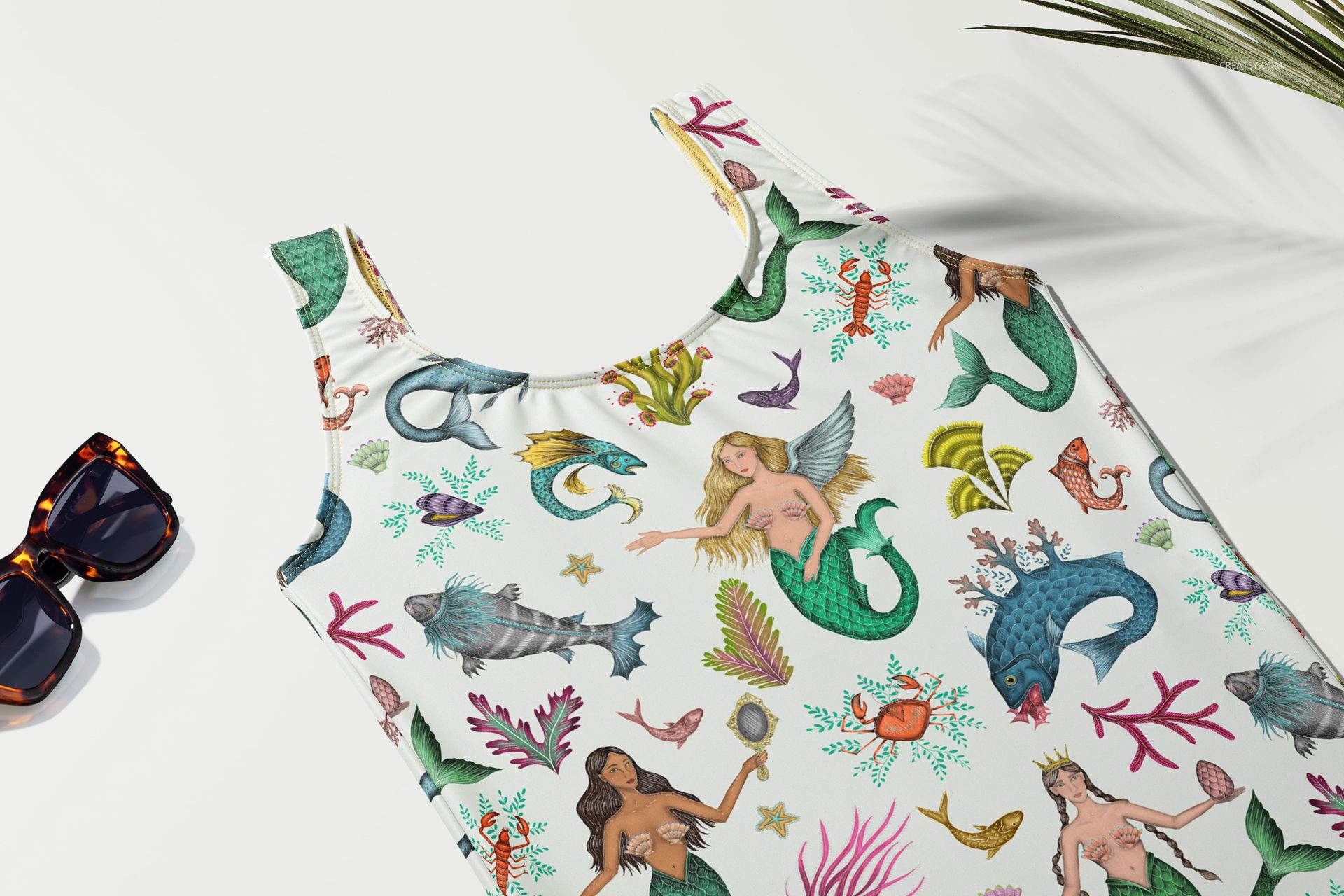
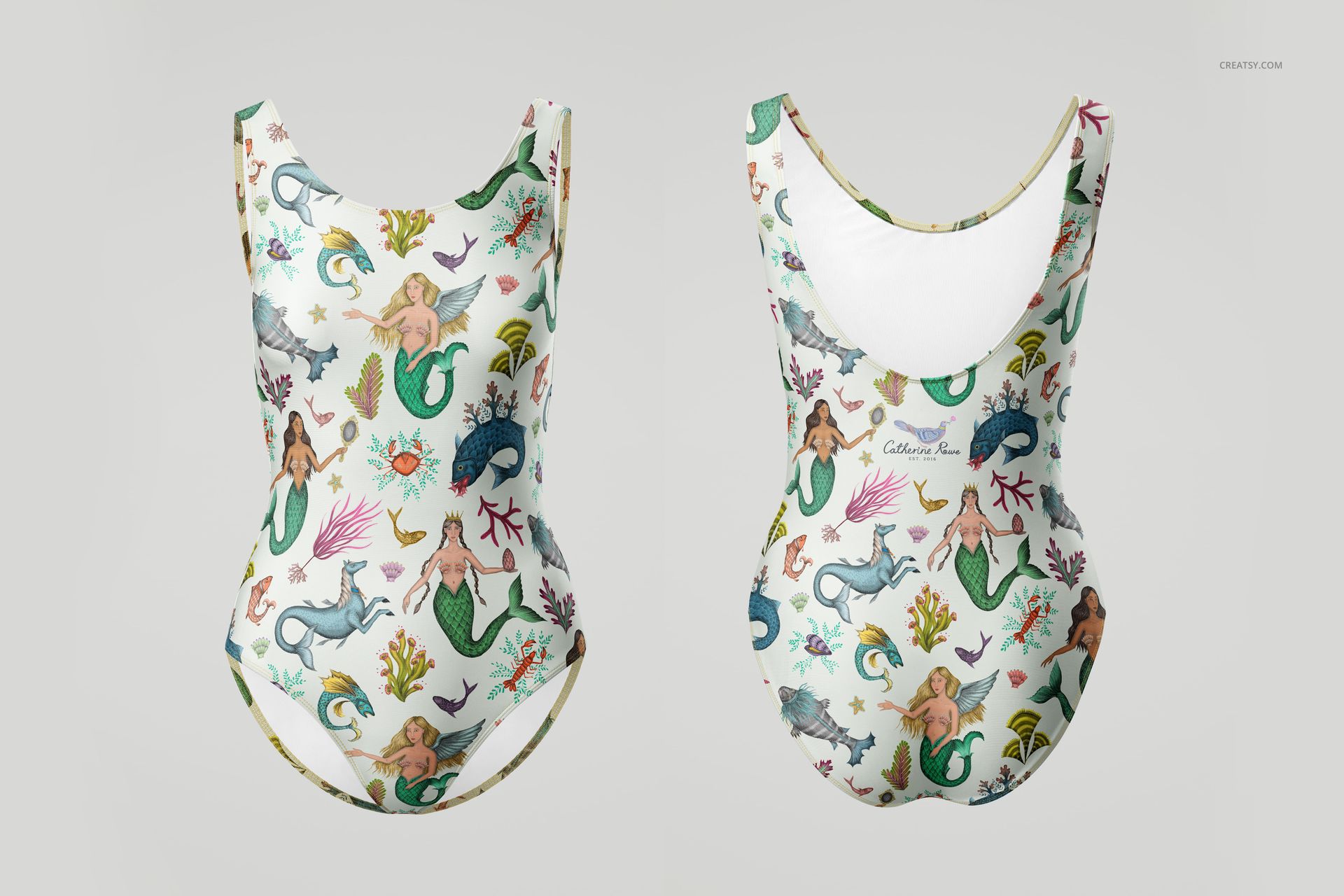
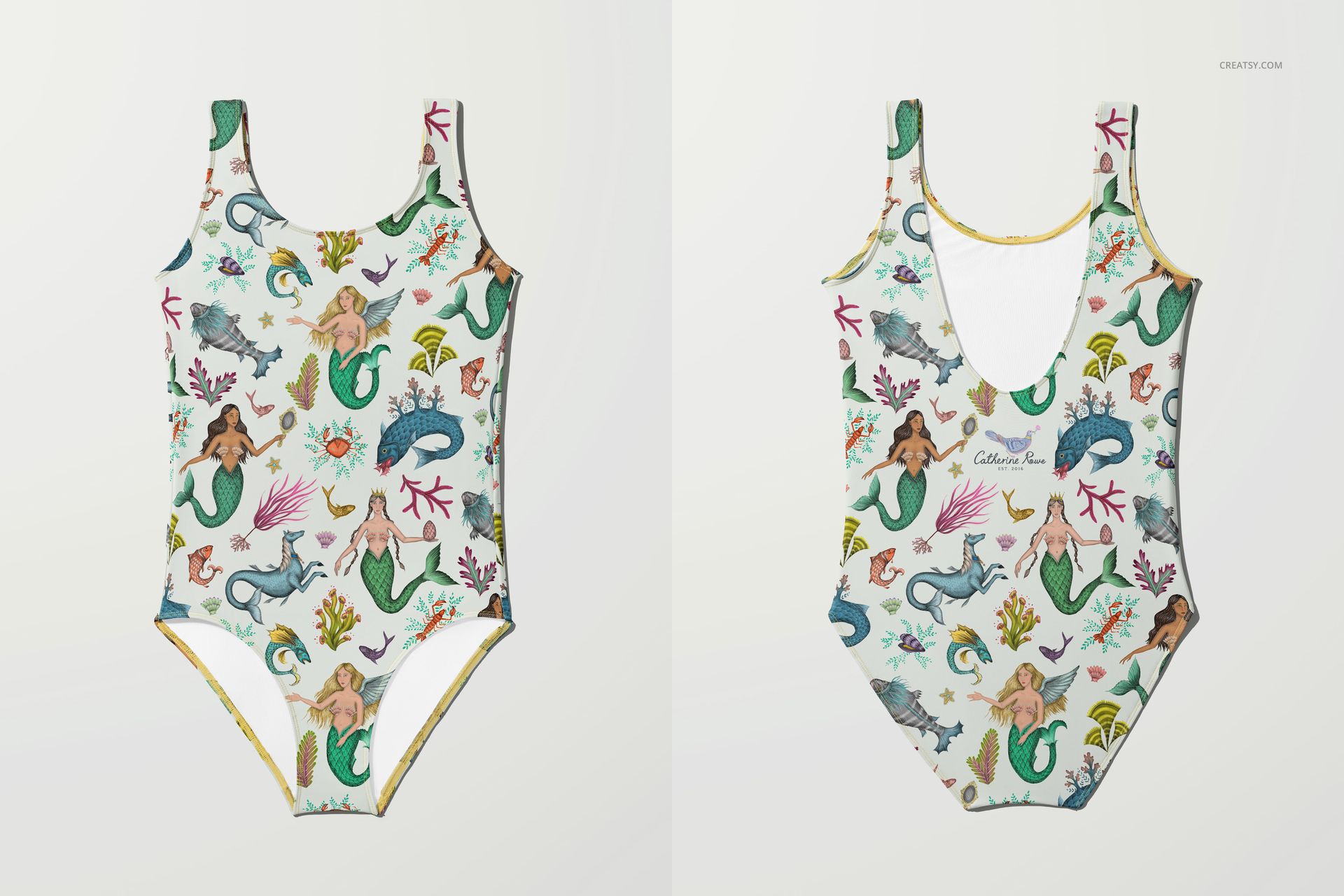
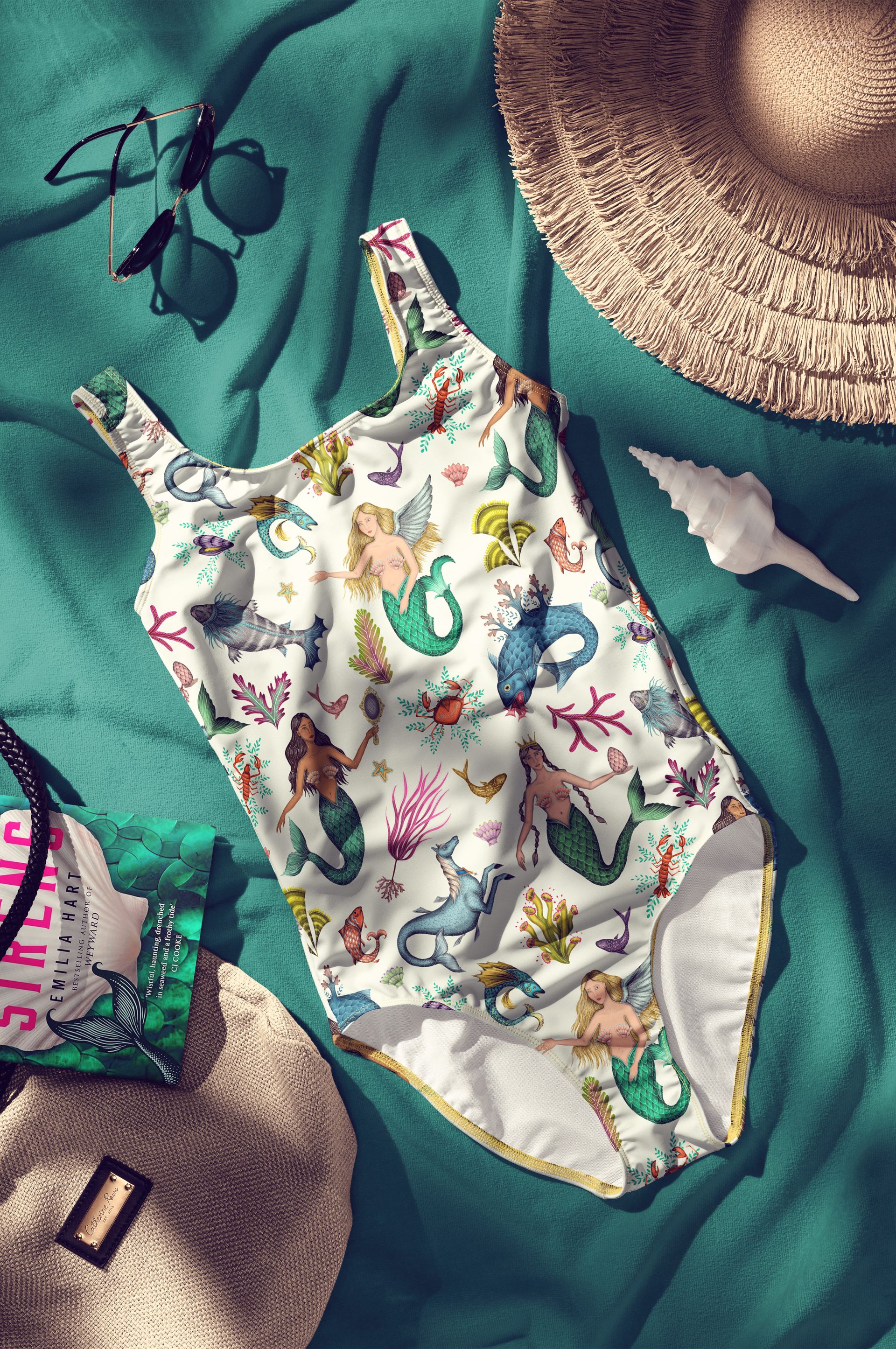
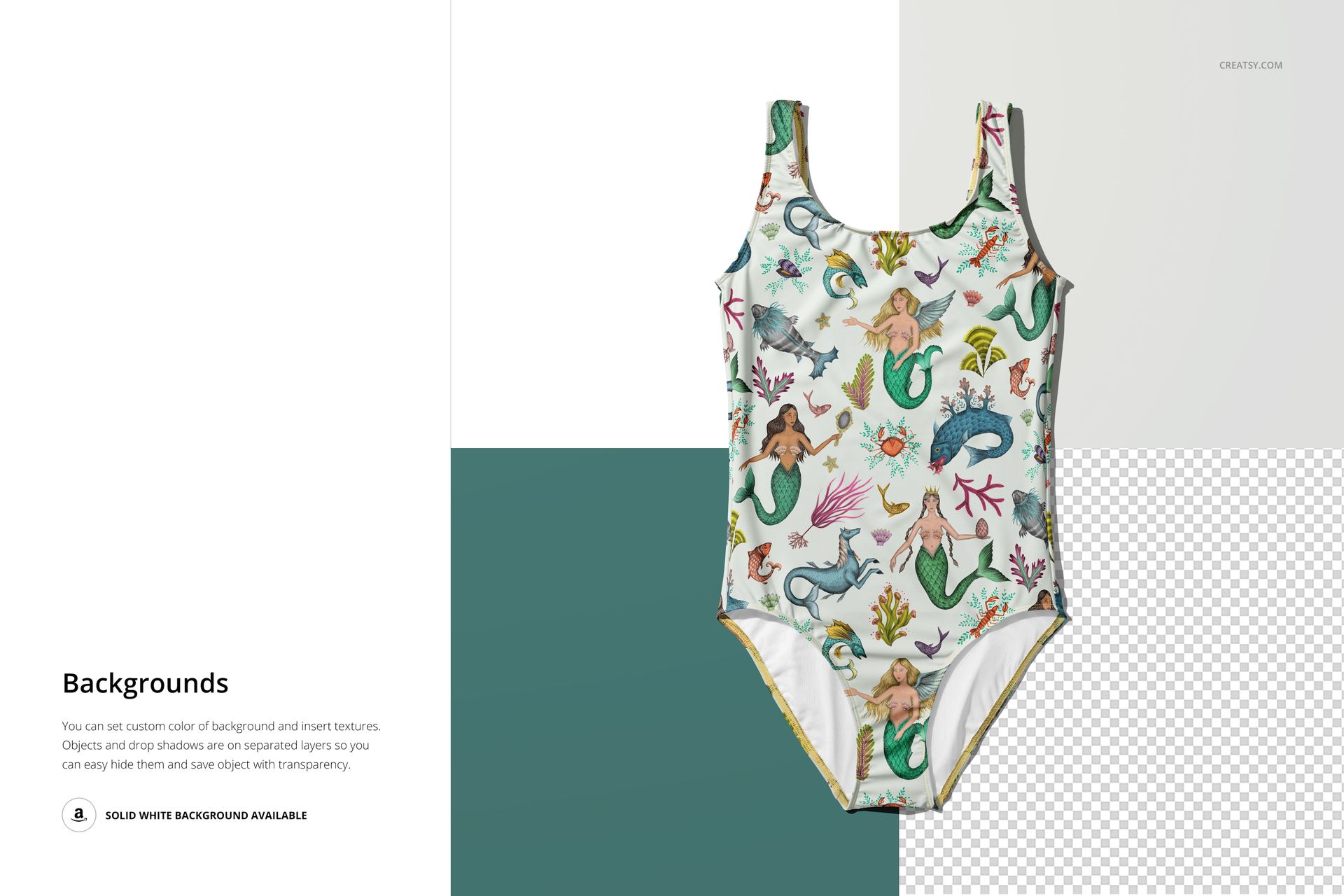
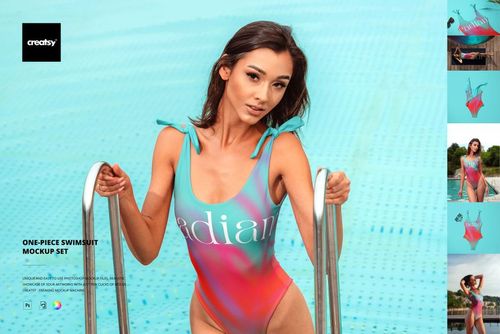
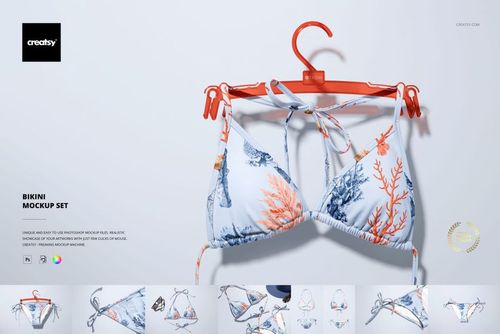
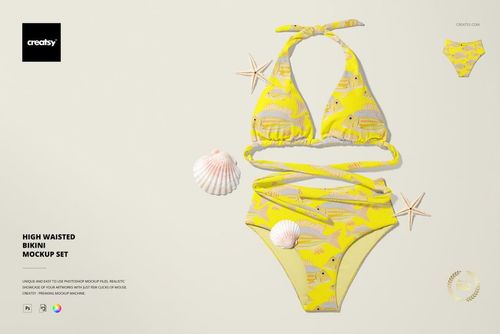
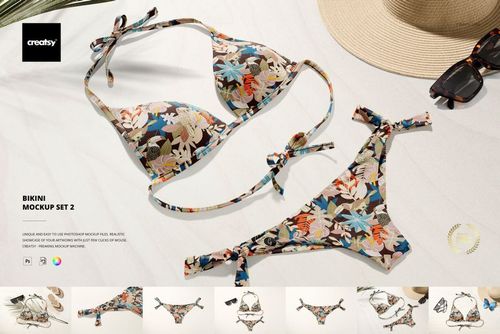
Inside this mockup set, you’ll find eight PSD files, each based on photographs taken by a professional photographer. The set includes a mix of minimalist studio shots and immersive lifestyle scenes. Choose clean, front-and-back views of the swimsuit laid flat or styled on an invisible mannequin. Explore more dynamic compositions featuring beach accessories like towels, hats, glasses, books, and bags. There’s even a close-up under a palm leaf for that perfect tropical touch.
Customization That Goes Beyond the Swimsuit
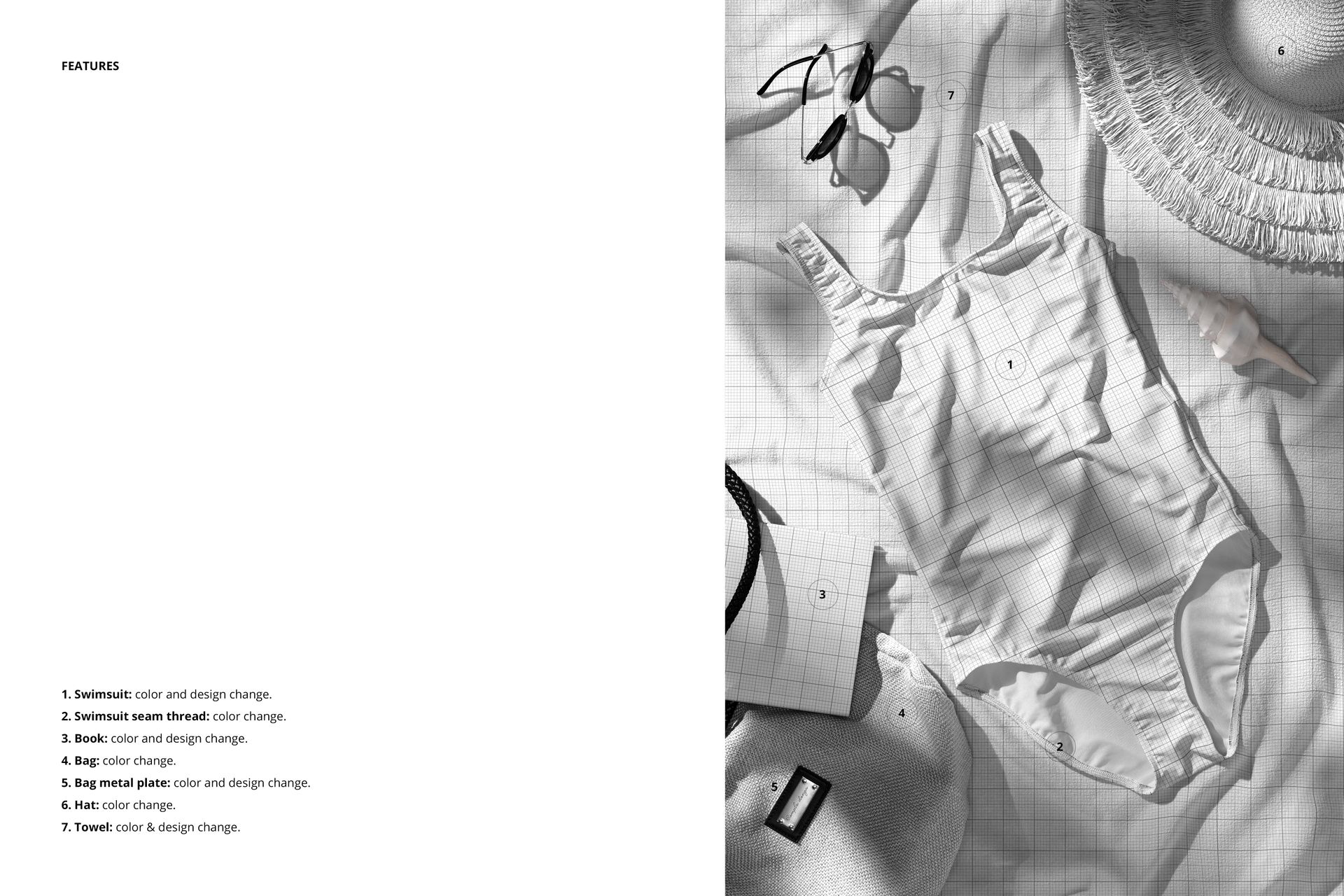
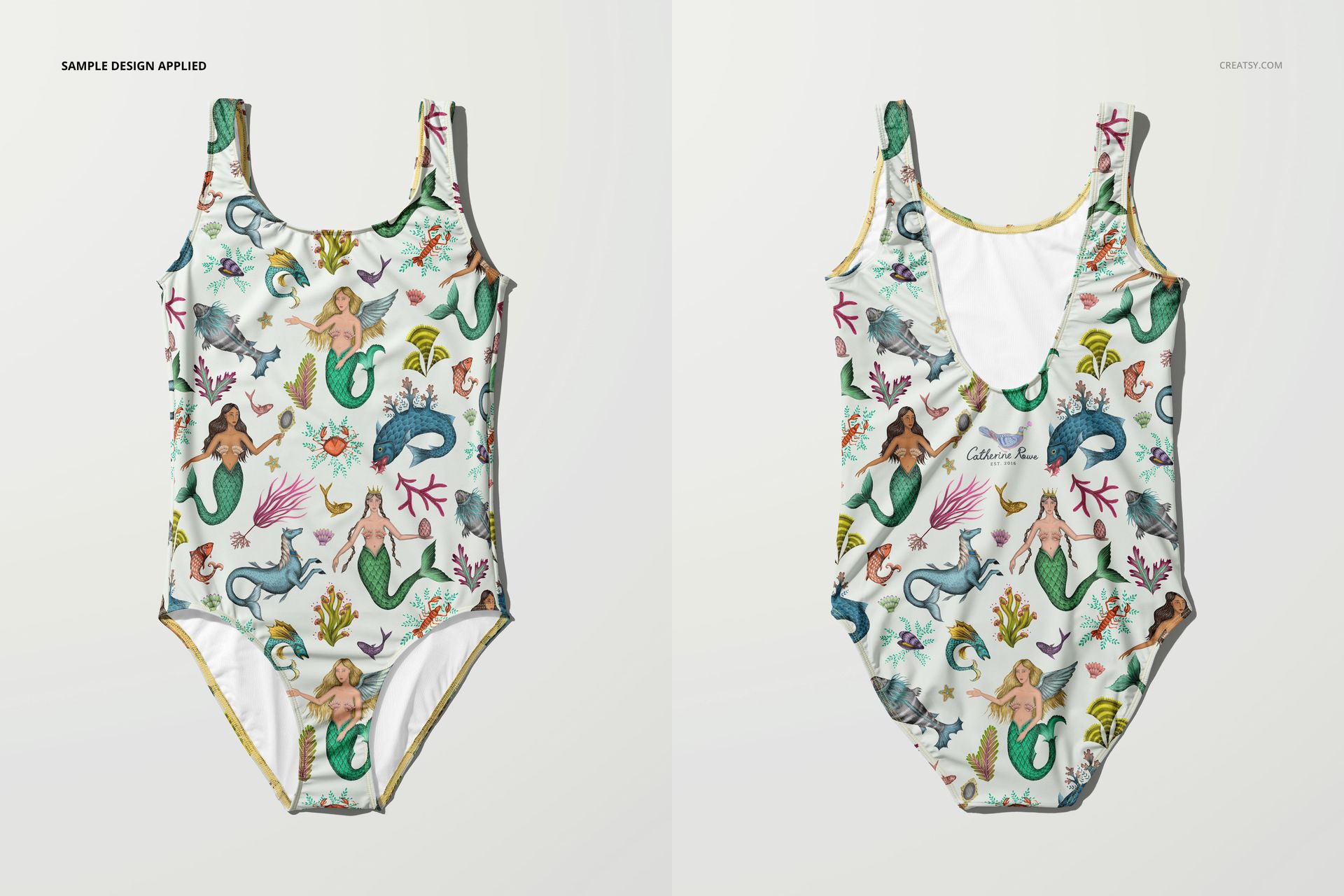
You can fully personalize both sides of the swimsuit, applying your own patterns, colors, and artistic details. Change the seam colors to match your design perfectly. In the accessory scenes, you can go even further – edit the towel pattern, adjust the hat and bag colors, personalize the metal plate on the bag, and even design the book cover. For studio shots, background colors and textures are also fully customizable, giving you the freedom to create a cohesive look from top to bottom.
- Files work in Photoshop: min. Photoshop CC 2020 and in Photopea (free online editor);
- Pack includes 8 .psd files: ~6000x4000 px, 300dpi;
- Check screenshots for all the features;
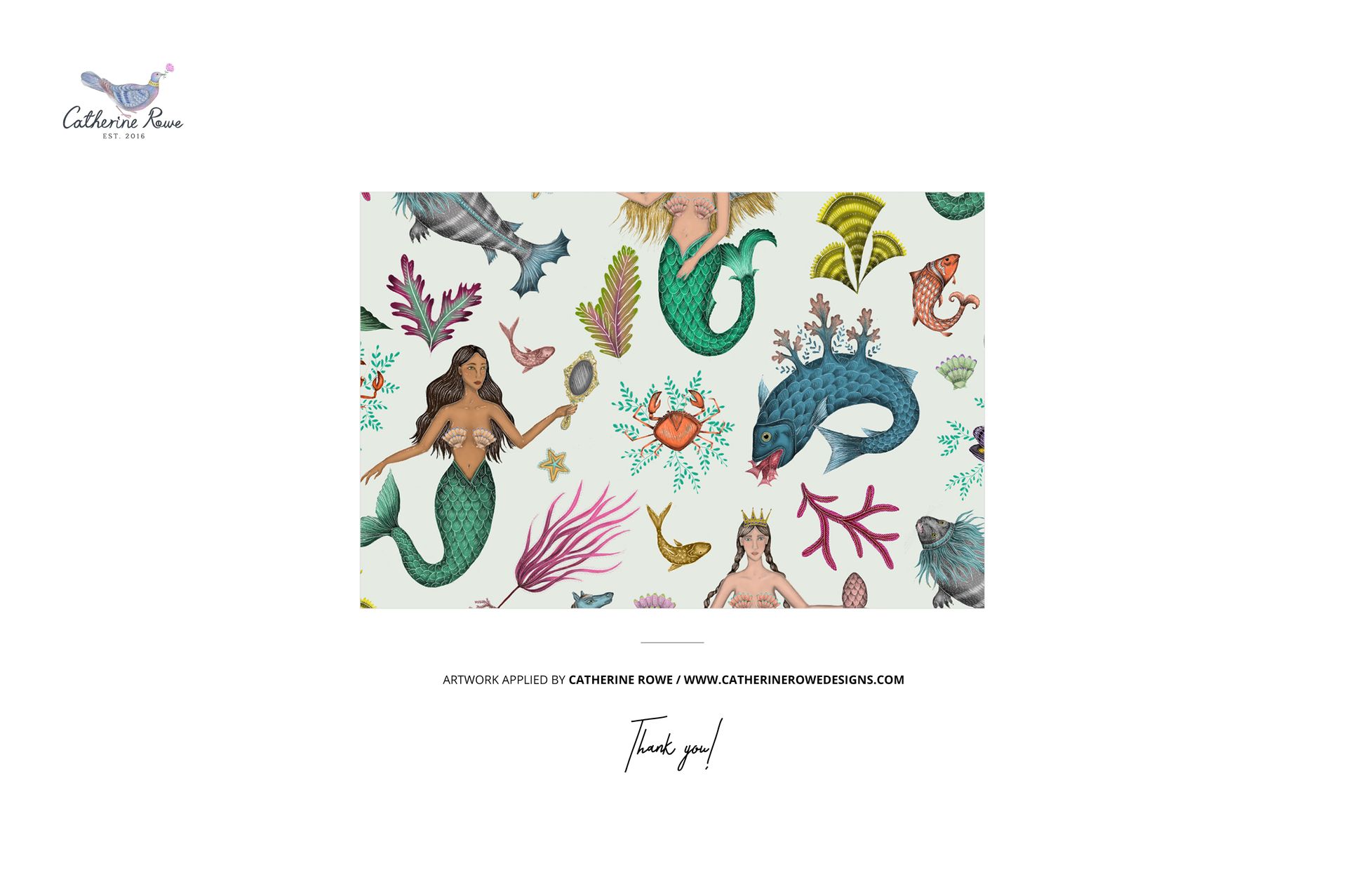
- Design applied on mockups by Catherine Rowe: catherinerowedesigns.com (not included in the main zip file);
- Well organized layers.