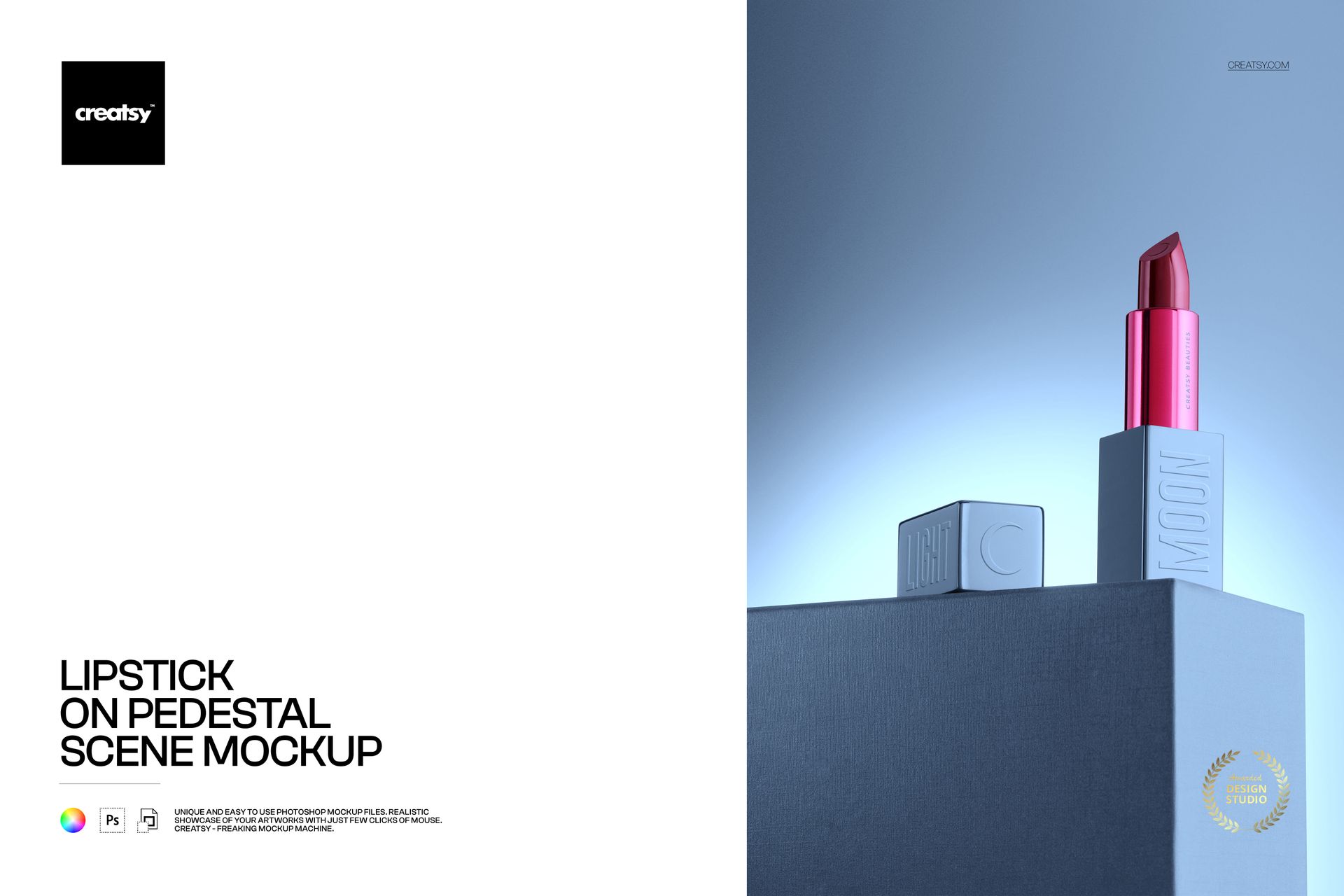
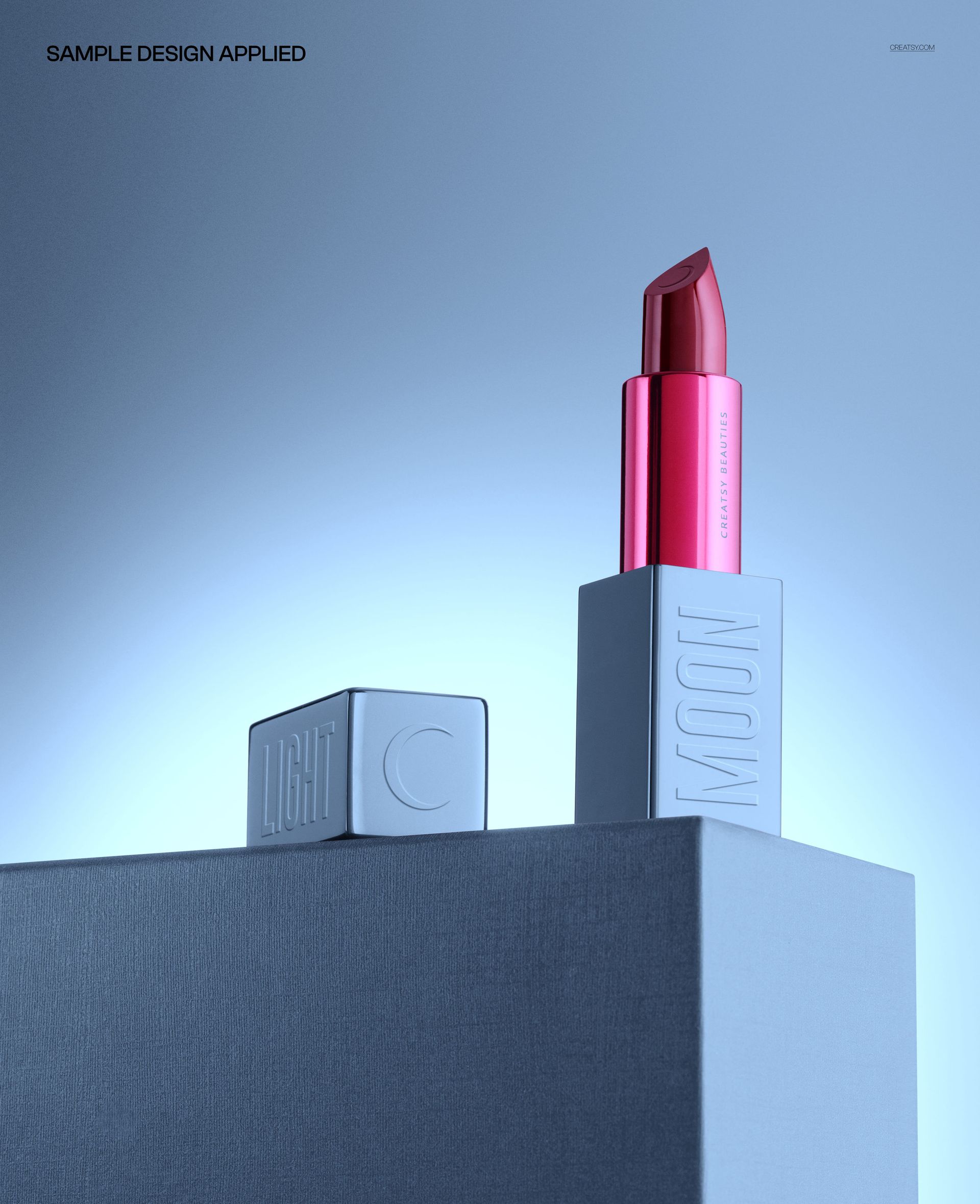
Design bold beauty branding in seconds with this free Lipstick on Pedestal Scene Mockup. Drop in your artwork, tune the background glow and pedestal tone, and you’ve got a dramatic hero shot ready for campaigns, social media, or your portfolio. High-res, studio-lit, and fully editable where it counts. Free for commercial use – see license for details.
Highlights
- Format: 1× PSD, 6000×4000 px, 300 dpi
- Workflow: Smart Objects; well-organized layers
- Apps: Photoshop (min. CC 2020) + Photopea (free online editor)
- Use cases: beauty branding, product launches, ads, social, ecommerce listings
- License: free for personal & commercial use (see terms)
What’s inside / Specs
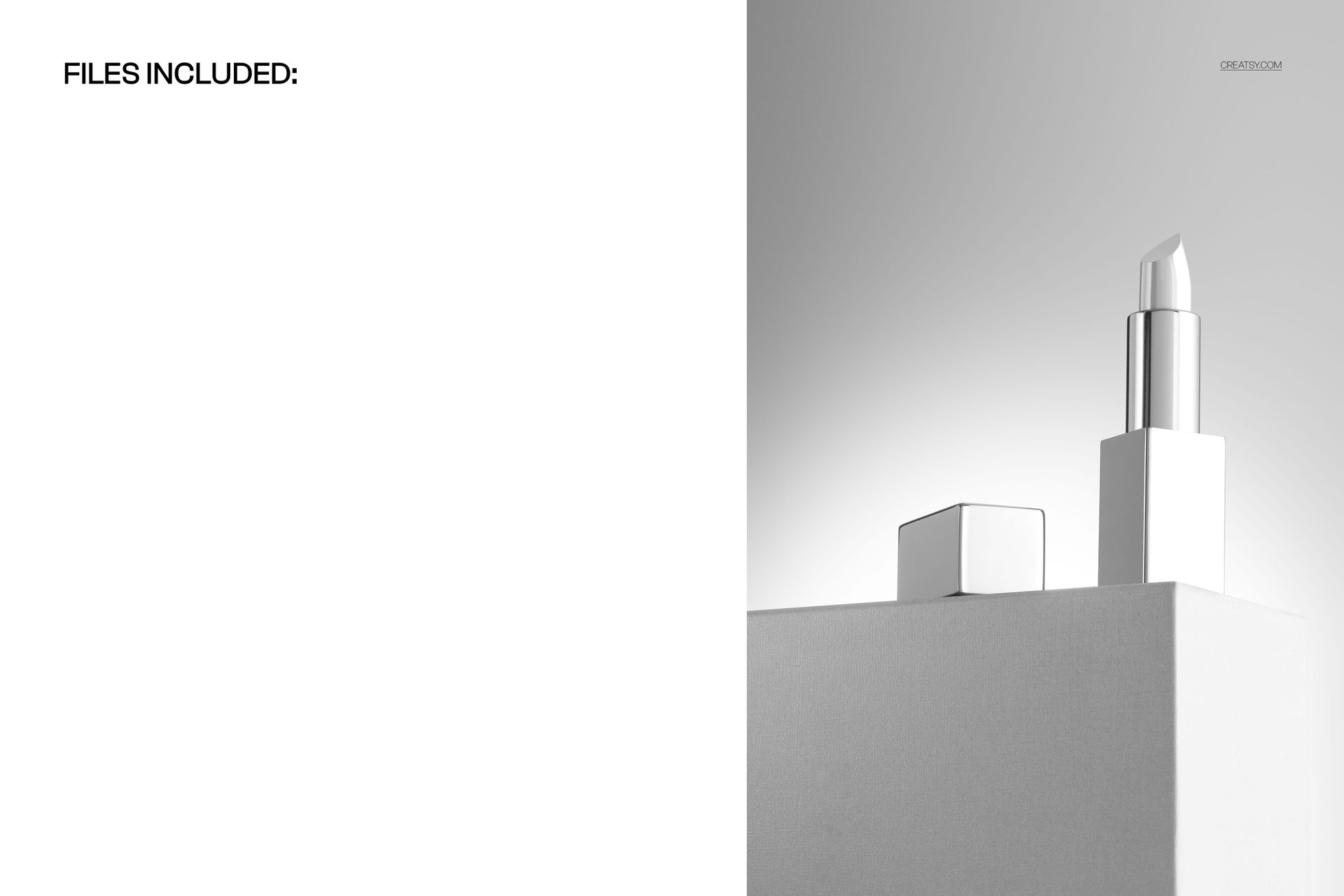
- Files: PSD (+ preview JPG)
- Canvas: 6000×4000 px, 300 dpi
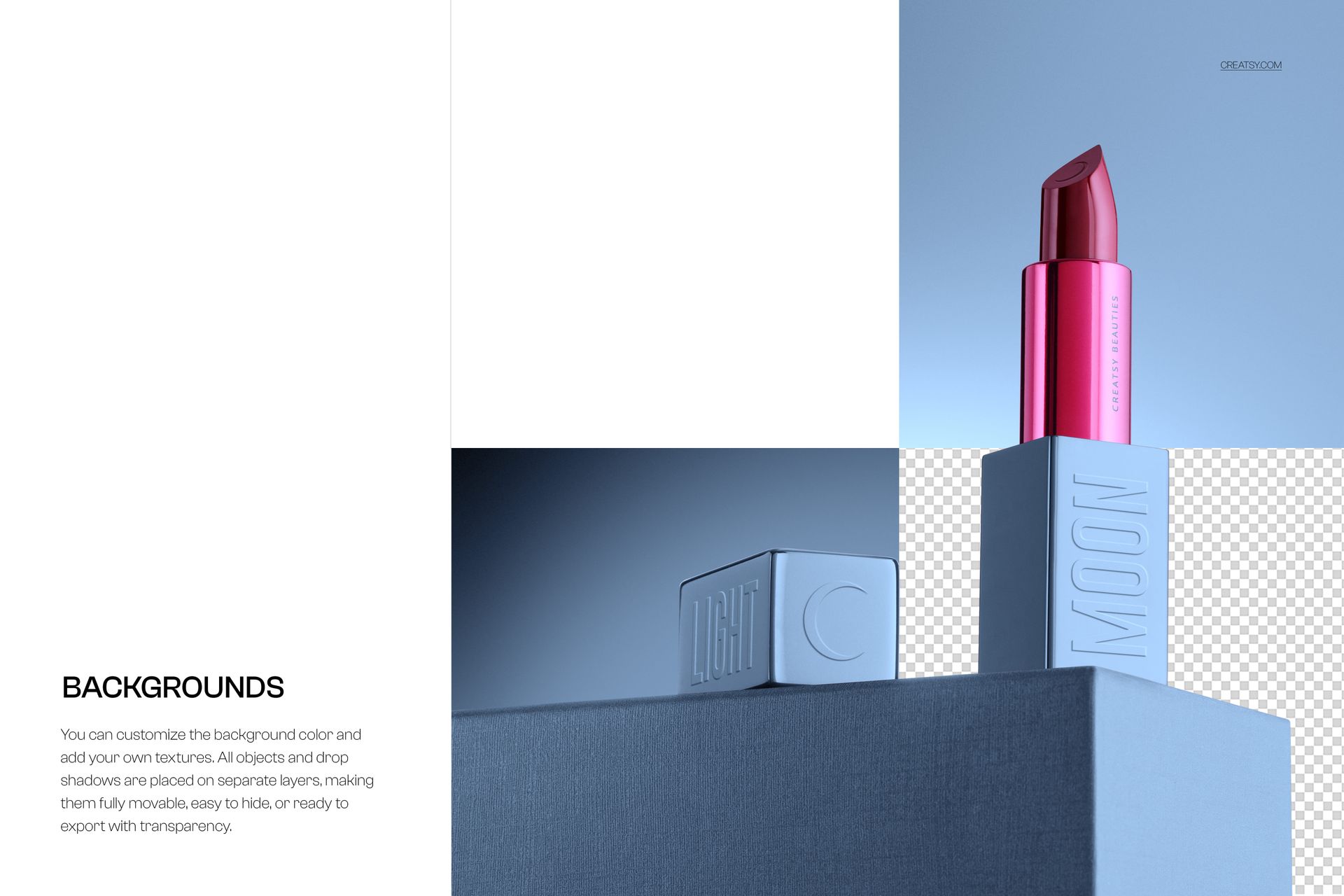
- Mockup: lipstick standing on a pedestal in a moody studio scene
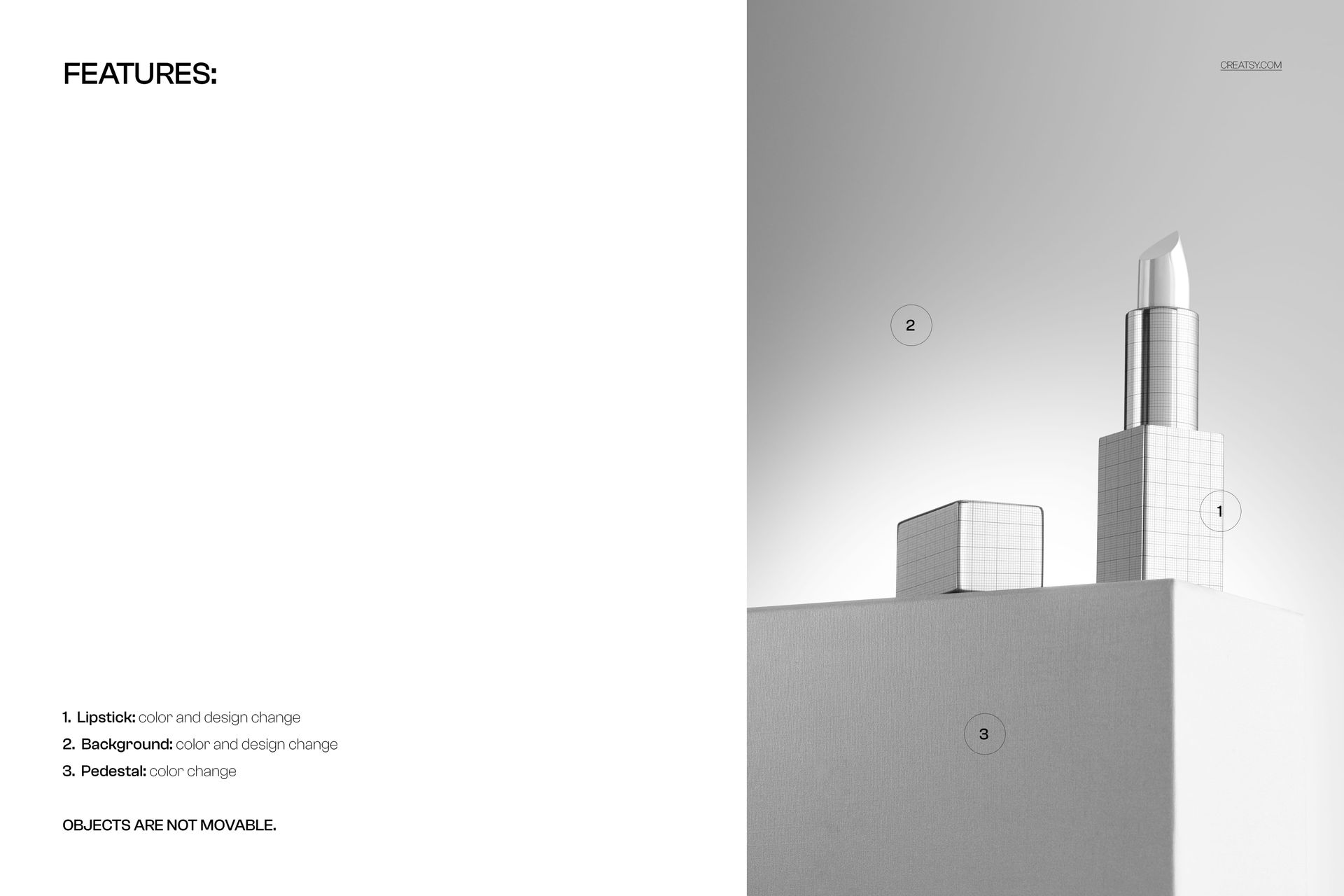
- Editable artwork: lipstick color & design via Smart Object
- Editable elements: background color & design; pedestal color
- Objects: not movable (fixed, carefully composed scene)
- Compatibility: Photoshop CC 2020 or newer; works in Photopea
- Approx. size: ~172–180 MB (archive may vary by compression)
How-to (Photoshop & Photopea)
- Open the PSD in Photoshop (CC 2020+) or Photopea.
- Locate the Smart Object for the lipstick design and replace it with your artwork, then Save to update.
- Adjust background and pedestal colors plus overall contrast/shadows to match your brand.
- Export high-res images (JPG/PNG/WebP) for web, print, or presentations.
License & usage
Free for personal & commercial use for a single user/brand, within standard volume limits. Not for resale, sublicensing, or redistribution of source files. See the full license on the product page – check the “Freebie” row for complete details.












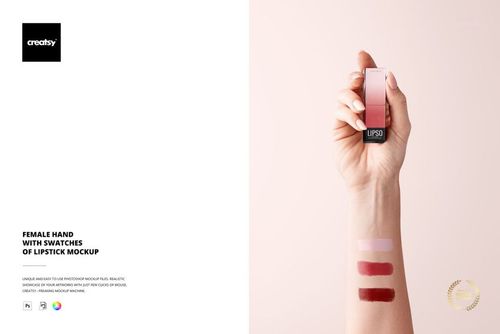
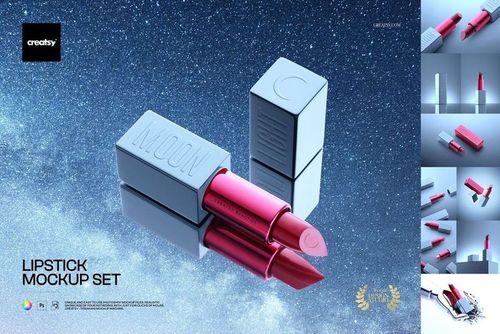
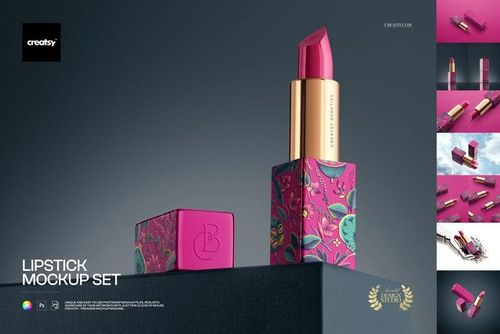
Creatsy make the best Mockups on the market, no matter what you need to showcase. These mockups are highly customizable, and the lighting in them makes everything look very realistic. You can keep or turn off many of the Items in the mockup, also a great feature giving control over the look you want. They have the most friendly and very helpful support. I highly recommend these mockups!