About the Product
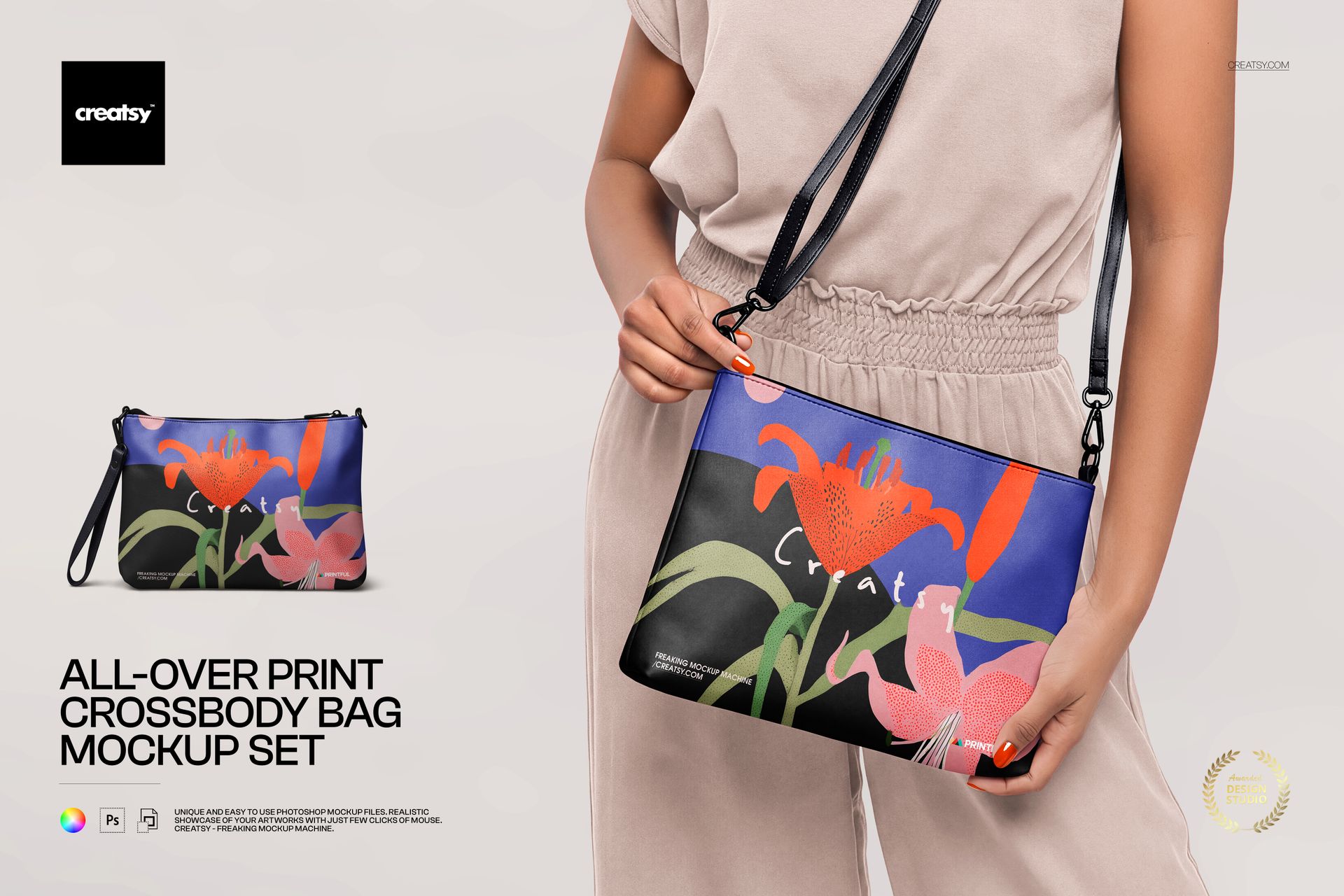
All-Over Print Crossbody Bag Mockup Set by Creatsy is a crossbody bag mockup that shows your all-over print on a fabric crossbody bag, built as layered Photoshop PSD files at 6000 by 4000 px and 300 dpi with smart object placement.
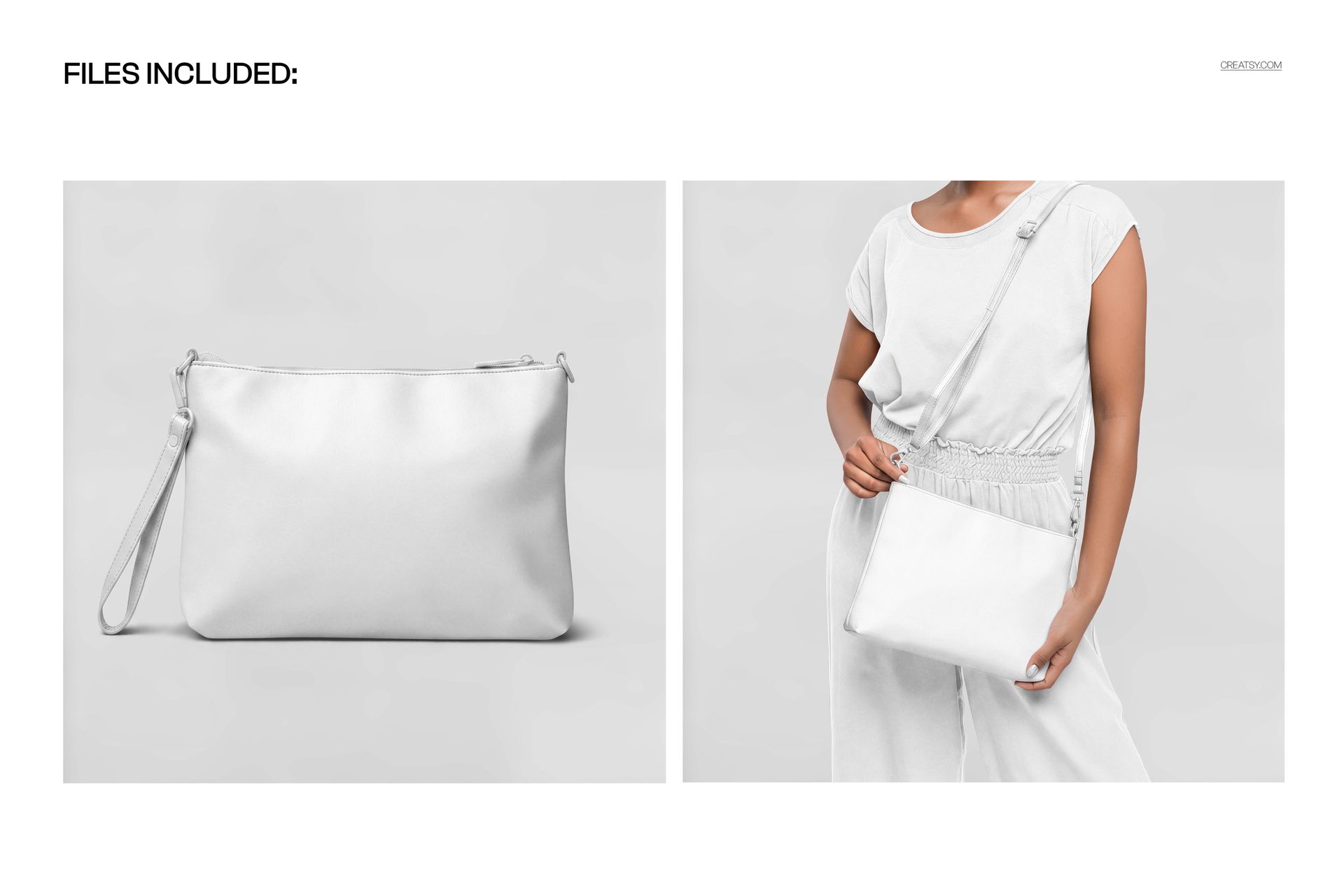
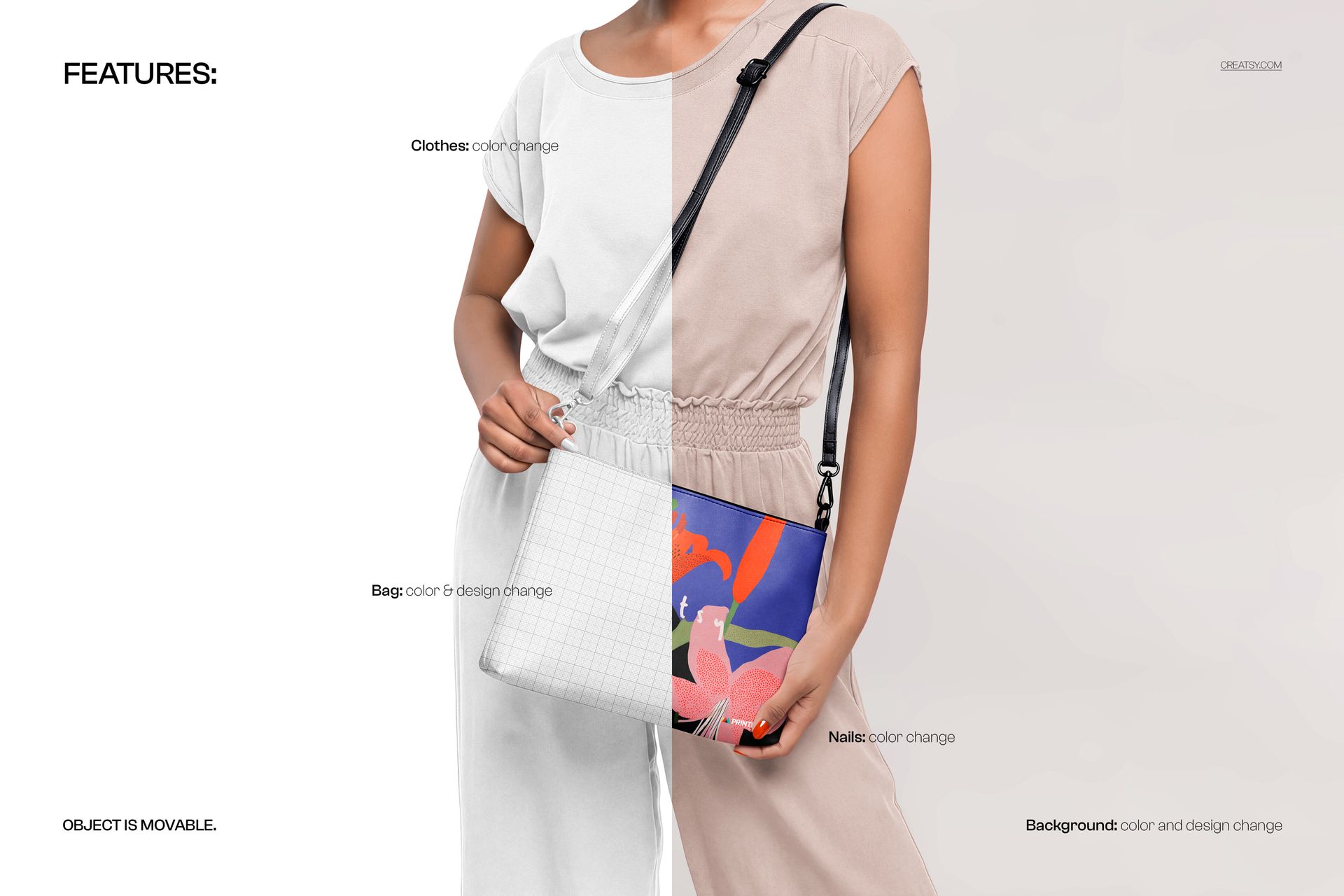
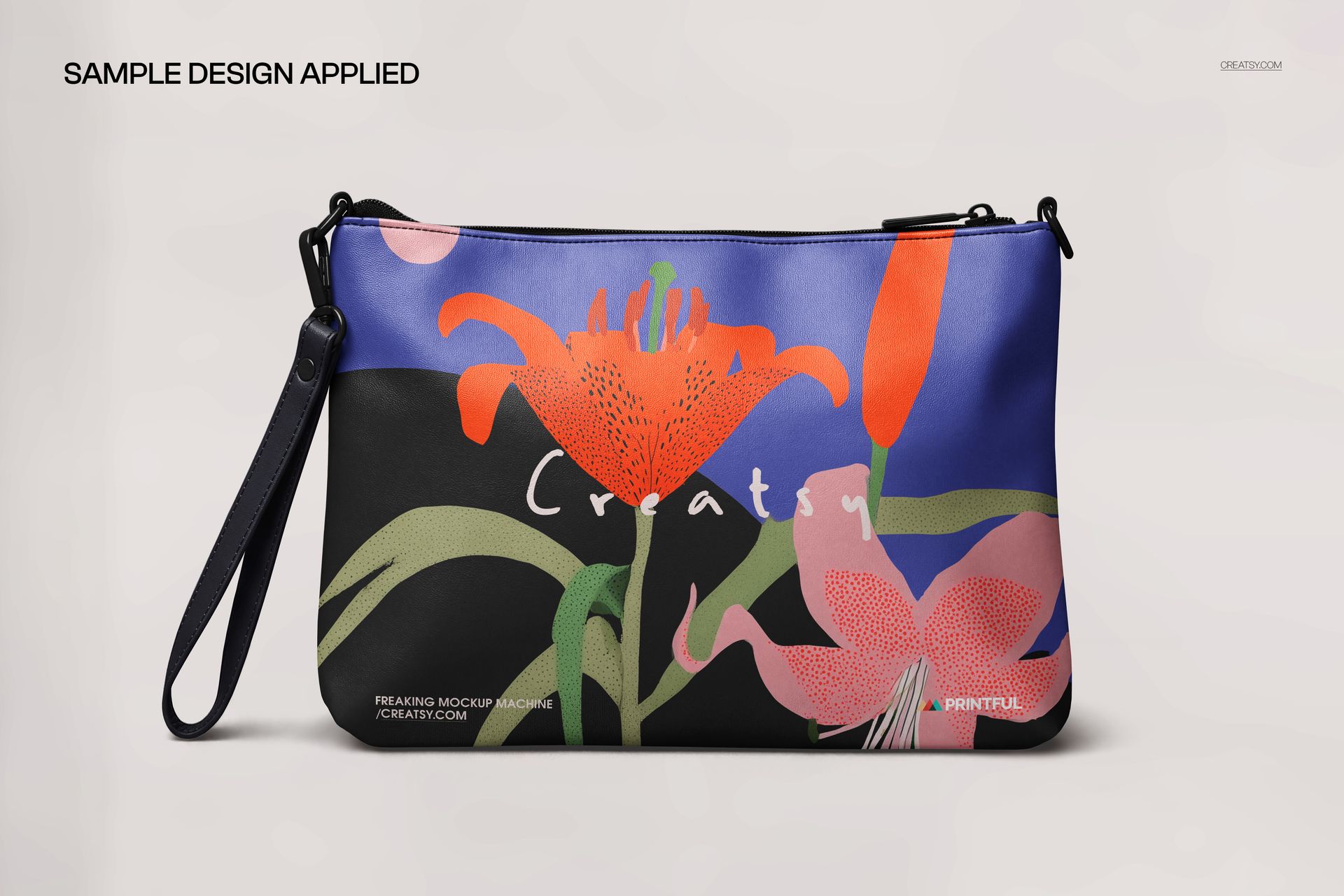
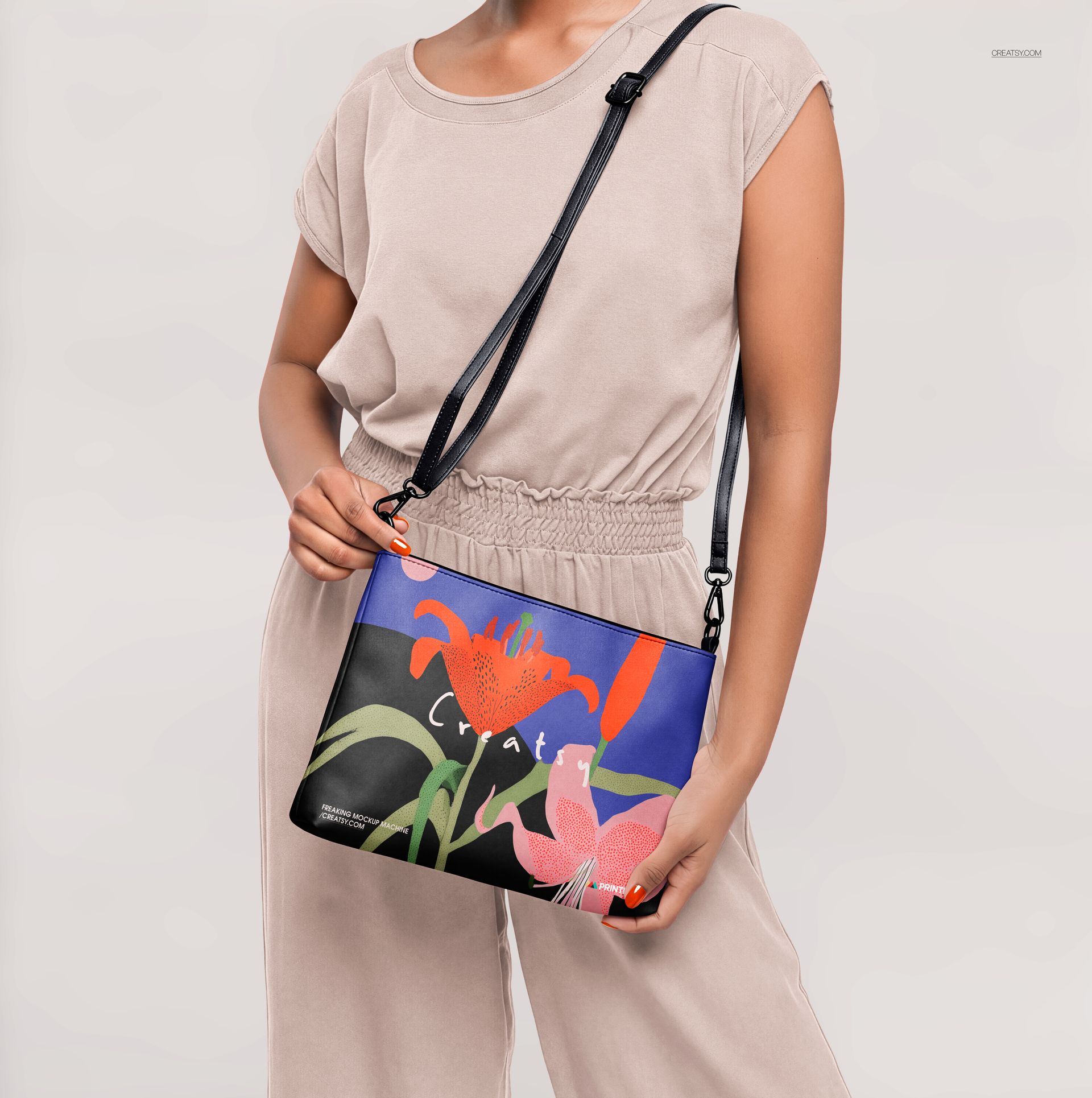
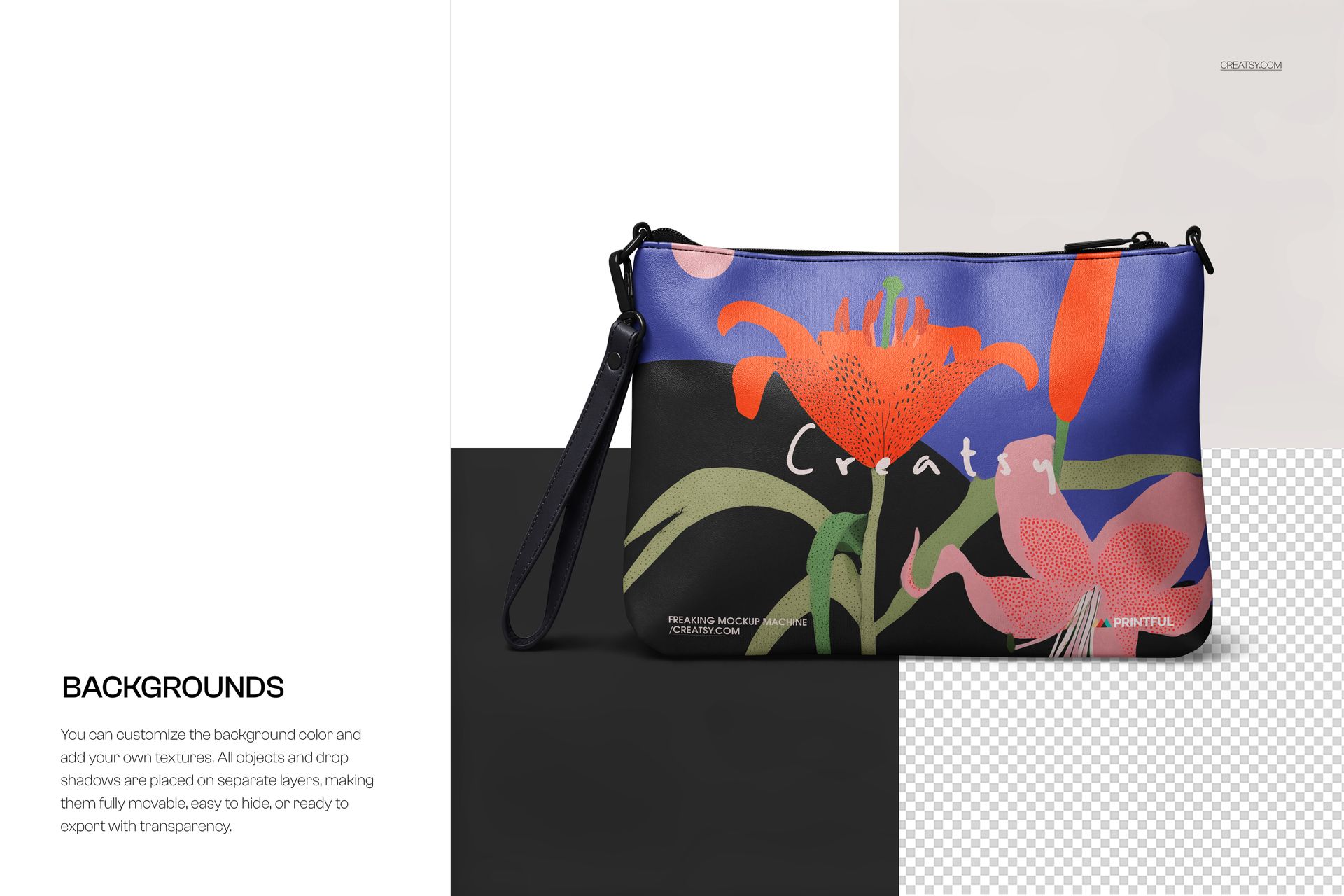
The set shows the bag two ways, as a single product shot and held on-model, so a buyer sees both the print and the fit. The bag surface is one smart object: drop your repeat or all-over print in, save, and it wraps the whole bag with the scene's light and shadow. The bag ships blank and white, so you see exactly where the design sits before you paste. You can recolor or hide the background, or export the bag on a transparent backdrop. The printed bags in the previews are display artwork and are not part of the download.
This makes it a fit for all-over print and print on demand sellers on Printful or Printify, Etsy and Shopify bag listings, and fashion branding decks, where you need a clean crossbody bag image without booking a photo shoot.
What you get
Two layered Adobe Photoshop PSD scenes, 6000 by 4000 px at 300 dpi
The bag as an editable smart object, so your all-over print wraps the whole bag
A single product view and an on-model view in one set
A blank white bag, so placement is clear before you paste your art
Recolor or hide the background, or export on a transparent backdrop
Four files in the download (.psd and .jpg); package 290 MB on Windows, 304 MB on macOS
Opens in Adobe Photoshop CC2020 or later, and free in the browser with Photopea
How it works
Open the PSD in Adobe Photoshop, or free in your browser with Photopea.
Double-click the bag smart object and paste your all-over print or repeat pattern.
Save, and your design wraps the bag with the scene lighting on top.
Export the JPG for your Etsy or Shopify listing, print on demand storefront, or client pitch.
Specifications
Files: 2 layered PSD scenes
Resolution: 6000 by 4000 px, 300 dpi
Editable: the bag is a smart object; background is recolorable or removable
Views: single product view and on-model view
Software: Adobe Photoshop CC2020 or later, or Photopea (free)
File types: .psd, .jpg
Package size: 290 MB (Windows) / 304 MB (macOS)
License: Standard, $19