


ID: 1253531989 | Updated: Jul 30, 2026

Product Details

What Is the Table Runner Mockup Set?

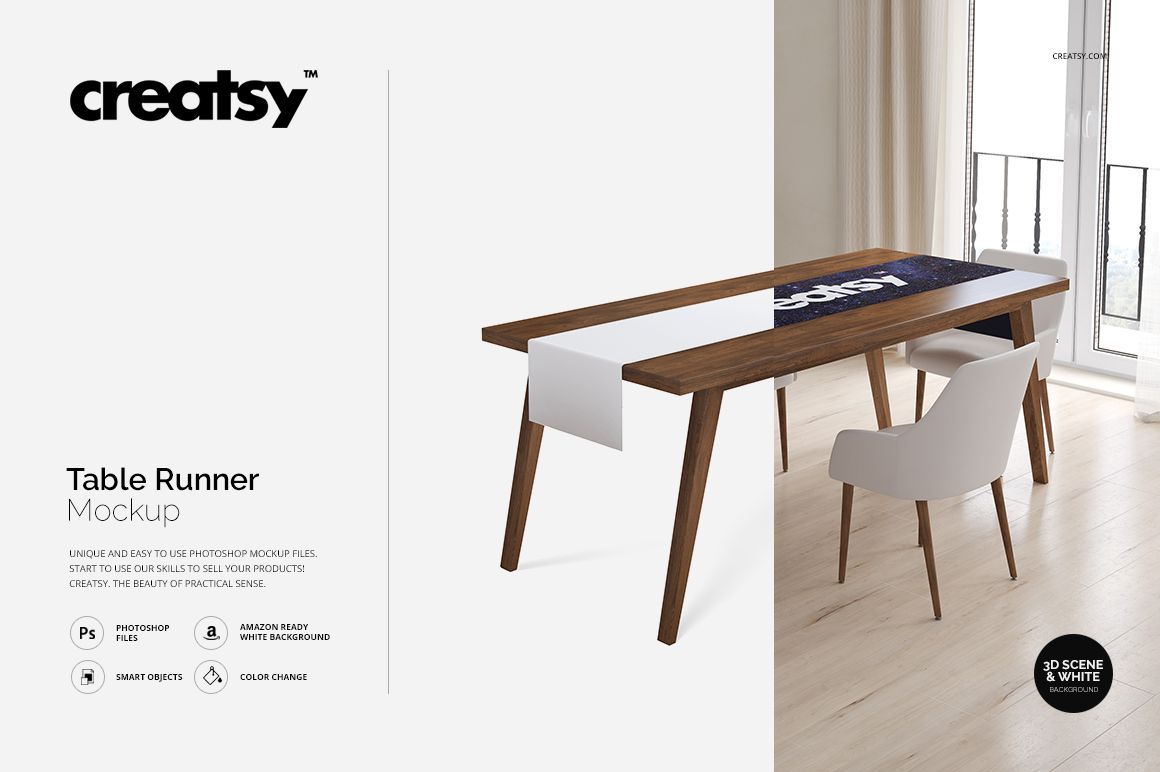
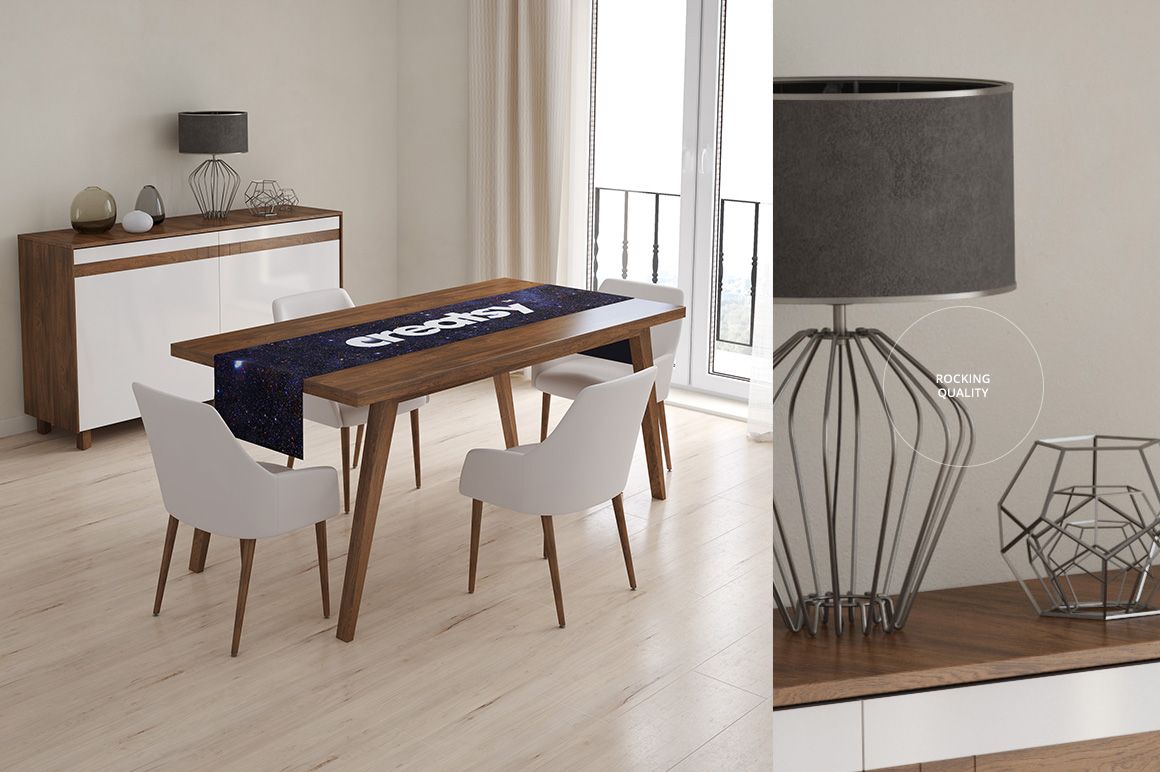
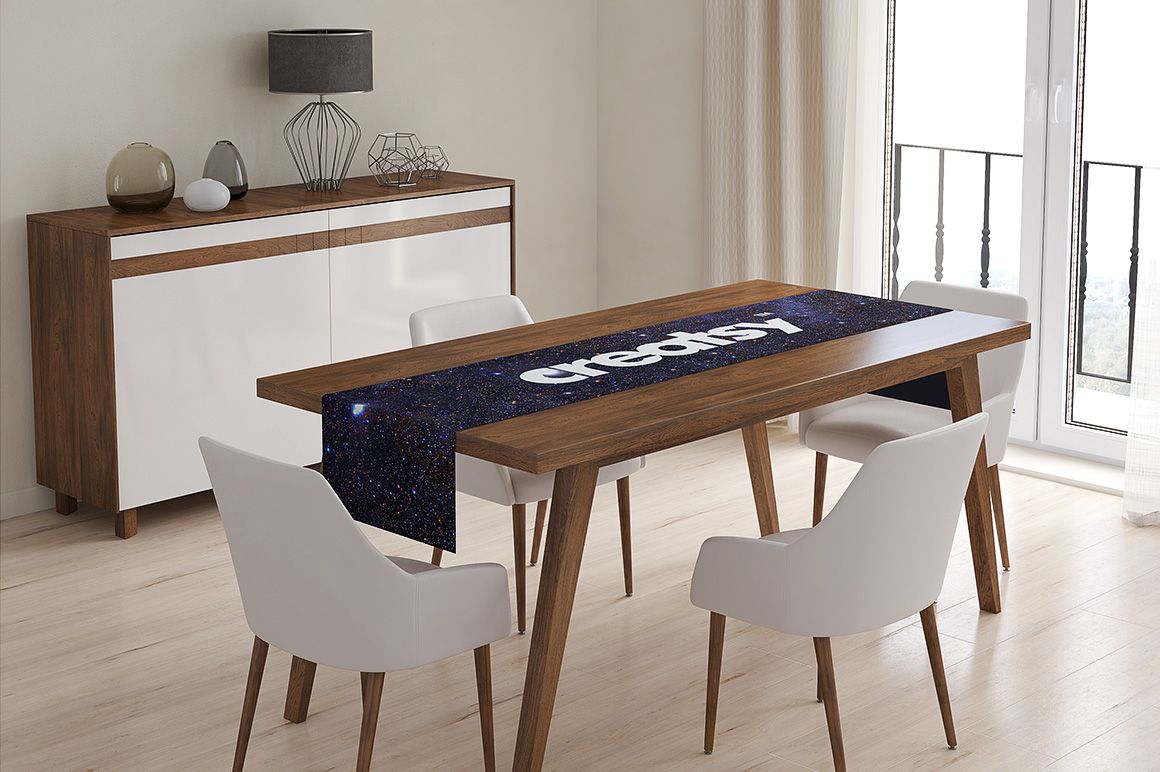
The Table Runner Mockup Set by Creatsy is a digital PSD mockup for presenting seamless patterns, textile prints, illustrations, logos, monograms, typography, and custom artwork on a long table runner draped over a rectangular wooden dining table.

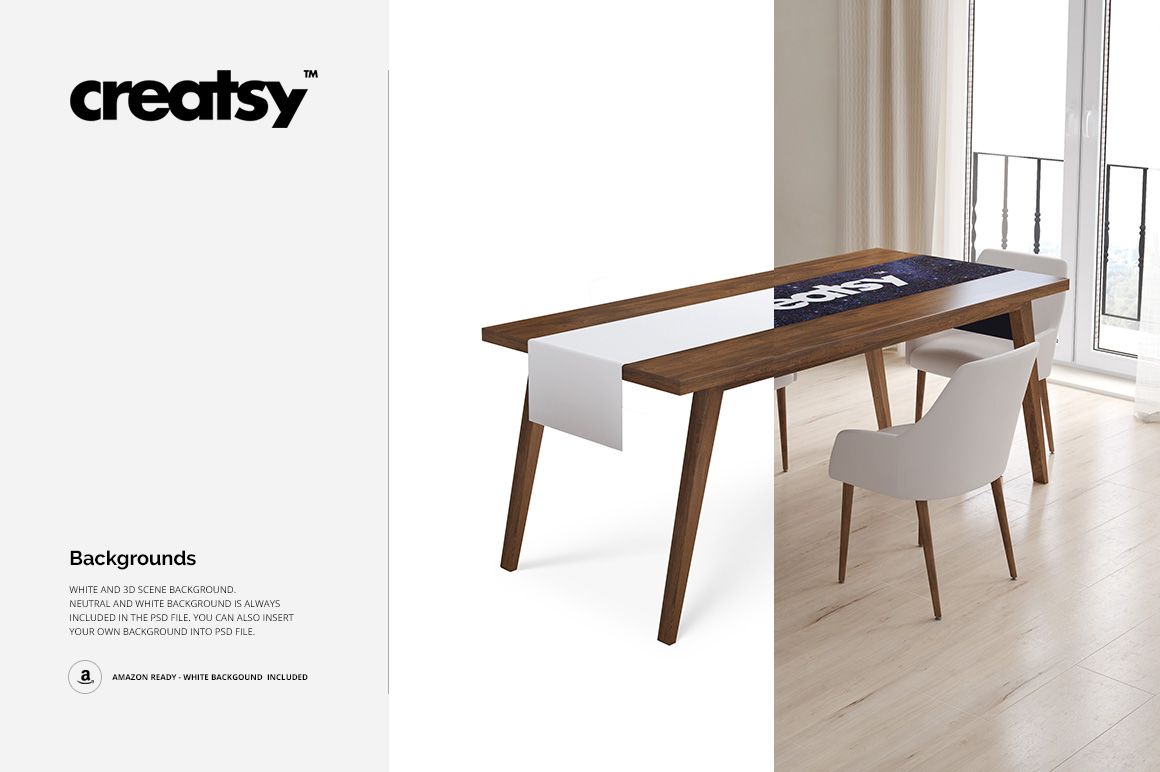
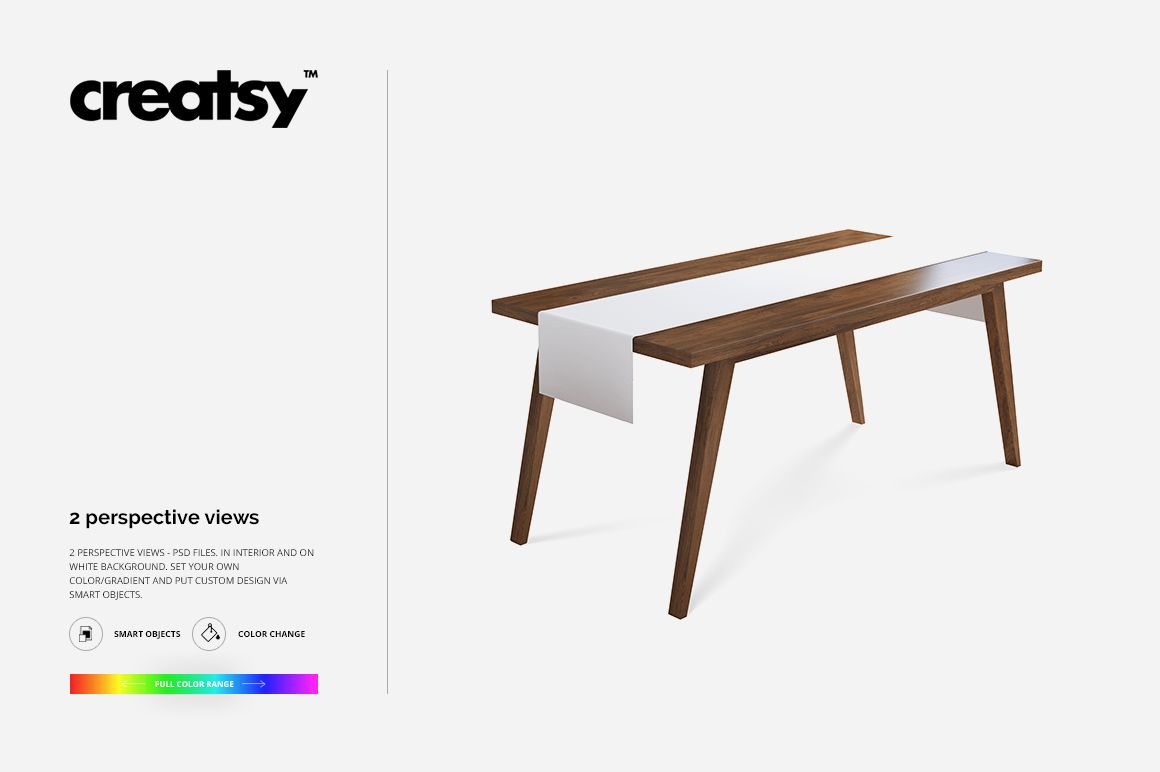
The set includes two layered PSD files in two presentation environments: a bright furnished dining-room interior and a clean white-background scene. Each file is 3000 × 3000 px at 300 DPI, giving you a consistent square format for online shop listings, product galleries, portfolios, catalogs, licensing presentations, client proposals, and social media content.

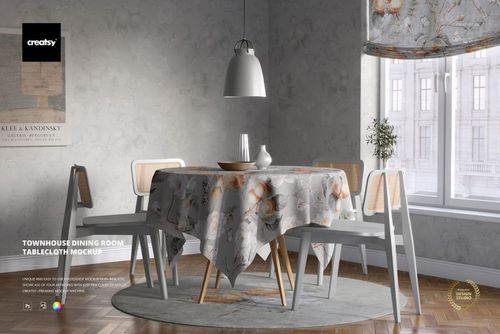
Use the dining-room version to show how the table runner works with furniture and surrounding decor and to give your artwork a realistic sense of scale. Use the white-background version when you want the runner and its design to remain the main focus.

Add your artwork through the Smart Object, adjust its scale and position, and save. The mockup applies the correct perspective while retaining the runner’s fabric texture, natural drape, lighting, and shadows. This helps you review repeat size, motif direction, central placement, border alignment, and how the artwork continues across the flat and visible hanging areas before ordering a sample or arranging a photo shoot.

This is a digital product. No physical table runner or printed textile will be shipped.

In the Download

- 2 layered PSD mockup files, 3000 × 3000 px at 300 DPI per PSD

- 1 furnished dining-room scene and 1 clean white-background scene

- editable table runner artwork via Smart Objects

- well-organized layers for fast and straightforward editing

- compatible with Adobe Photoshop CS4 or later and Photopea

- sample artwork shown in the previews is not included

Who Is It For?

The Table Runner Mockup Set is designed for surface pattern designers, textile designers, illustrators, licensing artists, table linen and home decor brands, print-on-demand sellers, ecommerce shop owners, restaurant and hospitality branding studios, and wedding or event textile designers.

It is especially useful for presenting seamless repeats, border prints, stripes, seasonal collections, monograms, restaurant logos, wedding graphics, and coordinated dining textile collections without producing a physical sample or organizing a professional product photo shoot.

How to Use It

1. Open one of the PSD files in Adobe Photoshop or Photopea.

2. Double-click the Smart Object assigned to the table runner artwork.

3. Paste your repeat pattern, illustration, logo, typography, or other design.

4. Adjust the artwork scale and position, then save the Smart Object.

5. Return to the main scene and export your finished mockup image.

File details

Compatibility
PhotopeaAdobe Photoshop
Package size
39.1 MB39.1 MB|41 MB41 MB
Files type
.psd, .jpg
Files size
3000x3000
TEST FOR FREE

Reviews

Professional PSD mockups built in-house - editable, realistic, high-resolution, and supported by real people.

5 (1 rating)
Sort by:

kp_design avatar
kp_design
Sep 14, 2025

As always, Creatsy delivers on quality mockups.

Malgorzata Hapon avatar
Malgorzata Hapon Author
Jun 9, 2026

Thank you so much for your lovely review! We’re so happy to hear our mockups continue to meet your expectations. Your support truly means a lot to us.


MEET THE SHOP

Creatsy logo

Creatsy

Poland
4.7 (669)

Bring your ideas to life.

We're a family-run studio in Katowice, Poland, making PSD mockups by hand since 2016. Everything in this shop starts in our own studio. We shoot the photography, build the 3D, and put together every Smart Object PSD ourselves - then we test it, organize the layers, and only ship it once it actually works...

GO TO SHOP

HOW IT WORKS

3 clicks. That's it.

No tutorial needed. If you can copy-paste, you can use this.

  1. 1OpenDouble-click the smart object inside the PSD - in Adobe Photoshop, or free in your browser with Photopea.
  2. 2PasteDrop in your pattern, print, or artwork. Any design, any style.
  3. 3SaveHit save and the mockup wraps it in for you - shadows, folds, and lighting included.

FROM IDEA TO IMAGE

Built for real workflows

Wrap your logo around the cup, not a flat rectangle Drop the artwork in and see how it sits on the curve before you list it.

See it on the product, not a swatch Drop your file into the smart object and the scene's lighting and folds wrap around it, so you judge the real thing before you commit.

Smart Objects

Edit once and you're done. Your artwork drops into a smart object and the mockup updates itself - no masking, no warping by hand.

Perfectly Organized

Named layers and folders you can actually navigate. Find what you need, change what you want, and get out fast.

Print-Ready

High-resolution files built to hold up on screen and in print. Exact size and DPI are in this product's Details above.