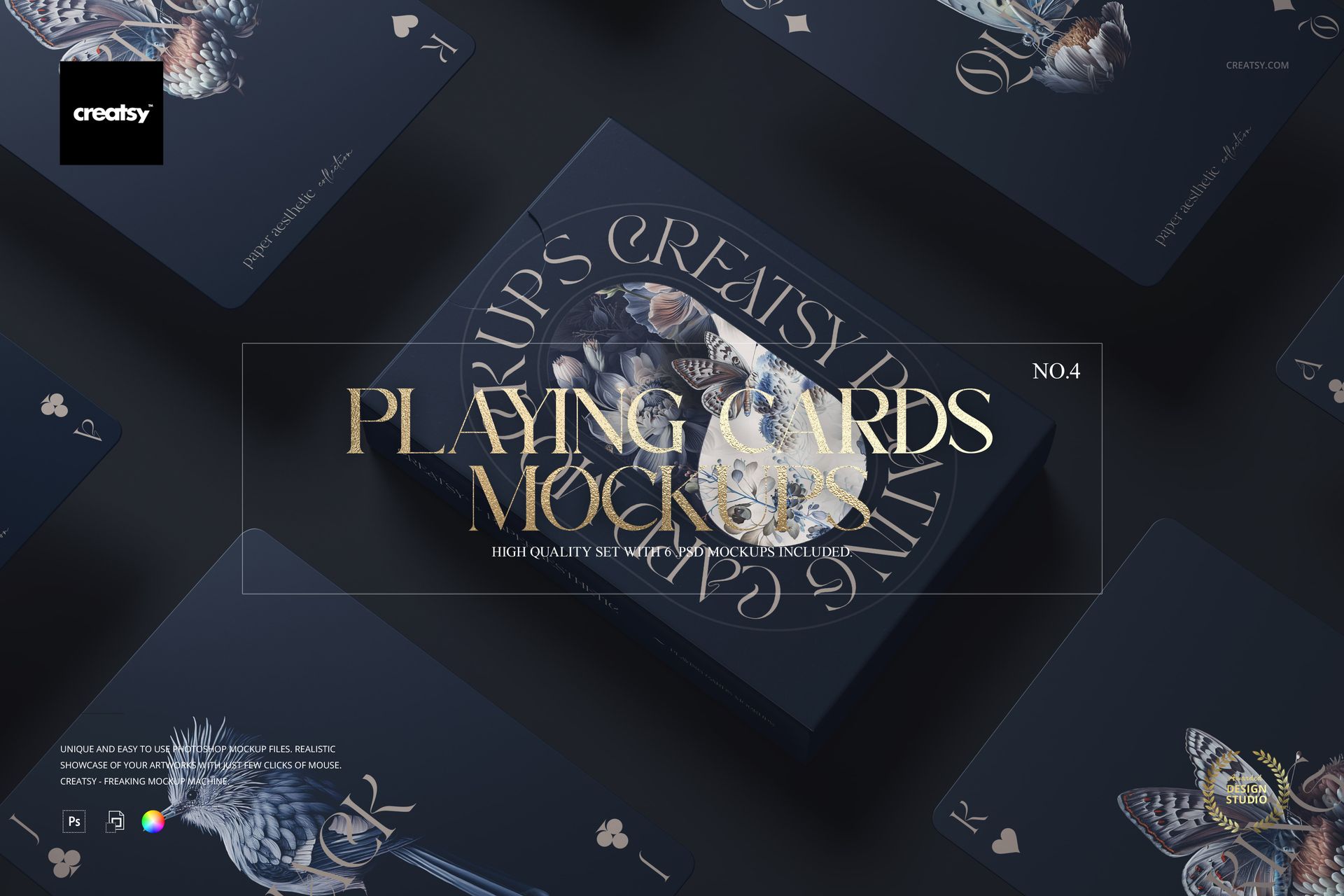
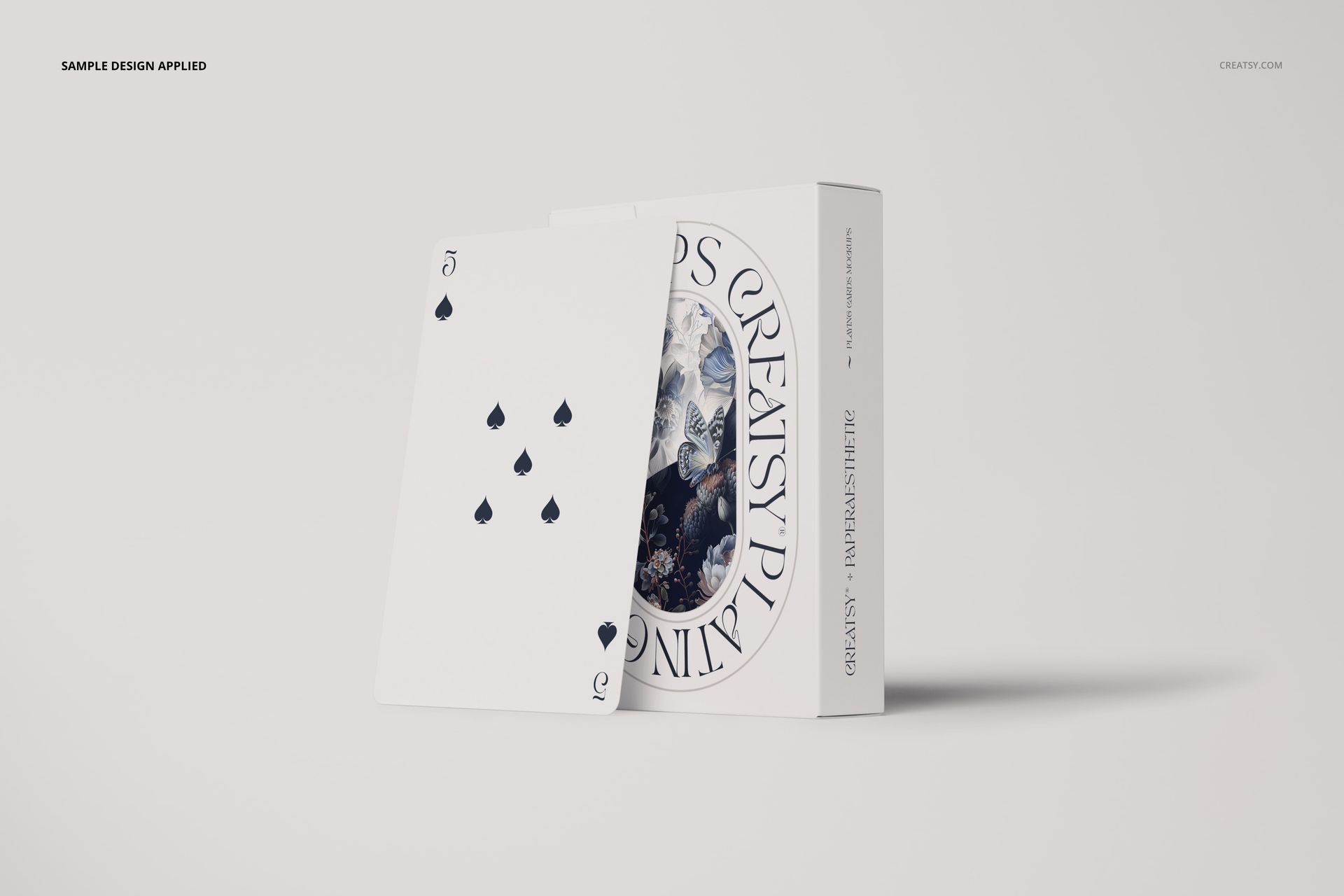
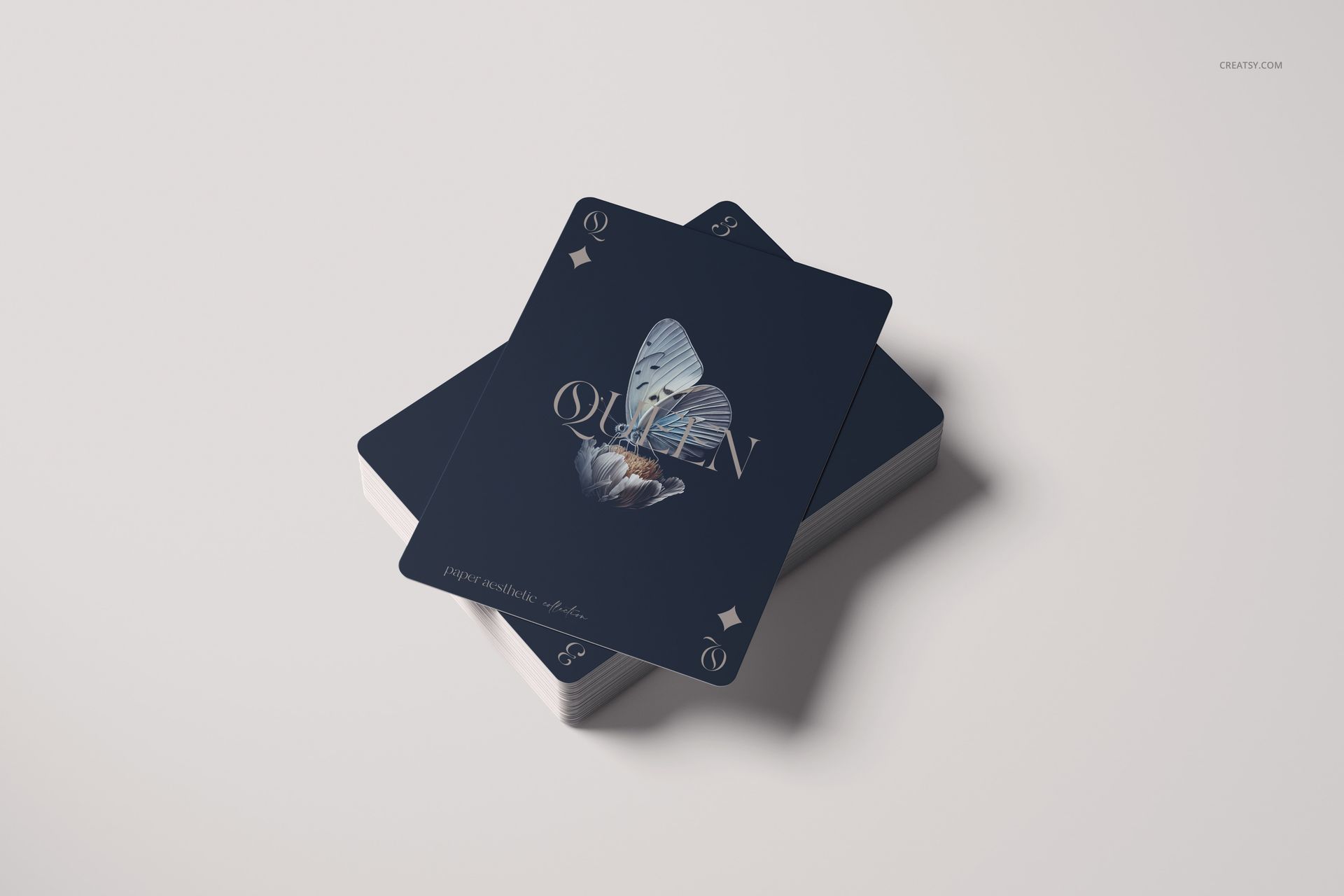
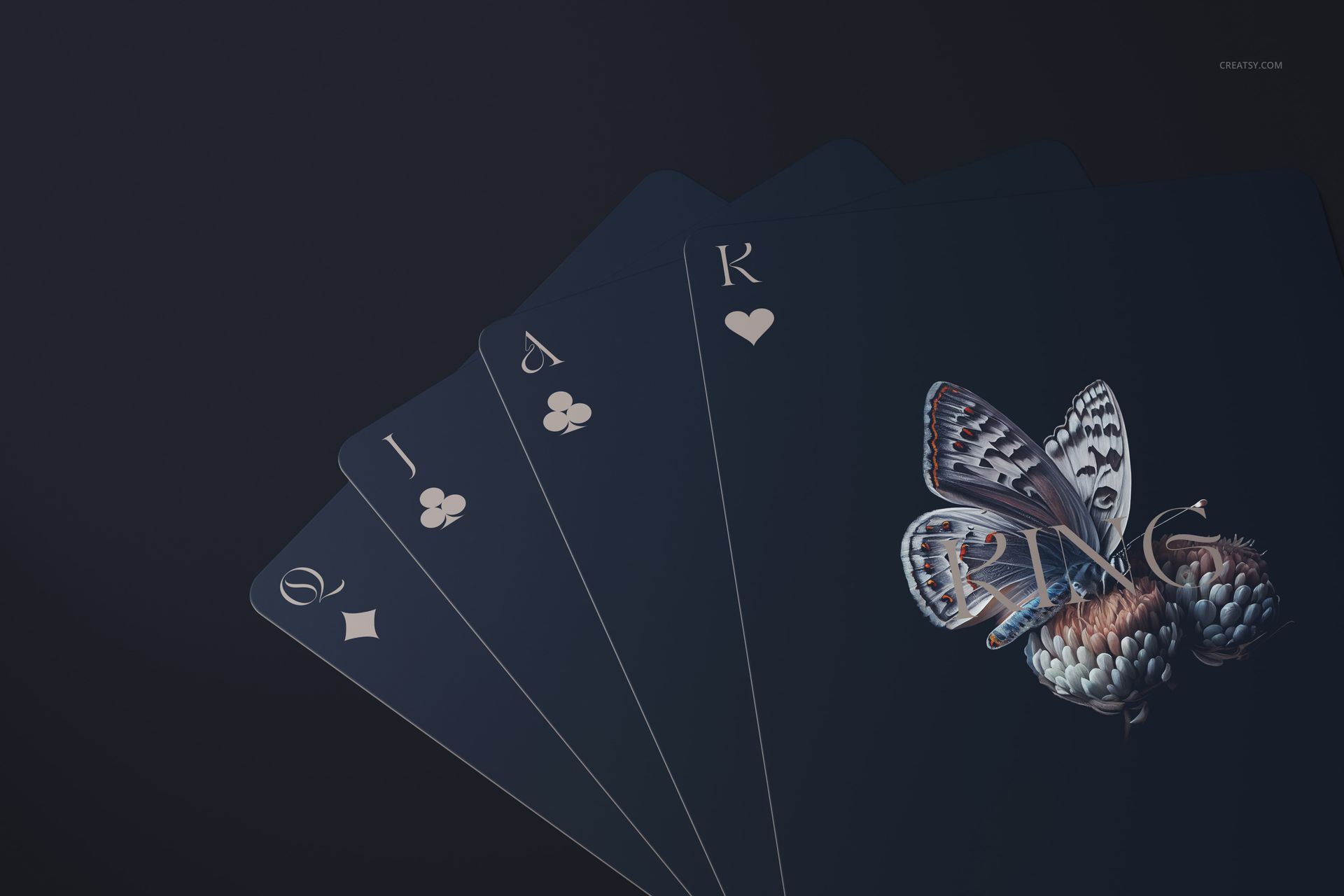
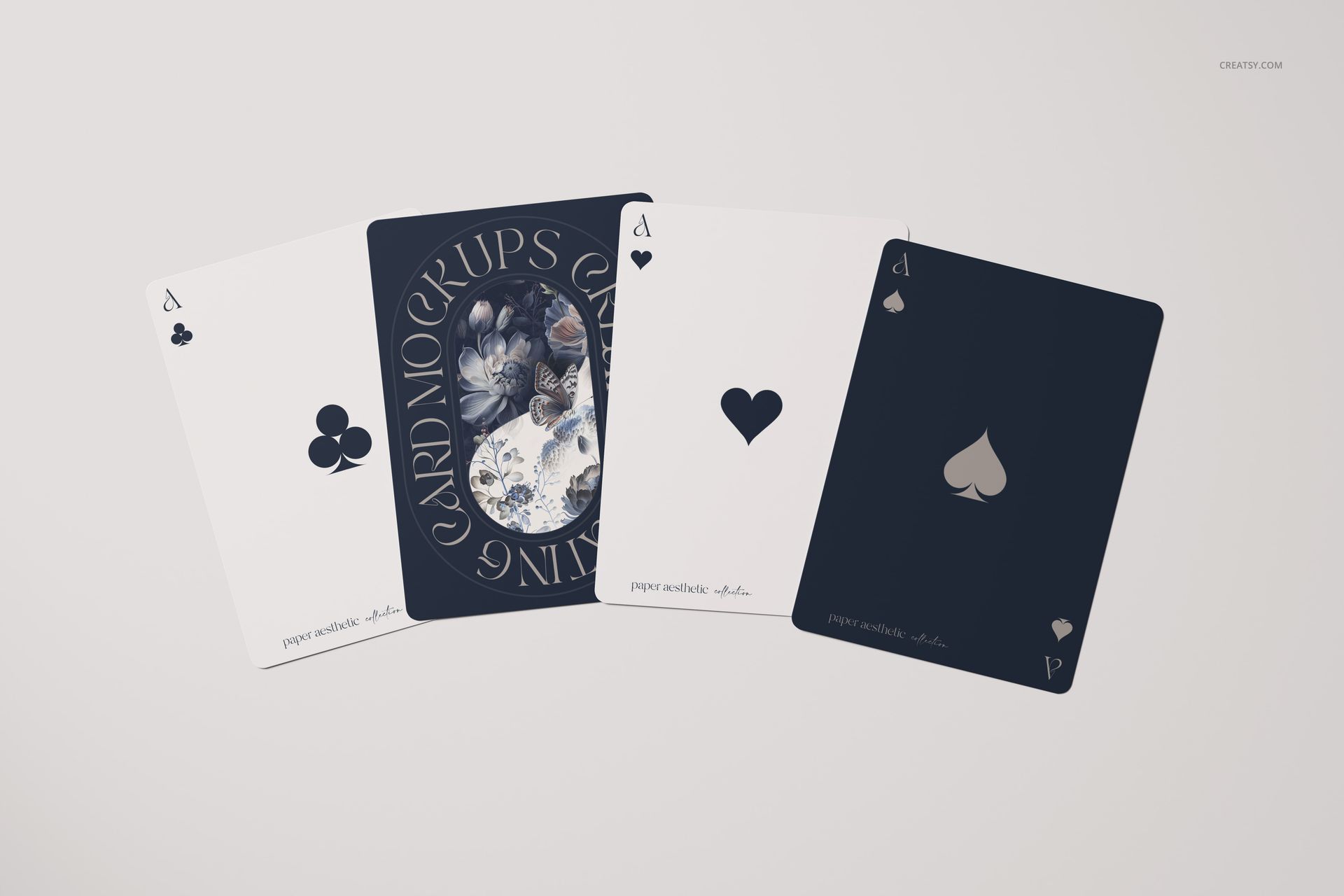
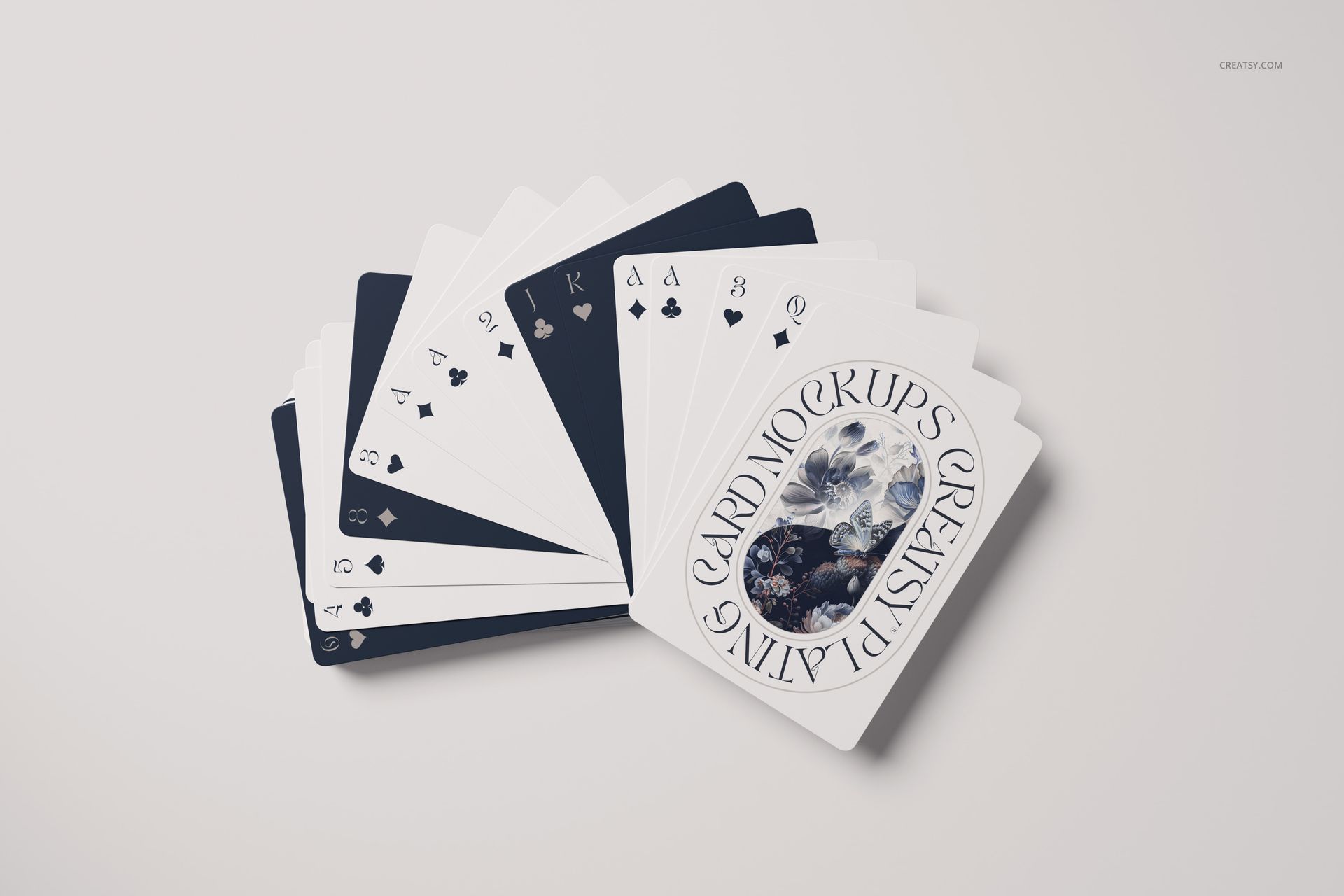
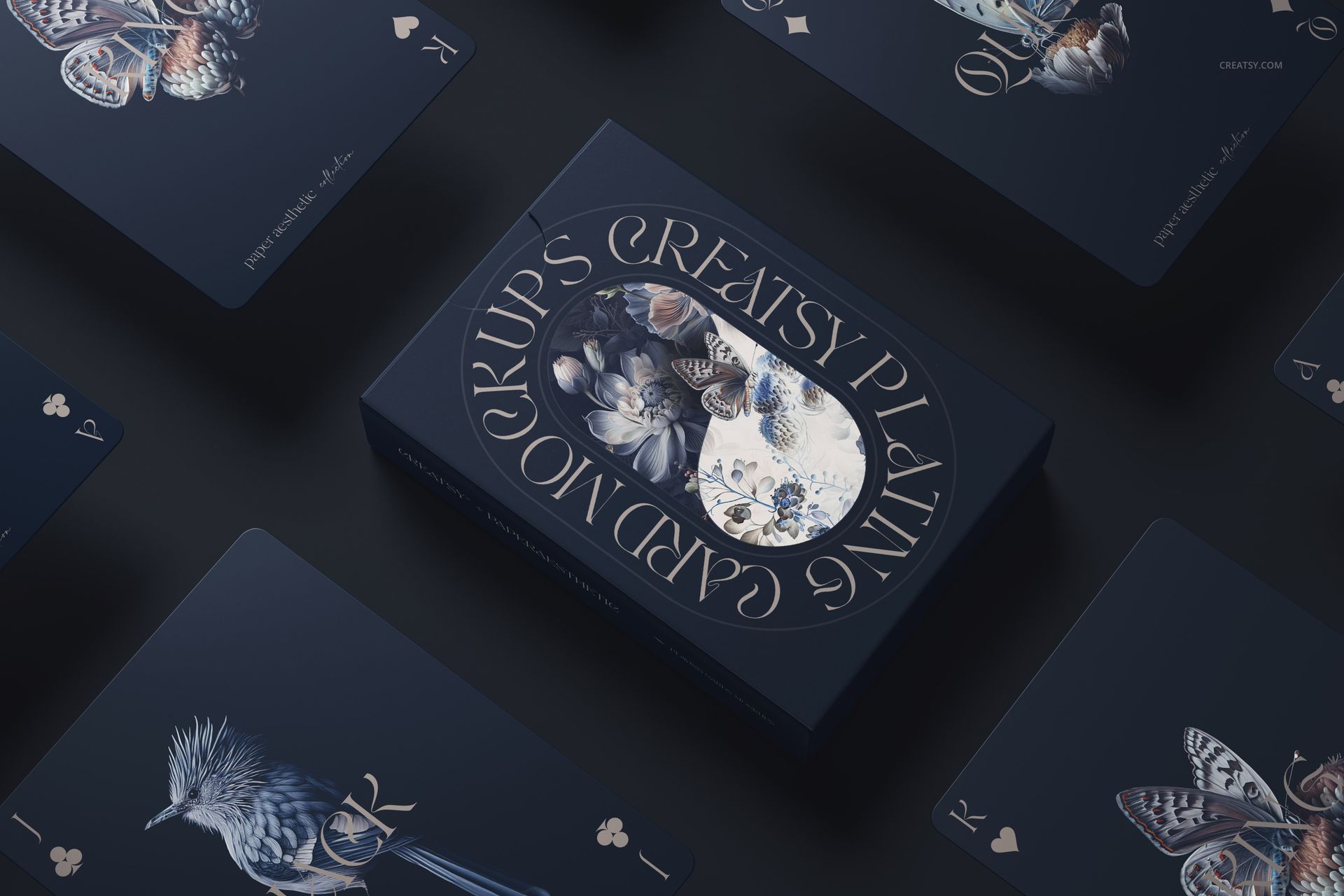
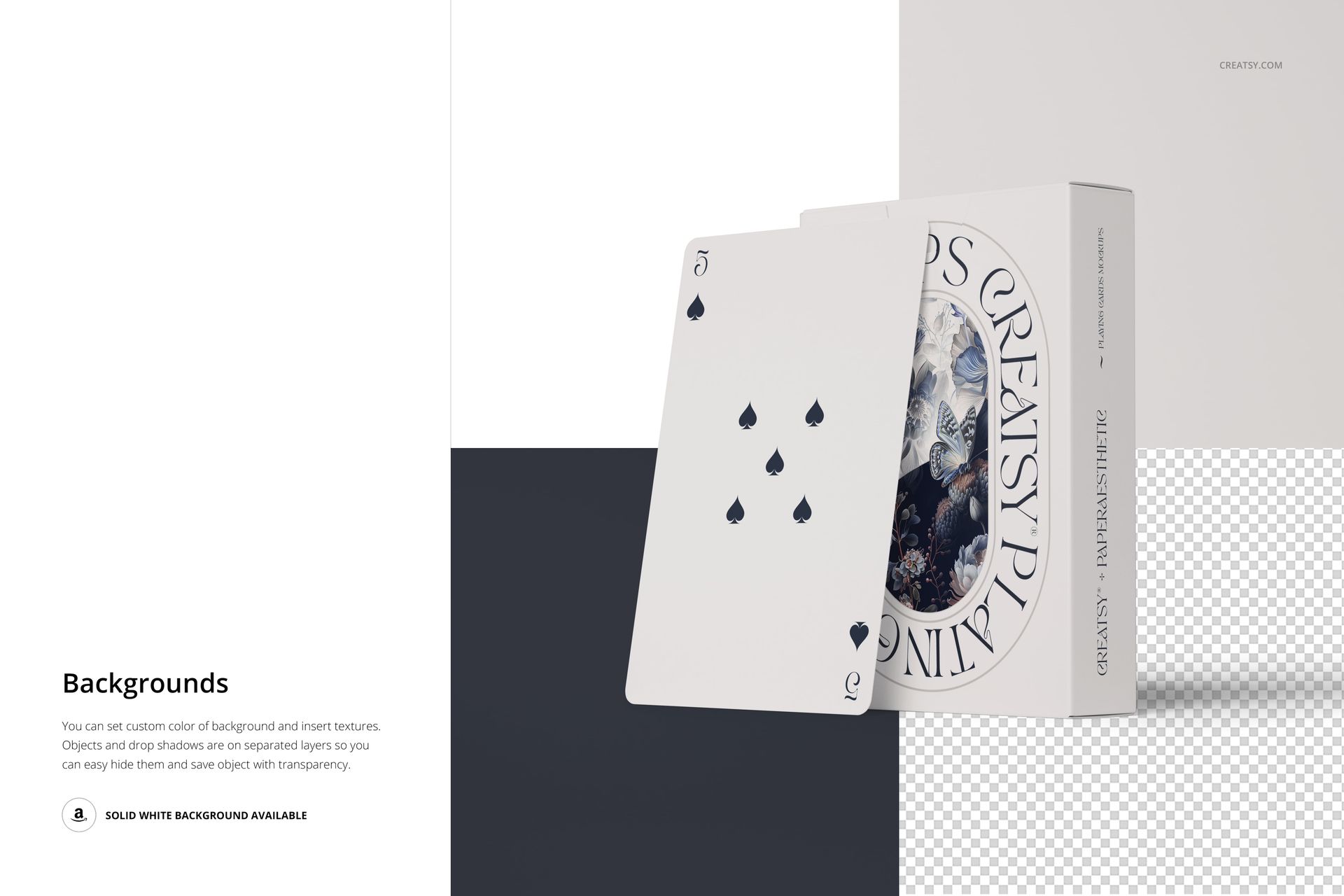
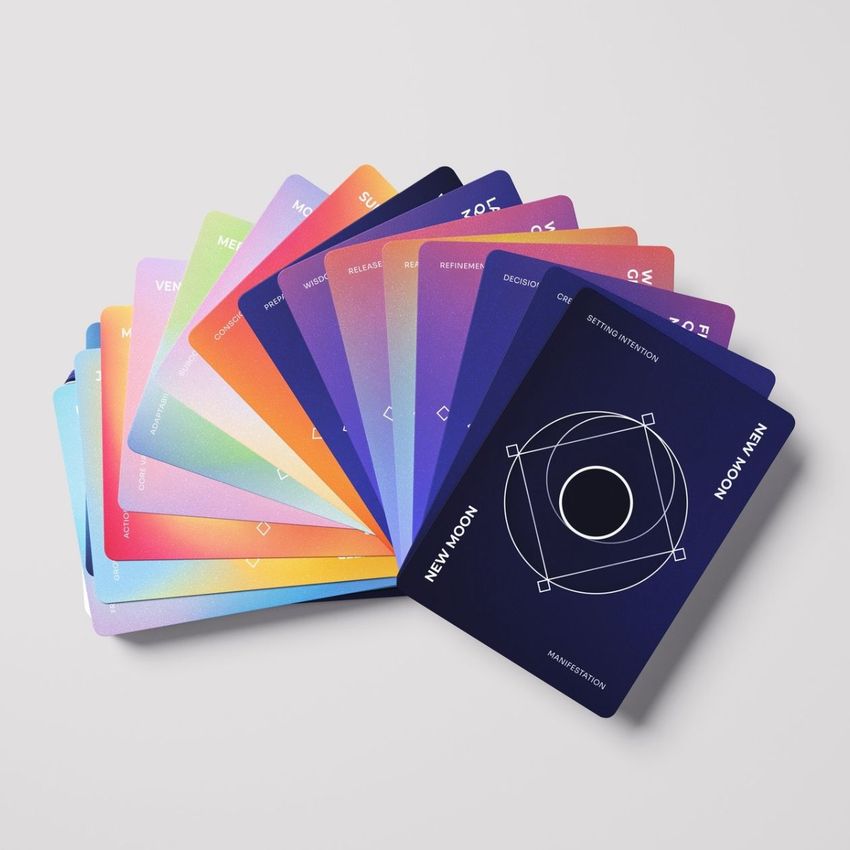
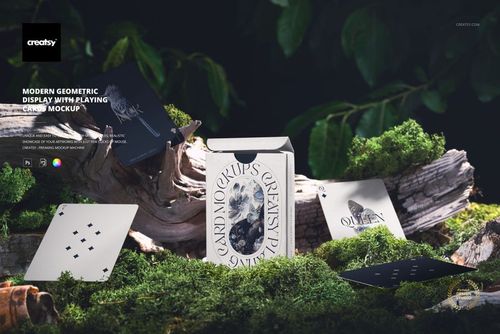
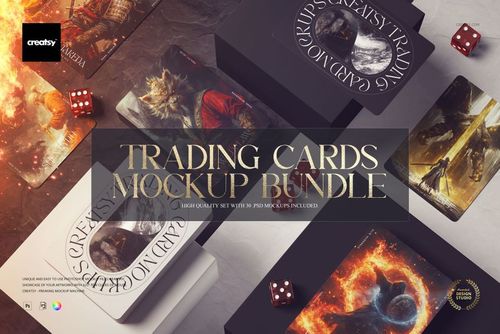
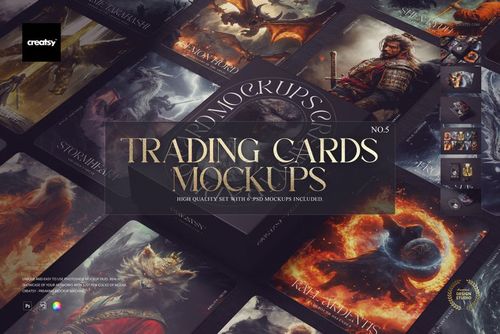
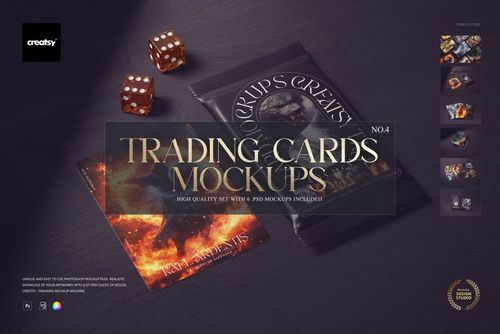
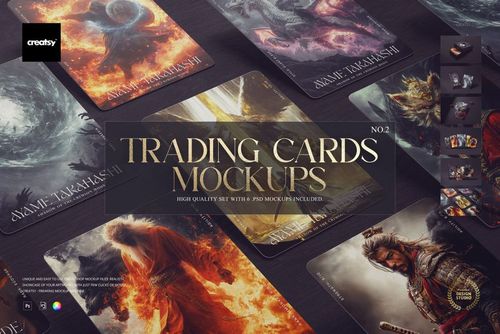
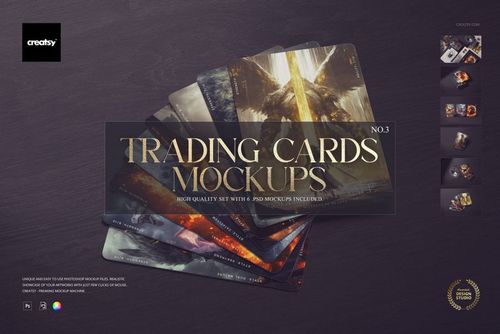
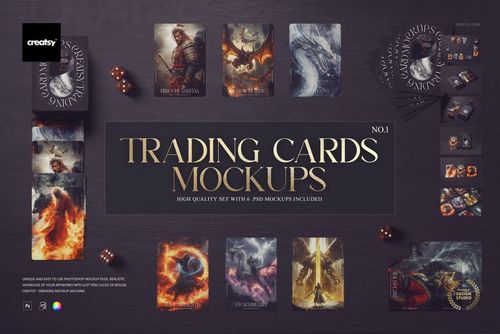
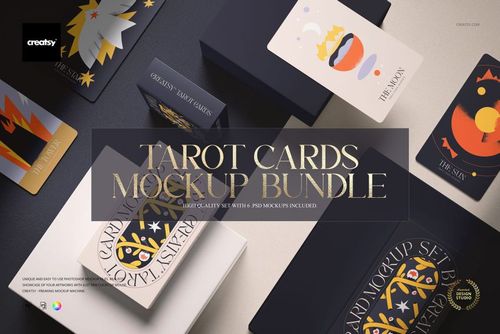
The Playing Cards Mockup Set v.4 lets you present custom playing card designs, card back artwork, and deck packaging across 6 different compositions photographed in professional studio settings. This collection of layered PSD files gives you control over card face designs, card back patterns, and background styling for each scene - producing a complete set of product images that showcase your deck from every angle buyers and backers need to see before purchasing.
Why This Mockup Set Works
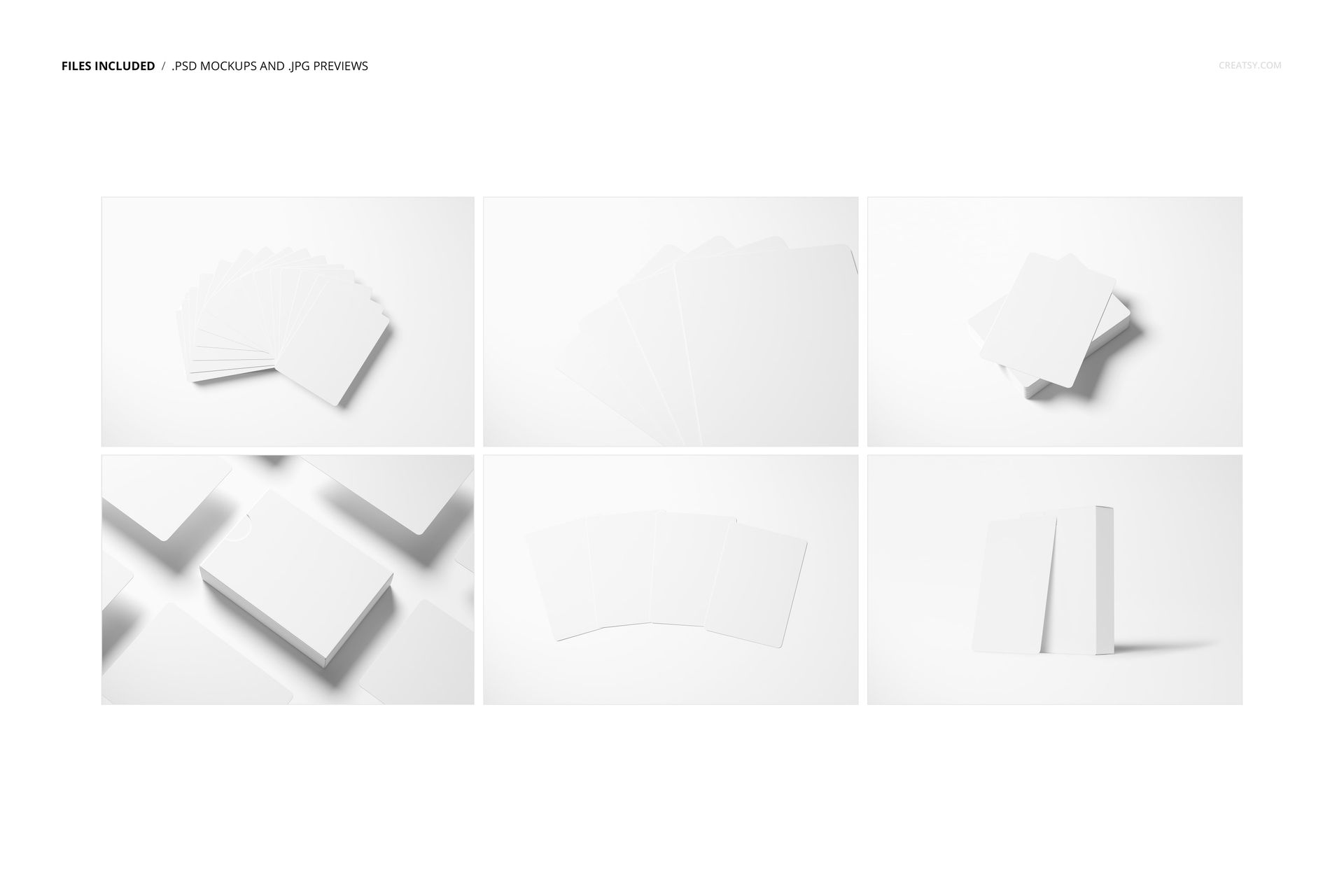
Custom playing card buyers - whether on Kickstarter, Etsy, or specialty card shops - need to see both the card faces and backs in realistic arrangements before committing to a purchase or backing a campaign. This 6-file set covers the essential compositions: fanned spreads showing multiple card faces, stacked decks displaying the back design, individual card close-ups for detail shots, and grouped arrangements that show how the deck looks as a complete product. The mix of dark and light backgrounds gives you flexibility to match any brand aesthetic, and the studio-quality lighting ensures your card artwork reproduces accurately with proper color rendering and realistic paper texture.
What Is Included
You receive 6 high-resolution PSD files, each containing a different playing card composition at 6000 x 4000 px and 300 DPI. The scenes include fanned card spreads, stacked deck views, individual card presentations, and multi-card arrangements that show both front and back designs simultaneously. Each PSD file contains well-organized smart object layers for the card face artwork, card back pattern, and background customization. All 6 files follow the same layer naming convention, so once you learn the editing workflow on one file, every other scene works the same way.
What You Can Customize
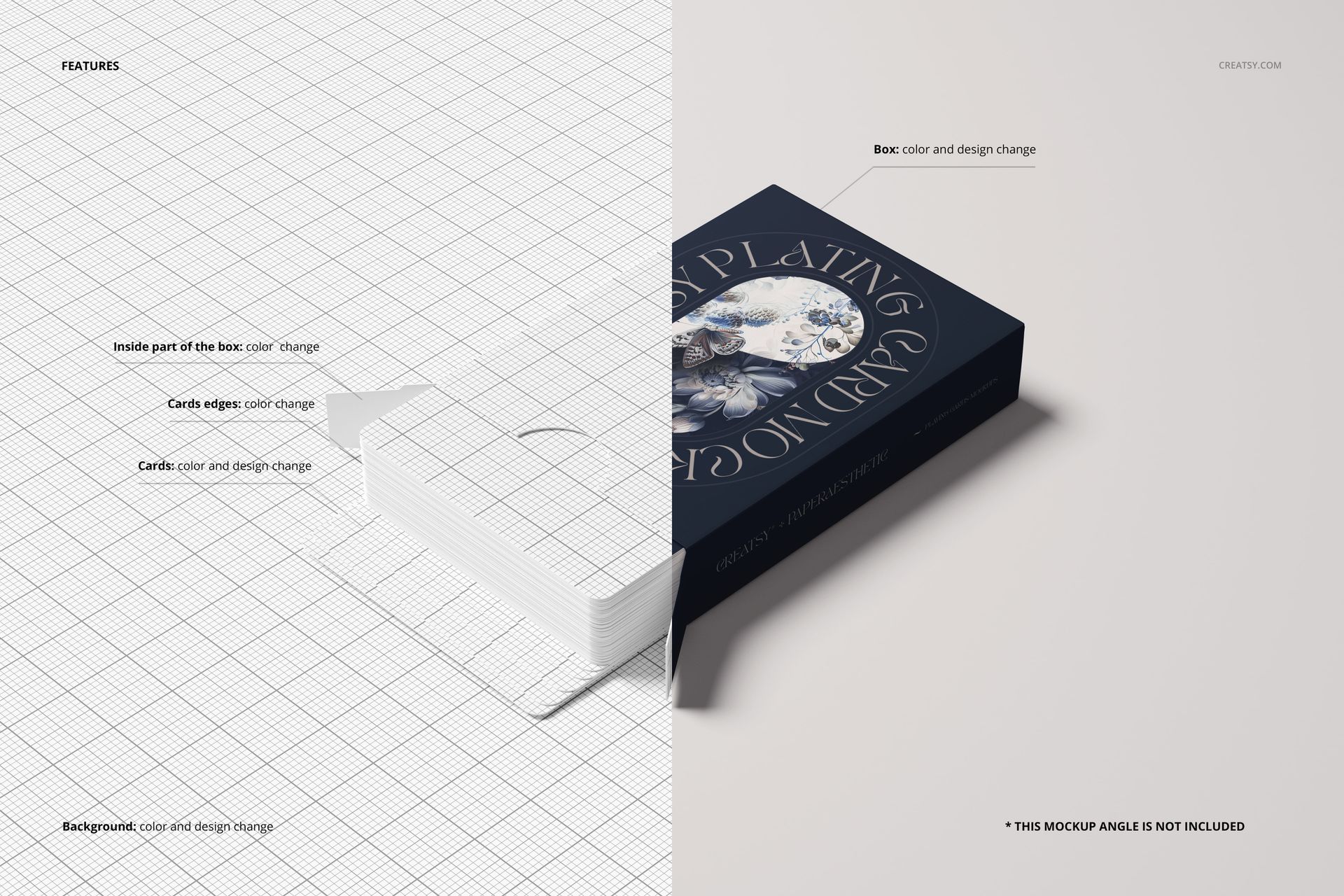
Open any PSD file in Adobe Photoshop CC 2020 or newer and double-click the card smart object layers to place your designs. Your artwork maps onto each card surface with realistic paper texture, natural shadow casting, and accurate perspective for the specific arrangement in that scene. Customize card faces and backs independently to showcase your full deck design system. Adjust the background color to create contrast with your card artwork or match your brand palette - dark backgrounds for premium and luxury card designs, light backgrounds for clean and modern presentations, or custom colors for seasonal and themed collections.
Who This Mockup Set Is For
This set serves custom playing card designers launching Kickstarter and crowdfunding campaigns, board game creators previewing card components for their game projects, graphic designers presenting deck concepts to clients, custom card sellers listing products on Etsy and specialty card shops, magicians and cardistry performers showcasing custom deck designs, corporate branding teams creating promotional playing cards for events and gifting, and wedding planners previewing custom favor decks. The 6-file variety covers enough compositions to fill a complete Kickstarter campaign gallery, product listing carousel, or client pitch presentation.
File Specifications
Format: 6 layered PSD files with organized smart object layers. Dimensions: 6000 x 4000 px at 300 DPI per file - suitable for web product listings, crowdfunding campaign pages, social media, and print materials. Compatibility: Adobe Photoshop CC 2020 or newer. Total file size: 362.97 MB. Editable elements: card face designs, card back patterns, background color and styling.