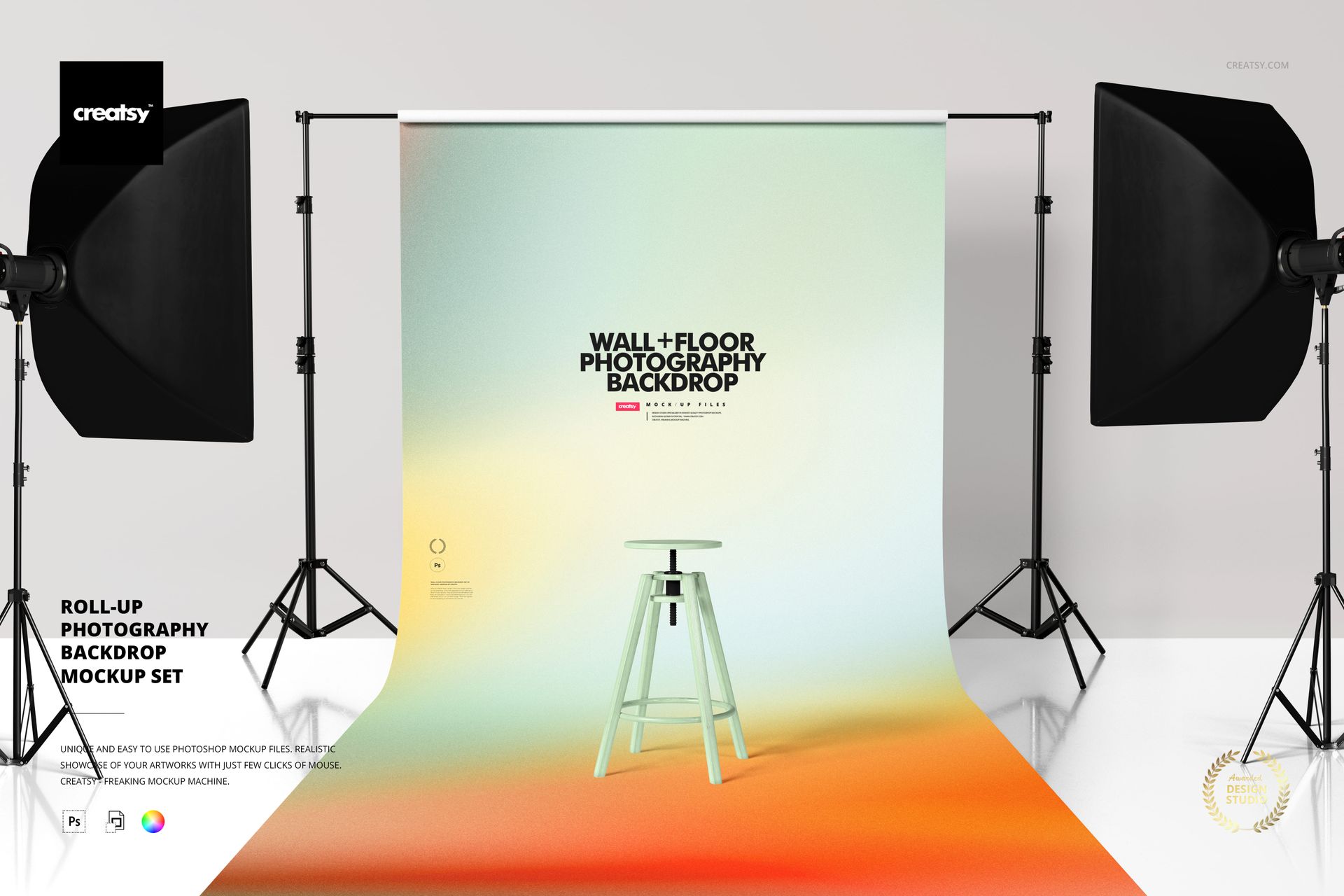
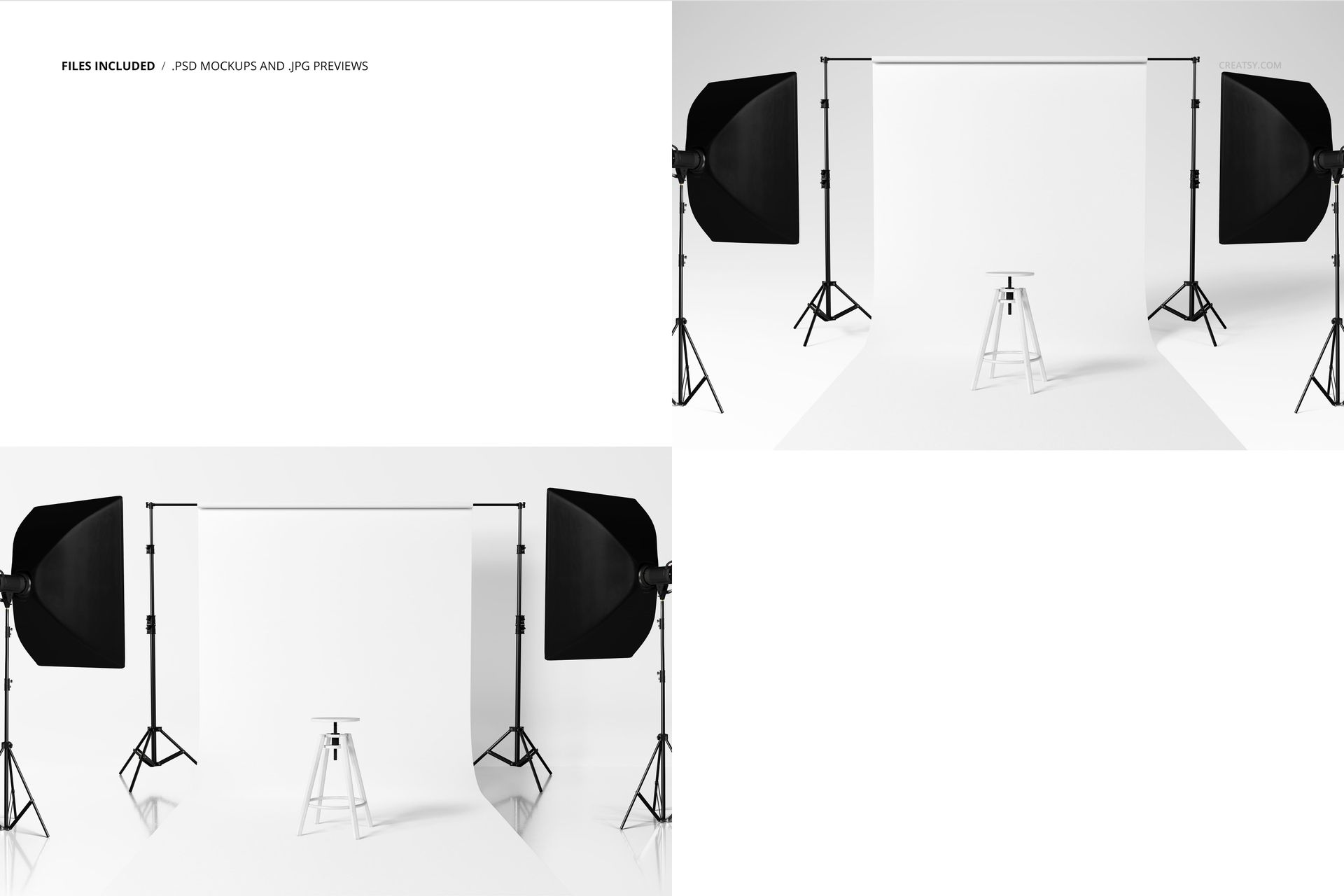
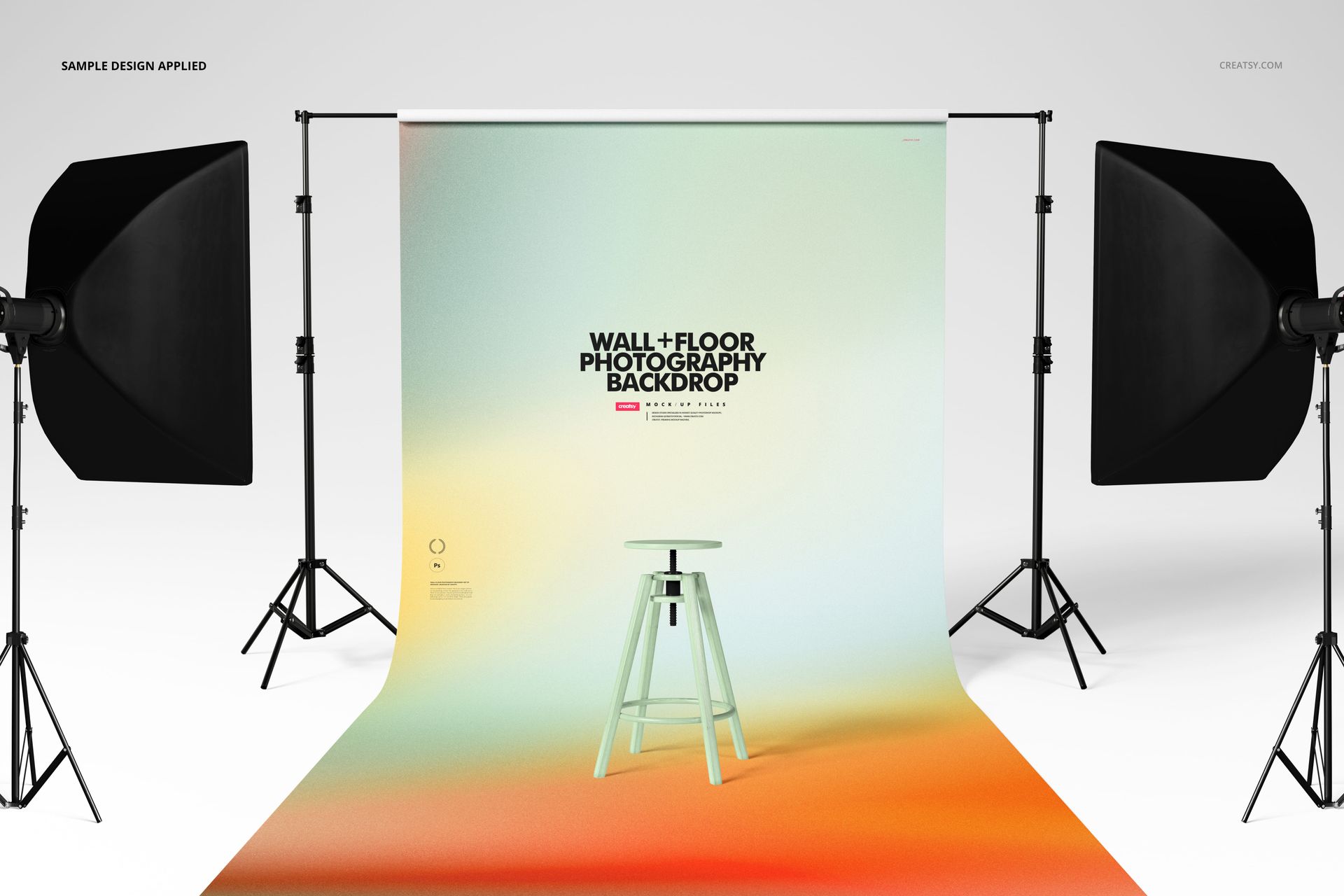
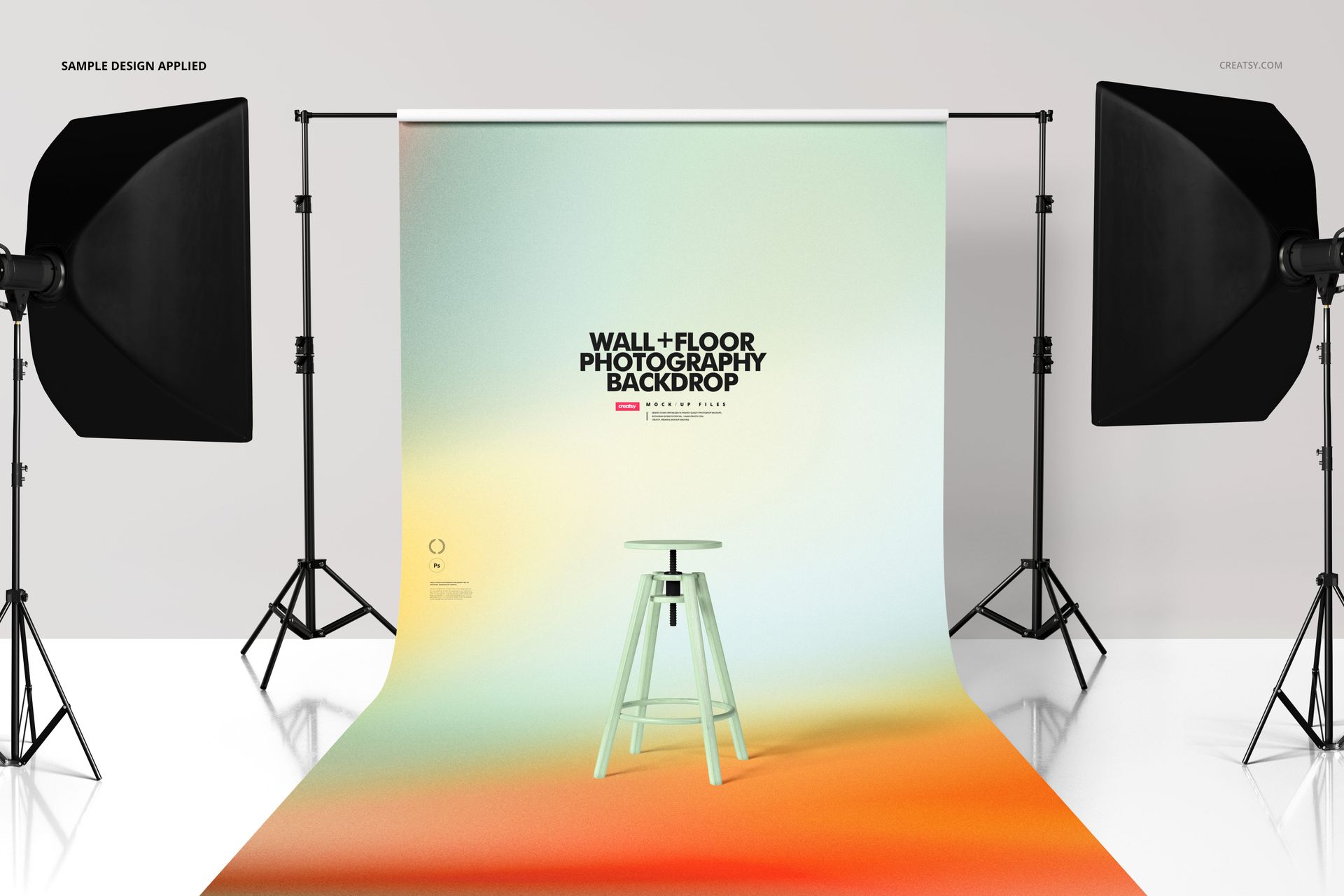
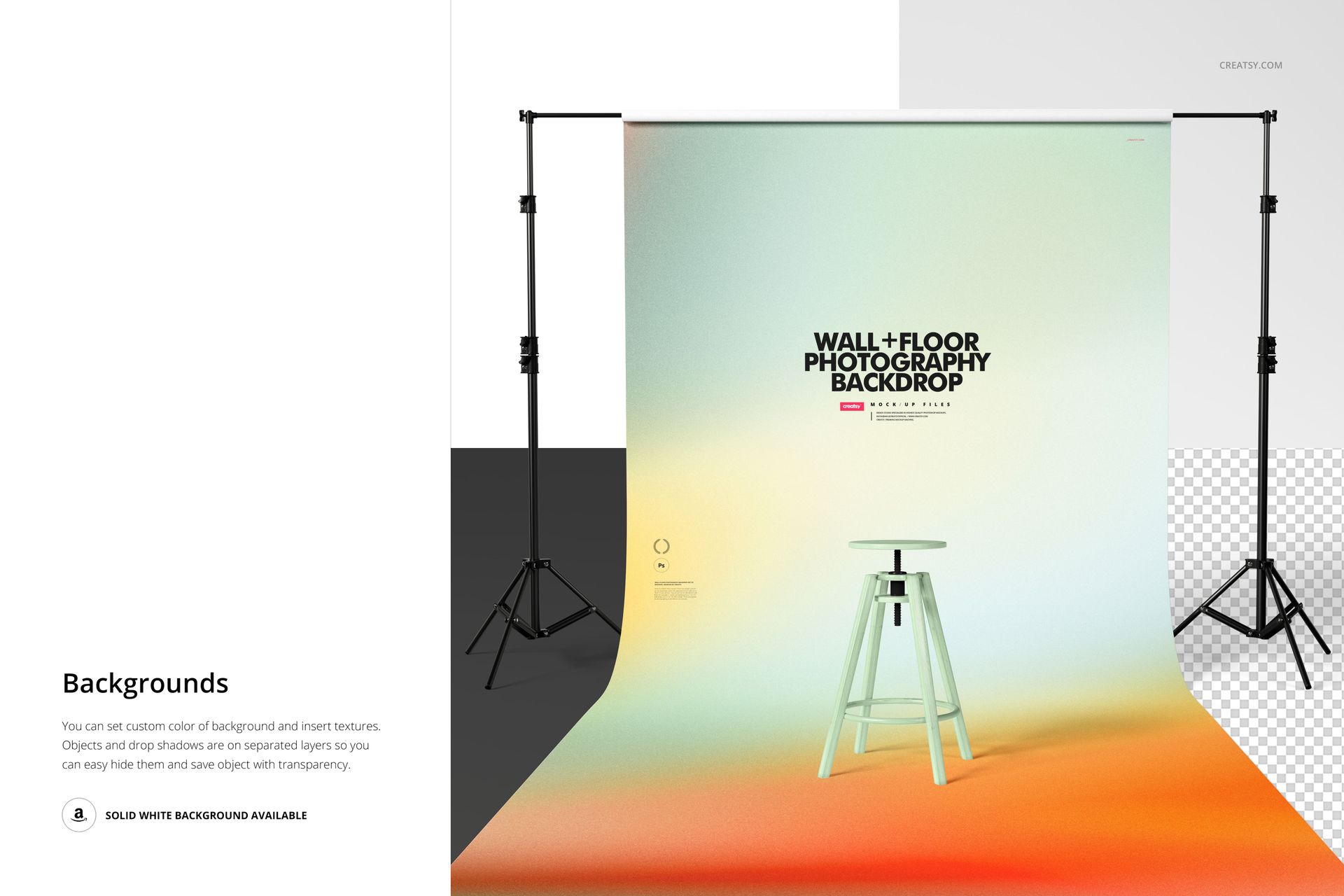
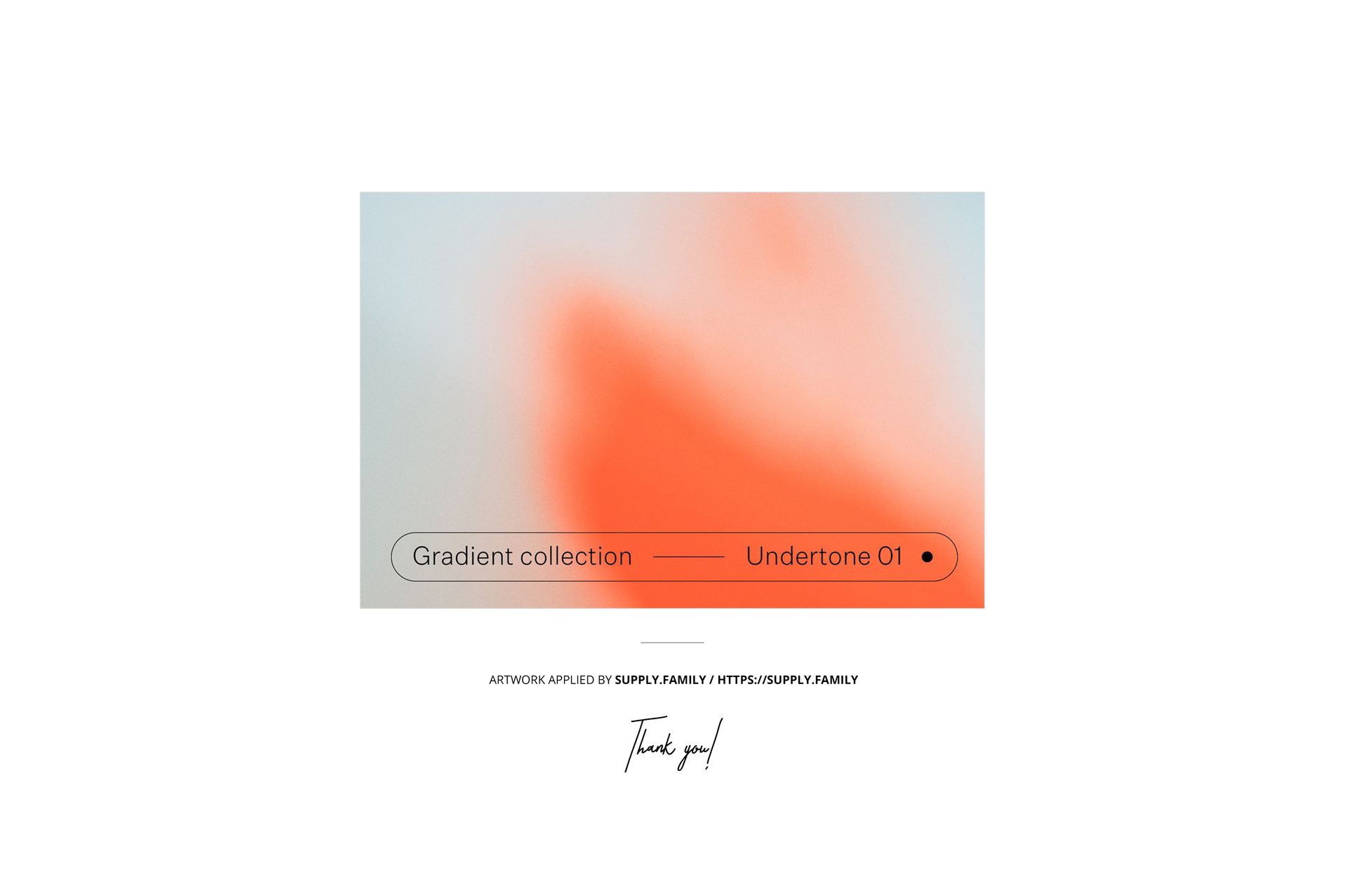
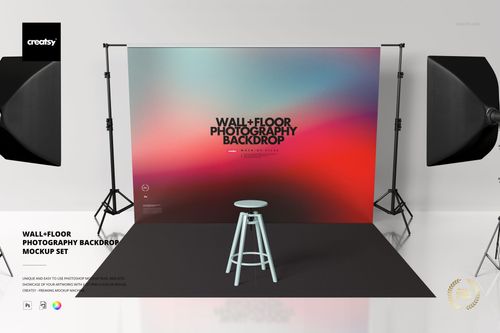
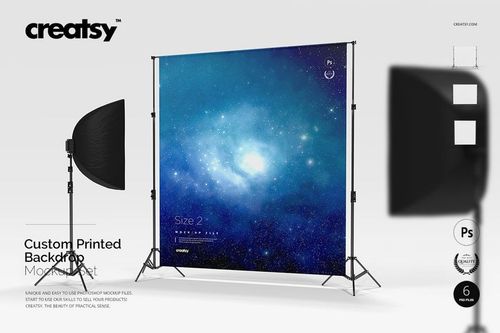
Roll-up Photography Backdrop Mockup Set shows a retractable photography backdrop in a professional studio environment, complete with softbox lighting, light stands, and a visible floor surface that anchors the scene in a working photo studio. The two PSD files present the roll-up backdrop from different angles, giving you a front-facing view and a perspective shot that shows the backdrop in relation to the studio equipment surrounding it. Built for backdrop manufacturers, photography supply brands, studio equipment retailers, and designers who need to present printed backdrop designs, gradient backgrounds, or branded studio graphics in a realistic setting that communicates professional quality. Example artwork applied on mockups by Supply.Family (not included in the main zip file).
Why This Mockup Set Works
A flat preview of a backdrop design does not show how the material hangs, how the print reads at full scale, or how the colors interact with studio lighting. This mockup places your design on a roll-up photography backdrop in a fully equipped studio, so clients and buyers can see the product as it would appear in an actual photography workspace. The studio lighting, equipment, and spatial context all contribute to a presentation that makes the backdrop feel like a real product in a real environment rather than a design file on a screen. The two viewing angles provide enough variety for product listings, pitch presentations, and marketing materials.
What Is Included
The download contains 2 PSD files, each at 6000x4000 pixels and 300 DPI. Each file shows the roll-up backdrop from a different studio angle with professional lighting equipment, tripod stands, and a studio floor visible in the scene. The total download size is 661.8 MB. The studio environment is fully assembled in each file, requiring no additional setup or scene building on your part.
What You Can Customize
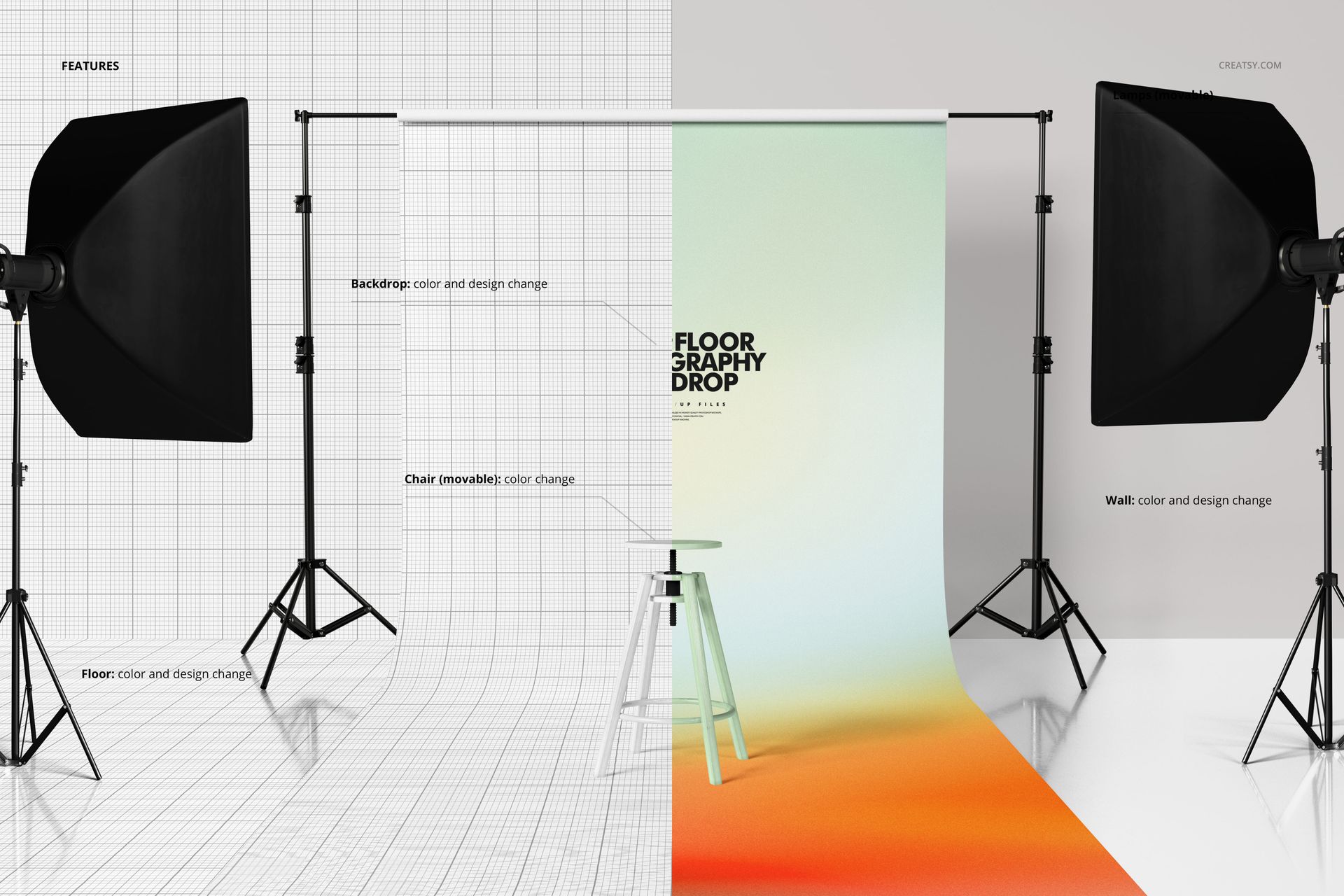
Open either PSD in Adobe Photoshop CC 2020 or later, or use the free browser-based editor at photopea.com. Double-click the smart object layer covering the backdrop surface to open the embedded canvas where you place your design, pattern, gradient, or branded graphic. Save and close the smart object to see your artwork applied to the backdrop material with realistic displacement that follows the natural drape and curvature of the retractable banner. Well organized layers with clear naming let you adjust individual studio elements as needed for your specific presentation.
Who This Mockup Is For
Photography backdrop manufacturers previewing new prints and patterns before production. Studio equipment brands creating product listings and marketing materials for retractable backdrop systems. Graphic designers building brand identity packages for photography studios that include custom backdrop designs as a deliverable. Print-on-demand sellers creating backdrop product listings for photography supply marketplaces. Photography education companies and studio rental businesses that need visuals showing branded or custom backdrops in a professional studio context for their websites, catalogs, and promotional materials.
File Specifications
Format: PSD (Adobe Photoshop). Files: 2. Resolution: 6000x4000 px. DPI: 300. Download size: 661.8 MB. Compatibility: Adobe Photoshop CC 2020 and newer, Photopea (free browser-based editor). Smart object layers for backdrop surface artwork placement. Well organized layer structure with clear naming. Two studio angles with professional lighting equipment and backdrop stand visible in scene.