Baby Sweatshirt Mockup Set (16/LFv.1)
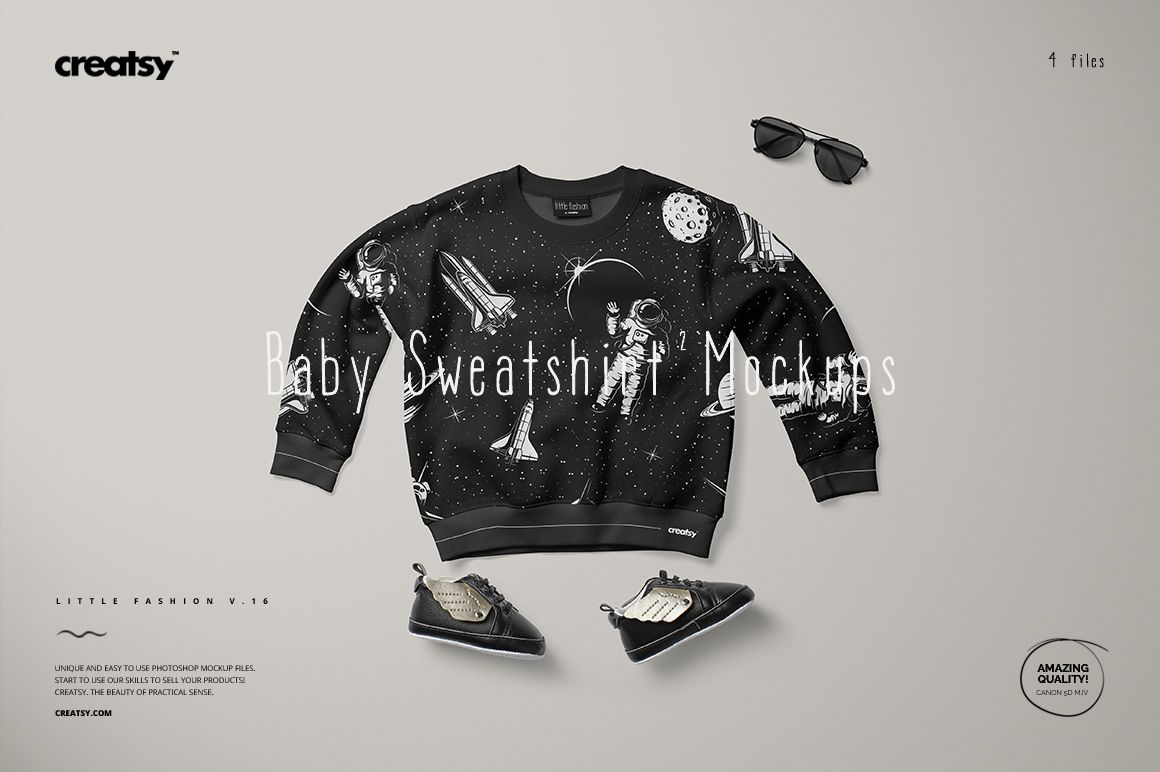
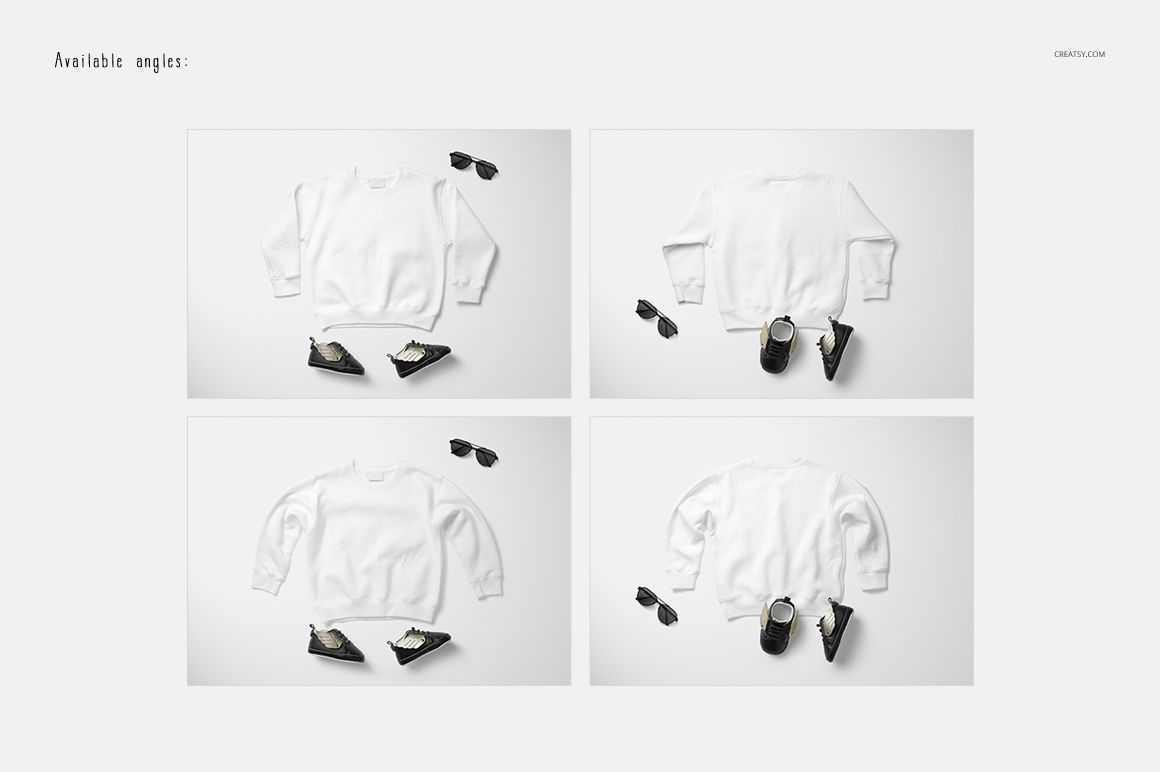
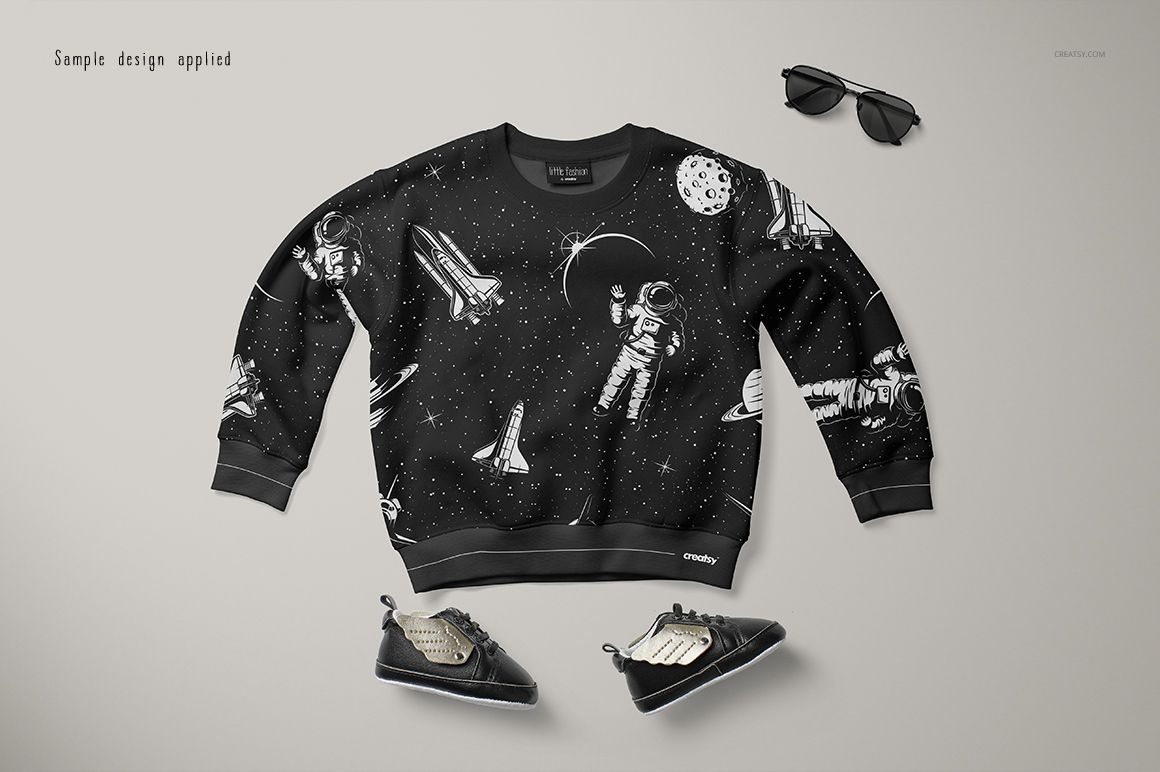
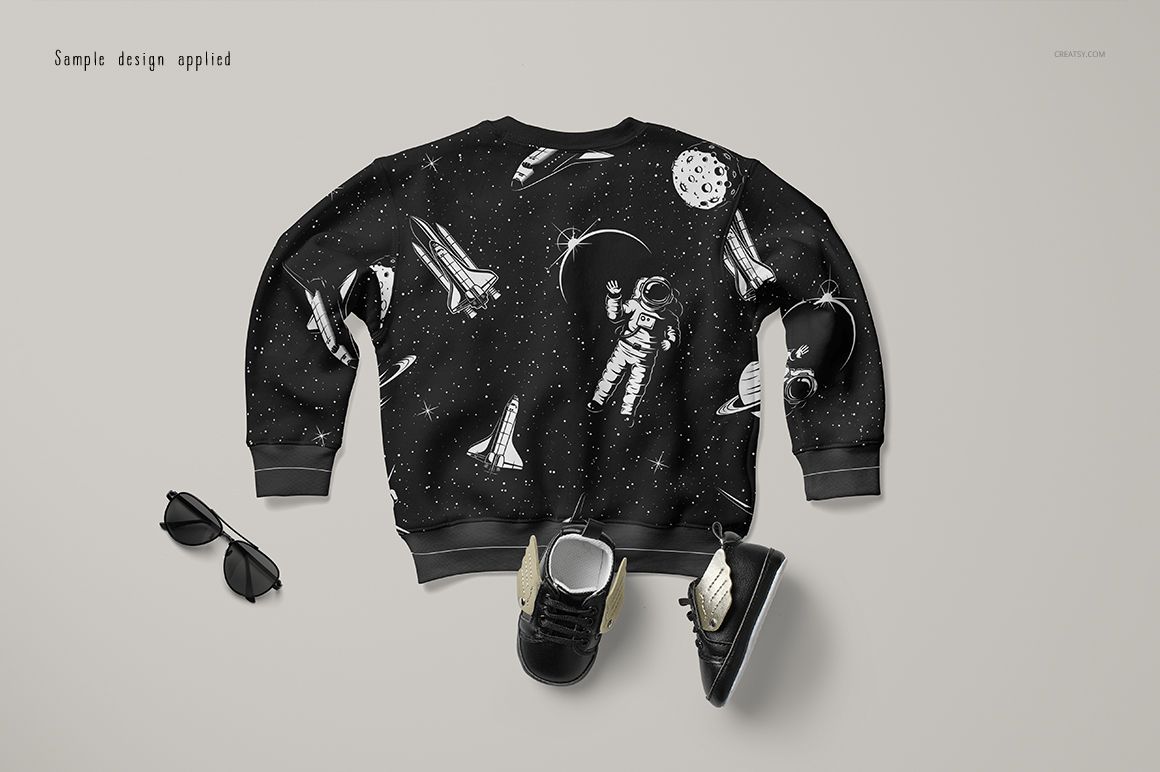
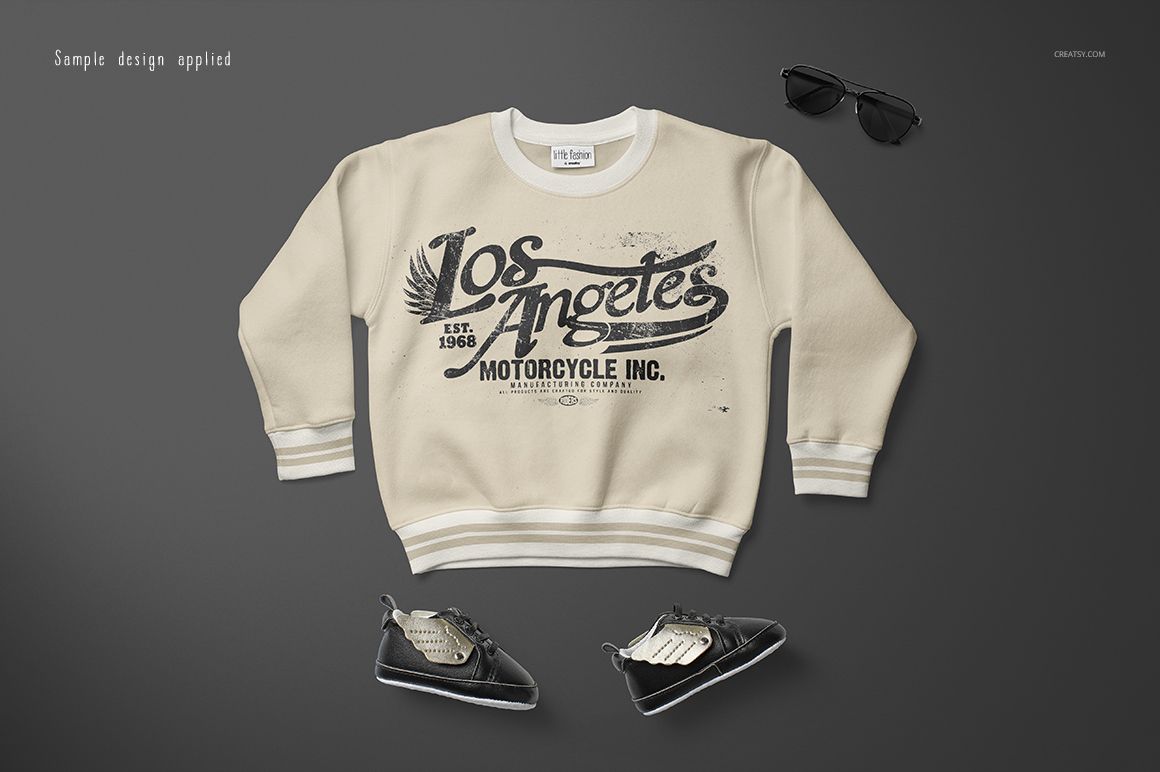
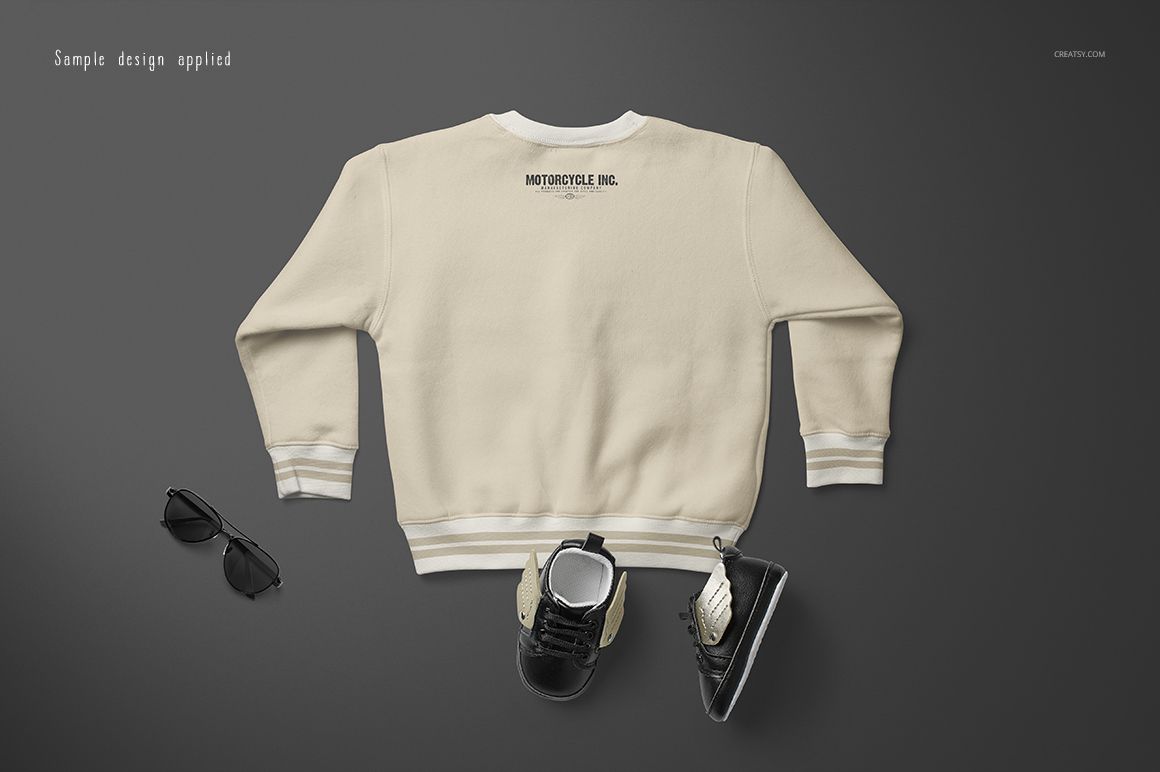
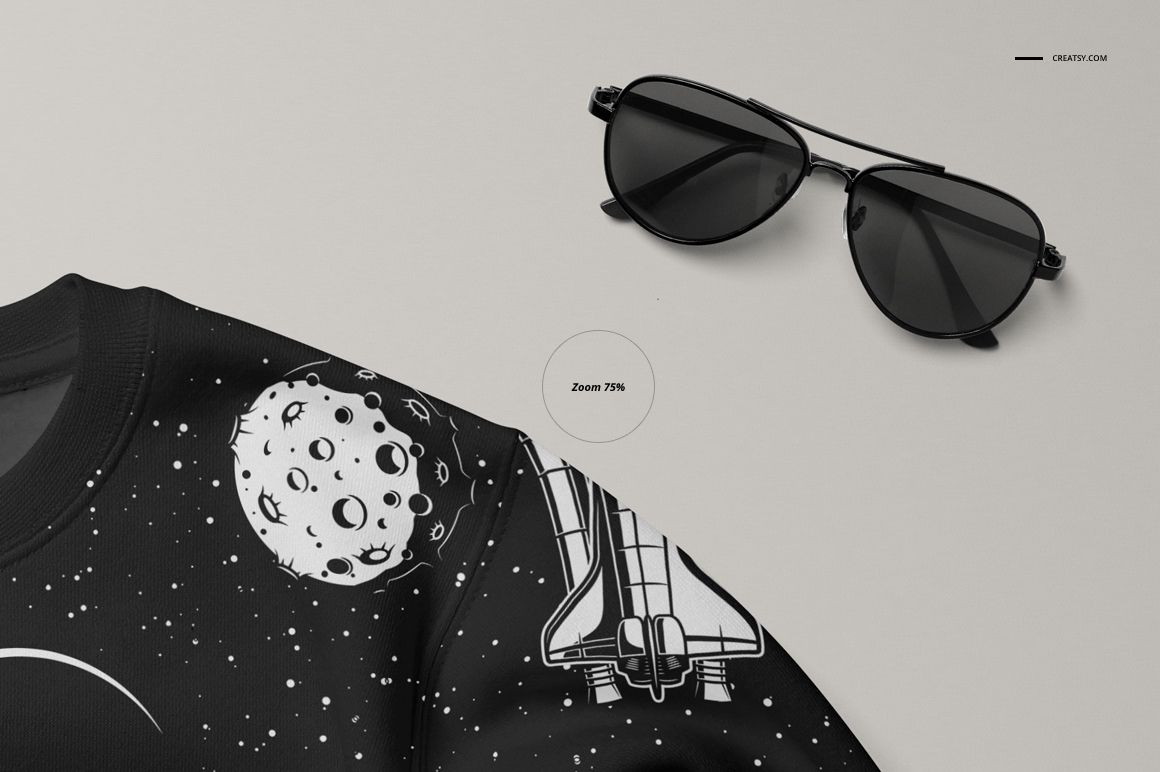
Preview graphics and patterns on a baby sweatshirt with a crew neck, long sleeves and ribbed cuffs and hem. Four PSDs provide front and back views in two sleeve arrangements: one with the sleeve lying flat, and one with it turned over to reveal the back of the sleeve.
Artwork and color controls
Replace the sweatshirt artwork through Smart Objects.
Adjust garment colors with the supplied color layers to test a coordinated palette.
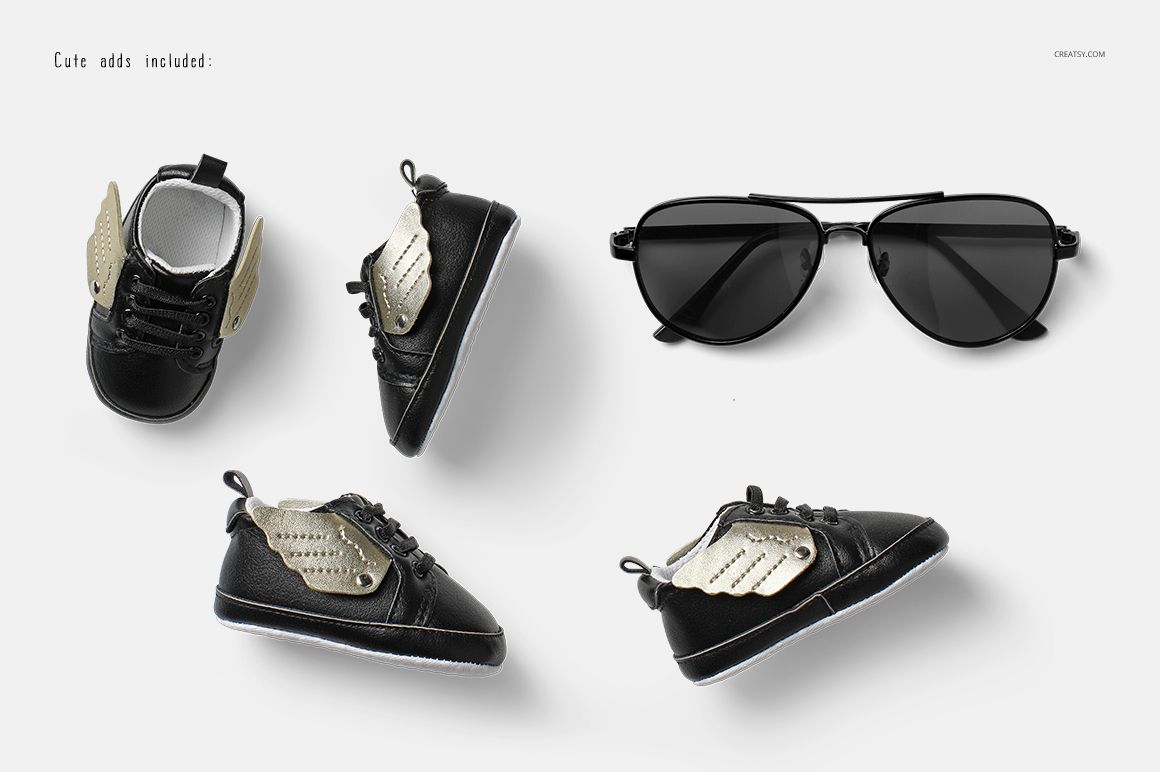
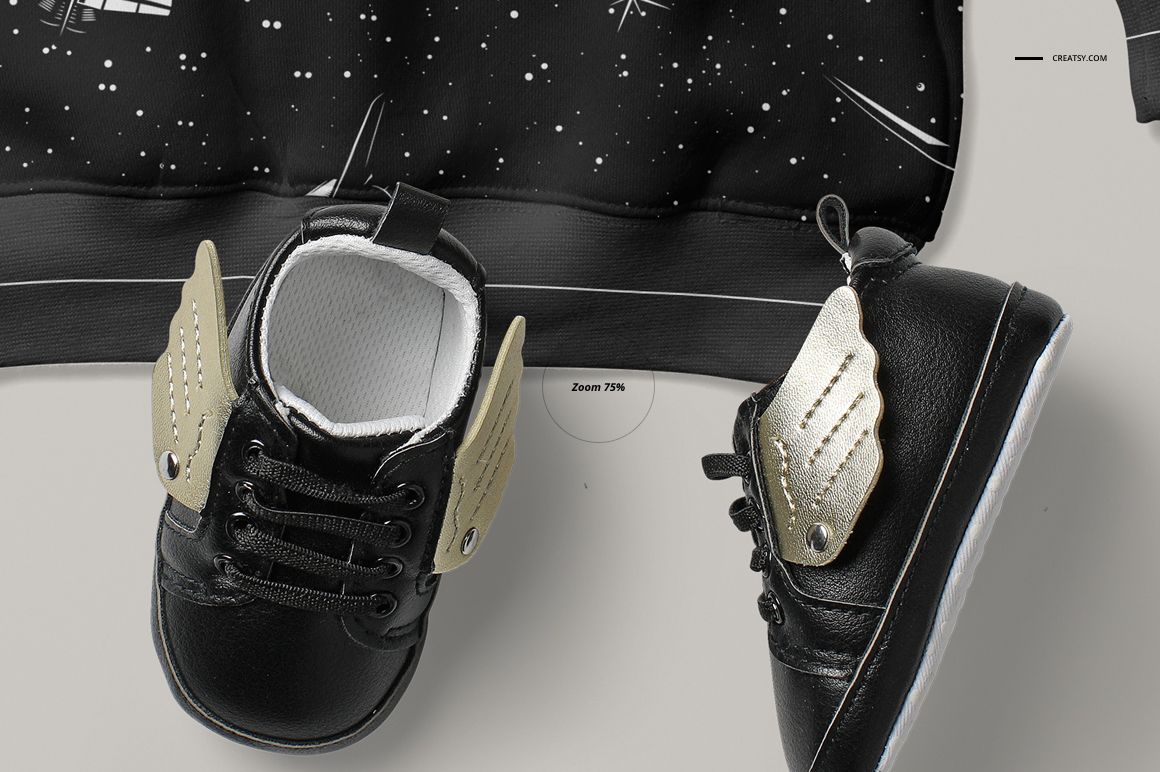
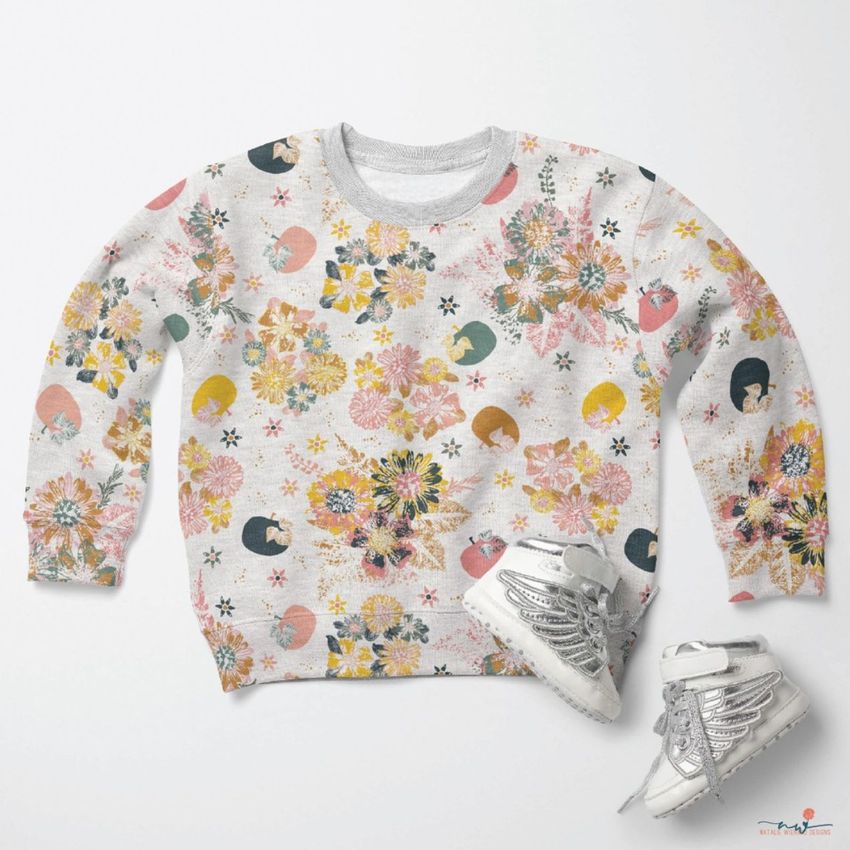
The styled scenes include sunglasses and small lace-up trainers with metallic wing details.
Four editable PSD files
The package includes 4 PSD mockups, 8 JPG files and a PDF guide. The JPGs consist of four scene previews, one overview and three wood background textures. The file count refers to four editable sweatshirt presentations, not eight additional mockups.
Compare a placement graphic with a repeat
Use the chest area to present an illustration, wordmark or motif, then compare a repeating pattern across the sleeves and body. Pair front and back images for a babywear range pitch, apparel portfolio or shop presentation.
This is a digital mockup set. Physical clothing and accessories are not supplied, and the sample designs visible in the previews are not included.
Build a coordinated presentation
This set is also available in Little Fashion Kids Apparel Mockup Bundle. Pair it with Baby Sweater Mockup Set (17/LFv.1), or browse Baby & Kids Clothing.
















Creatsy make the best Mockups on the market, no matter what you need to showcase. These mockups are highly customizable, and the lighting in them makes everything look very realistic. You can keep or turn off many of the Items in the mockup, also a great feature giving control over the look you want. They have the most friendly and very helpful support. I highly recommend these mockups!
Thank you so much for this amazing review! We’re thrilled to hear you enjoy how customizable and realistic the mockups are, and that the scene elements help you create exactly the look you want. Thank you again for your support.