Baby Sweater Mockup Set (17/LFv.1)
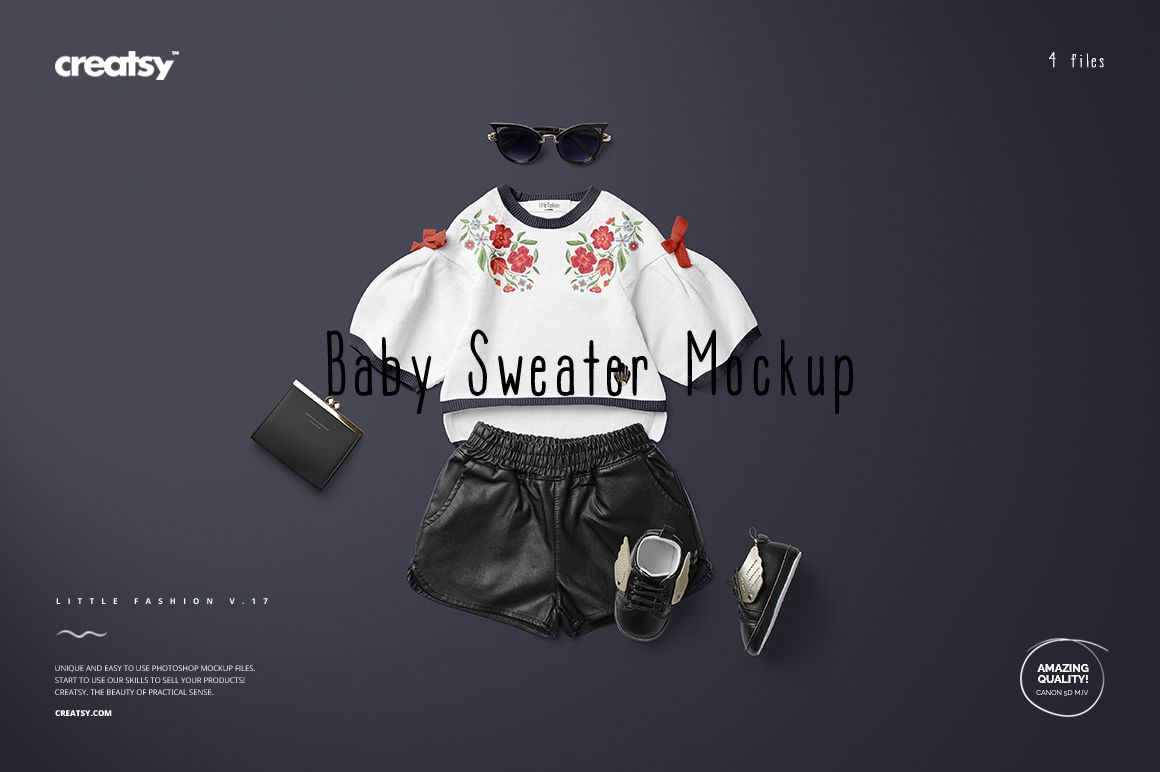
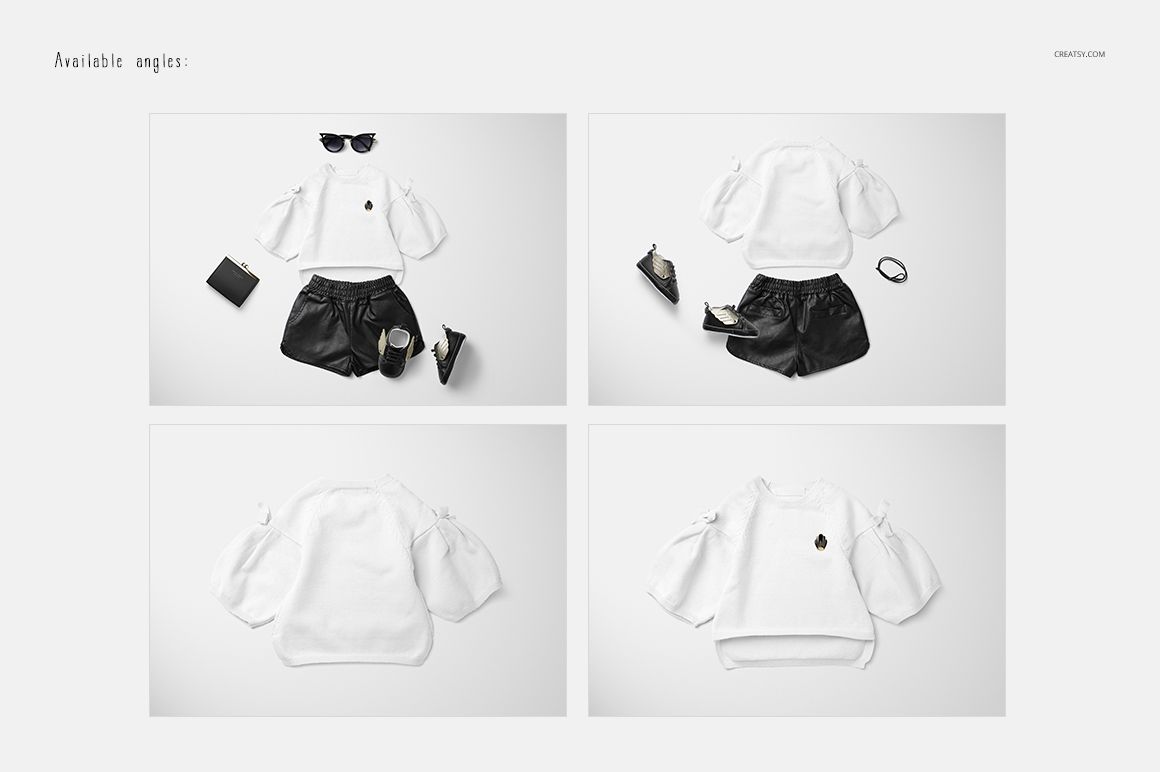
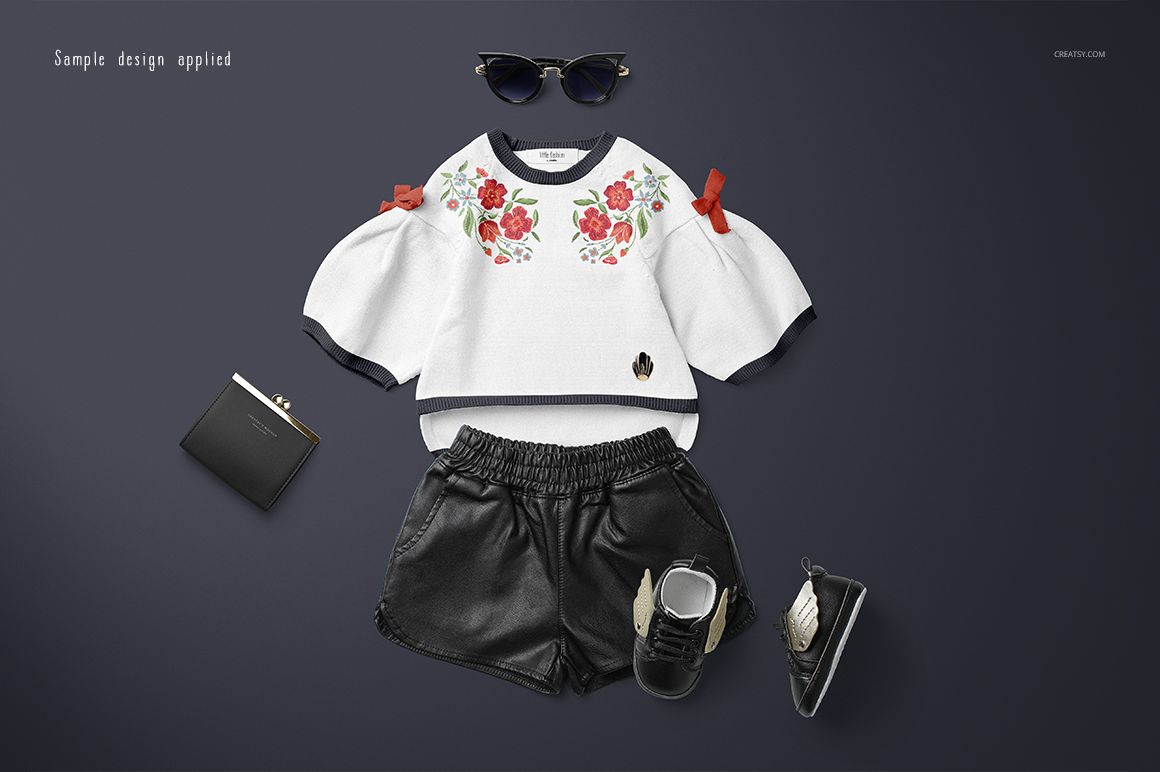
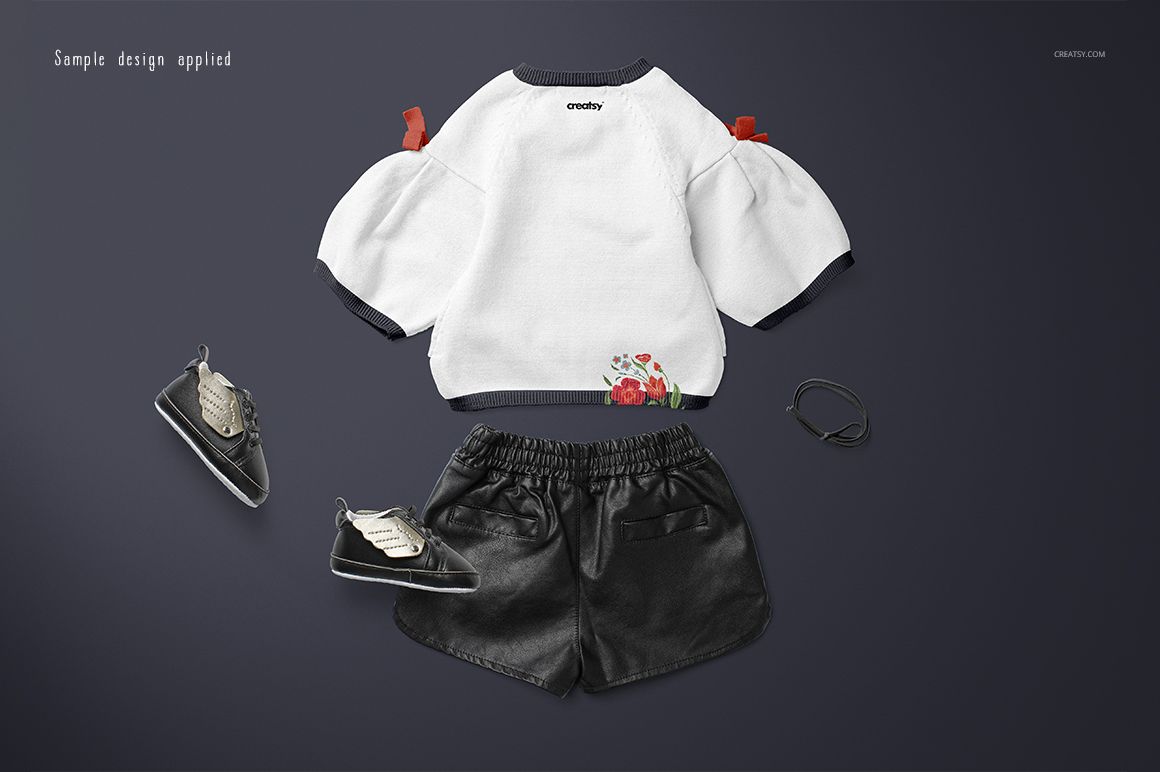
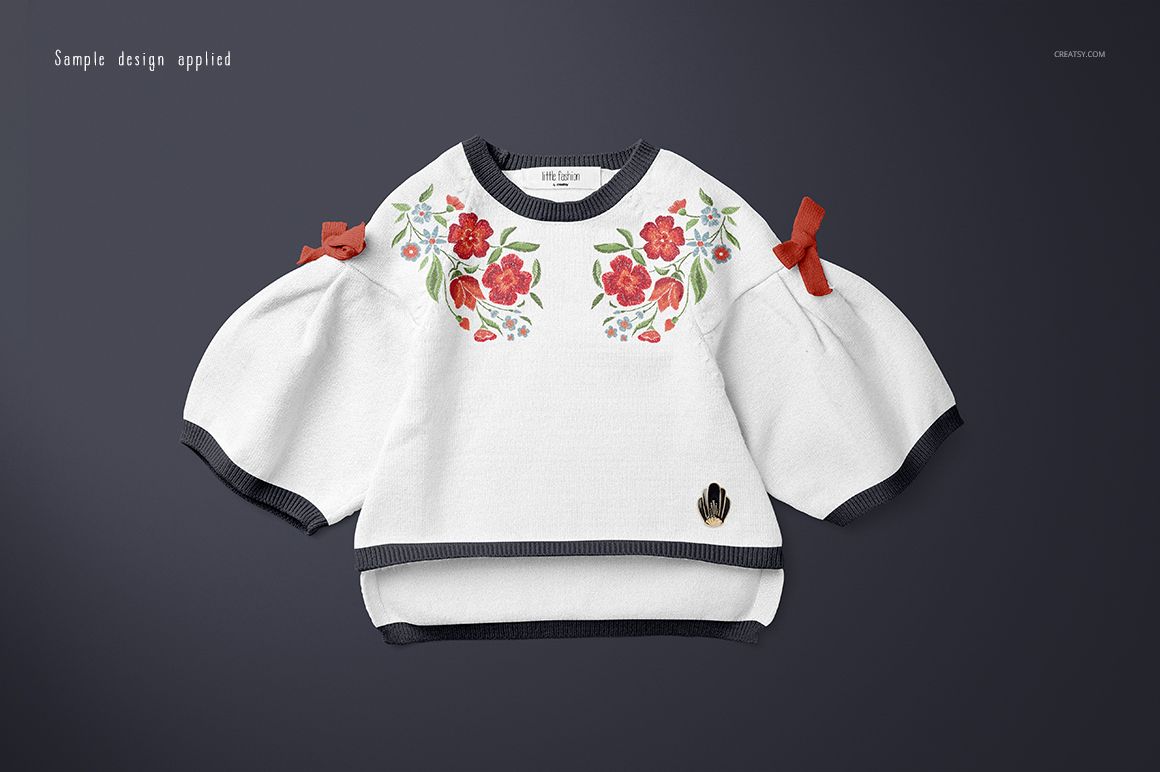
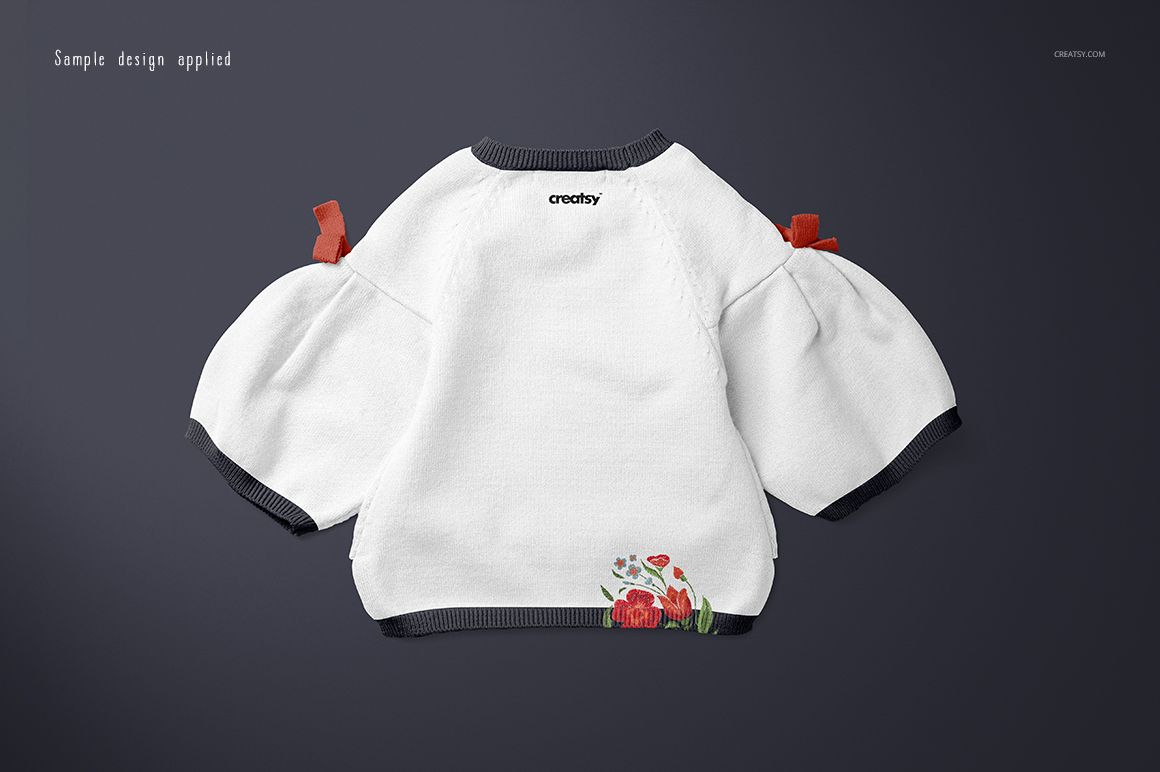
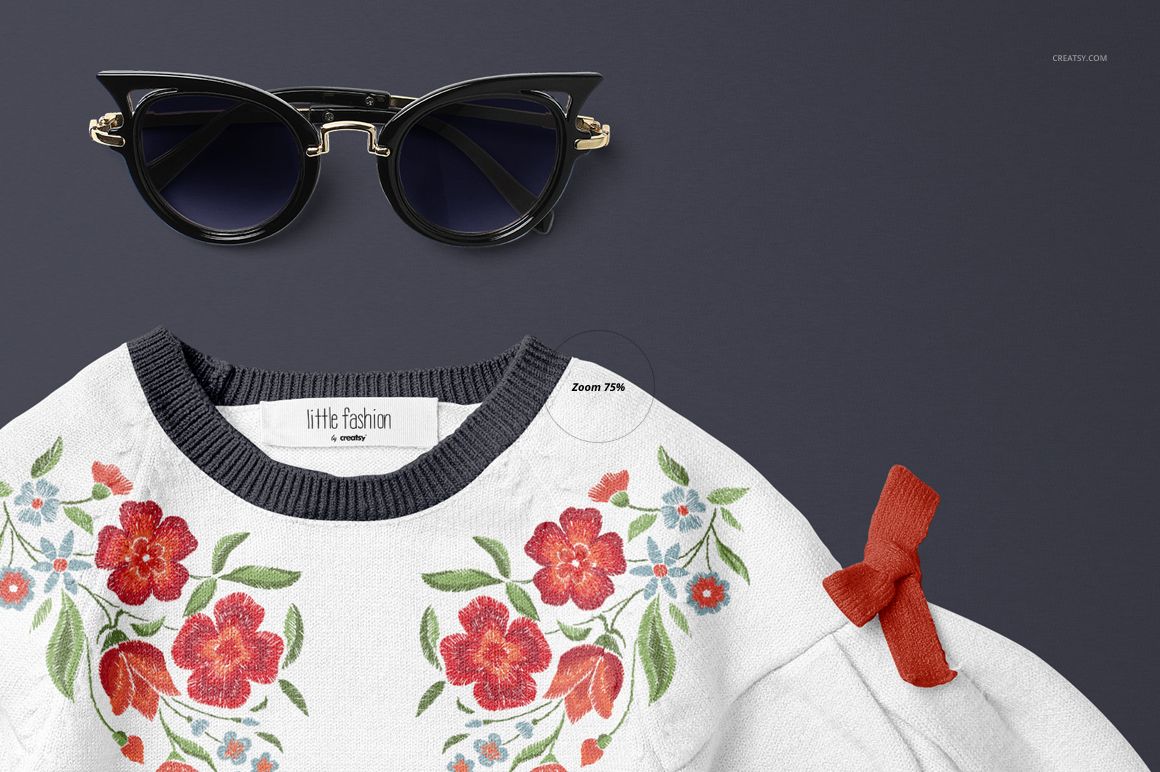
Present a baby sweater with flared sleeves, shoulder bows and a stepped hem, either on its own or as part of a styled outfit. Four PSD views cover the front and back of the sweater in both arrangements, giving you a focused garment presentation and a wider lookbook scene.
Editable sweater and wallet
Add your artwork to the sweater and wallet through Smart Objects and change their colors.
Choose a custom background color, including white, for your presentation.
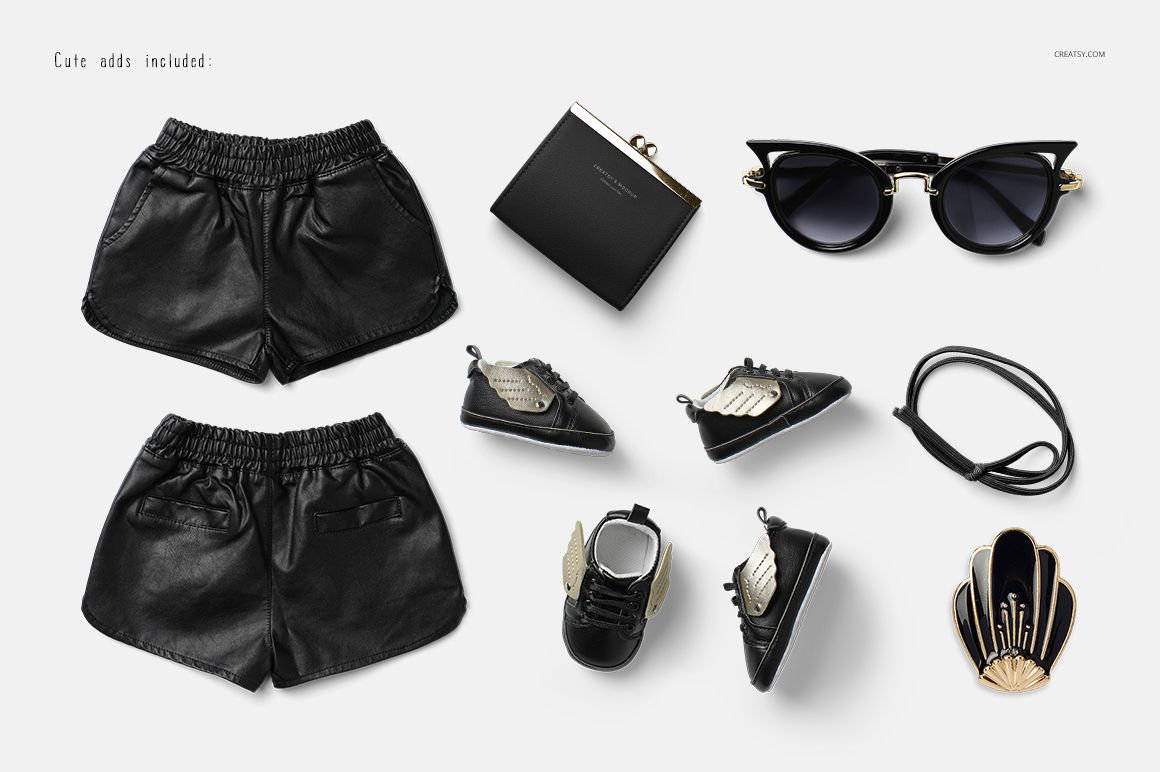
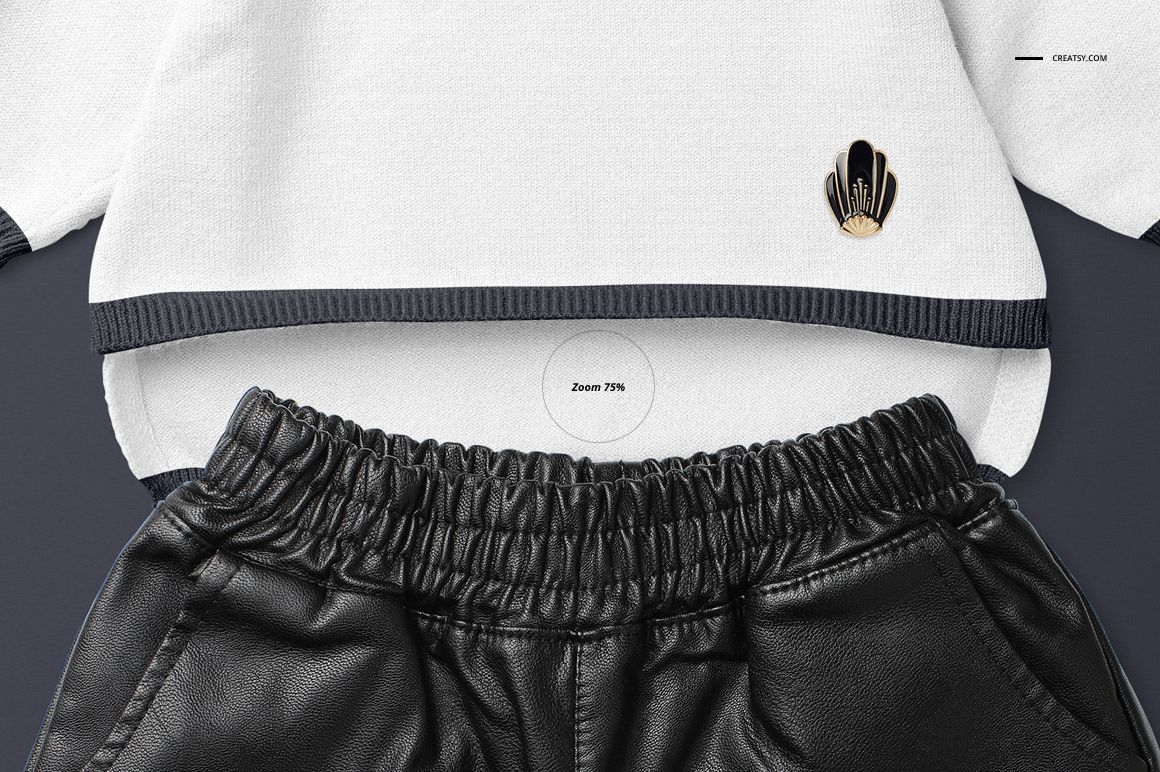
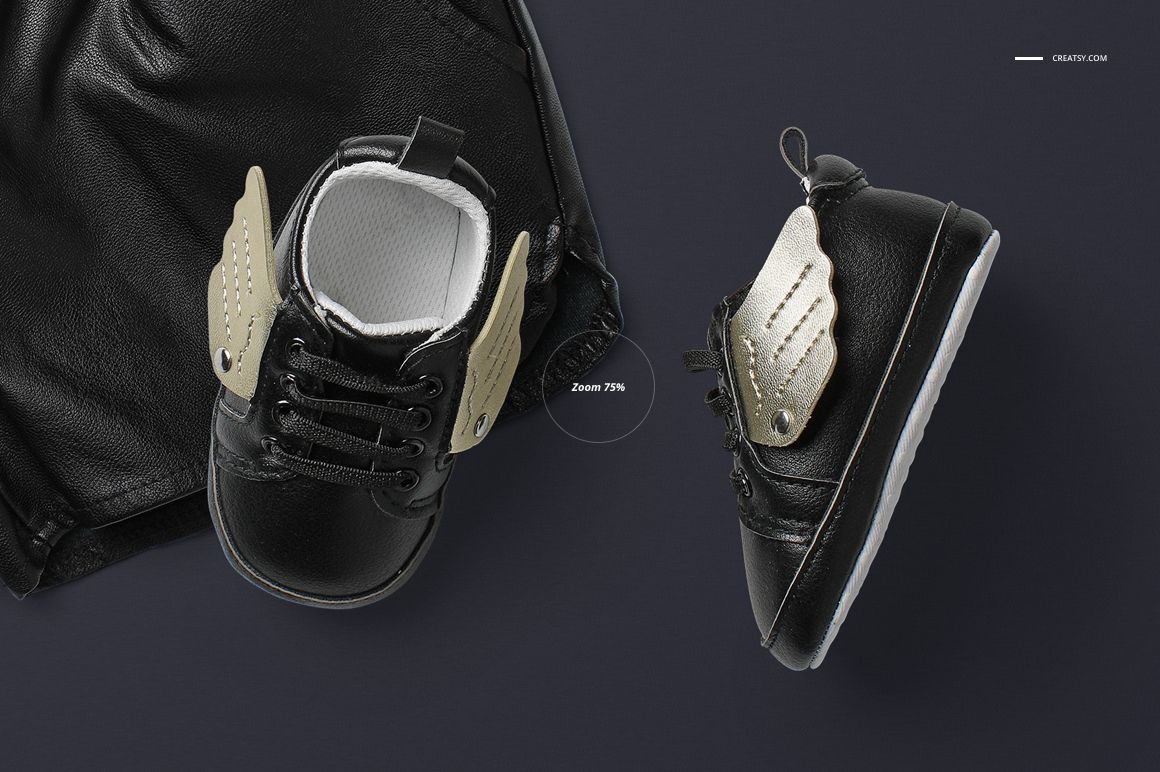
Outfit scenes include shorts, winged trainers, sunglasses and small accessories. The isolated sweater views keep attention on the garment design.
Inside the download
The set contains 4 layered PSD files, 8 JPG files and a PDF guide. Four JPGs are scene previews, one is an overview and three are wood background textures. The PSDs provide front and back outfit scenes plus front and back views of the sweater alone.
From detail view to outfit story
Use the sweater-only images to show artwork around the neckline, wide sleeves and hem. Add the outfit views for a seasonal collection board or a babywear lookbook, and coordinate the wallet design with the sweater for a related accessory concept.
This is a digital mockup product. No physical clothing or accessories are included. Sample patterns and illustrations shown in the gallery are demonstration artwork and are not supplied.
Build a coordinated presentation
This set is also available in Little Fashion Kids Apparel Mockup Bundle. Pair it with Baby Sweatshirt Mockup Set (16/LFv.1), or browse Baby & Kids Clothing.














Creatsy make the best Mockups on the market, no matter what you need to showcase. These mockups are highly customizable, and the lighting in them makes everything look very realistic. You can keep or turn off many of the Items in the mockup, also a great feature giving control over the look you want. They have the most friendly and very helpful support. I highly recommend these mockups!
Thank you so much for your kind review! We’re thrilled to hear you enjoy the editable elements, realistic lighting, and the overall flexibility of the mockup. We truly appreciate your support.