Multiple Sizes Packaging Tapes Close-up Mockup
This product is a part of Packaging Tape Mockup Bundle
Product Details
Multiple Sizes Packaging Tapes Close-up Mockup
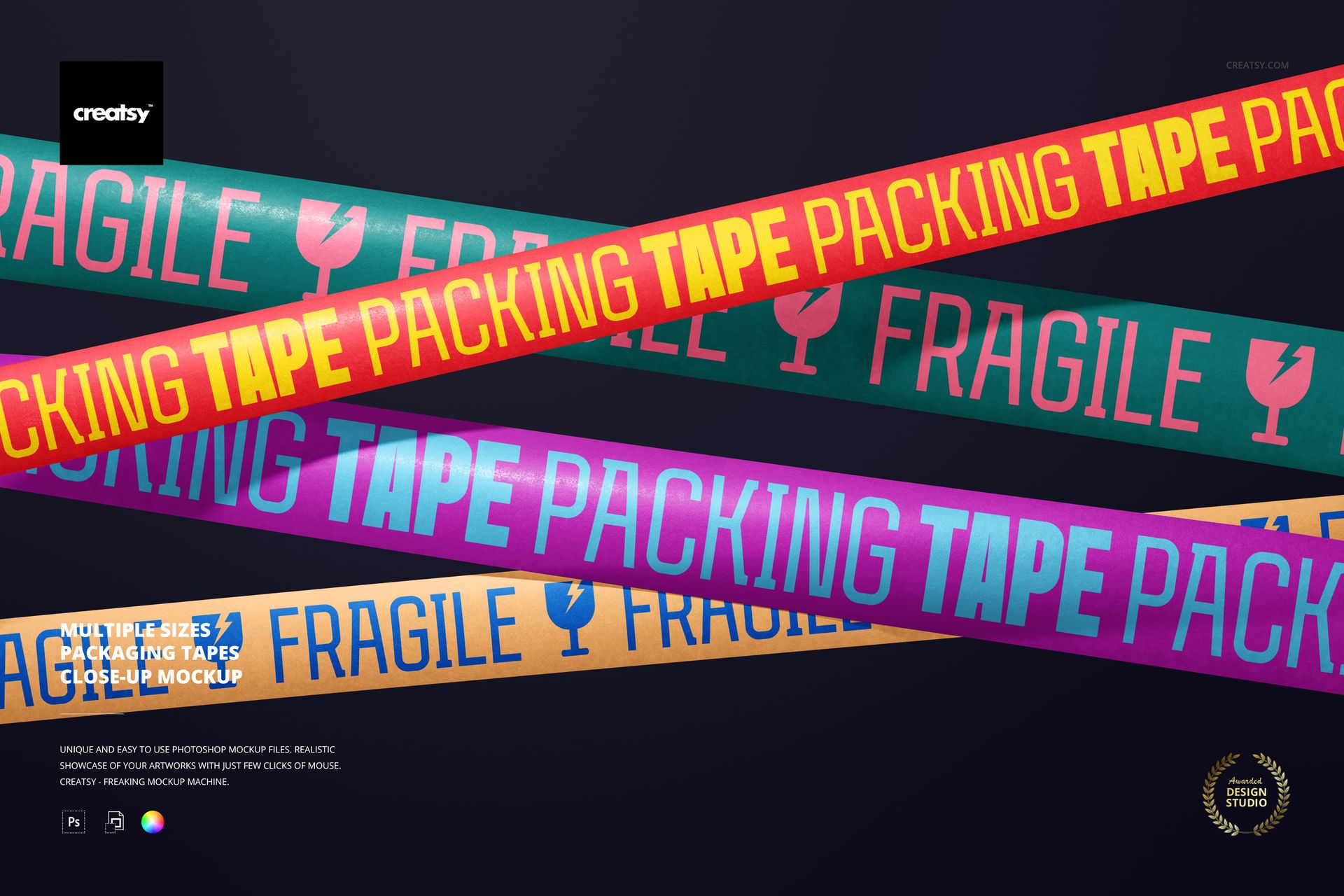
Show one packaging system across several tape widths in a single close-up composition. Overlapping strips create a strong diagonal rhythm while keeping typography, logos, and repeating patterns large enough to assess at presentation scale.
What Is Included
1 layered PSD mockup file
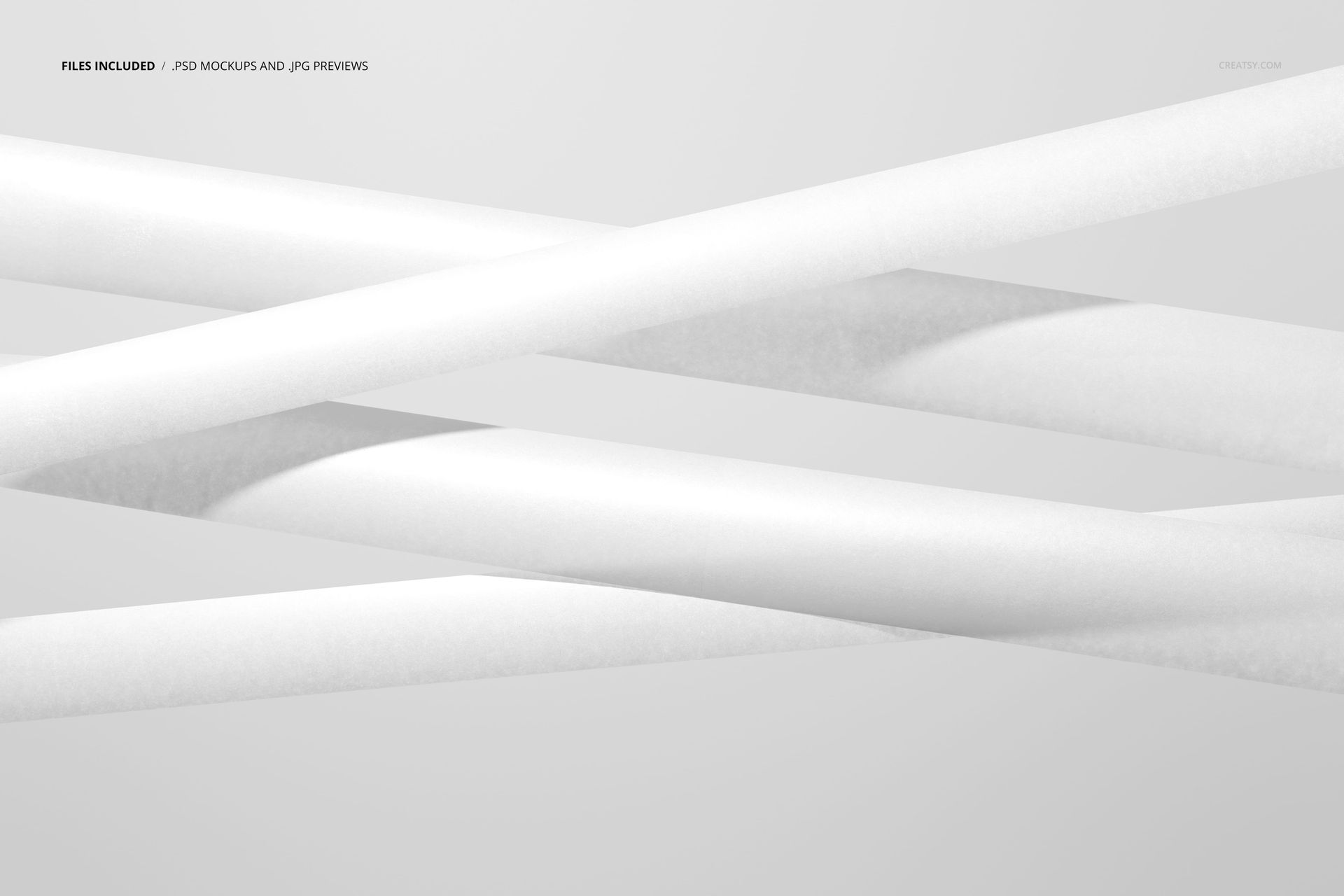
1 JPG preview file
2 files in total
6000 × 4000 px landscape canvas at 300 DPI
One Scene, Several Tape Widths
The crossing arrangement presents multiple tape sizes together, making it useful for collections that share a logo, message, or surface pattern. Compare how a repeat adapts from narrow to wide tape without switching between separate scenes.
Editable Elements
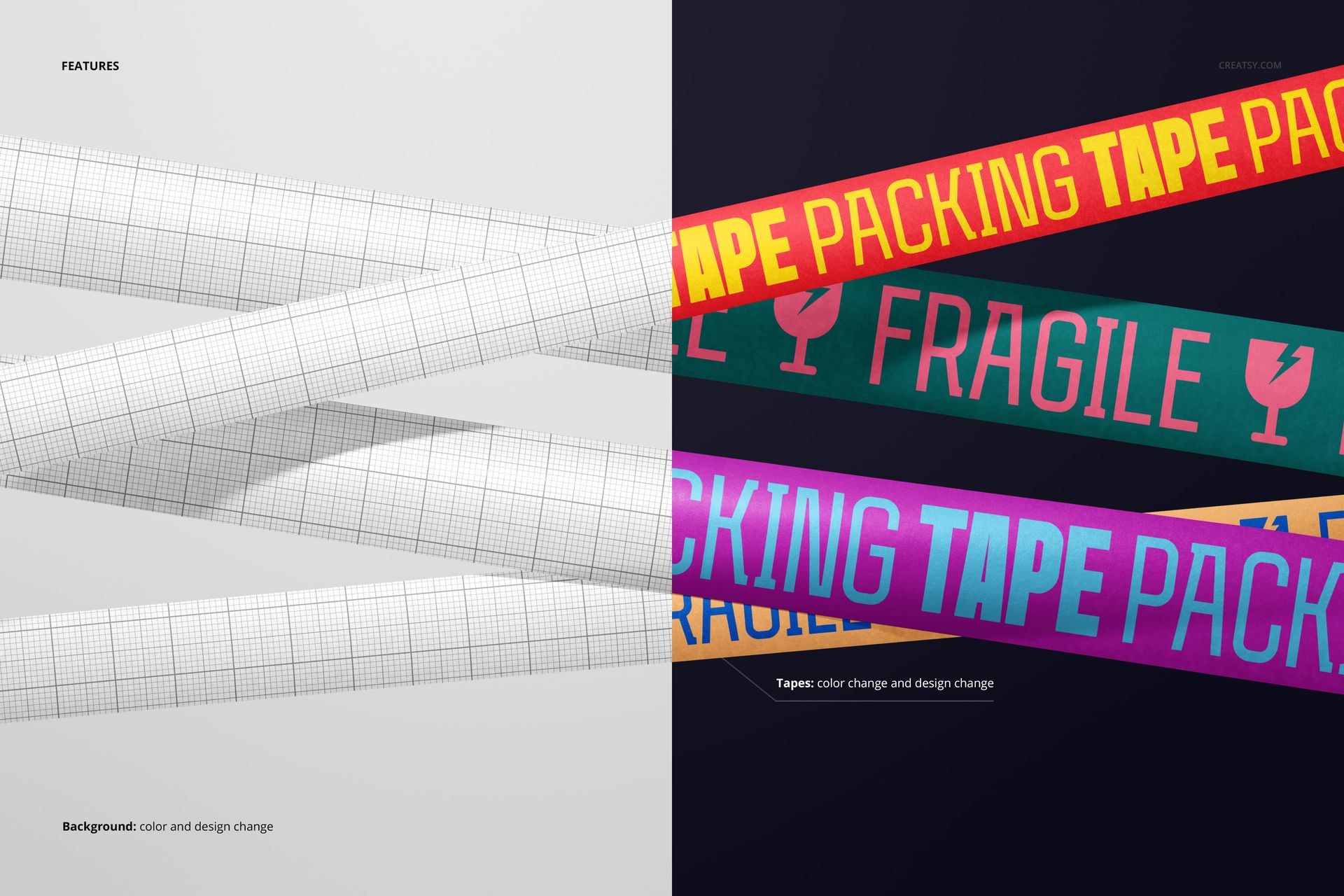
Change the tape colors and designs
Replace artwork through Smart Objects
Change the background color or design
Useful For
Packaging and brand identity presentations
Printed packing tape and shipping supply concepts
Pattern, typography, and colorway comparisons
Client approvals, portfolios, and ecommerce imagery
Use Adobe Photoshop CC2020 or newer, or Photopea, with the prepared Smart Objects and well-organized layers.
Mockup imagery and layered PSD production are credited to Creatsy. Sample artwork shown in the previews is for demonstration and is not included.
File details
- Compatibility
- Package size
- 29.7 MB
|31.1 MB
- Files type
- .psd, .jpg
- Files size
- 6000x4000


MEET THE SHOP
- $2380$28.00
- $1785$21.00
- $2210$26.00
- $1615$19.00

HOW IT WORKS
3 clicks. That's it.
No tutorial needed. If you can copy-paste, you can use this.
- 1OpenDouble-click the smart object inside the PSD - in Adobe Photoshop, or free in your browser with Photopea.
- 2PasteDrop in your pattern, print, or artwork. Any design, any style.
- 3SaveHit save and the mockup wraps it in for you - shadows, folds, and lighting included.
FROM IDEA TO IMAGE
Built for real workflows
Get the label signed off before the print run Wrap your design onto the box, pouch, or bottle and show the client exactly what ships.
See it on the product, not a swatch Drop your file into the smart object and the scene's lighting and folds wrap around it, so you judge the real thing before you commit.
Smart Objects
Edit once and you're done. Your artwork drops into a smart object and the mockup updates itself - no masking, no warping by hand.
Perfectly Organized
Named layers and folders you can actually navigate. Find what you need, change what you want, and get out fast.
Print-Ready
High-resolution files built to hold up on screen and in print. Exact size and DPI are in this product's Details above.