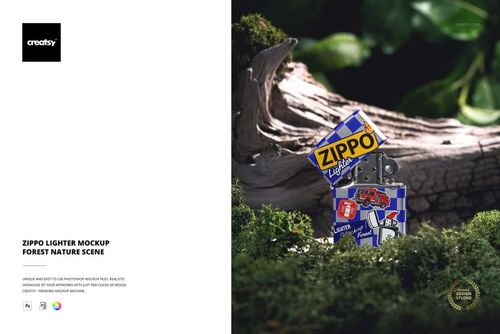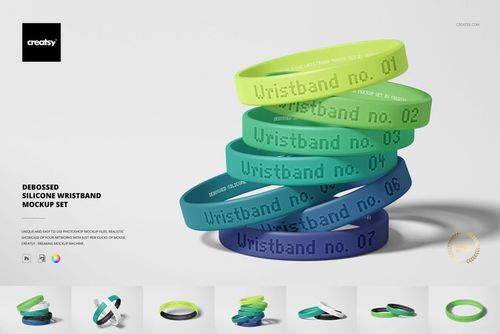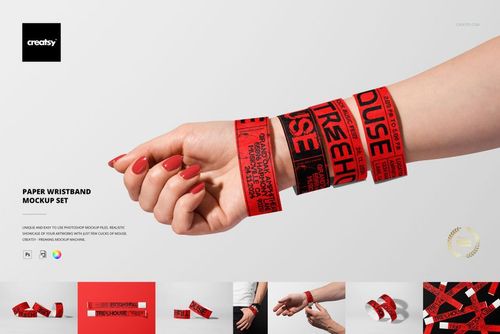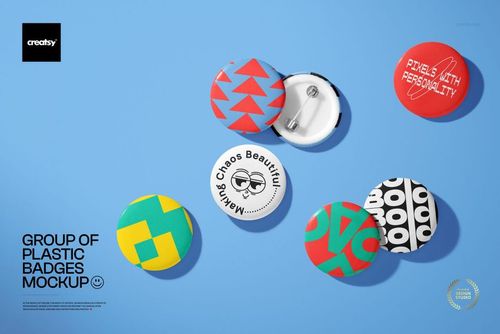



Detachable Lanyards Mockup Set (3 PSD)

ID: 2066440533 | Updated: Mar 5, 2026

Product Details

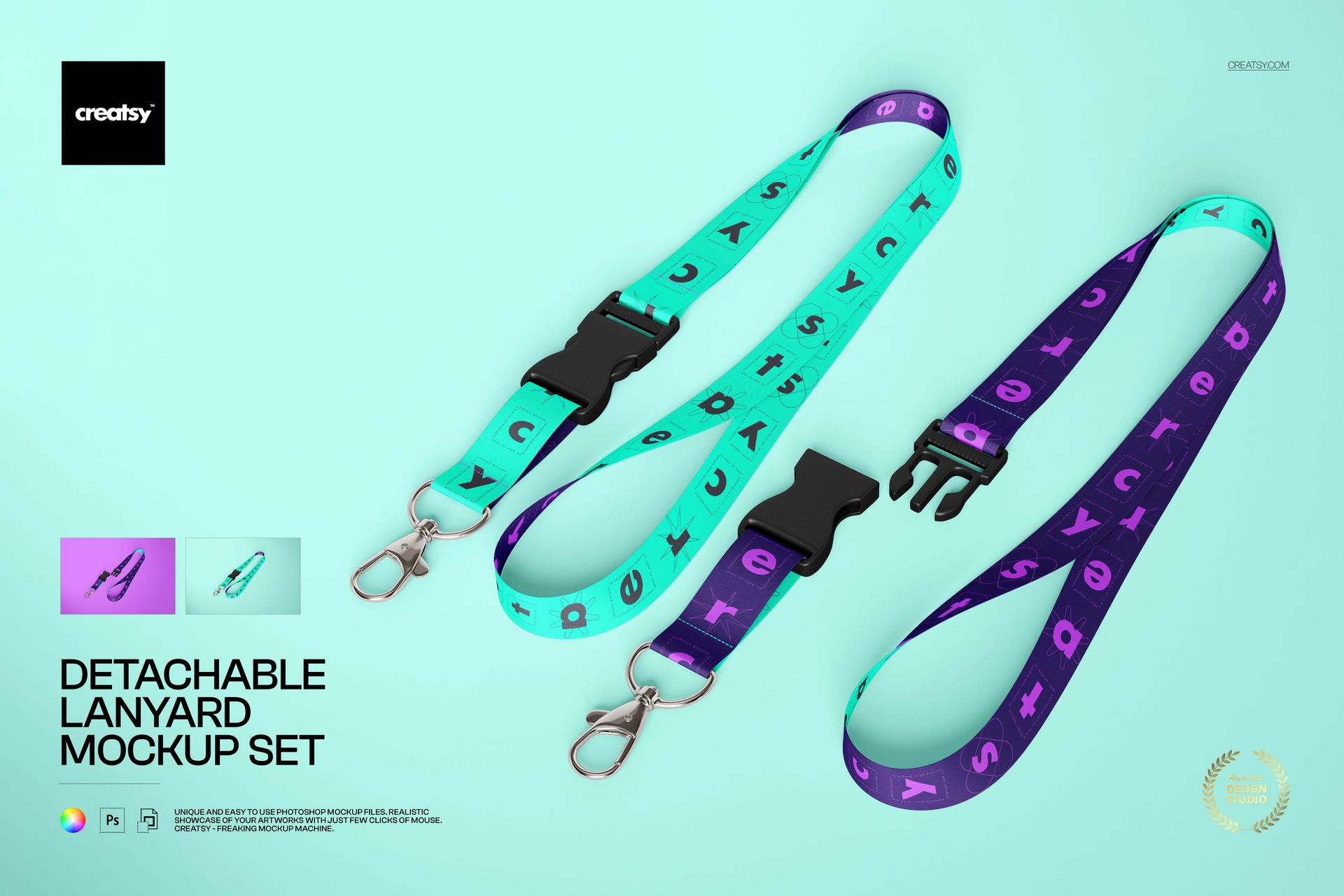
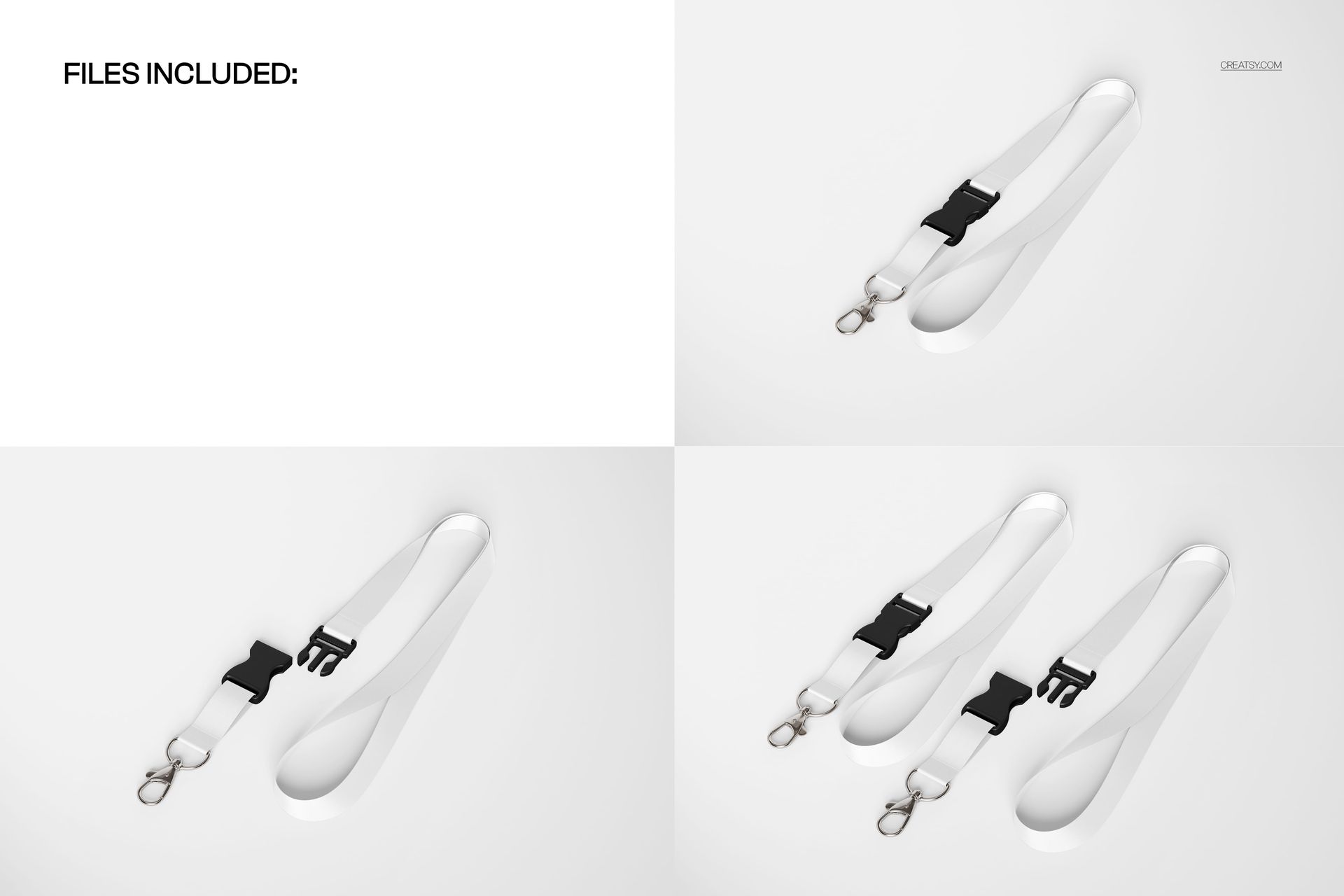
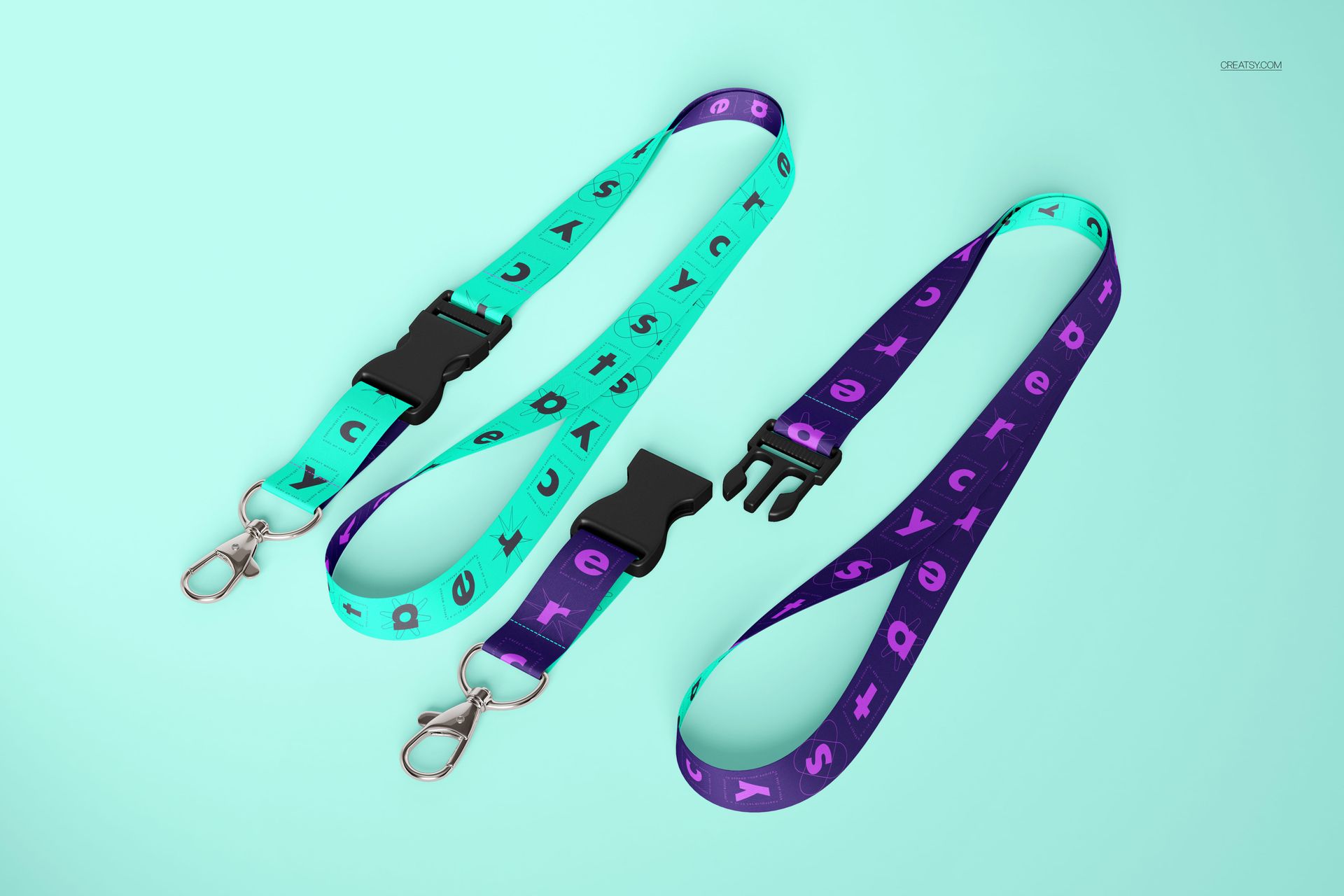
Detachable Lanyard Mockup Set (3 PSD)

Showcase your lanyard designs with photorealistic, editable PSD mockups. This set features detachable neck lanyards with buckles and metal clips - perfect for presenting event branding, staff IDs, or promotional merchandise.

Quick specs

  • Files: 3 layered PSD mockups

  • Resolution: 5000 × 3333 px, 300 DPI

  • Compatibility: Adobe Photoshop CC2020+ and Photopea

  • Editing: Smart Objects for artwork + separate layers for realistic depth

What you can customize

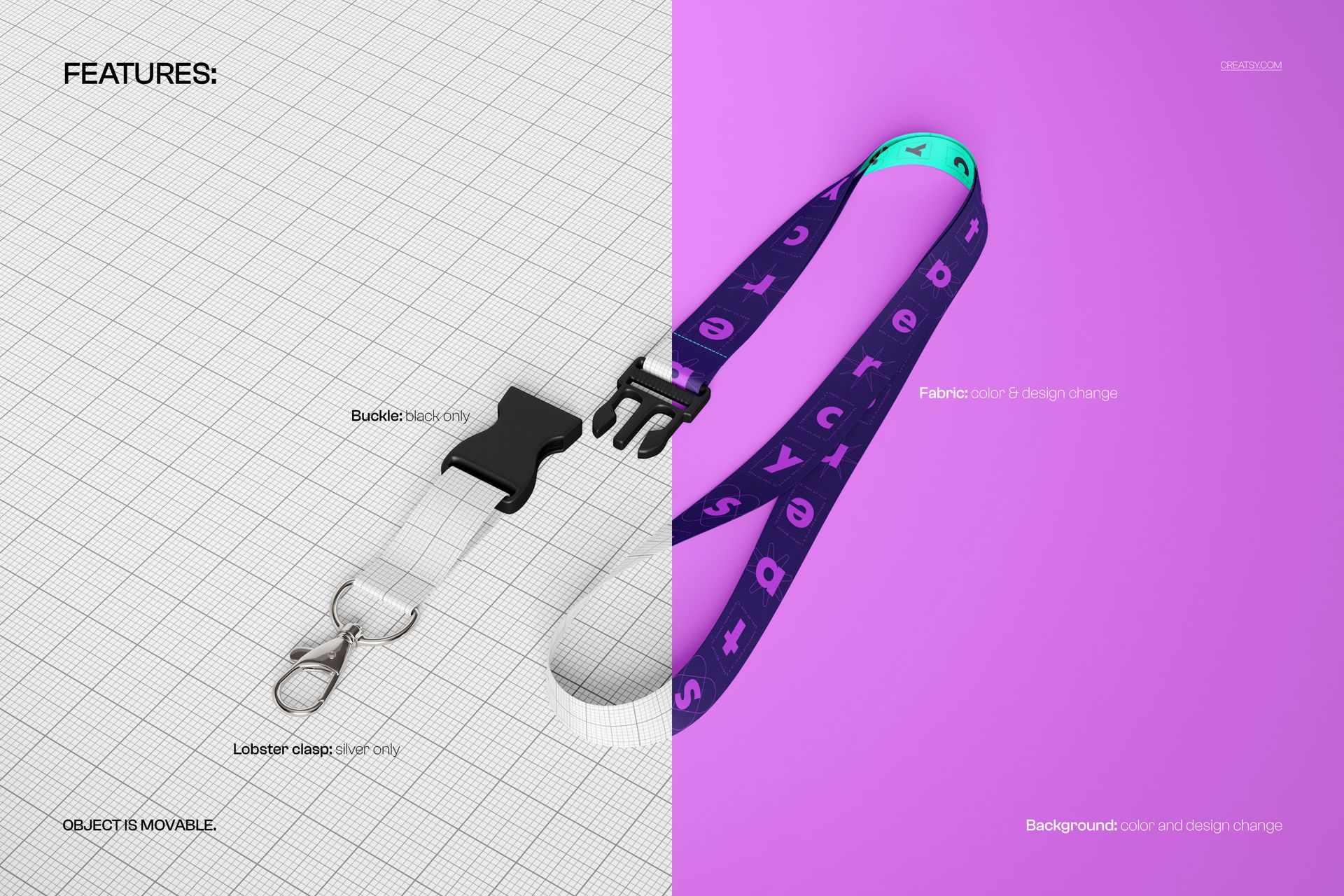
  • Lanyard strap design (Smart Object)

  • Strap color (easy-to-adjust color layers)

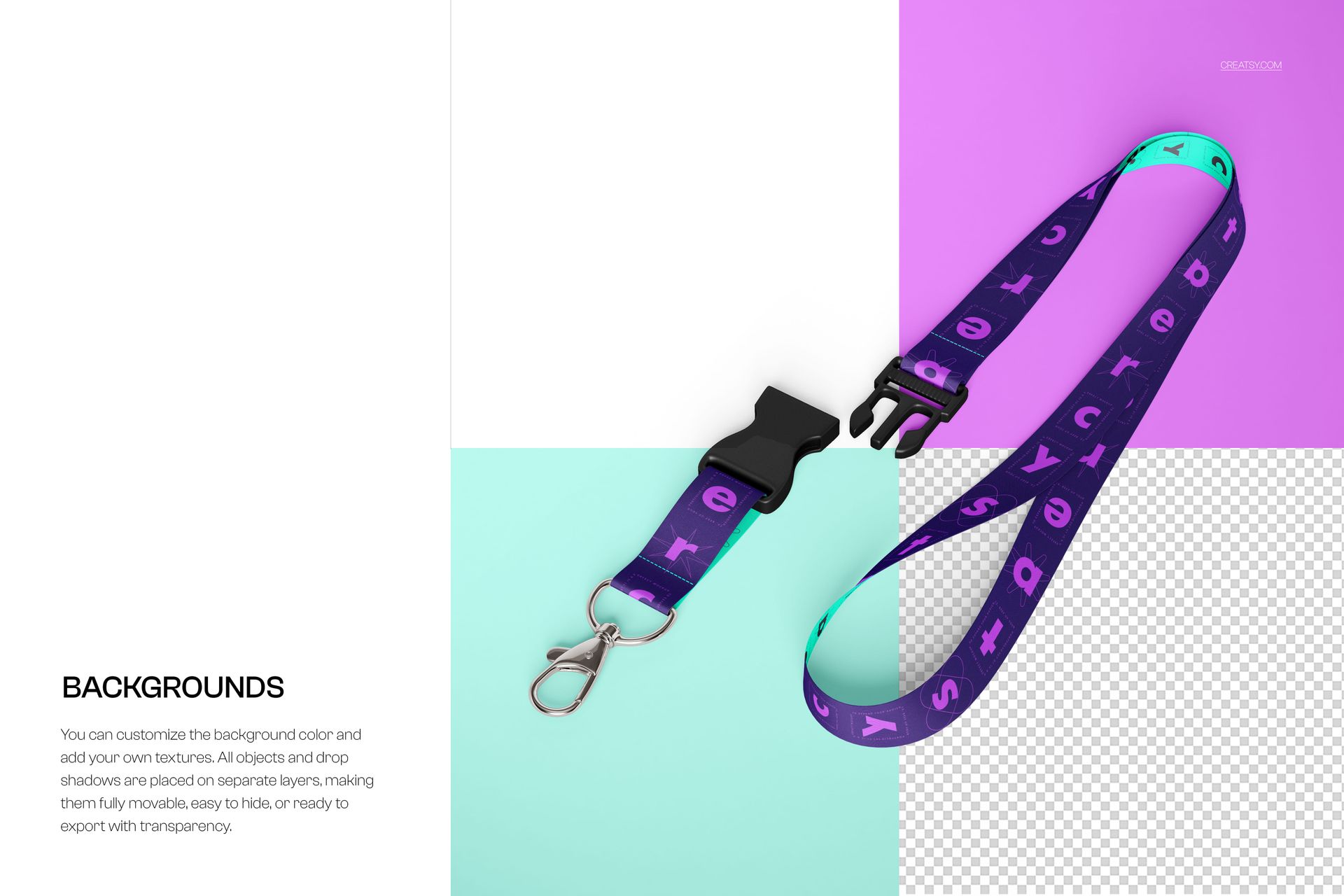
  • Background (clean white "listing-ready" look + scene backgrounds, depending on the PSD)

  • Shadows/highlights (toggle layers to match your composition)

  • Export: create clean PNGs (including transparent options when background/shadows are hidden)

Best for

  • Etsy / Shopify / Amazon listing images

  • Print & sublimation previews

  • Brand identity / event proposals

  • Marketing visuals for clients (fast iterations, consistent look)

How to use (60 seconds)

  1. Open the PSD in Photoshop or Photopea

  2. Double-click the Smart Object layer

  3. Paste your design, save, and return to the main file

  4. Adjust colors/background, export JPG/PNG

Notes

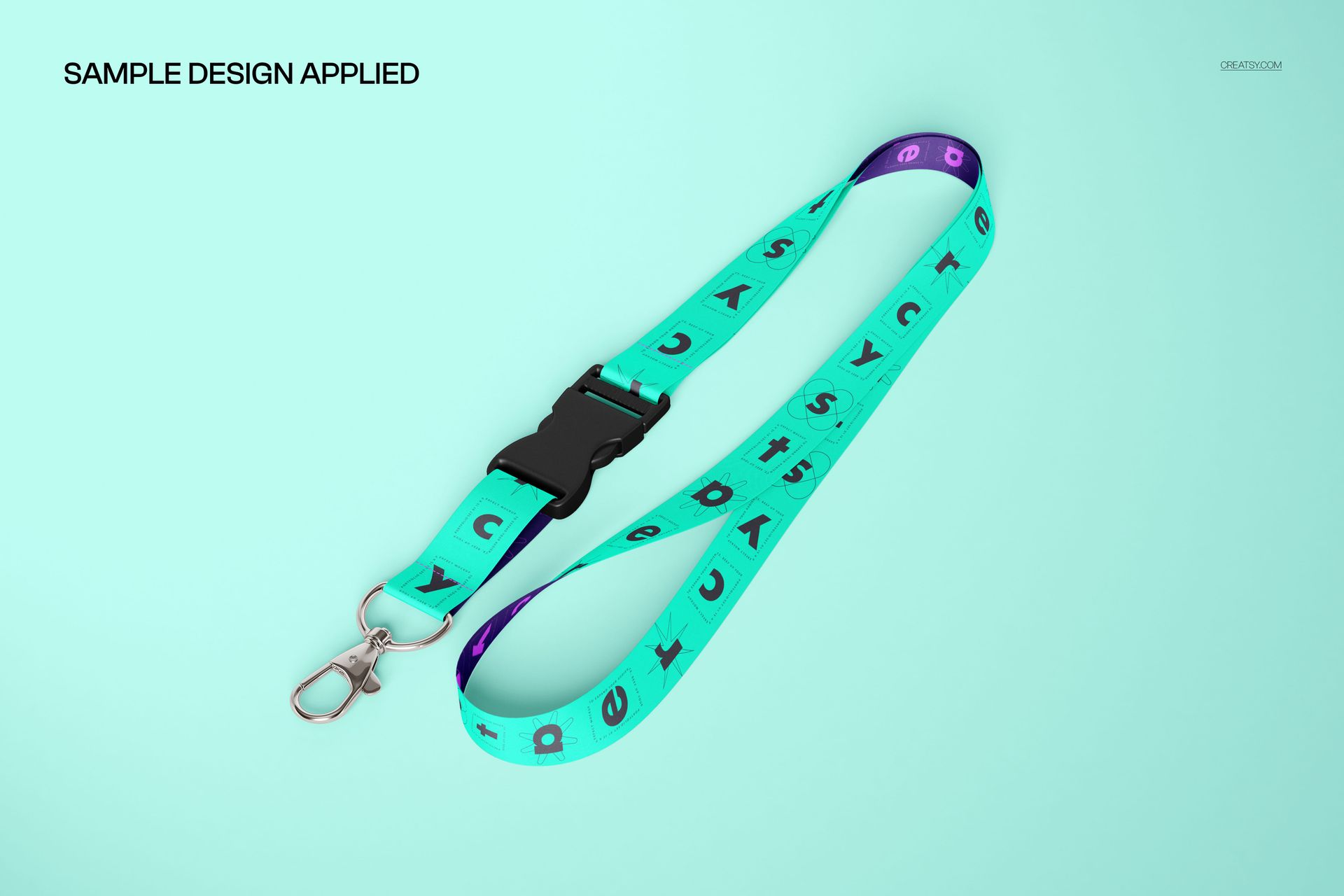
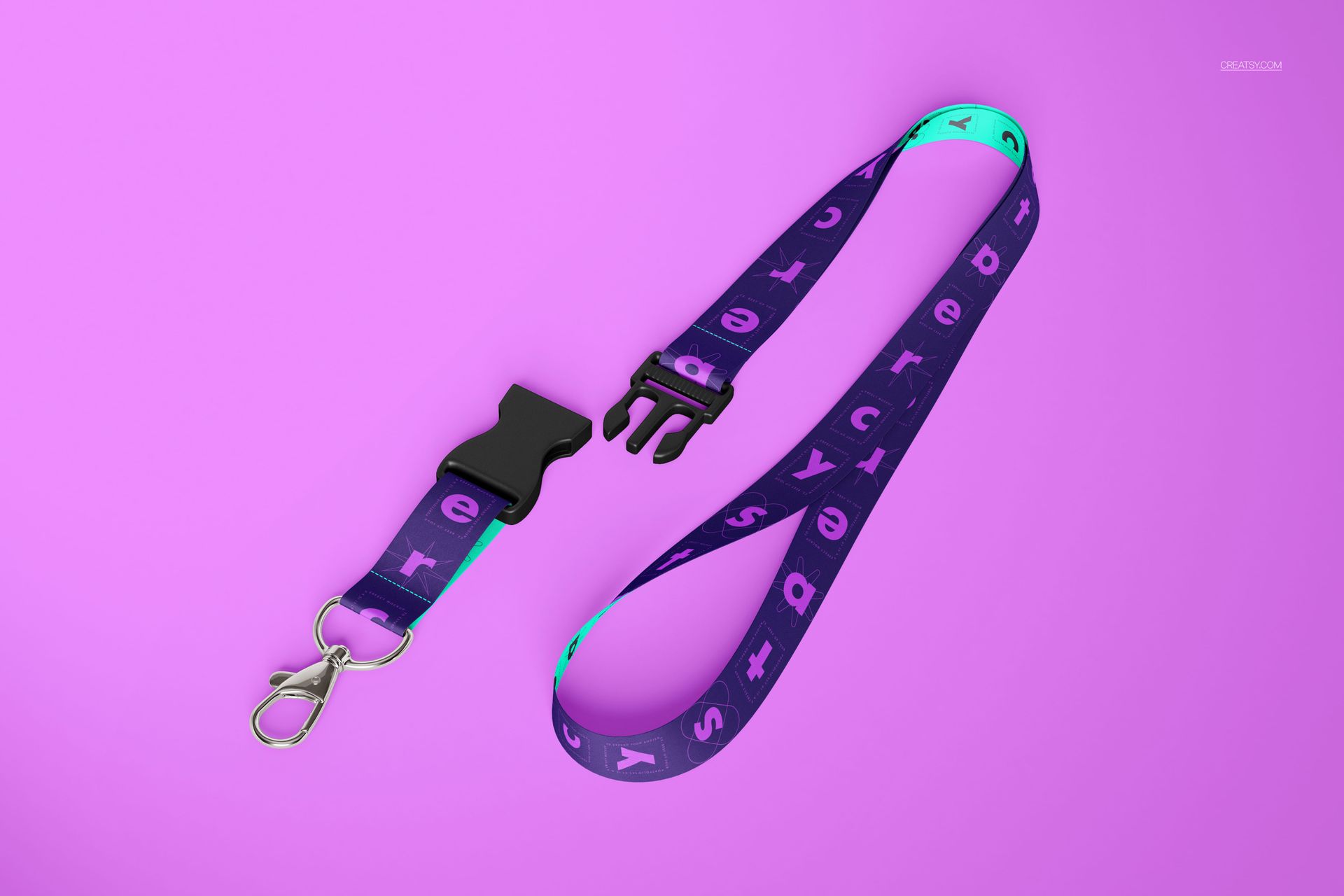
Designs shown in previews are for demonstration only - your purchase contains the mockup files so you can add your own artwork.

Notice

  • Digital product only (no physical item shipped).

  • Mockup files are provided for you to add your own designs - preview graphics are not included.

  • Recommended software: Photoshop CC2020+ (desktop) or Photopea.

  • Please review license terms before purchase.

File details

Compatibility
PhotopeaAdobe Photoshop
Number of files included
6
Package size
601 MB601 MB|630 MB630 MB
Files type
.psd, .jpg
Files size
5000x3333
TEST FOR FREE

MEET THE SHOP

Creatsy logo

Creatsy

Poland
4.7 (642)

Bring your ideas to life.

We're a family-run studio in Katowice, Poland, making PSD mockups by hand since 2016. Everything in this shop starts in our own studio. We shoot the photography, build the 3D, and put together every Smart Object PSD ourselves - then we test it, organize the layers, and only ship it once it actually works...
GO TO SHOP

HOW IT WORKS

3 clicks. That's it.

No tutorial needed. If you can copy-paste, you can use this.

  1. 1OpenDouble-click the smart object inside the PSD - in Adobe Photoshop, or free in your browser with Photopea.
  2. 2PasteDrop in your pattern, print, or artwork. Any design, any style.
  3. 3SaveHit save and the mockup wraps it in for you - shadows, folds, and lighting included.

FROM IDEA TO IMAGE

Built for real workflows

Skip the photo shoot Show your artwork on the real product type for approvals or listings - no studio, no model, no sample.

See it on the product, not a swatch Drop your file into the smart object and the scene's lighting and folds wrap around it, so you judge the real thing before you commit.

Smart Objects

Edit once and you're done. Your artwork drops into a smart object and the mockup updates itself - no masking, no warping by hand.

Perfectly Organized

Named layers and folders you can actually navigate. Find what you need, change what you want, and get out fast.

Print-Ready

High-resolution files built to hold up on screen and in print. Exact size and DPI are in this product's Details above.