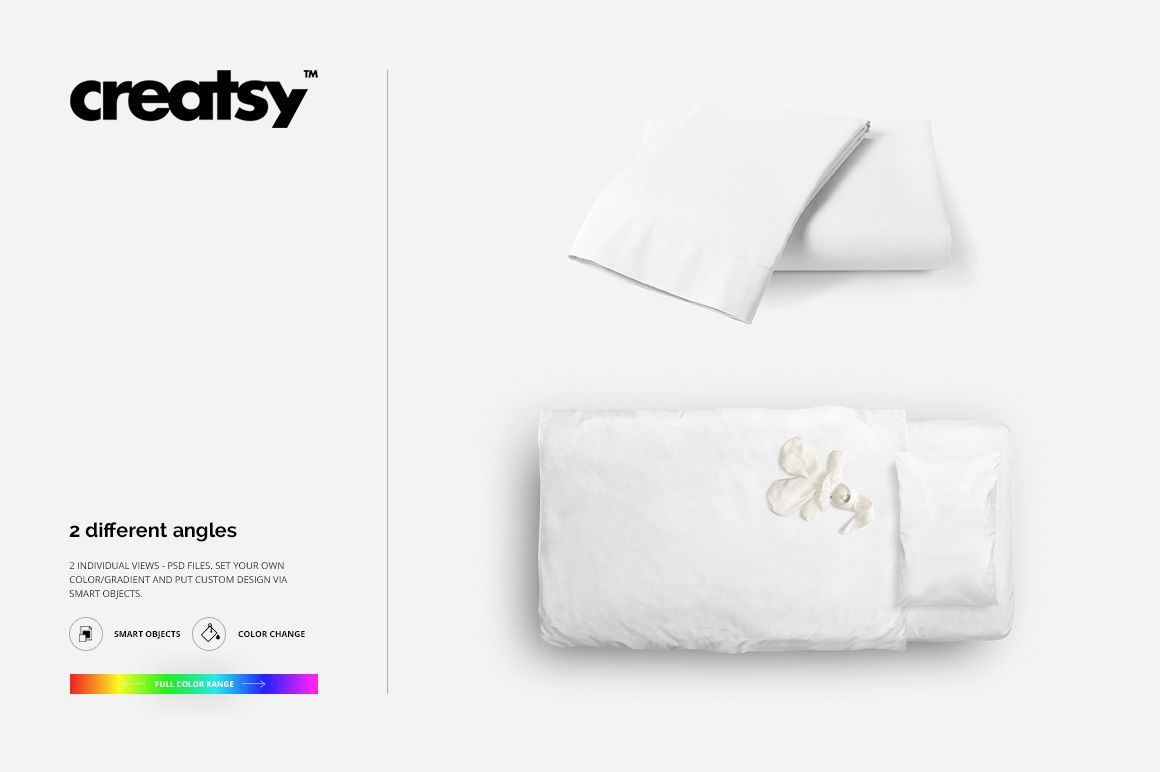
Kids Bed Bedding Mockup Set
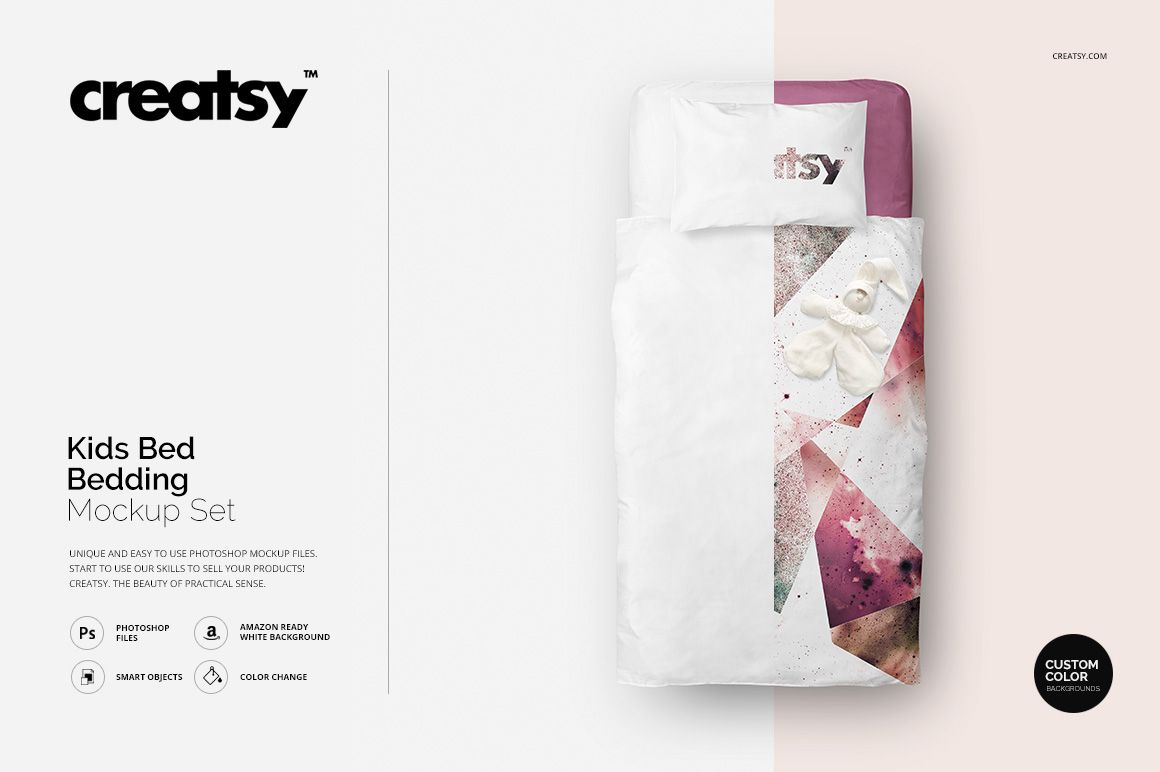
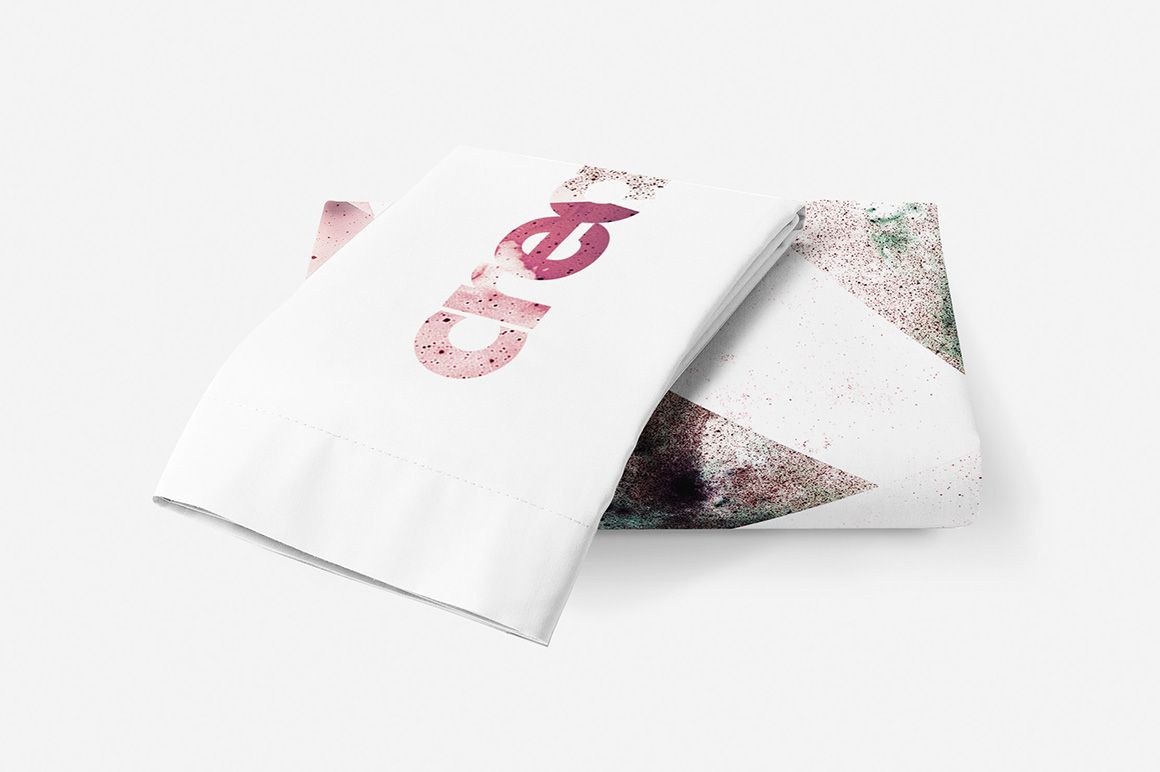
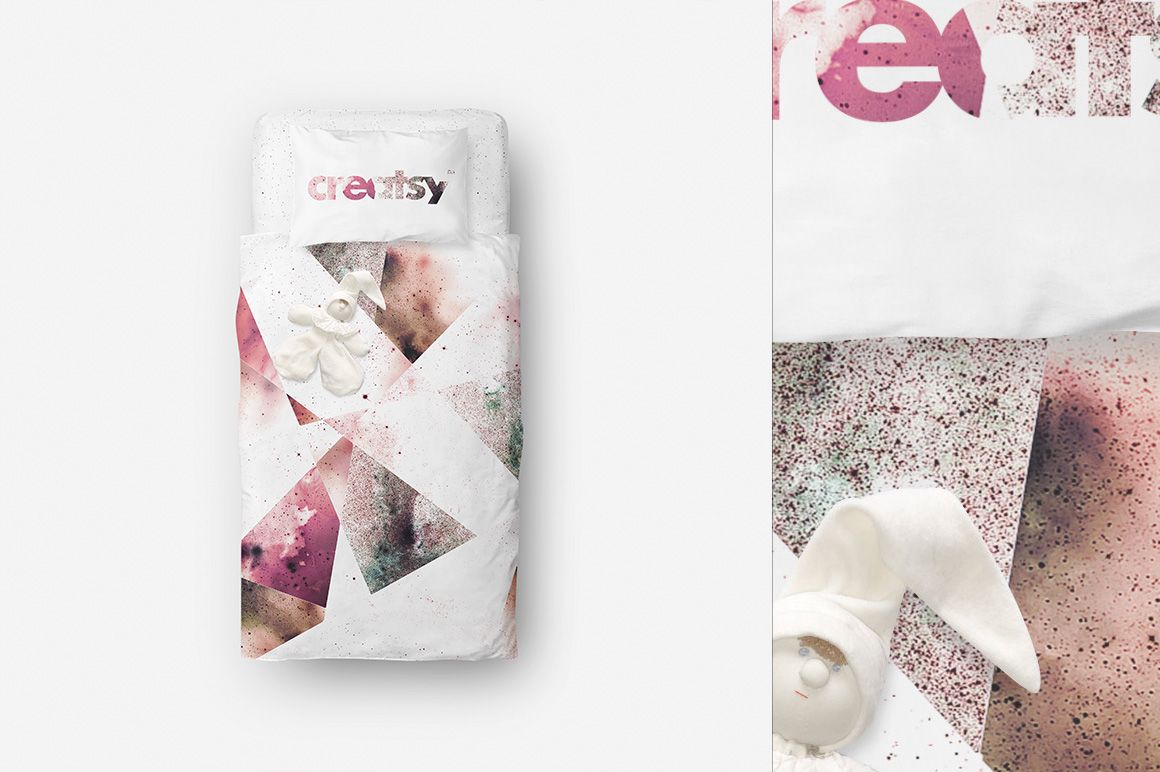
Show a children’s bedding design both laid out on the bed and as a folded set. The two presentations offer a useful contrast: one explains the overall print placement, while the other brings the coordinated pillowcase and folded bedding into a compact product view.
What Is Included
2 layered PSD files: the bed presentation and the folded bedding set.
4000 × 4000 px at 300 DPI per PSD.
2 JPG previews and 1 TIF guide, 5 files in total.
Compatible with Adobe Photoshop and Photopea.
One Collection, Two Ways to Present It
Use the bed view to show the relationship between the pillow, sheet and quilt artwork. The folded-set composition gives the same collection a closer, more product-focused presentation and reveals how the artwork reads around fabric folds.
Easy Smart Object Editing
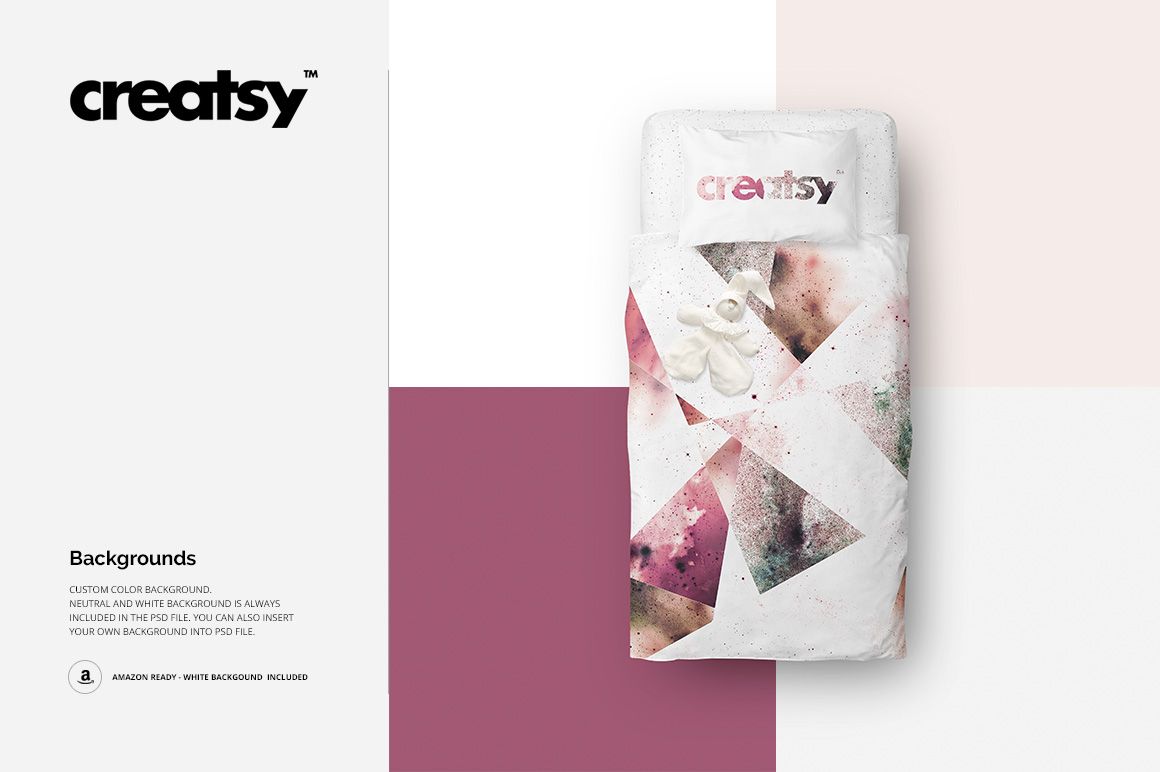
Replace the designs through Smart Objects and adjust the available color layers. Neutral, white and custom-color backgrounds let you keep the attention on the bedding; you can also insert your own background image.
Perfect For
Children’s bedding ranges, textile licensing portfolios and client presentations comparing coordinated prints. Use both scenes to present the same collection consistently without photographing a new sample for every visual variation. This is a digital mockup set, not physical bedding or a sewing pattern. Preview artwork is not included.