Fabric Bolt Mockup for Realistic Textile Pattern Previews
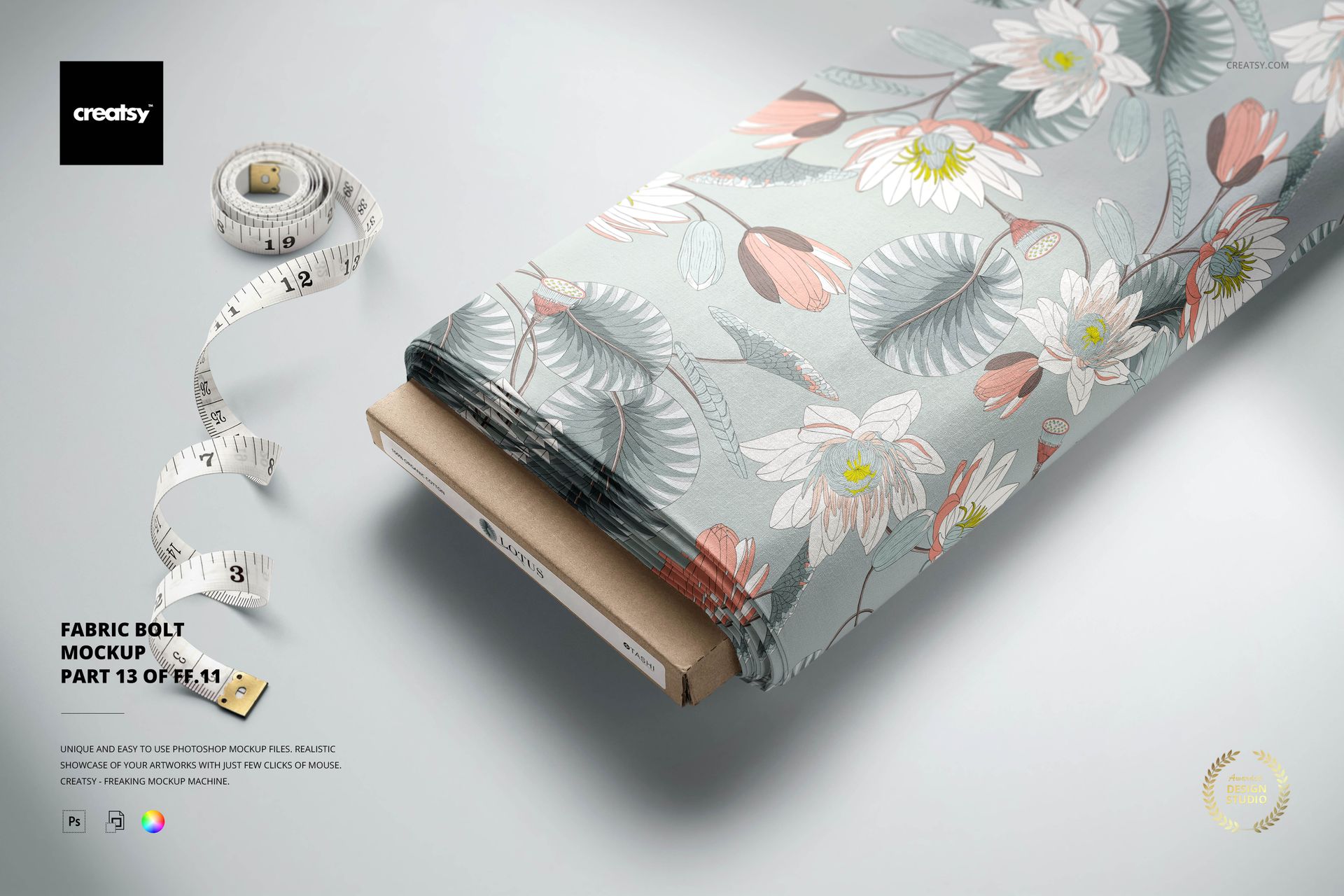
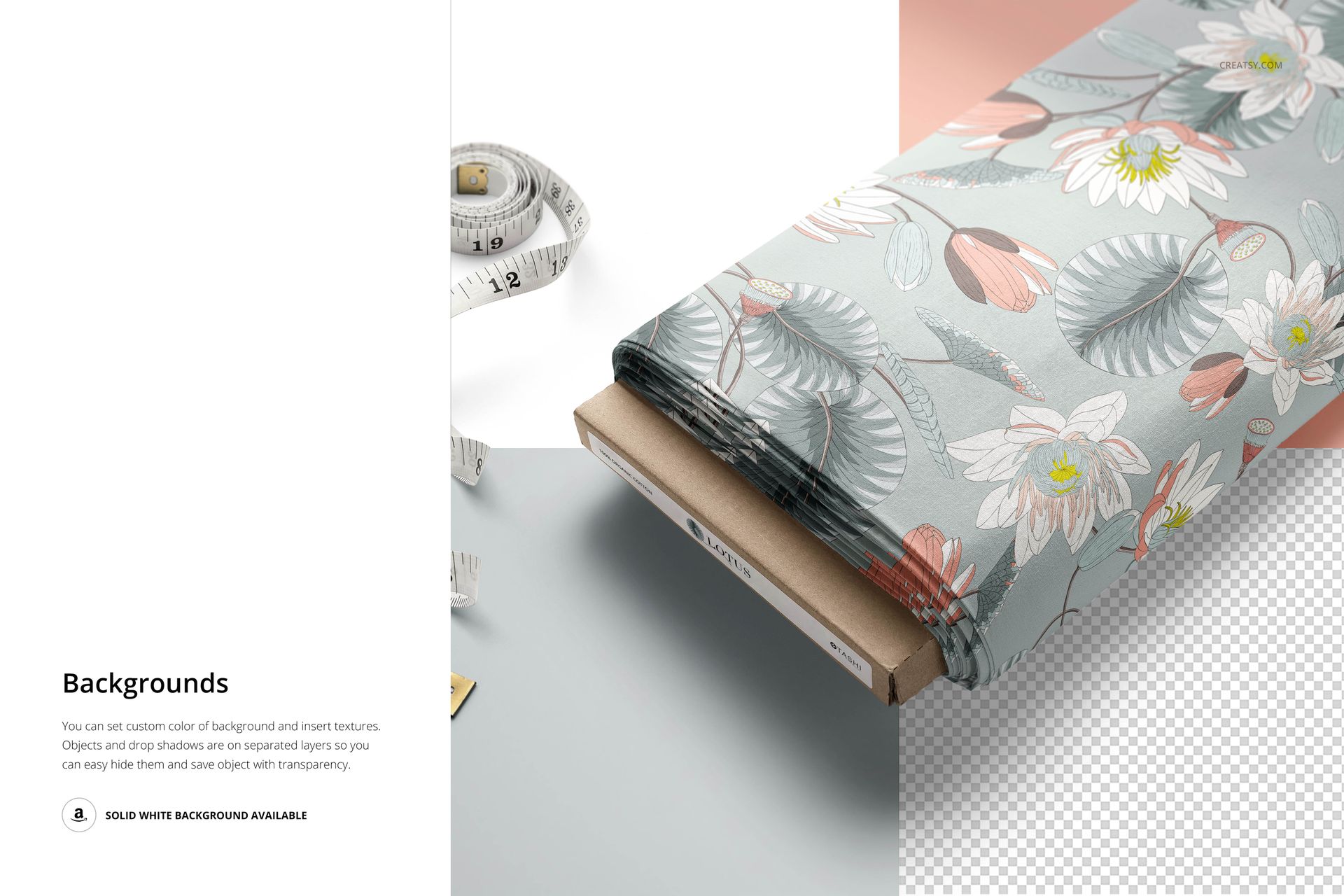
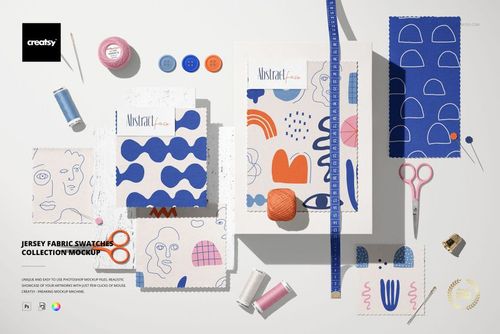
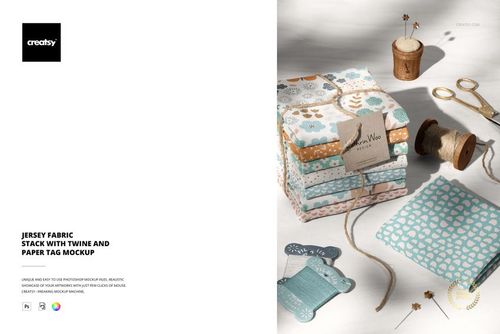
Present a repeat pattern, illustration or branded textile design on a professionally photographed fabric bolt. This detailed mockup turns flat artwork into a convincing material preview with realistic texture, folds, scale and lighting. It is a practical presentation asset for surface pattern designers, fabric manufacturers, licensing artists and textile brands that need a polished visual without producing a physical sample.
Product Specifications
1 layered PSD mockup file
6000 × 4000 px resolution at 300 dpi
Adobe Photoshop CC 2015 or newer compatibility
PSD, JPG and PDF files
Well-organized layers for efficient editing
Smart Object workflow for custom artwork placement
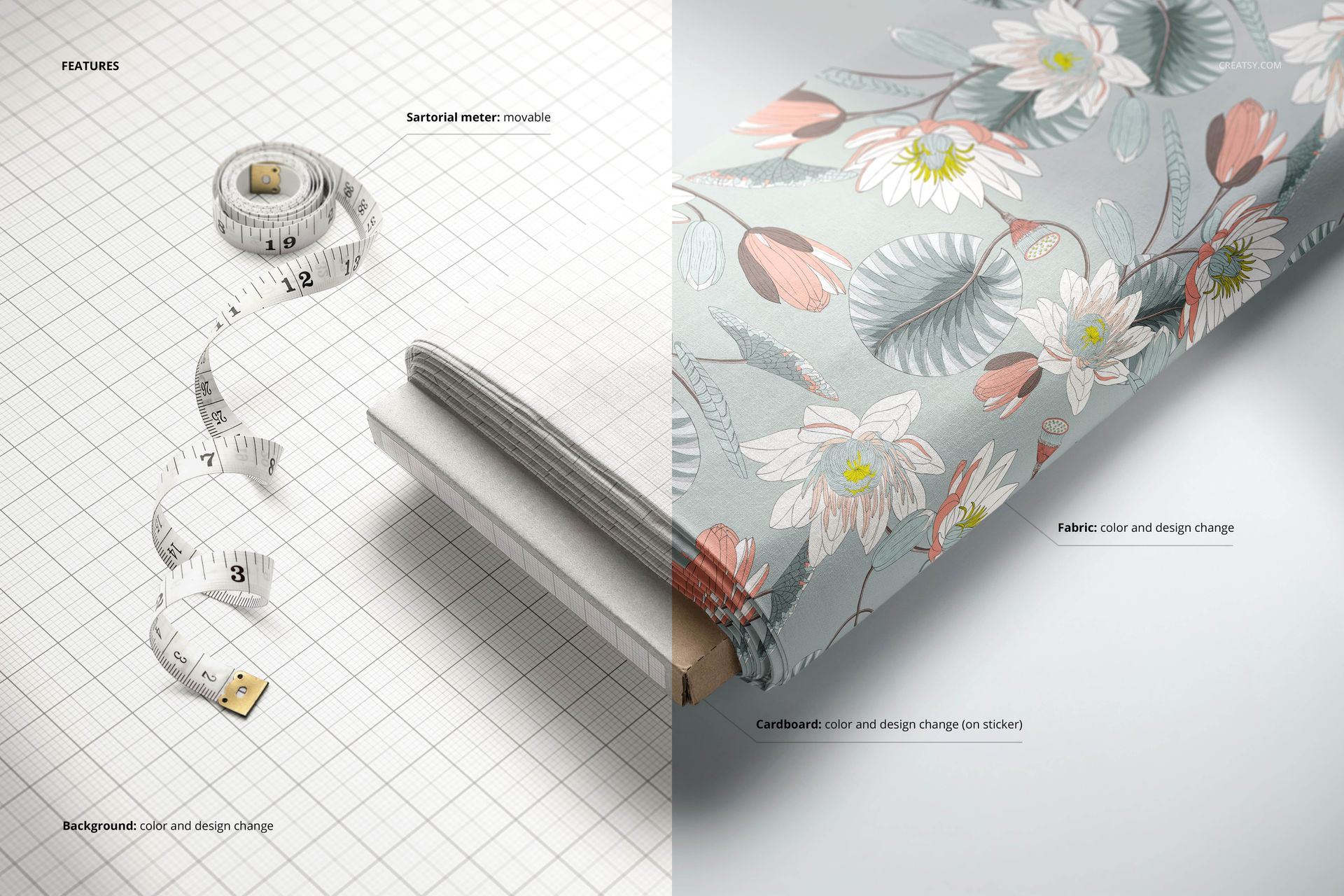
Editable Elements
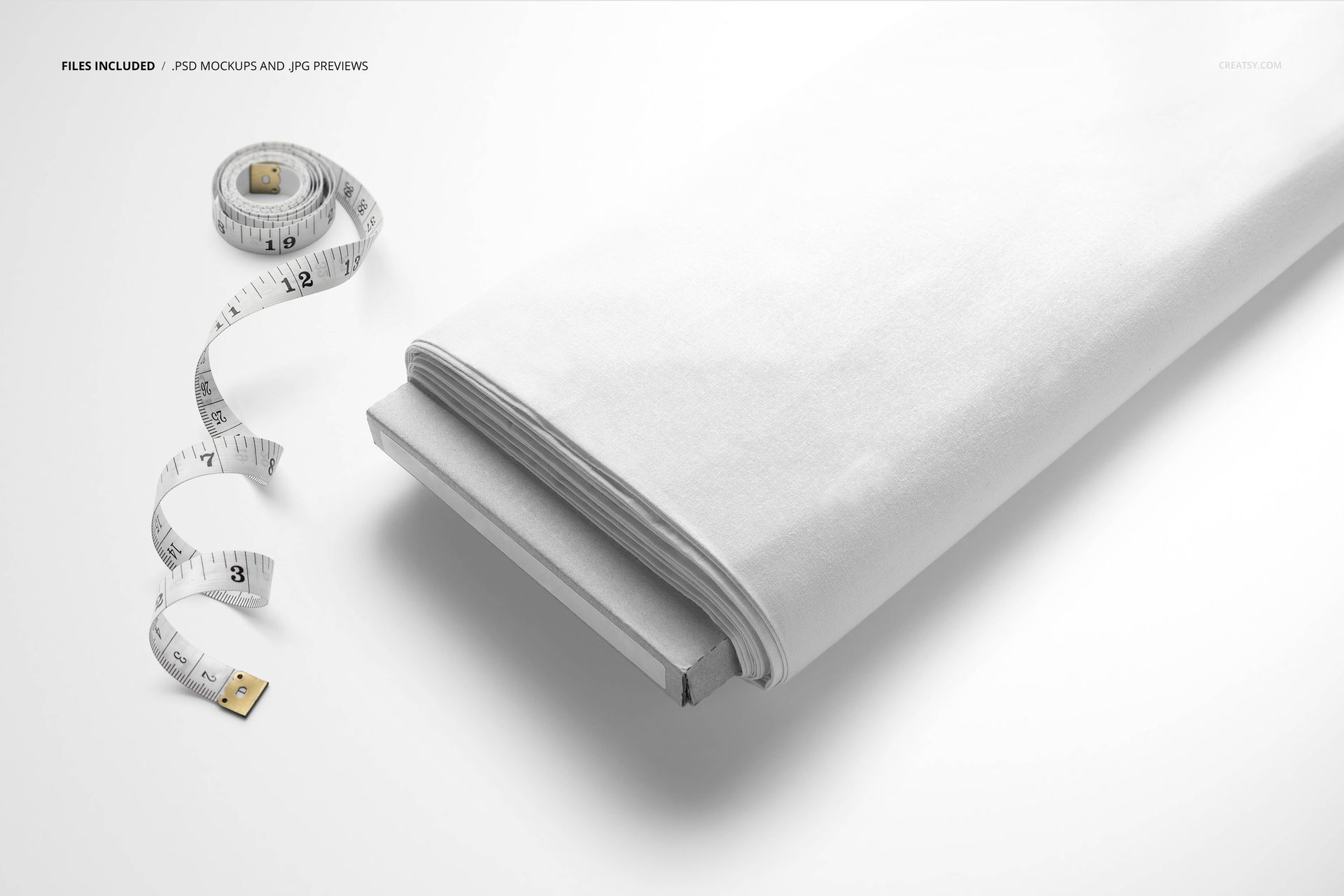
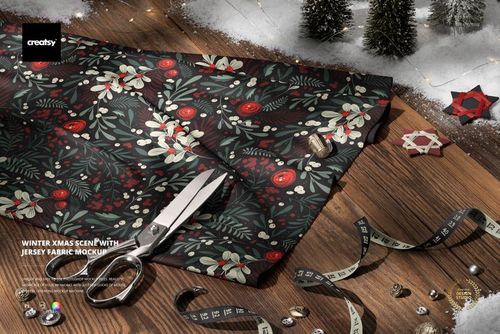
Replace the fabric artwork, adjust the fabric color and customize the background color or design. The angled composition and nearby measuring tape help communicate the scale of a repeat while keeping the textile surface clearly visible. Use the high-resolution result for portfolio pages, fabric shop listings, collection presentations, licensing pitches and promotional campaigns.
Designed for Commercial Textile Presentation
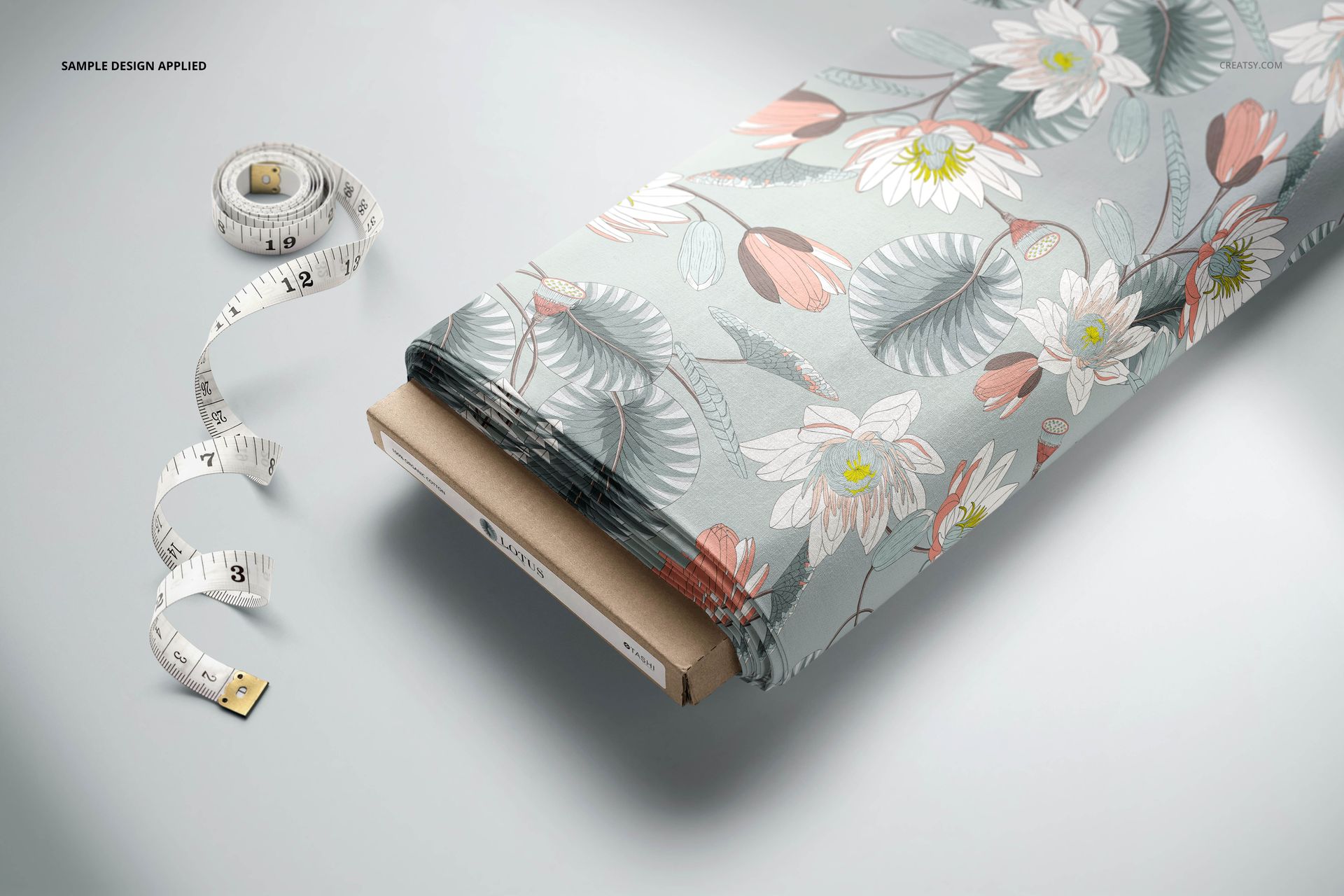
The scene is suitable for floral, geometric, abstract and illustrative patterns. It can support apparel, home decor, quilting and general fabric concepts by showing clients how a design may appear across a continuous bolt rather than as an isolated square tile.
Artwork Credit
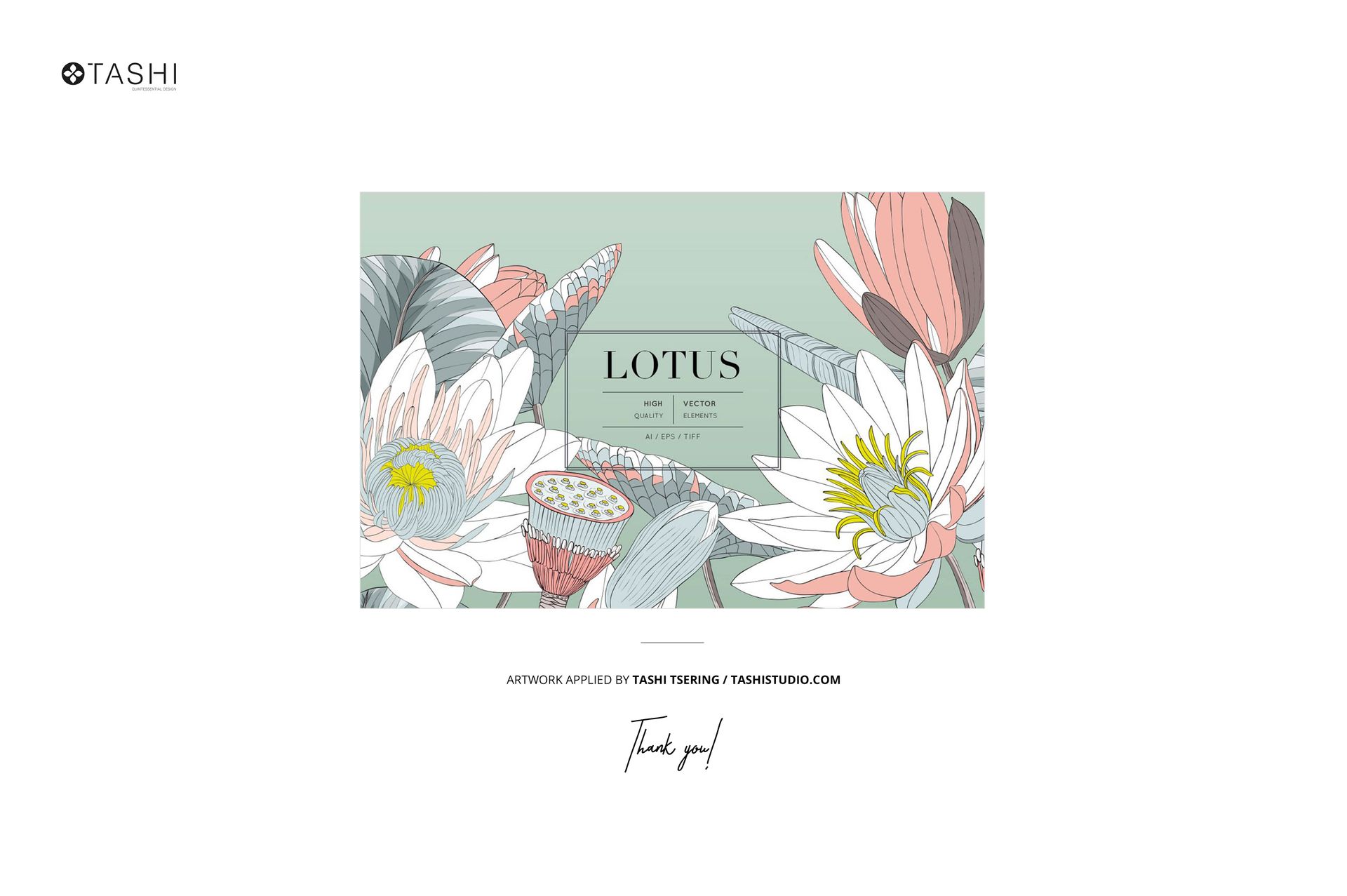
The featured Lotus artwork is by Tashi Tsering of Tashi Studio. The sample design is shown for demonstration only and is not included with the mockup.