Guitar Pick with Guitar Mockup Set

ID: 2015942997 | Updated: Sep 11, 2024

Product Details

Guitar Pick with Guitar Mockup Set


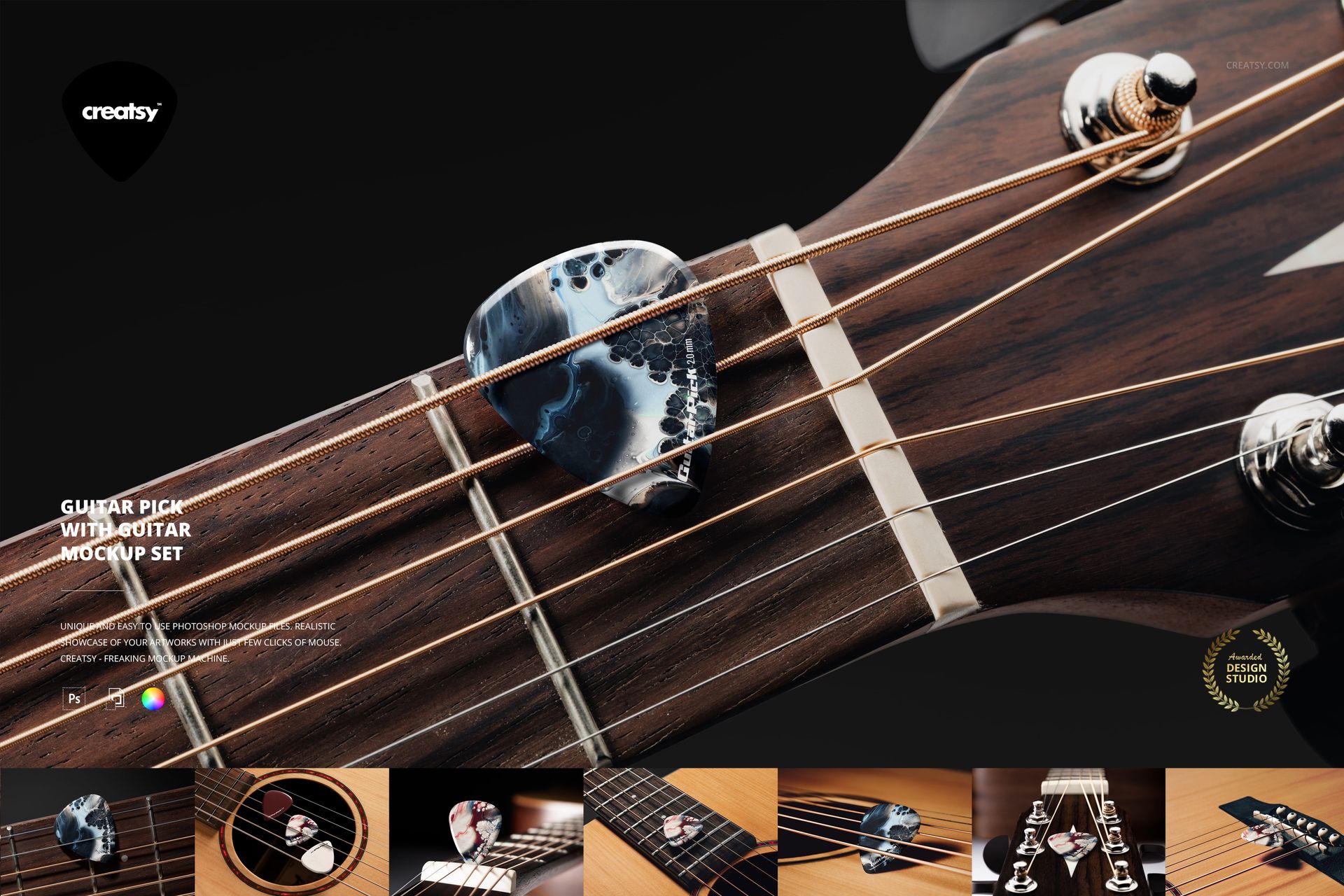
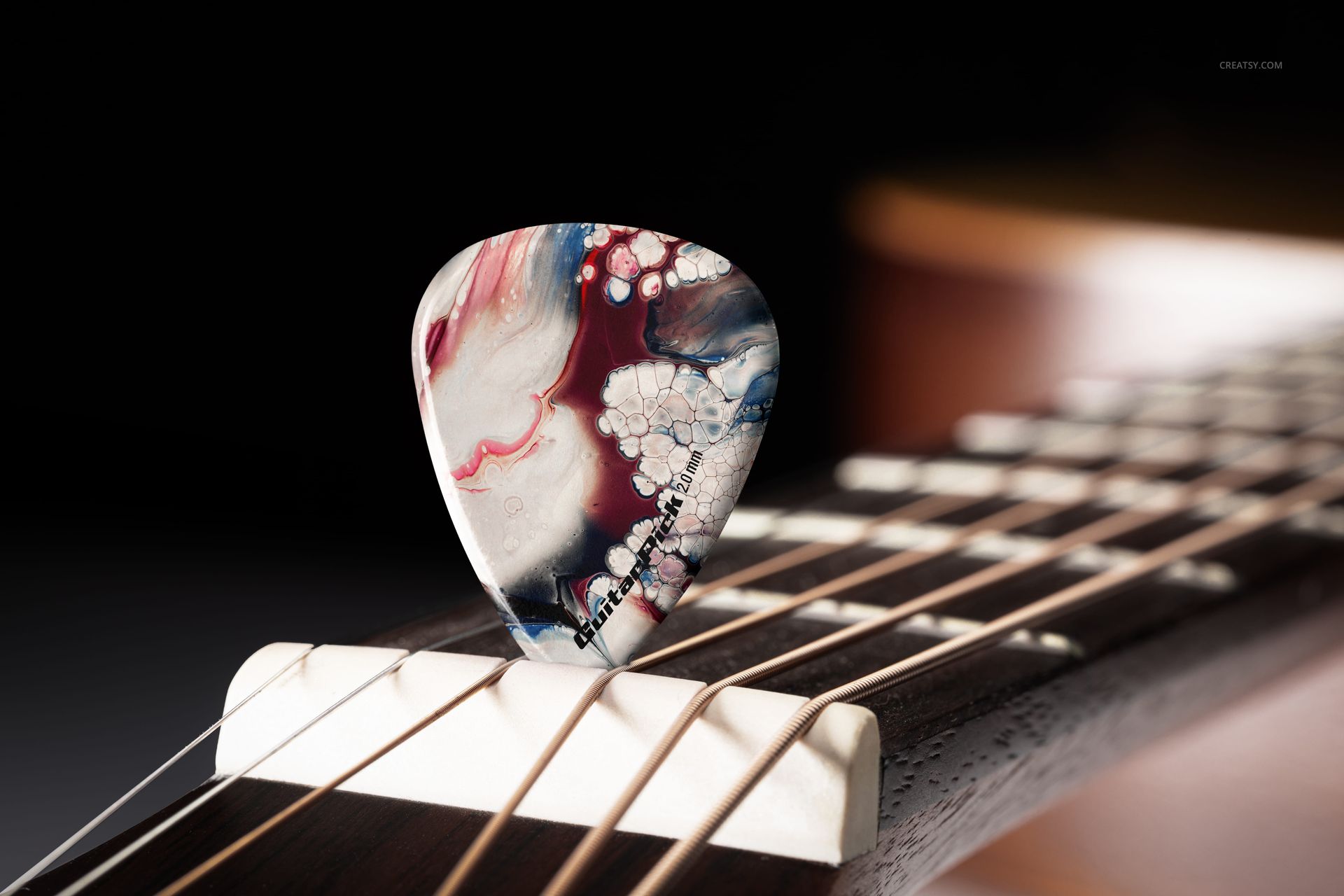
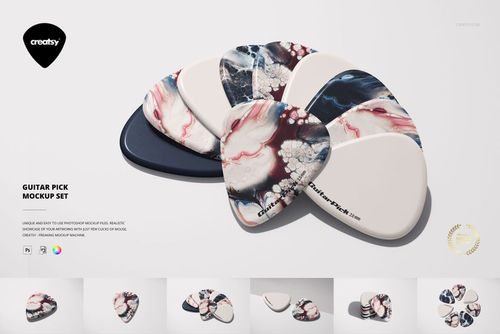
Bring your designs into perfect harmony with our new Guitar Pick with Guitar Mockup Set. Crafted with precision and styled with musicians and designers in mind, this mockup set hits all the right notes. No matter if you're branding your next music project or showcasing artwork for a creative campaign, this set provides a detailed and authentic way to visualize your ideas.


Strike the Right Chord

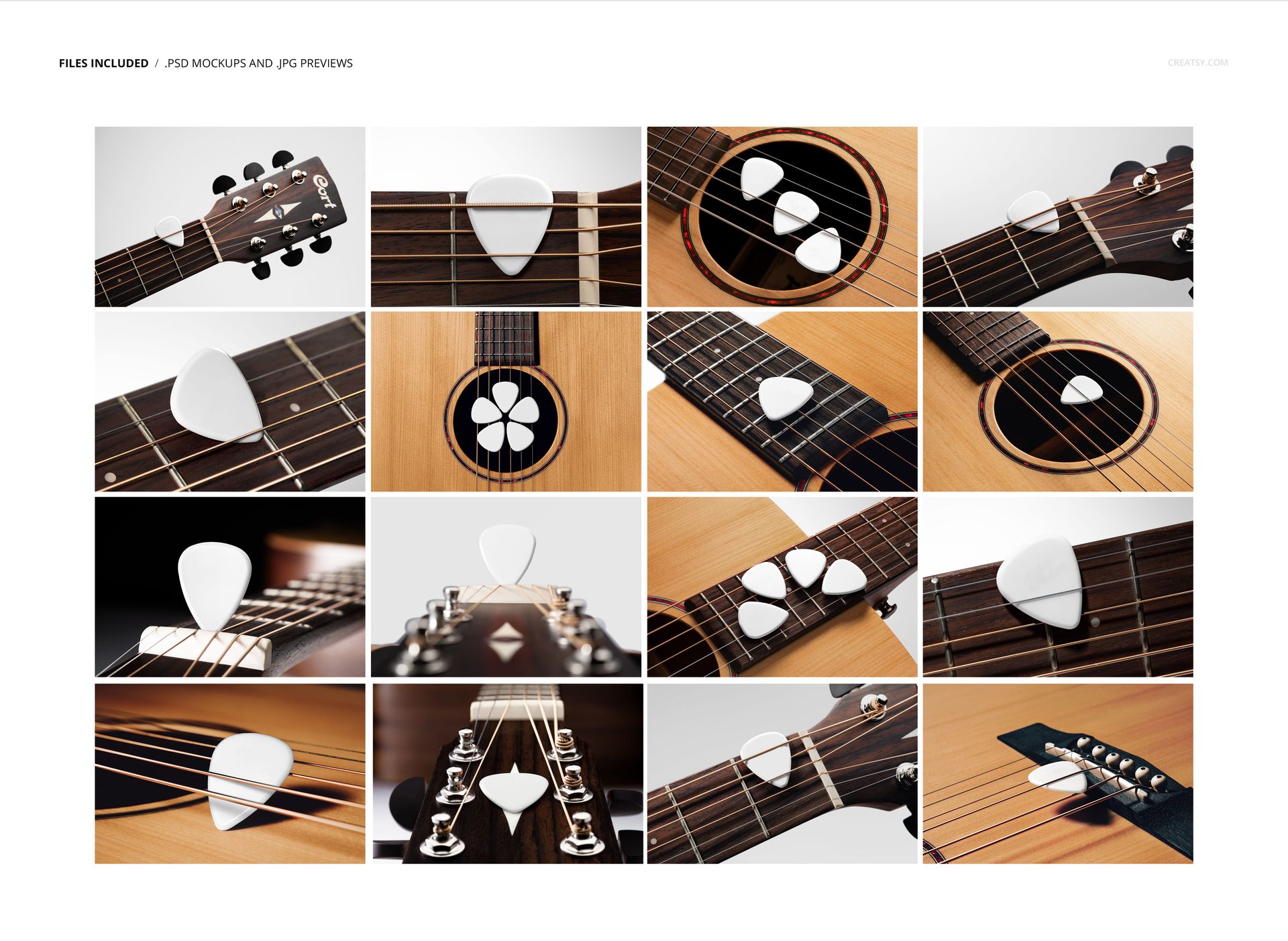
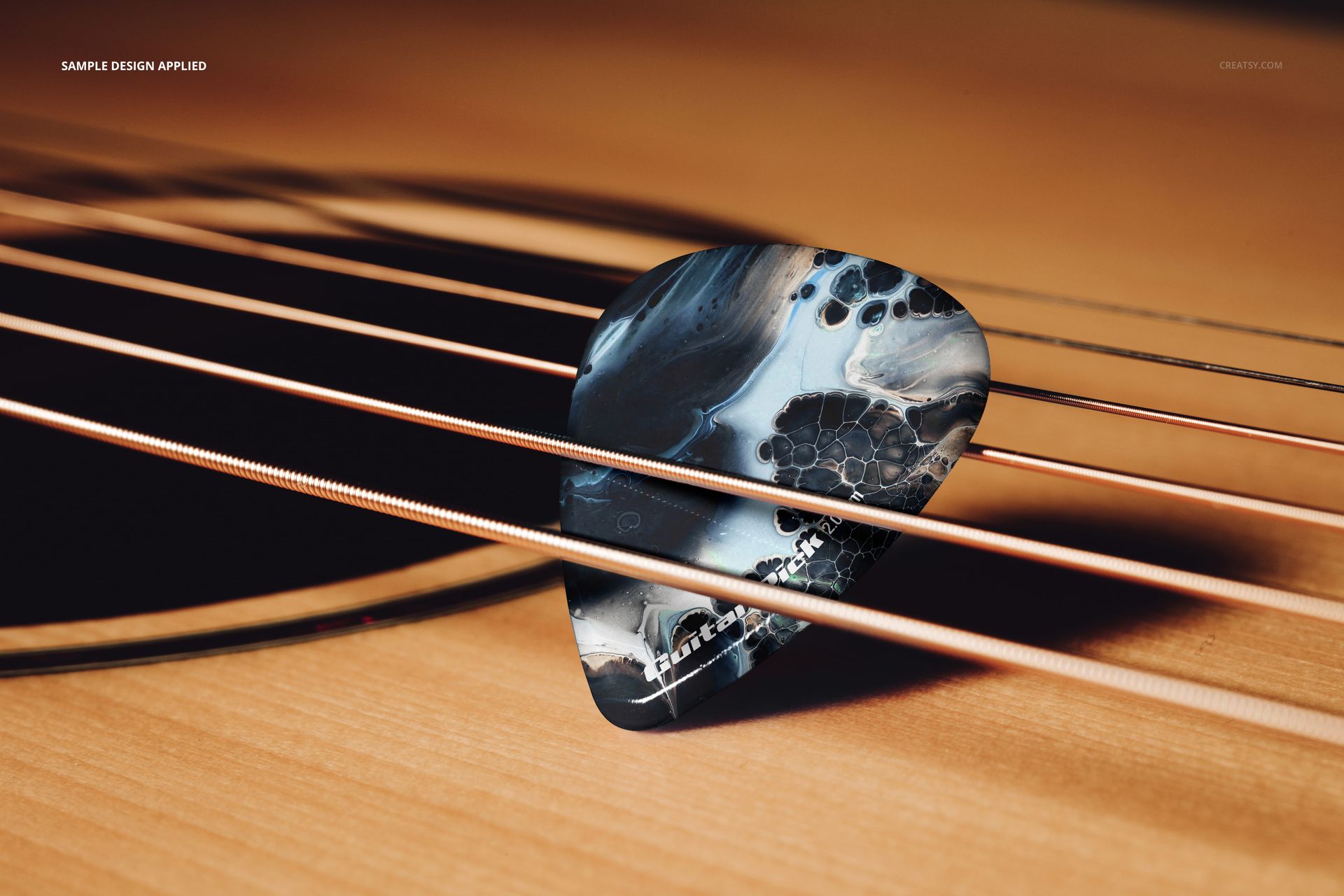
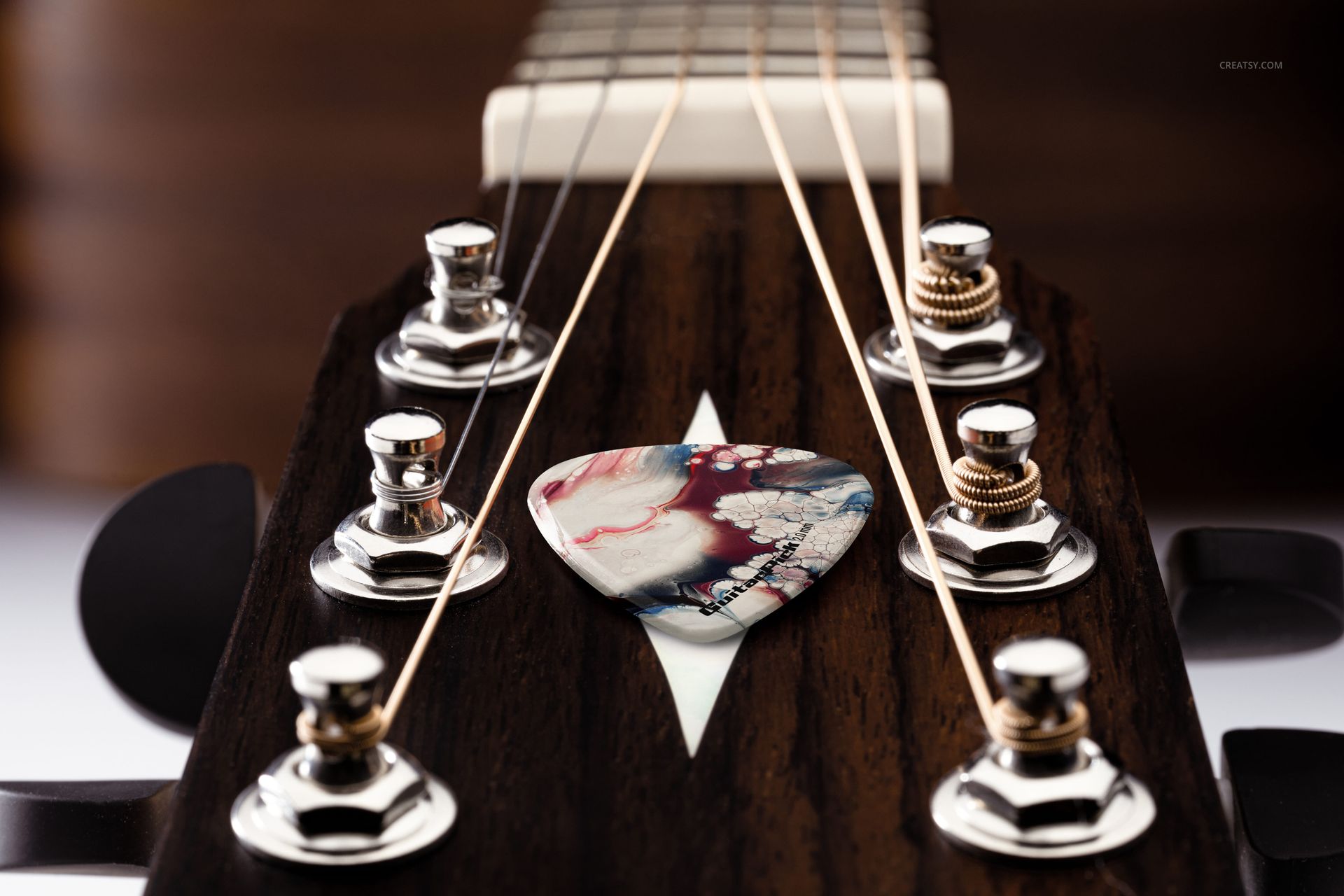
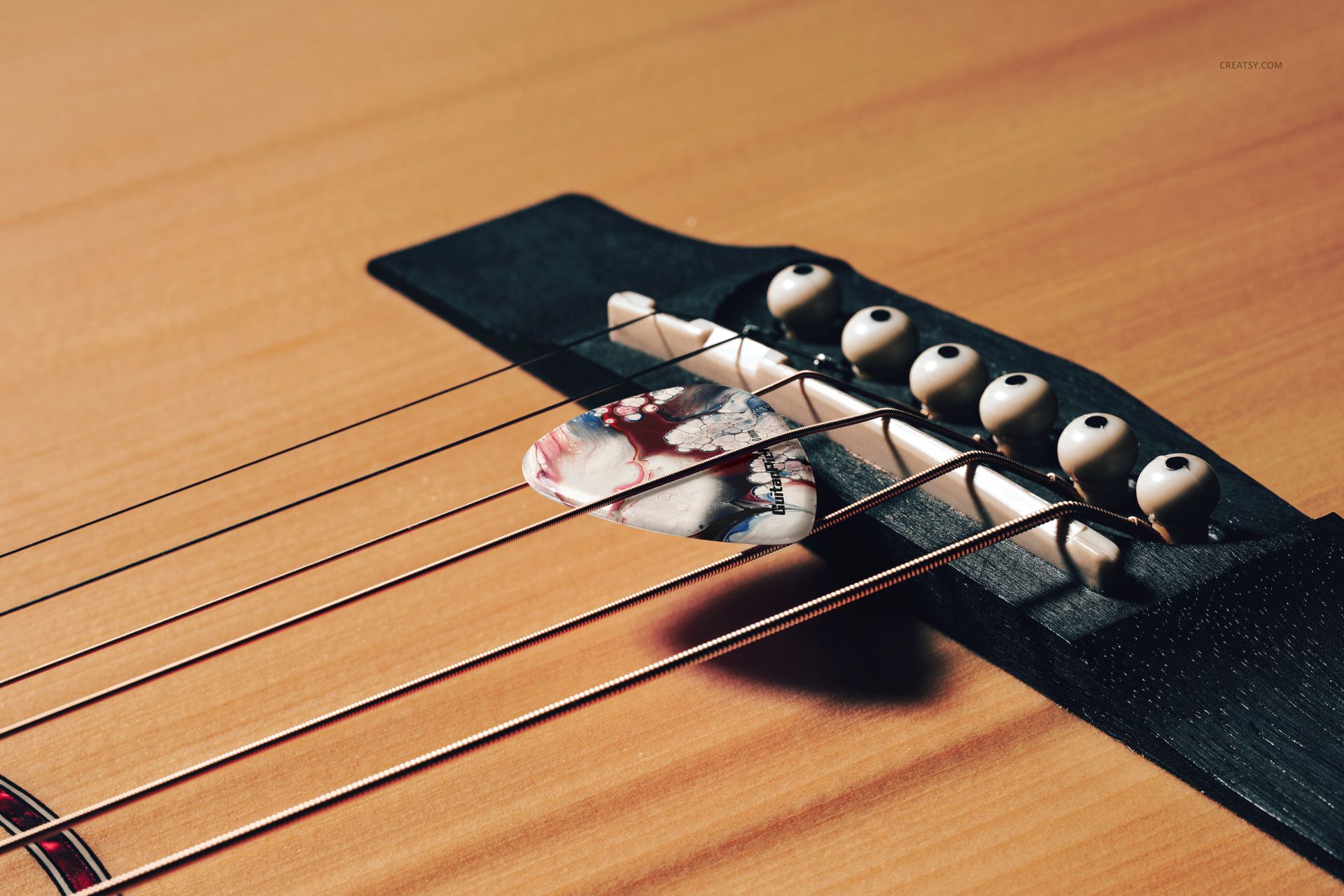
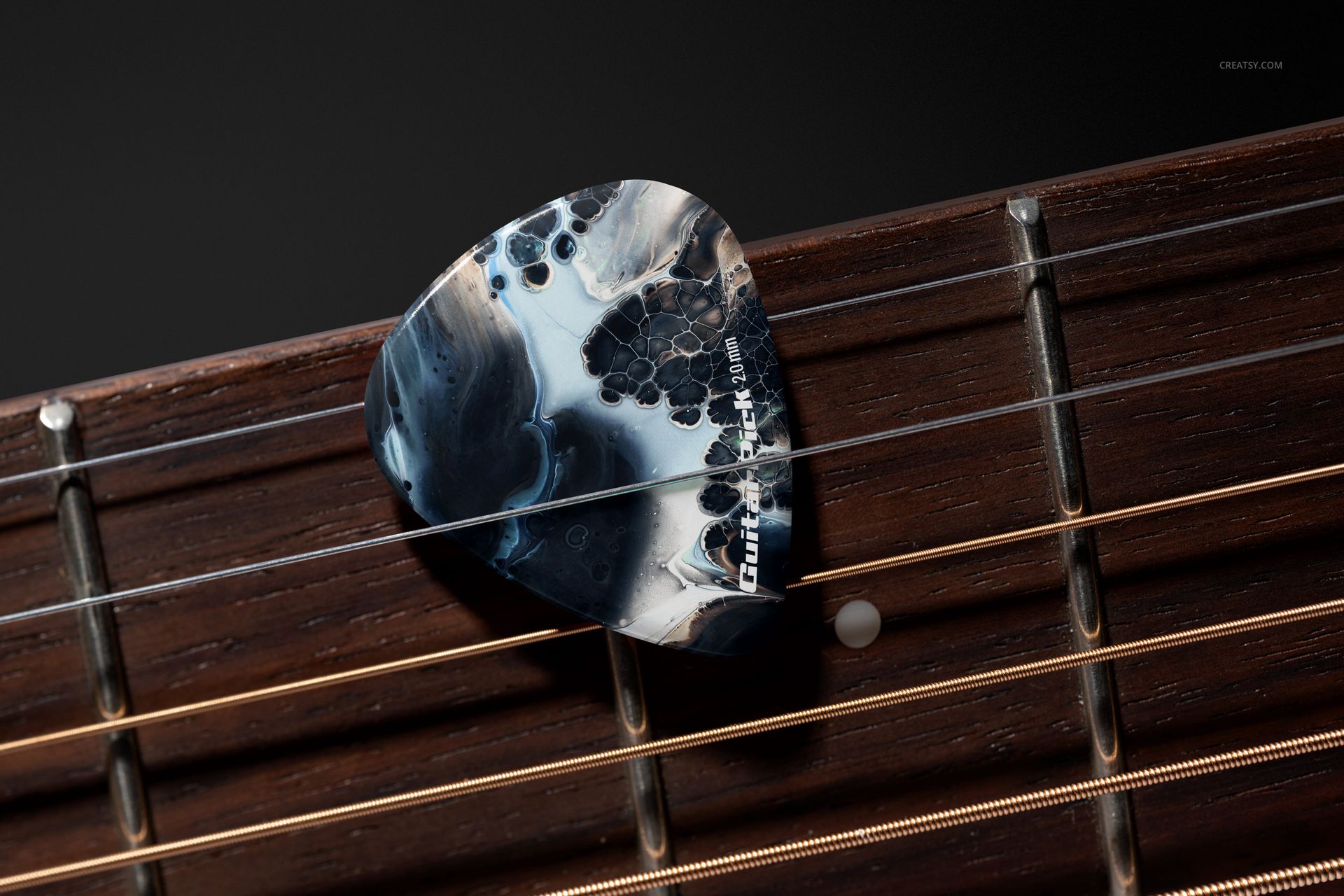
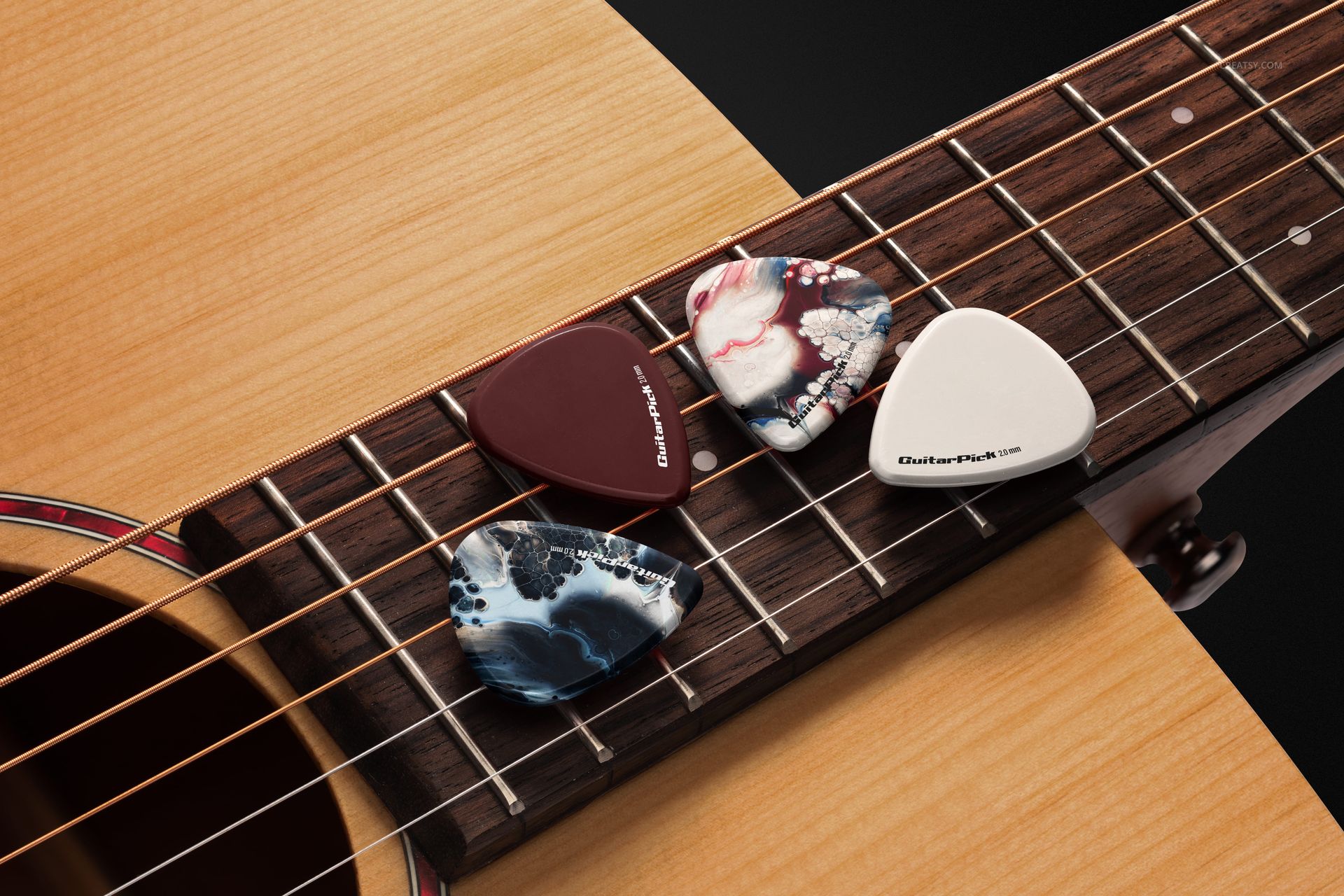
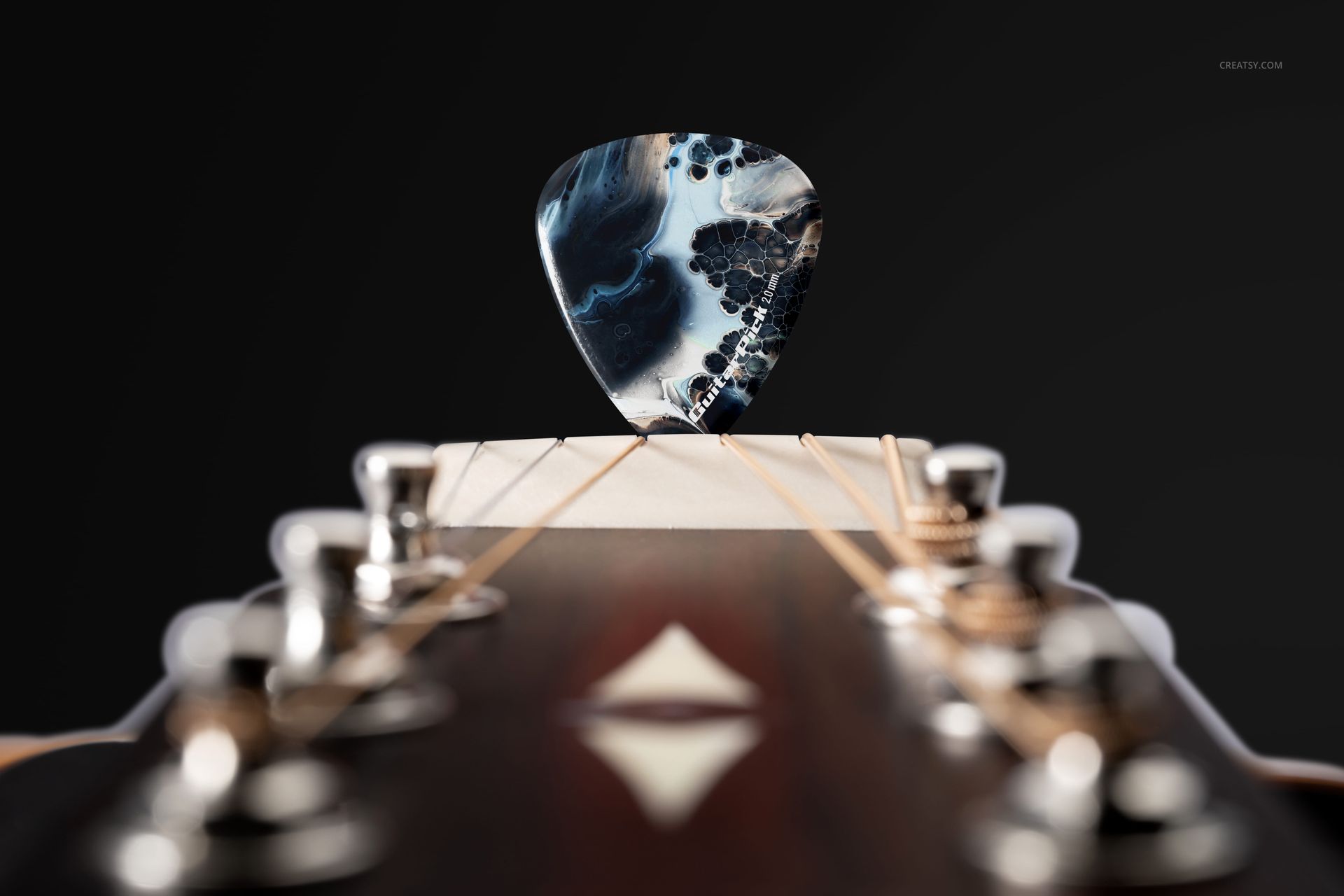
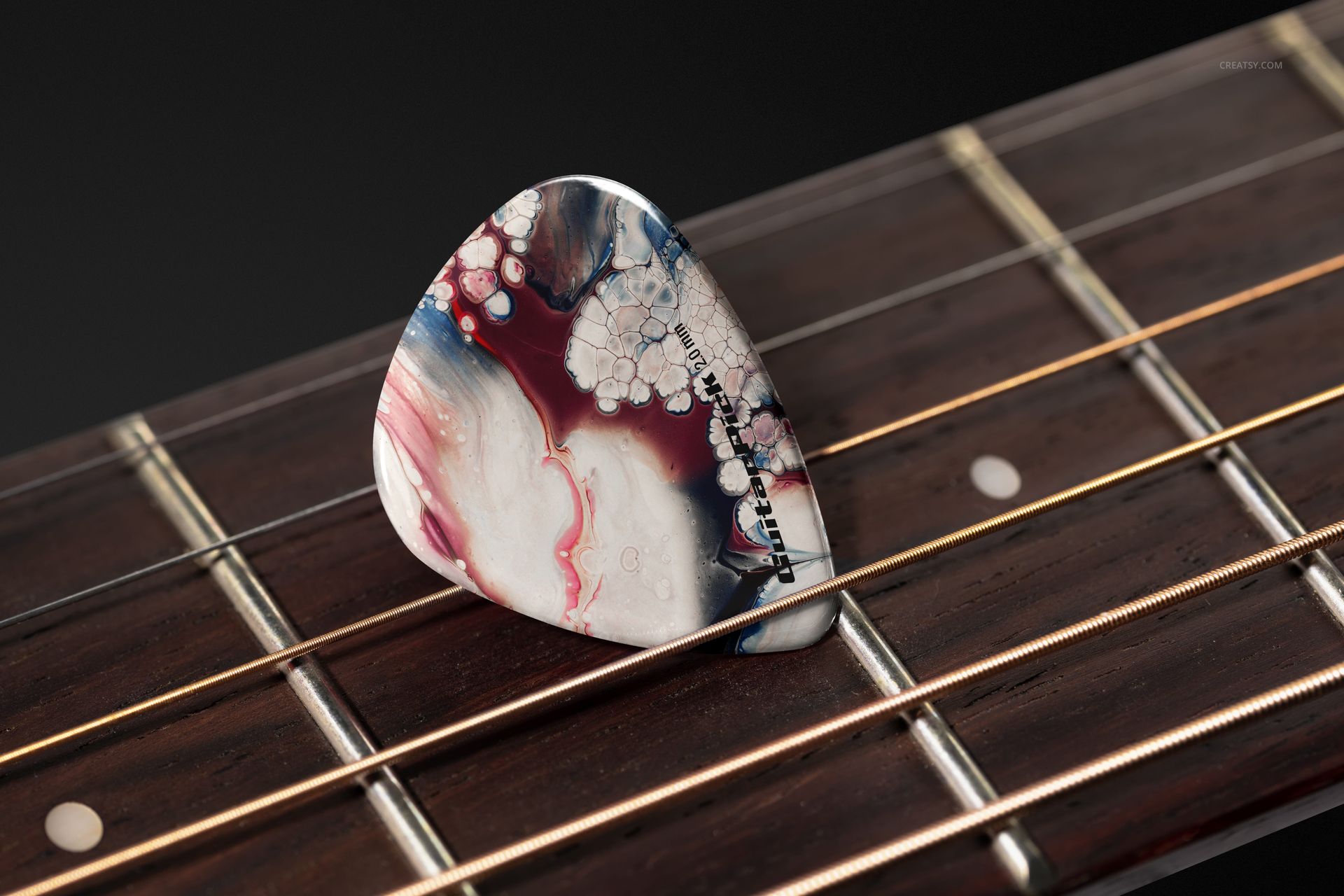
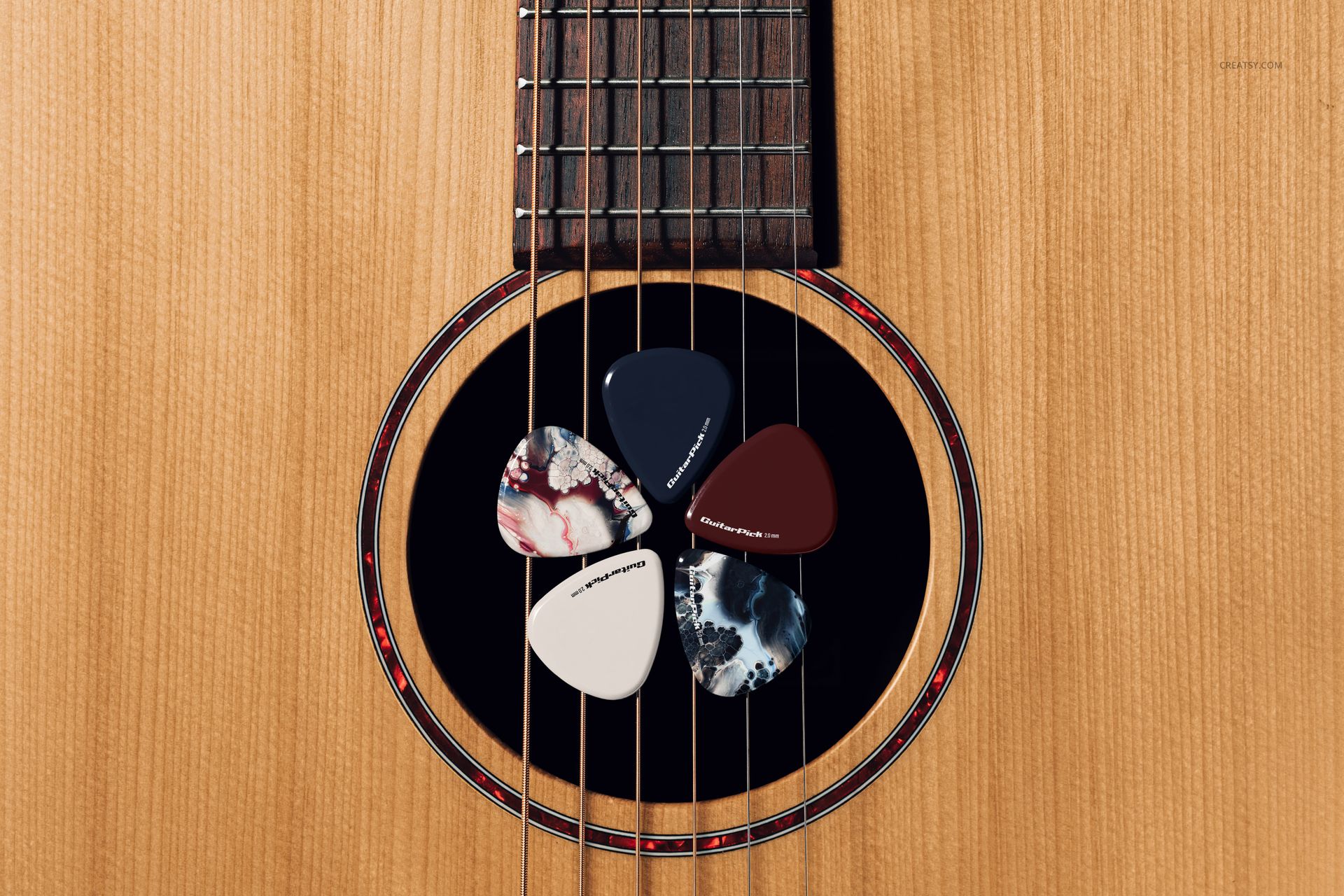
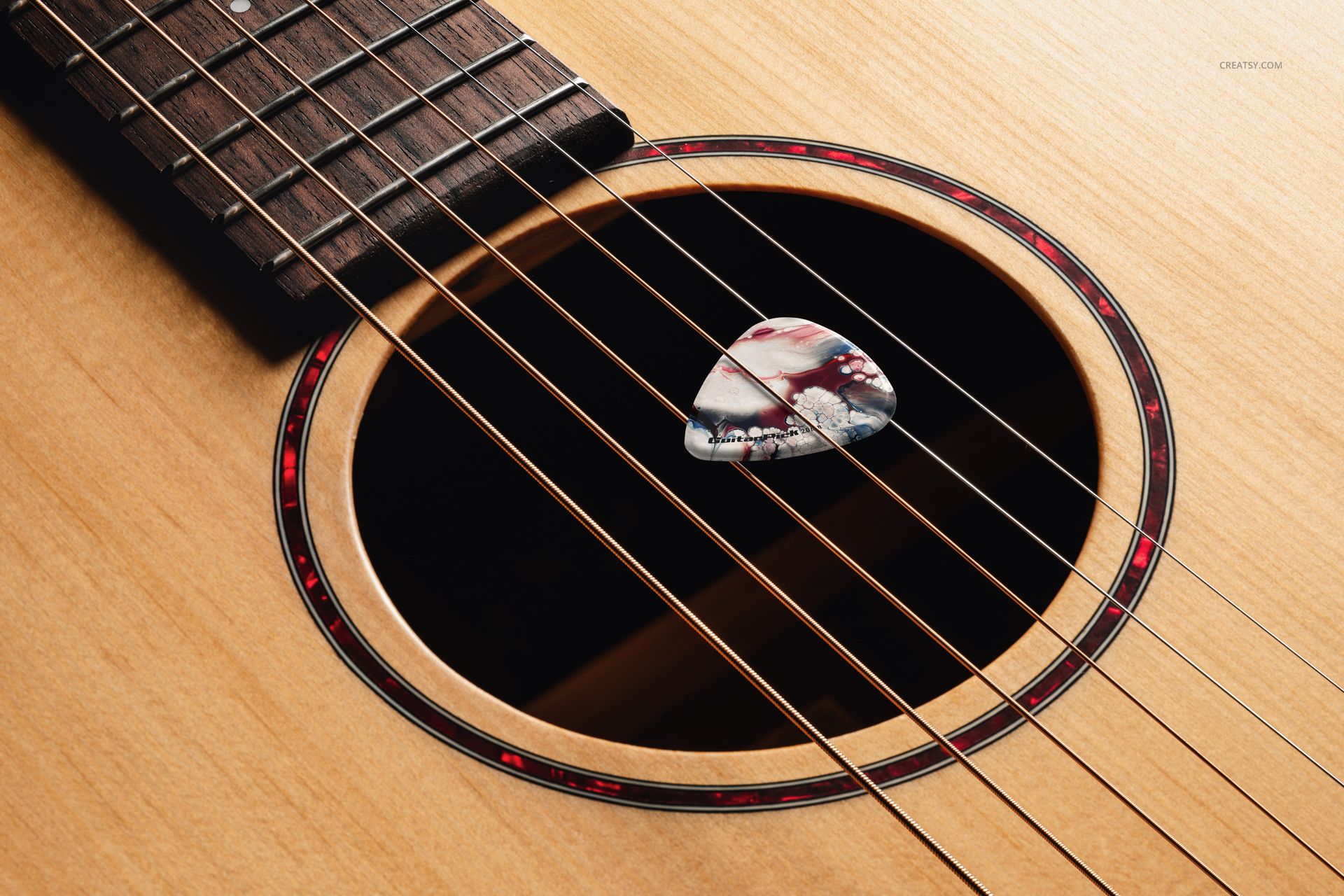
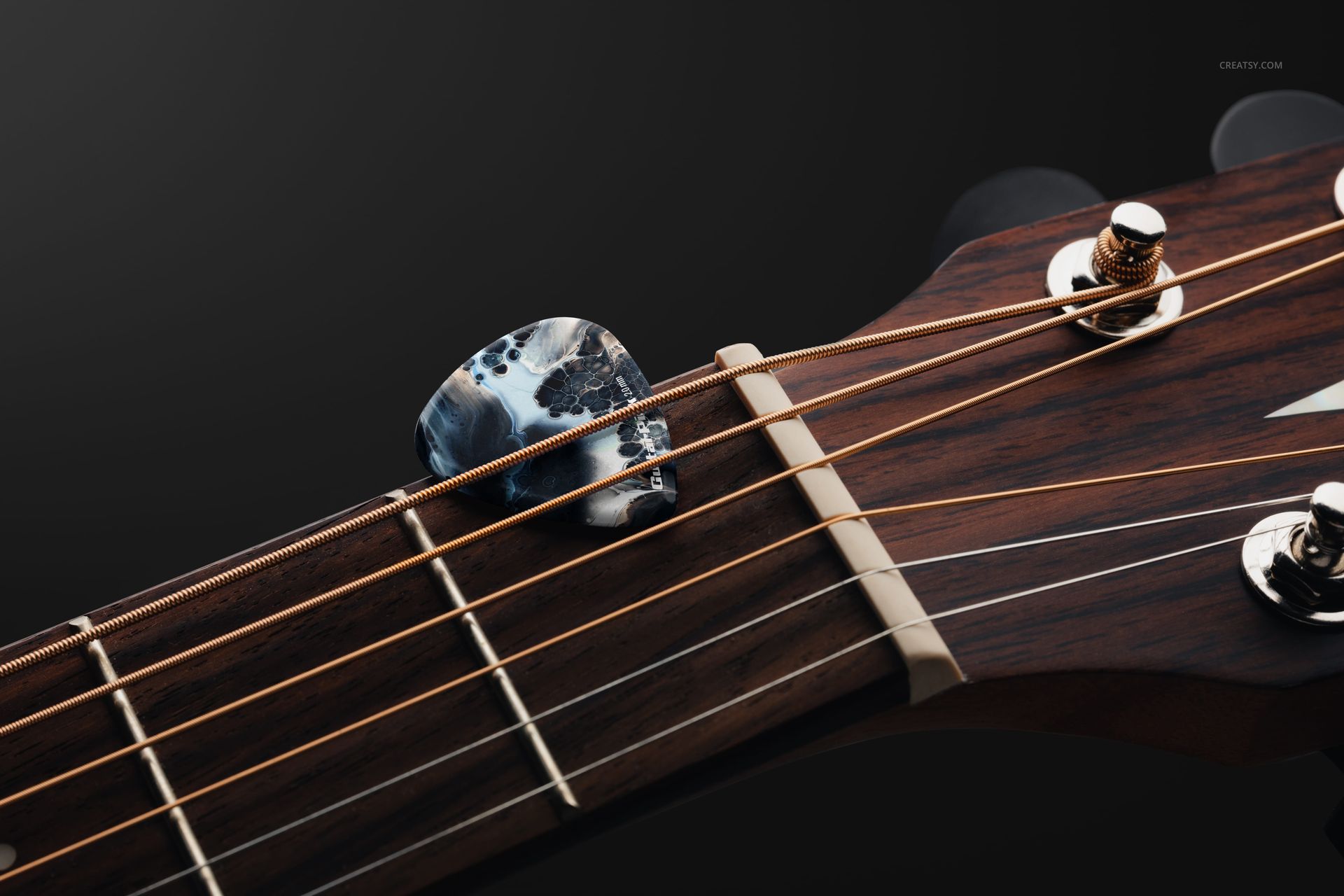
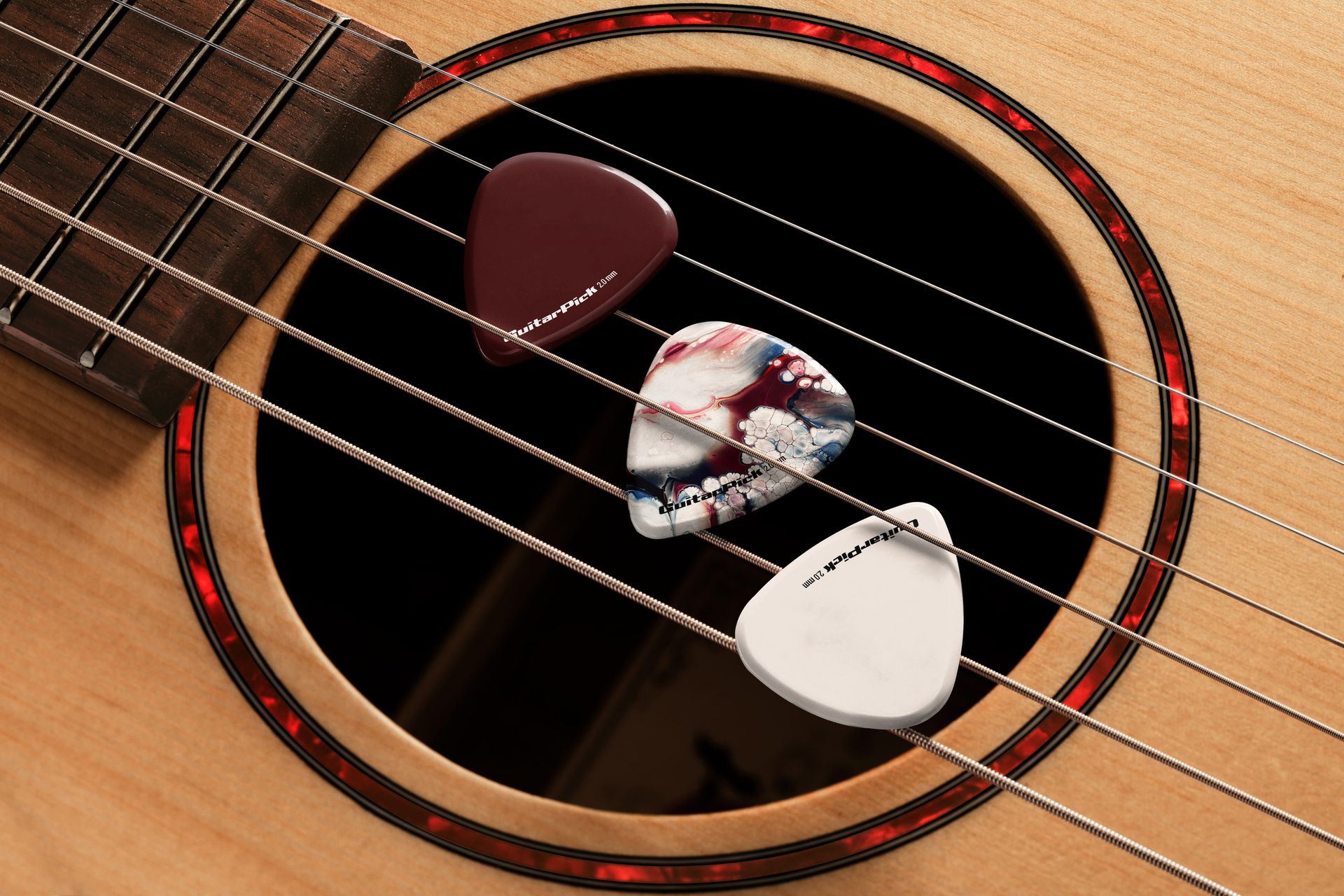
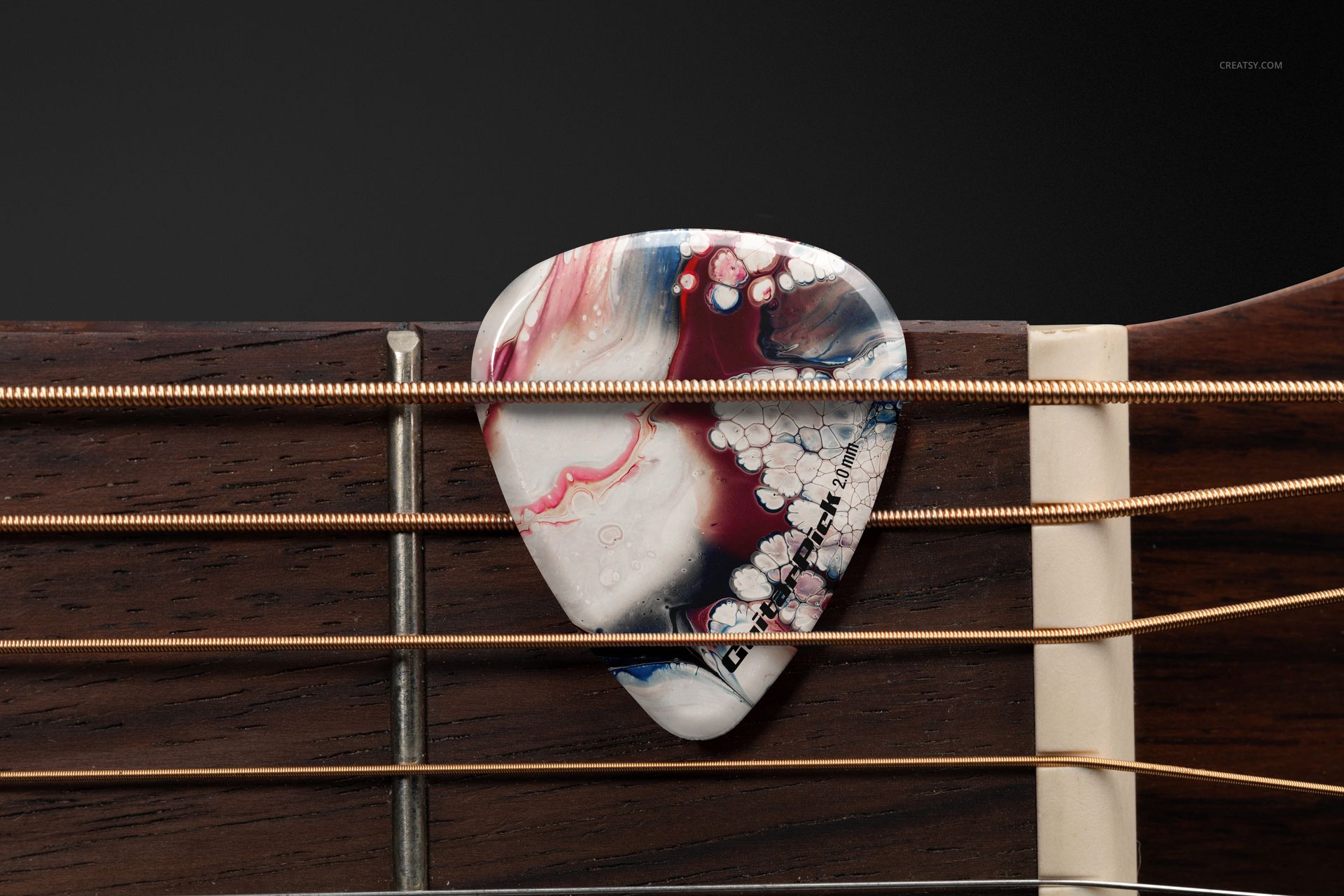
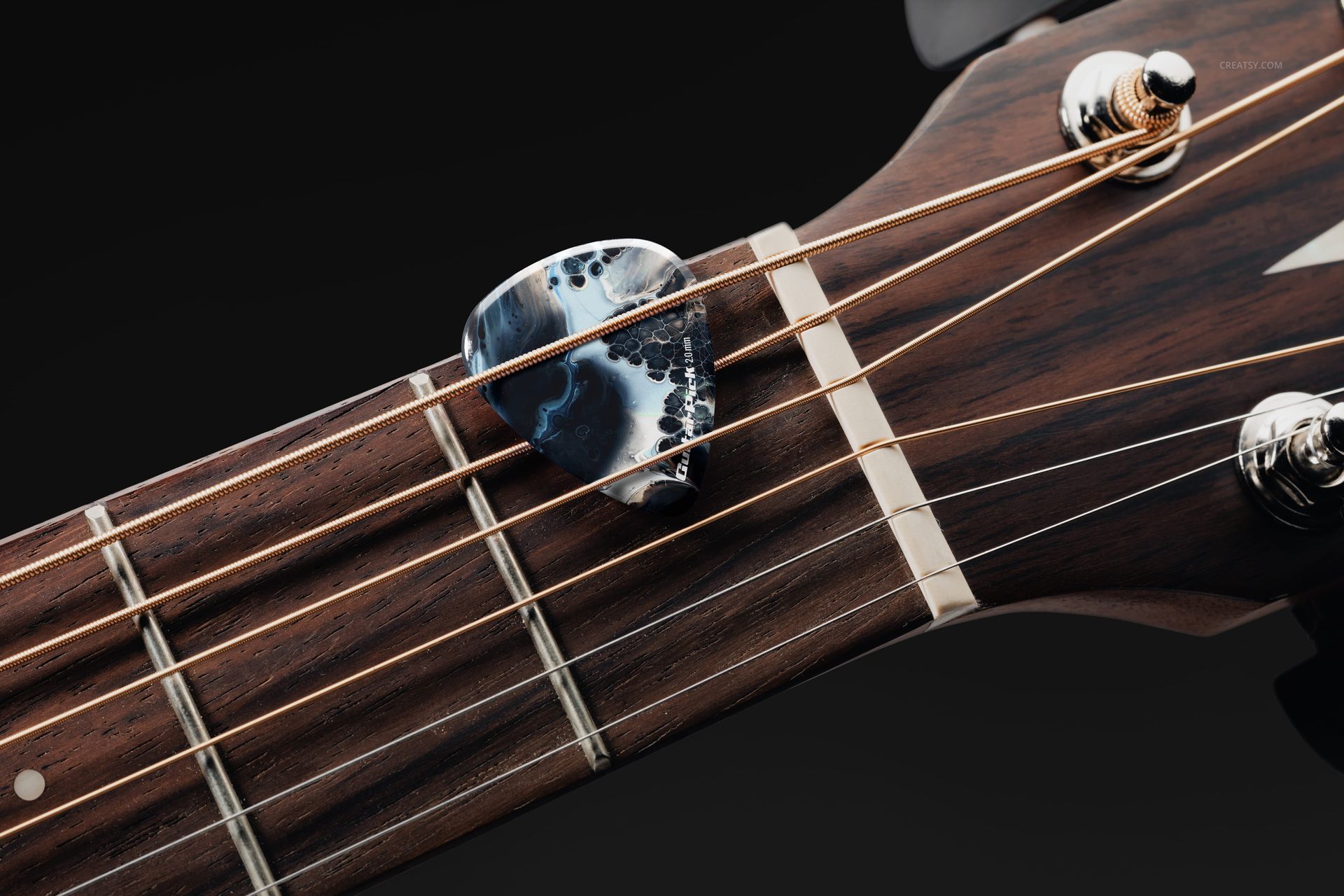
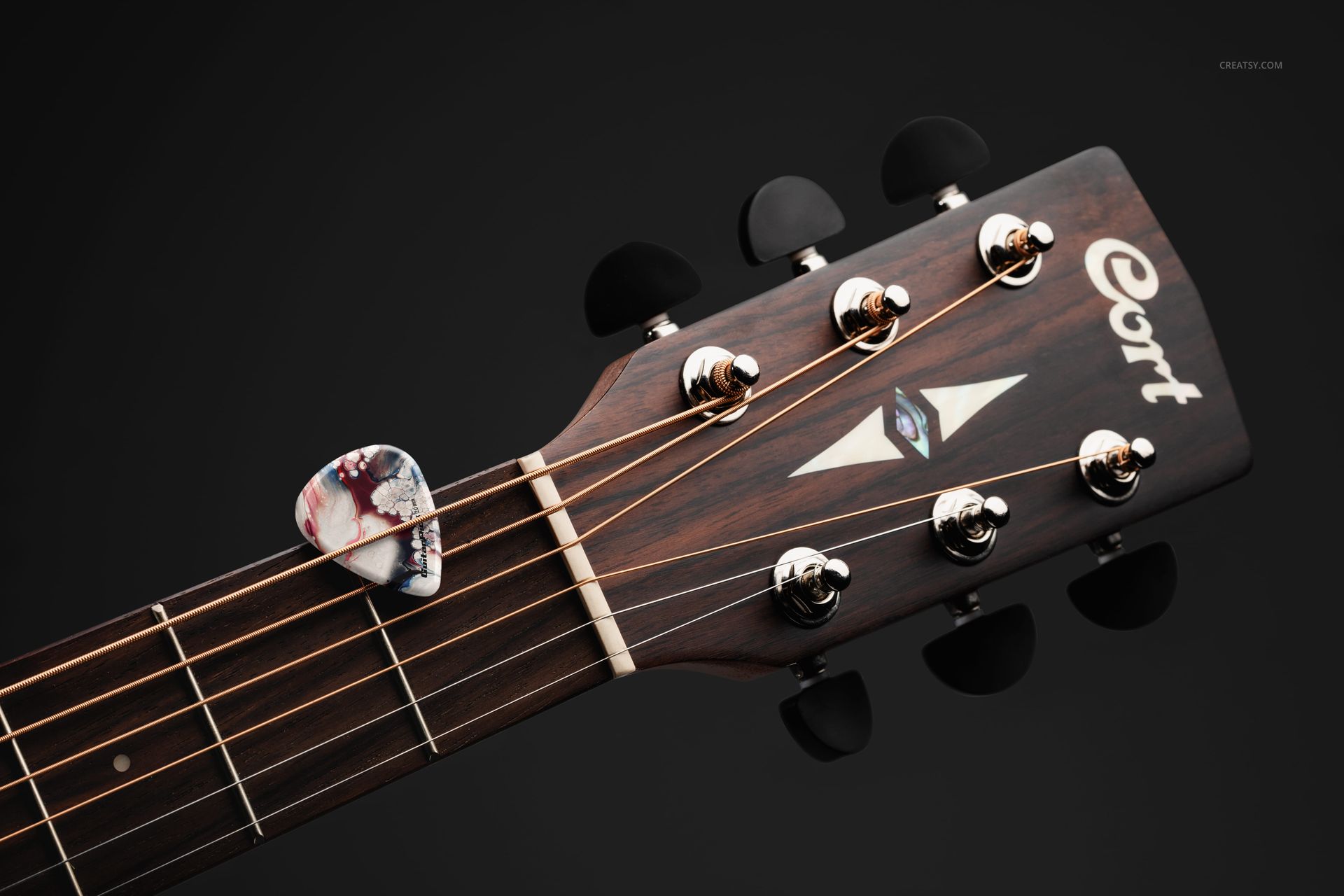
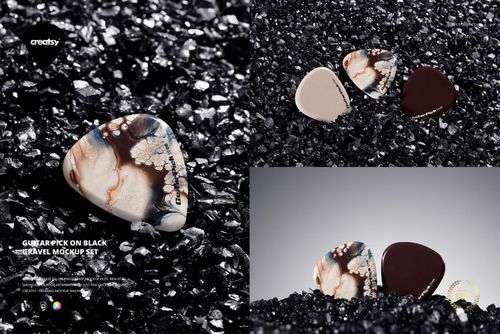
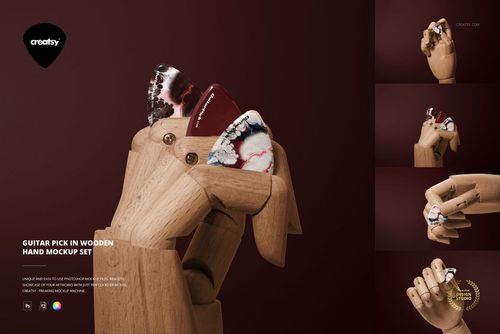
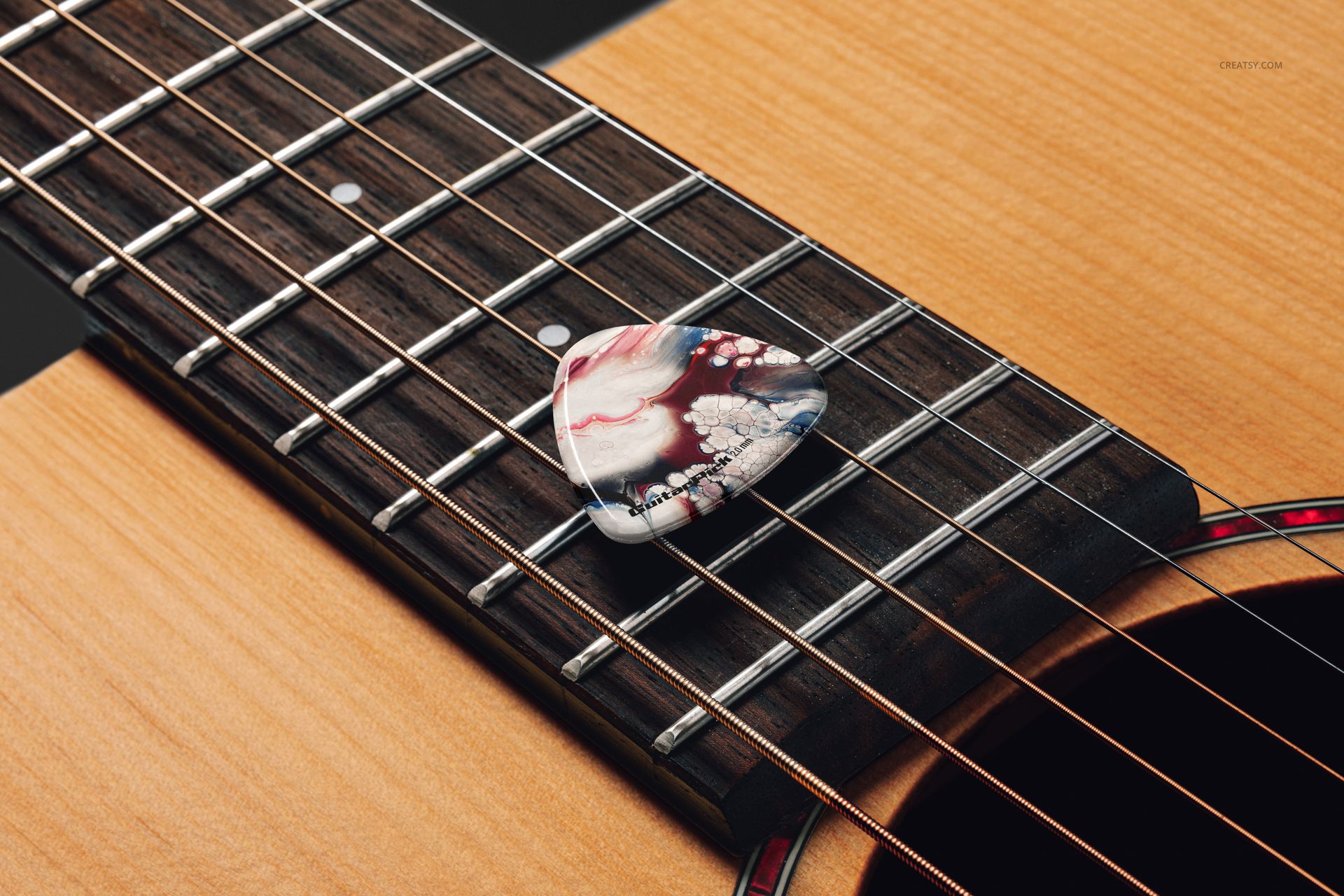
With 16 high-resolution PSD files, you'll have a full range of compositions at your fingertips. Choose from a variety of guitar pick placements: resting across the strings, tucked under the strings near the soundhole, stacked at the headstock, or grouped in floral arrangements for artistic impact. These thoughtfully composed scenes include both clean studio shots and dynamic angles – perfect for presenting multiple concepts.


Design and Customize with Ease

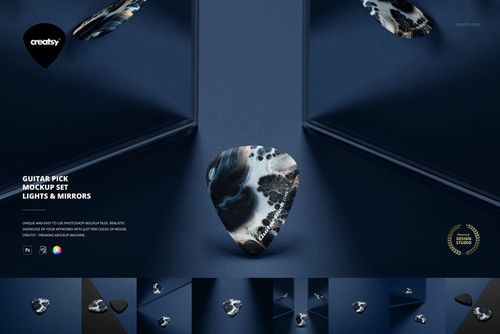
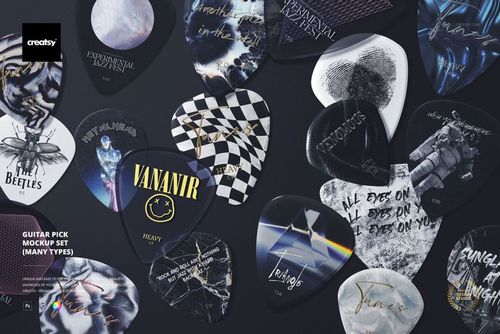
Each guitar pick is fully editable. You can easily apply your own colors, logos, and artwork to bring your creative vision to life. Display a different design for each pick, try out alternate branding styles, or build a whole themed collection of music-inspired graphics. The flexibility of this mockup set makes it an ideal asset for musicians, merch designers, and anyone working in the world of music and style.


  •   Files work only in Photoshop (min. version CC2020);
  • Pack includes 16 .psd files: 6000x4000 px, 300dpi;
  • Check screenshots for all the features;
  • Well organized layers.
File details

Compatibility
PhotopeaAdobe Photoshop
Number of files included
32
Package size
1.33 GB1.33 GB|1.43 GB1.43 GB
Files type
.psd, .jpg
Files size
6000x4000
TEST FOR FREE

32 files - .psd, .jpg - 1.33 GB (Windows) / 1.43 GB (macOS)

MEET THE SHOP

Creatsy logo

Creatsy

Poland
4.7 (642)

Bring your ideas to life.

We're a family-run studio in Katowice, Poland, making PSD mockups by hand since 2016. Everything in this shop starts in our own studio. We shoot the photography, build the 3D, and put together every Smart Object PSD ourselves - then we test it, organize the layers, and only ship it once it actually works...
GO TO SHOP

HOW IT WORKS

3 clicks. That's it.

No tutorial needed. If you can copy-paste, you can use this.

  1. 1OpenDouble-click the smart object inside the PSD - in Adobe Photoshop, or free in your browser with Photopea.
  2. 2PasteDrop in your pattern, print, or artwork. Any design, any style.
  3. 3SaveHit save and the mockup wraps it in for you - shadows, folds, and lighting included.

FROM IDEA TO IMAGE

Built for real workflows

Skip the photo shoot Show your artwork on the real product type for approvals or listings - no studio, no model, no sample.

See it on the product, not a swatch Drop your file into the smart object and the scene's lighting and folds wrap around it, so you judge the real thing before you commit.

Smart Objects

Edit once and you're done. Your artwork drops into a smart object and the mockup updates itself - no masking, no warping by hand.

Perfectly Organized

Named layers and folders you can actually navigate. Find what you need, change what you want, and get out fast.

Print-Ready

High-resolution files built to hold up on screen and in print. Exact size and DPI are in this product's Details above.