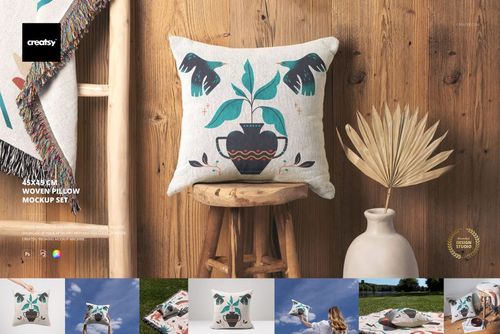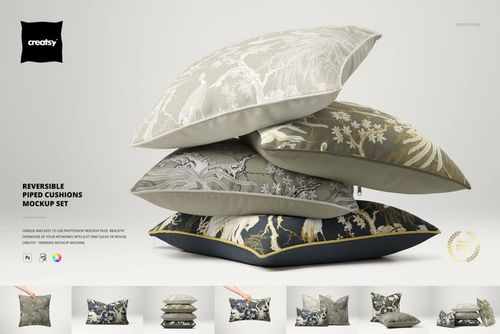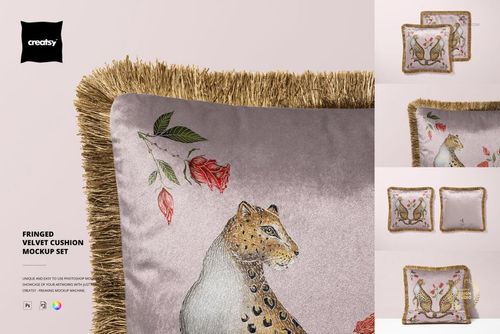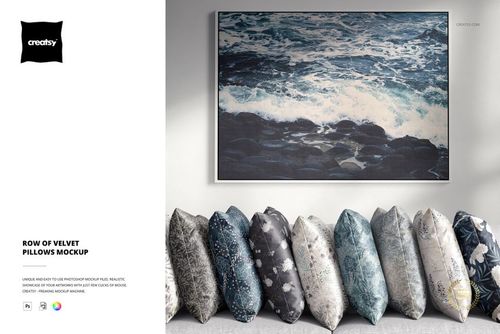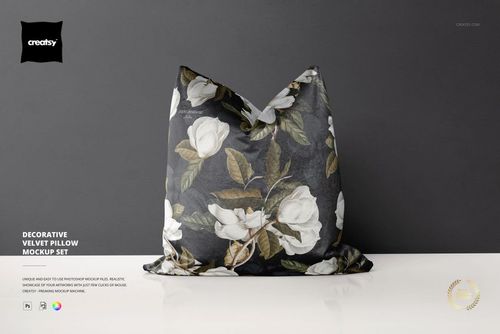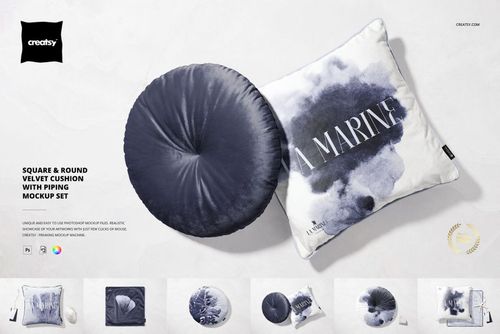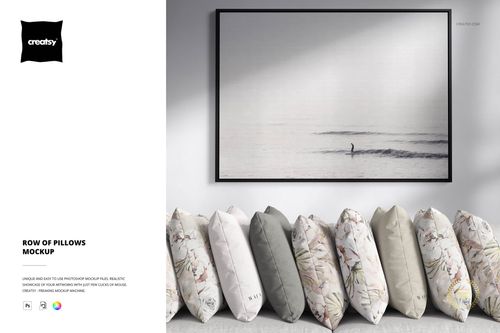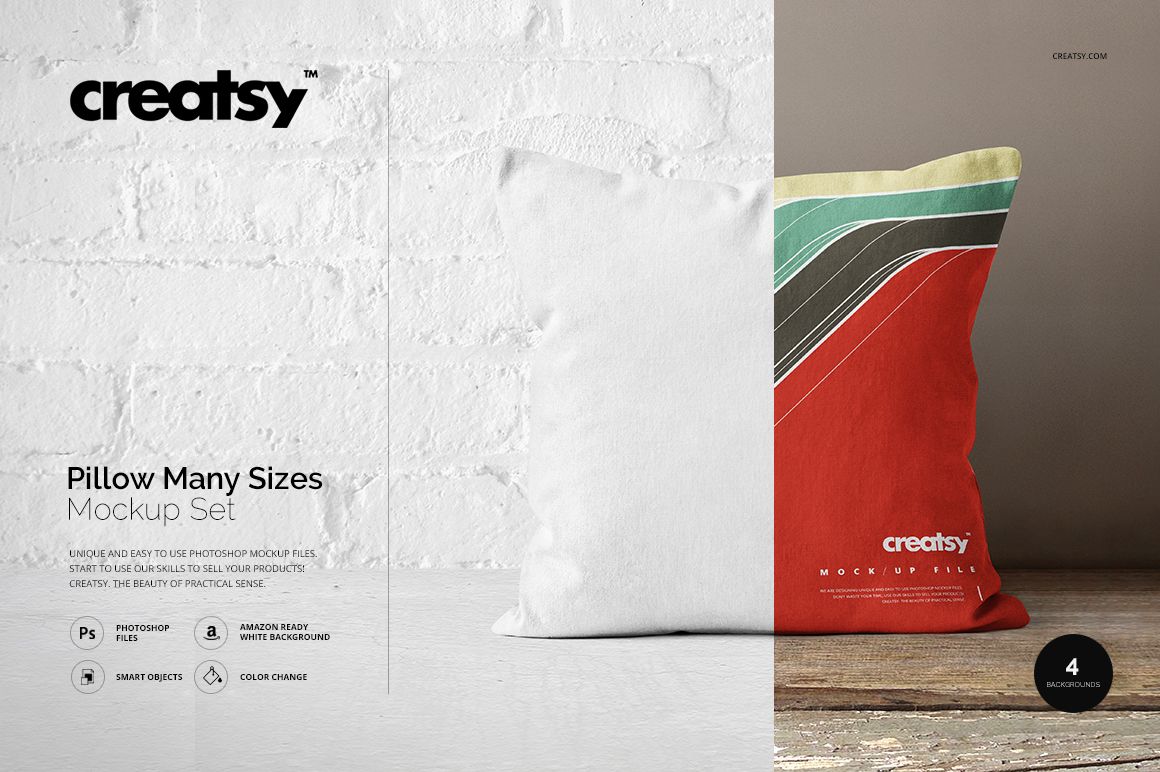



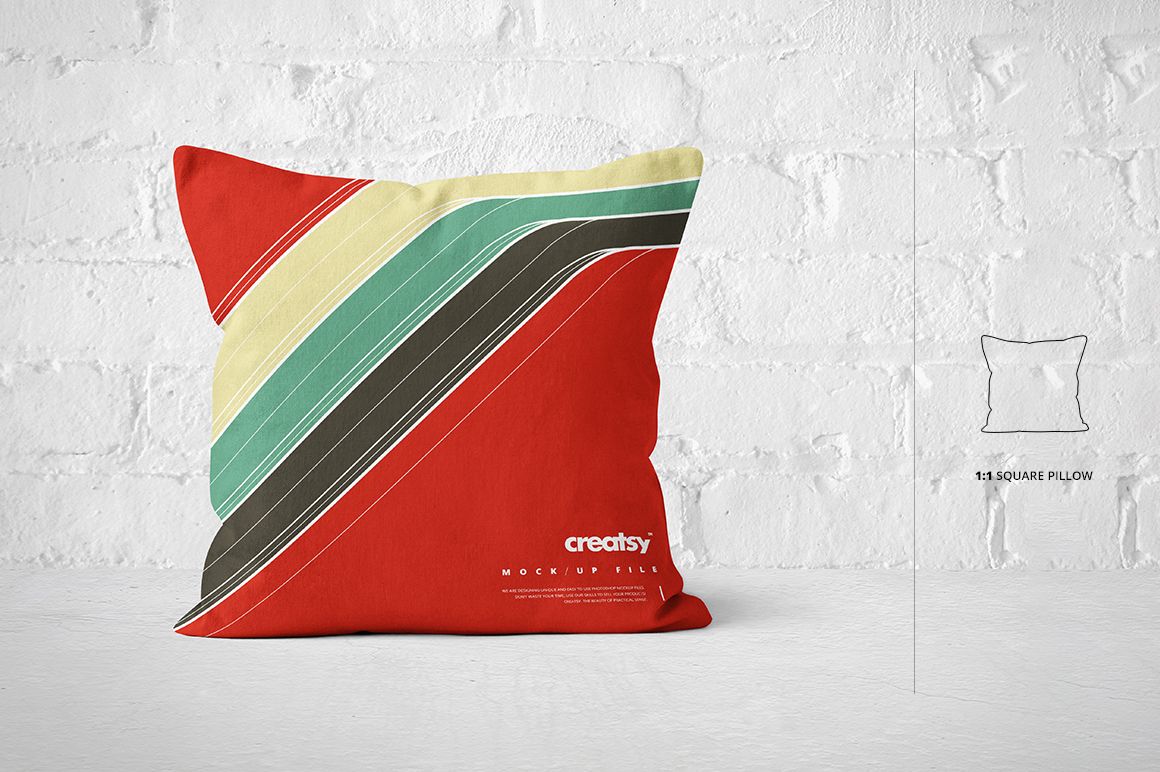
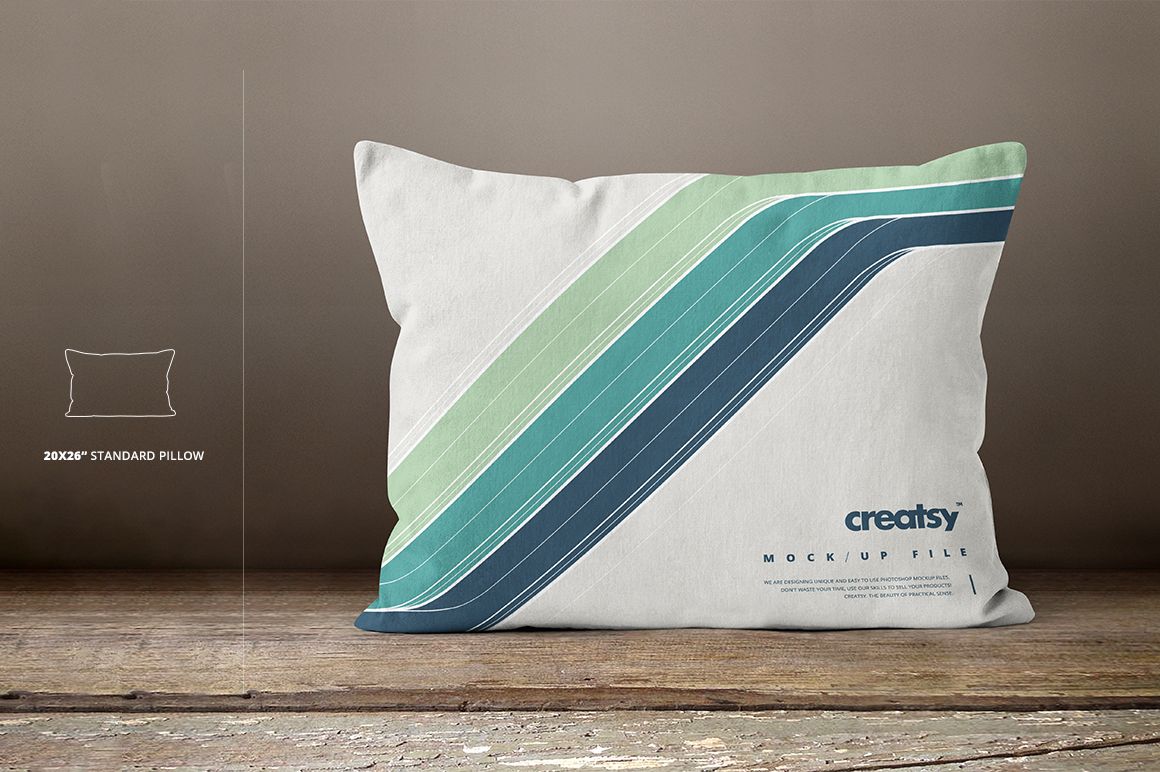
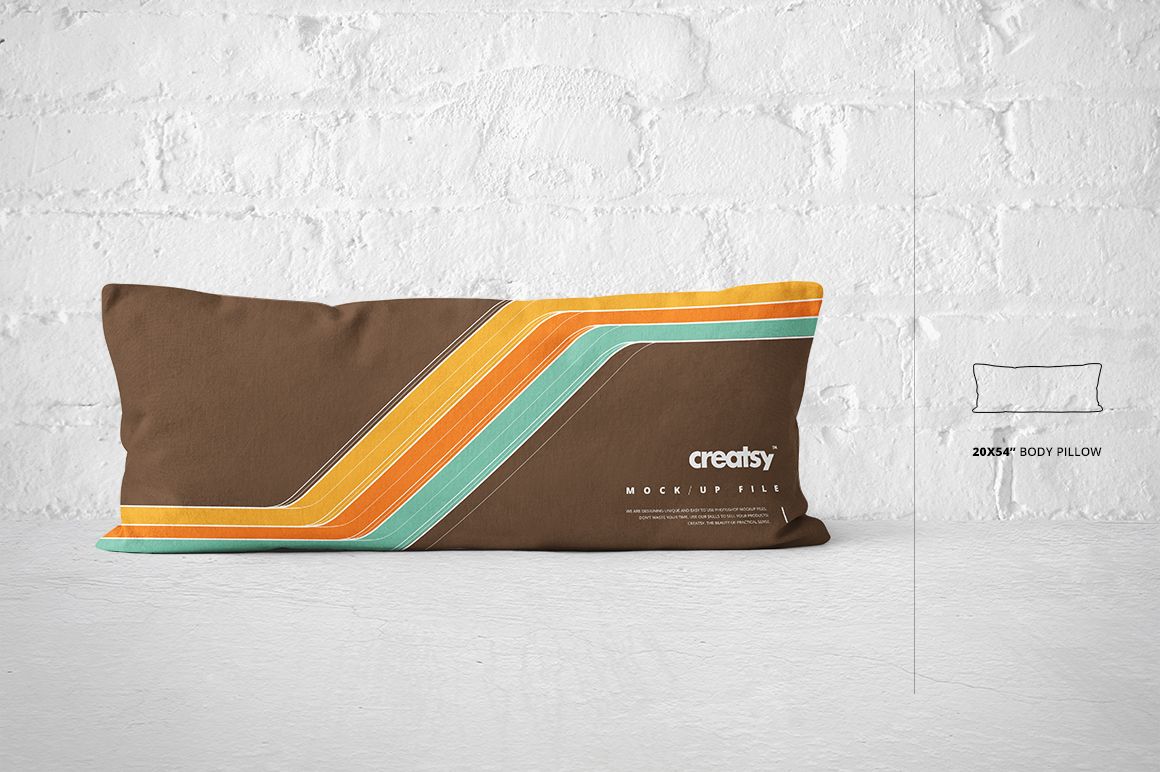
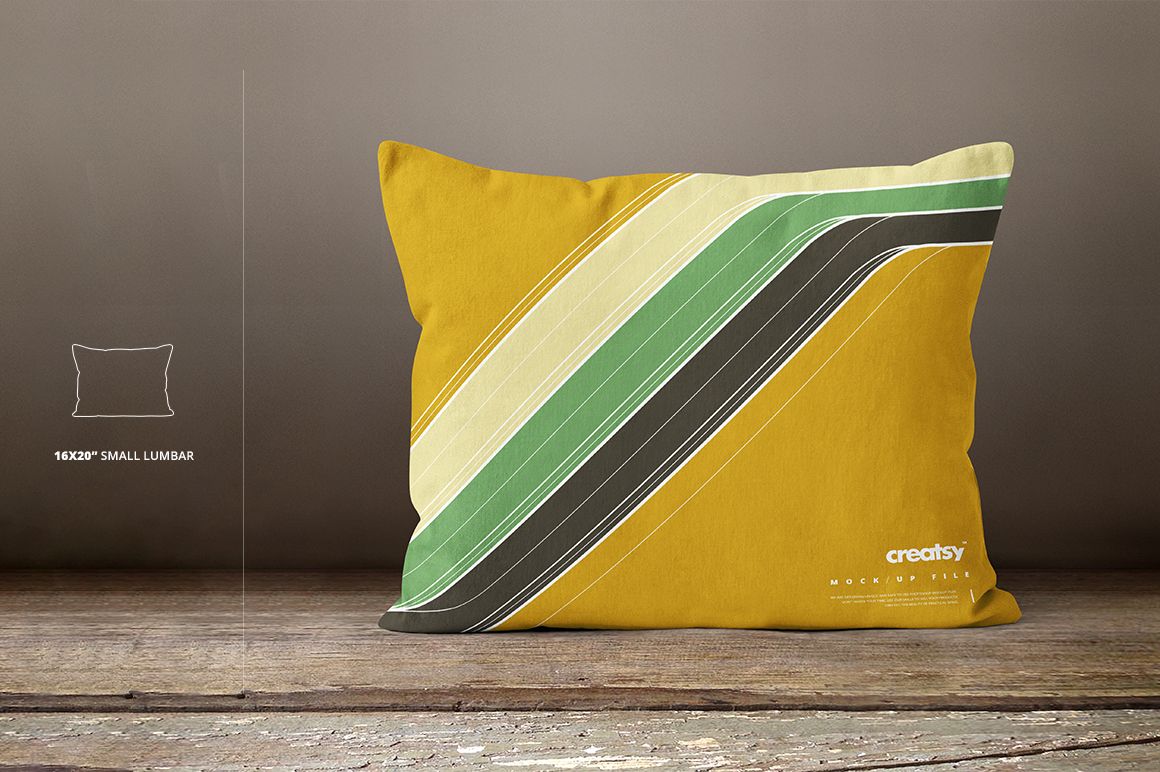
Pillow Many Sizes Mockup Set

Product Details
- files works only in Photoshop (min. PS C4);
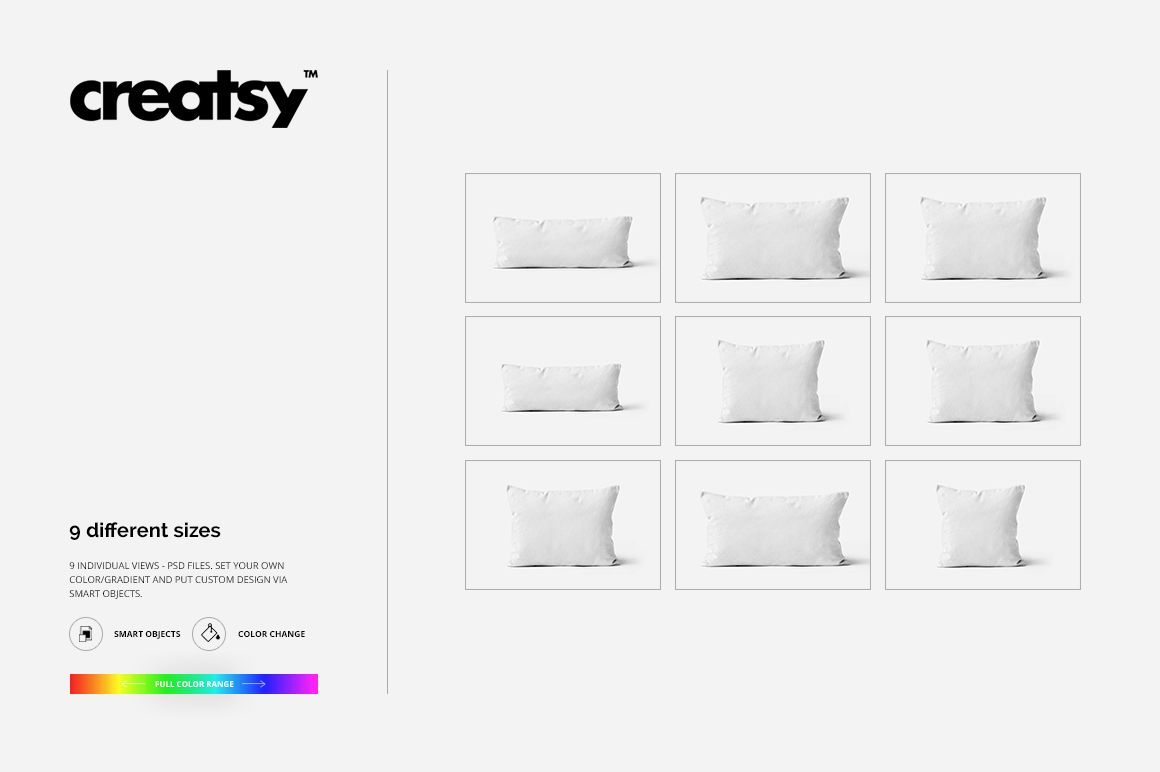
- pack includes 9 .psd file, file specs: 5000x3333 px 300dpi;
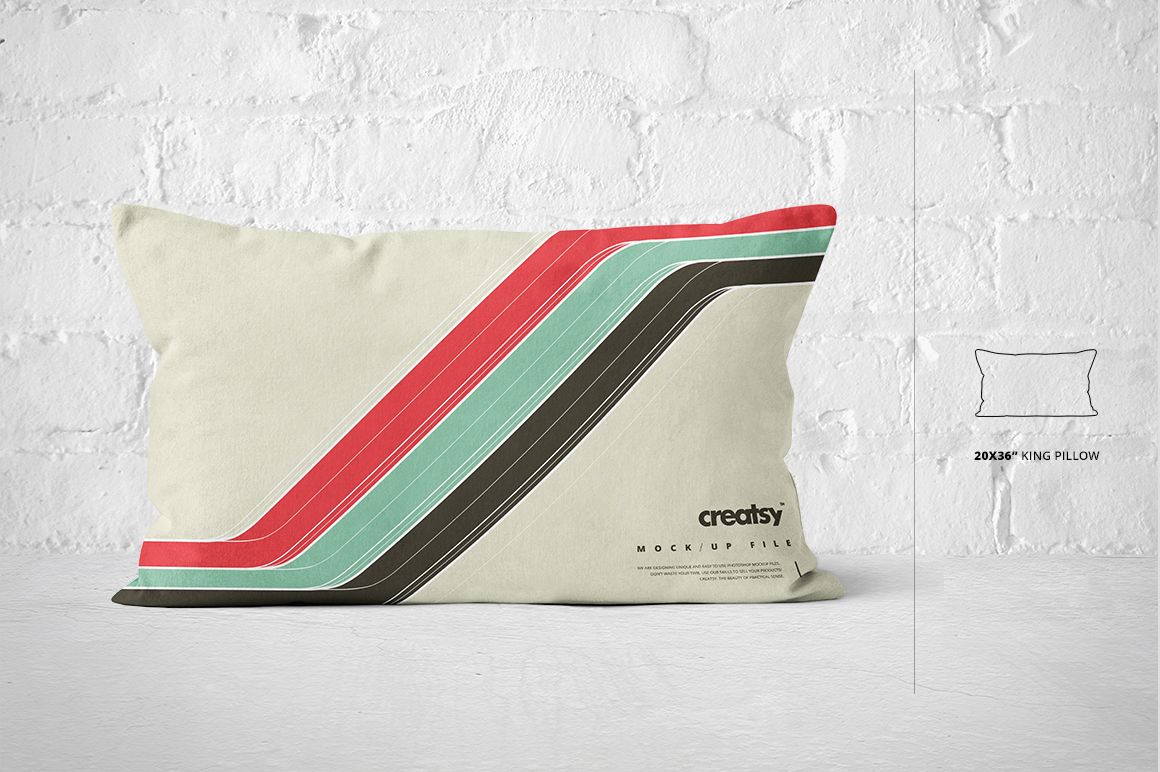
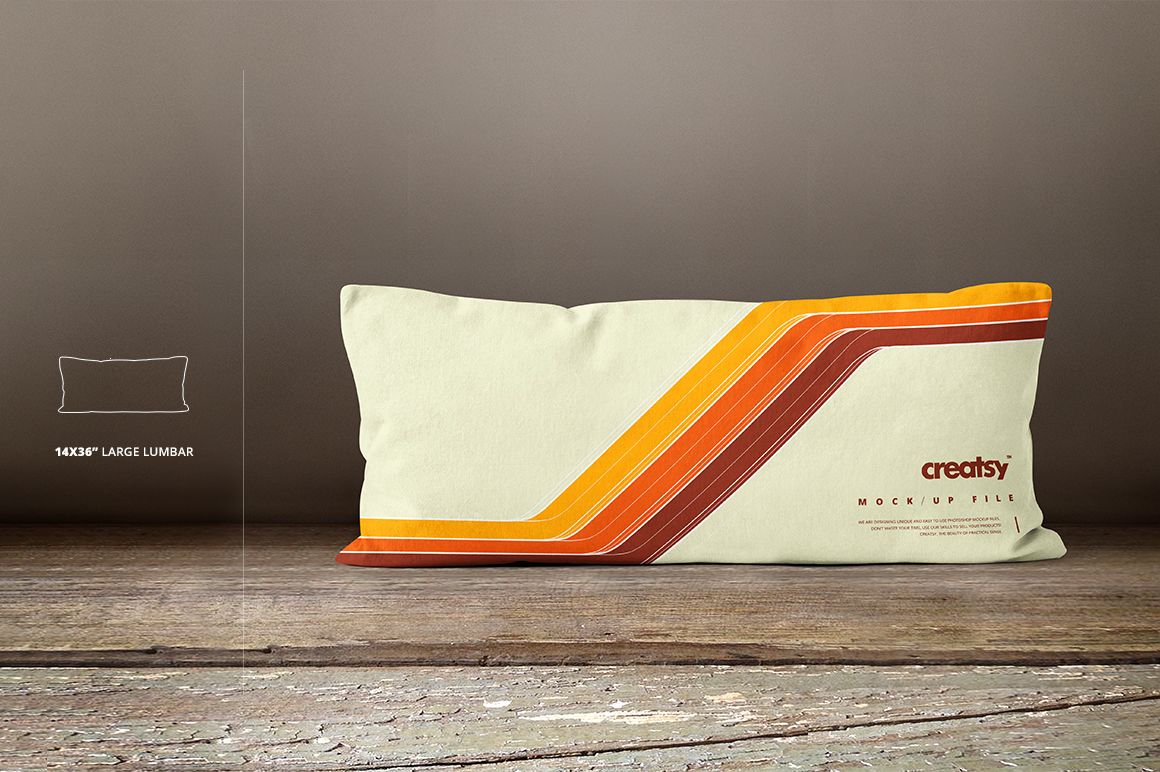
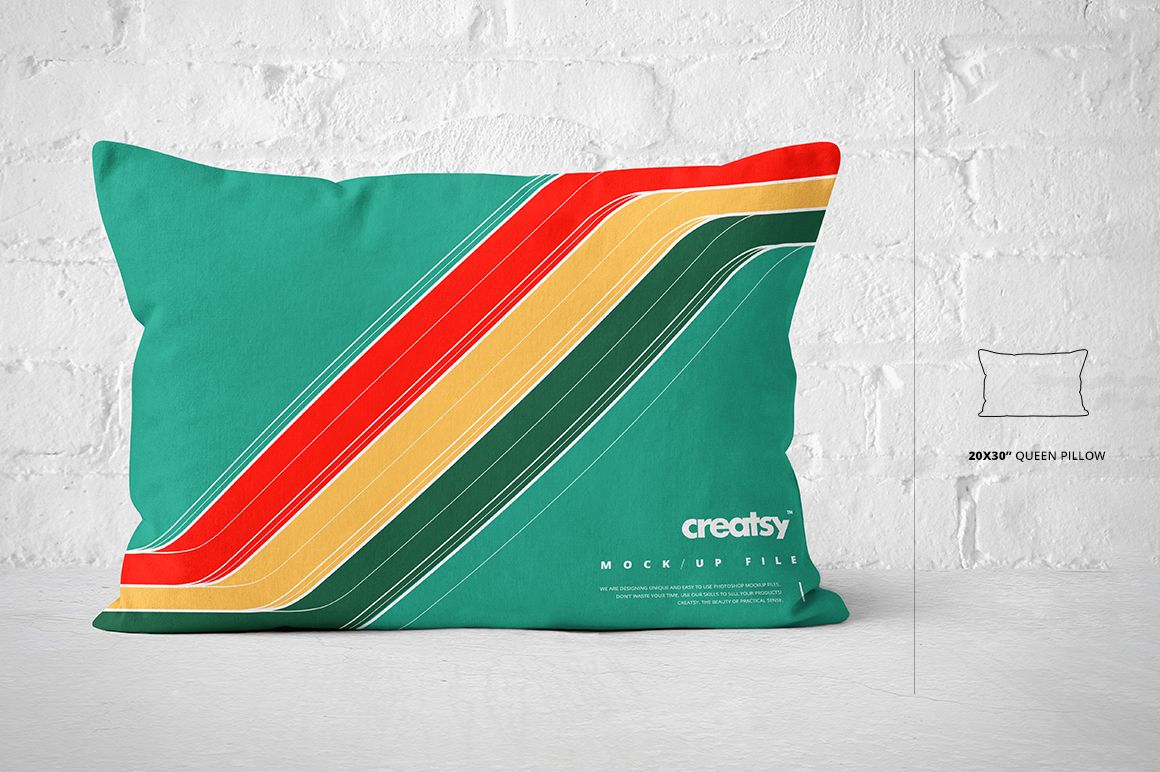
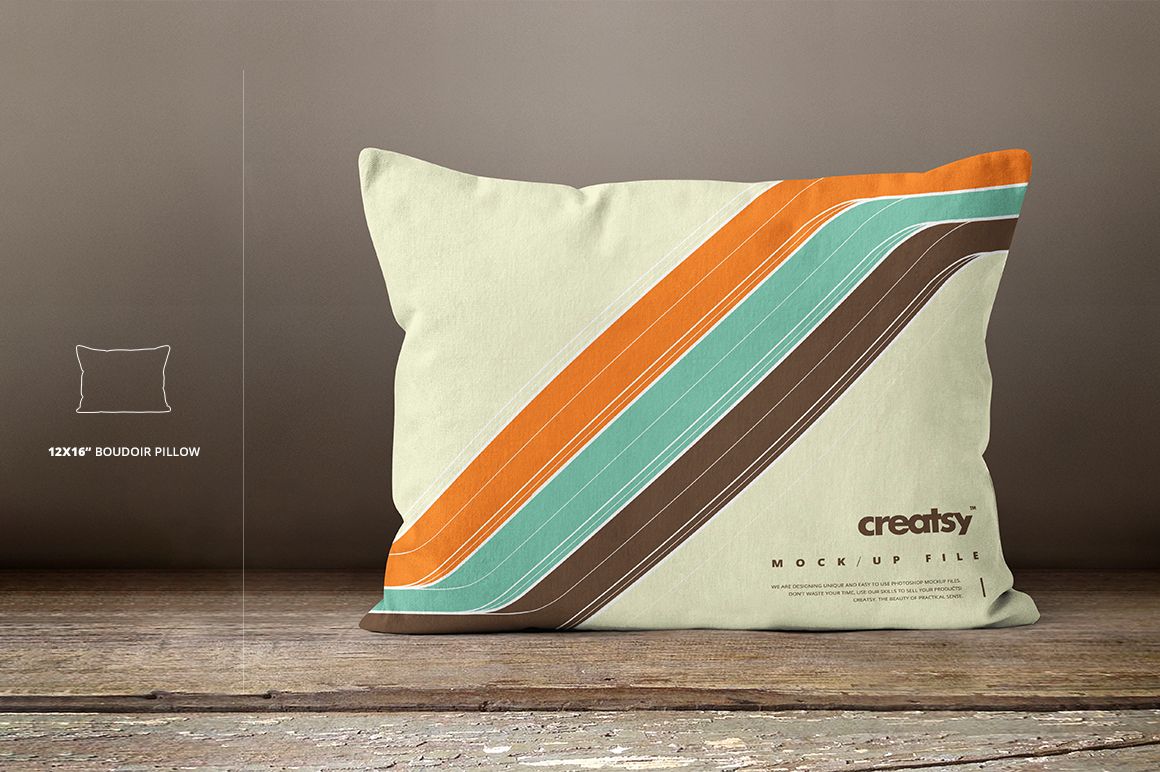
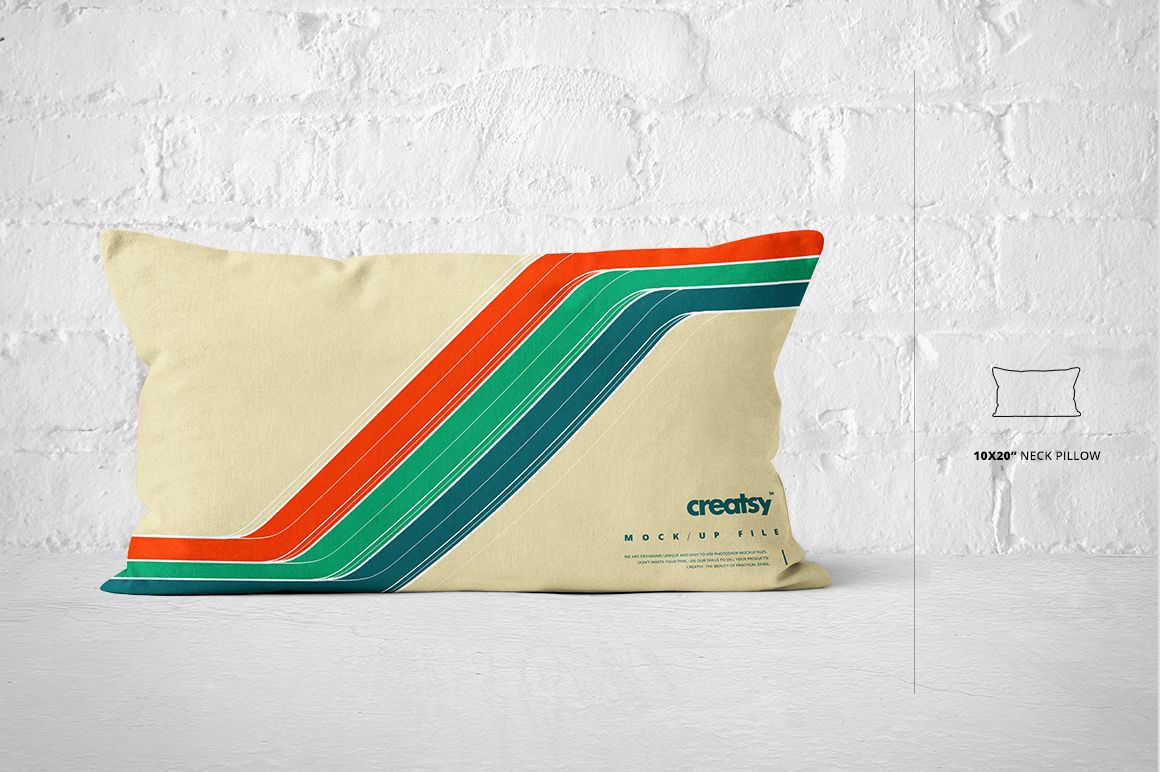
- 9 sizes: square, 20x54 body pillow, 20x36 king pillow, 20x30 queen pillow, 20x26 standard pillow, 16x20 small lumbar pillow, 14x36 large lumbar pillow, 12x16 boudoir pillow, 10x20 neck pillow;
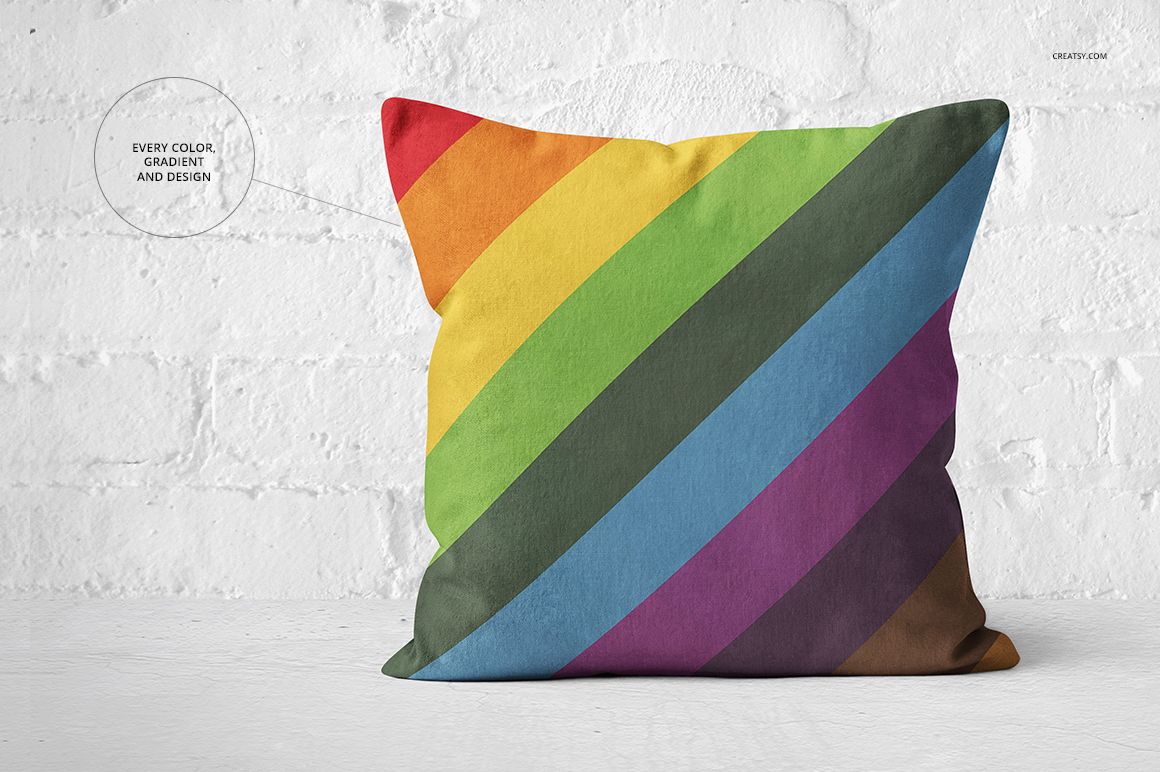
- changeable colors, gradients (full range) and design (via smart objects);
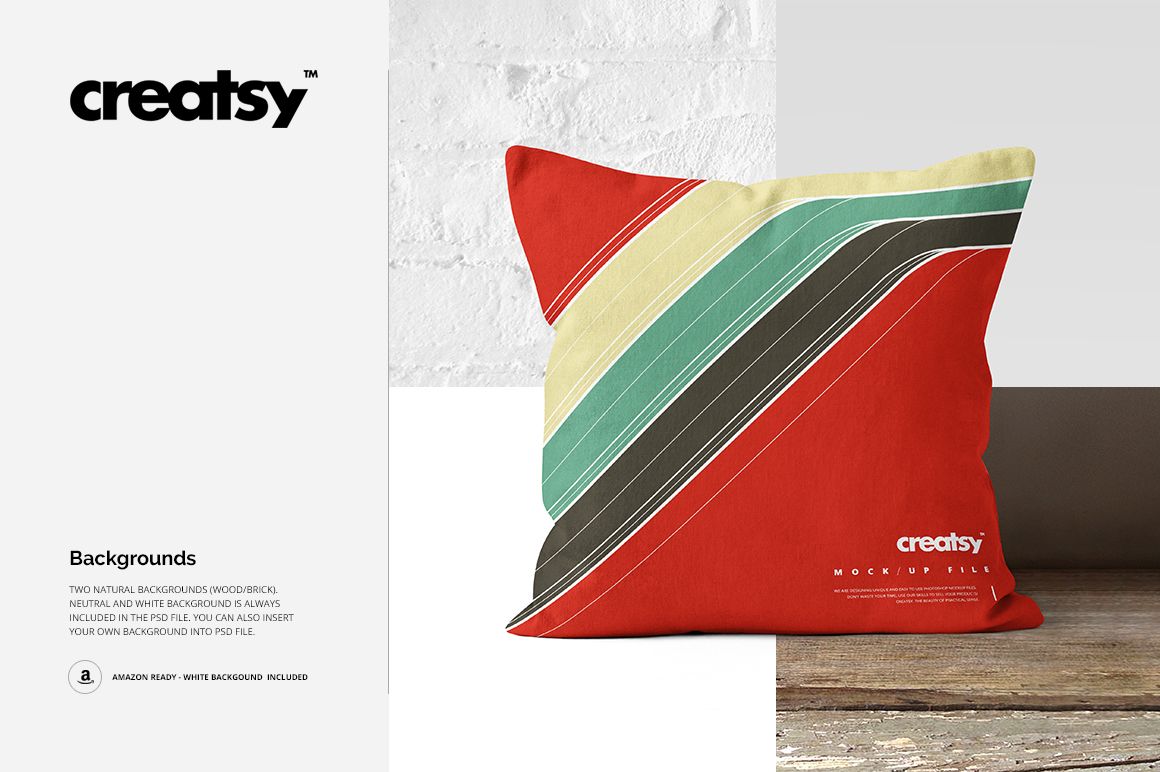
- backgrounds: natural bright (with white brick), natural dark (with wooden floor), neutral and white (check preview);
- Amazon ready: white background is always included;
- well organized layers as in all of other Creatsy mockups.
File details
- Compatibility
- Number of files included
- 19
- Package size
- 1.38 GB
|1.48 GB
- Files type
- .psd, .jpg, .pdf
- Files size
- 5000x3333


MEET THE SHOP

HOW IT WORKS
3 clicks. That's it.
No tutorial needed. If you can copy-paste, you can use this.
- 1OpenDouble-click the smart object inside the PSD - in Adobe Photoshop, or free in your browser with Photopea.
- 2PasteDrop in your pattern, print, or artwork. Any design, any style.
- 3SaveHit save and the mockup wraps it in for you - shadows, folds, and lighting included.
FROM IDEA TO IMAGE
Built for real workflows
Skip the photo shoot Show your artwork on the real product type for approvals or listings - no studio, no model, no sample.
See it on the product, not a swatch Drop your file into the smart object and the scene's lighting and folds wrap around it, so you judge the real thing before you commit.
Smart Objects
Edit once and you're done. Your artwork drops into a smart object and the mockup updates itself - no masking, no warping by hand.
Perfectly Organized
Named layers and folders you can actually navigate. Find what you need, change what you want, and get out fast.
Print-Ready
High-resolution files built to hold up on screen and in print. Exact size and DPI are in this product's Details above.