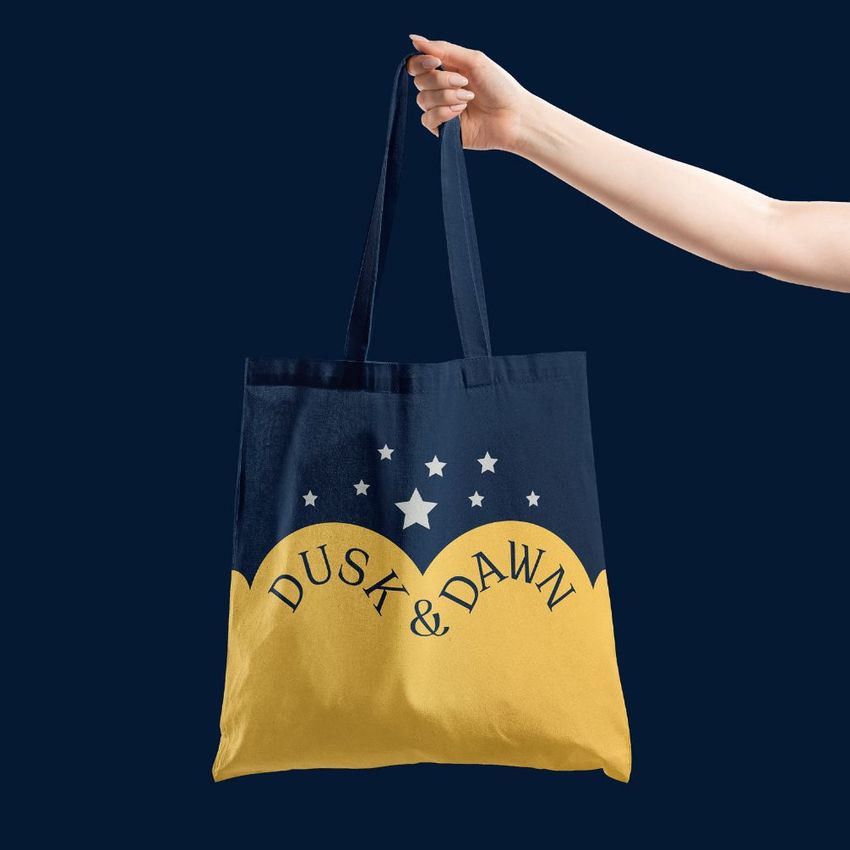
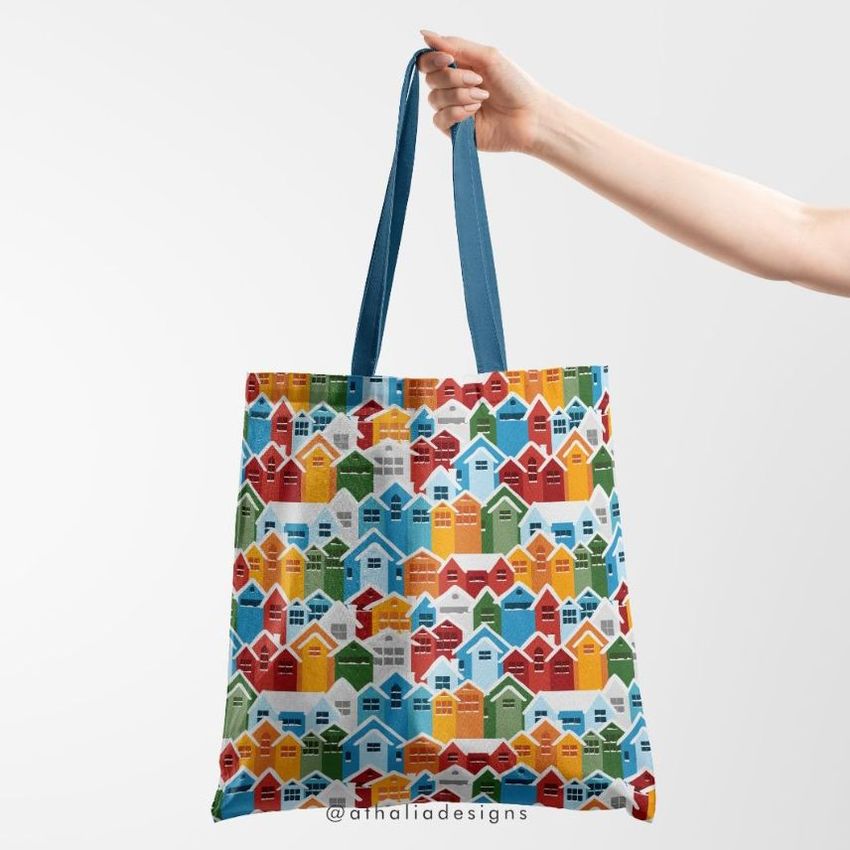
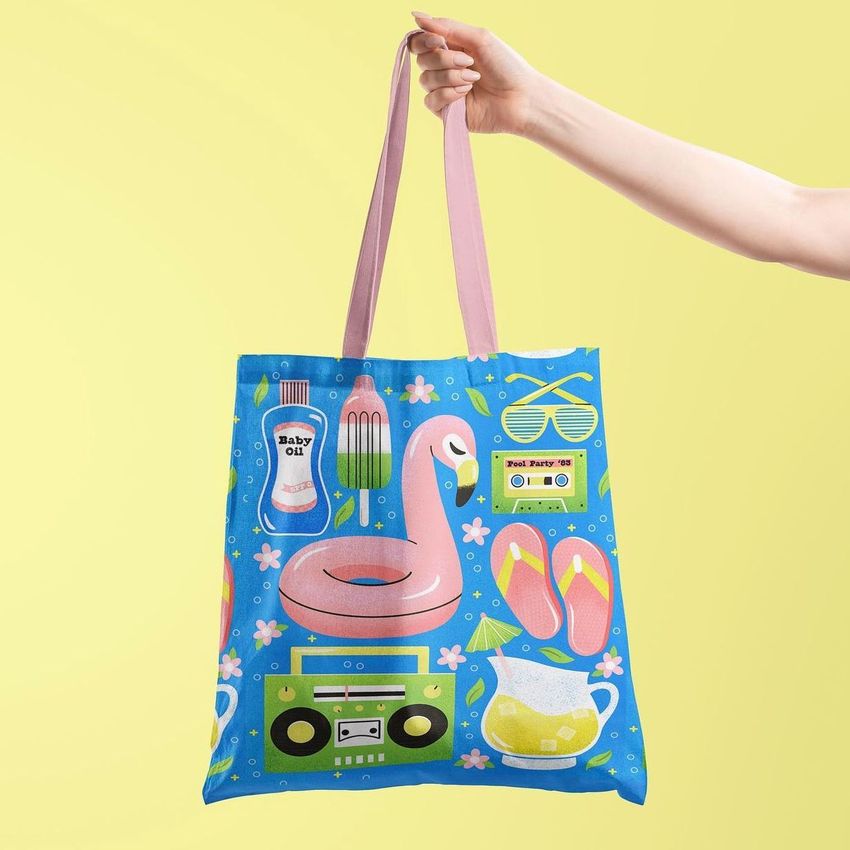
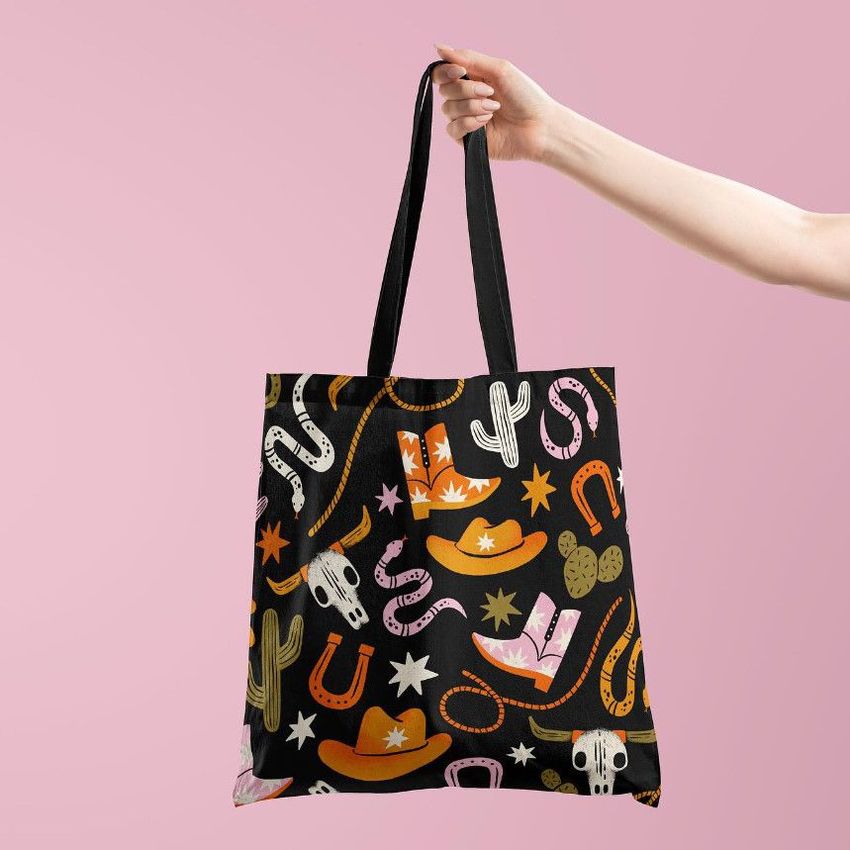
Tote Bag Mockup v.6

Product Details
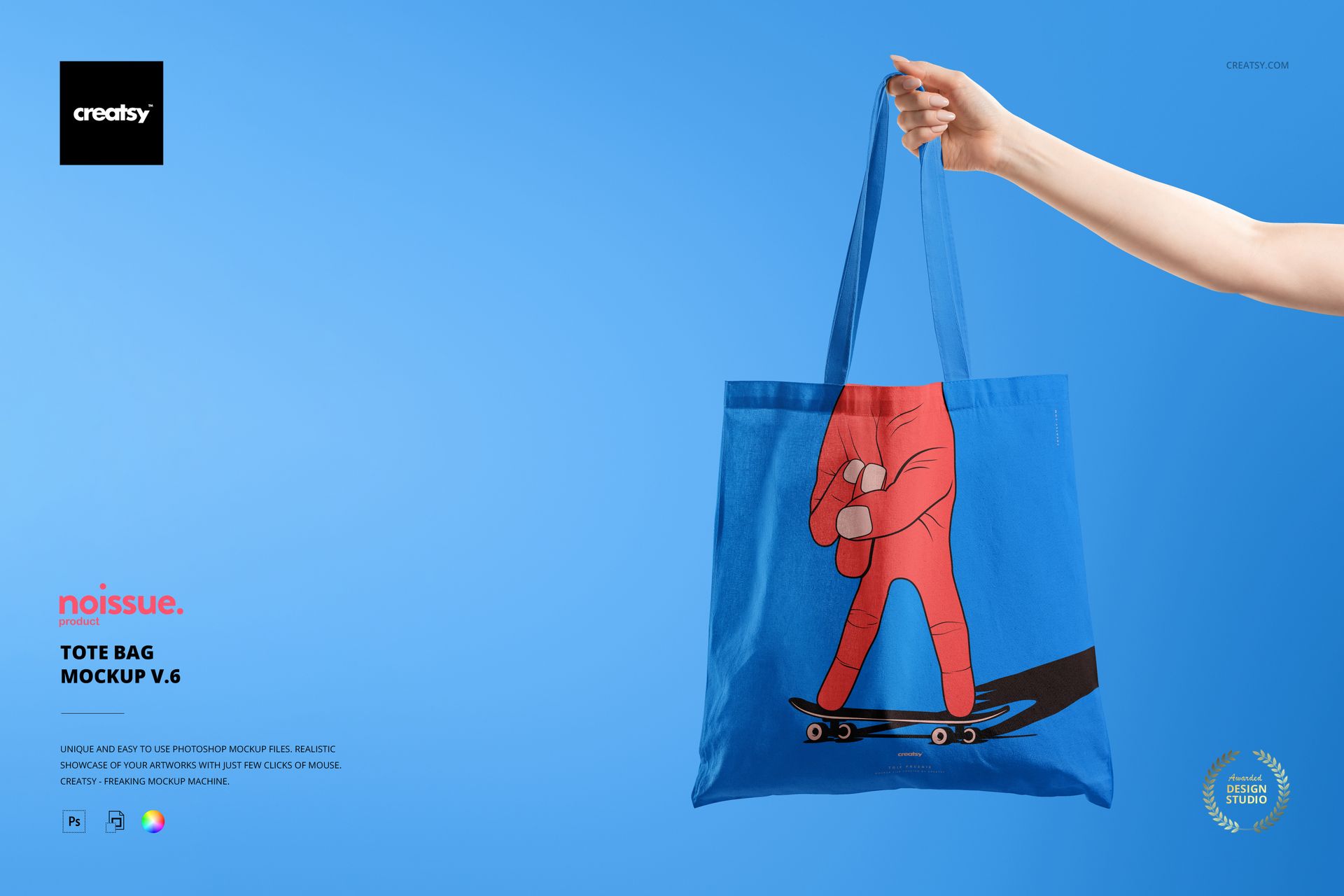
Free Tote Bag Mockup v.6
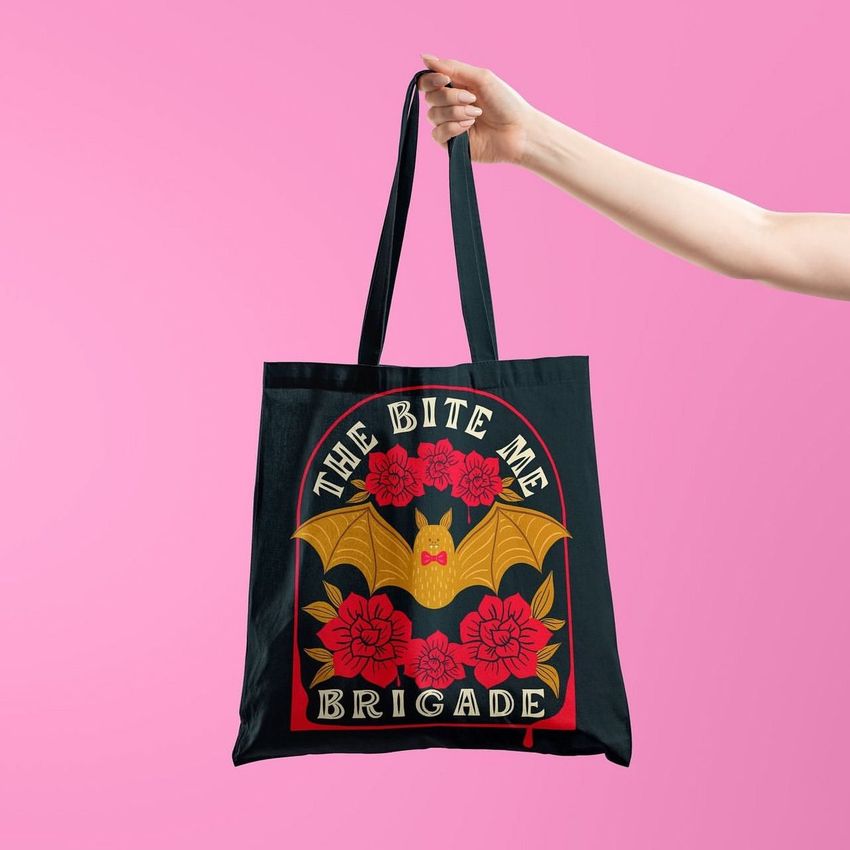
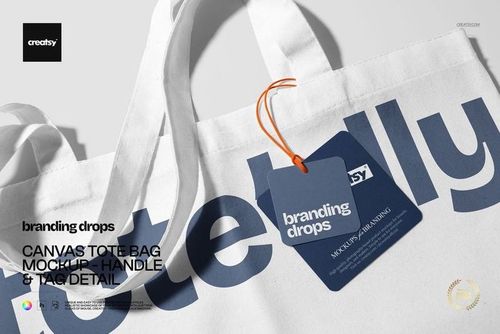
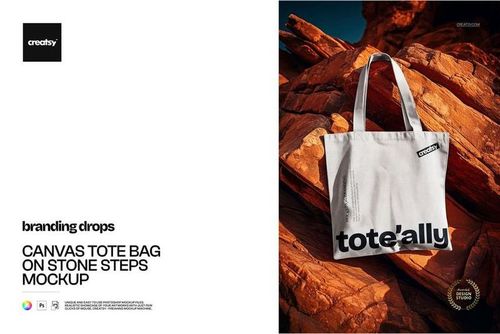
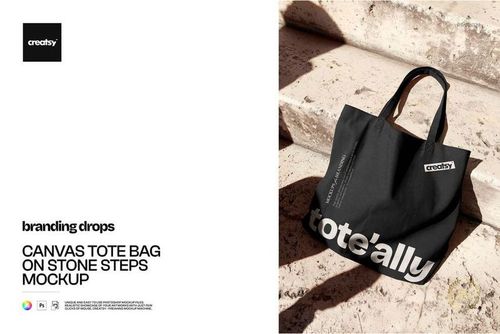
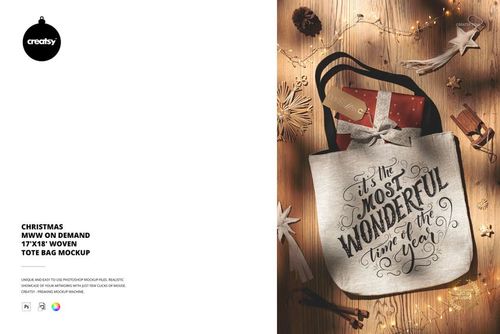
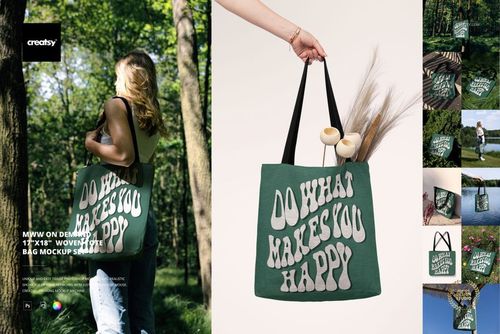
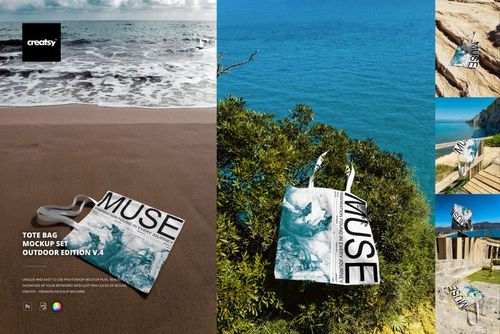
Discover the versatility and quality of Creatsy's Tote Bag Mockup v.6, the ultimate tool for elevating your design presentations to a whole new level. If you're a creative professional, designer, or simply someone who loves to make an impact with their artwork, this mockup is tailored for you.
What is Free Tote Bag Mockup v.6?
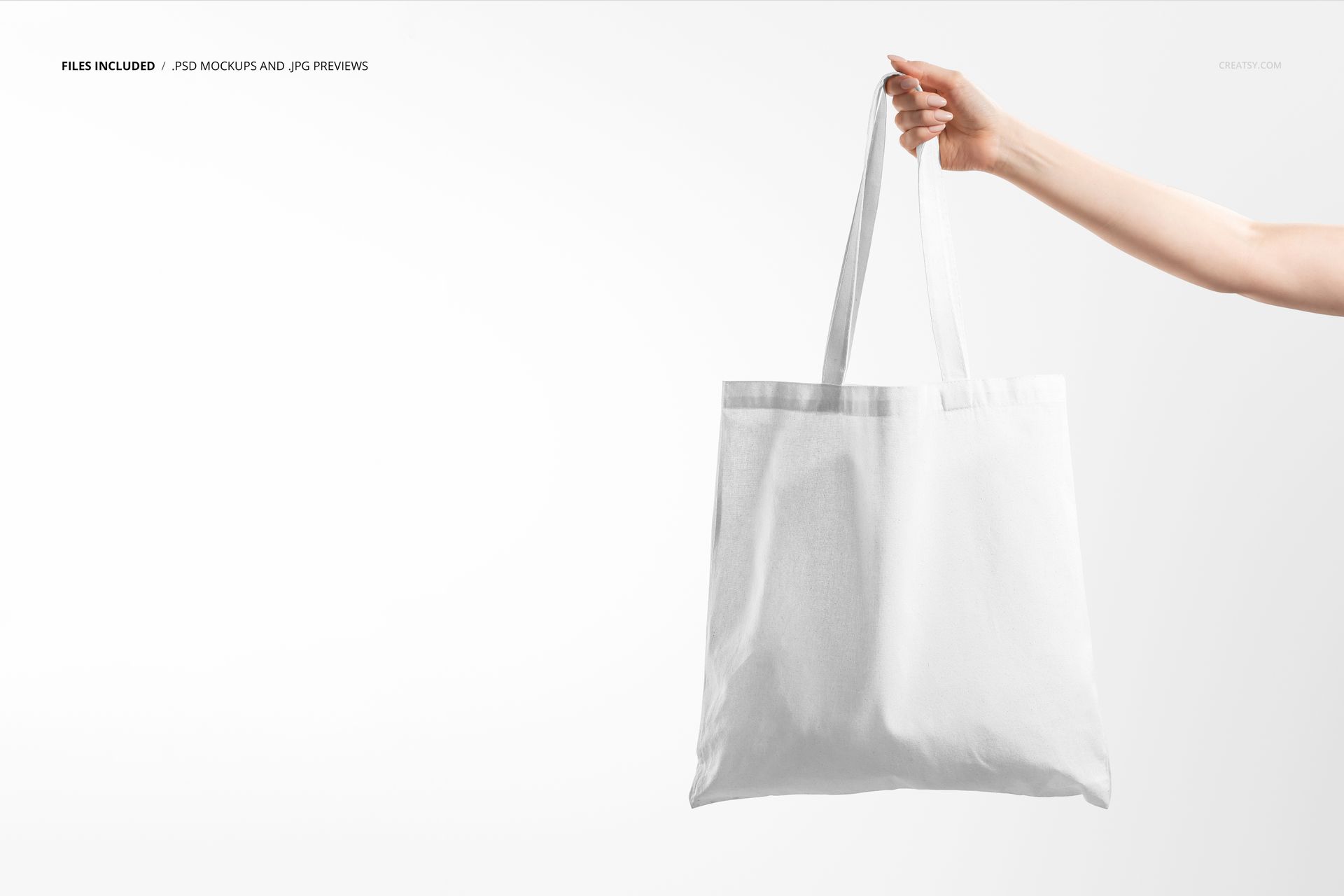
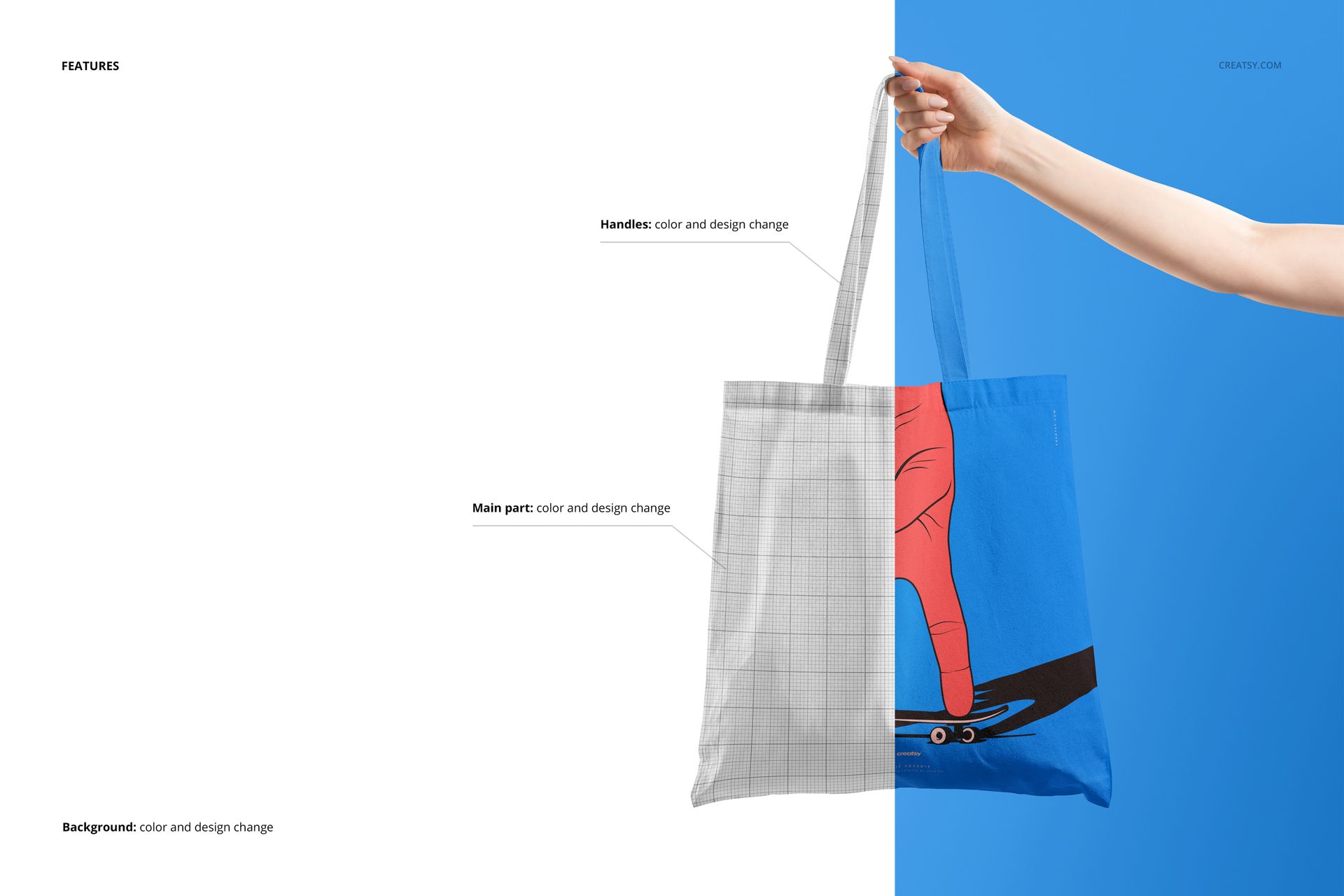
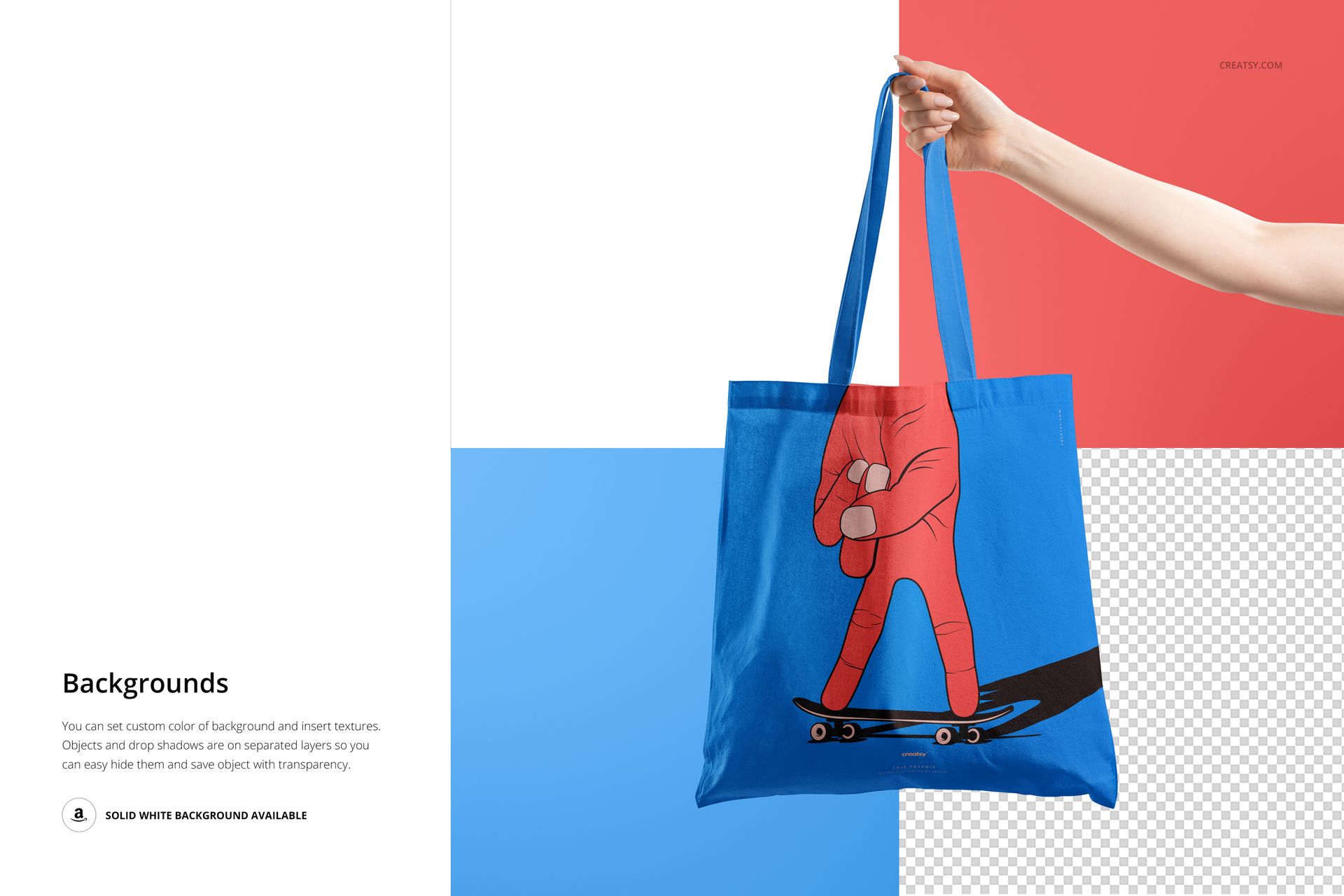
With this mockup, you'll gain access to a meticulously designed template that allows you to effortlessly customize your tote bag designs and create stunning visuals that leave a lasting impression. At Creatsy, we've poured our expertise into crafting a mockup that stands out in a saturated market. Our project offers unrivaled features: endless possibilities (change the bag's color, design, and even the background effortlessly); seamless editing (with easy-to-use smart objects and well-organized layers, you can customize every aspect of the tote bag design, from the bag itself to the handles and even the background); smooth compatibility (our projects are designed to be compatible with Photoshop CC, ensuring a seamless editing experience). We believe in making quality tools accessible to all creatives. That's why Free Tote Bag Mockup v.6 is available as a, allowing you to explore its potential at no cost.
Compatibility: Adobe Photoshop (min. version CC 2020), photopea.com,
Includes: 1 PSD file with well-organized layers: 4500x4500 px, 300 dpi,
Check screenshots for all the features,
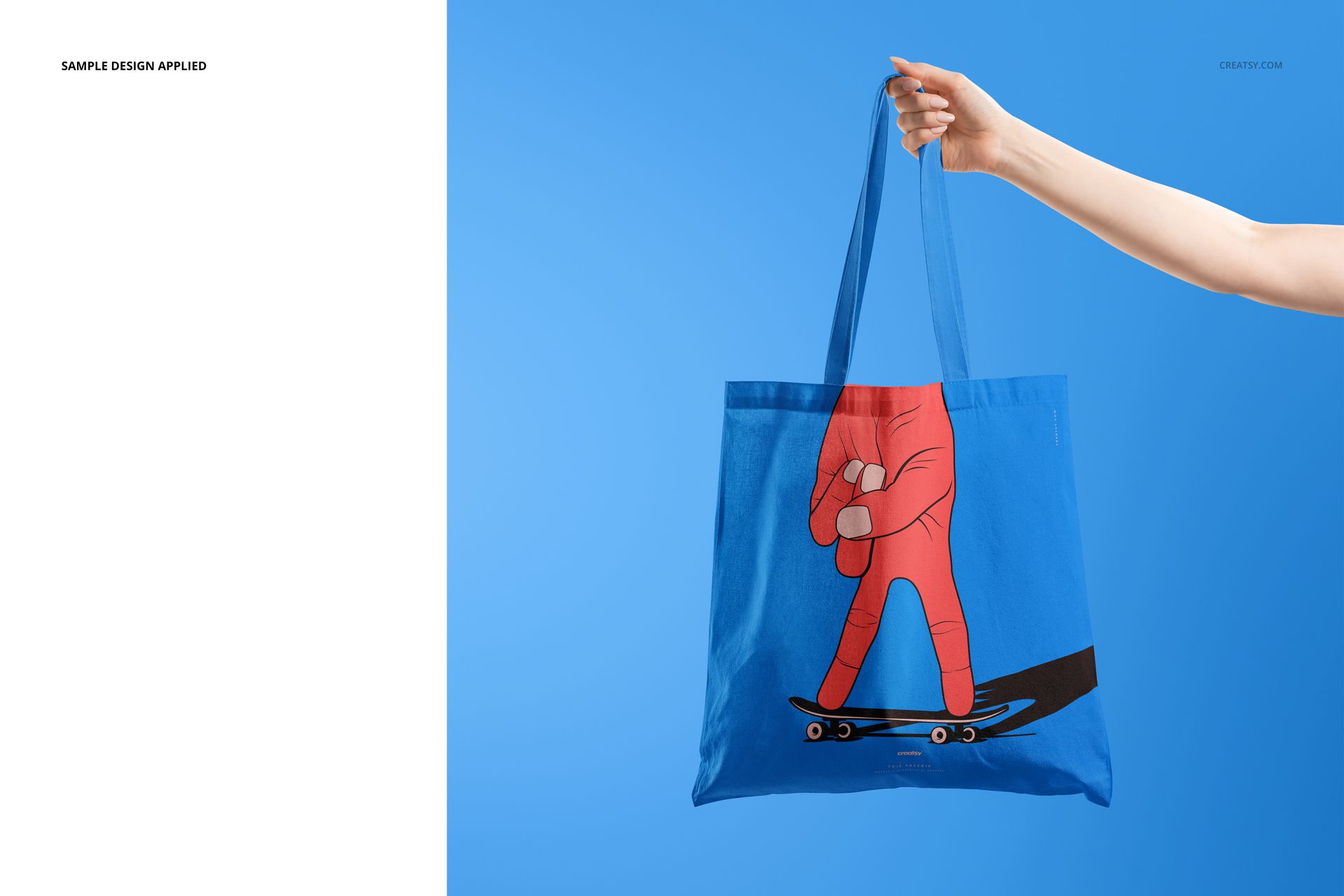
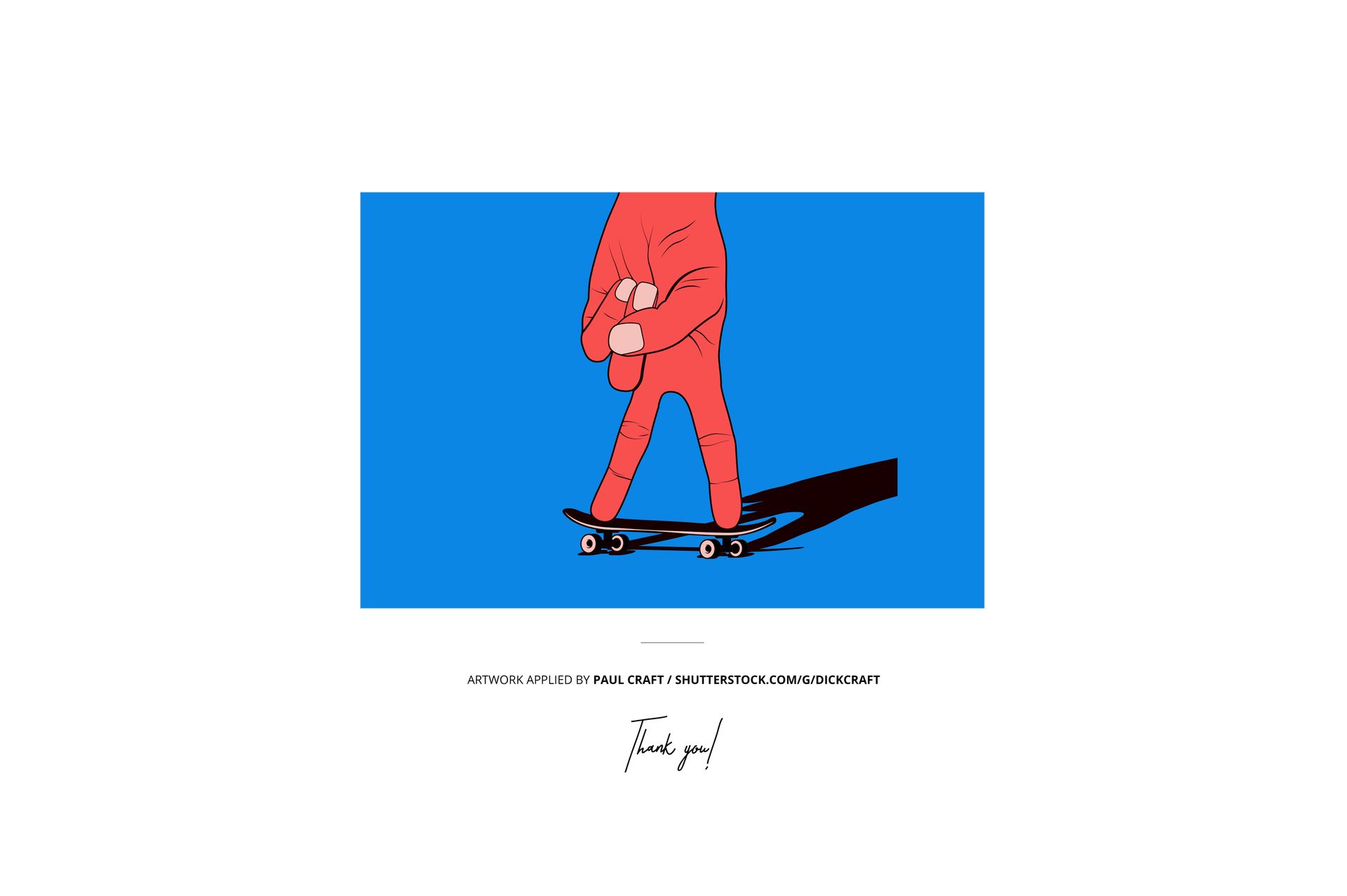
Example artwork by Paul Craft / shutterstock.com/g/dickcraft,
Designs are for example only and are not included in your purchase.
File details
- Compatibility
- Number of files included
- 3
- Package size
- 154 MB
|162 MB
- Files type
- .psd, .jpg, .pdf
- Files size
- 4500x4500


Reviews
Professional PSD mockups built in-house - editable, realistic, high-resolution, and supported by real people.
Lovely mockup!
d
i dont see no file after extracting
I apologize for any inconvenience caused. We have just tested all of these files, and they appear to be working properly. It seems that the issue may be related to incomplete downloads or incorrect extraction of the files. Please ensure that you fully download the files and extract them correctly. For troubleshooting download issues, you may find helpful information in this short article: https://creatsy.com/help-center/troubleshooting-download-issues In case you encounter issues with the default unarchiver app, you can try using a free unarchiver like 7-Zip or software such as WinRAR for Windows. These tools will allow you to extract the contents of the compressed file. For macOS users experiencing issues with the default unarchiver, you can try using "The Unarchiver" app.
Made with Creatsy
Real designs. Real customers. See how creatives use Creatsy mockups to turn their artwork, branding, and product ideas into polished visuals.
MEET THE SHOP

HOW IT WORKS
3 clicks. That's it.
No tutorial needed. If you can copy-paste, you can use this.
- 1OpenDouble-click the smart object inside the PSD - in Adobe Photoshop, or free in your browser with Photopea.
- 2PasteDrop in your pattern, print, or artwork. Any design, any style.
- 3SaveHit save and the mockup wraps it in for you - shadows, folds, and lighting included.
FROM IDEA TO IMAGE
Built for real workflows
Skip the photo shoot Show your artwork on the real product type for approvals or listings - no studio, no model, no sample.
See it on the product, not a swatch Drop your file into the smart object and the scene's lighting and folds wrap around it, so you judge the real thing before you commit.
Smart Objects
Edit once and you're done. Your artwork drops into a smart object and the mockup updates itself - no masking, no warping by hand.
Perfectly Organized
Named layers and folders you can actually navigate. Find what you need, change what you want, and get out fast.
Print-Ready
High-resolution files built to hold up on screen and in print. Exact size and DPI are in this product's Details above.


Creatsy make the best Mockups on the market, no matter what you need to showcase. These mockups are highly customizable, and the lighting in them makes everything look very realistic. You can keep or turn off many of the Items in the mockup, also a great feature giving control over the look you want. They have the most friendly and very helpful support. I highly recommend these mockups!