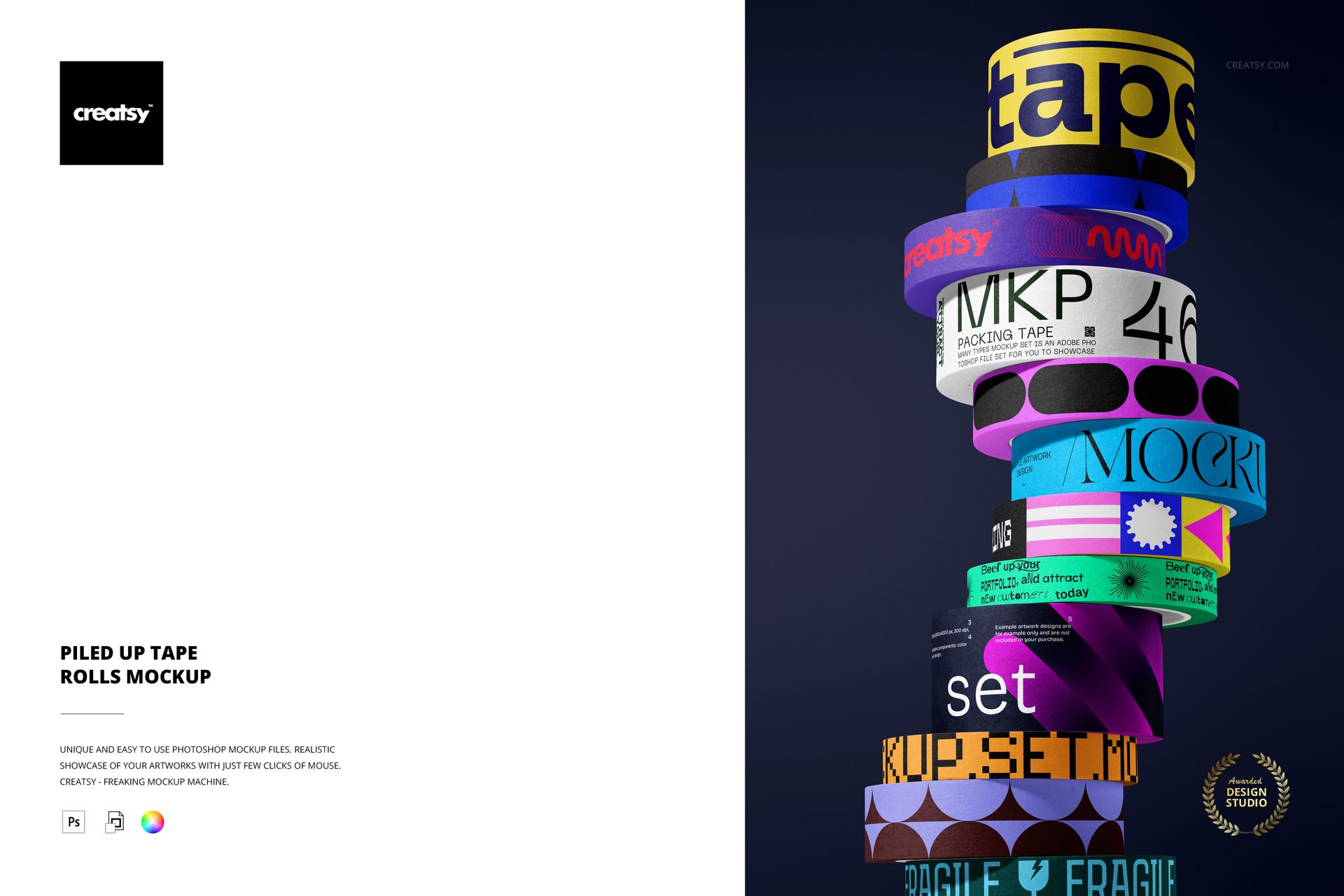
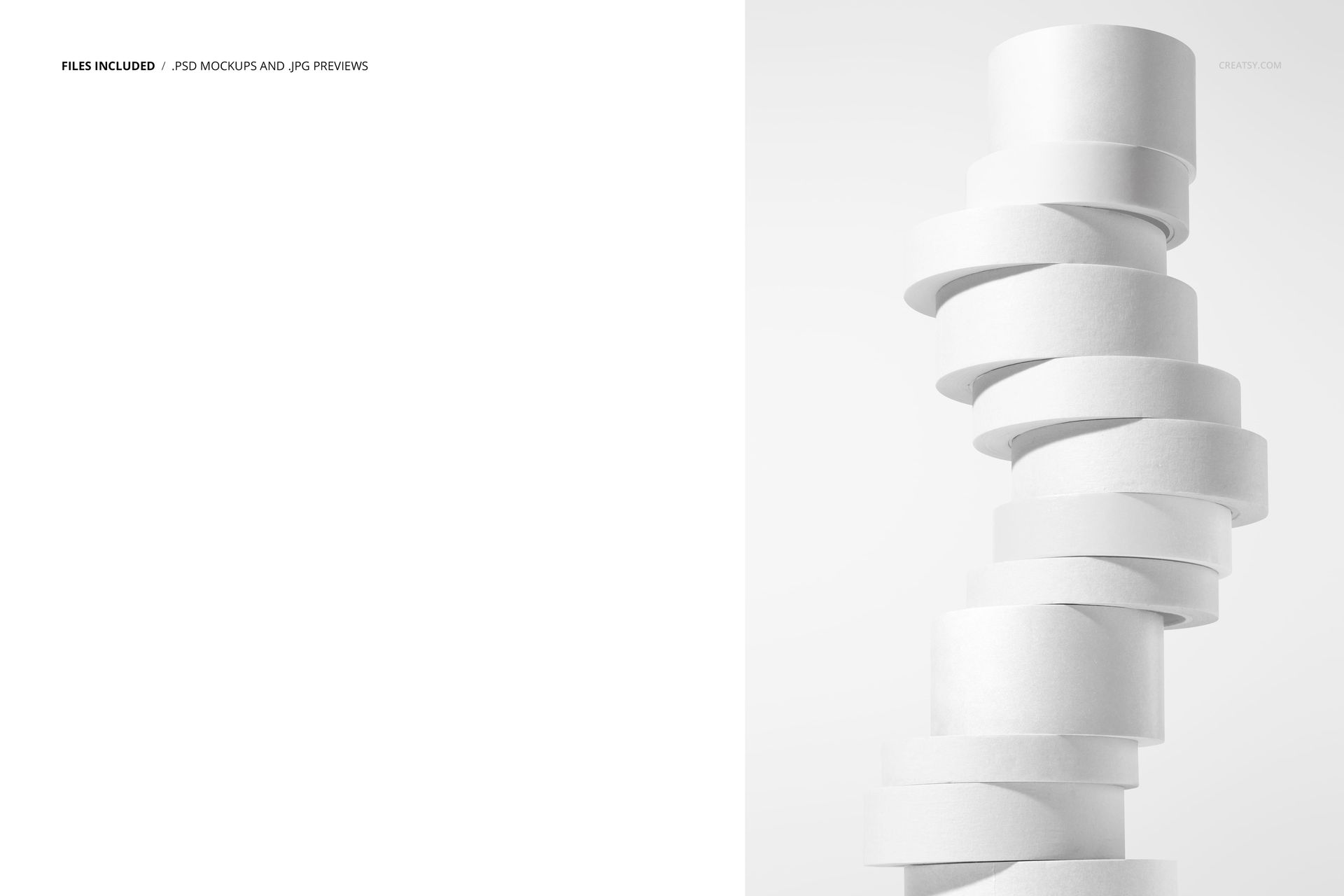
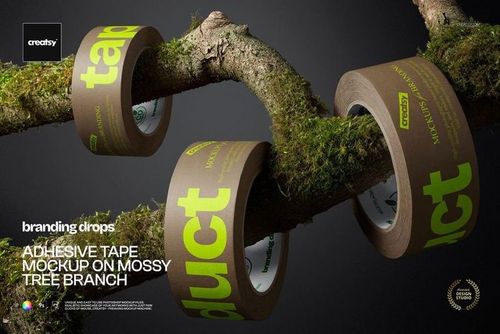
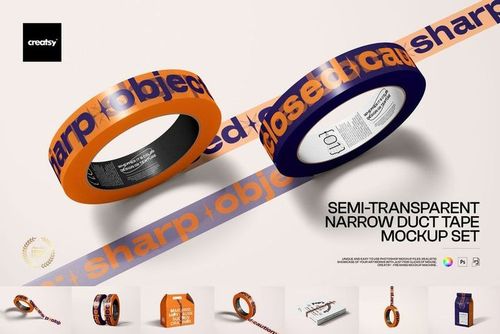
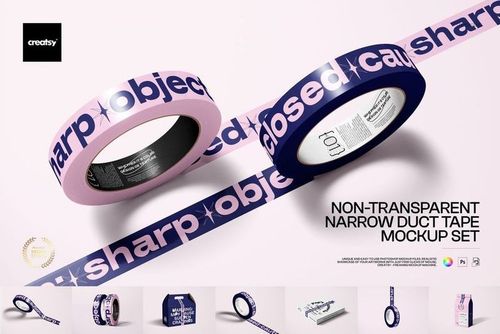
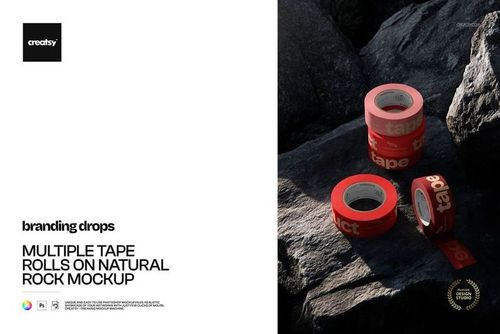
Design bold packaging visuals with this free Piled Up Tape Rolls Packaging Mockup. This PSD scene features a tall stack of branded tape rolls floating in dramatic studio lighting against a clean gradient background. Swap in your logo, typography, or pattern on each roll to build full tape collections, test colorways, or create high-impact graphics for social media, portfolios, and client presentations. Realistic texture and shadows keep every design looking print-ready in just a few clicks. Free for commercial use – see license for details.
Highlights
Format: 1× PSD, 6000×4000 px, 300 dpi
Workflow: Smart Objects; well-organized, named layers
Apps: Photoshop (min. CC 2020) + Photopea (free online editor)
Use cases: packaging & shipping tape branding, logo presentations, pattern previews, social posts, ecommerce listings
License: free for personal & commercial use (see terms)
What’s inside / Specs
Files: 1× layered PSD (+ preview JPG)
Canvas: 6000×4000 px, 300 dpi
Layers: multiple Smart Objects for tape roll designs; separate controls for background color/gradient, shadows, and highlights
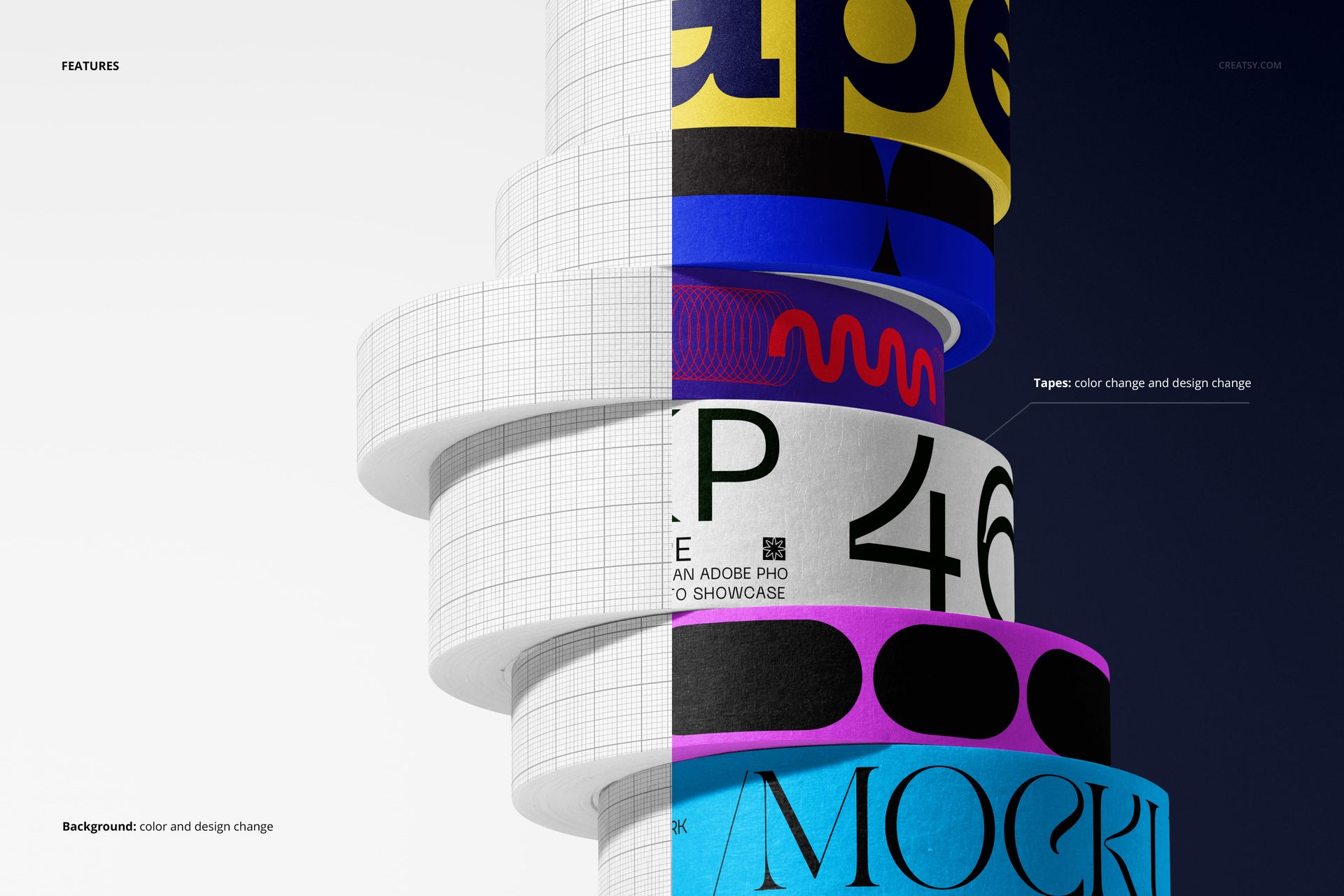
Editable elements: tape roll colors & designs, background color/design
Compatibility: Photoshop CC 2020 or newer; works in Photopea
Approx. size: ~24–26 MB (archive may vary by compression)
How-to (Photoshop & Photopea)
Open the PSD in Photoshop (CC 2020+) or Photopea.
Locate the tape Smart Objects, paste your artwork into each one, then Save to update the mockup.
Adjust tape and background colors, plus shadows/highlights, to match your brand.
Export high-resolution JPG/PNG/WebP files for web, print, or client presentations.
License & usage
Free for personal and commercial projects for a single user or business. You can use the exported images in branding, social media, client work, and small-run products. Reselling, redistributing, or sublicensing the source files (PSD) is not allowed. Please check the “Freebie” row in our license for full details.
















Creatsy make the best Mockups on the market, no matter what you need to showcase. These mockups are highly customizable, and the lighting in them makes everything look very realistic. You can keep or turn off many of the Items in the mockup, also a great feature giving control over the look you want. They have the most friendly and very helpful support. I highly recommend these mockups!
Thank you so much for your wonderful review! We’re so happy to hear you enjoy the realistic lighting, customization options, and flexibility of the mockup. Your kind words about our support truly mean a lot to us.