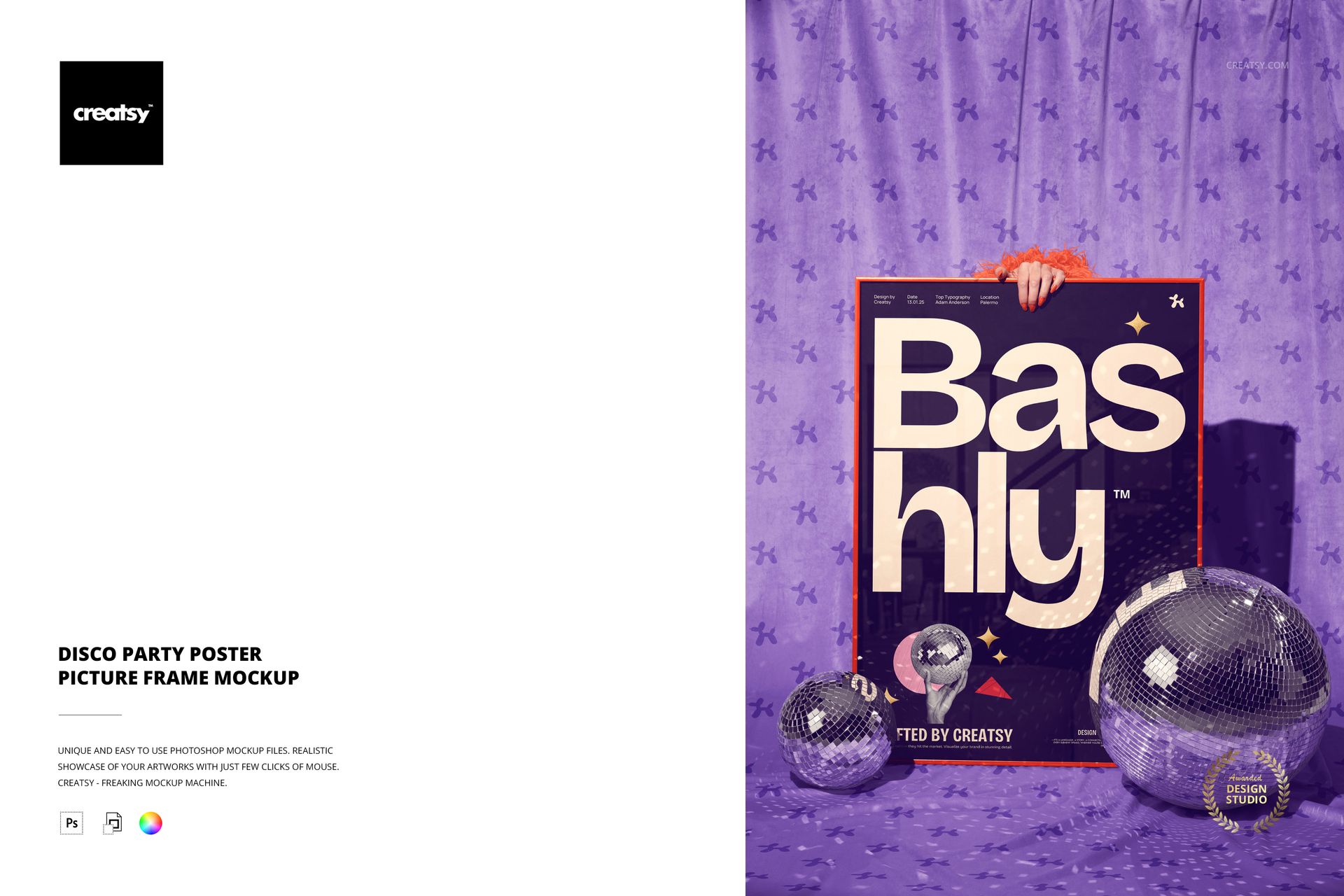
Disco Party Poster Picture Frame Mockup
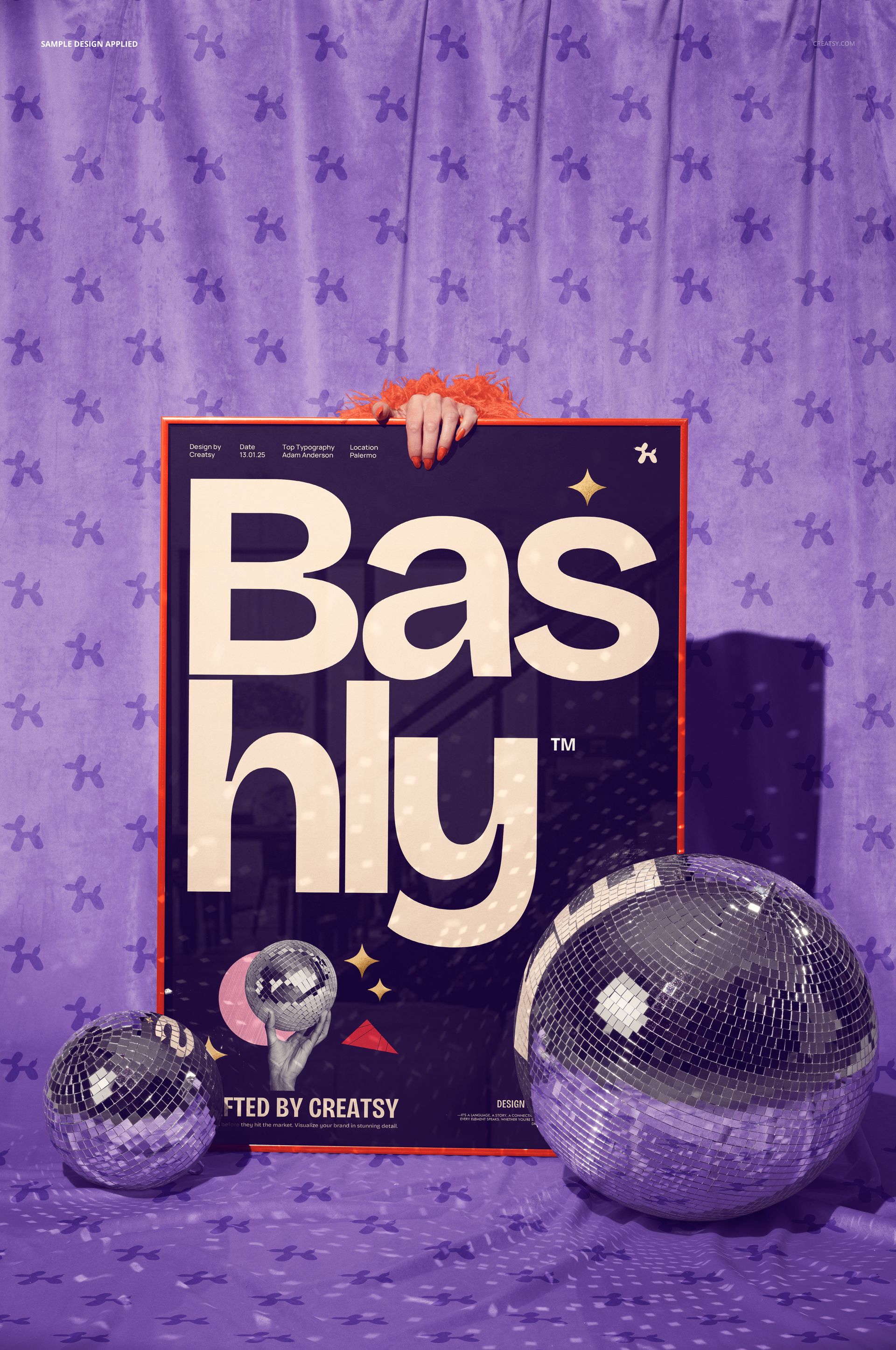
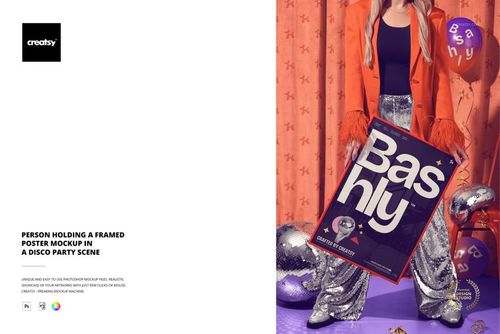
Place a square poster, art print, event graphic or typographic design inside a picture frame held in front of an elegant velvet curtain. Mirrored disco balls on the floor scatter points of light across the scene, creating a celebratory presentation with a strong nightlife and retro party character.
The direct front view keeps the artwork readable while the visible hand adds human scale. Use the mockup when a plain wall display feels too neutral for music, fashion, birthday, wedding reception or New Year visuals.
Included Files
1 layered PSD mockup at 6000 × 4000 px and 300 DPI
High-resolution JPG preview
One front-facing square picture frame scene
Smart Object artwork replacement
Well-organized layers for efficient editing
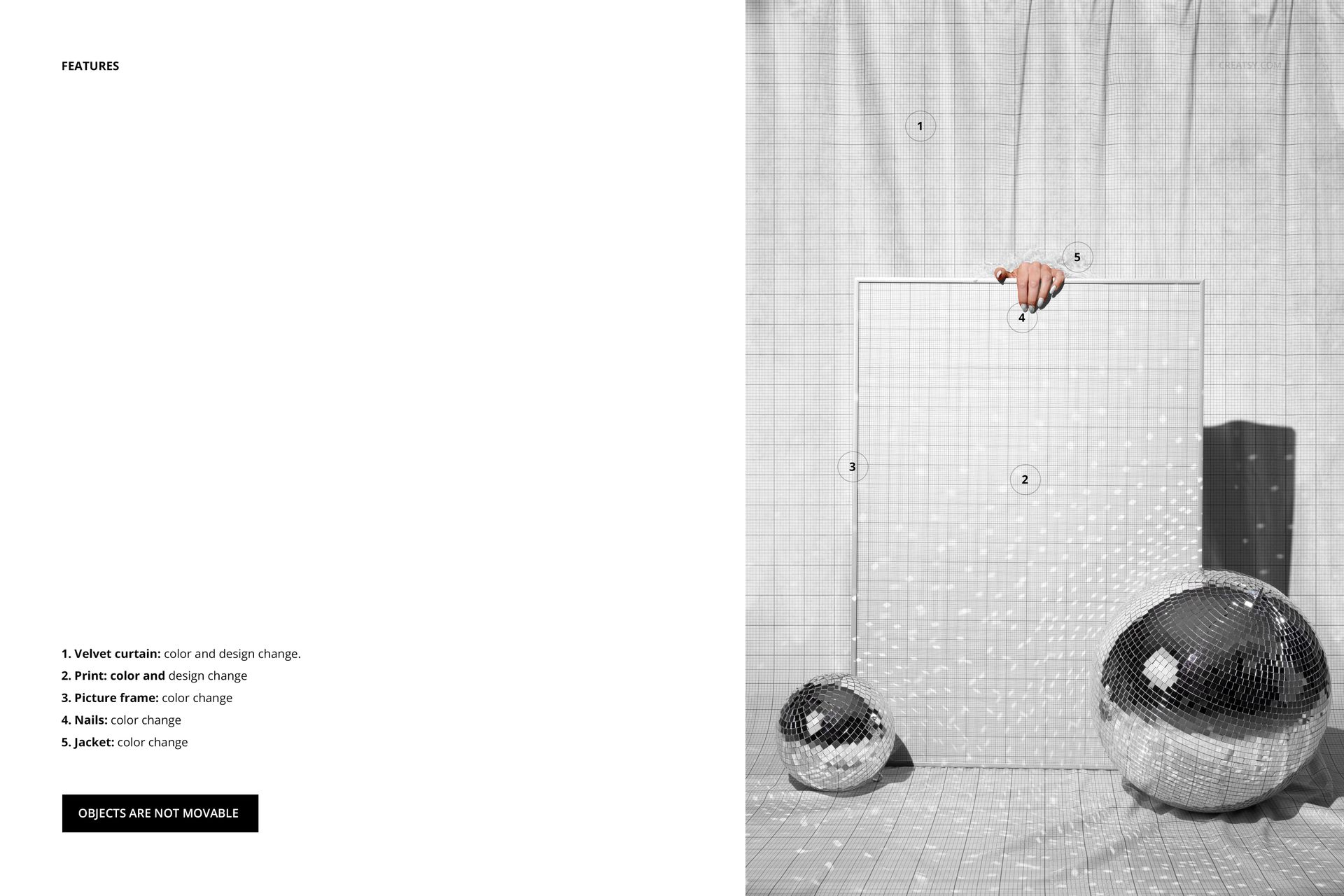
Editable Scene Features
Change the velvet curtain color and design
Replace the print and adjust its color
Change the picture frame color
Change the hand's nail color
Change the jacket color
The photographed objects are not movable. The composition is designed for color coordination and artwork replacement rather than rearranging the frame, hand or disco balls.
Smart Object Workflow
Open the print Smart Object, place your design and save the file to update the framed artwork. The hand position, frame perspective, reflected light and curtain backdrop stay aligned around the new design.
Square Artwork with a Party Context
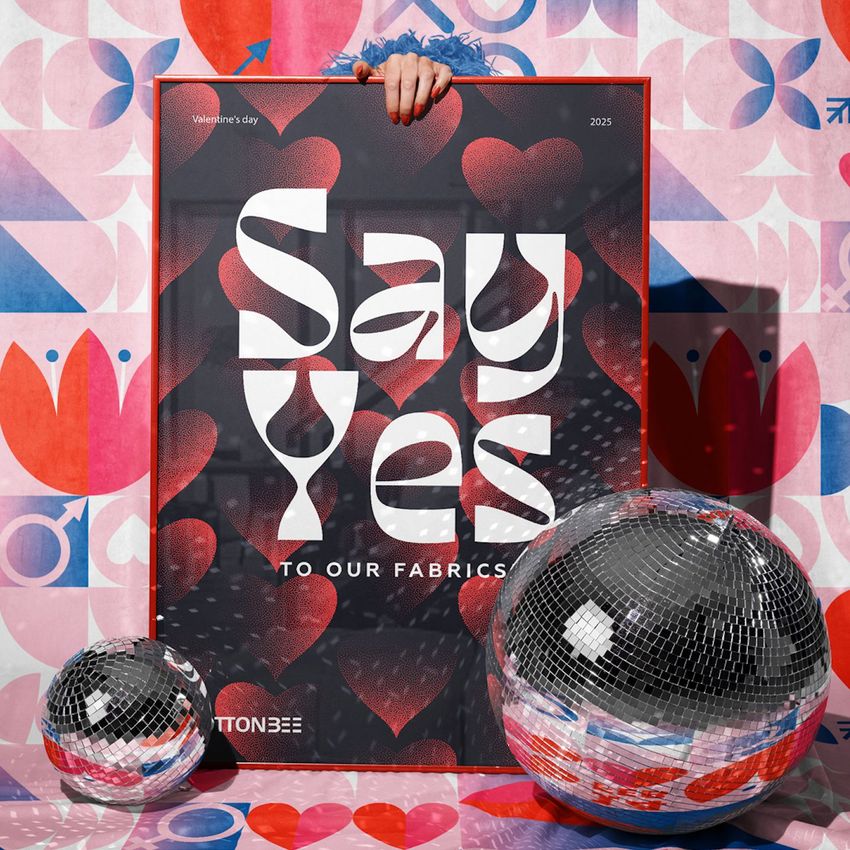
The balanced frame shape suits album artwork, compact event posters, graphic statements, illustrated prints and social campaign designs. Customize the curtain, frame, jacket and nails to build a controlled palette around the artwork while retaining the scene's mirrored highlights.
Ideal Uses
Album covers and music release graphics
Disco, club and nightlife promotions
Birthday and New Year announcements
Wedding reception and celebration stationery
Fashion campaign artwork
Square art print product pages
Social media launches and event carousels
This is a digital mockup file, not a physical frame, printed poster, curtain, clothing item or party decoration.