Packaging Tape Mockup - Front View
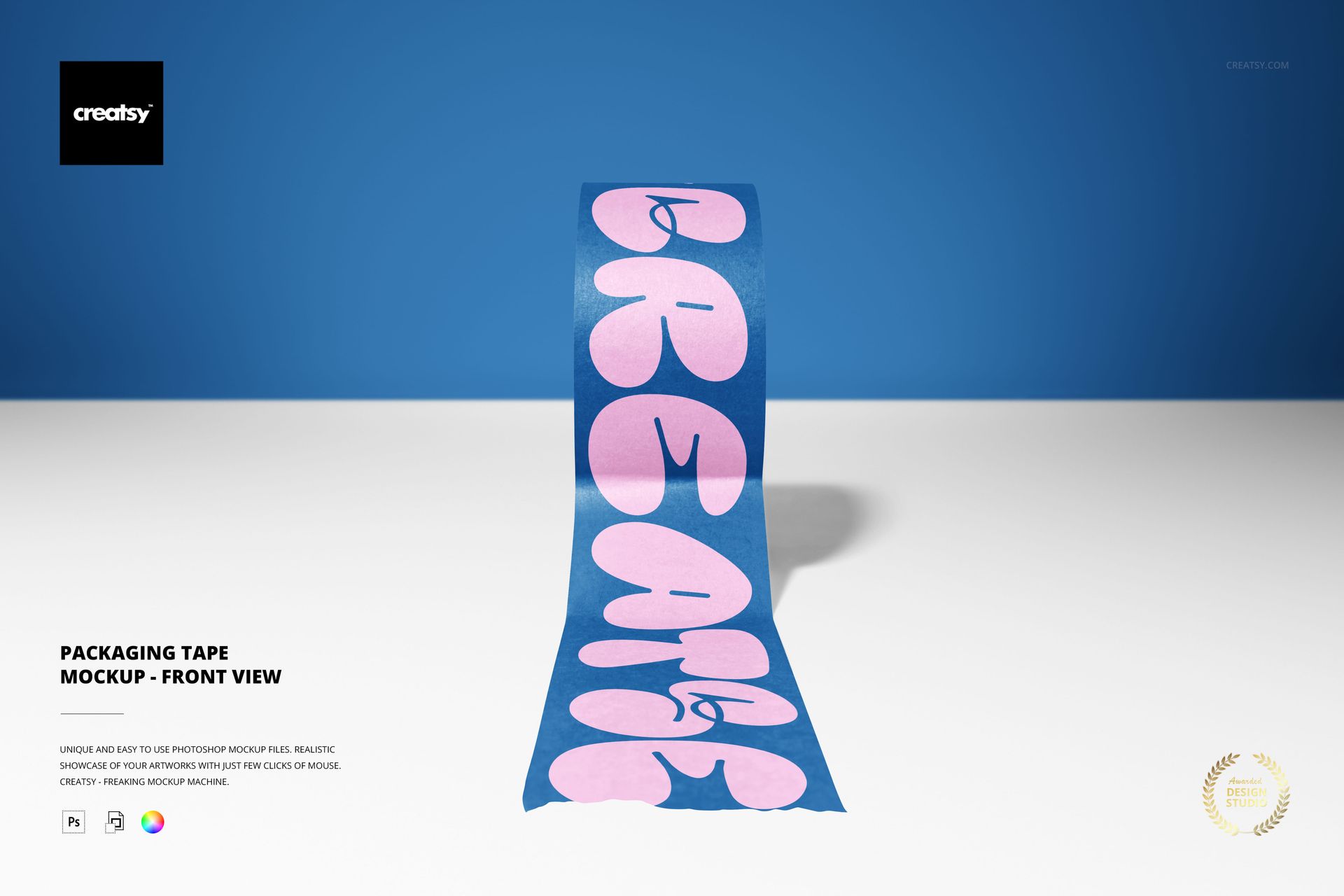
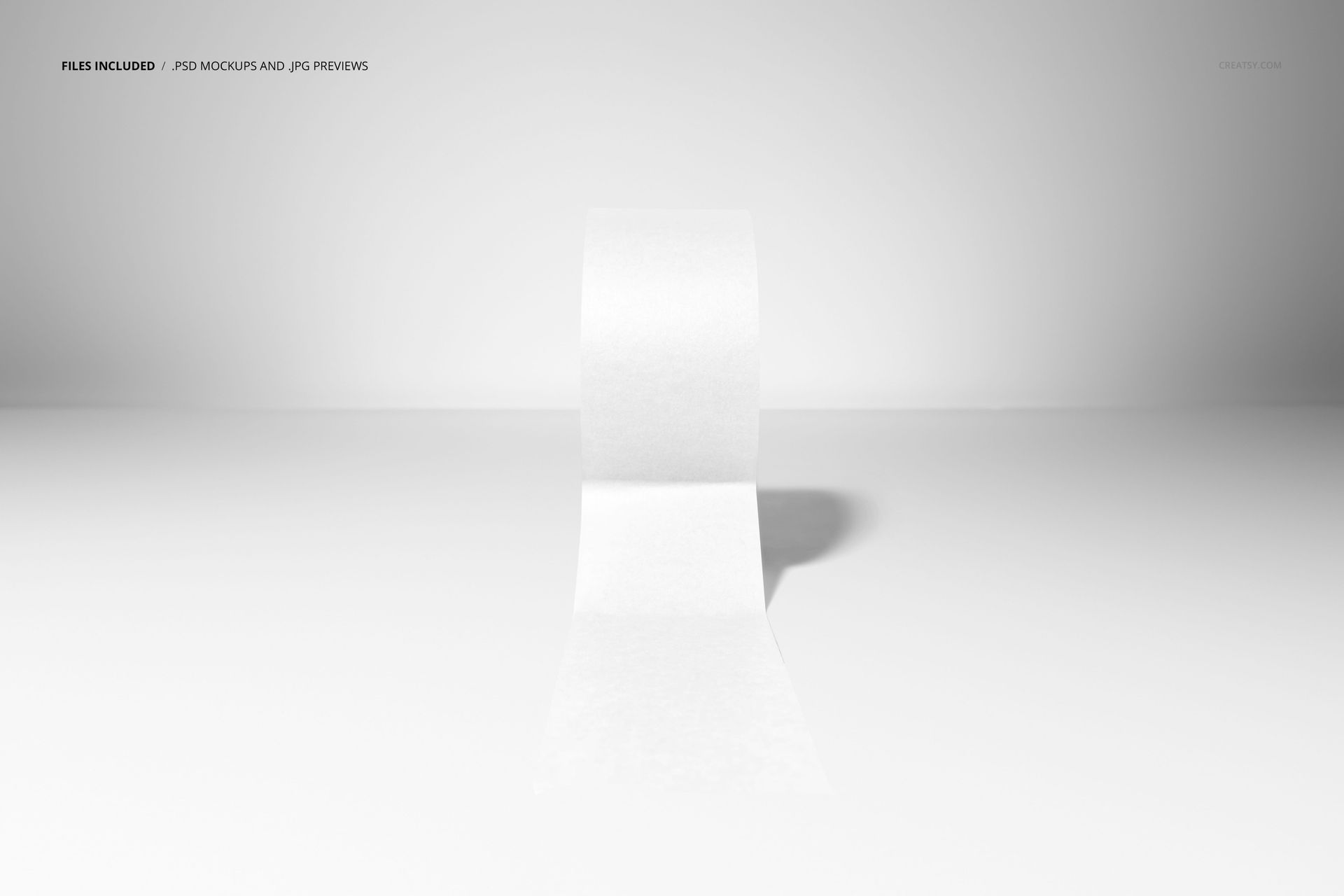
A strip of printed tape runs from an upright roll toward the viewer, giving your lettering a clear, uninterrupted place in the composition. The straight-on perspective keeps attention on the printed face, while the curve and cast shadow give the image depth without surrounding packaging props.
What Is Included
1 layered PSD mockup, 6000 x 4000 px at 300 DPI
1 JPG preview at 512 x 341 px, 2 files in total
One landscape scene with a single unrolled tape roll
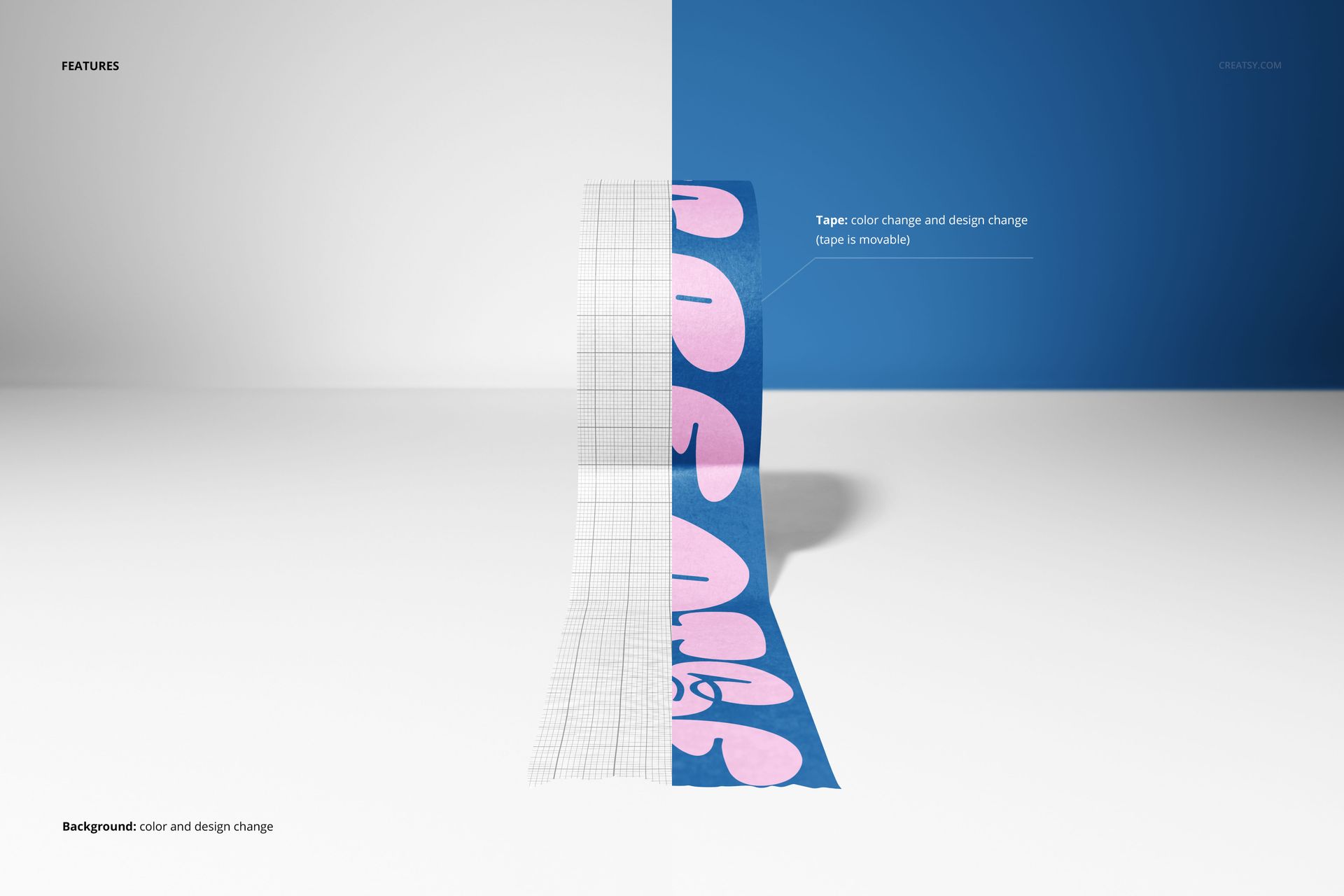
A movable tape object with editable color and artwork
Background color and design editing
Give the Message a Clear Direction
Use the long visible strip for a repeated wordmark, a short brand message or a continuous pattern. The front view helps you assess how the artwork reads along the tape and where the curved section changes its appearance. Reposition the tape to make space for presentation copy around it.
Easy Smart Object Editing
Place your design through Smart Objects in Adobe Photoshop CC2020 or newer, or Photopea. Adjust the tape color and artwork, then coordinate the background color and design. The PSD includes organized layers for the editing process.
For Tape Suppliers and Brand Designers
Prepare a focused image for a printed-tape proposal, packaging identity portfolio or brand campaign. This scene suits projects where a logo or message on the tape needs to be noticed on its own, before it becomes part of a larger packaging system.
This is a digital mockup, not physical packaging tape. Sample artwork shown in the previews is for presentation only and is not included as separate design assets.