ID: 1942649173 | Updated: Nov 22, 2025

Product Details

Christmas Wrapping Paper Ripped Open Gift Reveal Mockup

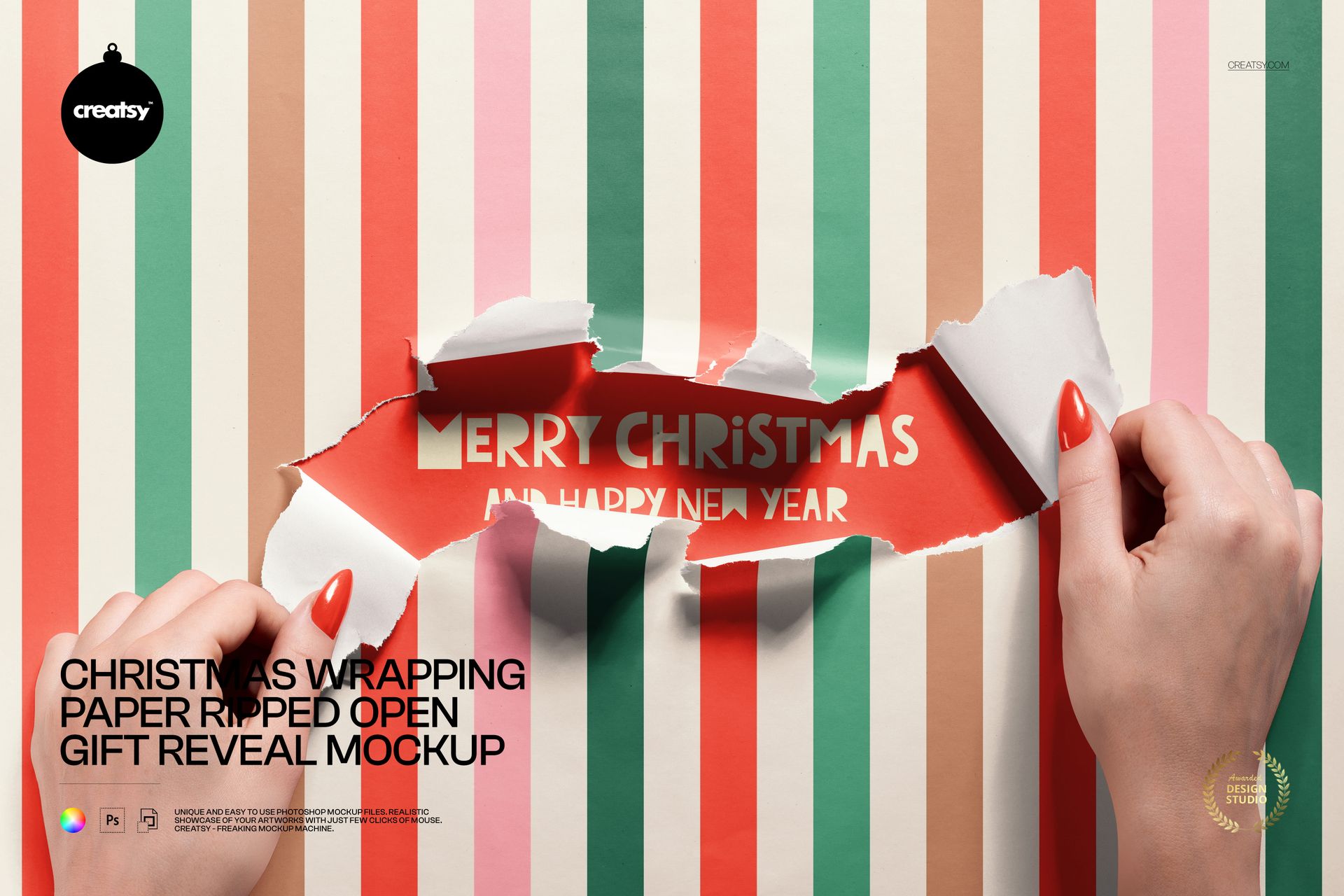
Create a dramatic holiday reveal with hands tearing open Christmas wrapping paper to expose the message or artwork underneath. The ripped edges, realistic folds, and bright open center give seasonal packaging concepts a clear moment of discovery.

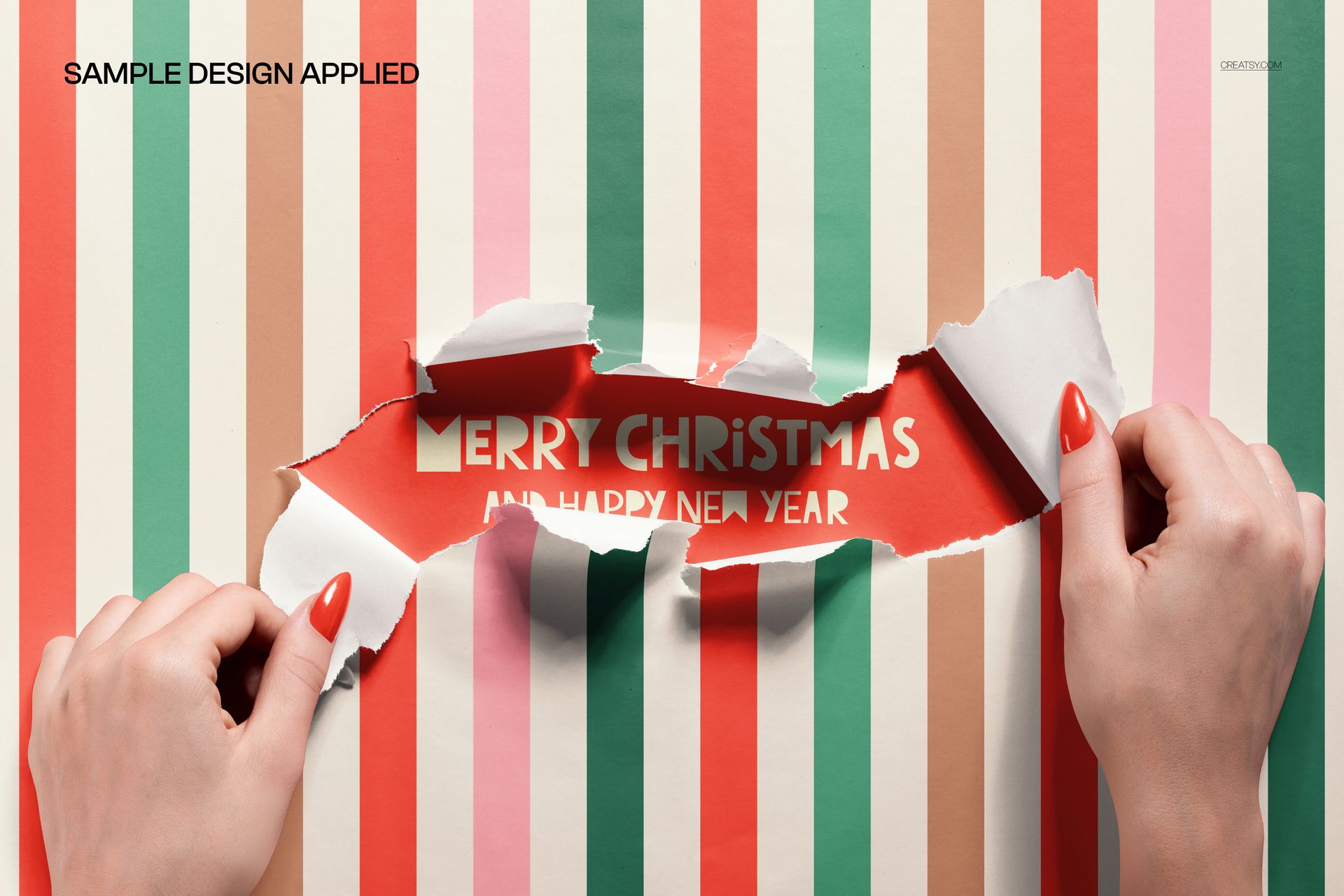
Use this PSD mockup for gift campaigns, festive product launches, wrapping paper patterns, social content, and client approvals. Replace the sample design with your own artwork while keeping the hand interaction and paper texture intact.

What Is Included

  • One editable PSD mockup and one JPG preview for quick presentation checks.

  • 6000x4000 px canvas at 300 dpi for detailed digital output.

  • Organized layers for a repeatable editing workflow and seasonal artwork tests.

Scene & Composition

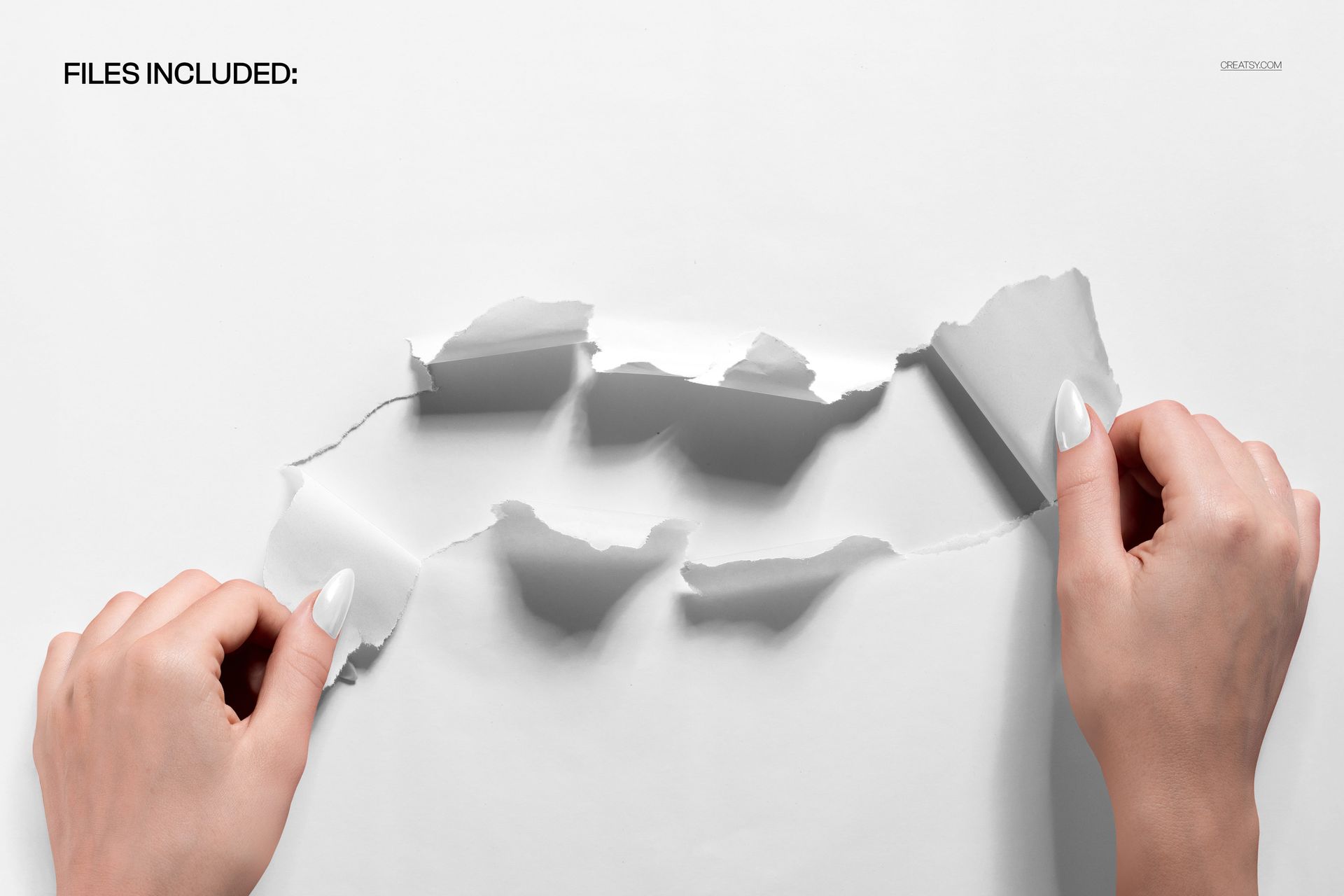
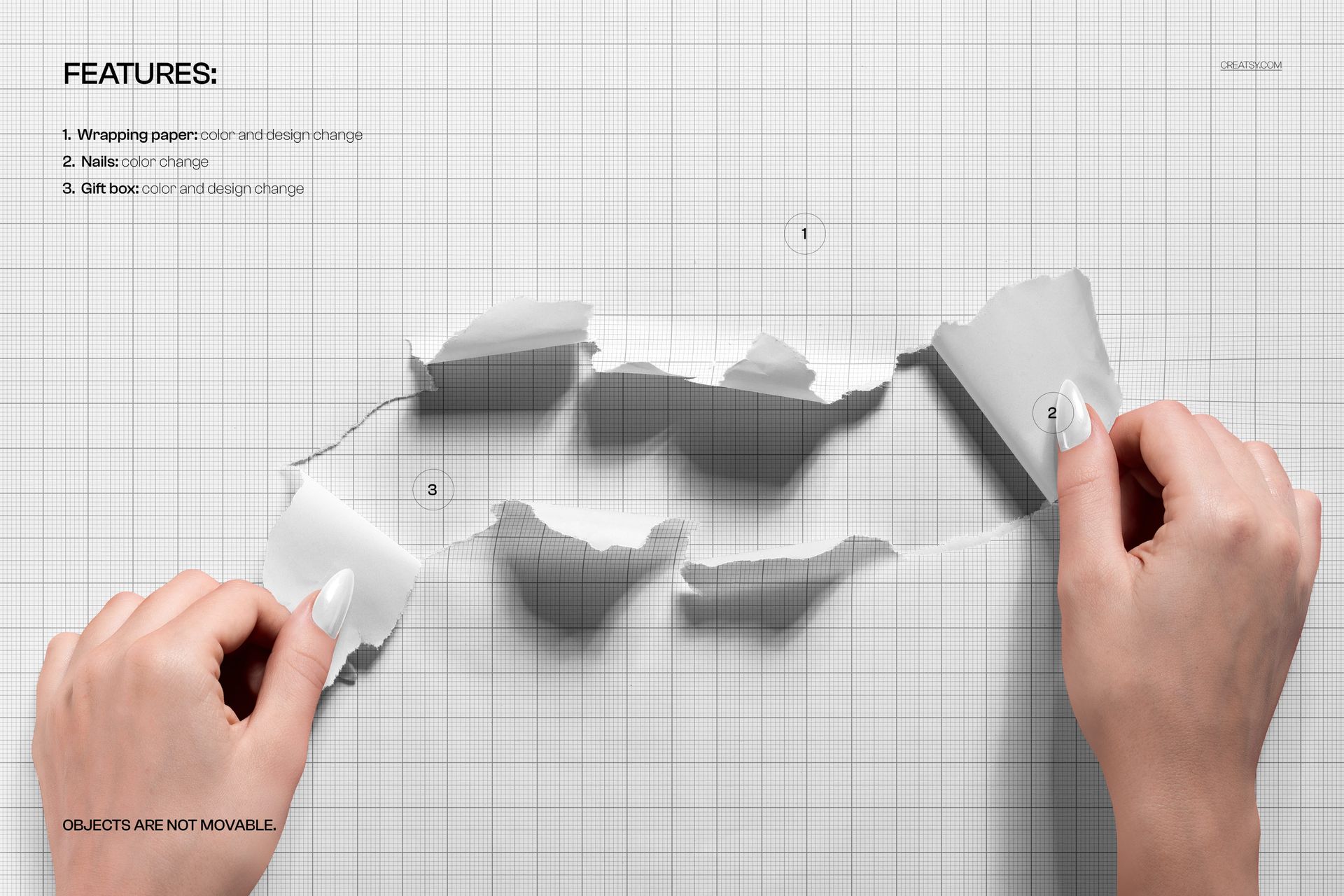
Two hands pull back torn wrapping paper from opposite sides, leaving a large central reveal area. The neutral paper and bright opening make it easy to emphasize a message, pattern, or gift announcement.

Editing Workflow

Open the PSD in Adobe Photoshop CC2020 or newer, or use Photopea in your browser. Place your design in the editable layer, save, and review the result against the included JPG preview.

Holiday Branding Ideas

Present Christmas patterns, gift labels, limited-edition packaging, countdown graphics, retail promotions, or seasonal campaign artwork. The reveal action adds context to a simple flat design.

Technical Details

The listing includes PSD and JPG files at 6000x4000 px and 300 dpi. Package size is reported as 263 MB for Windows and 276 MB for Mac.

License & Usage

Select the license that matches your project and review Creatsy license terms before commercial use. Screenshots show example artwork only; your purchase supplies the editable mockup files.

File details

Compatibility
PhotopeaAdobe Photoshop
Package size
263 MB263 MB|276 MB276 MB
Files type
.psd, .jpg
Files size
6000x4000
TEST FOR FREE

MEET THE SHOP

Creatsy logo

Creatsy

Poland
4.7 (681)

Bring your ideas to life.

We're a family-run studio in Katowice, Poland, making PSD mockups by hand since 2016. Everything in this shop starts in our own studio. We shoot the photography, build the 3D, and put together every Smart Object PSD ourselves - then we test it, organize the layers, and only ship it once it actually works...
GO TO SHOP

HOW IT WORKS

3 clicks. That's it.

No tutorial needed. If you can copy-paste, you can use this.

  1. 1OpenDouble-click the smart object inside the PSD - in Adobe Photoshop, or free in your browser with Photopea.
  2. 2PasteDrop in your pattern, print, or artwork. Any design, any style.
  3. 3SaveHit save and the mockup wraps it in for you - shadows, folds, and lighting included.

FROM IDEA TO IMAGE

Built for real workflows

Get the label signed off before the print run Wrap your design onto the box, pouch, or bottle and show the client exactly what ships.

See it on the product, not a swatch Drop your file into the smart object and the scene's lighting and folds wrap around it, so you judge the real thing before you commit.

Smart Objects

Edit once and you're done. Your artwork drops into a smart object and the mockup updates itself - no masking, no warping by hand.

Perfectly Organized

Named layers and folders you can actually navigate. Find what you need, change what you want, and get out fast.

Print-Ready

High-resolution files built to hold up on screen and in print. Exact size and DPI are in this product's Details above.