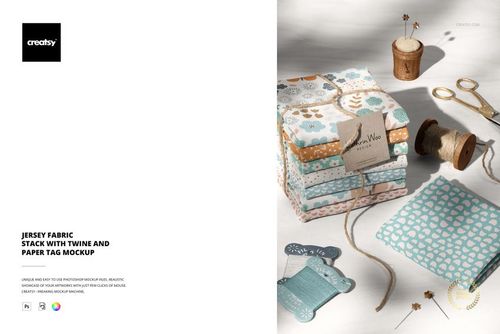
Stacked Jersey Fabrics with Eucalyptus Leaves Mockup
This product is a part of Fabric Factory v.8 Mockup Bundle (Jersey)
Product Details
Stacked Jersey Fabrics with Eucalyptus Leaves Mockup
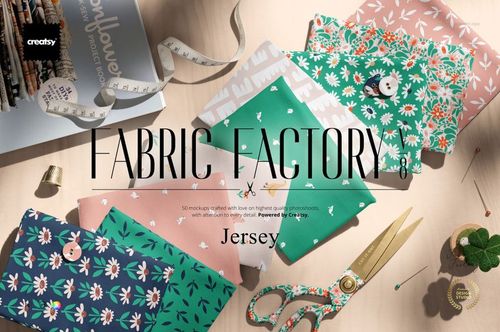
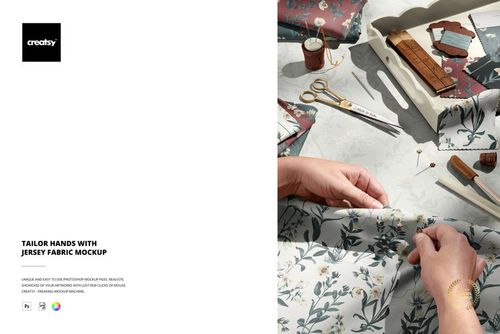
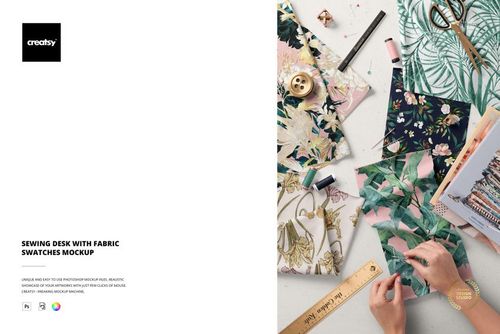
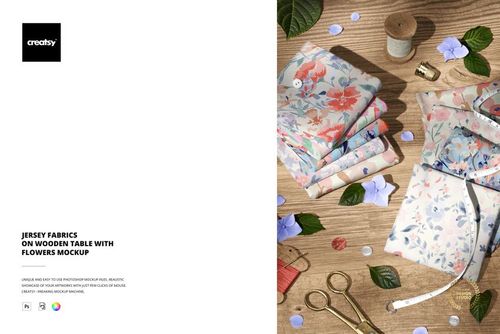
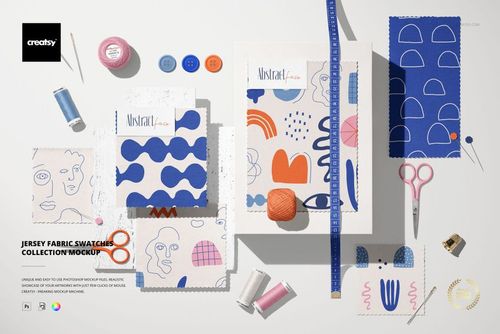
Give your textile collection a softly styled setting with folded jersey fabrics and eucalyptus leaves. This layered PSD mockup places your patterns in a fabric stack, adding depth and a botanical accent to portfolio images, fabric shop listings, and collection previews.
A Natural Setting for Coordinated Prints
Present a hero print alongside complementary patterns in one fabric-focused composition.
Use the folded arrangement to assess how motifs read across visible surfaces and shaded edges.
Create consistent presentation images for seasonal launches, licensing proposals, and social posts.
File Details
Includes 1 layered PSD file and 1 JPG preview.
Canvas dimensions: 6000 x 4000 px at 300 dpi.
Compatible with Adobe Photoshop CC 2020 or newer and Photopea.
Organized layers for a structured editing workflow. See the screenshots for the available scene controls.
This is a digital presentation tool, not a physical fabric product or a production color proof.
Sample Design Credit
Sample artwork by Julia Dreams. Visit juliadreamsdesign.com to explore the designer's work. The sample designs are shown for demonstration and are not included in the download.
File details
- Compatibility
- Package size
- 293 MB
|308 MB
- Files type
- .psd, .jpg
- Files size
- 6000x4000


MEET THE SHOP
- $2550$30.00
- $1870$22.00
- $1615$19.00
- $2040$24.00

HOW IT WORKS
3 clicks. That's it.
No tutorial needed. If you can copy-paste, you can use this.
- 1OpenDouble-click the smart object inside the PSD - in Adobe Photoshop, or free in your browser with Photopea.
- 2PasteDrop in your pattern, print, or artwork. Any design, any style.
- 3SaveHit save and the mockup wraps it in for you - shadows, folds, and lighting included.
FROM IDEA TO IMAGE
Built for real workflows
Skip the photo shoot Show your artwork on the real product type for approvals or listings - no studio, no model, no sample.
See it on the product, not a swatch Drop your file into the smart object and the scene's lighting and folds wrap around it, so you judge the real thing before you commit.
Smart Objects
Edit once and you're done. Your artwork drops into a smart object and the mockup updates itself - no masking, no warping by hand.
Perfectly Organized
Named layers and folders you can actually navigate. Find what you need, change what you want, and get out fast.
Print-Ready
High-resolution files built to hold up on screen and in print. Exact size and DPI are in this product's Details above.