Drawstring Sacks Advent Calendar Mockup Set

Product Details
Drawstring Sacks Advent Calendar Mockup Set
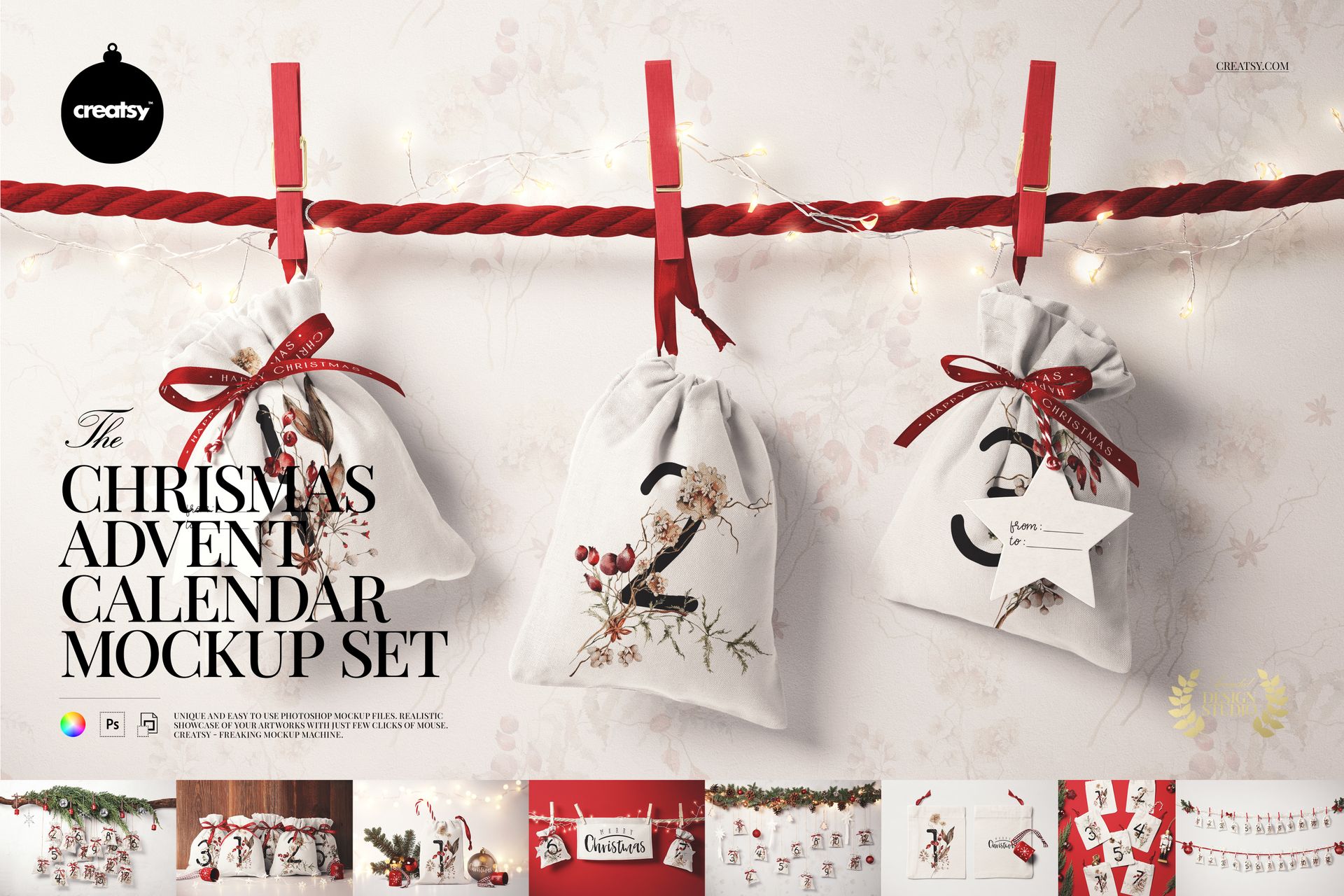
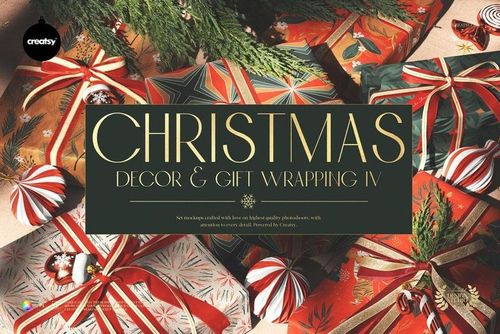
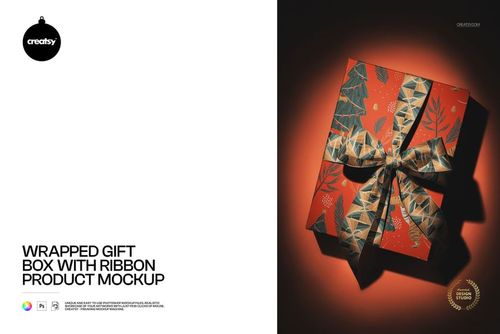
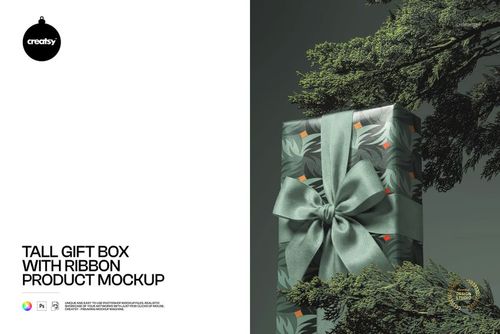
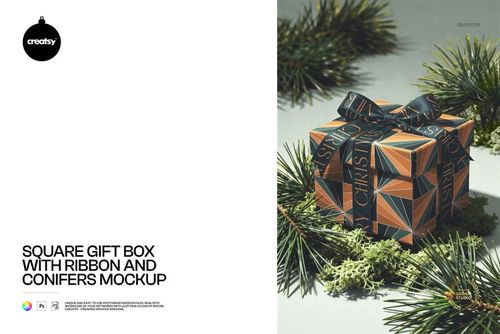
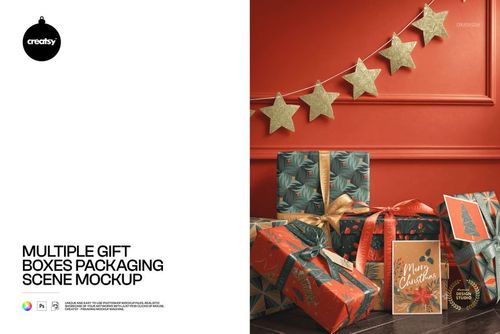
Present a coordinated advent calendar collection on drawstring fabric sacks in nine styled scenes. Choose from hanging calendars, tabletop groups, a single sack, a pair of flat sacks and a festive flat lay.
Coordinate sack prints, ribbons and festive details
Change sack colors and add your own designs.
Customize ribbon colors and designs in the scenes that include editable ribbons.
Edit the designs on star tags and baubles where shown; removable star tags are available in the banner scene.
Adjust colors of ropes, clips, bells, candy canes and wrapped sweets in the relevant scenes.
Change background colors and designs in supported scenes; premade background textures are included in selected views.
Files and software
9 PSD mockups and 9 JPG previews.
PSD resolutions: 6000x4000, 4000x6000 px at 300 DPI.
Software: Adobe Photoshop CC 2020 or later and Photopea.
Sample artwork by 60SecondsArt. Preview artwork is not included.
This is a digital mockup for presenting your own designs. Physical products and sample artwork shown in the gallery are not included.
File details
- Compatibility
- Package size
- 3.43 GB
|3.68 GB
- Files type
- .psd, .jpg
- Files size
- 6000x4000


Made with Creatsy
Real designs. Real customers. See how creatives use Creatsy mockups to turn their artwork, branding, and product ideas into polished visuals.
MEET THE SHOP
- $6715$79.00
- $2550$30.00
- $1870$22.00
- $1615$19.00

HOW IT WORKS
3 clicks. That's it.
No tutorial needed. If you can copy-paste, you can use this.
- 1OpenDouble-click the smart object inside the PSD - in Adobe Photoshop, or free in your browser with Photopea.
- 2PasteDrop in your pattern, print, or artwork. Any design, any style.
- 3SaveHit save and the mockup wraps it in for you - shadows, folds, and lighting included.
FROM IDEA TO IMAGE
Built for real workflows
Skip the photo shoot Show your artwork on the real product type for approvals or listings - no studio, no model, no sample.
See it on the product, not a swatch Drop your file into the smart object and the scene's lighting and folds wrap around it, so you judge the real thing before you commit.
Smart Objects
Edit once and you're done. Your artwork drops into a smart object and the mockup updates itself - no masking, no warping by hand.
Perfectly Organized
Named layers and folders you can actually navigate. Find what you need, change what you want, and get out fast.
Print-Ready
High-resolution files built to hold up on screen and in print. Exact size and DPI are in this product's Details above.