Resealable Stand-Up Pouch with Hang Hole Mockup Set

Product Details
Resealable Stand-Up Pouch with Hang Hole Mockup Set
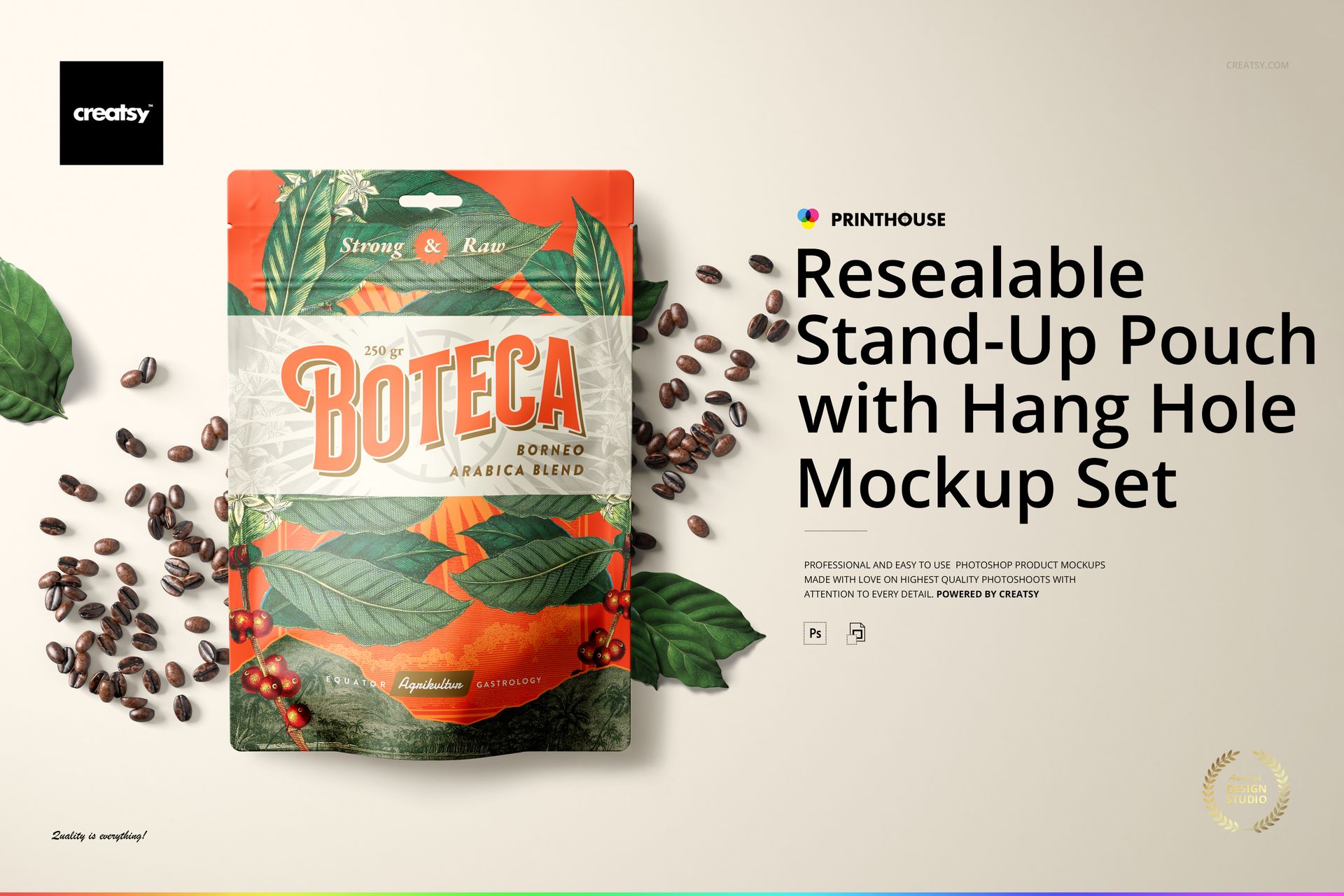
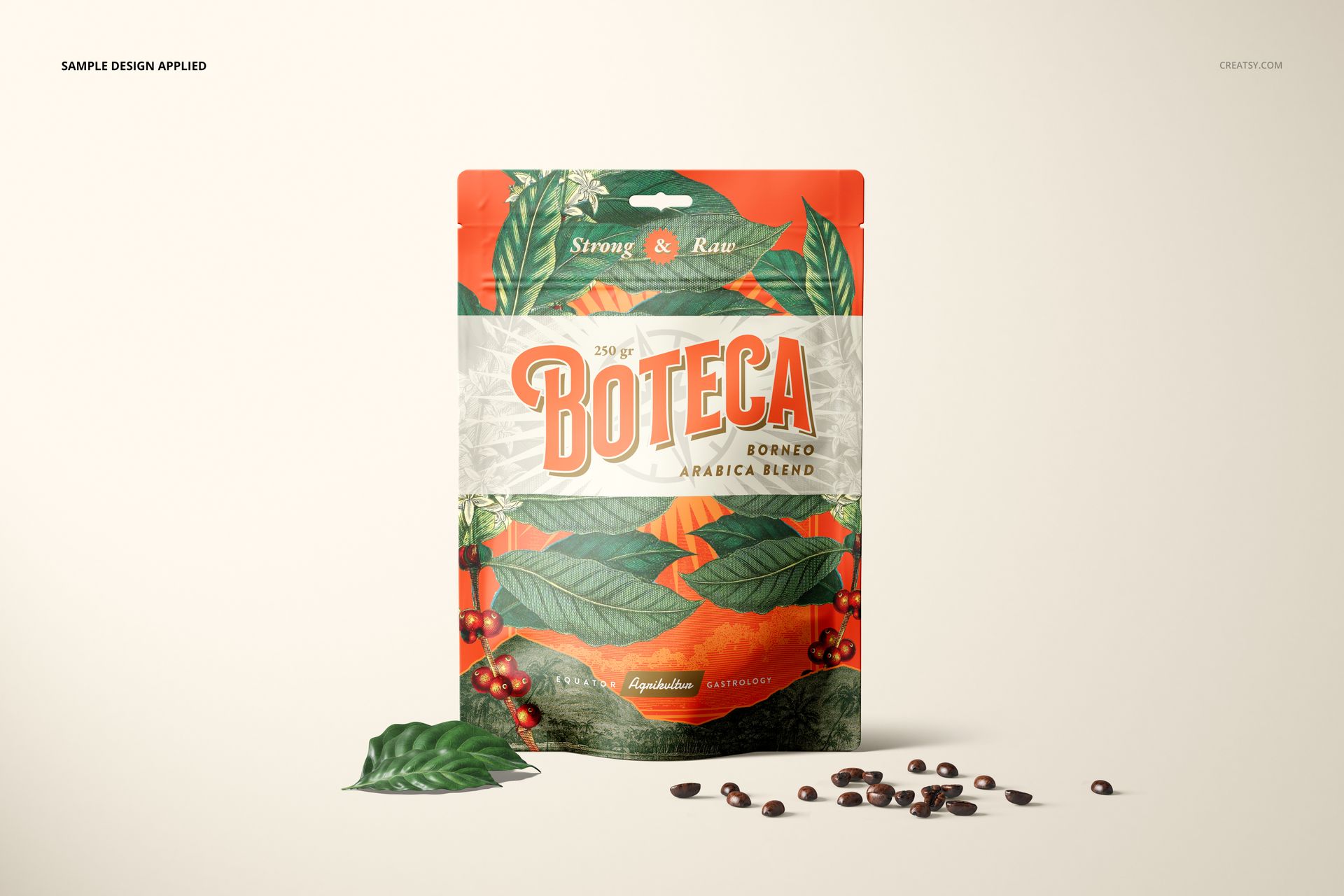
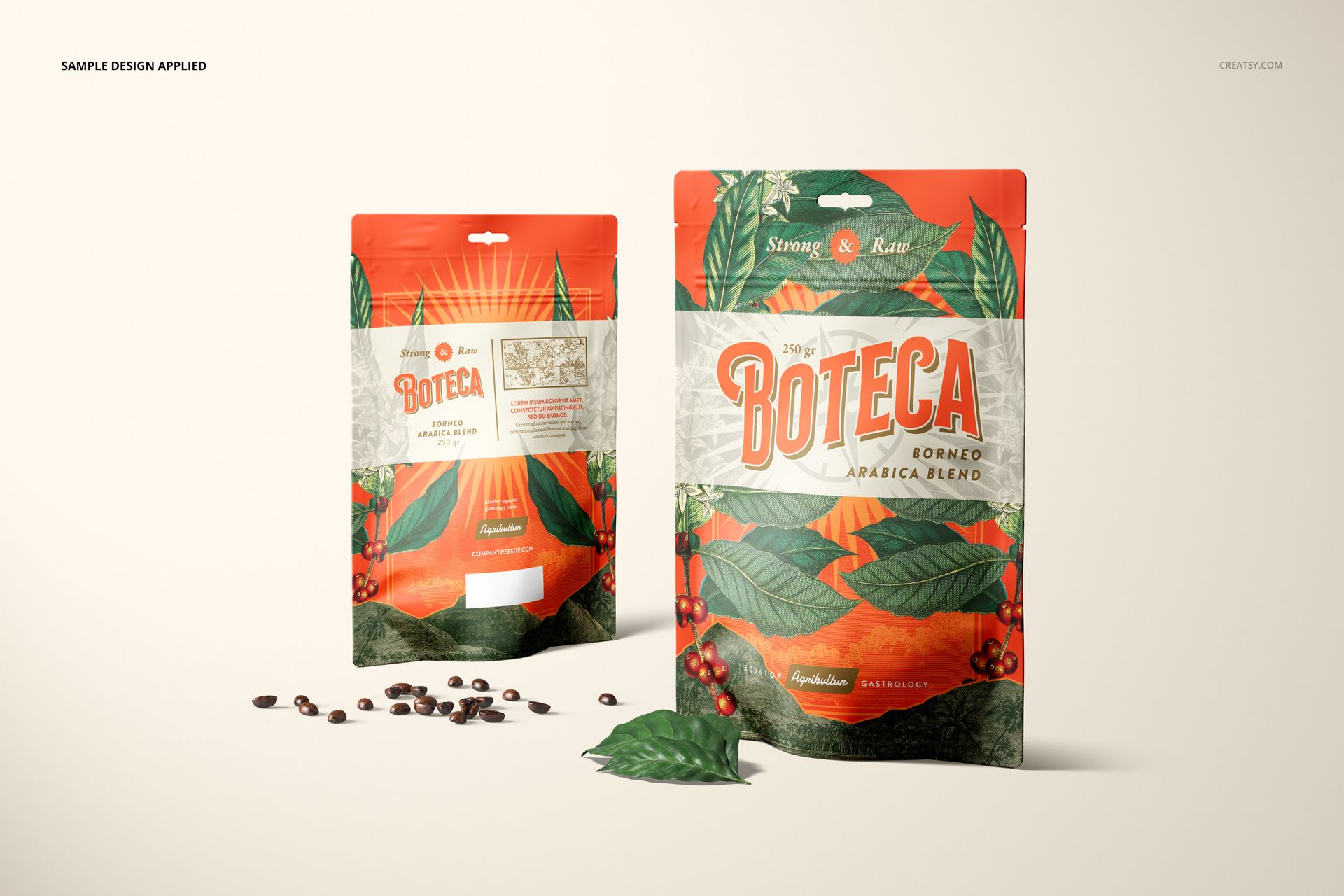
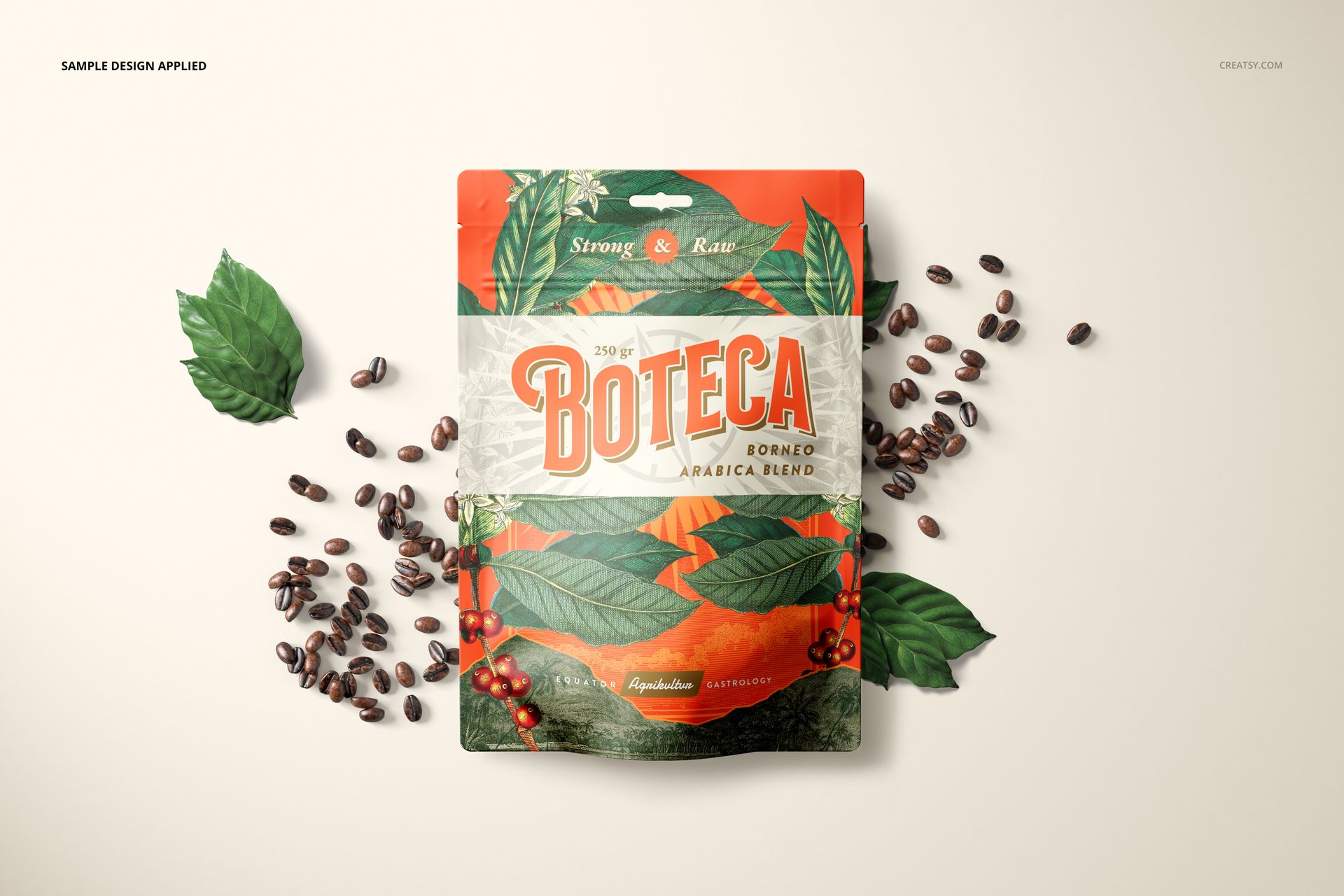
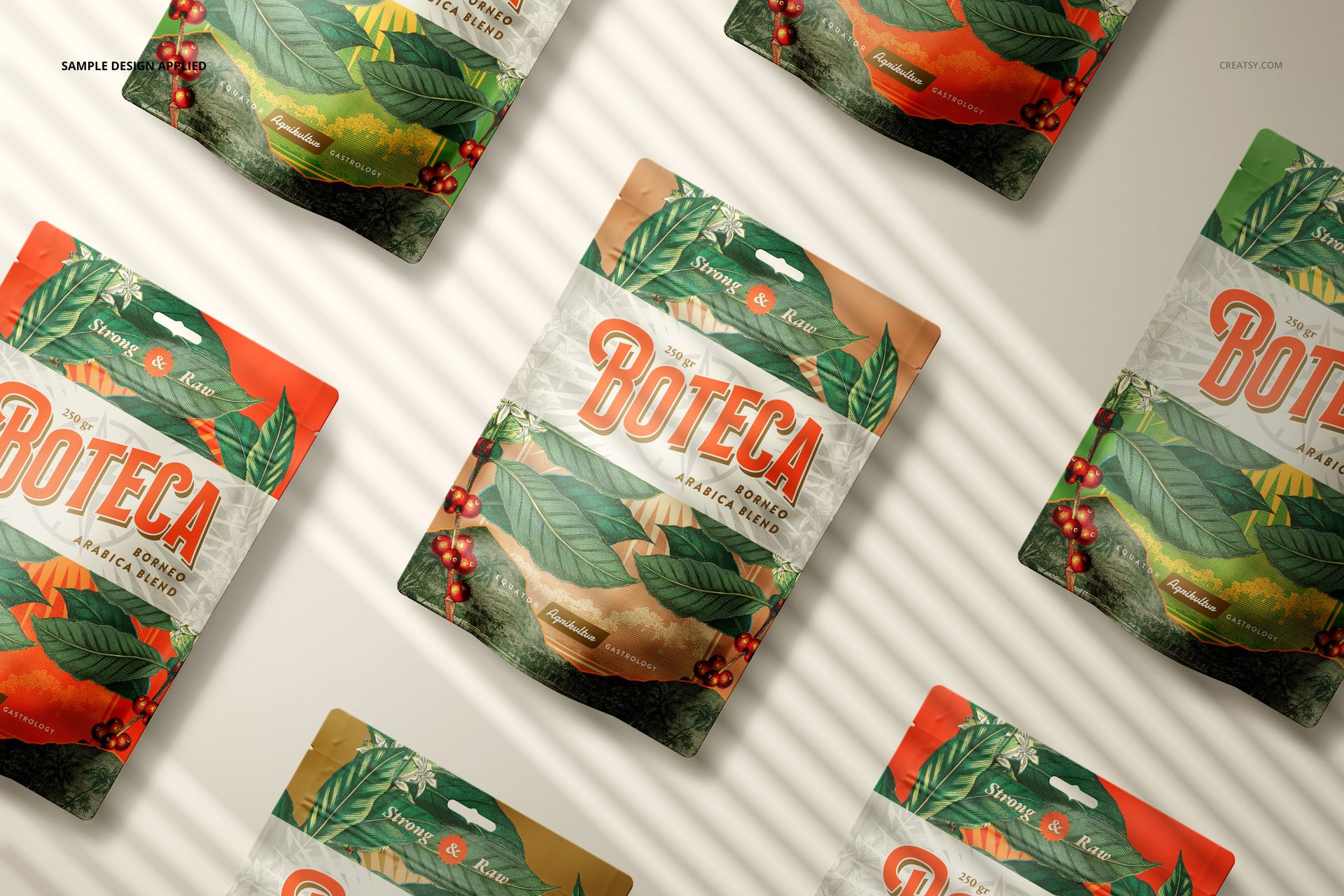
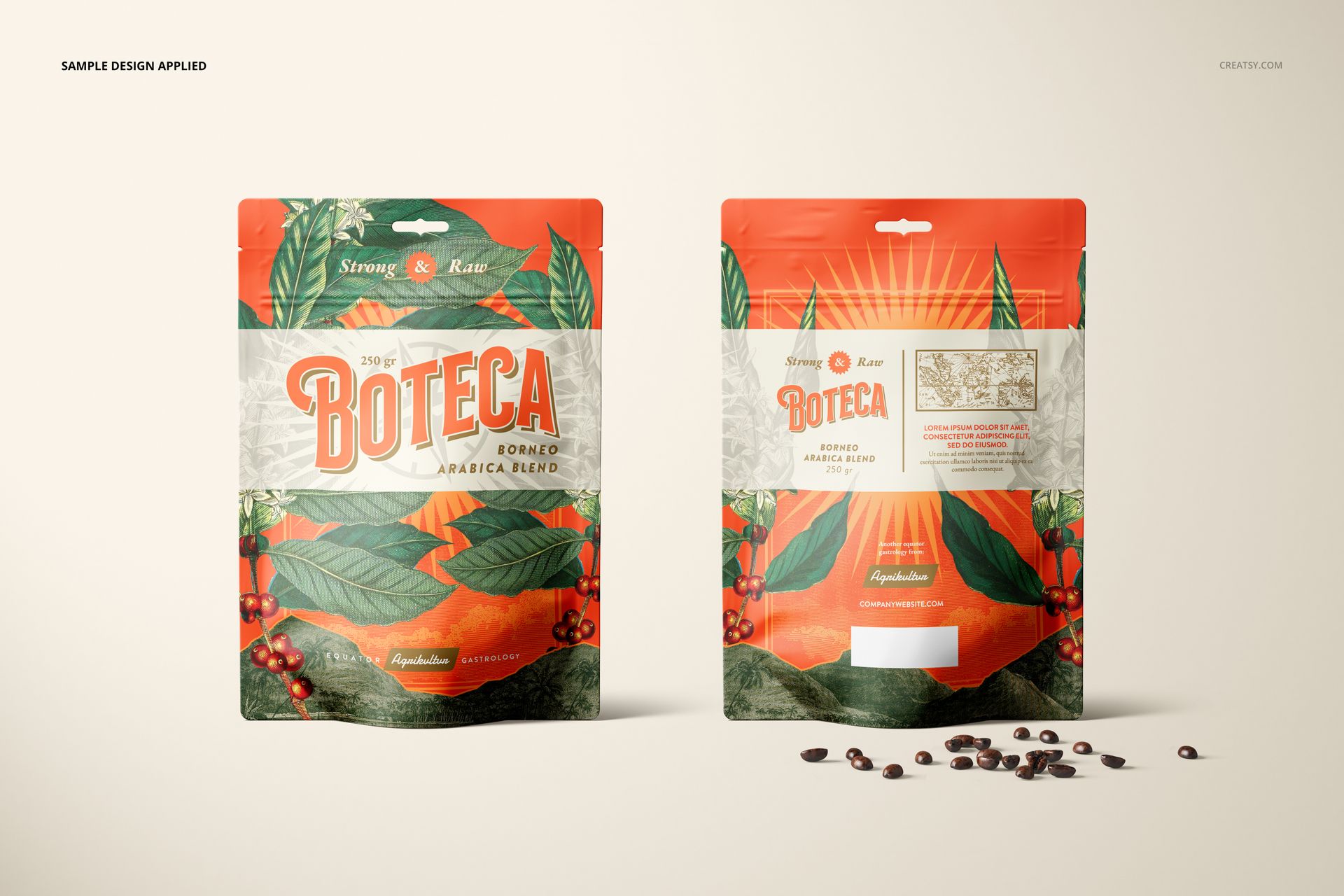
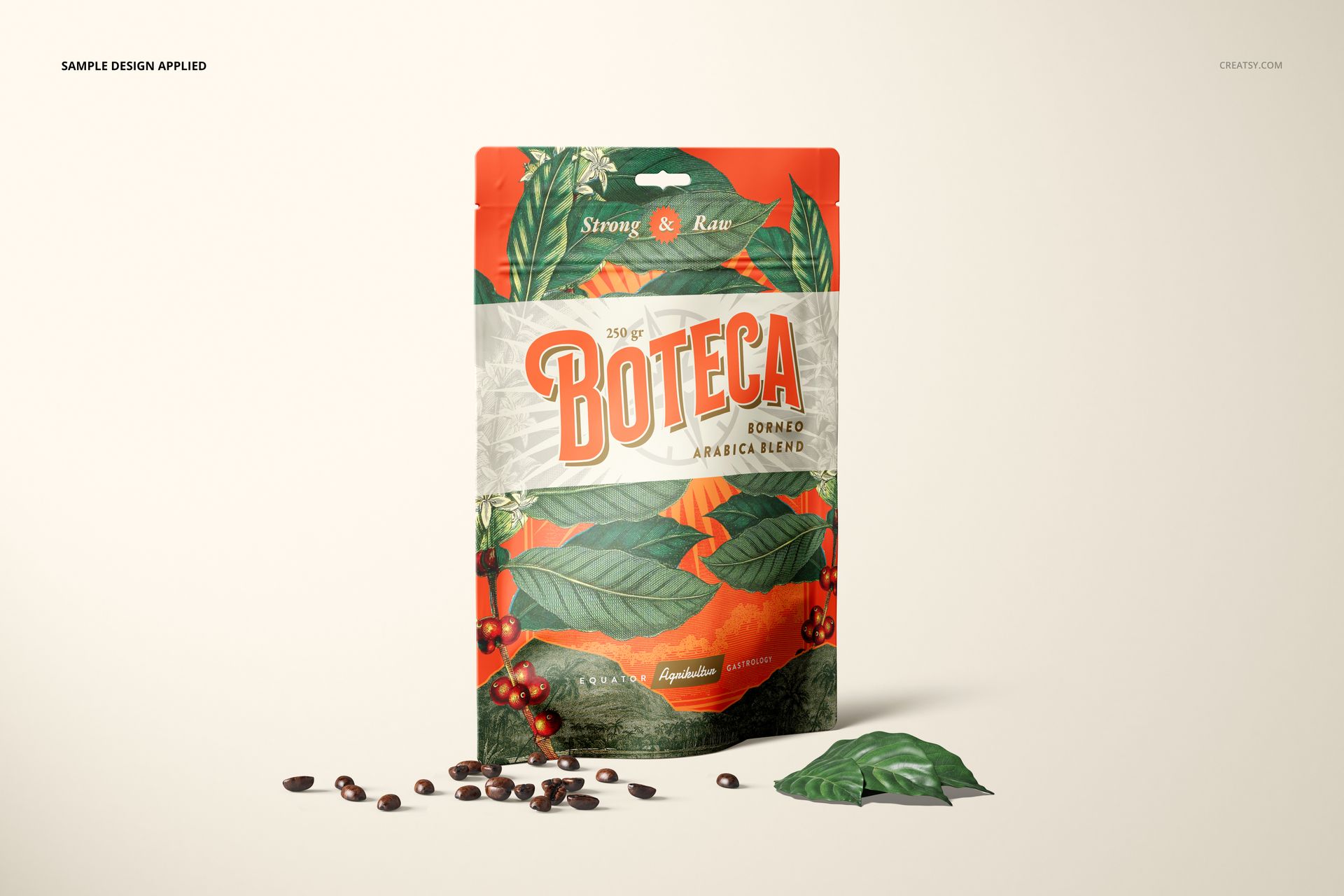
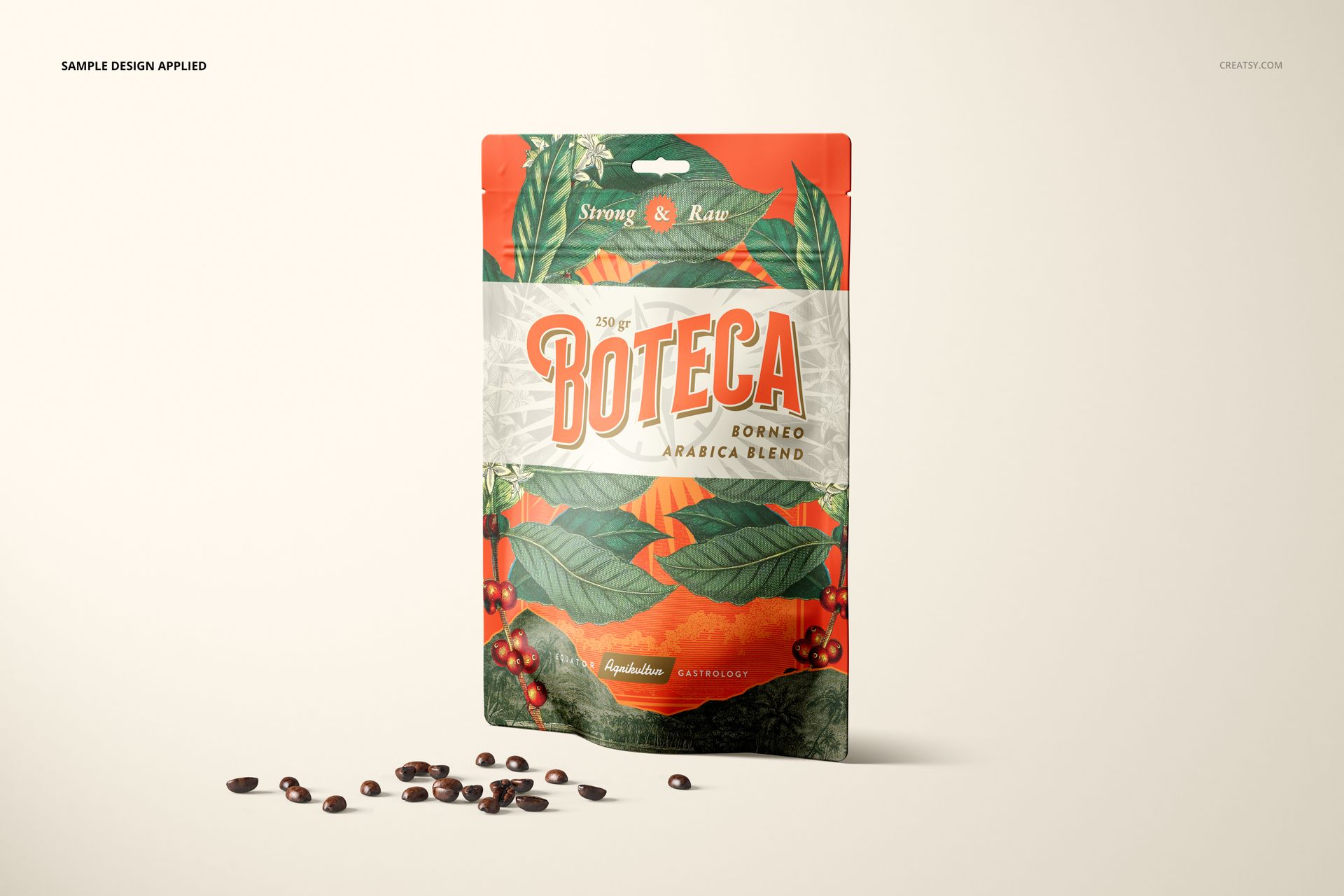
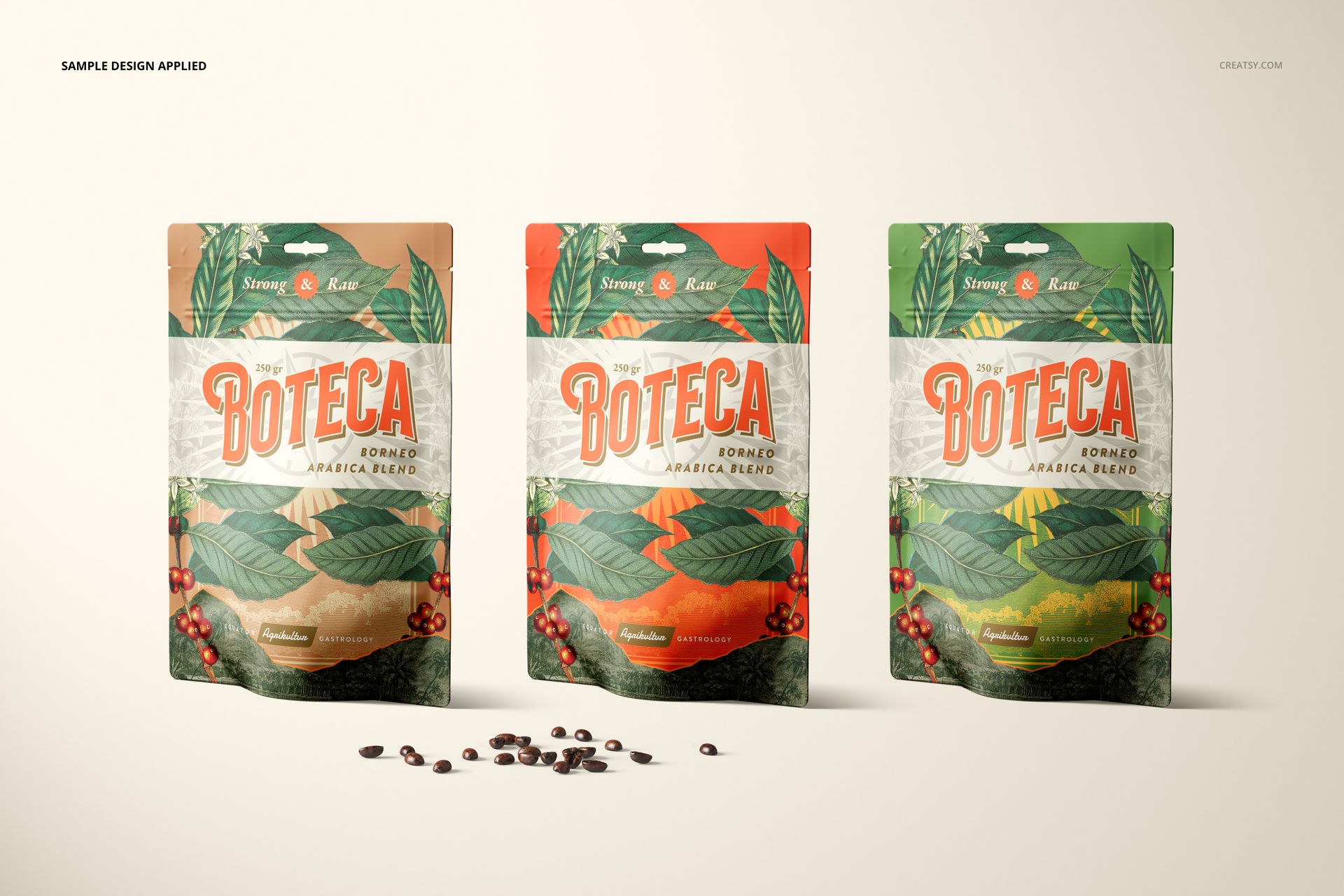
Present food and beverage packaging across eight landscape scenes featuring a plain straight top edge and centered retail hang hole. Single, paired and grouped arrangements provide a connected way to show artwork, pouch colors and retail-ready package structure.
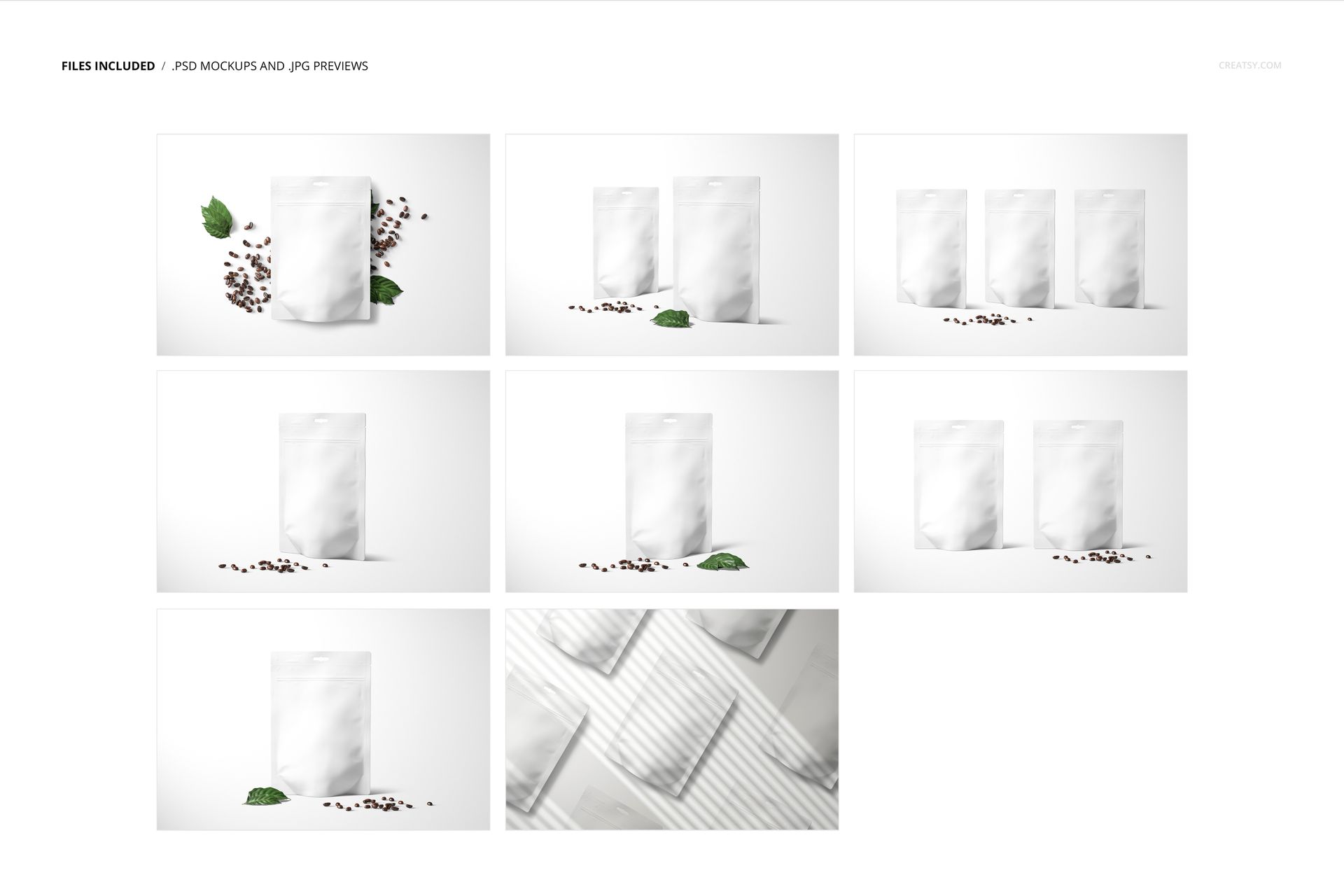
Eight Hang-Hole Pouch Scenes
Single front-facing pouch presentations
Paired front and back views
Three-pouch compositions
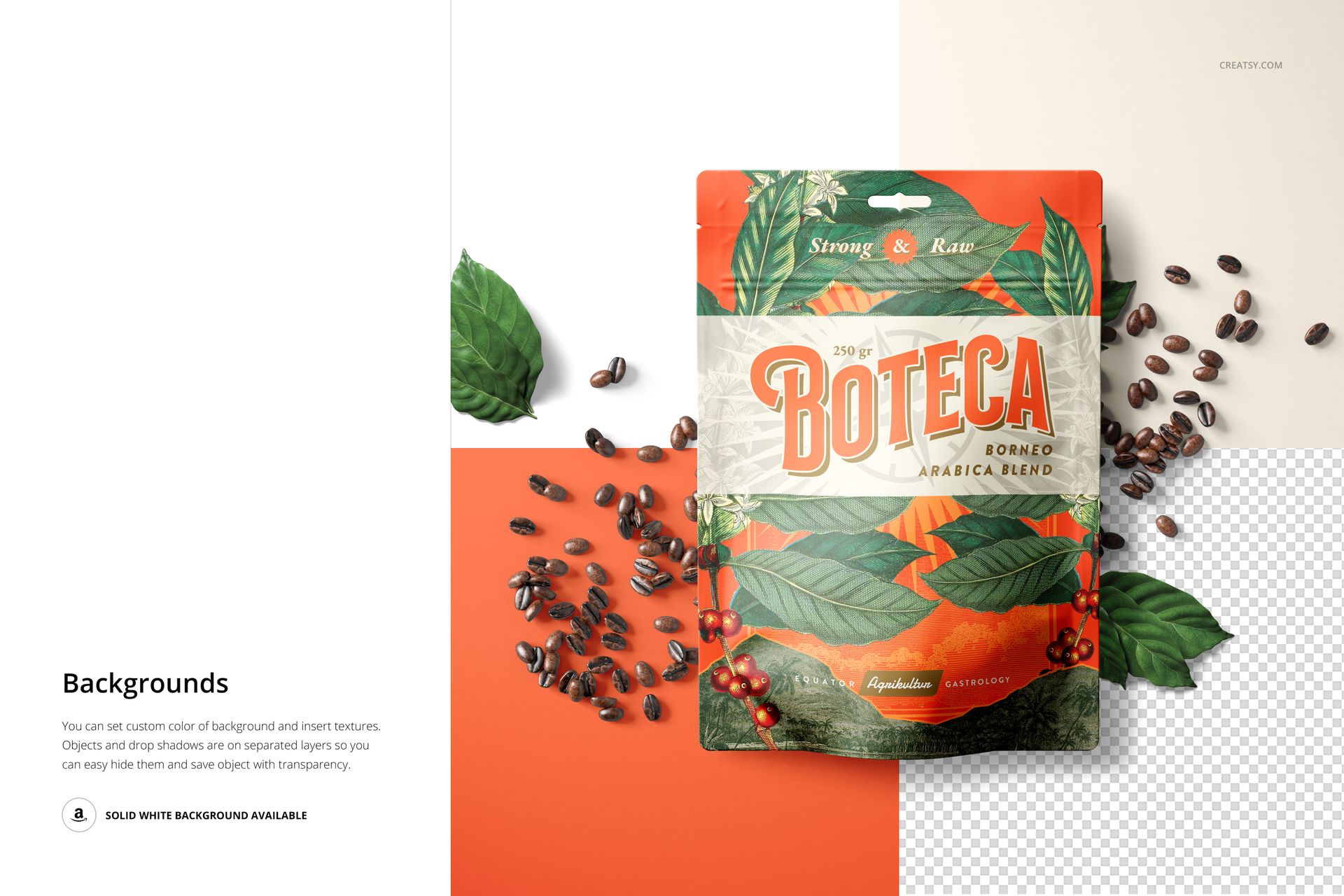
Overhead multiple-pack flat lays
Soft striped shadow scenes
Easy Smart Object Editing
Place packaging artwork through the designated Smart Objects. Well-organized layers keep the pouch artwork, color and background controls accessible across the eight scenes.
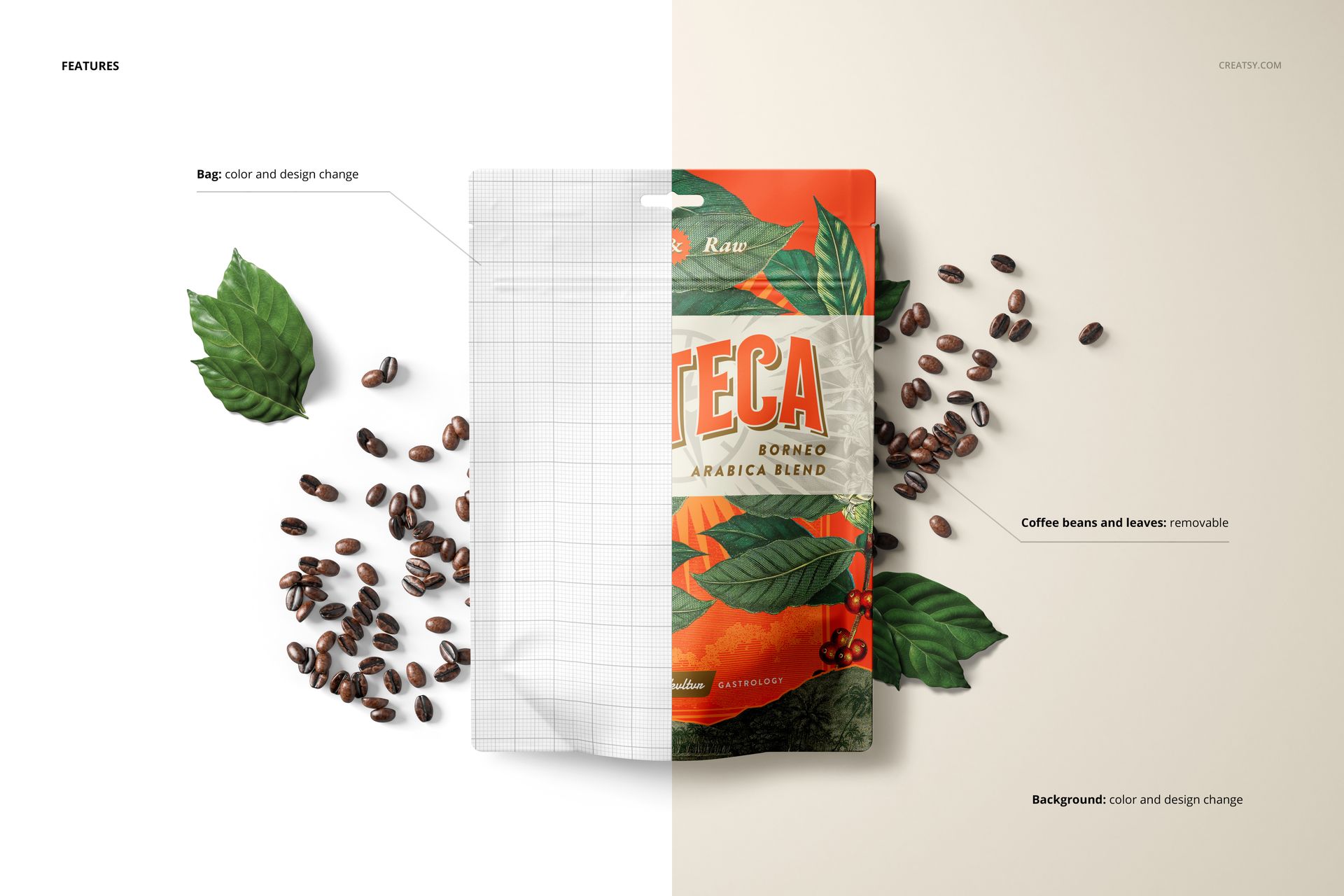
Editable pouch artwork
Editable pouch color
Editable background artwork and color
Optional background textures
Flexible Props and Backgrounds
Coffee beans and green leaves can be removed from applicable scenes. Objects and drop shadows are placed on separate hideable layers, allowing cleaner arrangements, a solid white background or isolated transparent output.
Removable coffee beans
Removable green leaves
Hideable scene objects
Hideable drop shadows
Solid white background
Transparent background output
Perfect For
Retail food and beverage packaging
Front and back artwork presentations
Client proofs with several pouch arrangements
Online listing galleries
Portfolio and campaign images
What Is Included
7 layered PSD mockup files
1 large-format PSB mockup file
8 JPG preview files
1 PDF User Manual
17 files in total
Dimensions: 6000 × 4000 px
Resolution: 300 DPI
Adobe Photoshop CC 2020 or newer
This is a digital download. No physical pouches, coffee beans or leaves are supplied, and the sample artwork and pattern shown in the previews are not included.
File details
- Compatibility
- Package size
- 3.82 GB
|4.11 GB
- Files type
- .psd, .jpg, .pdf
- Files size
- 6000x4000


MEET THE SHOP
- $1615$19.00
- $1615$19.00
- $2890$34.00

HOW IT WORKS
3 clicks. That's it.
No tutorial needed. If you can copy-paste, you can use this.
- 1OpenDouble-click the smart object inside the PSD - in Adobe Photoshop, or free in your browser with Photopea.
- 2PasteDrop in your pattern, print, or artwork. Any design, any style.
- 3SaveHit save and the mockup wraps it in for you - shadows, folds, and lighting included.
FROM IDEA TO IMAGE
Built for real workflows
Get the label signed off before the print run Wrap your design onto the box, pouch, or bottle and show the client exactly what ships.
See it on the product, not a swatch Drop your file into the smart object and the scene's lighting and folds wrap around it, so you judge the real thing before you commit.
Smart Objects
Edit once and you're done. Your artwork drops into a smart object and the mockup updates itself - no masking, no warping by hand.
Perfectly Organized
Named layers and folders you can actually navigate. Find what you need, change what you want, and get out fast.
Print-Ready
High-resolution files built to hold up on screen and in print. Exact size and DPI are in this product's Details above.