Freestanding Acrylic Tile Mockup Set in Six Sizes
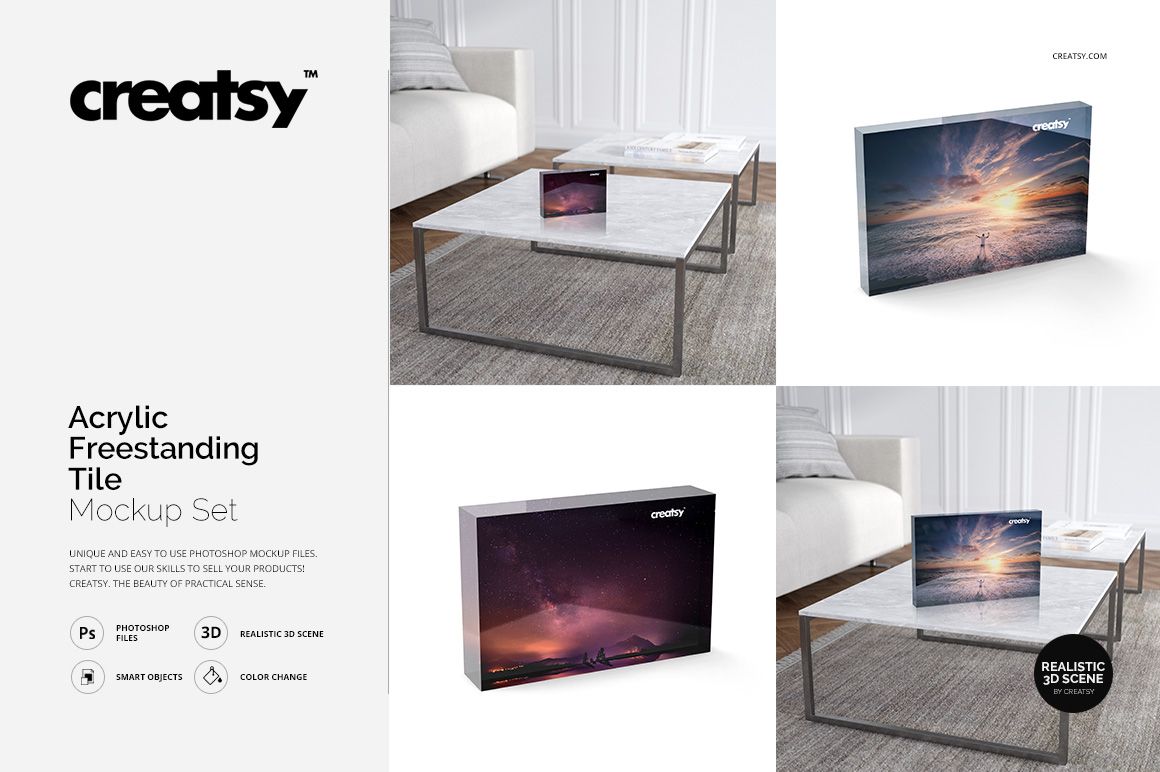
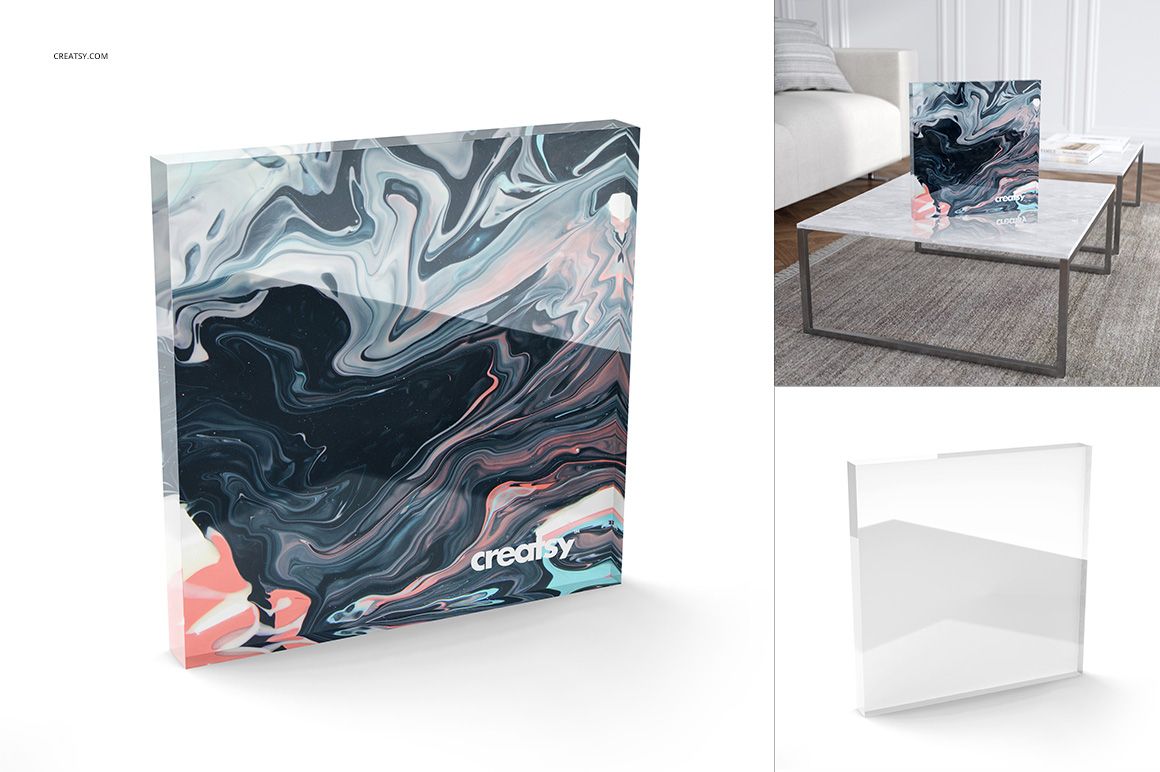
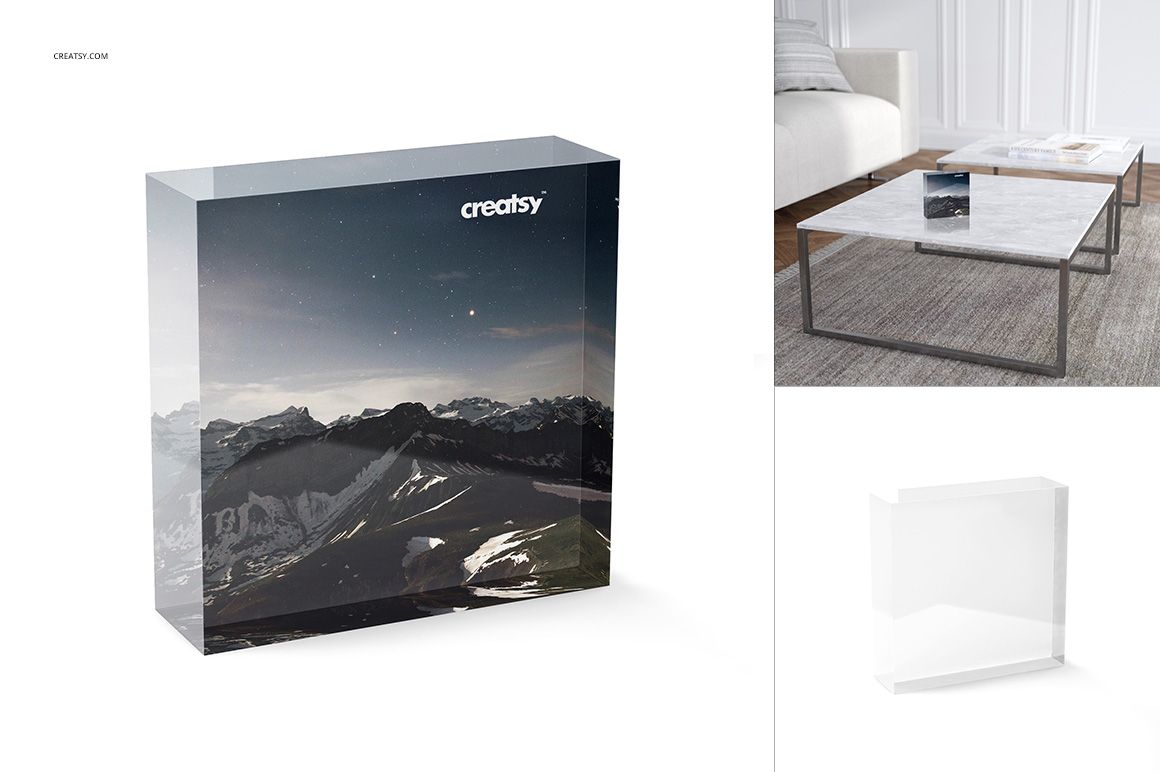
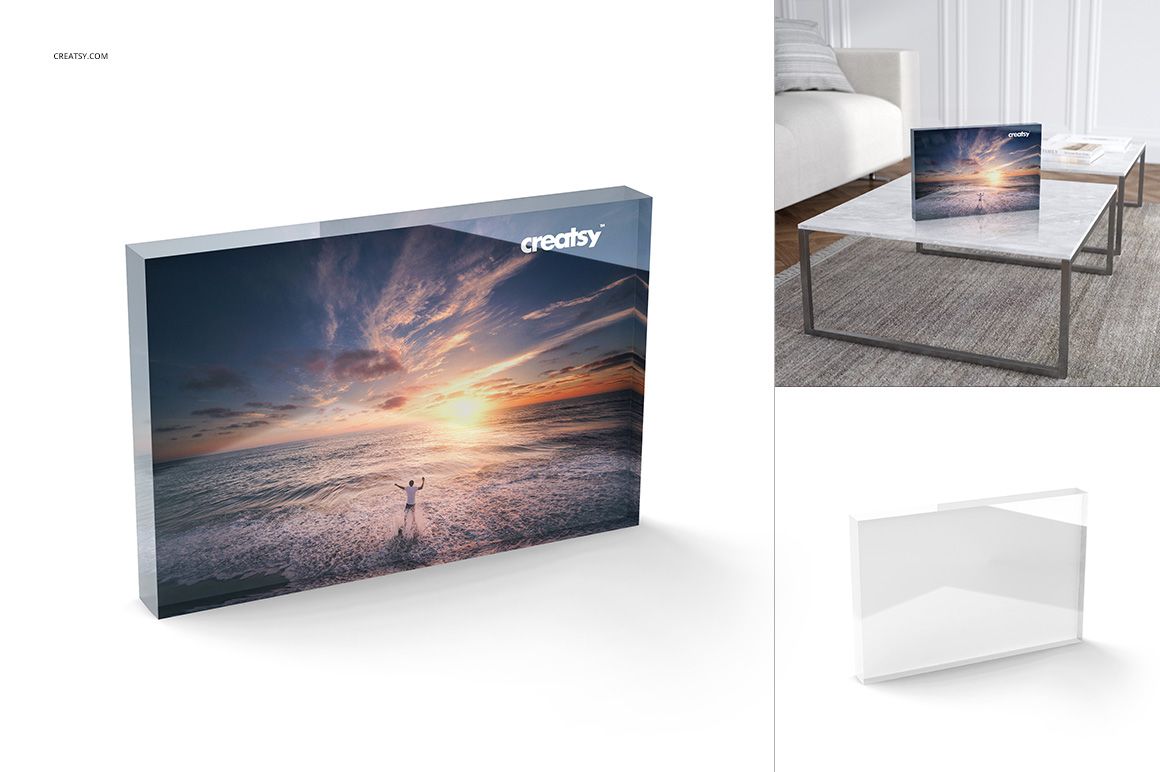
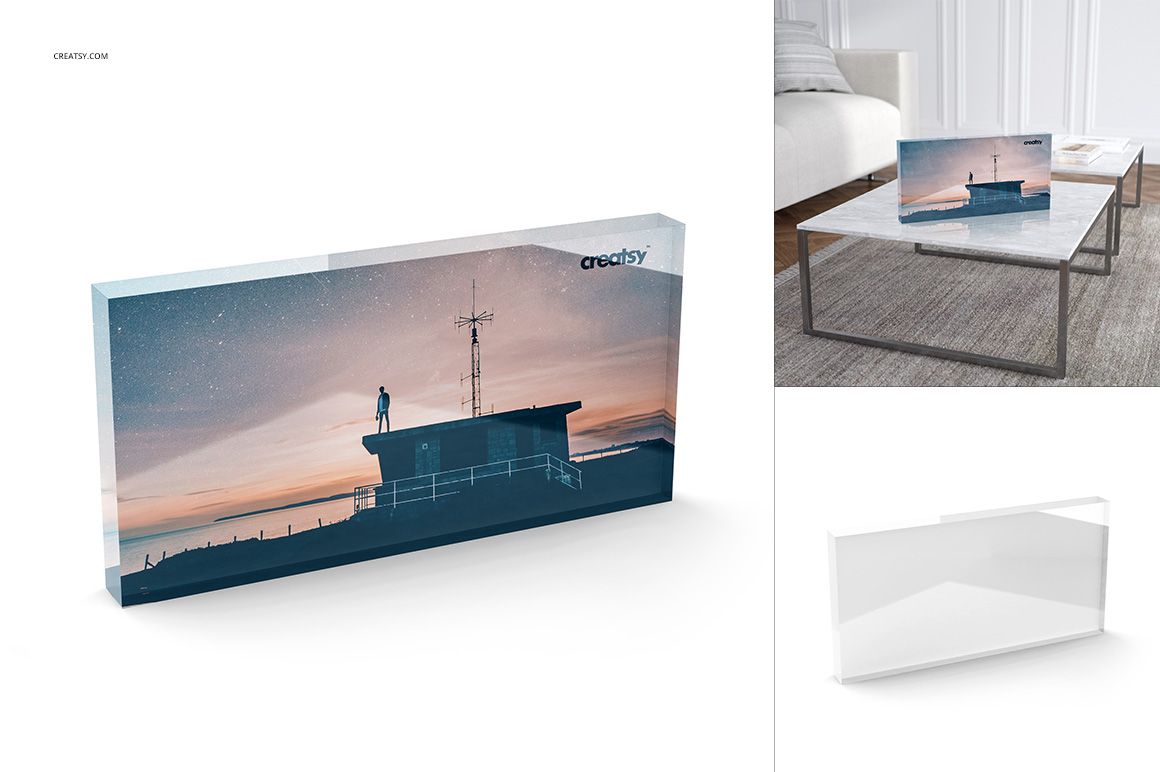
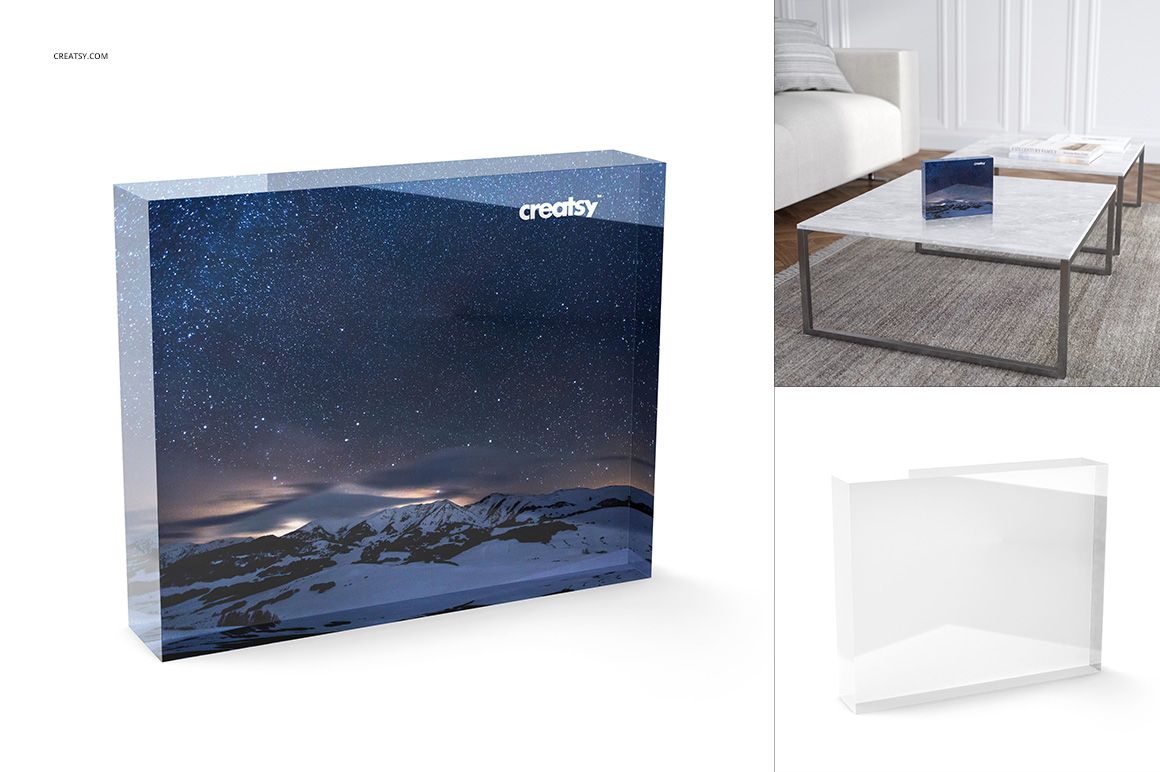
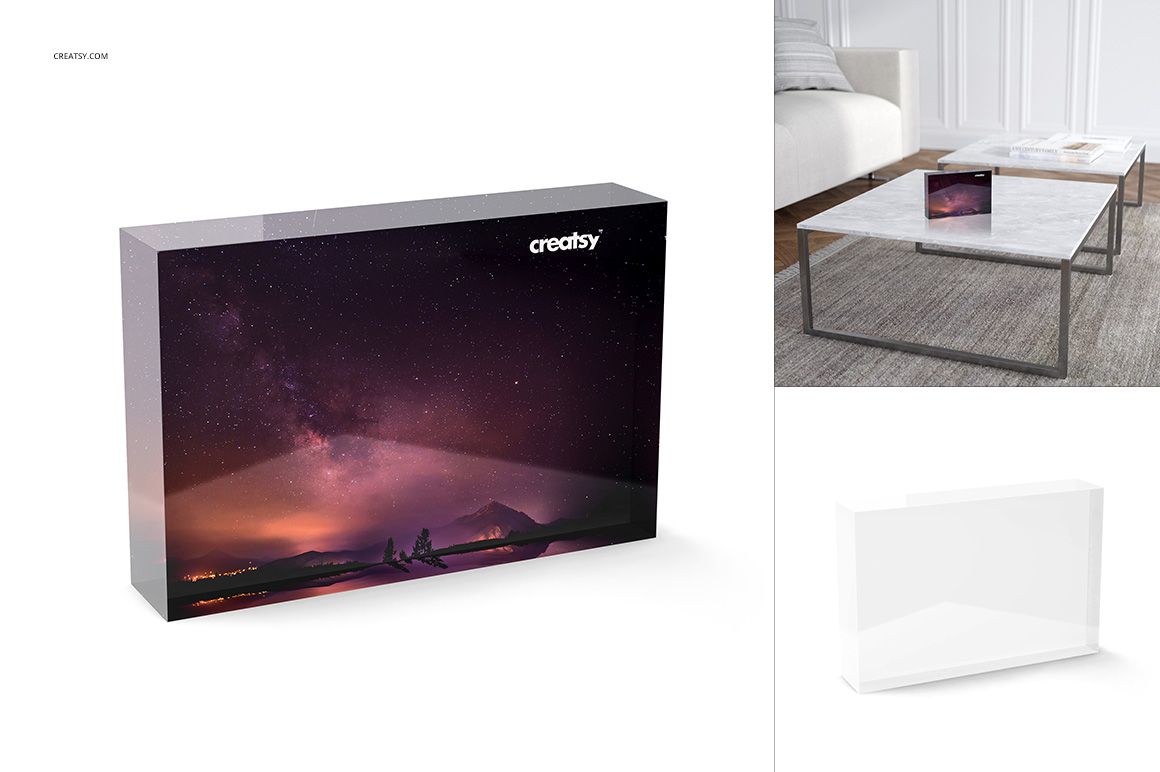
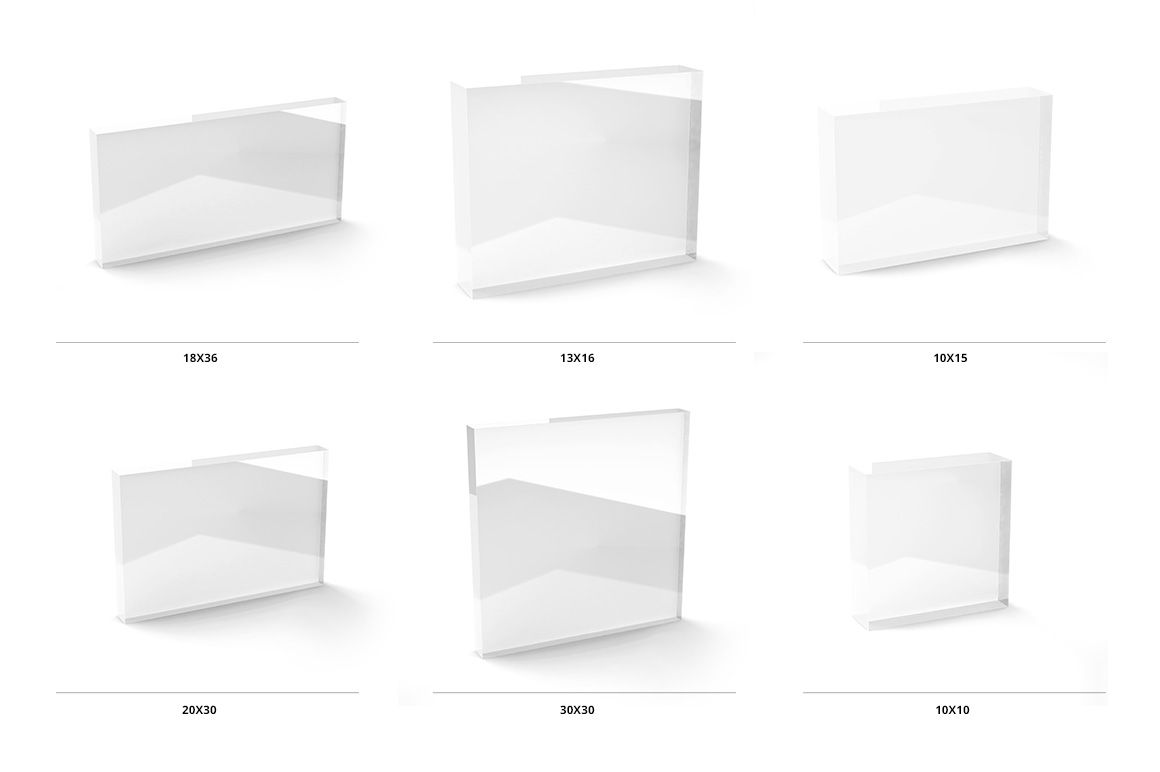
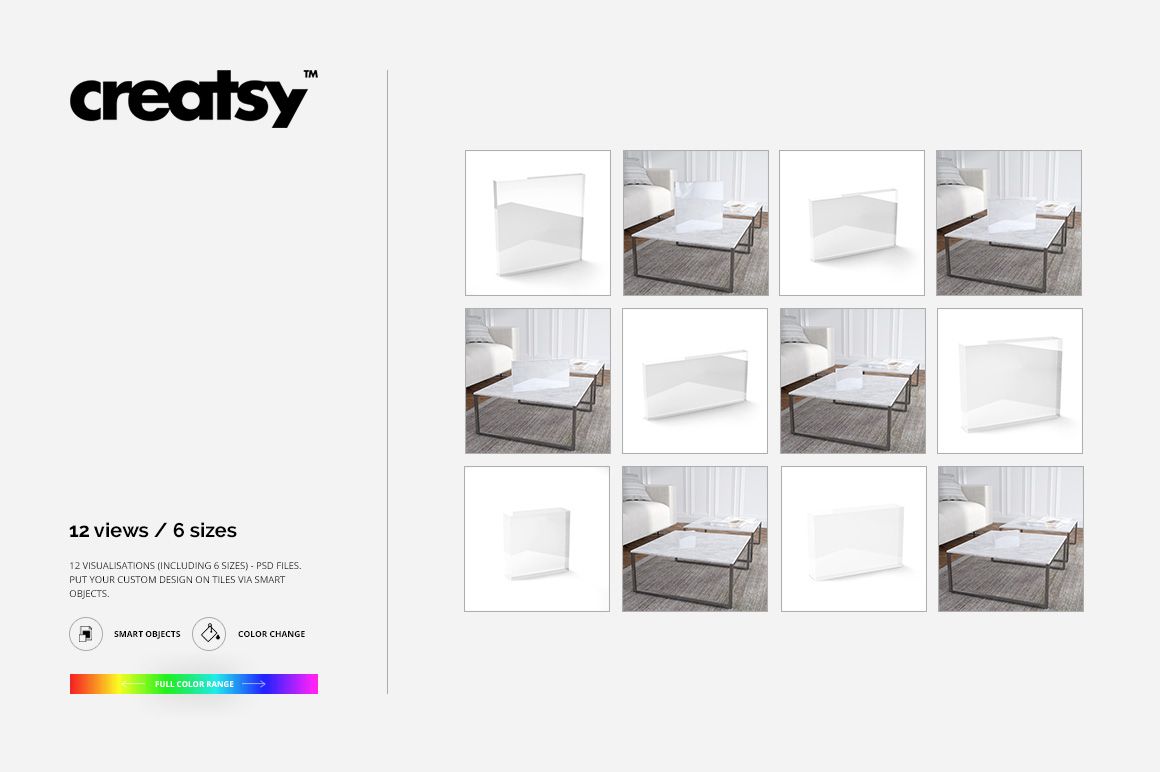
Present personalized photos, illustrations and artwork on clear freestanding acrylic tiles. This coordinated mockup set includes six labeled tile sizes, each shown as an isolated product on white and as a tabletop display in a modern interior.
Twelve layered PSD files use Smart Objects for quick artwork replacement, while editable color controls and organized layers help you build consistent product images for a catalog, client presentation or online shop.
What Is Included
12 layered PSD mockup files
12 full-size JPG reference previews
1 TIF guide
Six tile sizes in an isolated white-background presentation
The same six sizes displayed on a table in a modern room
Six Acrylic Tile Sizes
10 x 10
10 x 15
13 x 16
18 x 36
20 x 30
30 x 30
The range includes compact square, larger square and several rectangular proportions, making it easier to match different artwork crops and product variants.
Choose an Interior or Isolated Presentation
Use the room versions to show how a freestanding acrylic tile looks on a coffee table in a bright living space. Use the isolated versions for clean product comparisons, storefront thumbnails and layouts that need a neutral white background.
Replace Artwork with Smart Objects
Open the artwork Smart Object, place your design, save it and return to the main PSD. The mockup keeps the tile perspective, transparent acrylic edges, lighting and reflections aligned with the scene.
Customize Color and Work with Organized Layers
Color controls support a broad range of presentation choices, while clearly organized layers make it easier to find the artwork and scene adjustments you need.
Useful For
Personalized acrylic photo tiles
Freestanding plexiglass photo blocks
Tabletop art and home decor product pages
Family photo and wedding keepsake previews
Illustration and artwork presentations
Size comparison graphics for online stores
This is a downloadable digital mockup set, not a physical acrylic tile. Photos and artwork shown in the previews are demonstration content and are not included.