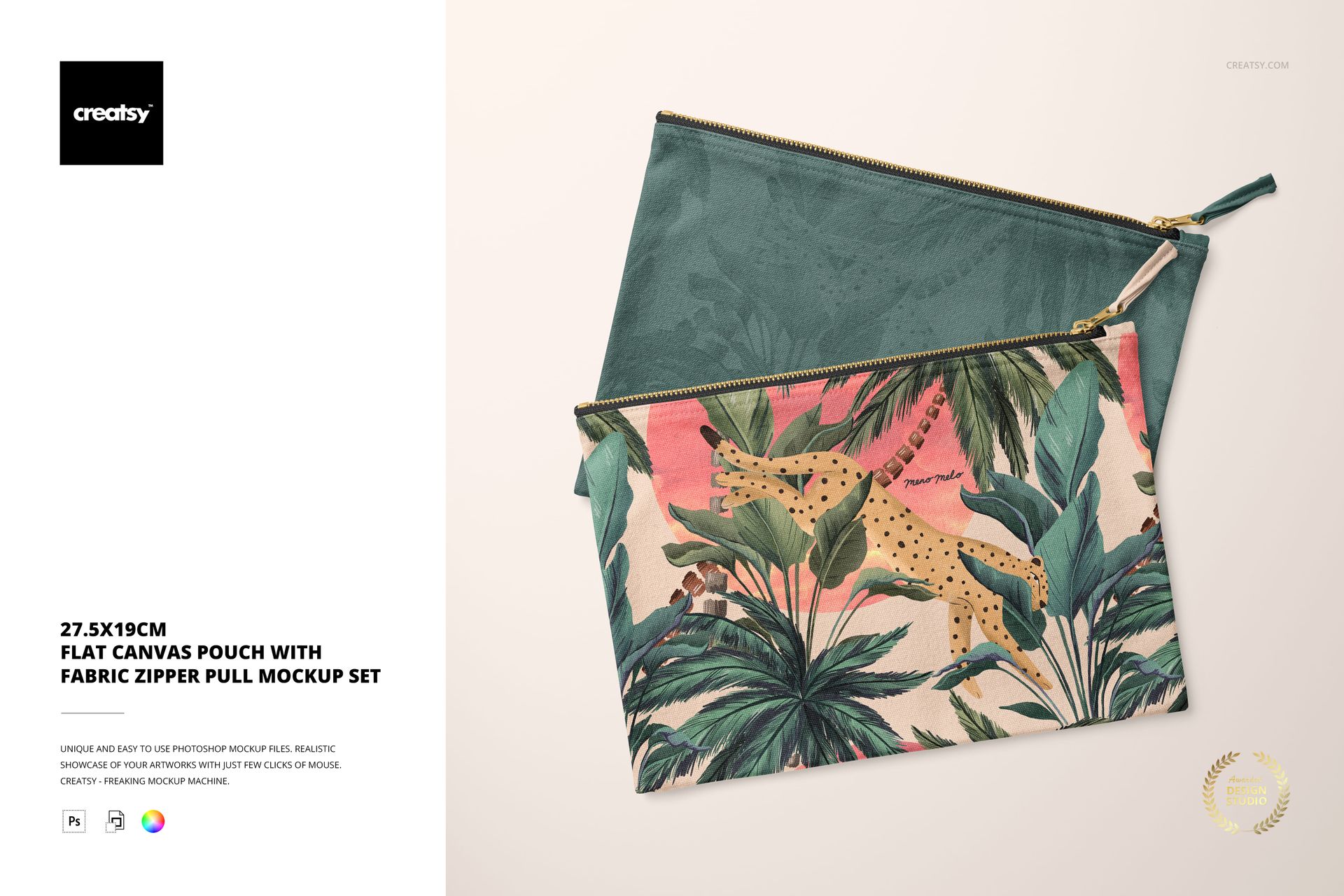
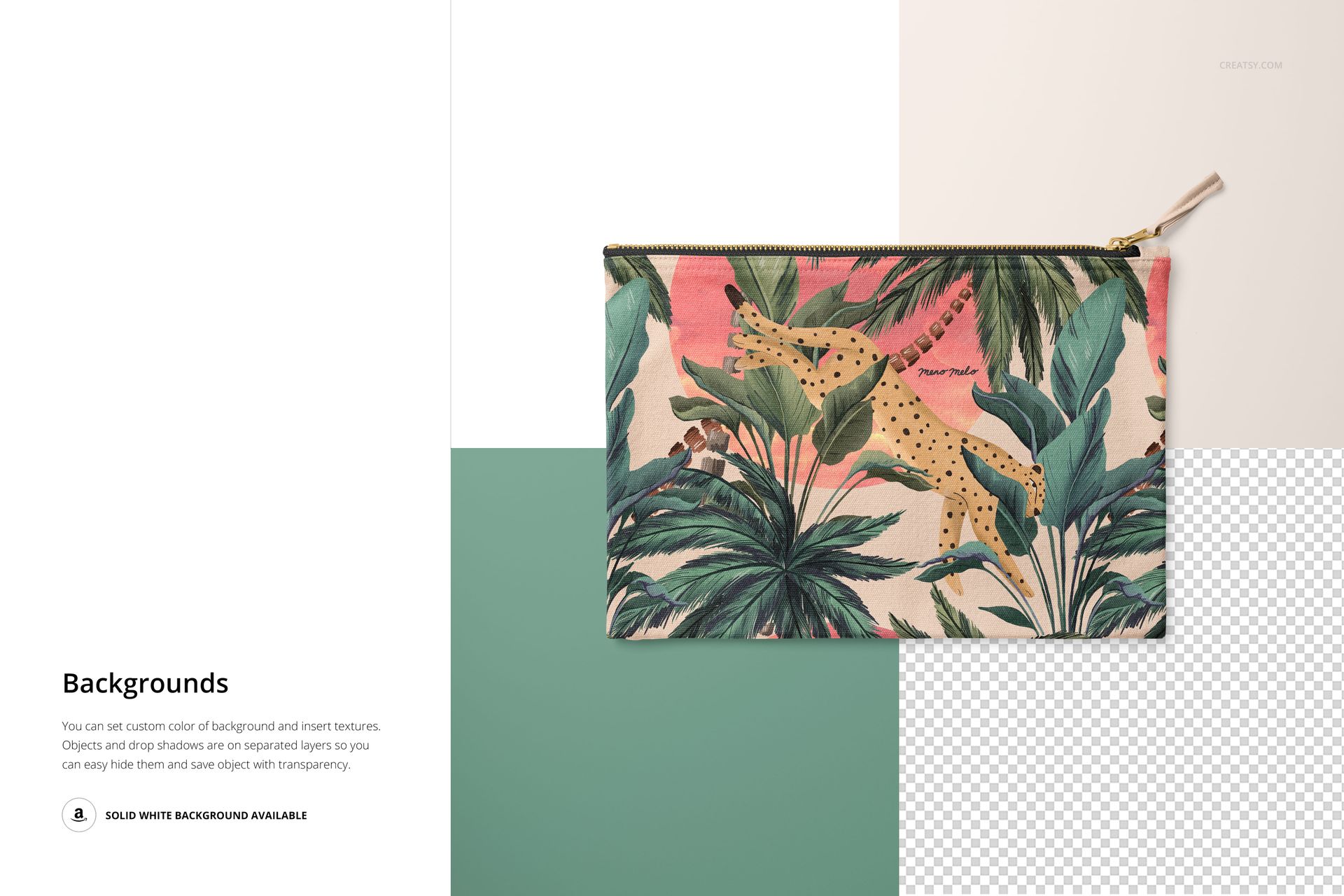
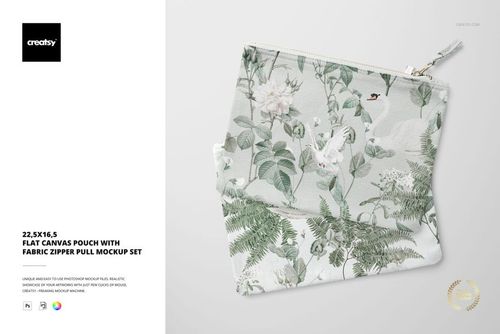
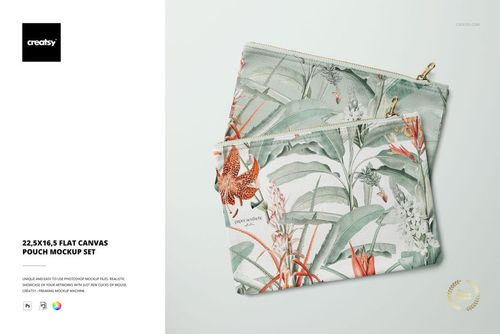
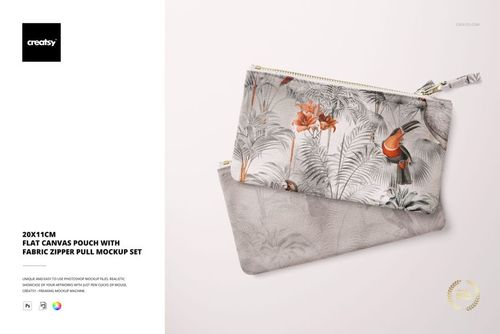
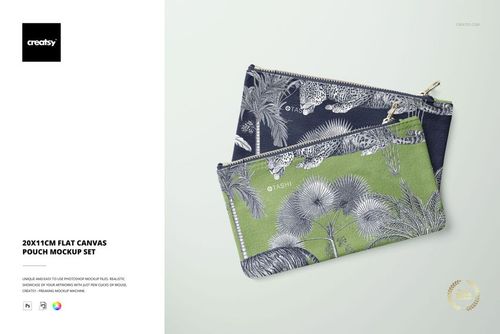
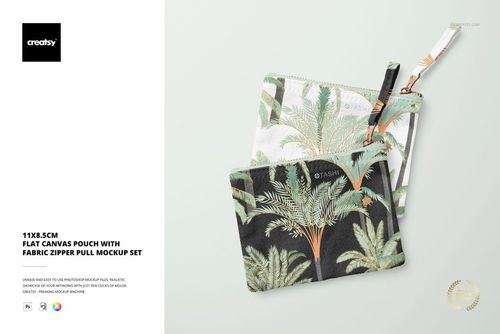
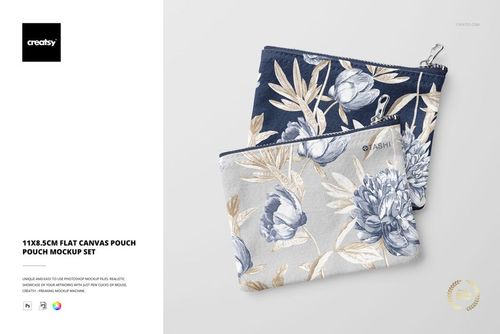
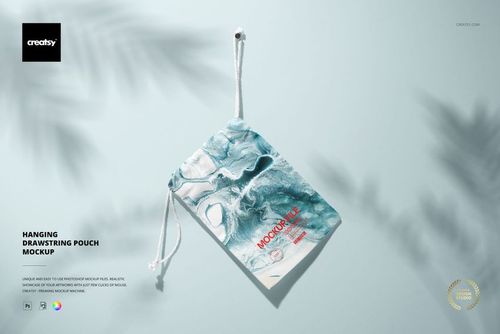
Twenty-seven and a half centimeters wide, nineteen centimeters tall. That specific footprint puts this canvas pouch in the territory between a pencil case and a tablet sleeve - the size people reach for when they need a bag inside their bag. Cosmetics, charging cables, art supplies, travel documents, or a curated selection of small products shipped to a subscription box customer. The dimensions are not accidental, and neither is the fabric zipper pull, which adds a tactile, handmade quality that elevates the pouch from commodity to craft object.
Two PSD Files, Two Perspectives
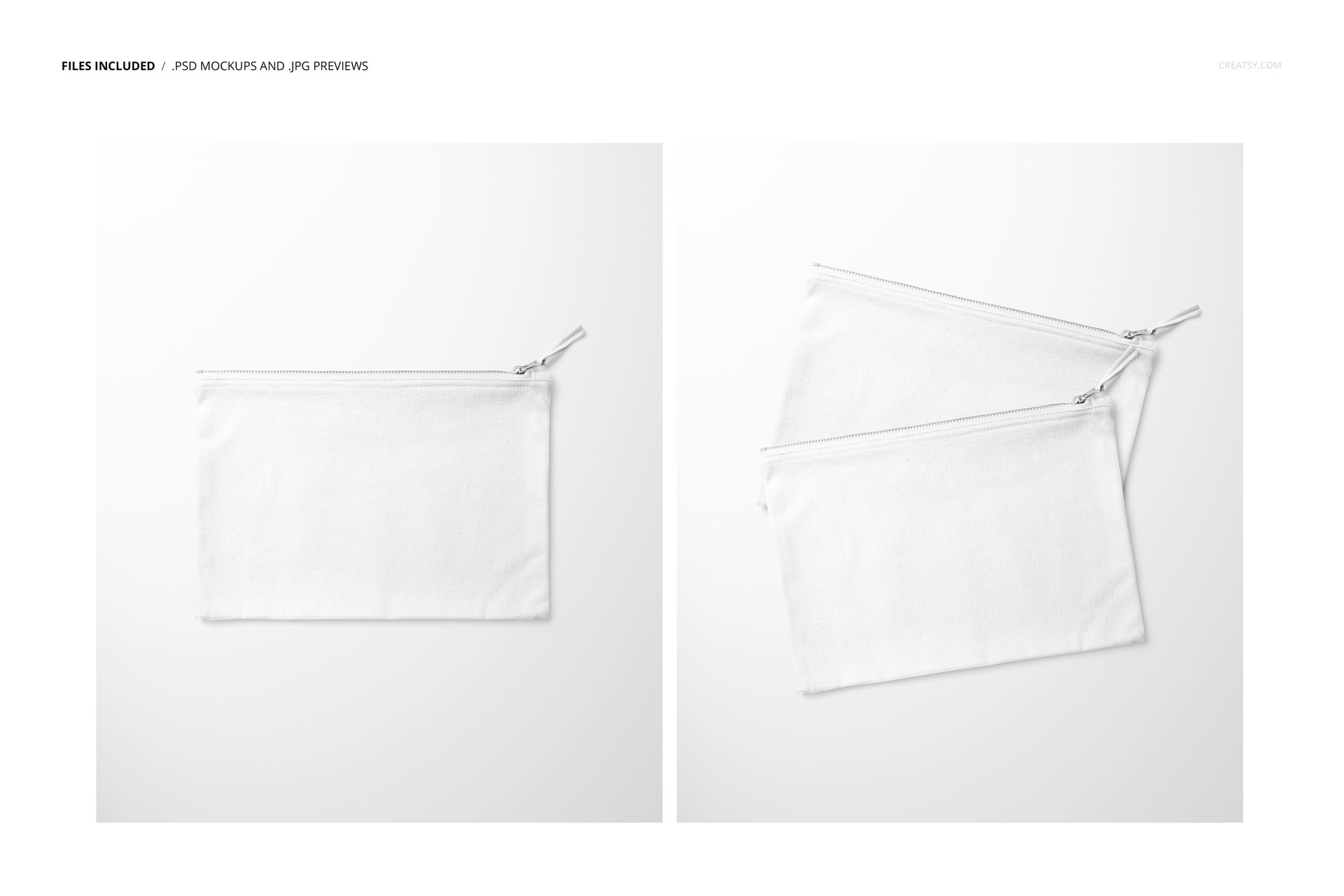
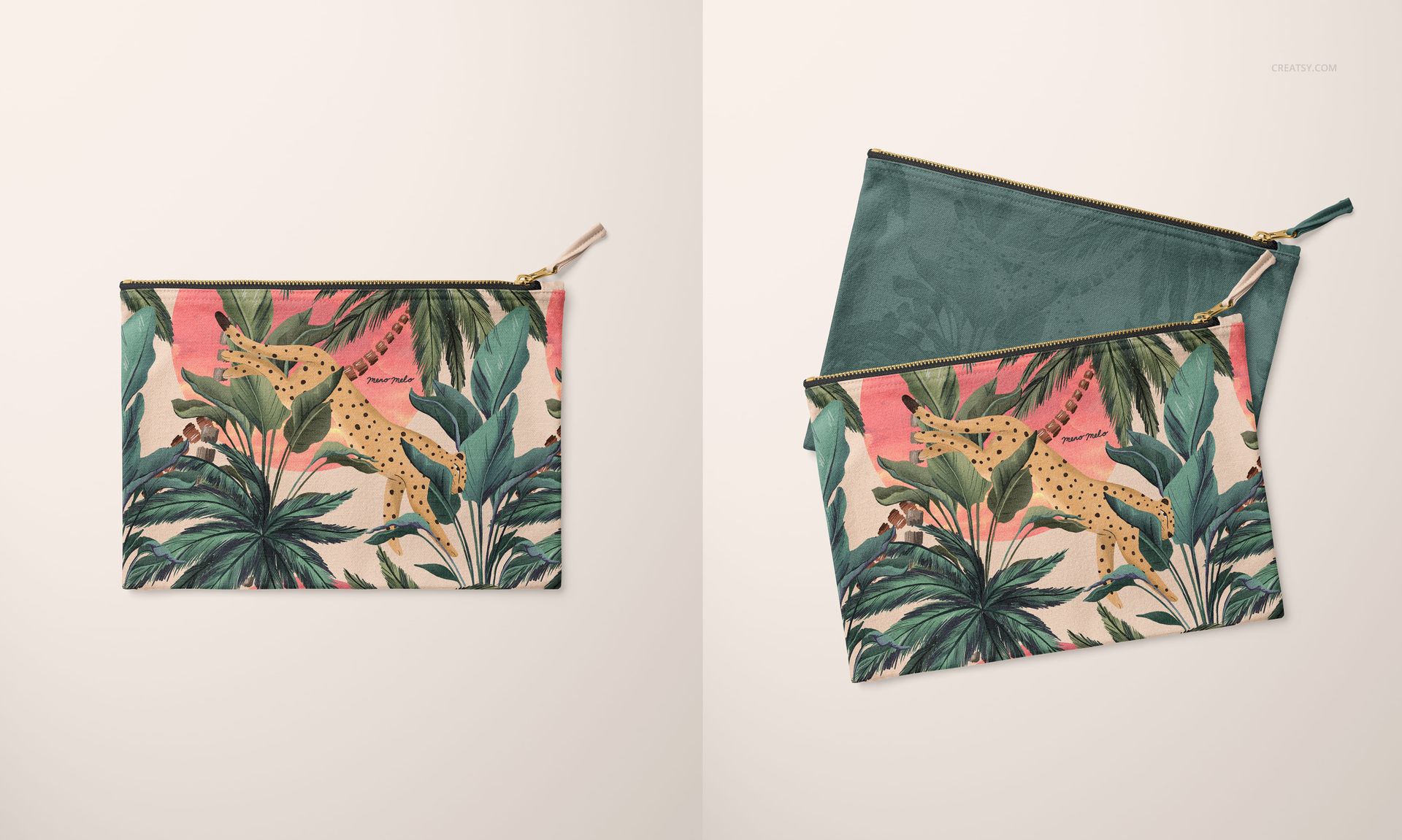
The mockup set delivers two separate PSD files, each built at 5000 x 6000 pixels and 300 DPI. Two angles mean two opportunities to present your surface pattern, brand graphic, or product photography in the same listing image set. Pair a front-facing hero shot with an angled detail view for e-commerce carousels, or stack both perspectives in a Behance case study to show how your design wraps across the pouch surface and interacts with the zipper hardware.
The Canvas Texture
Canvas is not the same as cotton, polyester, or neoprene - and mockup buyers know the difference. Canvas carries a visible weave texture that interacts with printed designs in specific ways. Fine line illustrations gain a handmade, screen-printed quality. Bold patterns and florals pick up the texture as subtle surface variation that reads as premium craft production. Photographic prints soften slightly at the weave intersections, mimicking the actual result of direct-to-garment or sublimation printing on canvas substrates. This mockup preserves that canvas grain at full resolution, so the previews you share with clients or list on your shop accurately represent what the physical product will look like coming off the production line.
The Fabric Zipper Pull
Most pouch mockups show a metal zipper tab. This one features a fabric pull - a small detail that signals a different market segment. Fabric pulls appear on artisan pouches, handmade Etsy products, boutique cosmetic bags, and premium branded merchandise where the tactile experience of opening the pouch matters as much as what is printed on the surface. If your brand positions itself in the handmade, sustainable, or small-batch space, this detail aligns your mockup presentation with the manufacturing reality your customers expect.
Compatibility and Workflow
Both PSD files open in Adobe Photoshop CC 2020 or newer and in Photopea, the free browser-based editor. Smart object layers accept your design through the standard double-click placement workflow - paste your artwork, save the smart object, and the main canvas updates with perspective-accurate mapping and lighting interaction. The total download size of 157 MB covers both files, keeping the package manageable for cloud sync and email-based delivery to collaborators.
Market Positioning
Flat canvas pouches occupy a stable corner of the print-on-demand and handmade goods market. They sell year-round as gift items, bridesmaid proposal packages, teacher appreciation gifts, conference swag, and retail accessories. The 27.5 x 19 cm format fits comfortably into most print-on-demand supplier catalogs from Printful, Gooten, and Printify, which means the mockup dimensions align directly with the production templates your buyers will use when they order inventory.
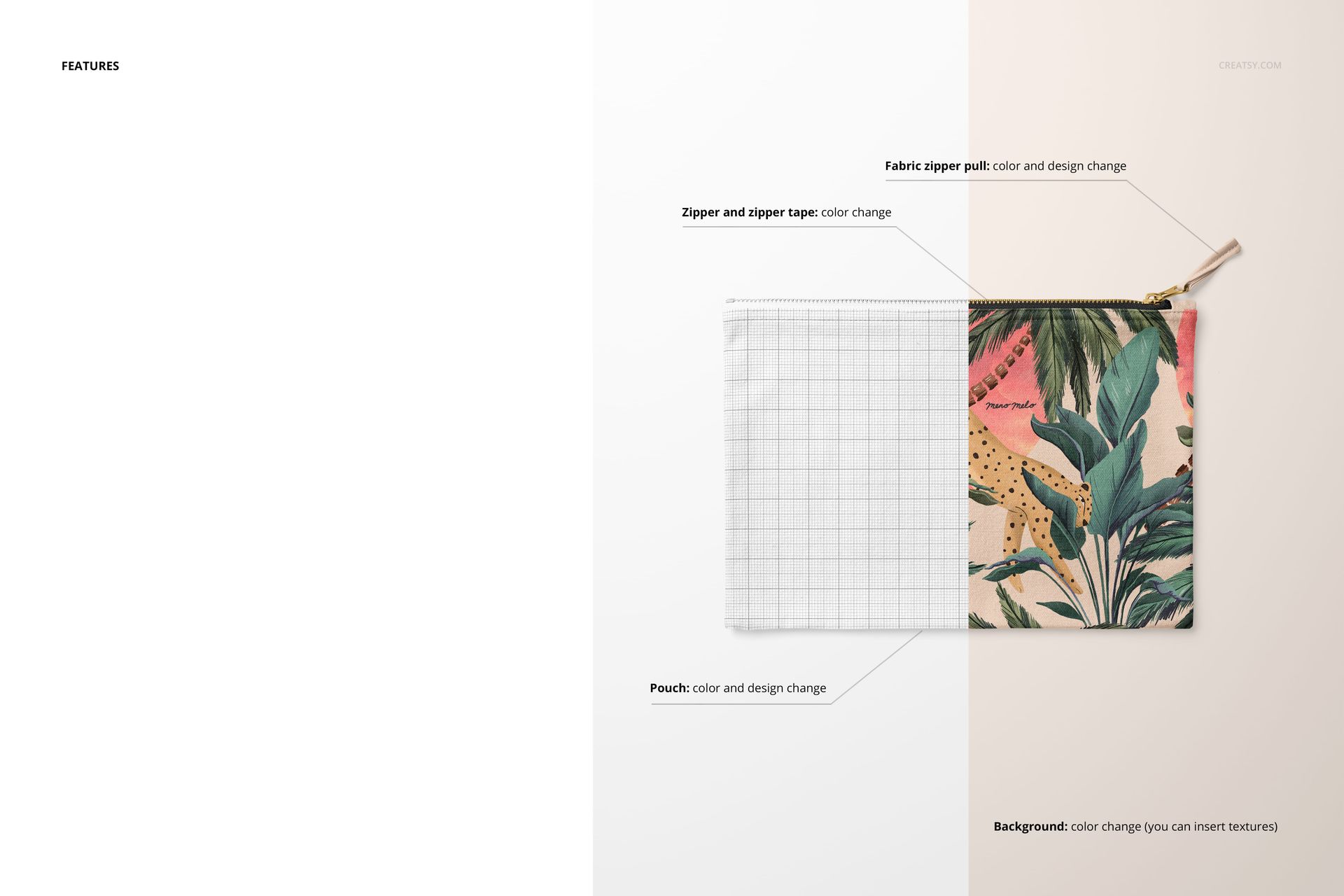
Each file in the set uses well-organized, clearly labeled layers. Background, shadow, canvas body, zipper hardware, and fabric pull occupy separate layer groups, giving you independent control over color, brightness, and visibility for each element without affecting the others.