Bottle Cap Mockup Set
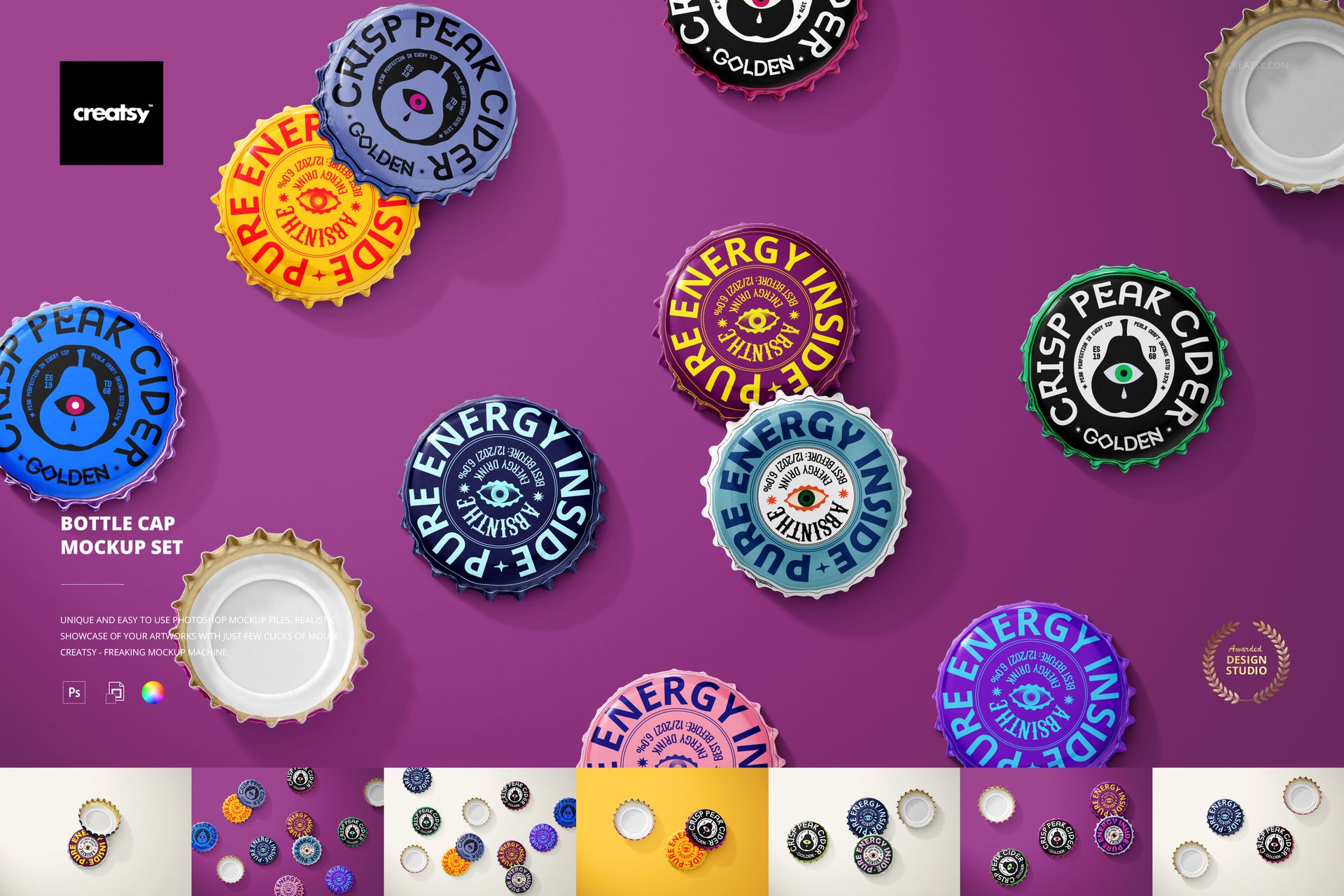
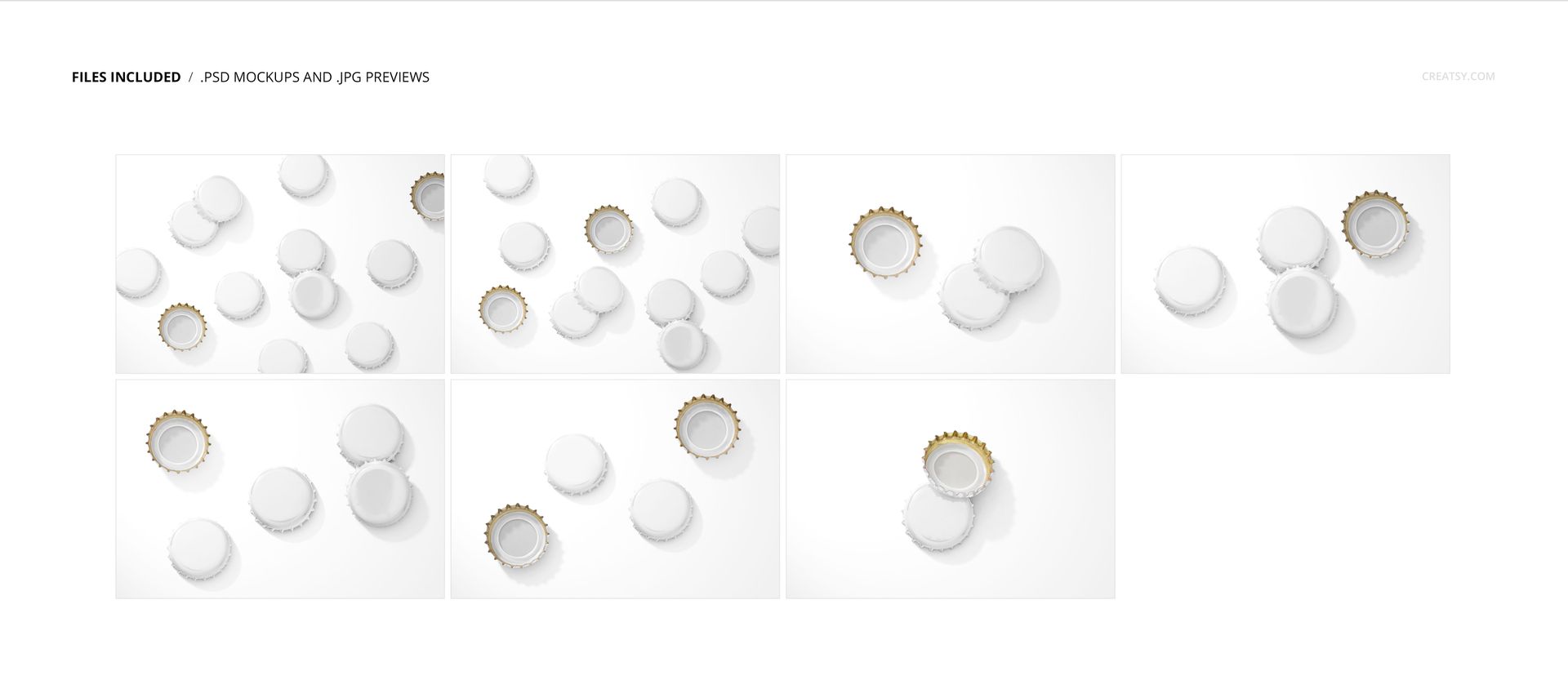
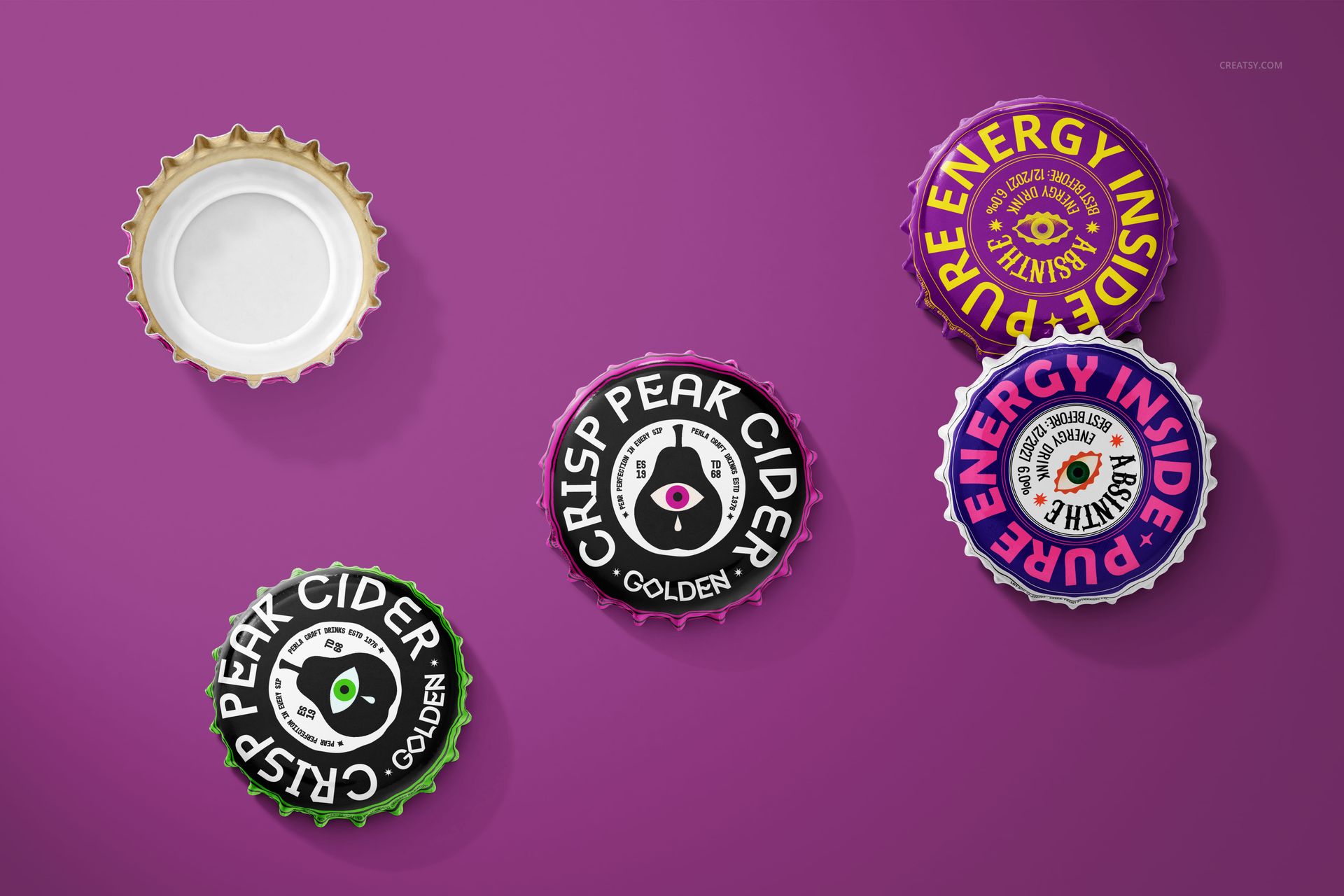
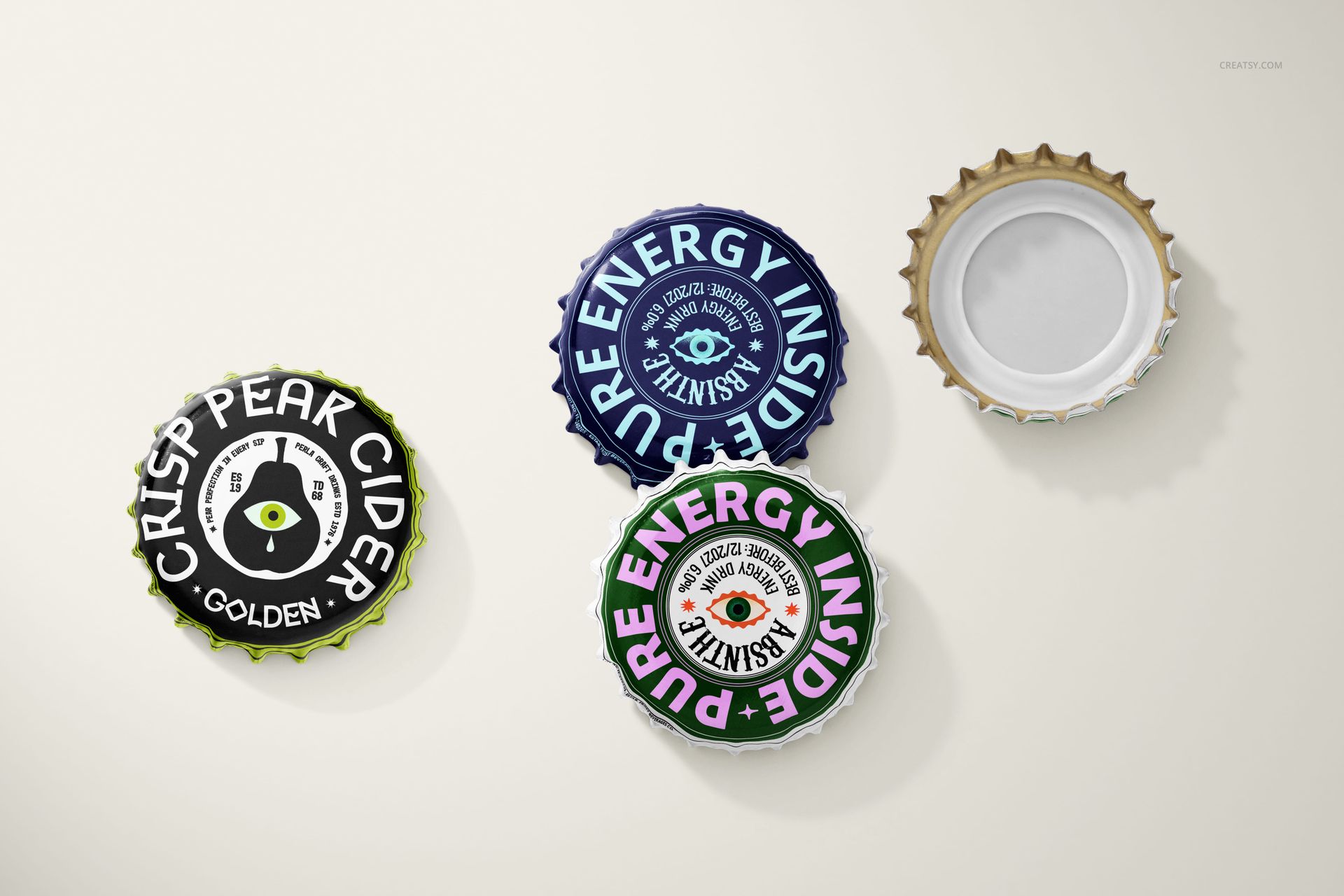
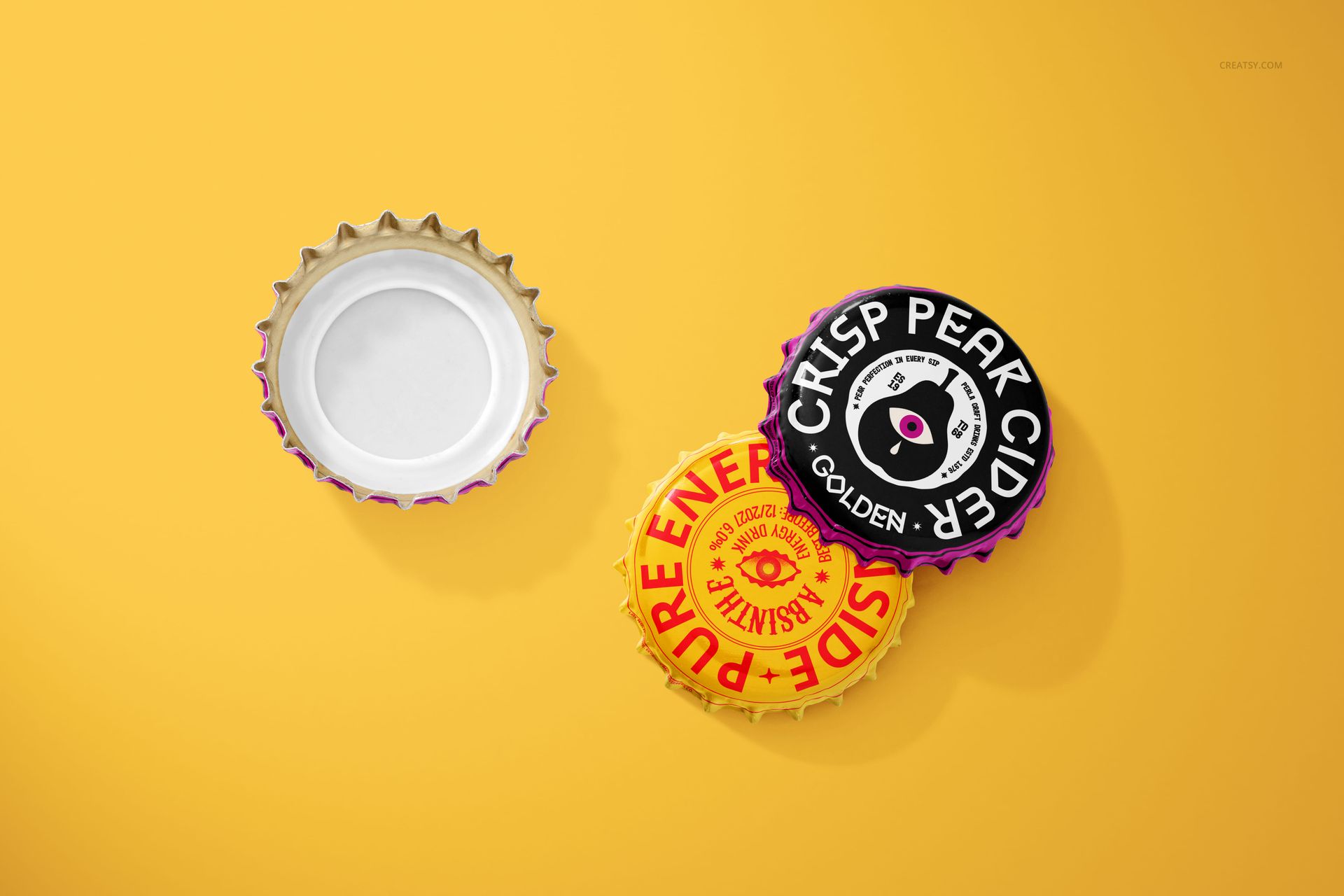
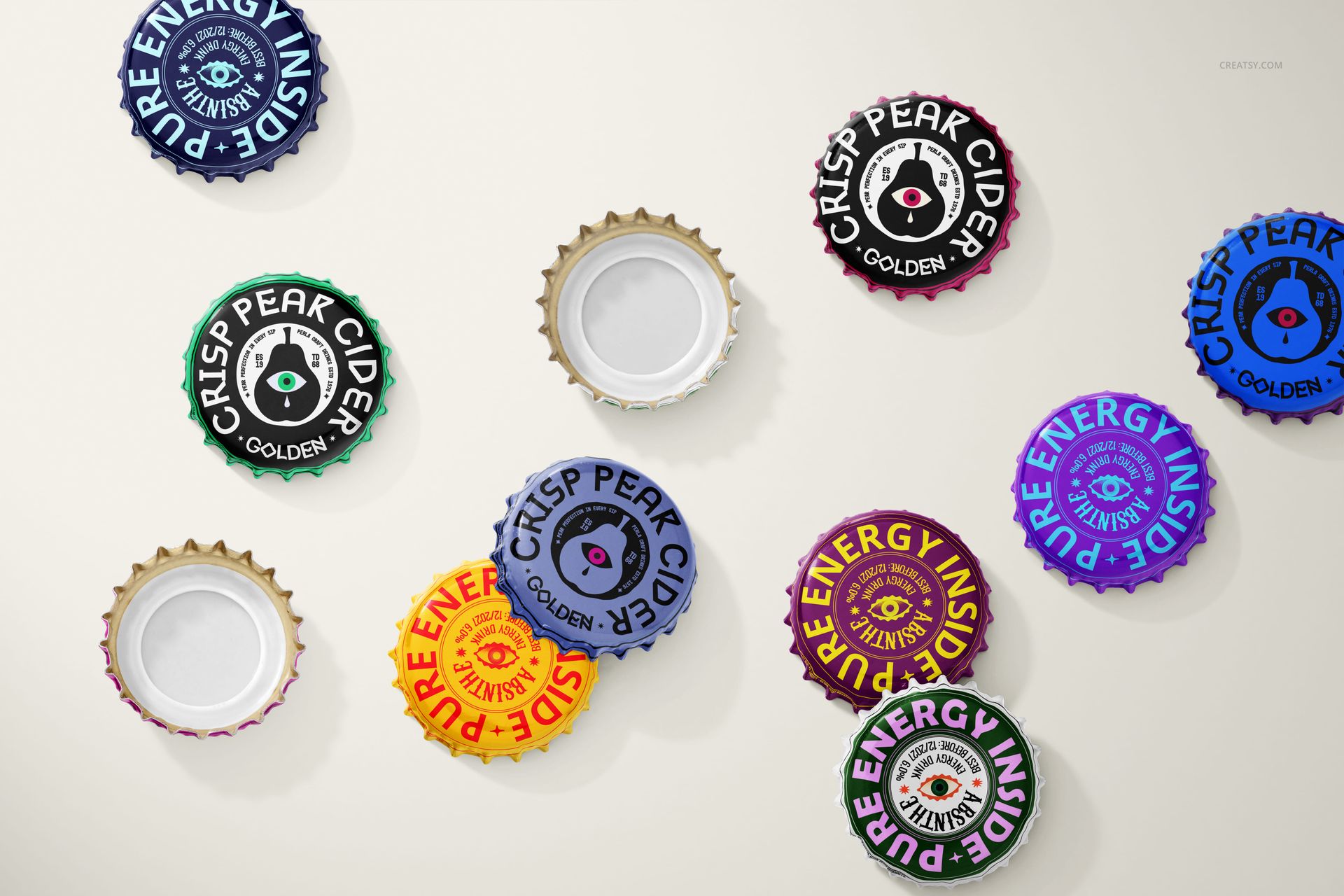
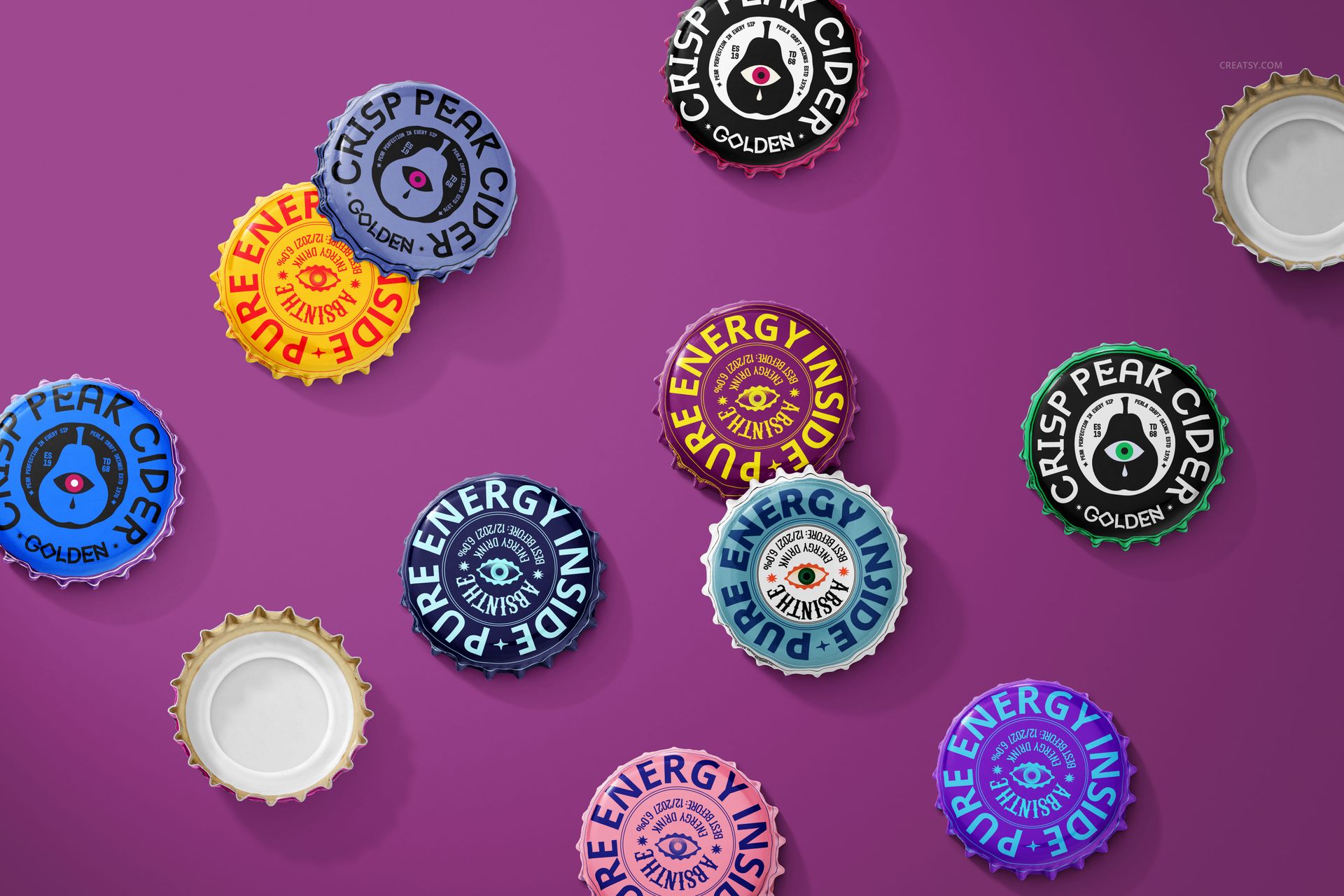
Seven crown-cap compositions give a beverage identity room to work at its smallest touchpoint. Present circular logos, flavor markers and illustrated badges on metal bottle caps, from compact pairs and small groups to more scattered arrangements.
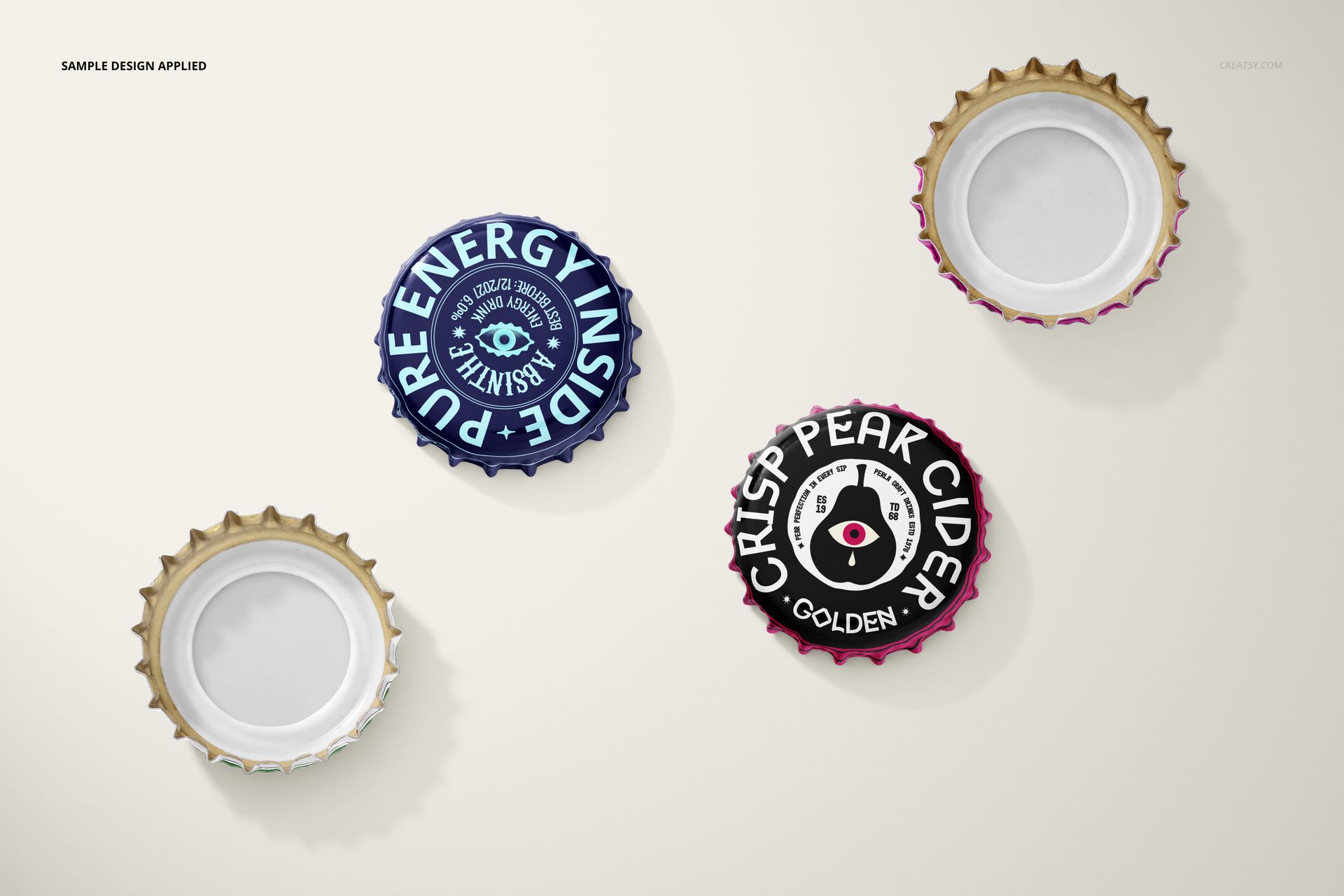
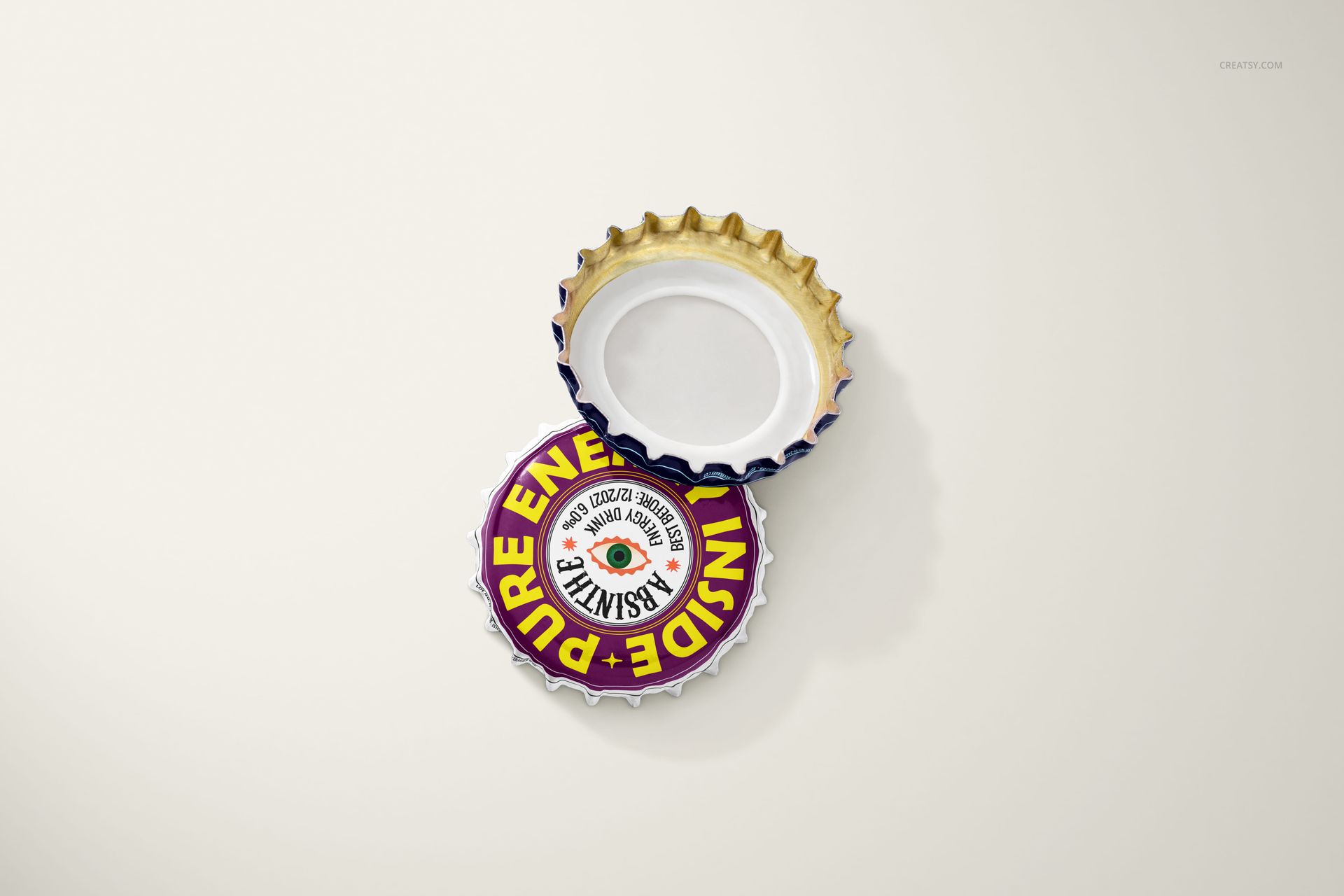
The top-facing caps show the artwork, while overturned caps reveal their interiors and crimped edges. These close views make the set useful for evaluating whether a cap design still feels like part of the same brand as the bottle label.
What Is Included
7 layered PSD mockups, each 6000 × 4000 px at 300 DPI.
7 JPG previews, 14 files in total.
Seven landscape compositions with organized layers.
Compatibility with Adobe Photoshop CC2020 or newer and Photopea.
Exterior Branding with Flexible Backgrounds
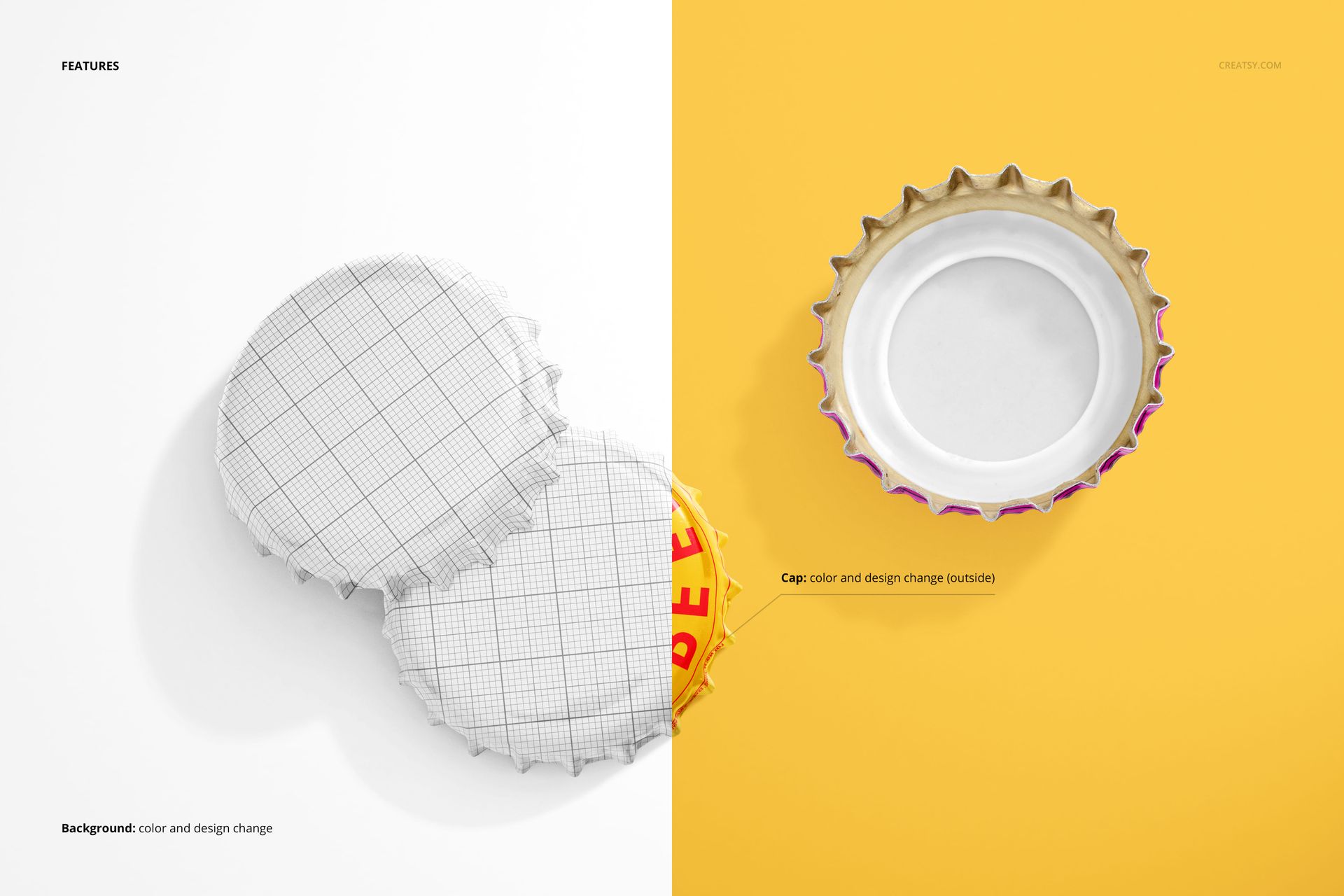
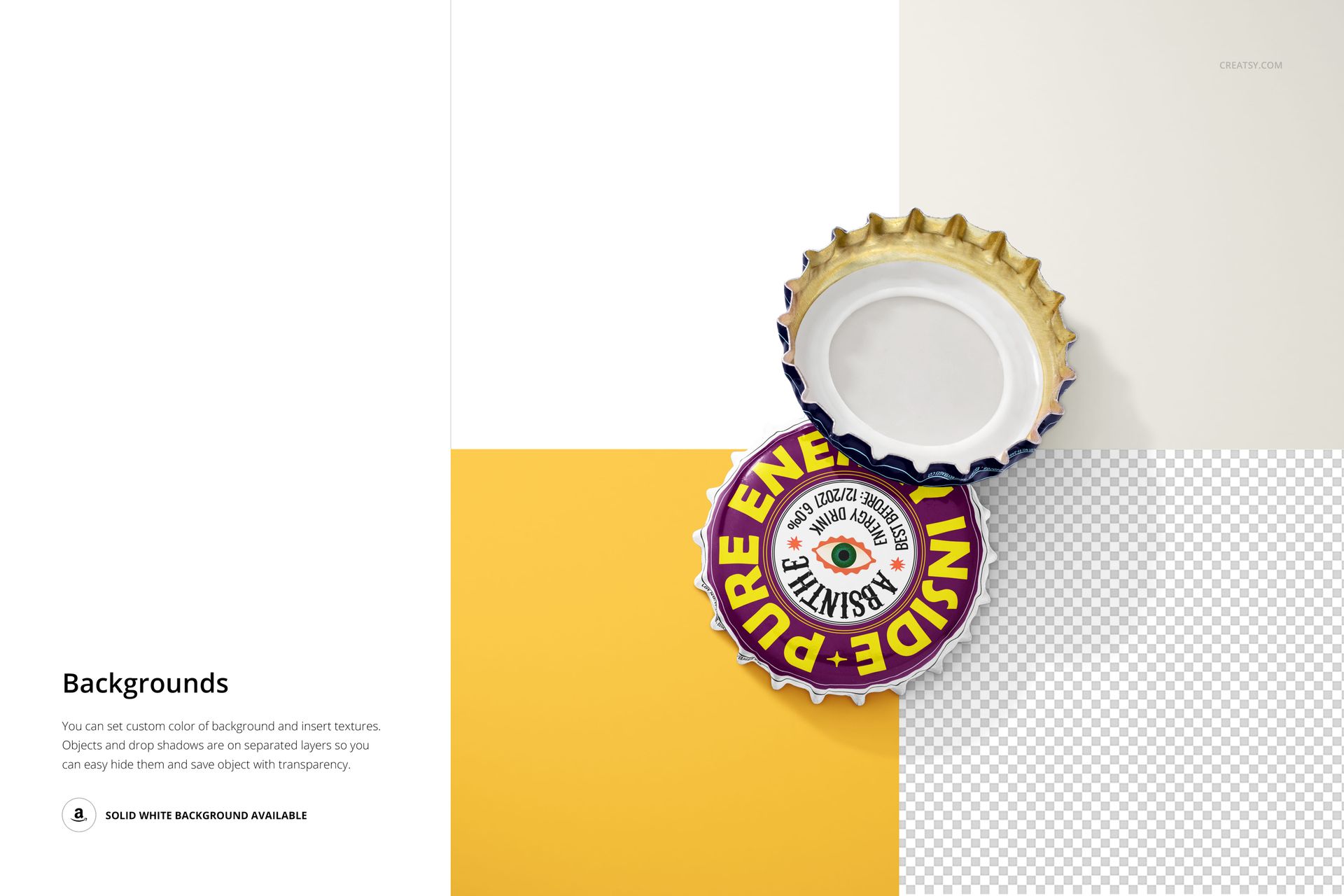
Change the color and artwork on the outside of the caps. Set a custom background color, insert a texture or use solid white. The objects and drop shadows are on separate layers, so you can hide them as needed and export an object with transparency.
Easy Smart Object Editing
Add your cap graphics through the PSD Smart Objects, save the artwork layers and review the updated scene. Try a simple emblem alongside a text-led badge to compare the balance between the central motif and the circular edge.
Perfect For
Beer, cider and soda branding, craft beverage packaging proposals, flavor-range presentations and designer portfolios. These are digital presentation files, not a physical cap order or a cap manufacturing template. Sample artwork is not included.