Draped Cotton Fabric Mockup
This product is a part of Fabric Factory v.7 Mockup Bundle (Cotton)
Product Details
Draped Cotton Fabric Mockup
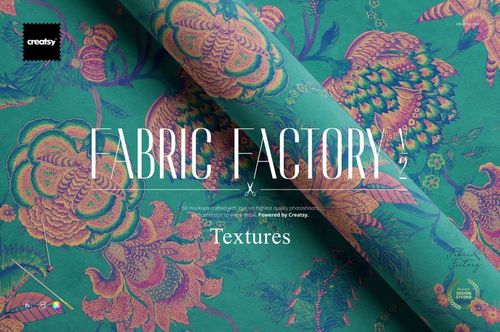
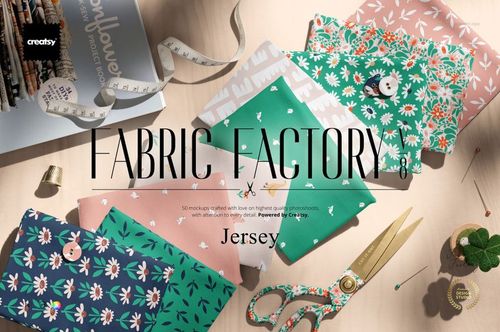
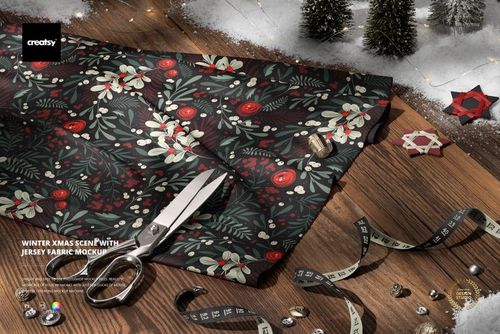
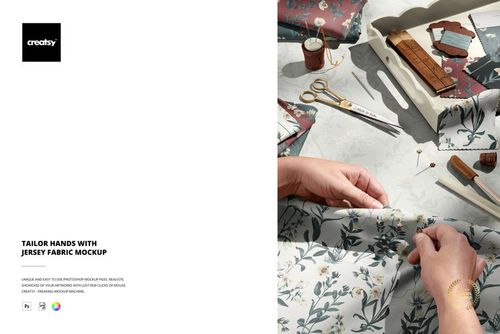
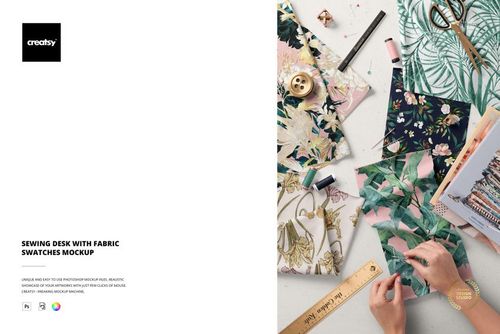
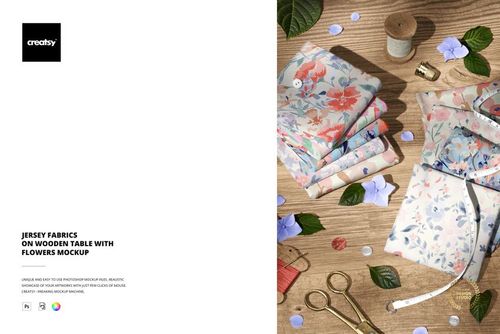
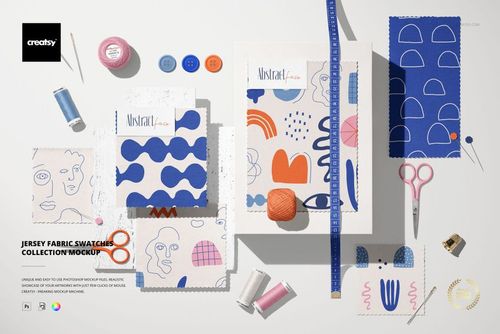
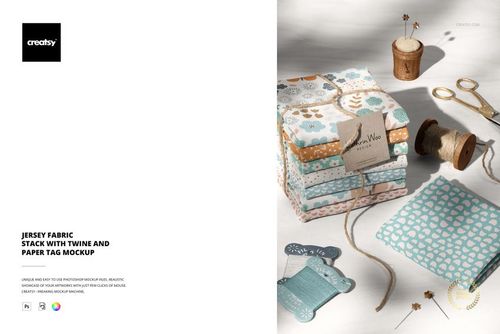
Show a cotton print across soft folds rather than leaving it as a flat repeat tile. Draped Cotton Fabric Mockup places your artwork on a folded textile surface, giving motif spacing and color a more tangible setting for a design presentation.
Put Your Textile Design in Context
Use this focused fabric scene to feature a new print, introduce a colorway or add a material-led image to your textile portfolio. Pair it with a flat artwork sheet so clients can see both the original repeat and its presentation across the supplied folds.
Present cotton print concepts on draped and folded fabric.
Compare floral, geometric and abstract patterns in the same composition.
Create collection previews, portfolio images and fabric shop graphics.
File Details
1 layered PSD mockup file.
Listed canvas dimensions: 6000 x 4000 px at 300 dpi.
Adobe Photoshop CC 2020 or later and Photopea.
Organized layers for artwork placement and editing.
Review the preview gallery for the supplied scene and available features. This is a digital presentation tool, not a physical textile product or a production color proof.
Sample Artwork Credit
Preview artwork by Imrik Studio. Website: imrikstudio.com. The sample pattern is not included in the main ZIP file.
File details
- Compatibility
- Package size
- 326 MB
|342 MB
- Files type
- .psd, .jpg
- Files size
- 6000x400


MEET THE SHOP
- $6715$79.00
- $2550$30.00
- $1870$22.00
- $1615$19.00

HOW IT WORKS
3 clicks. That's it.
No tutorial needed. If you can copy-paste, you can use this.
- 1OpenDouble-click the smart object inside the PSD - in Adobe Photoshop, or free in your browser with Photopea.
- 2PasteDrop in your pattern, print, or artwork. Any design, any style.
- 3SaveHit save and the mockup wraps it in for you - shadows, folds, and lighting included.
FROM IDEA TO IMAGE
Built for real workflows
Skip the photo shoot Show your artwork on the real product type for approvals or listings - no studio, no model, no sample.
See it on the product, not a swatch Drop your file into the smart object and the scene's lighting and folds wrap around it, so you judge the real thing before you commit.
Smart Objects
Edit once and you're done. Your artwork drops into a smart object and the mockup updates itself - no masking, no warping by hand.
Perfectly Organized
Named layers and folders you can actually navigate. Find what you need, change what you want, and get out fast.
Print-Ready
High-resolution files built to hold up on screen and in print. Exact size and DPI are in this product's Details above.