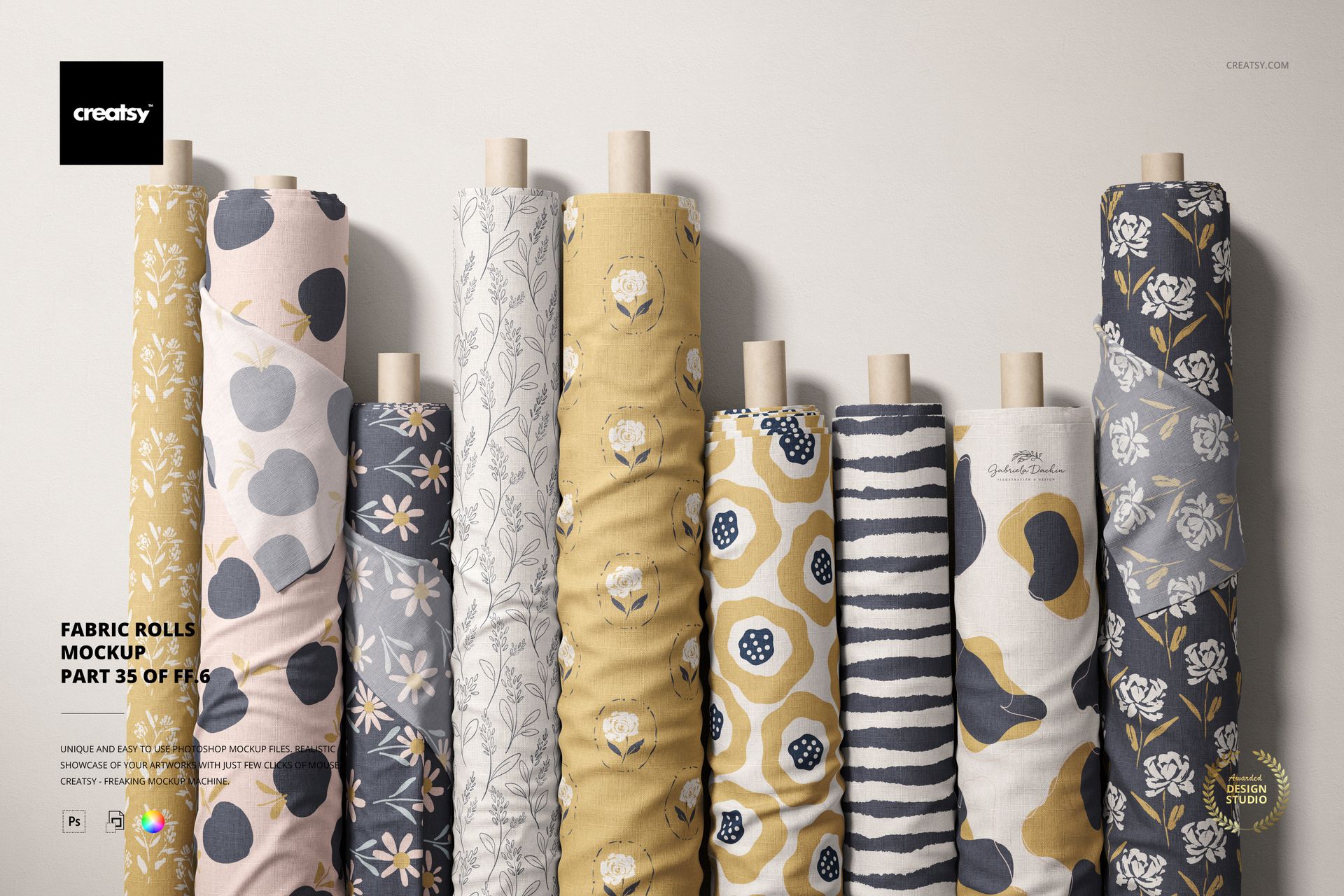
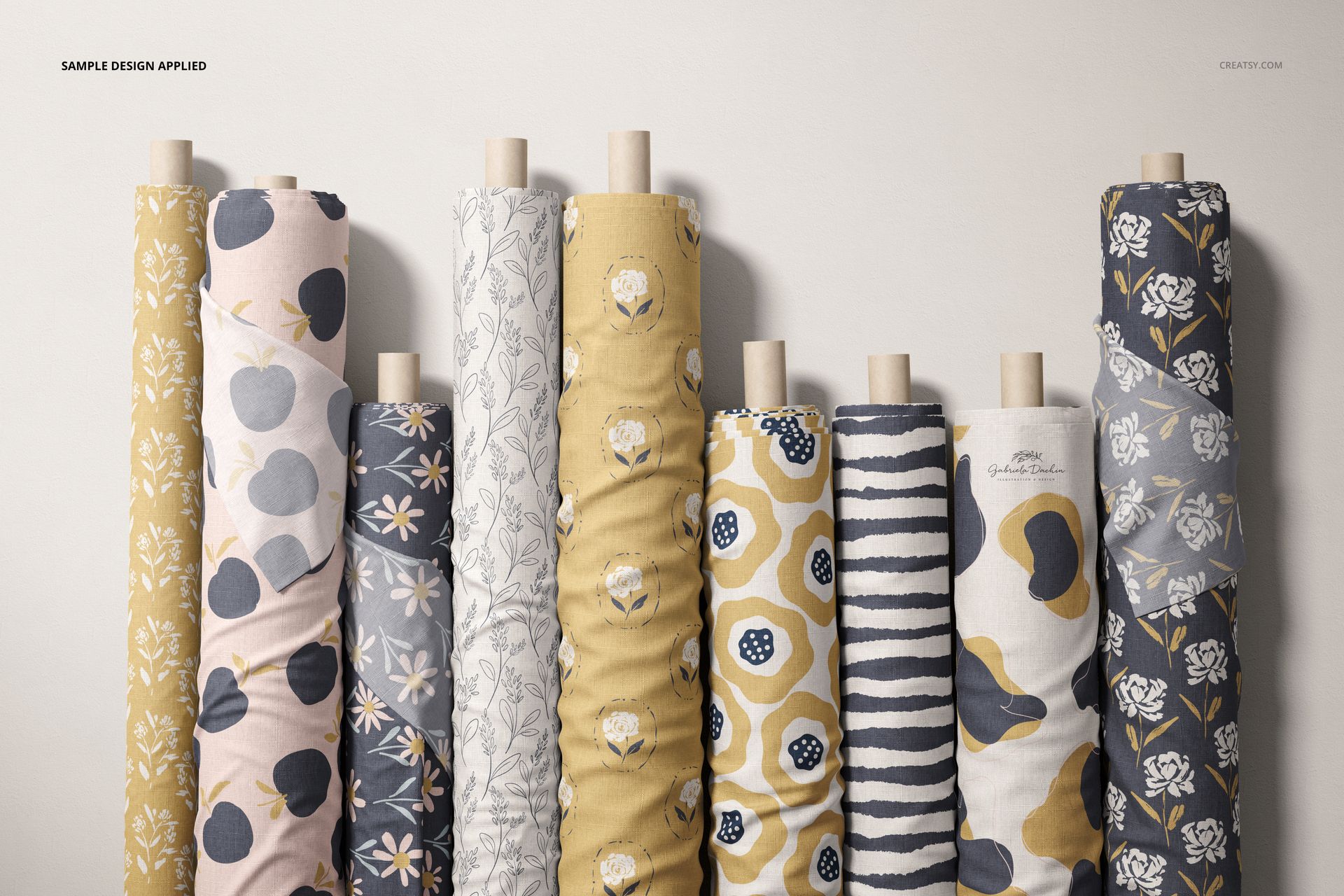
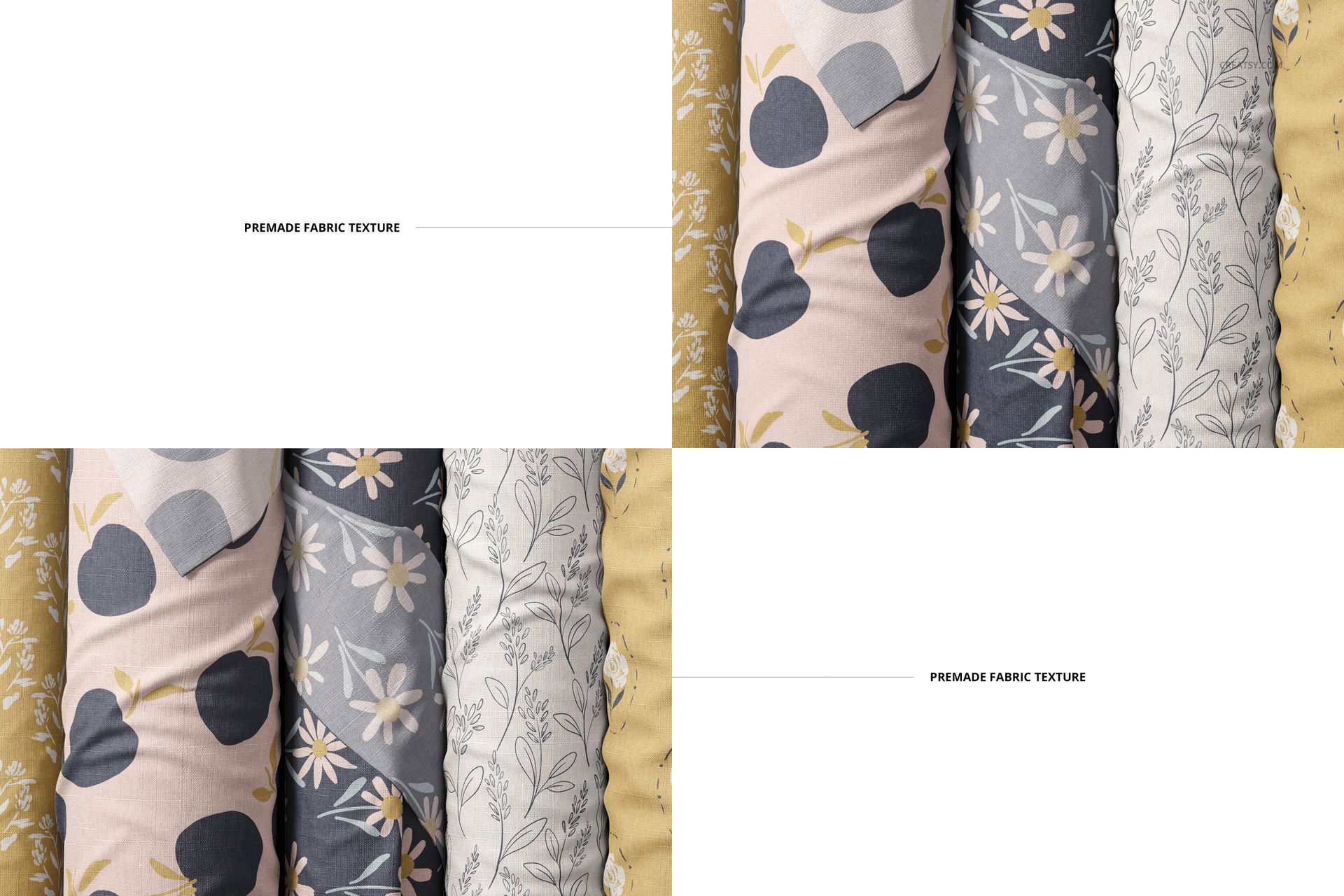
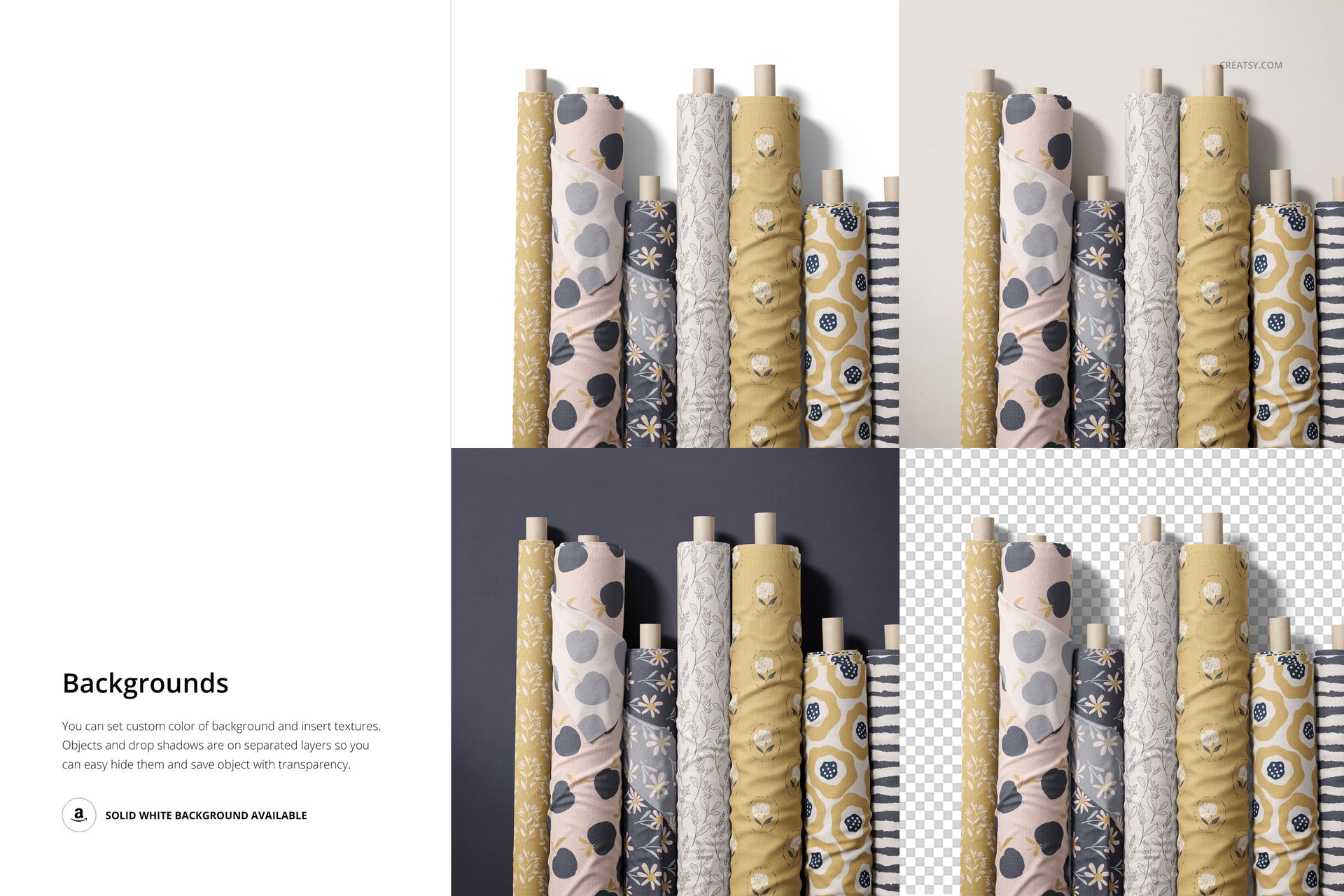
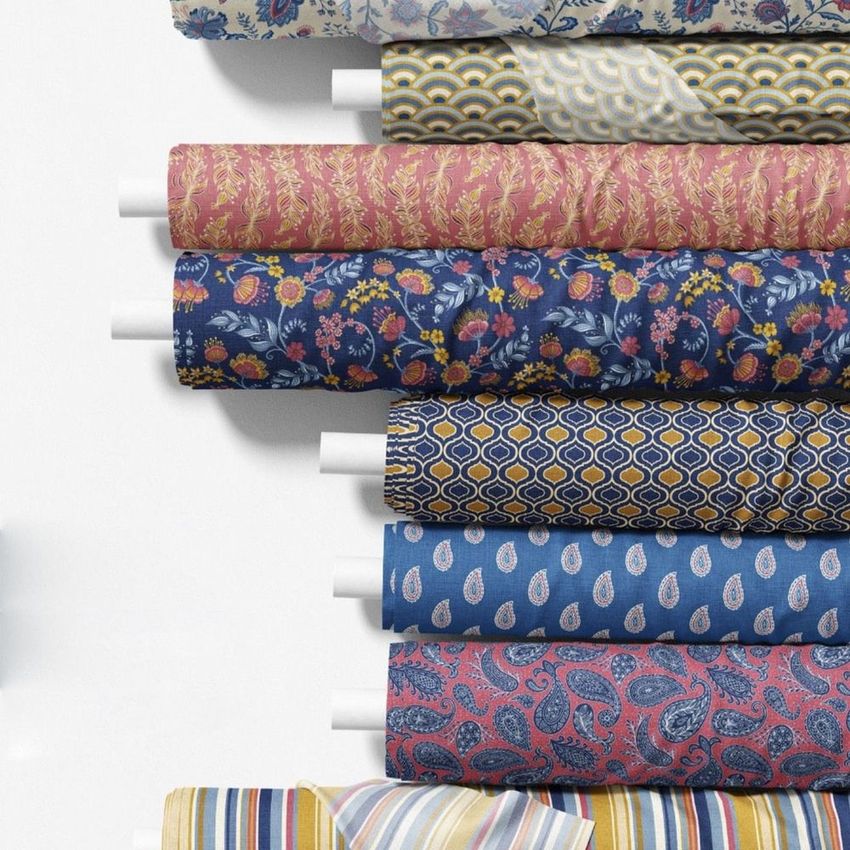
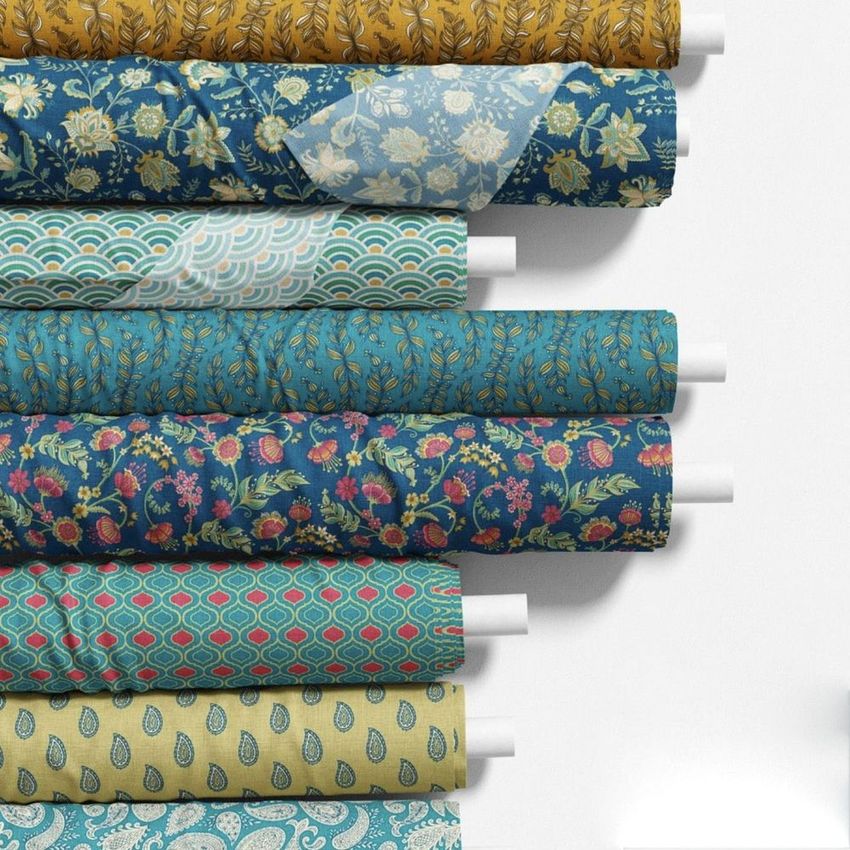
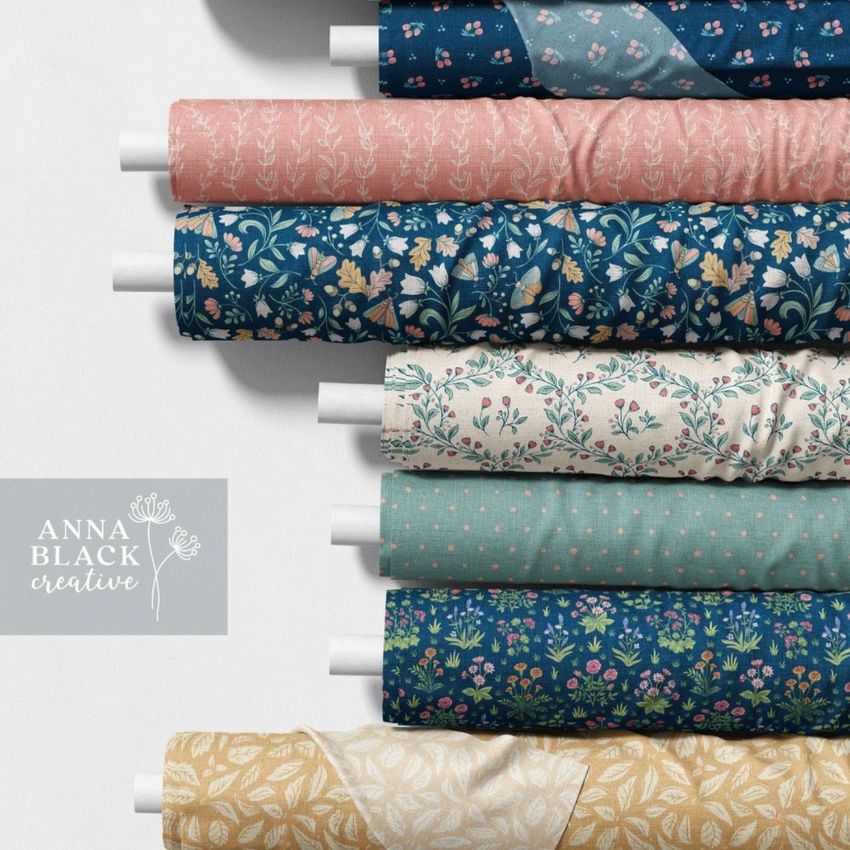
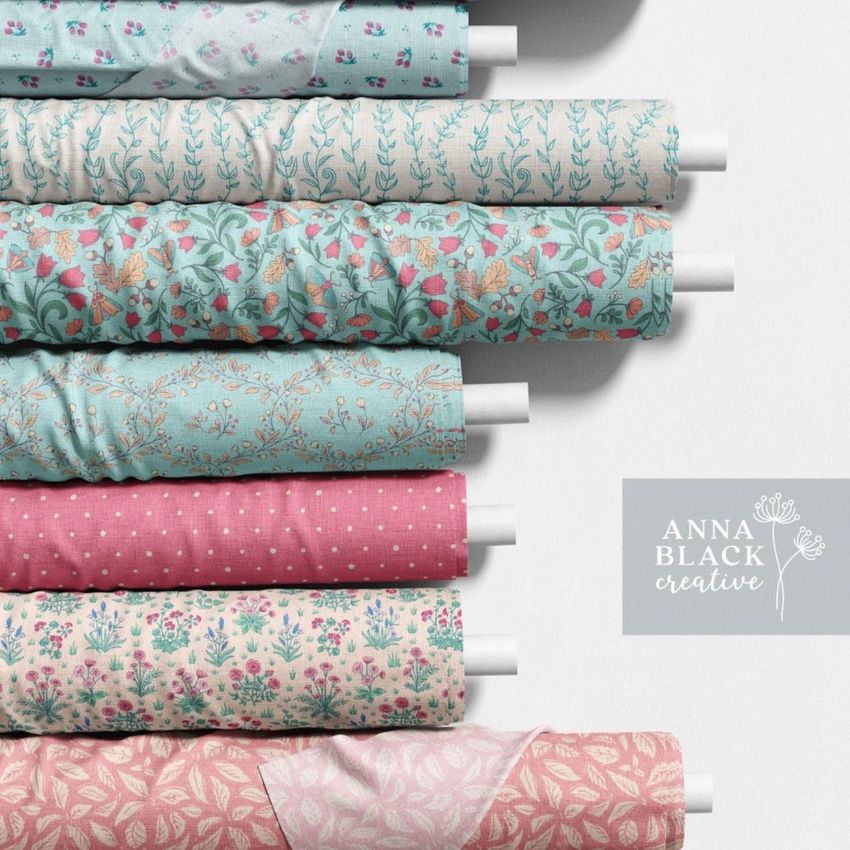
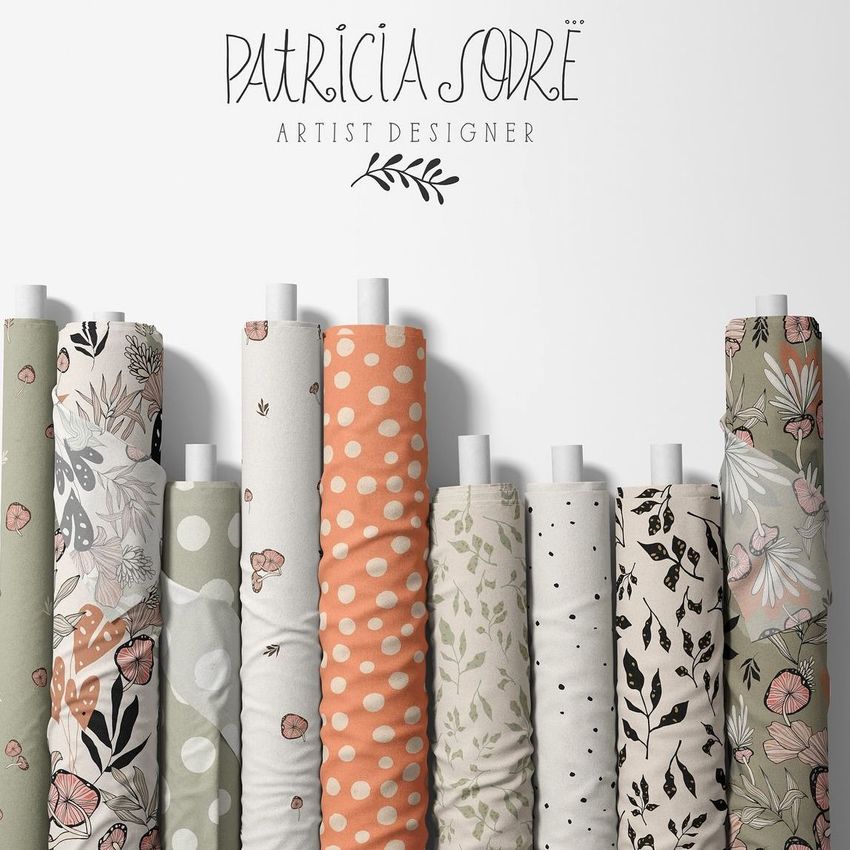
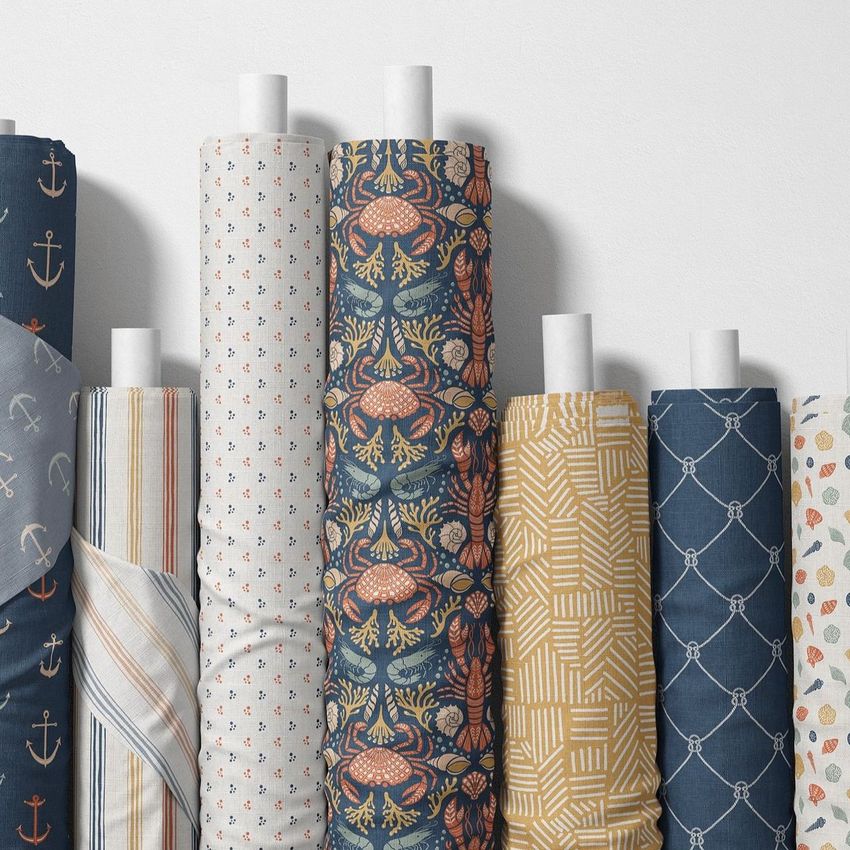
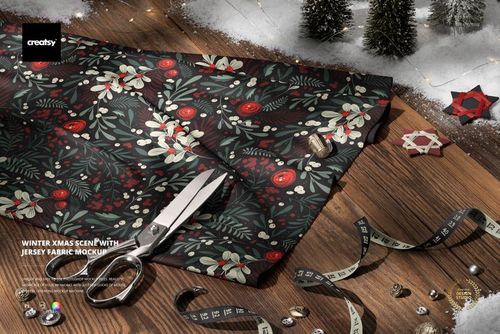
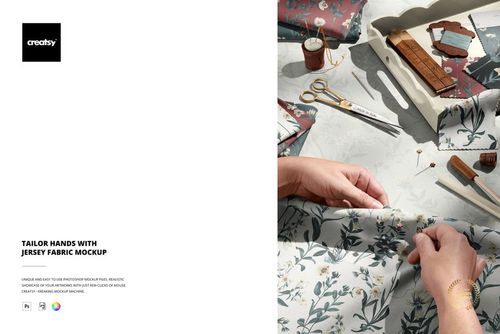
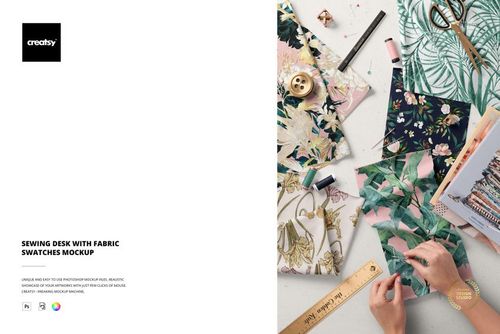
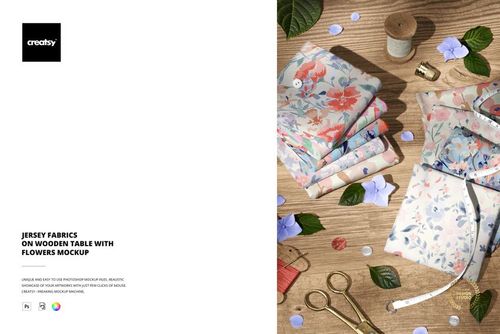
Fabric Rolls Mockup (35/FFv.6) presents a row of upright fabric bolts standing side by side, the way you would see them displayed in a textile shop or fabric store showroom. The single PSD file lets you apply different surface patterns to each roll, creating a collection view that shows how your designs look when grouped together on a shelf. Built for surface pattern designers, textile brands, and fabric retailers who want to present multiple pattern colorways or coordinated collections in one professional image without staging a physical photo shoot.
Why This Mockup Works
Showing a single fabric swatch tells buyers what your pattern looks like flat. Showing multiple rolls standing together tells them what your collection looks like as a product line. This mockup captures that retail display context, with each roll wrapped in its own pattern and standing at a slight angle that reveals both the face of the fabric and the rolled edge. The result looks like a photograph taken in an actual fabric shop, which gives your portfolio or product listing an immediate sense of scale, variety, and commercial readiness that flat tile repeats cannot match on their own.
What Is Included
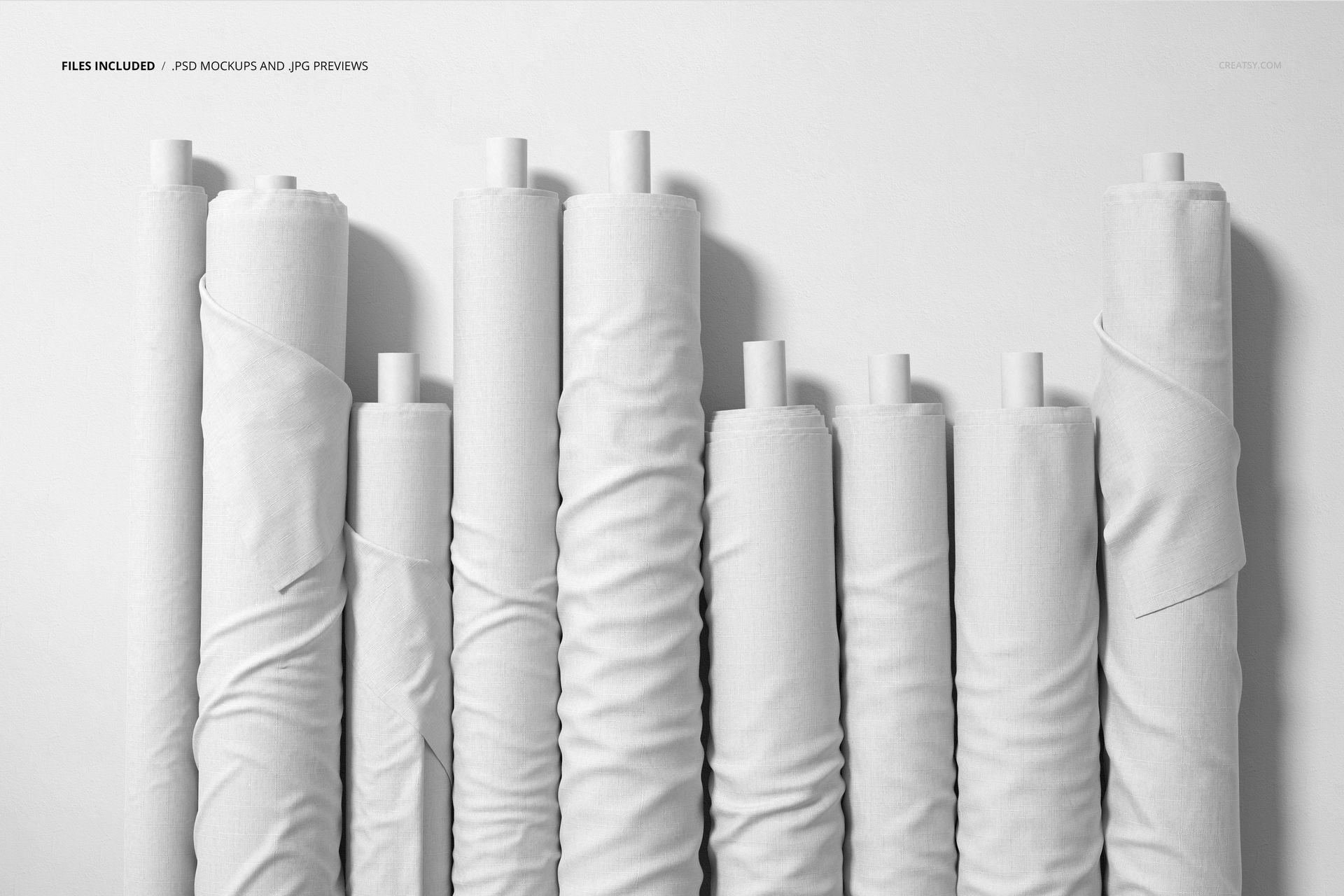
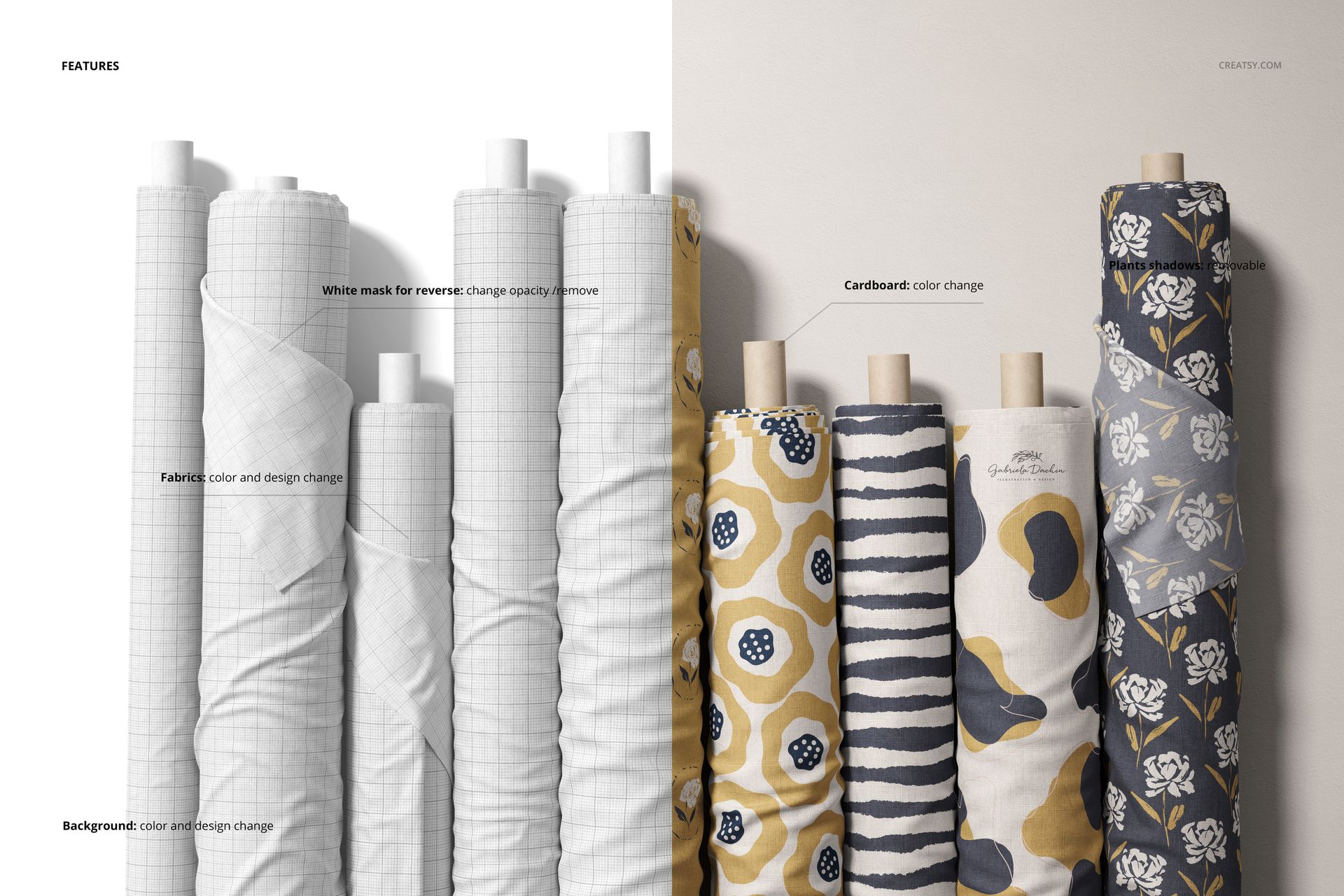
The download contains 1 PSD file at 6000x4000 pixels and 300 DPI. The scene features multiple fabric rolls arranged upright in a row, each with its own smart object layer for independent pattern placement. You can apply a different design to each roll or use the same pattern in multiple colorways to demonstrate collection depth. The file includes customizable background colors and well organized layers for individual element control. Total download size is 1.02 GB.
What You Can Customize
Open the PSD in Adobe Photoshop CC2020 or later, or use the free browser-based editor at photopea.com. Each fabric roll has its own smart object layer. Double-click any smart object to open its embedded canvas, place your repeat pattern or textile design, save, and close. The main document updates with your artwork mapped onto the fabric surface with realistic textile texture and the natural curvature of a rolled bolt. Repeat for each roll to build a complete collection view. You can also change the background color to match your brand palette or to create contrast against your fabric designs.
Who This Mockup Is For
Surface pattern designers presenting coordinated collections or seasonal lines to licensing partners and art directors. Textile brands building lookbooks or wholesale catalog pages that show multiple fabric options at a glance. Fabric shop owners creating marketing materials, website banners, or social media content that showcases their inventory in a styled, professional format. Print-on-demand sellers listing custom fabric rolls or yard goods on Spoonflower, Etsy, or their own e-commerce stores. Interior design studios previewing upholstery or drapery fabric selections for client presentations and mood boards.
File Specifications
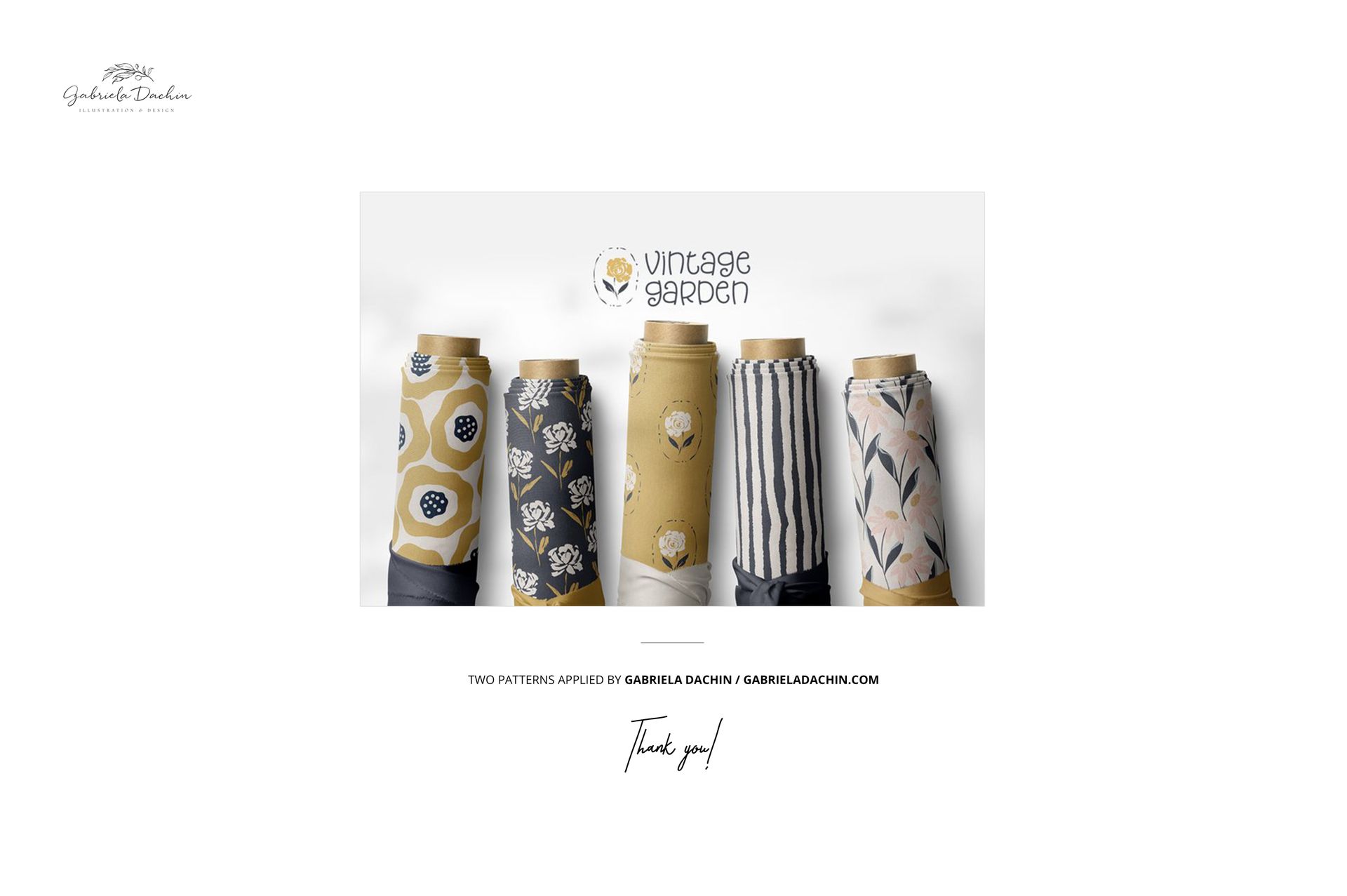
Format: PSD (Adobe Photoshop). Files: 1. Resolution: 6000x4000 px. DPI: 300. Size: 1.02 GB. Compatibility: Adobe Photoshop CC2020 and newer, Photopea (free browser-based editor). Multiple smart object layers for independent pattern placement on each roll. Customizable background color. Well organized layer structure. Example artwork by Gabriela Dachin: instagram.com/gabrieladachin (not included in the download).