

PU Oval Yoga Mat Mockup Bundle
Creatsy in Mockups / Yoga & Fitness
Product Details
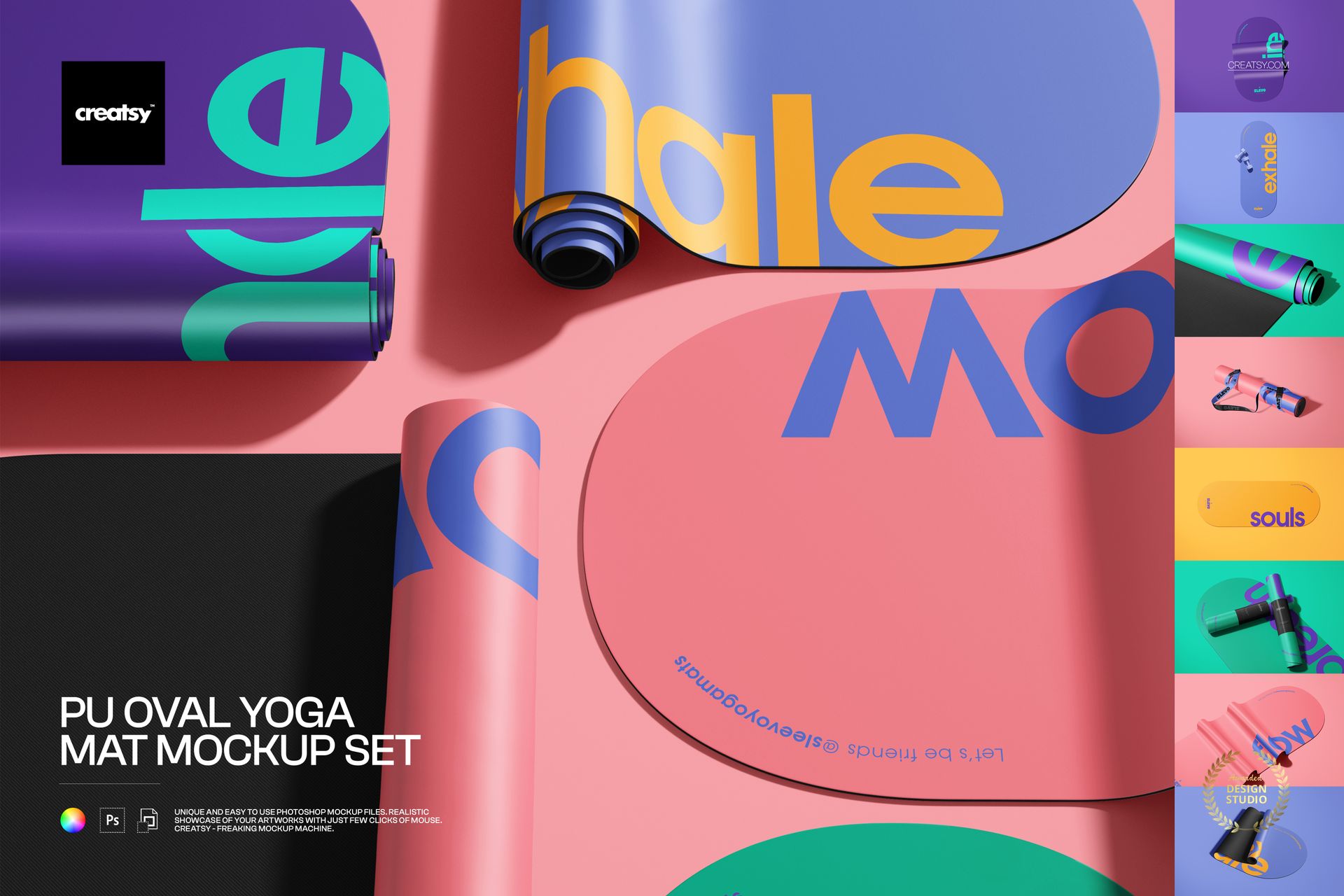
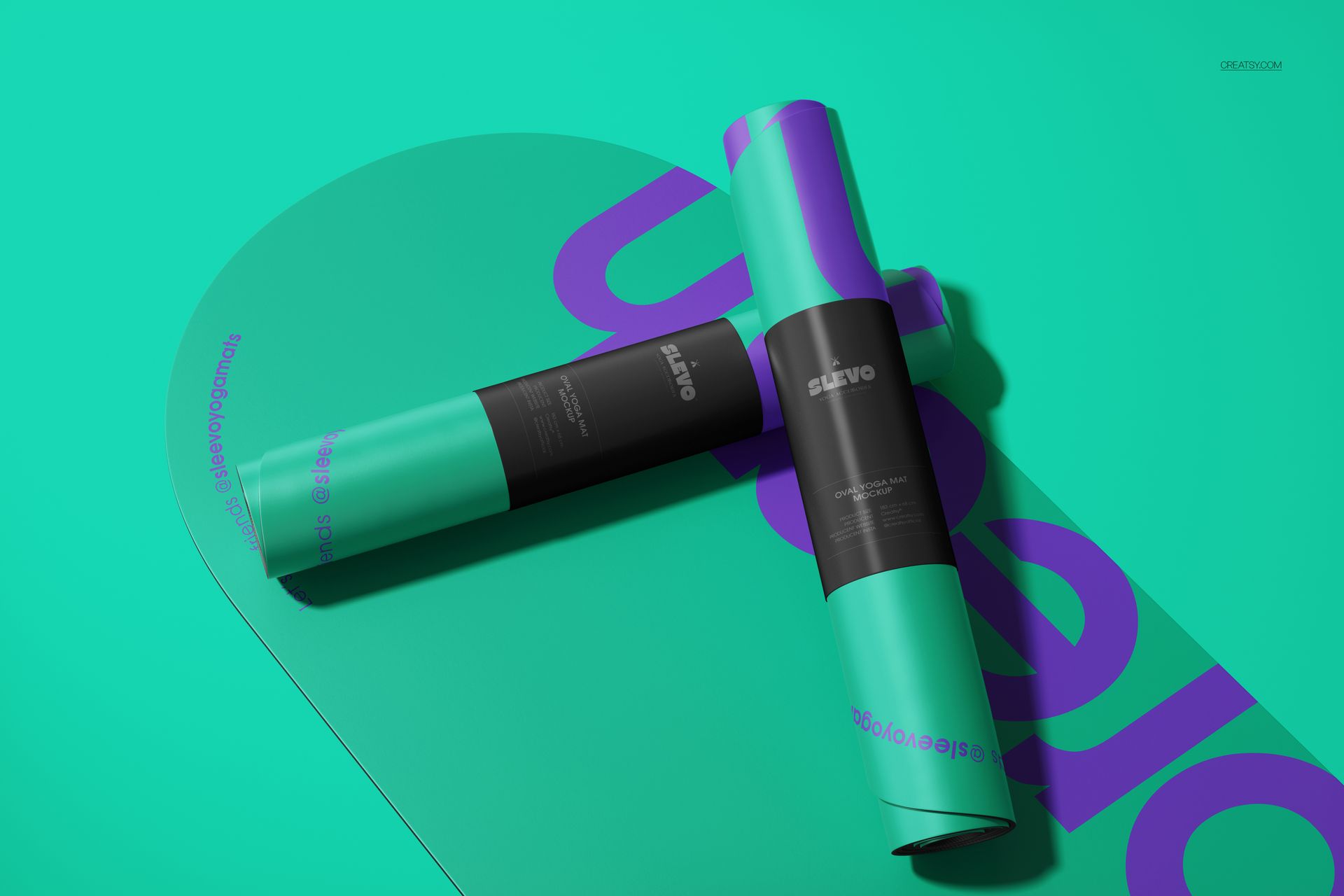
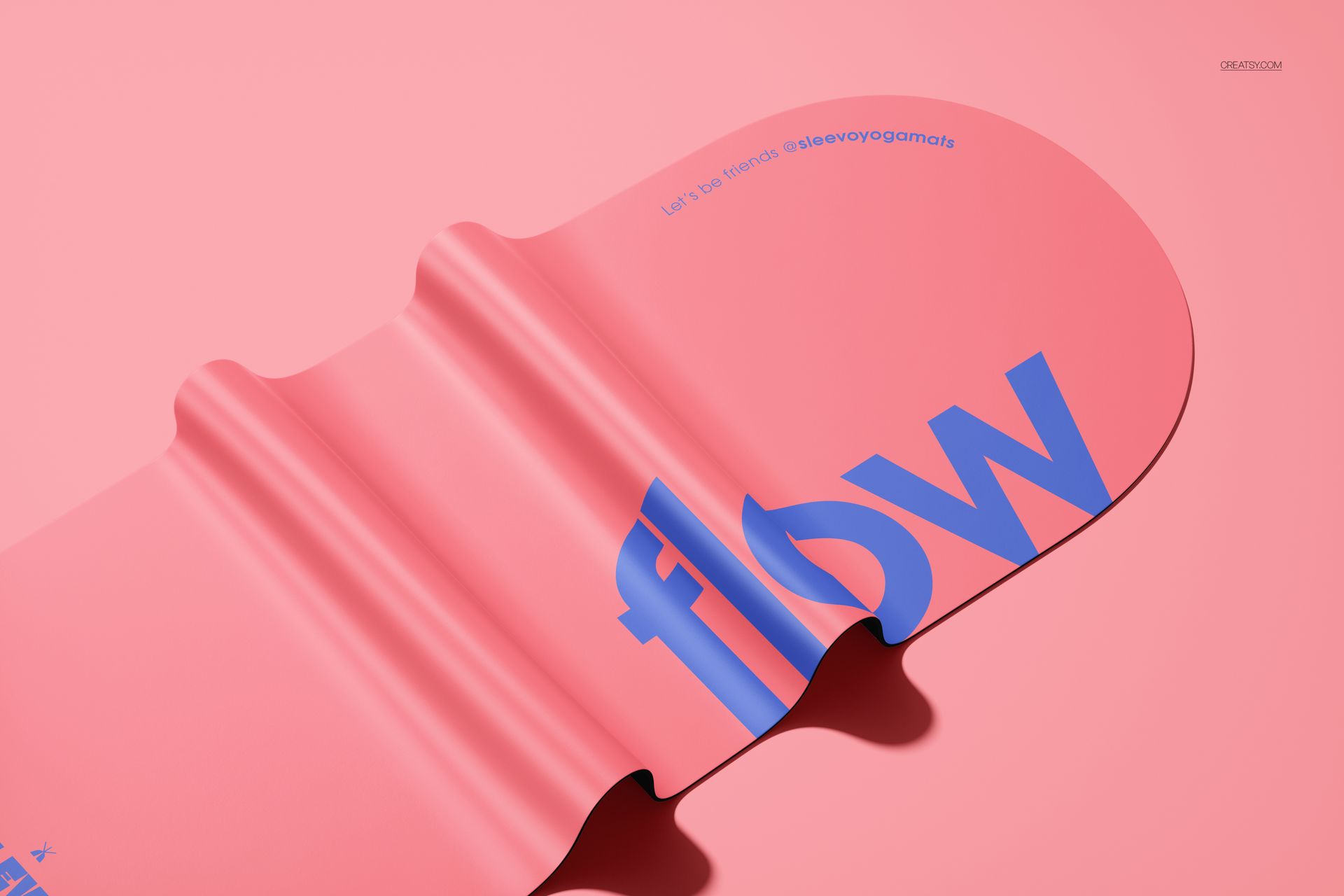
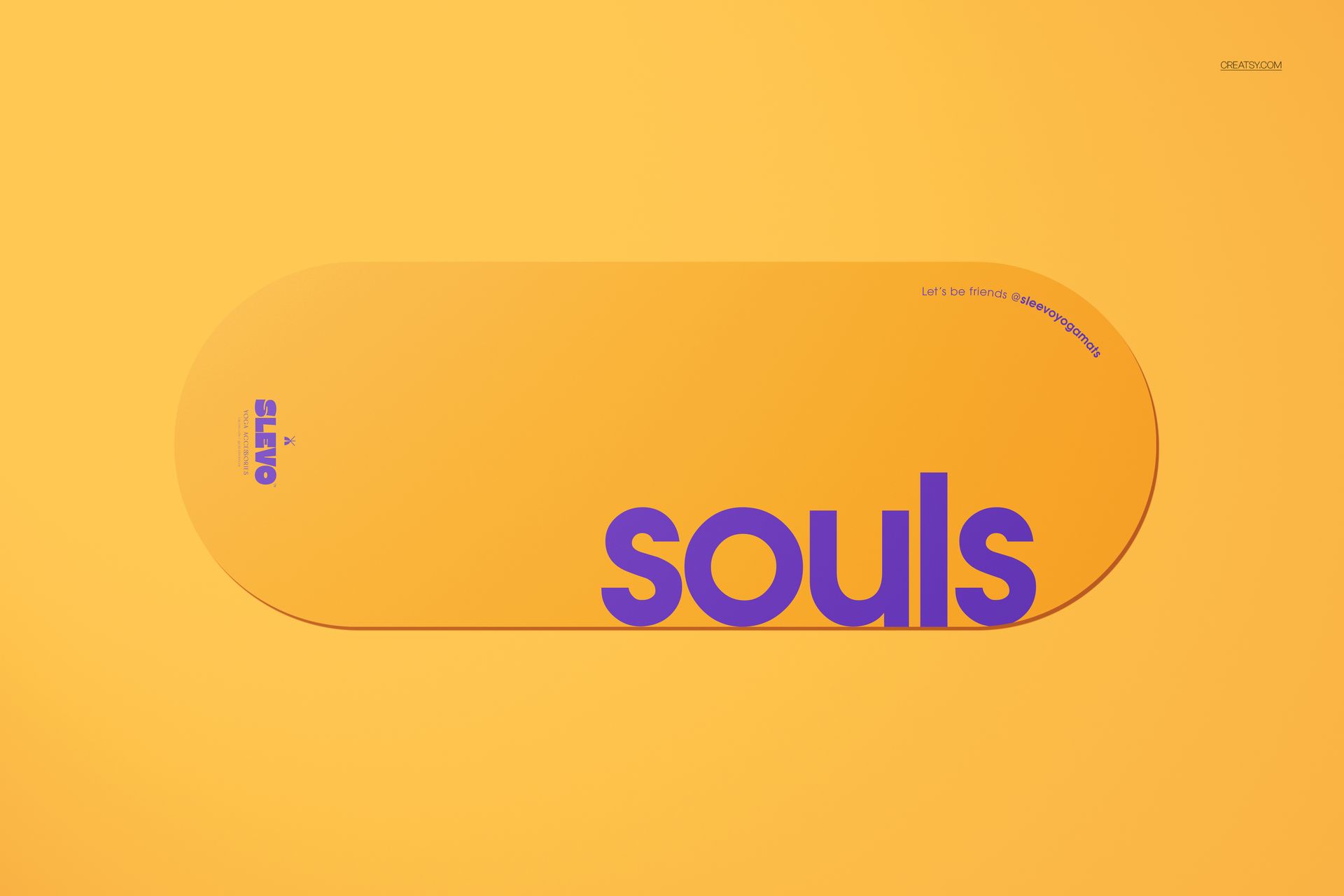
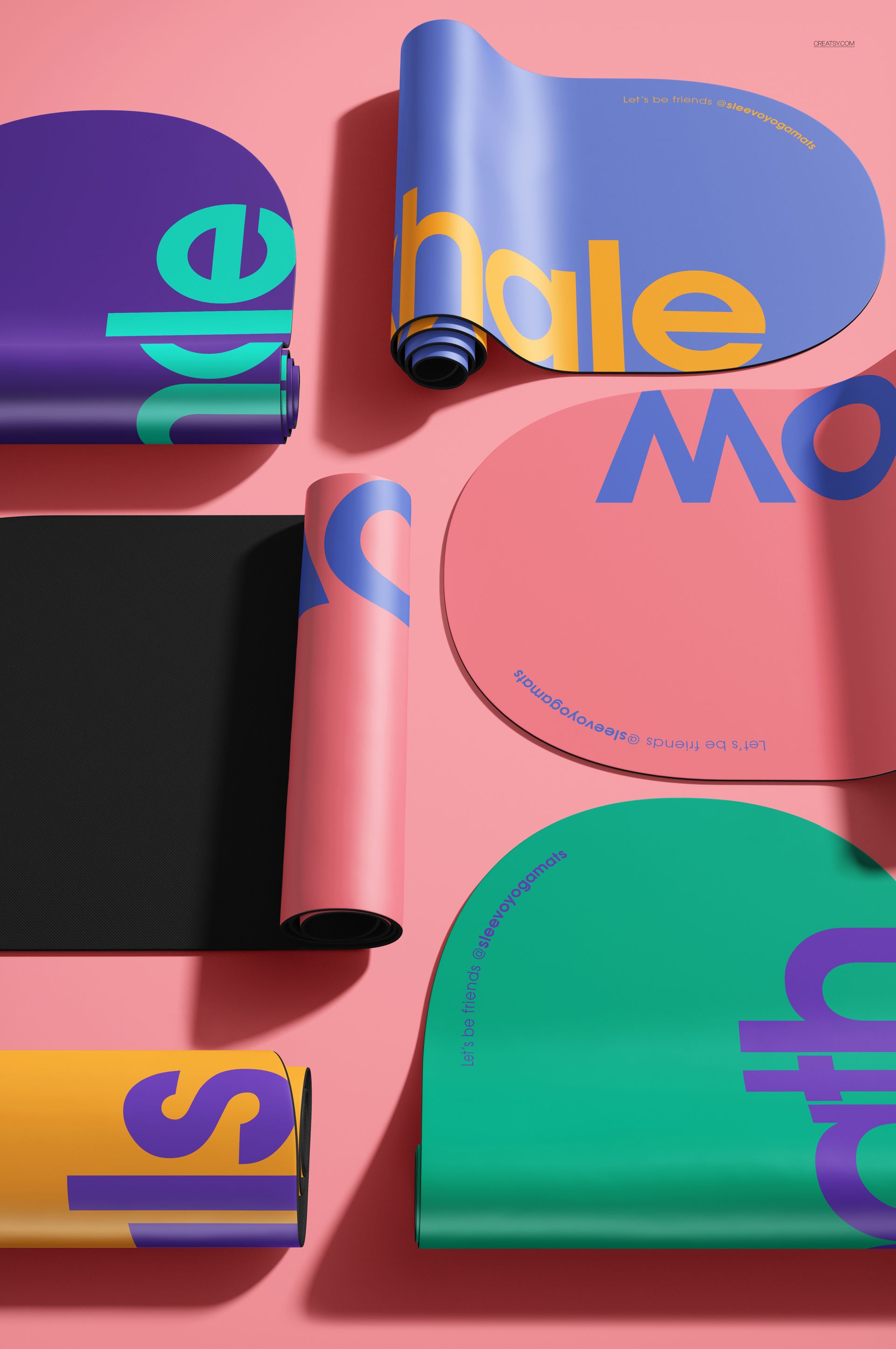
The PU Oval Yoga Mat Mockup Bundle brings together 9 professionally styled PSD scenes covering every angle and arrangement of an oval-shaped polyurethane yoga mat. From flat overhead compositions and folded close-ups to rolled configurations with a carrying strap and mid-unroll action shots, this collection gives yoga brands, fitness product designers, and surface pattern artists a complete visual toolkit for presenting artwork, logos, and colorways on a realistic PU leather texture. Each file delivers 6000x4000px resolution at 300 DPI with smart object layers and works in both Adobe Photoshop CC 2020 or newer and Photopea.
Why This Mockup Set Works
Oval yoga mats occupy a fast-growing niche in the wellness market, and most mockup libraries still default to rectangular shapes. This bundle fills that gap with 9 distinct compositions that cover every product photography angle buyers expect to see in an online store, a crowdfunding campaign page, or a wholesale catalog. The PU leather surface holds fine detail well, so intricate mandalas, geometric tessellations, and large-scale botanical prints all render convincingly across different viewing distances. Because every scene shares the same lighting style and color temperature, you can build a cohesive product gallery directly from this set without manually matching tones across separate mockup sources.
What Is Included
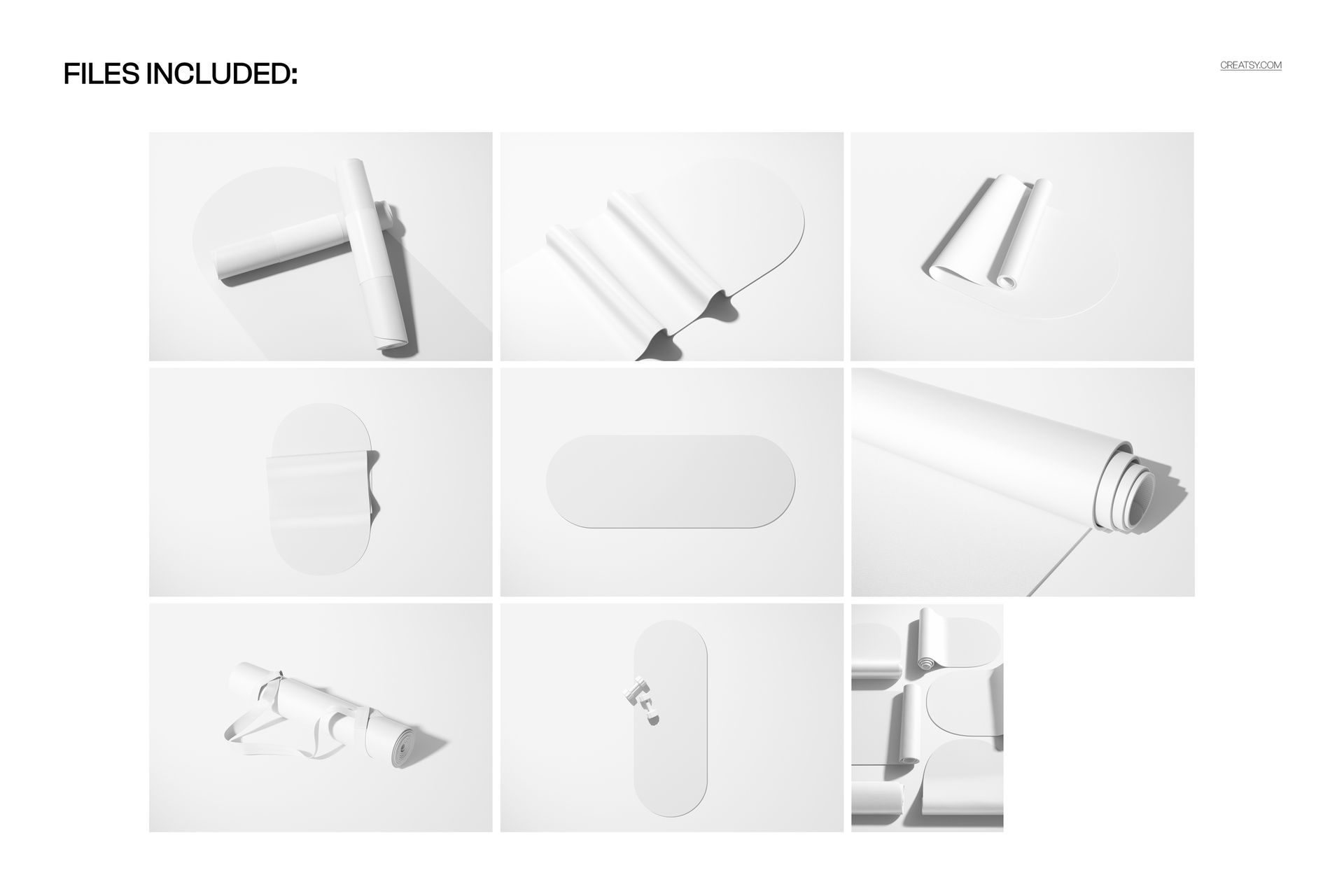
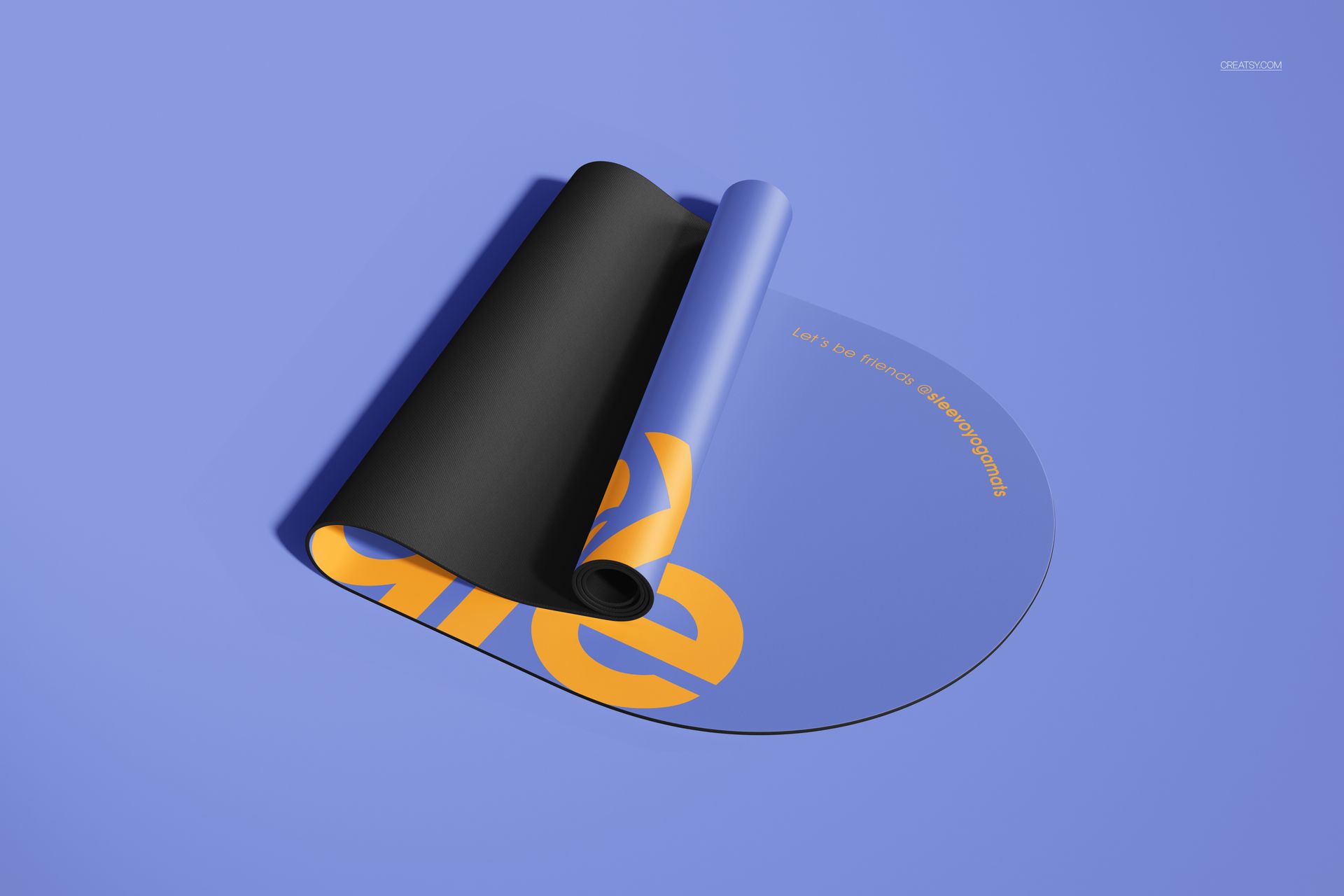
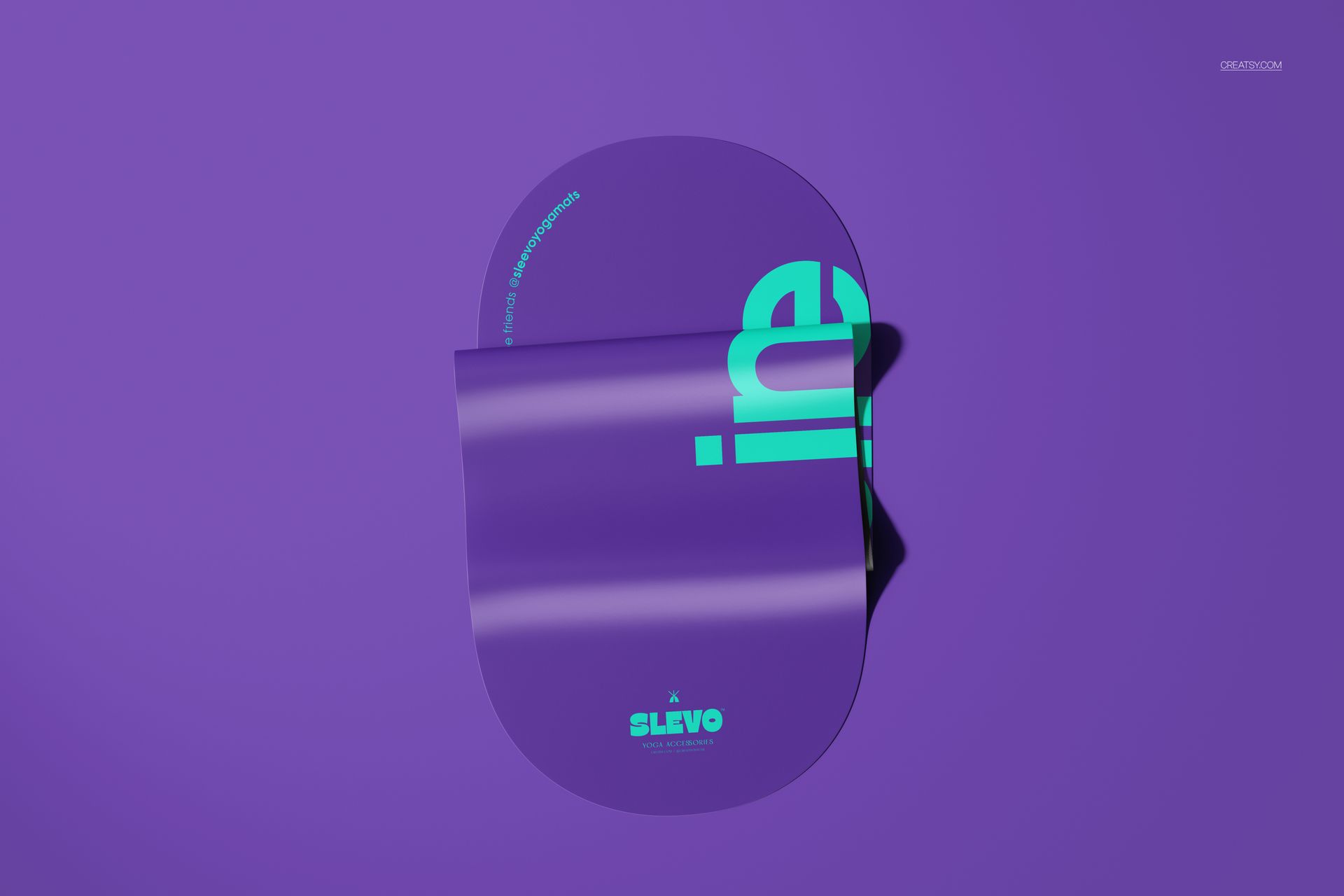
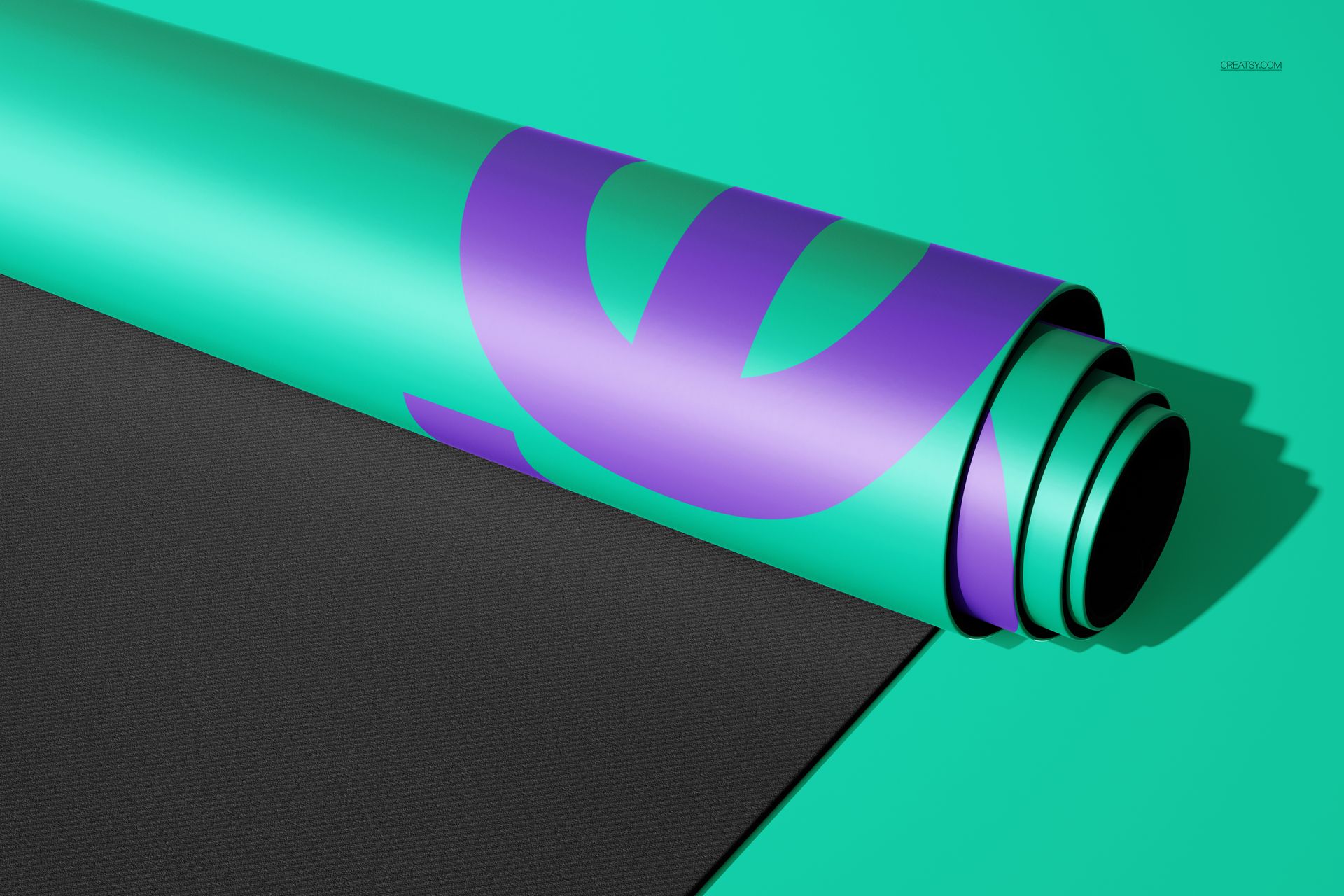
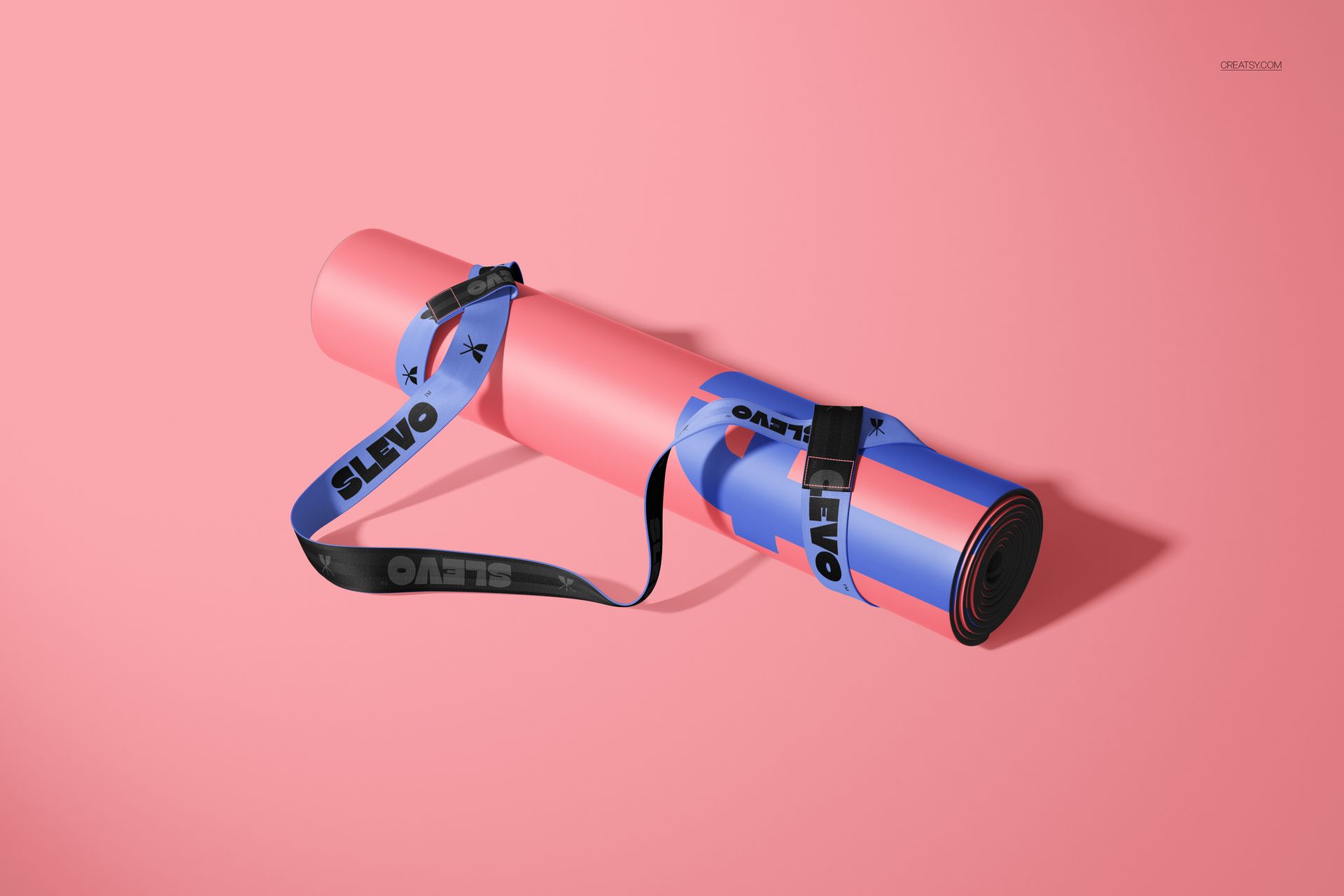
The bundle contains 9 layered PSD files. Flat Horizontal shows the full mat surface from directly above in landscape orientation. Flat Vertical presents the same overhead view rotated to portrait format. Folded Close-Up captures a tightly folded section with visible PU leather texture detail at close range. Folded shows the mat folded in half at a wider angle that reveals both halves of the surface. Multiple Mats arranges several oval mats together in a group composition suitable for colorway comparisons. Rolled with Strap depicts the mat rolled and secured with a carrying strap for lifestyle and e-commerce shots. Rolled on Flat Mat places a rolled mat on top of an unrolled one to show scale and proportion. Partially Rolled freezes the mat mid-roll to expose both the top surface and the underside. Unrolling captures the mat being unfurled with the surface pattern gradually revealed.
What You Can Customize
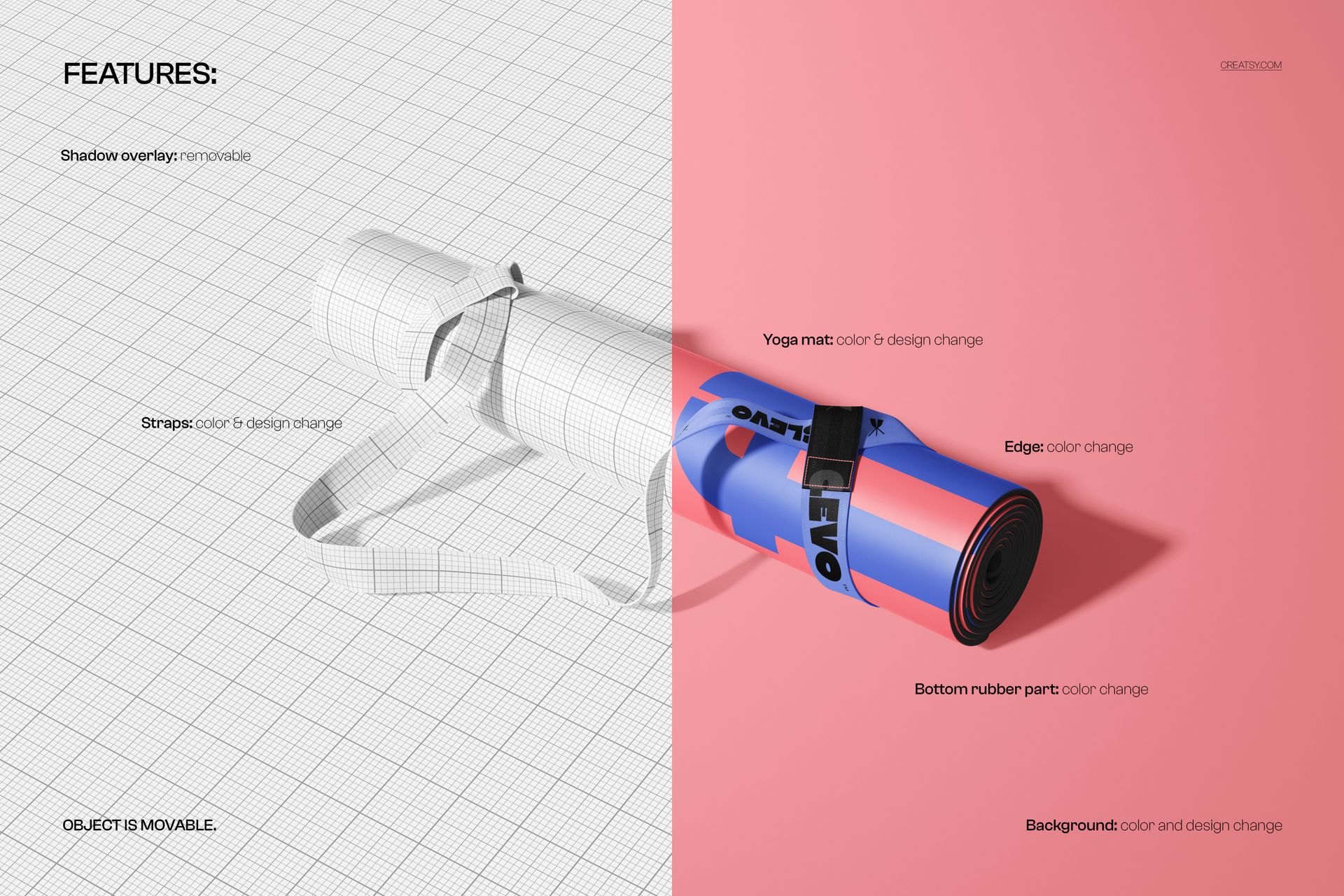
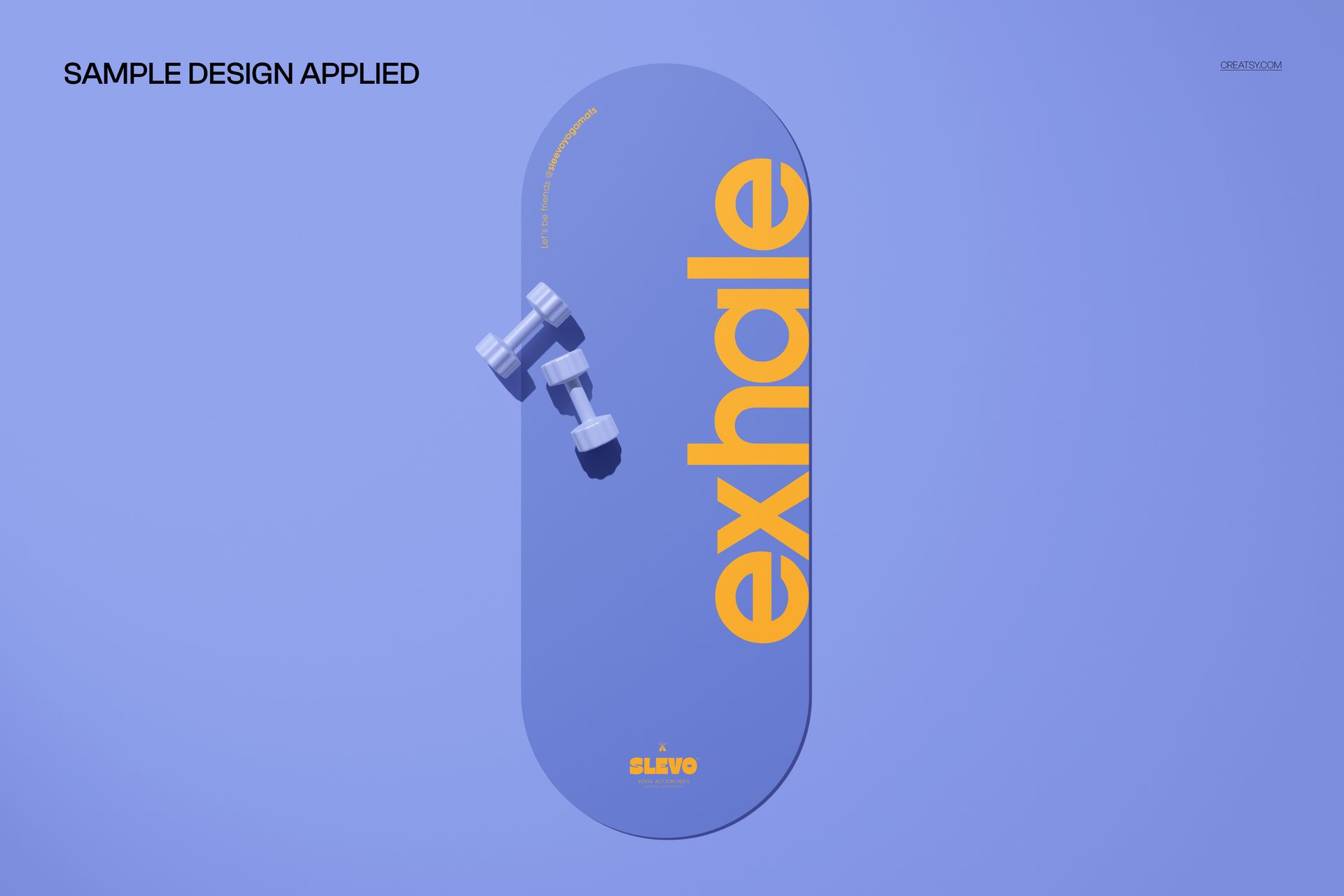
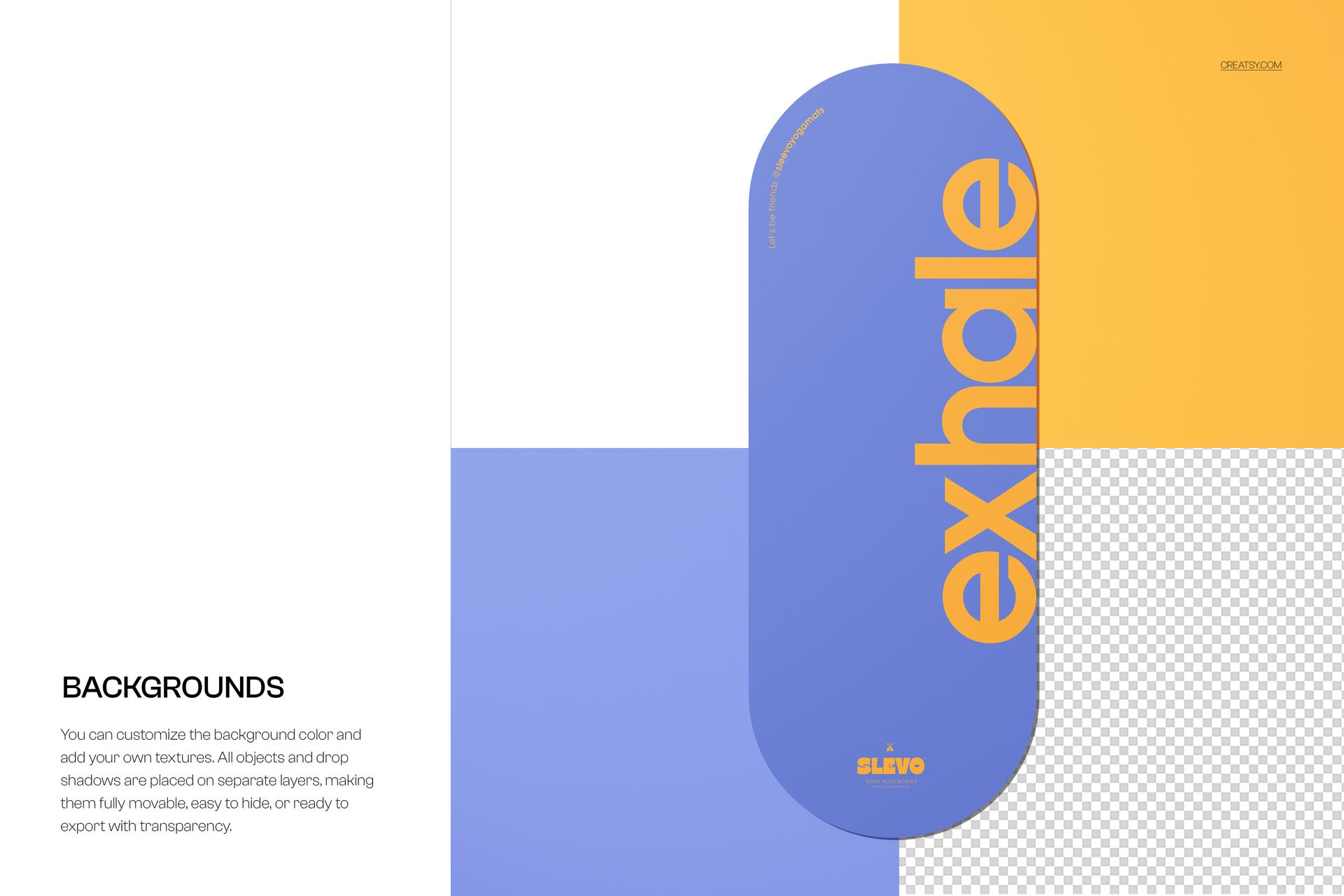
Each PSD file uses smart object layers for surface artwork placement. Double-click the smart object, paste your pattern or logo, save, and the design wraps onto the PU mat surface with accurate perspective and lighting. Background color is controlled through a dedicated layer, so you can match any brand palette or seasonal campaign theme without masking. The organized layer structure keeps all adjustments non-destructive, and you can toggle individual elements on or off depending on the exact composition you need for a particular listing image or social media post.
Who This Mockup Set Is For
Yoga equipment brands preparing product pages for Shopify, Amazon, or a direct-to-consumer store. Surface pattern designers testing oval repeat layouts before committing to print production. Fitness accessory startups building investor pitch decks or crowdfunding campaign visuals. Print-on-demand sellers previewing customer-facing designs on a realistic product shape. Branding and creative studios assembling lifestyle mood boards or product catalogs for wellness and mindfulness clients.
File Specifications
Files: 9 PSD. Dimensions: 6000x4000 px. Resolution: 300 DPI. Color mode: RGB. Total download size: 2.55 GB. Compatibility: Adobe Photoshop CC 2020 or newer, Photopea.
File details
- Compatibility


- Products in bundle
- 9
- Package size
- 2.3 GB
 |2.47 GB
- Files type
- .psd, .jpg
INCLUDED/9


All 9 products in this bundle
MEET THE SHOP

Creatsy
Poland
Bring your ideas to life.
We're a family-run studio in Katowice, Poland, making PSD mockups by hand since 2016. Everything in this shop starts in our own studio. We shoot the photography, build the 3D, and put together every Smart Object PSD ourselves - then we test it, organize the layers, and only ship it once it actually works...
 15$2550$30.00
 15$1870$22.00
 15$1615$19.00
 15$2040$24.00

HOW IT WORKS
3 clicks. That's it.
No tutorial needed. If you can copy-paste, you can use this.
- 1OpenDouble-click the smart object inside the PSD - in Adobe Photoshop, or free in your browser with Photopea.
- 2PasteDrop in your pattern, print, or artwork. Any design, any style.
- 3SaveHit save and the mockup wraps it in for you - shadows, folds, and lighting included.
FROM IDEA TO IMAGE
Built for real workflows
Skip the photo shoot Show your artwork on the real product type for approvals or listings - no studio, no model, no sample.
See it on the product, not a swatch Drop your file into the smart object and the scene's lighting and folds wrap around it, so you judge the real thing before you commit.
Smart Objects
Edit once and you're done. Your artwork drops into a smart object and the mockup updates itself - no masking, no warping by hand.
Perfectly Organized
Named layers and folders you can actually navigate. Find what you need, change what you want, and get out fast.
Print-Ready
High-resolution files built to hold up on screen and in print. Exact size and DPI are in this product's Details above.
