Can in Hand Mockup
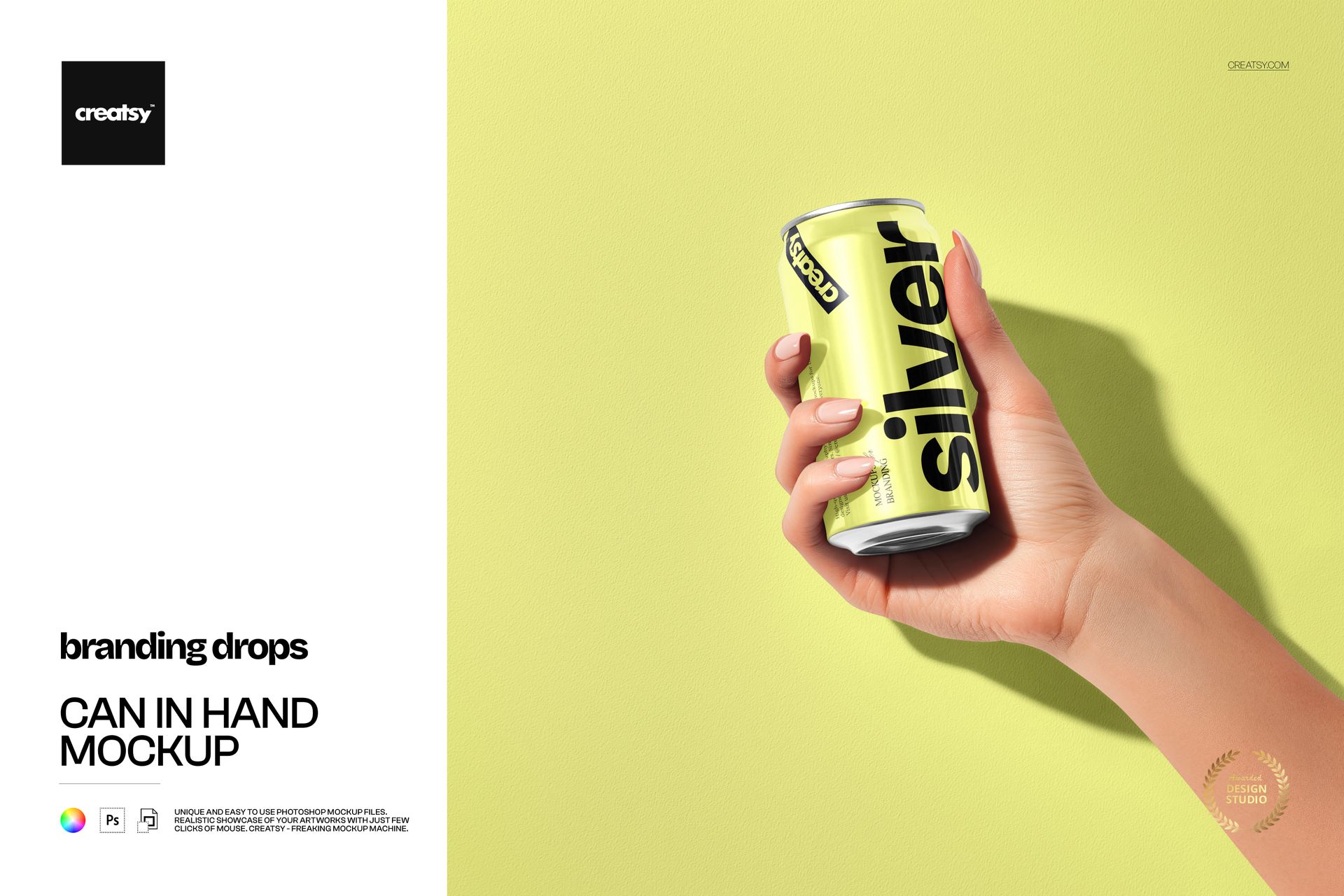
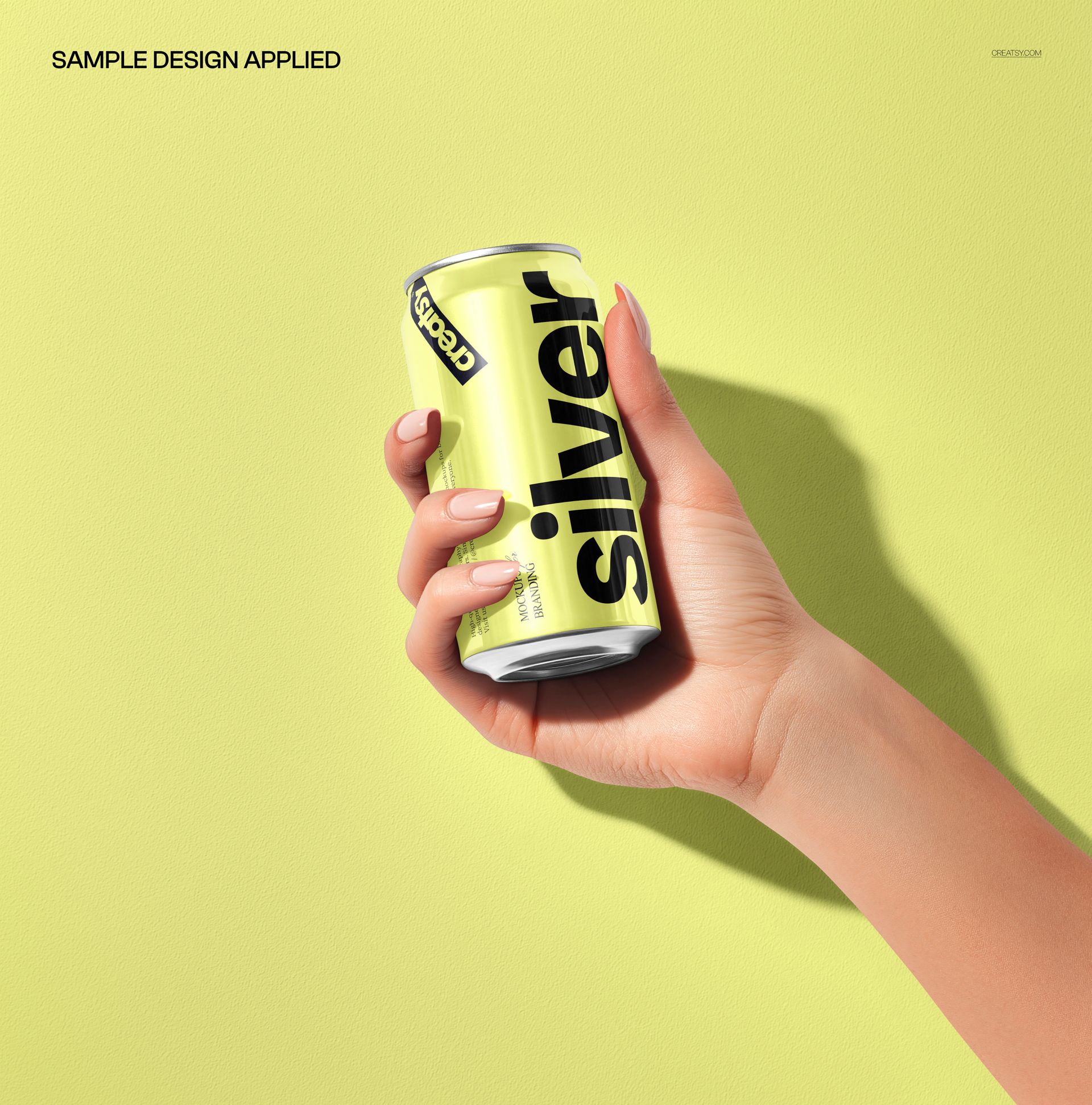
A hand-held can puts beverage branding in a human context. This square scene pairs a tall aluminum can with a textured background and a defined cast shadow, giving logos, flavor names and bold typography a clear focal point. Use it to show how a label reads when the product is actually being held, rather than displayed alone.
What Is Included
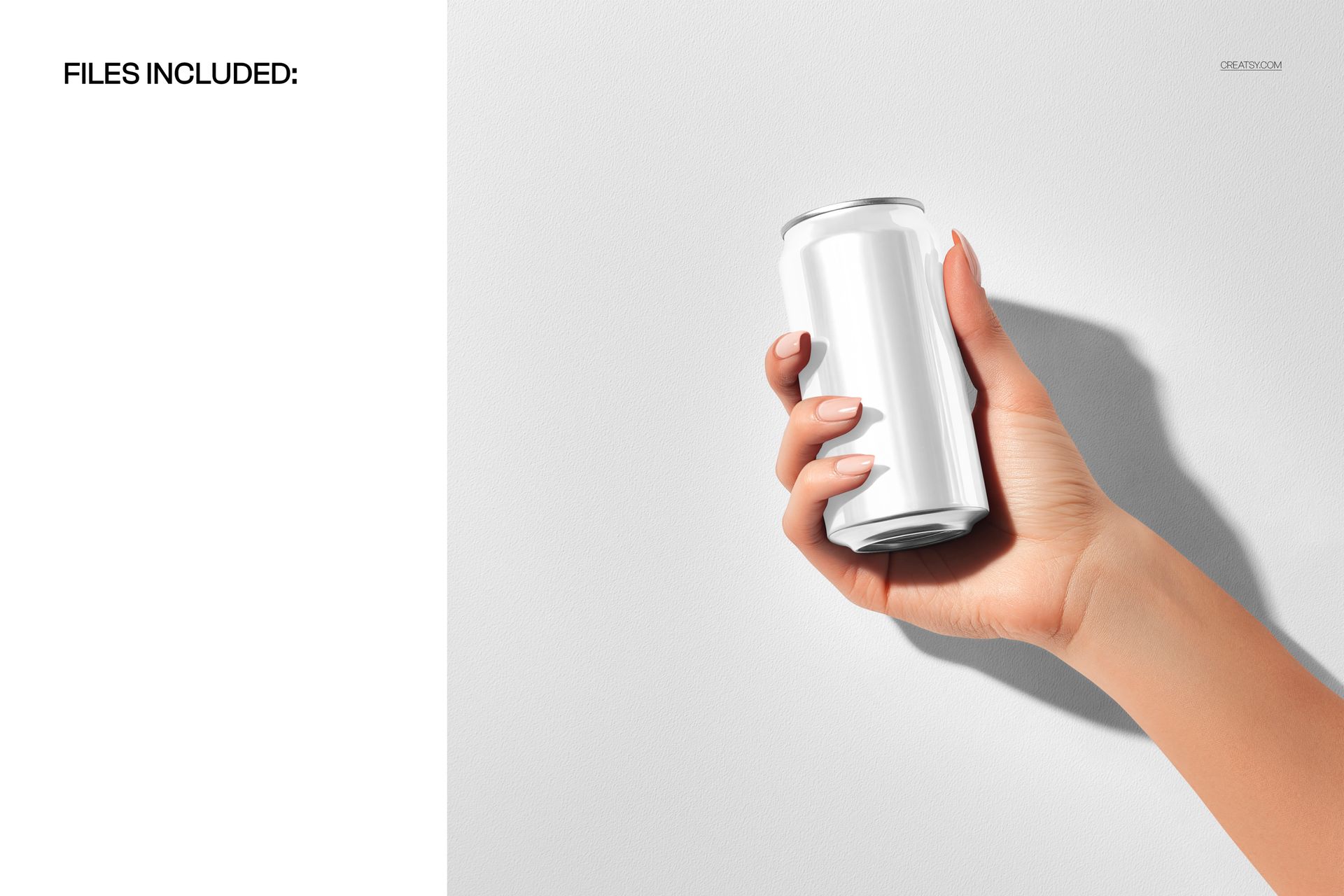
1 layered PSD mockup with one can-in-hand scene.
1 JPG preview, 2 files in total.
300 DPI and well-organized layers.
Compatible with Adobe Photoshop CC2020 or newer and Photopea.
A Movable Subject and an Editable Background
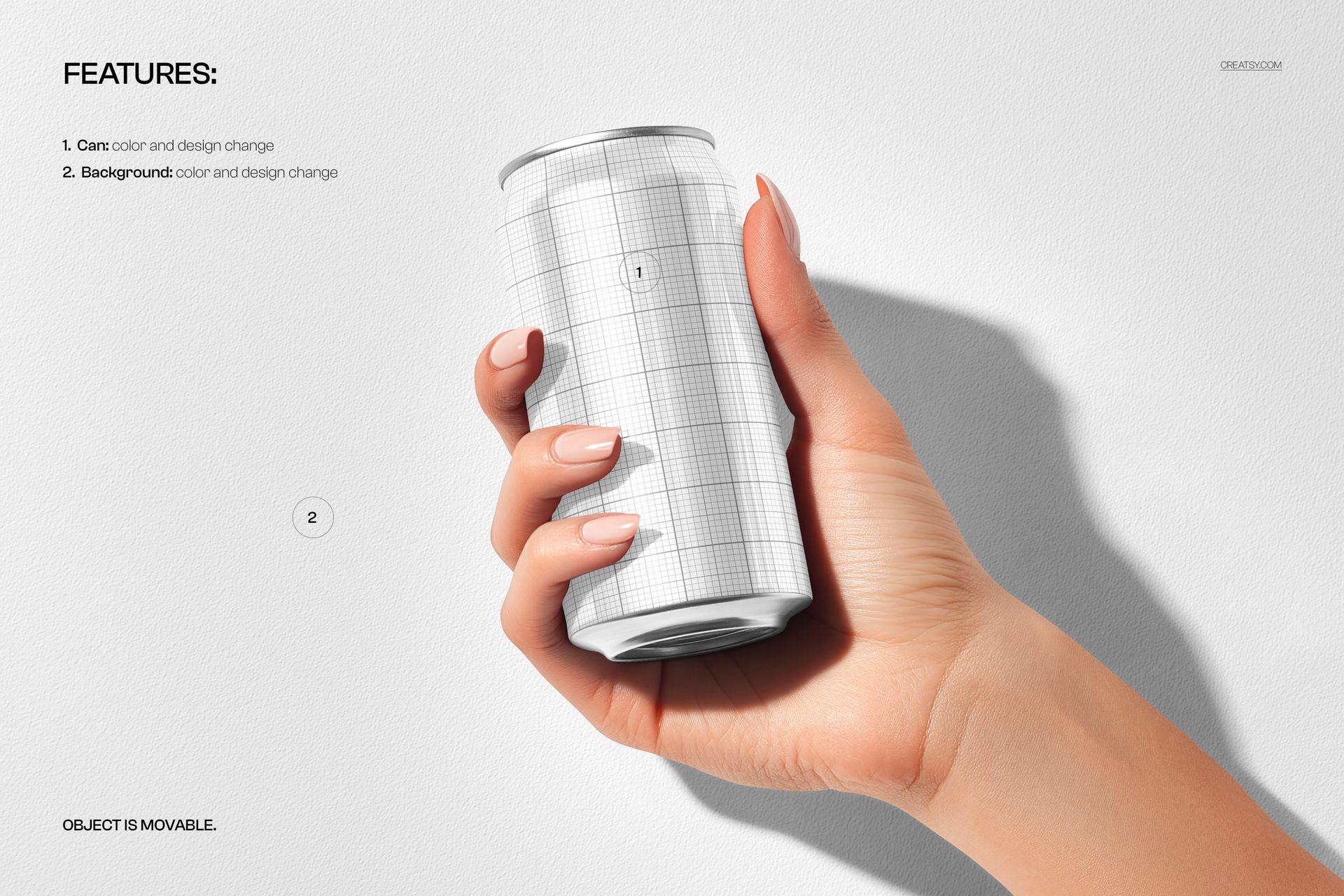
Change the can color and artwork, then coordinate the background color and design with your campaign. The featured object is movable, allowing you to adjust its placement within the composition. The visible hand adds context while the can remains the focus.
Easy Smart Object Editing
Open the PSD, place your label artwork in the relevant Smart Object and save that Smart Object to update the scene. Compare versions using the same placement before exporting your chosen presentation.
Perfect For
Soda, sparkling water and ready-to-drink brand concepts.
Beverage label approvals and packaging portfolios.
Launch graphics and social campaigns with a hand-held product.
This is a digital mockup, not a physical can or a production template. Sample artwork shown in the previews is not included.