Stainless Steel and Powder Coated Flask Mockup Set

Product Details
Stainless Steel and Powder Coated Flask Mockup Set
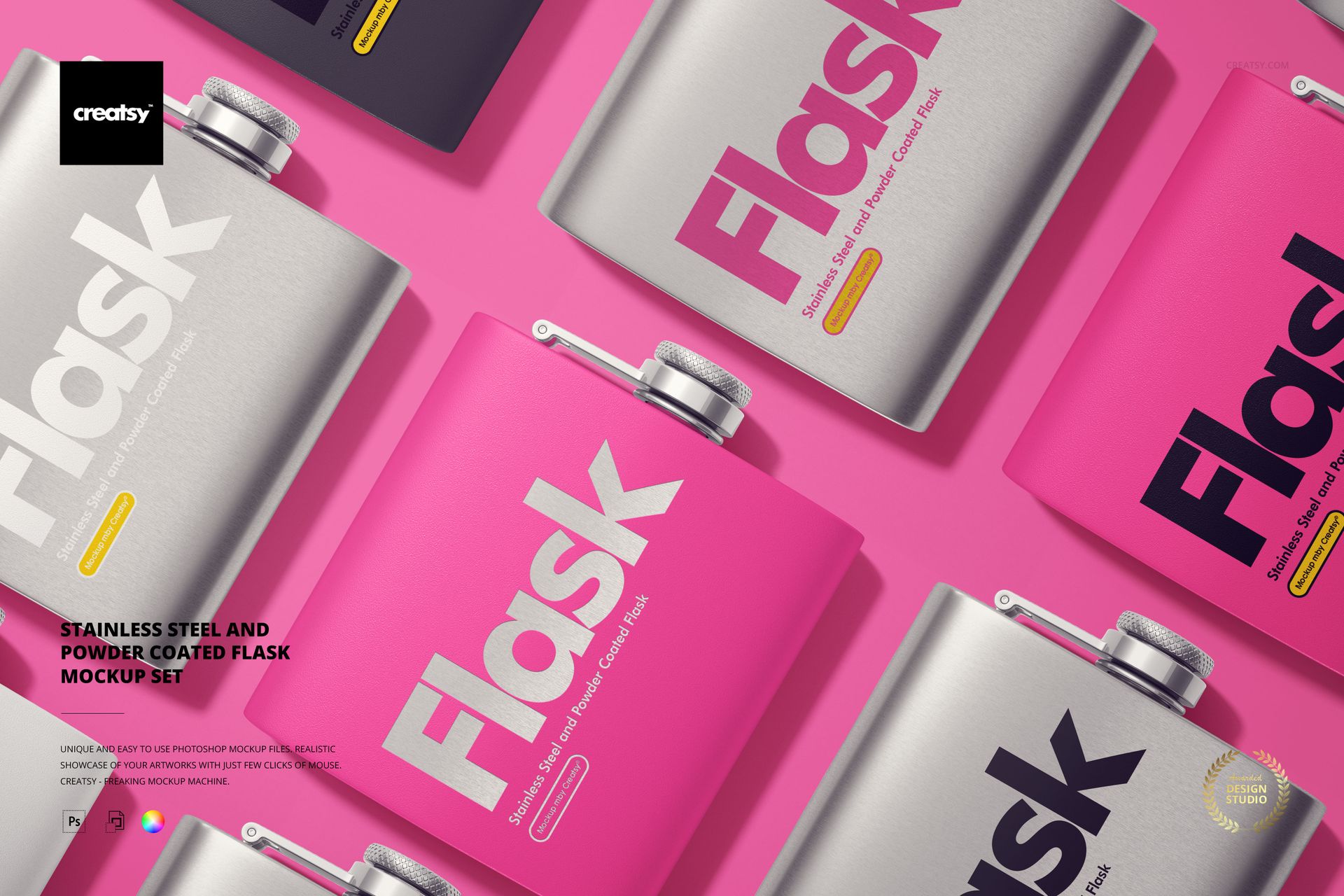
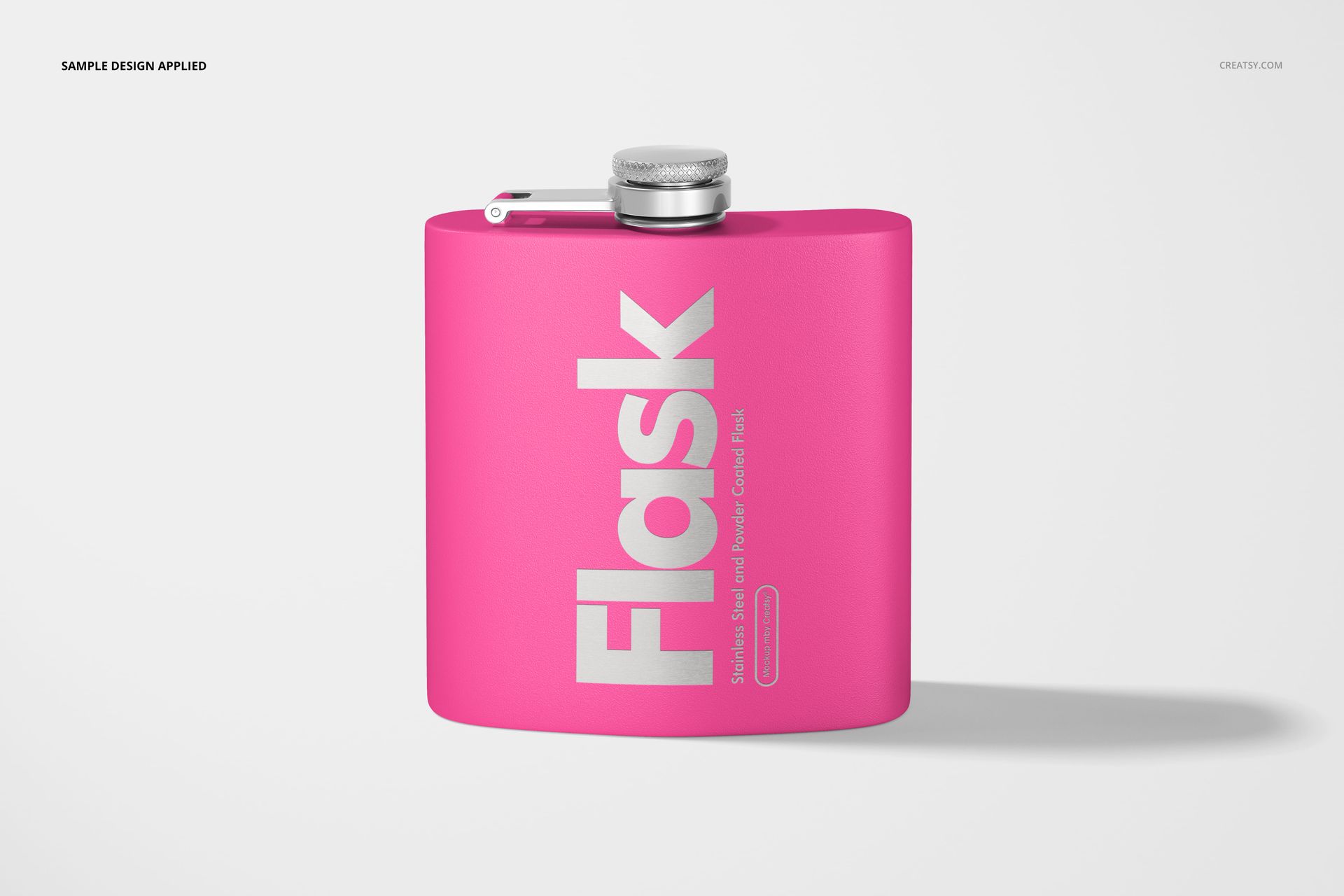
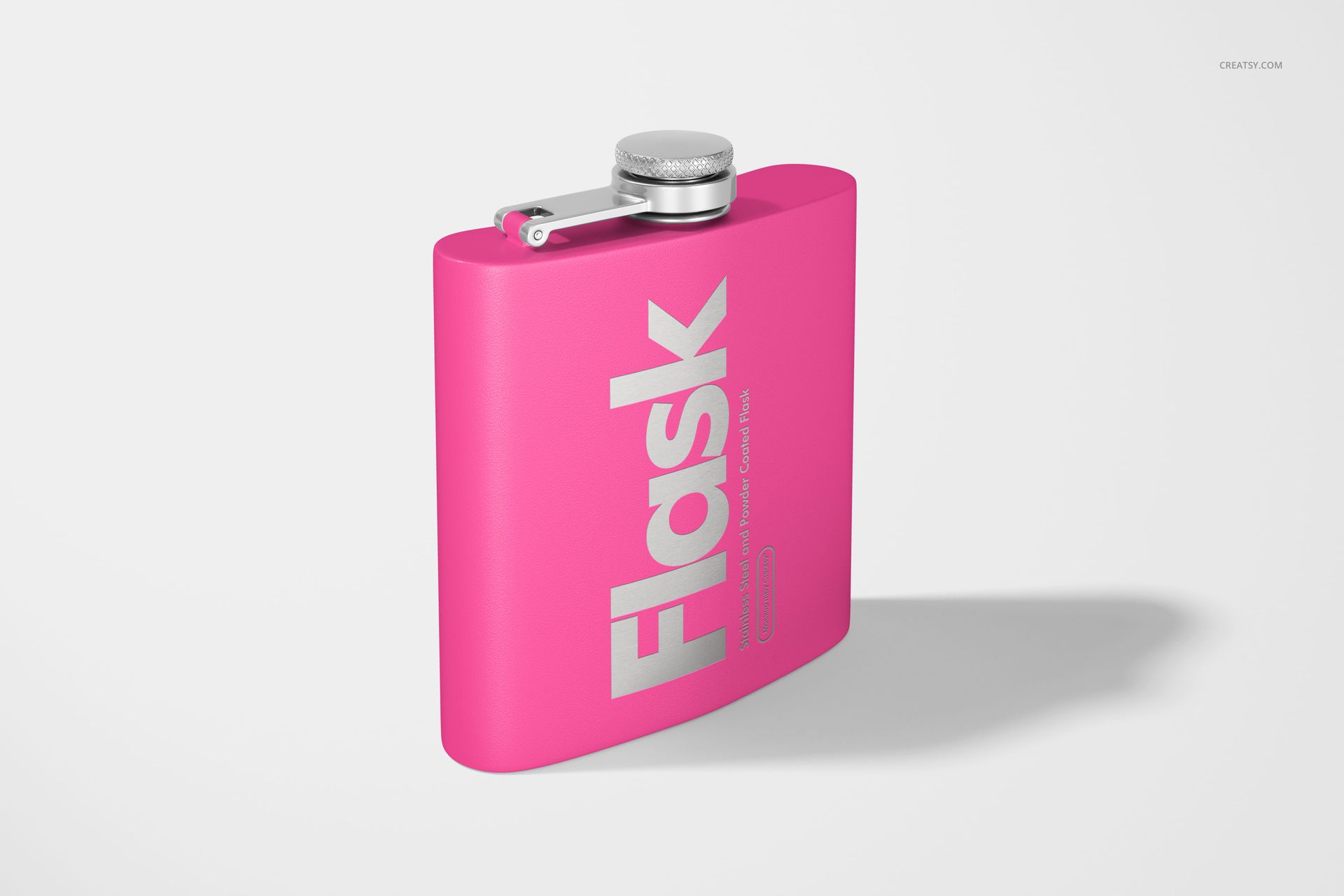
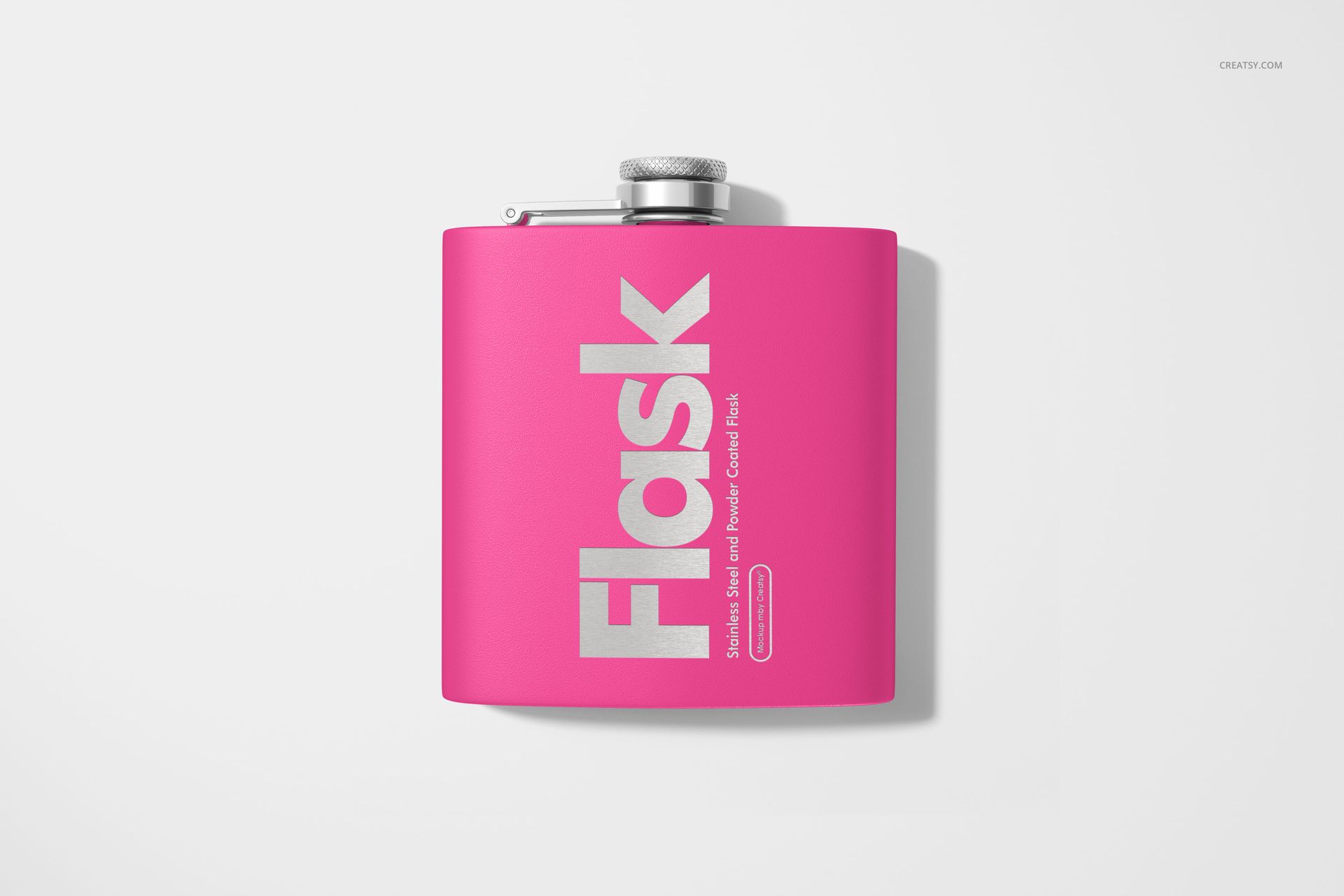
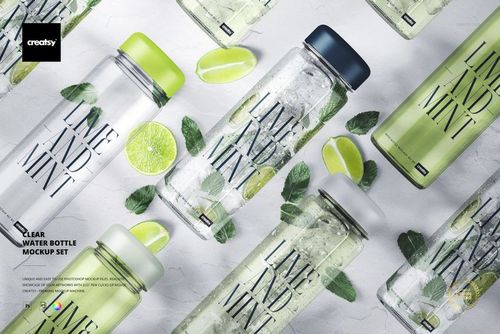
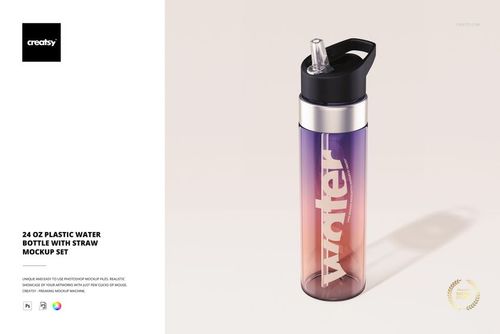
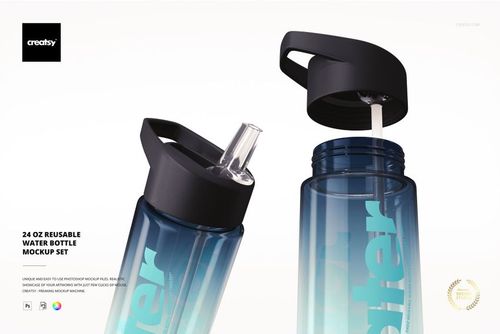
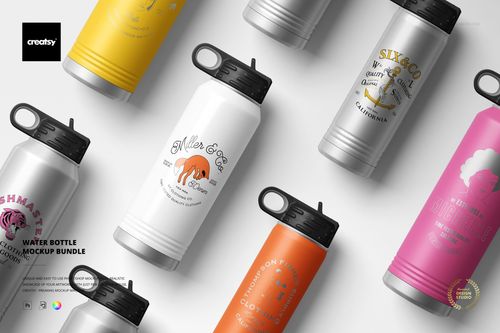
Good design should travel. That’s the idea behind our Stainless Steel and Powder Coated Flask Mockup Set – a stylish, functional canvas for showcasing your artwork, branding, or packaging designs. These flasks aren’t just practical accessories; they’re statement pieces in your creative portfolio.
Two Finishes, Endless Possibilities
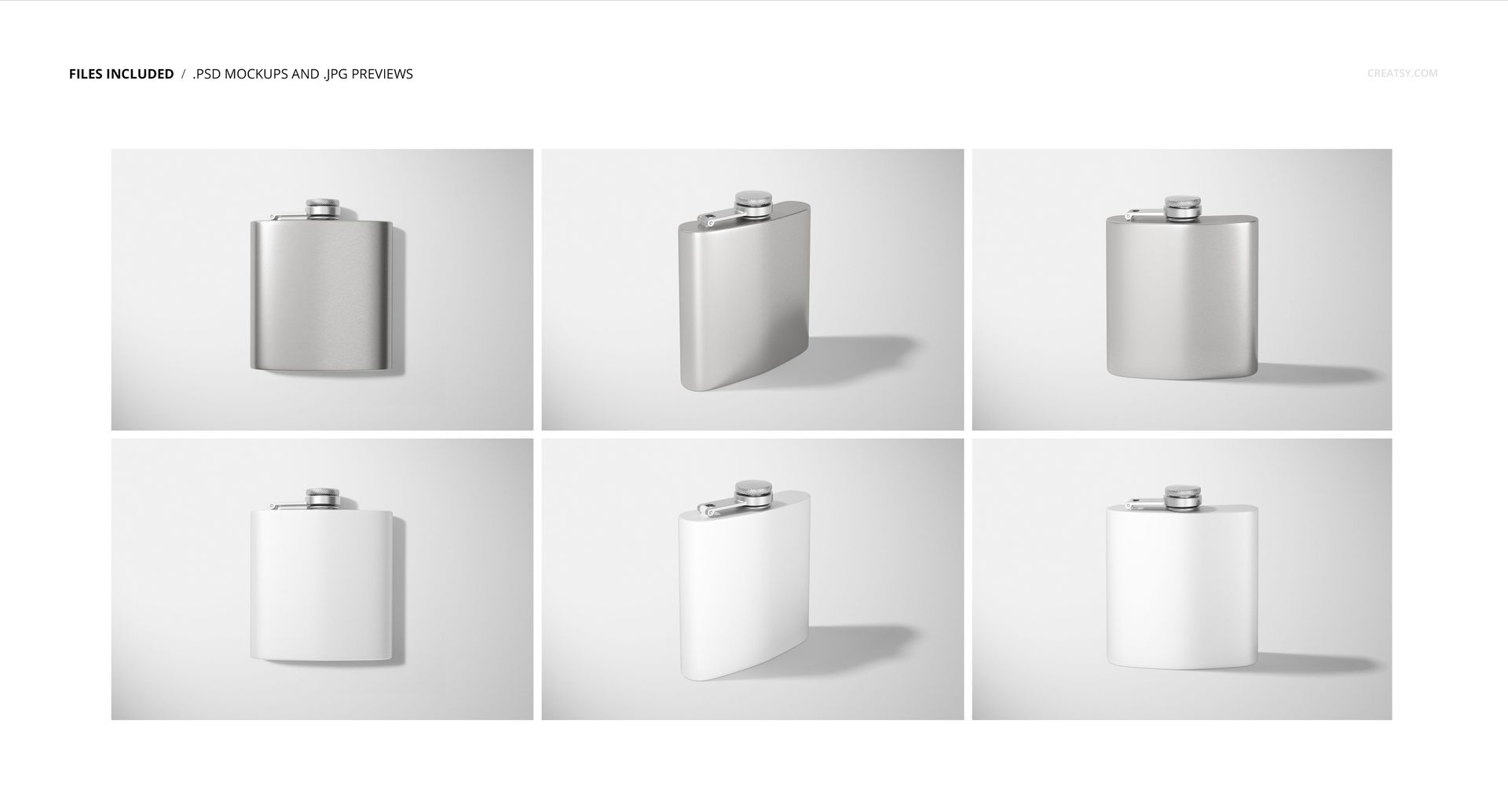
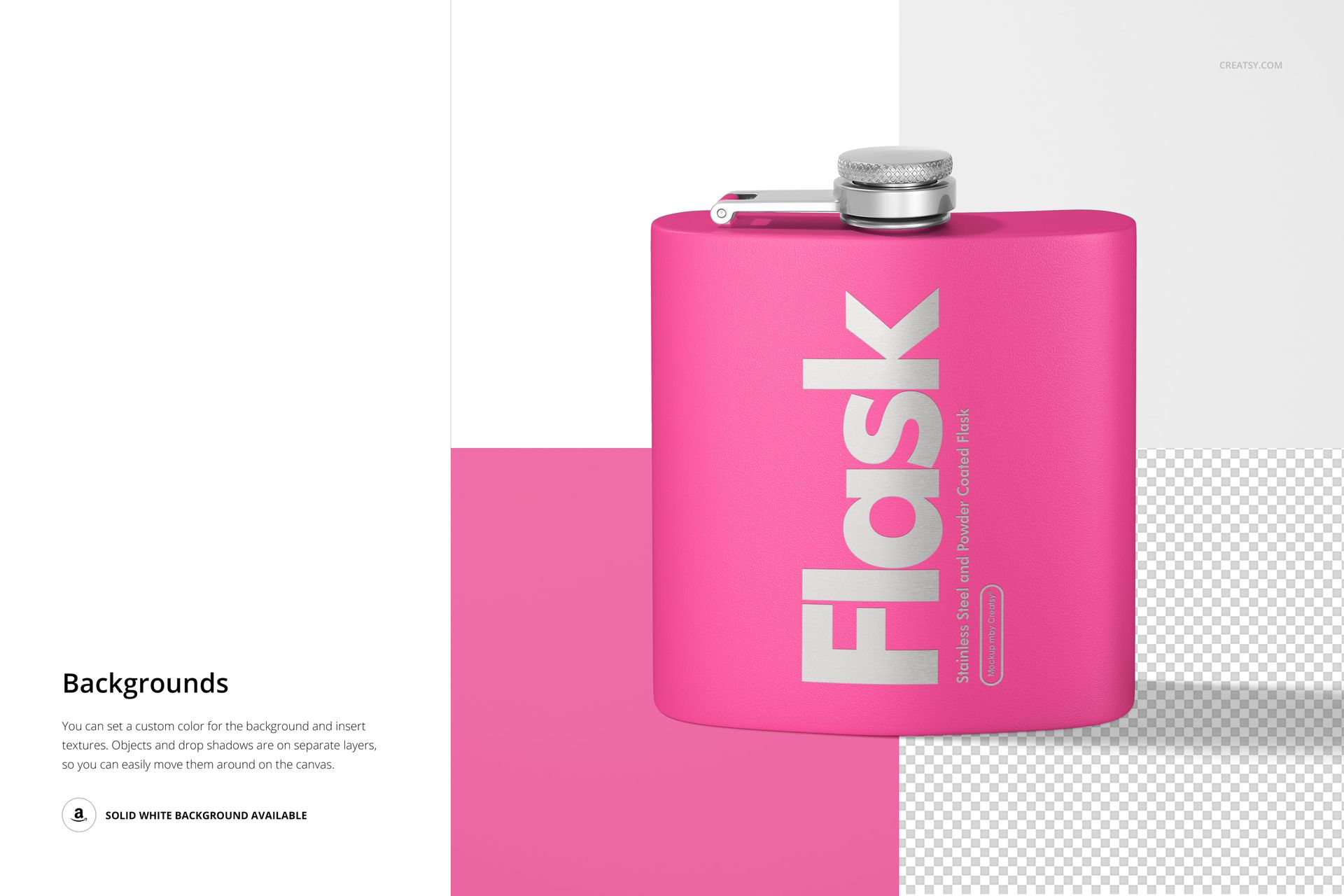
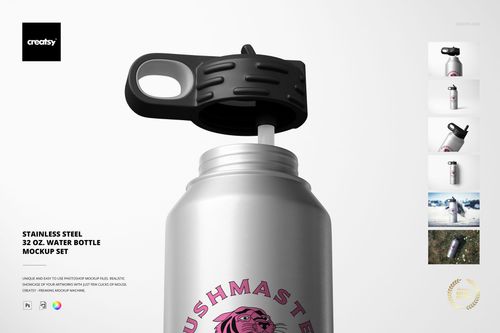
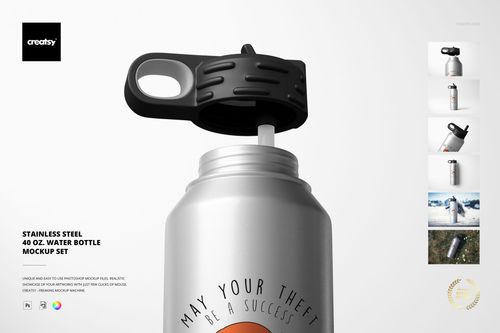
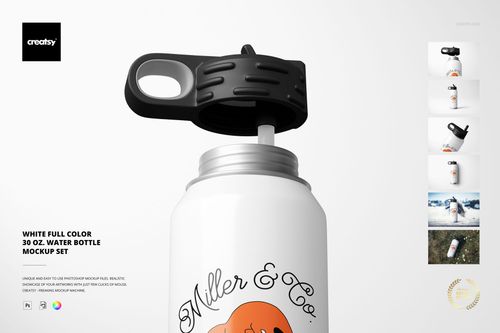
This versatile set includes 6 PSD mockups, offering multiple views and angles – from standing to side shots, flat lays to front-facing perspectives. Choose your finish: go for the cool, industrial edge of stainless steel, or opt for the bold color potential of a powder-coated surface. Each flask becomes a playground for your imagination.
Drinkware That Deserves the Spotlight
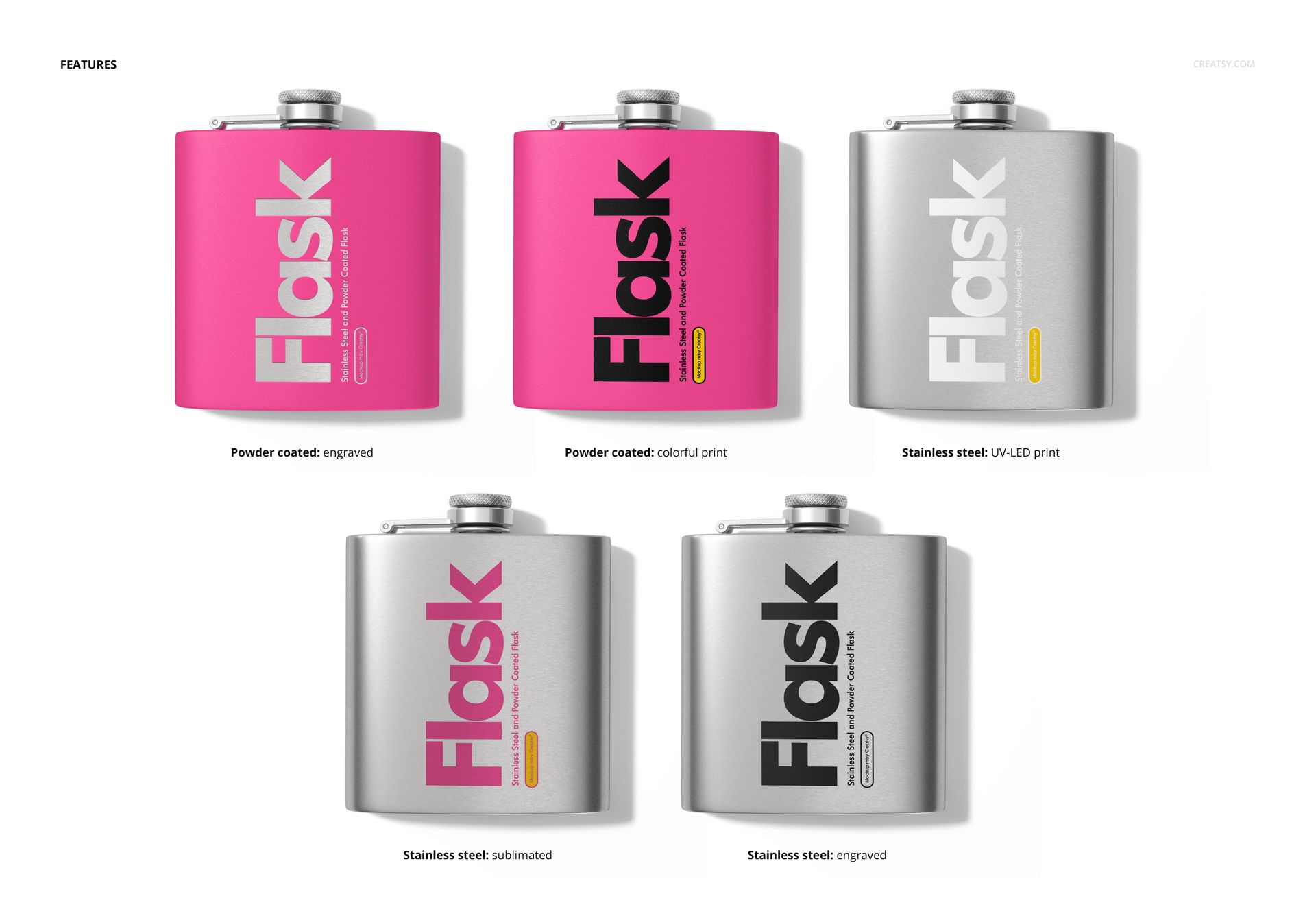
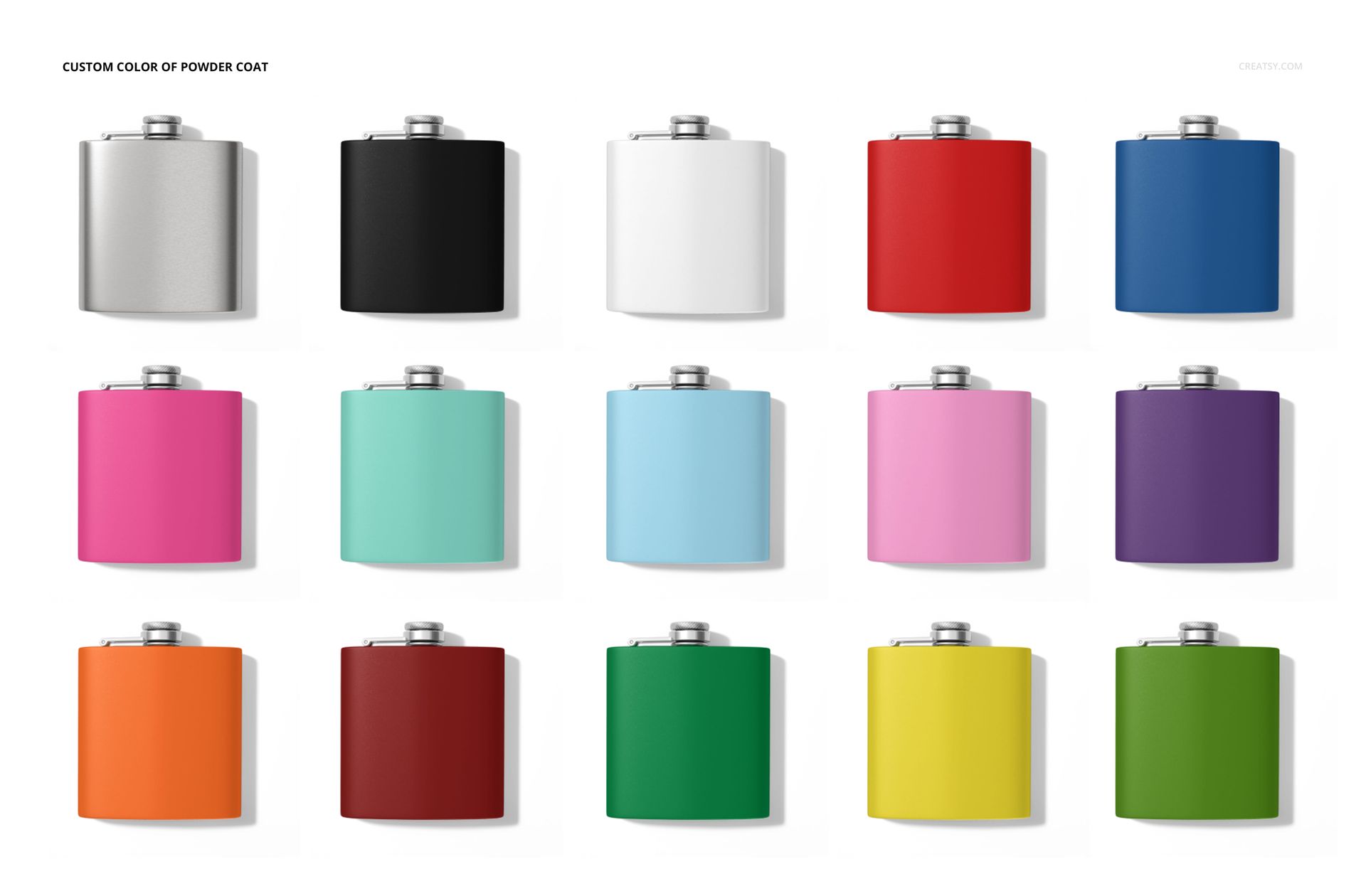
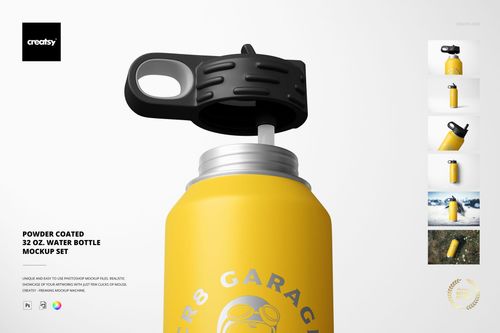
For stainless steel, select from UV LED printing, sublimation, or engraving – perfect for showcasing branding, logos, or intricate graphic design work. Prefer a pop of color? The powder-coated version lets you pair your imprint with any custom surface pattern, and you can match the powder coat to your brand palette with full freedom.
- Compatibility: Adobe Photoshop (min. version PS CC2020), Photopea.com,
- Pack includes: 6 PSD files with well-organized layers: 6000x4000 px, 300 dpi,
- Check screenshots for all the features;
- Well organized layers.

File details
- Compatibility
- Number of files included
- 12
- Package size
- 958 MB
|1 GB
- Files type
- .psd, .jpg
- Files size
- 6000x4000


MEET THE SHOP

HOW IT WORKS
3 clicks. That's it.
No tutorial needed. If you can copy-paste, you can use this.
- 1OpenDouble-click the smart object inside the PSD - in Adobe Photoshop, or free in your browser with Photopea.
- 2PasteDrop in your pattern, print, or artwork. Any design, any style.
- 3SaveHit save and the mockup wraps it in for you - shadows, folds, and lighting included.
FROM IDEA TO IMAGE
Built for real workflows
Wrap your logo around the cup, not a flat rectangle Drop the artwork in and see how it sits on the curve before you list it.
See it on the product, not a swatch Drop your file into the smart object and the scene's lighting and folds wrap around it, so you judge the real thing before you commit.
Smart Objects
Edit once and you're done. Your artwork drops into a smart object and the mockup updates itself - no masking, no warping by hand.
Perfectly Organized
Named layers and folders you can actually navigate. Find what you need, change what you want, and get out fast.
Print-Ready
High-resolution files built to hold up on screen and in print. Exact size and DPI are in this product's Details above.