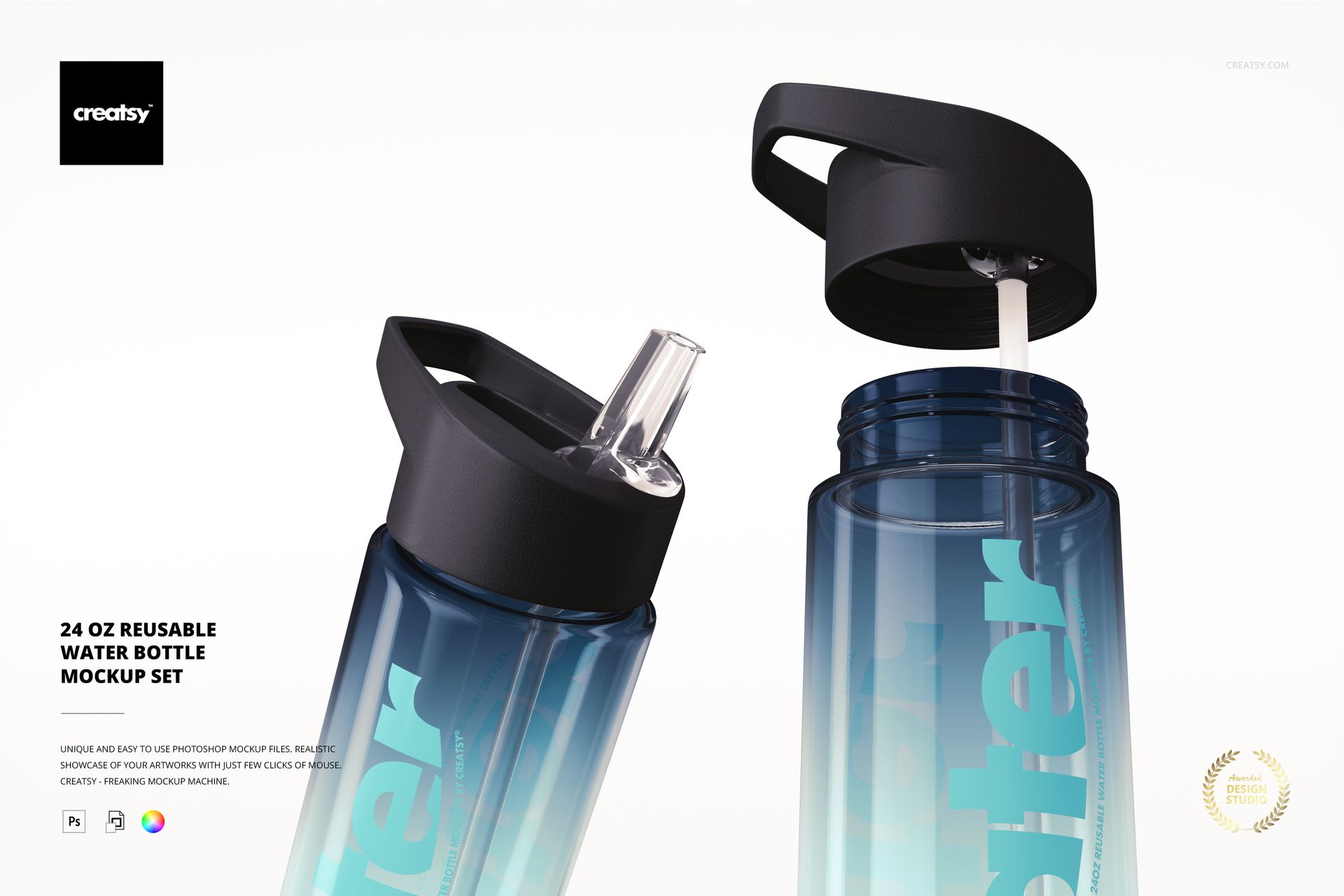
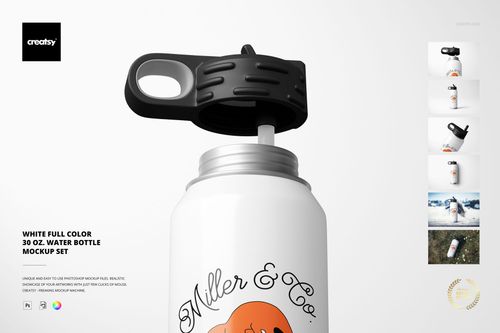
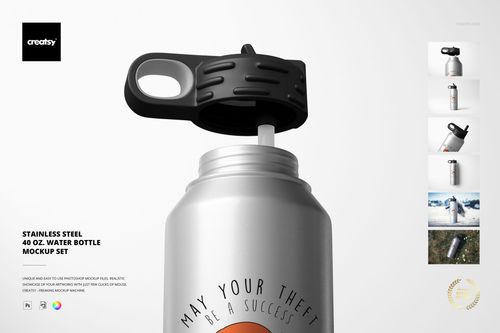
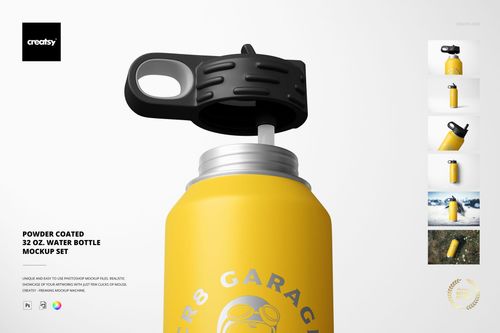
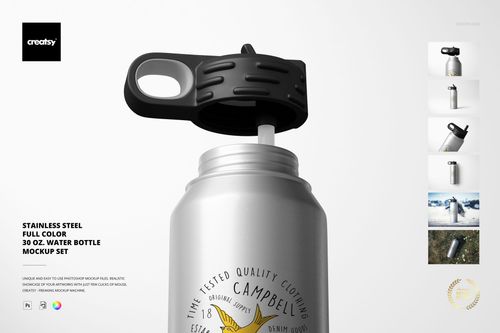
24 oz Reusable Water Bottle Mockup Set

ID: 2037506389 | Updated: Jan 19, 2023

Product Details

24 oz Reusable Water Bottle Mockup Set

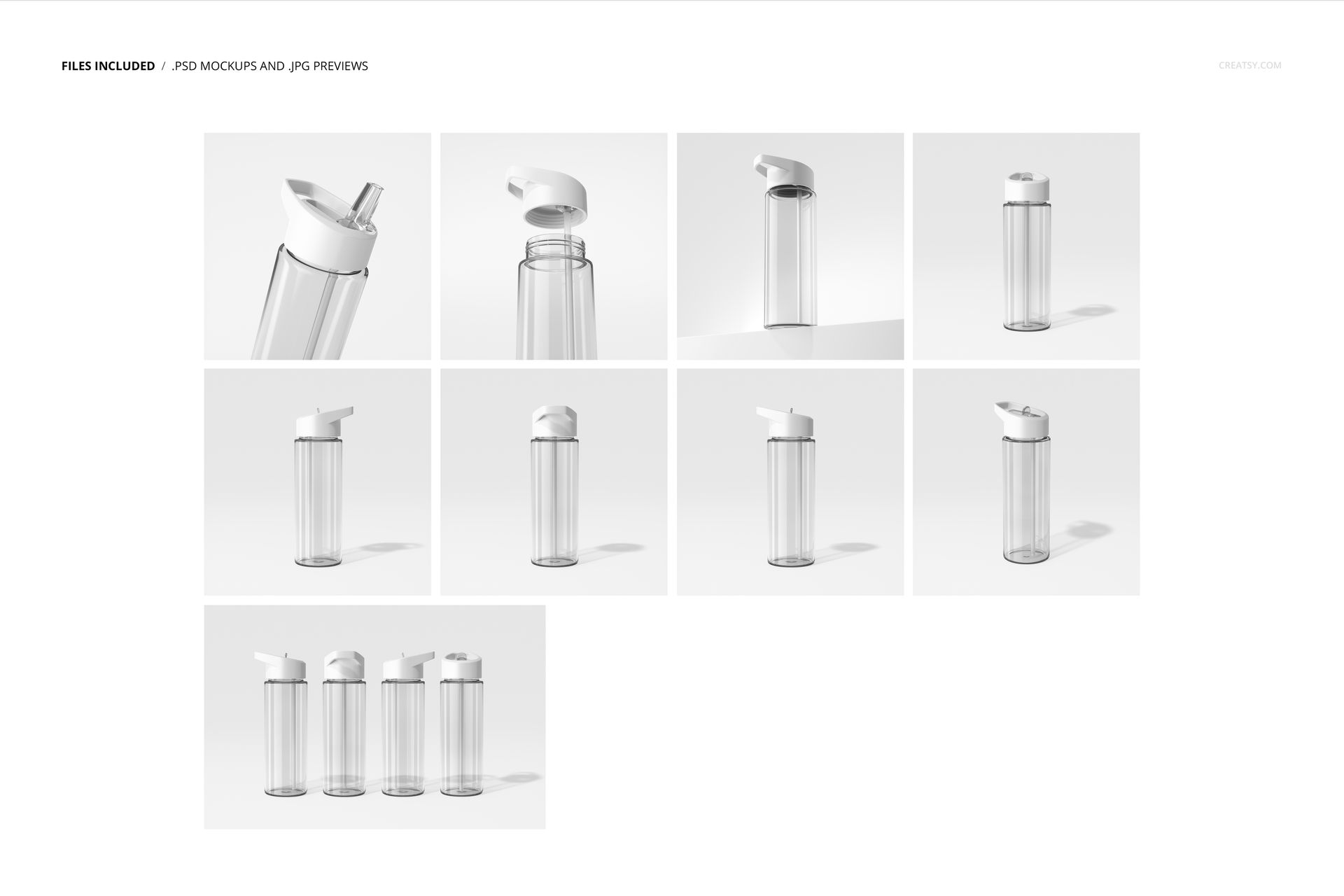
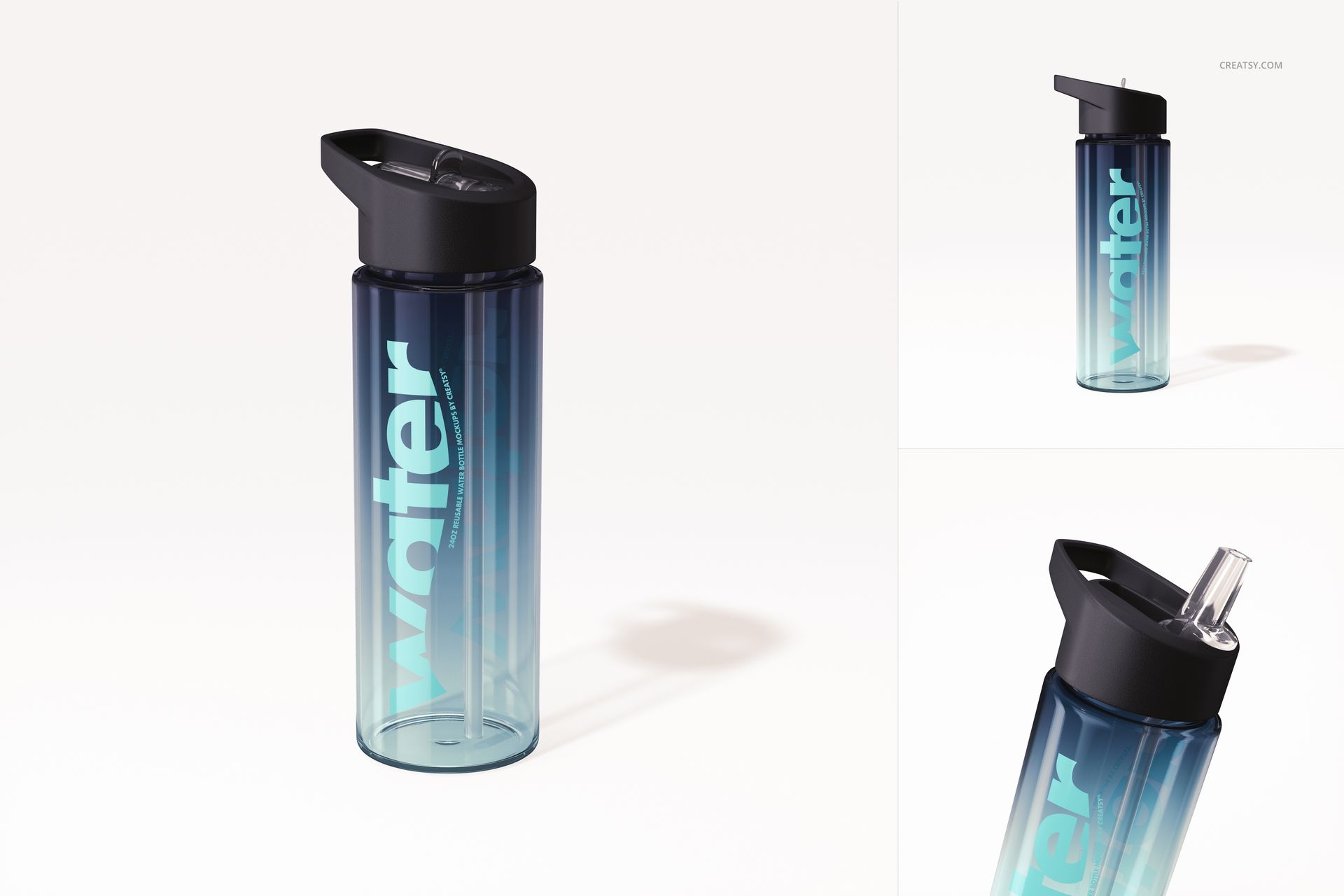
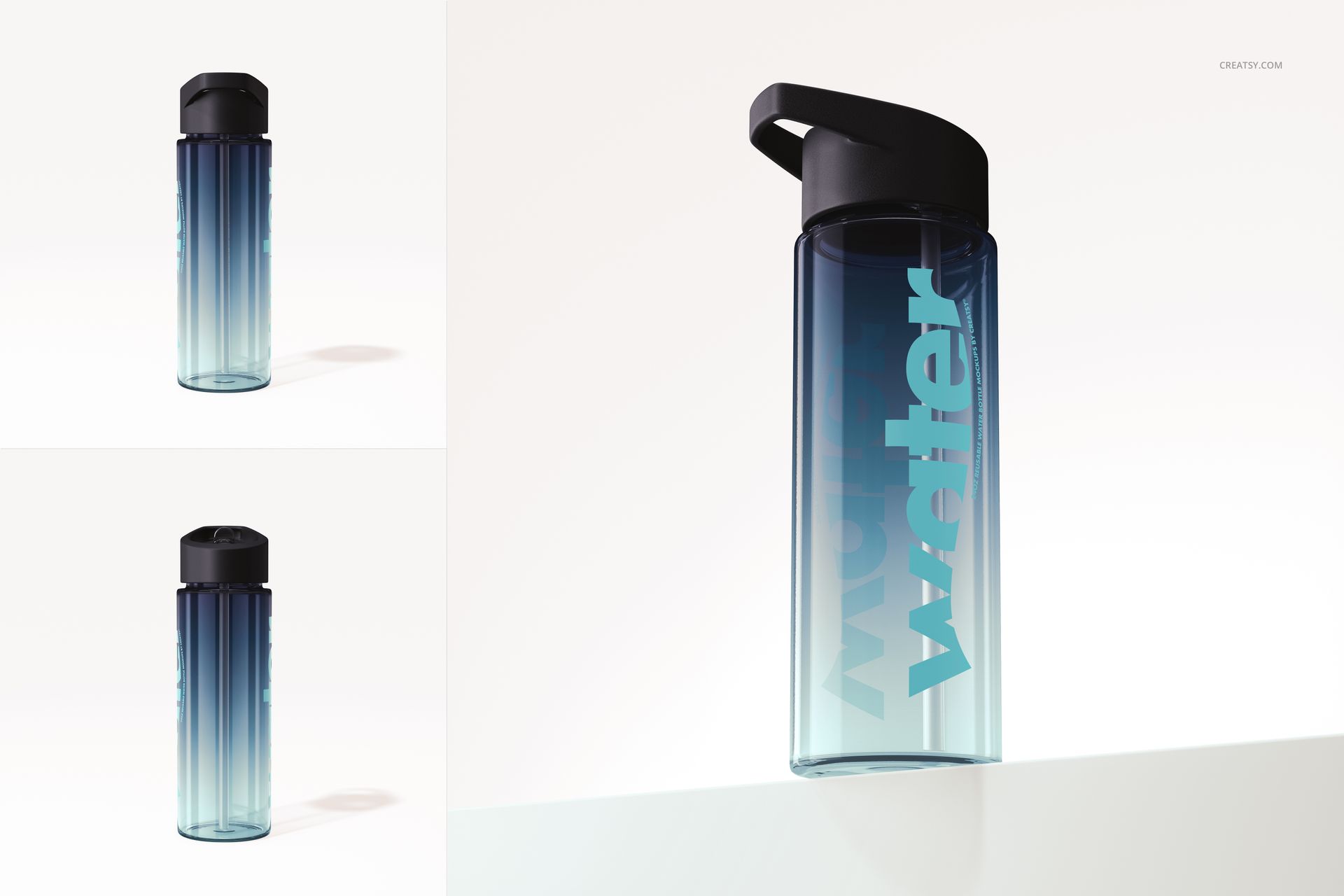
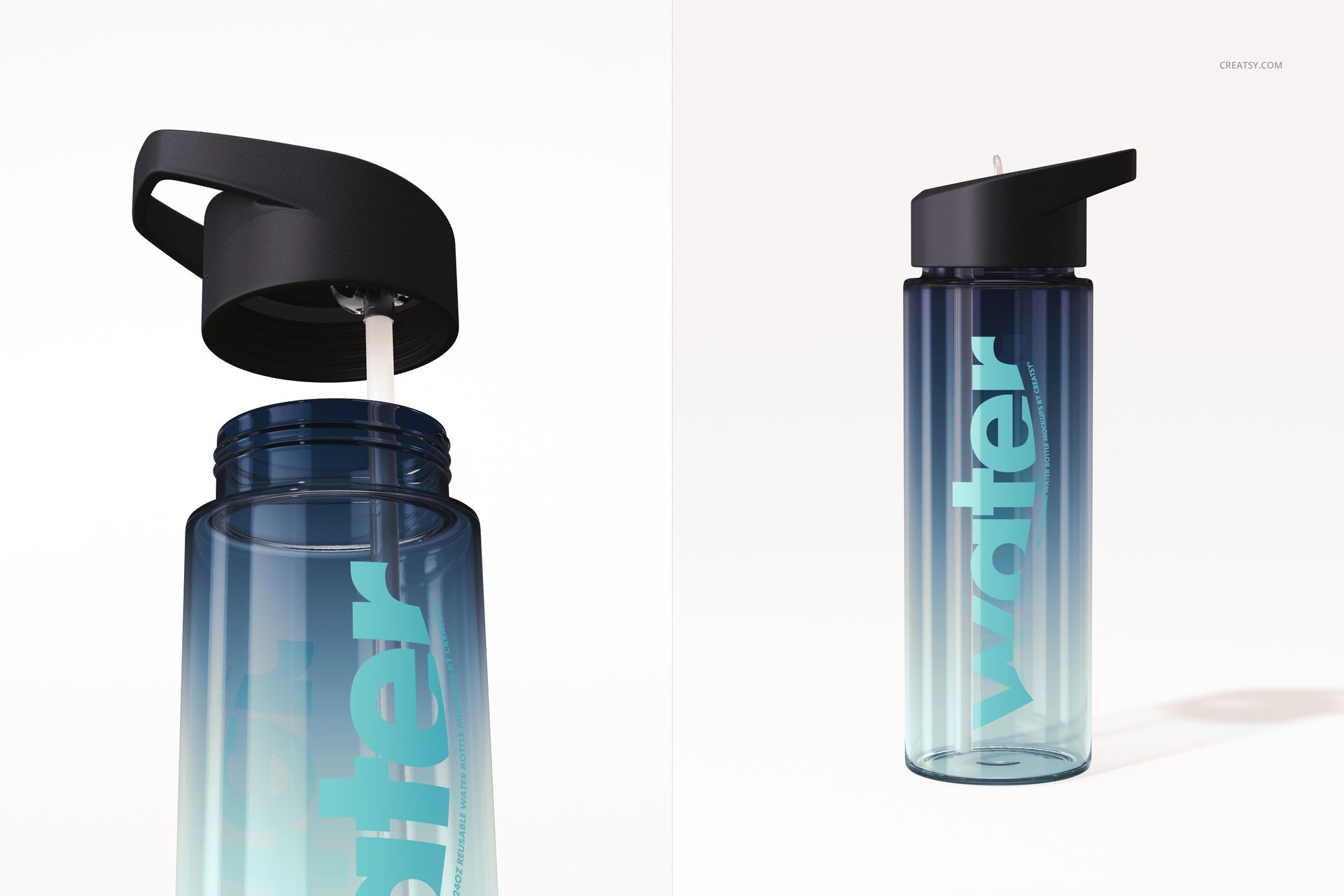
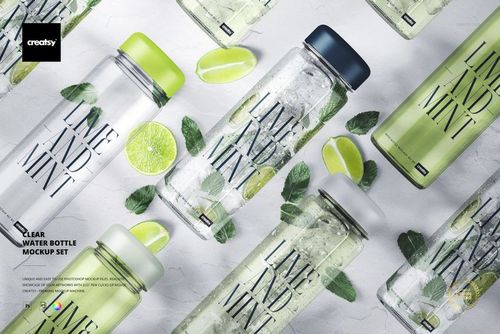
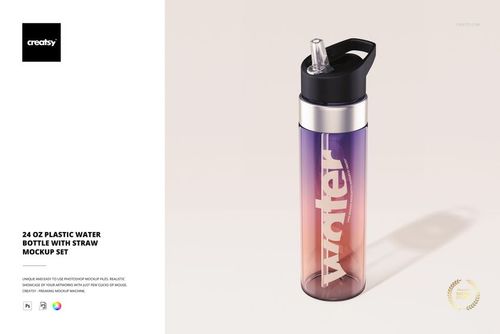
Take a sip of creativity with our 24 oz Reusable Water Bottle Mockup Set. This comprehensive collection features nine distinct PSD mockups, each with a unique perspective on reusable acrylic water bottles. With a focus on simplicity and minimalism, our set allows you to immerse yourself in quality and precision, giving your customized water bottles the attention they deserve.


Quality Meets Customization

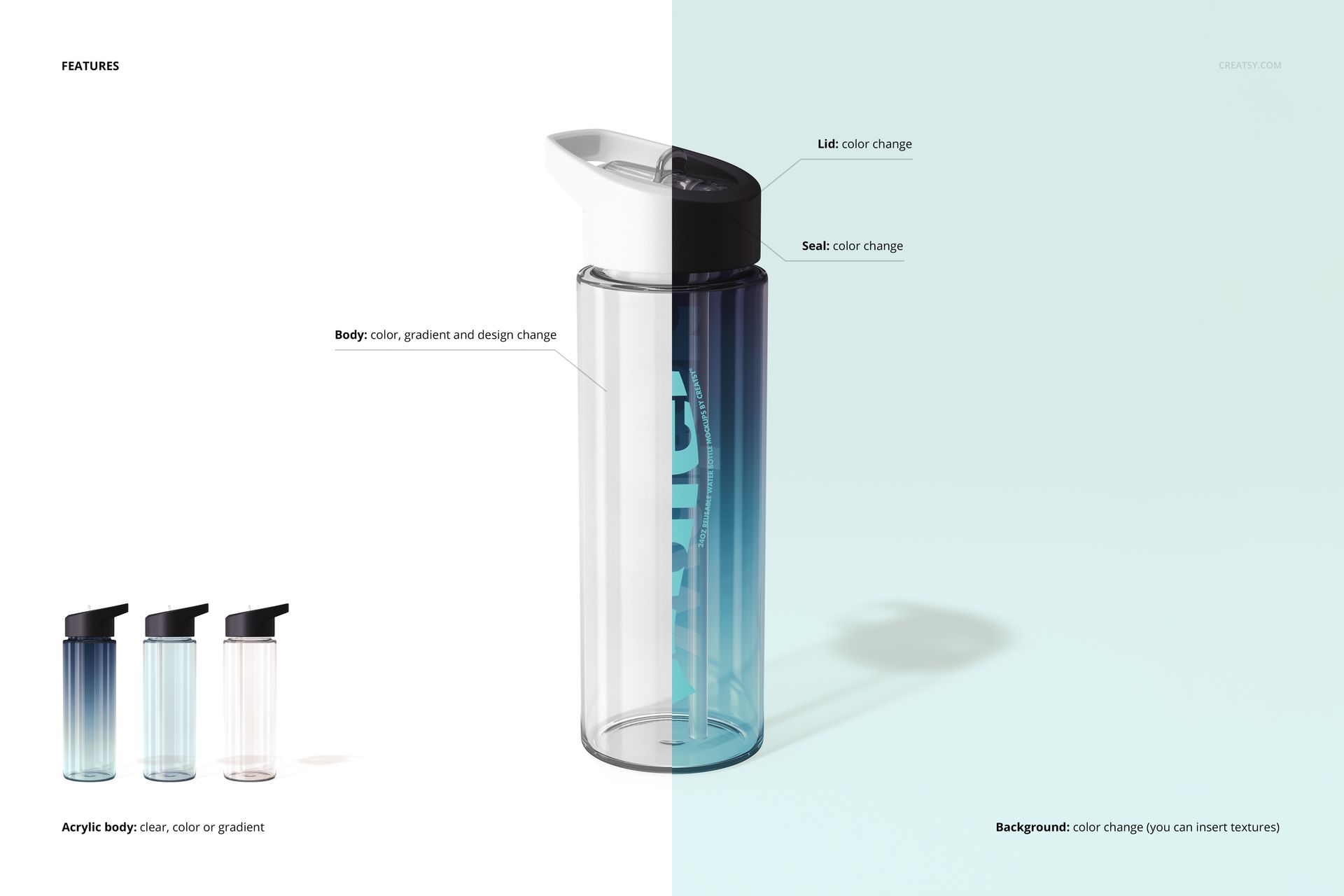
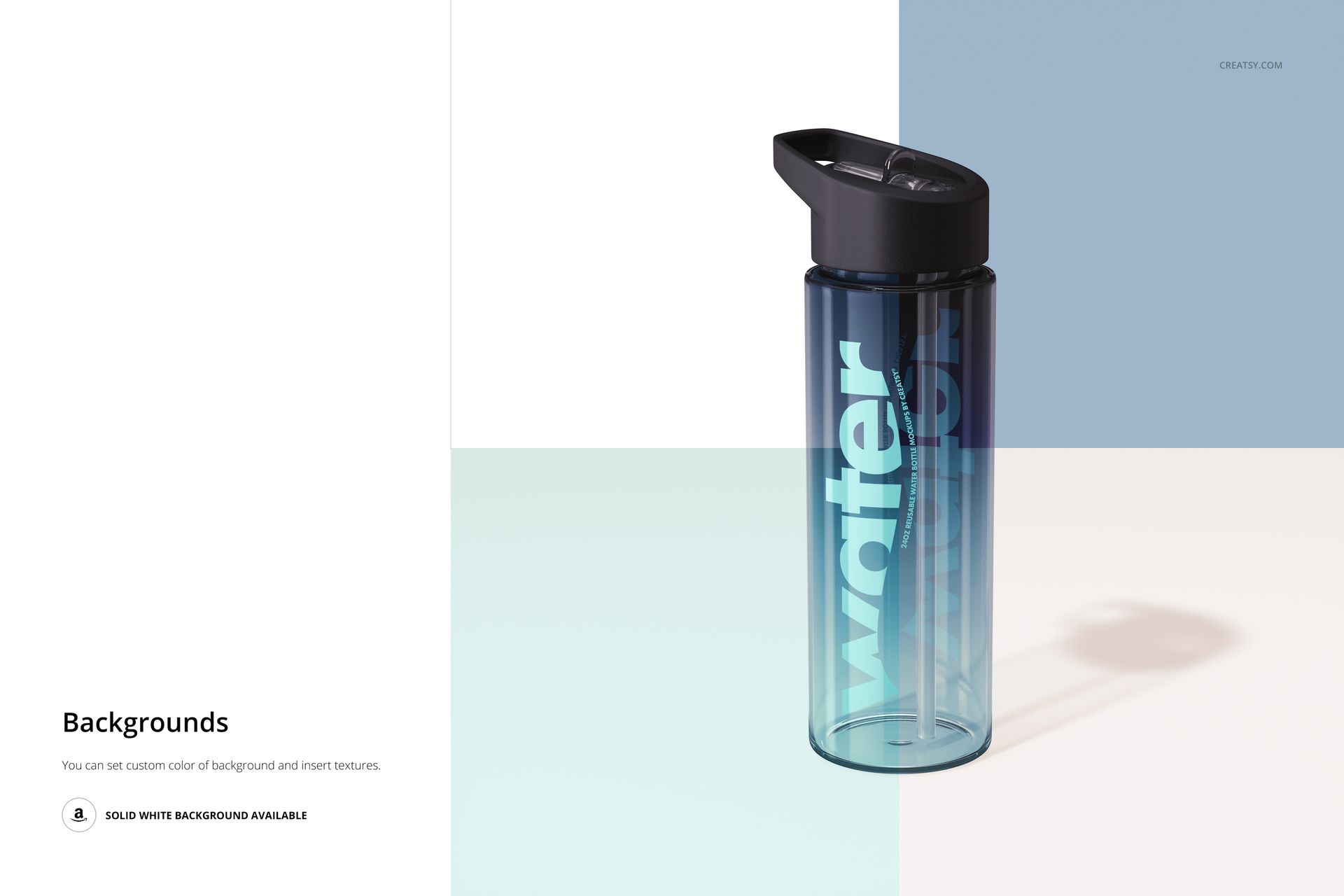
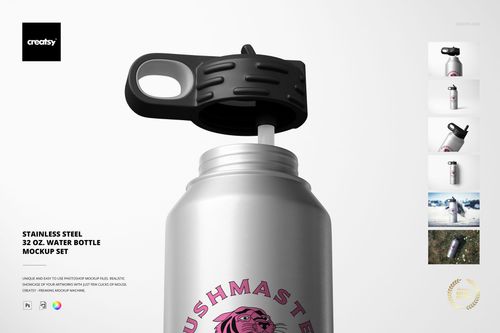
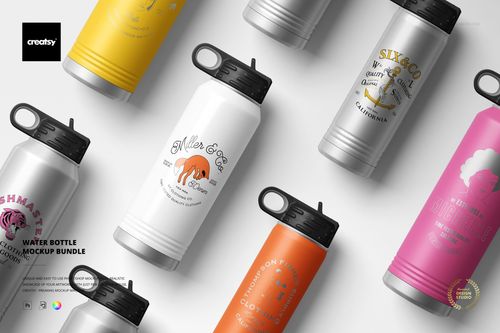
Our Reusable Water Bottle Mockup Set celebrates the union of minimalist design and personalized flair. Within this collection of nine well-organized PSD files, you have the creative freedom to reimagine every aspect of these acrylic water bottles. Customize the color and design of the bottle to reflect your unique style. Choose from clear, colored, or gradient options to create the perfect look. Change the color of the cap to seamlessly complement your design. Personalize the inside color of the seal for a smooth and sophisticated look. Explore endless possibilities by changing the color and design of the background. The sky's the limit with this mockup set!


  • Compatibility: Adobe Photoshop min. version CS6,
  • Pack includes: 9 PSD files with well-organized layers: 8x 6000x6000 px, 1x 6000x4000, 300dpi,
  • Check screenshots for all the features,
  • Editable components: color and design,
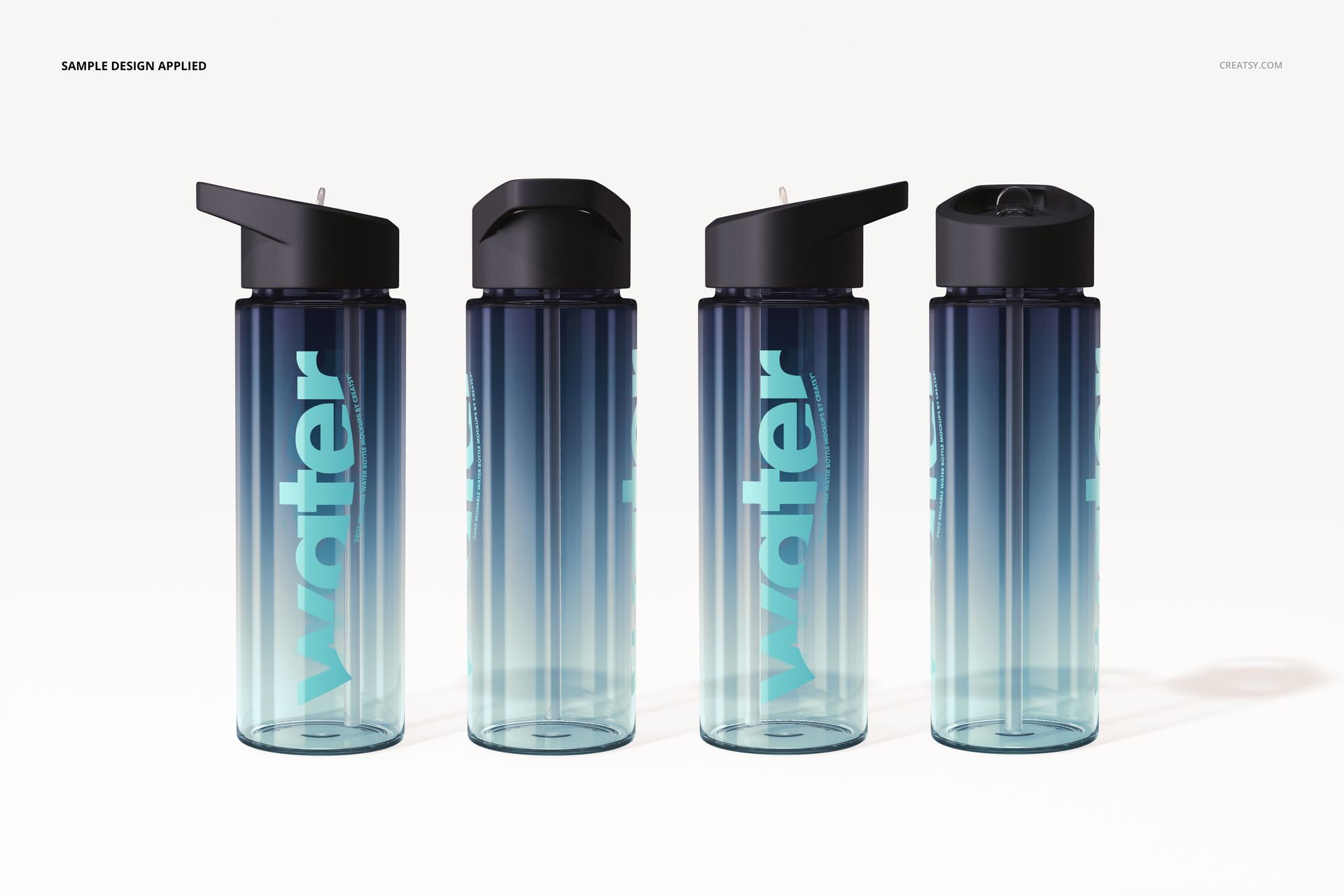
  • Example artwork designs are for example only and are not included in your purchase.

File details

Compatibility
PhotopeaAdobe Photoshop
Number of files included
19
Package size
2.49 GB2.49 GB|2.68 GB2.68 GB
Files type
.psd, .jpg, .pdf
Files size
6000x6000
TEST FOR FREE

MEET THE SHOP

Creatsy logo

Creatsy

Poland
4.7 (642)

Bring your ideas to life.

We're a family-run studio in Katowice, Poland, making PSD mockups by hand since 2016. Everything in this shop starts in our own studio. We shoot the photography, build the 3D, and put together every Smart Object PSD ourselves - then we test it, organize the layers, and only ship it once it actually works...
GO TO SHOP

HOW IT WORKS

3 clicks. That's it.

No tutorial needed. If you can copy-paste, you can use this.

  1. 1OpenDouble-click the smart object inside the PSD - in Adobe Photoshop, or free in your browser with Photopea.
  2. 2PasteDrop in your pattern, print, or artwork. Any design, any style.
  3. 3SaveHit save and the mockup wraps it in for you - shadows, folds, and lighting included.

FROM IDEA TO IMAGE

Built for real workflows

Wrap your logo around the cup, not a flat rectangle Drop the artwork in and see how it sits on the curve before you list it.

See it on the product, not a swatch Drop your file into the smart object and the scene's lighting and folds wrap around it, so you judge the real thing before you commit.

Smart Objects

Edit once and you're done. Your artwork drops into a smart object and the mockup updates itself - no masking, no warping by hand.

Perfectly Organized

Named layers and folders you can actually navigate. Find what you need, change what you want, and get out fast.

Print-Ready

High-resolution files built to hold up on screen and in print. Exact size and DPI are in this product's Details above.