ID: 1787748693 | Updated: Mar 3, 2023

Product Details

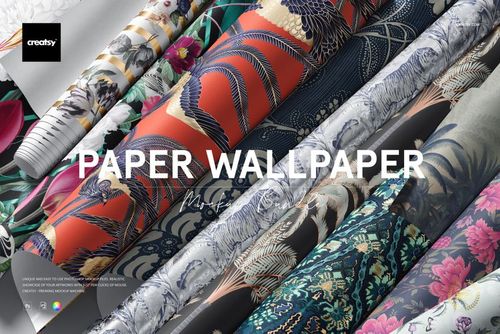
Non-woven Vinyl Wallpaper Mockup Set v.2

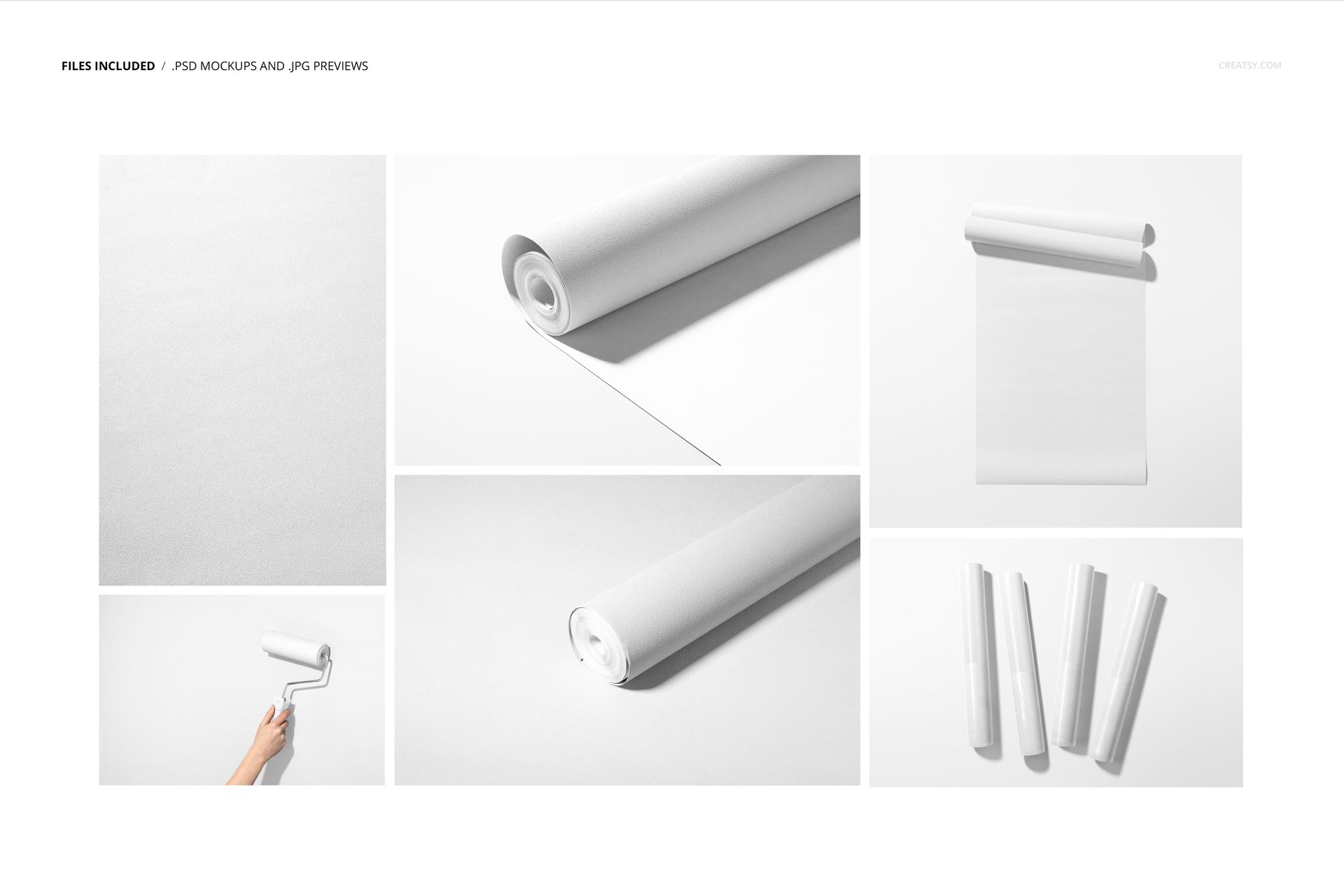
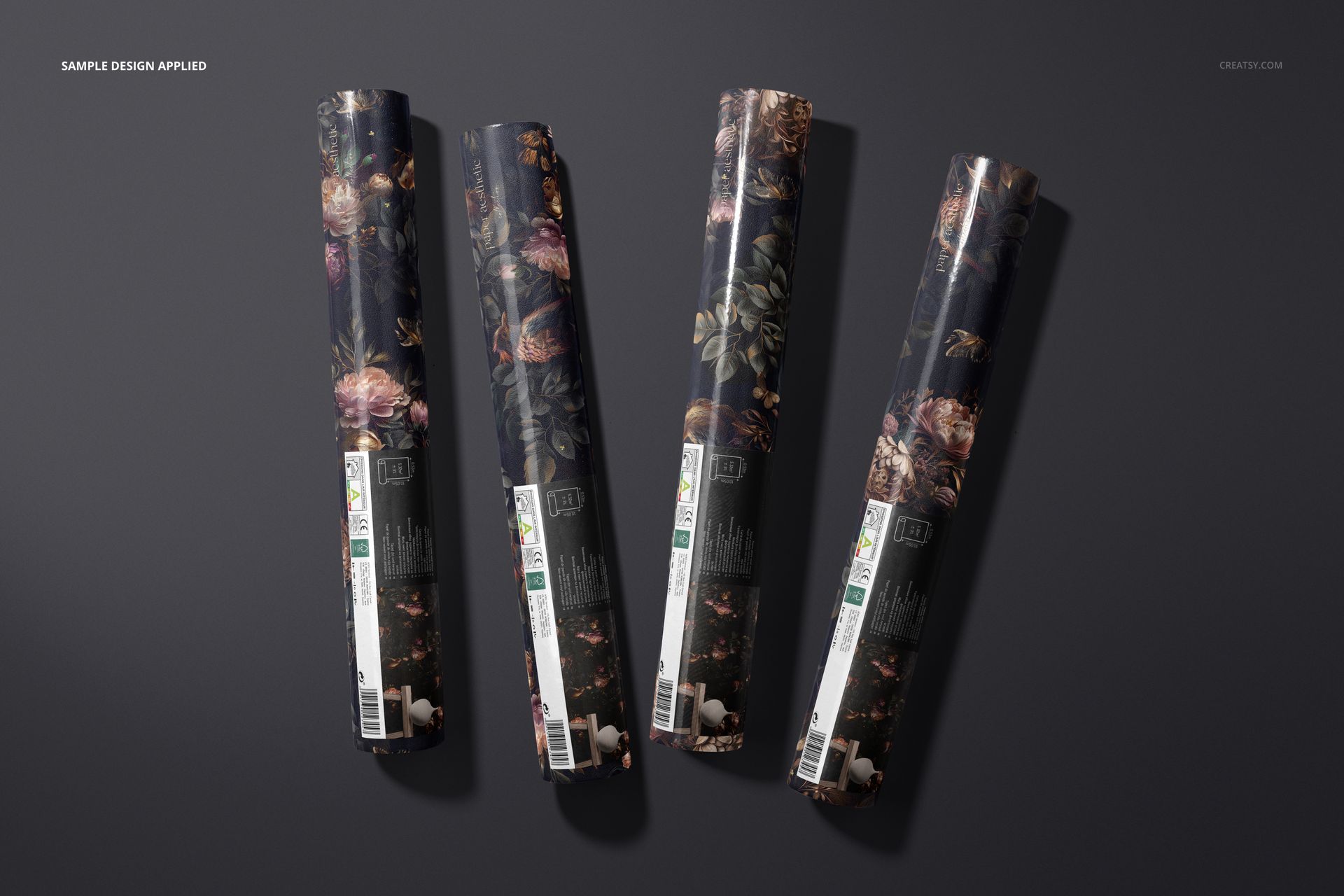
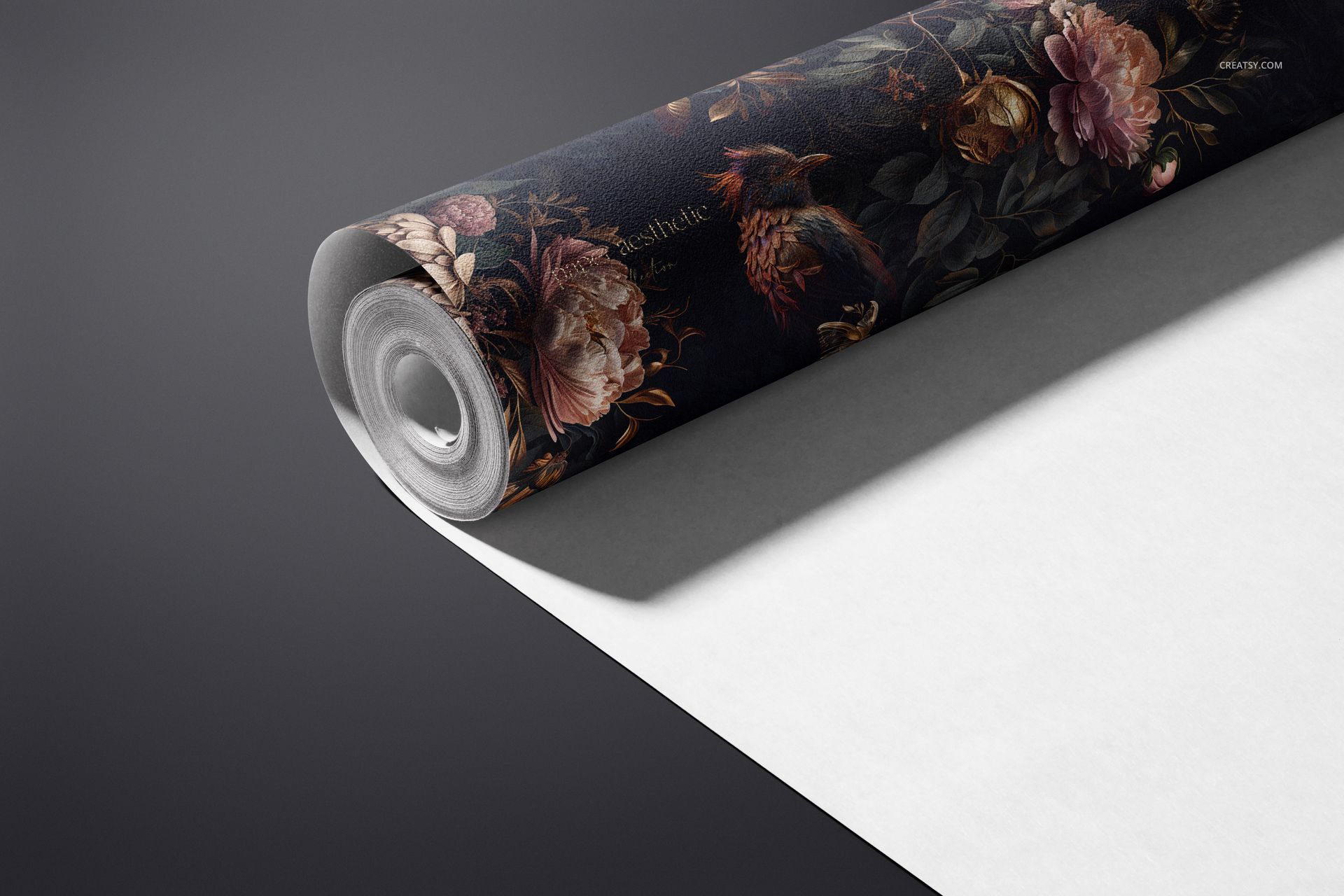
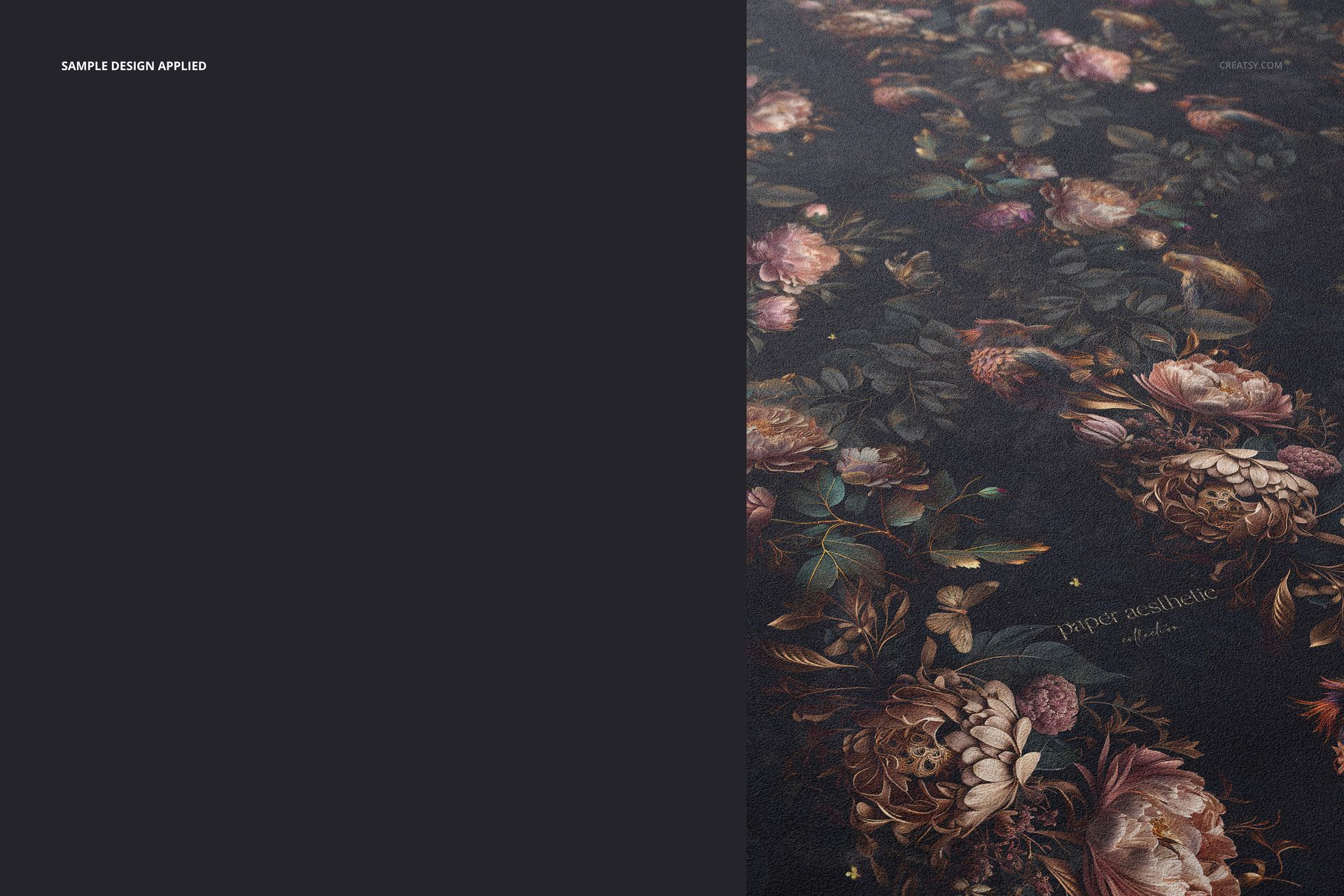
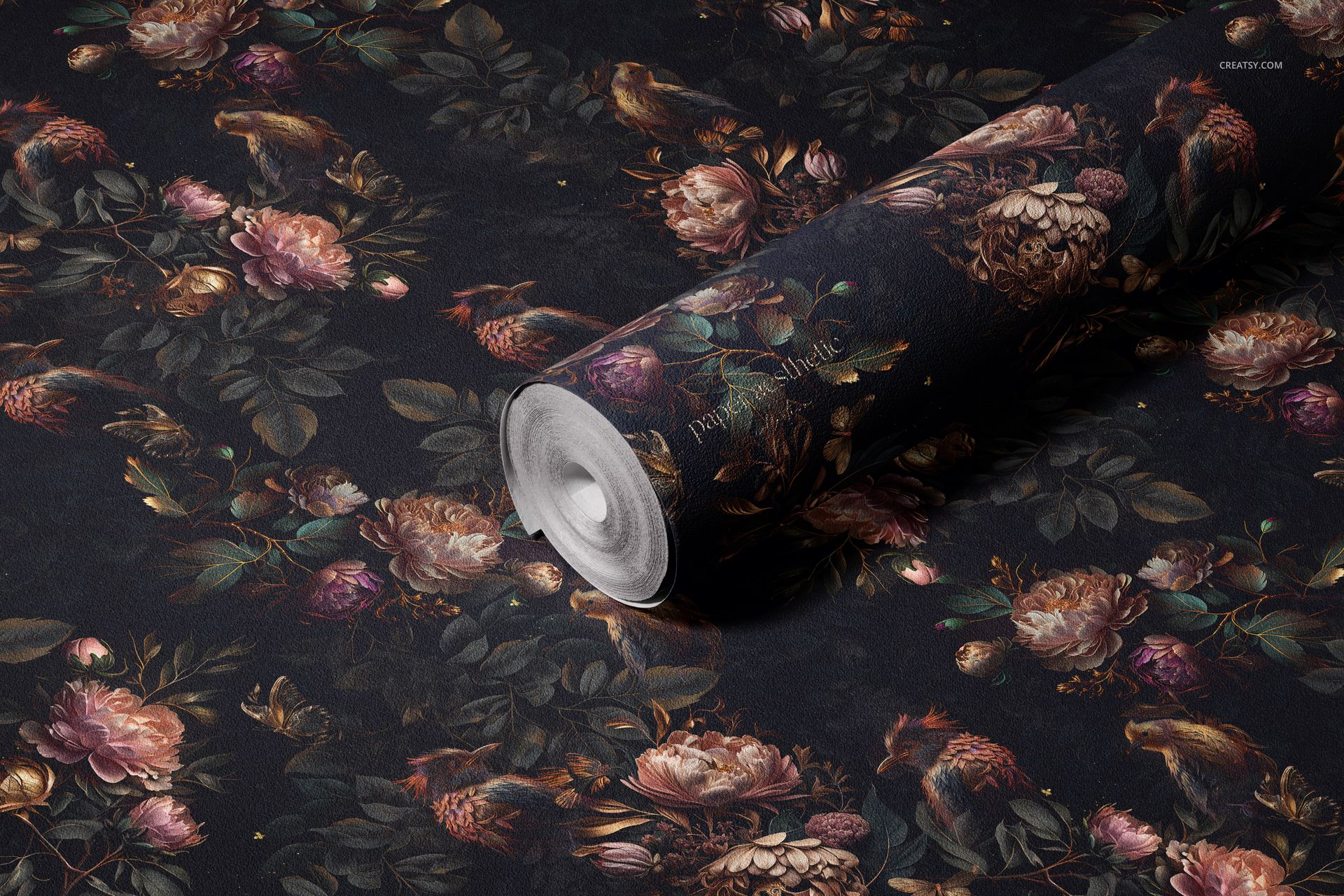
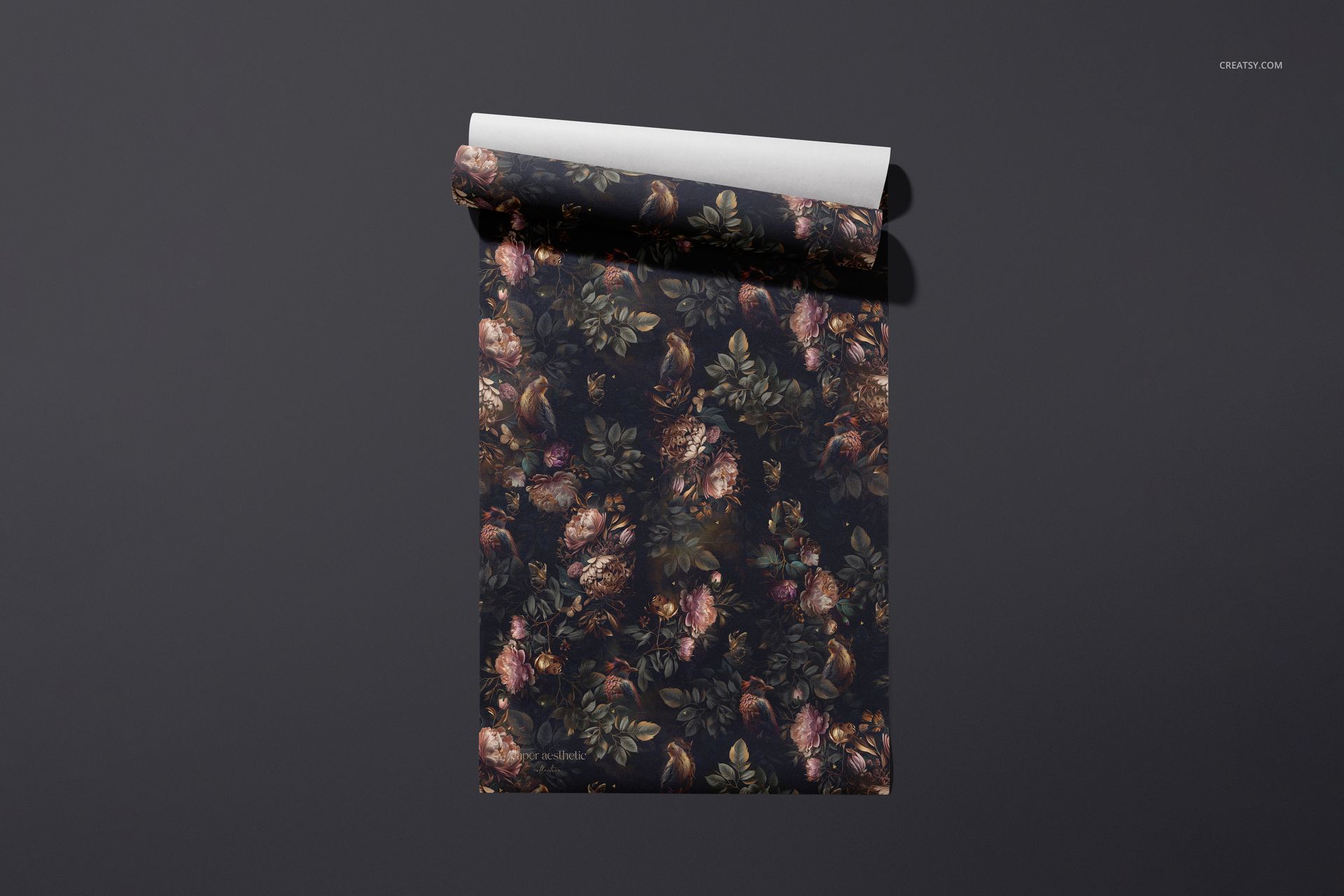
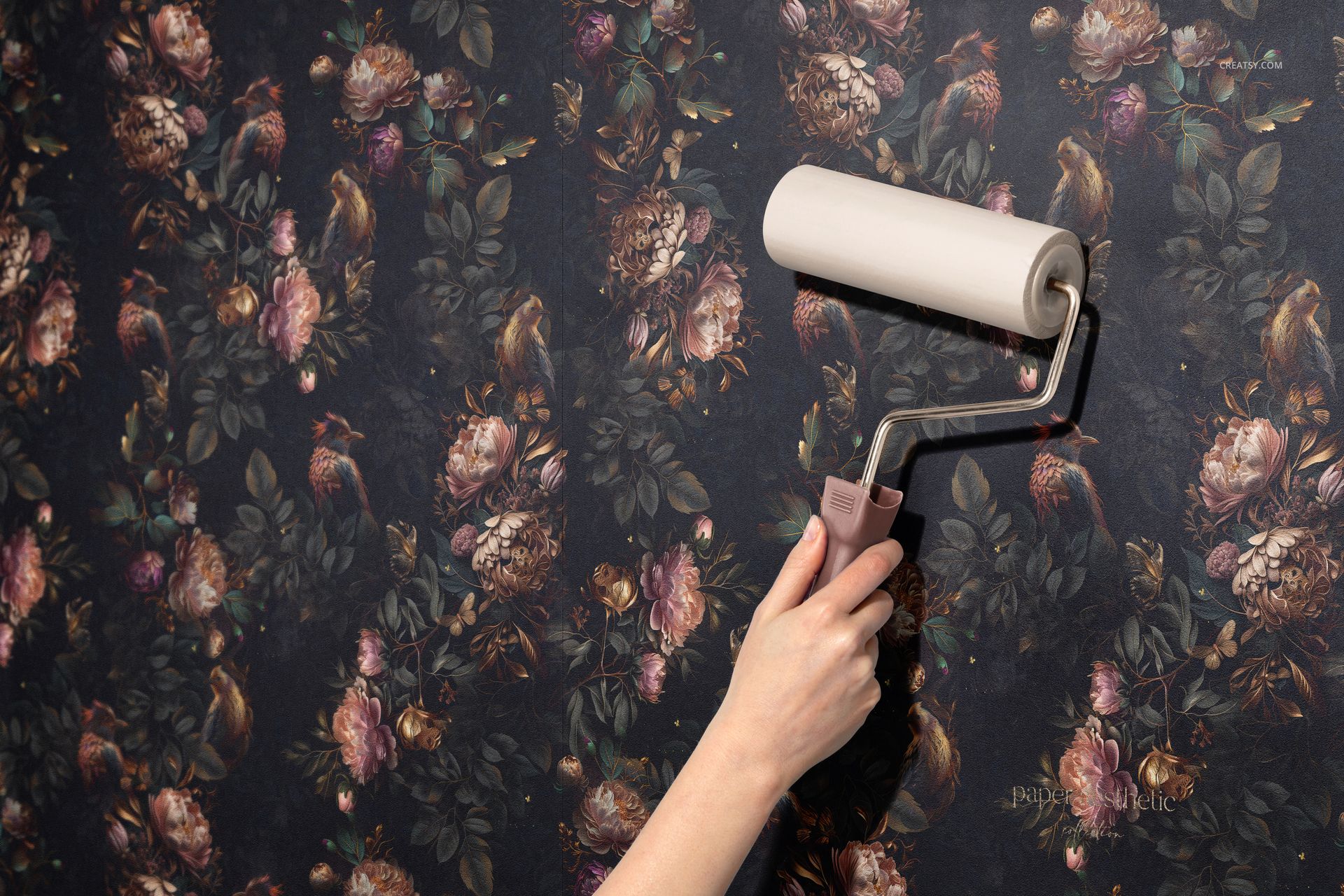
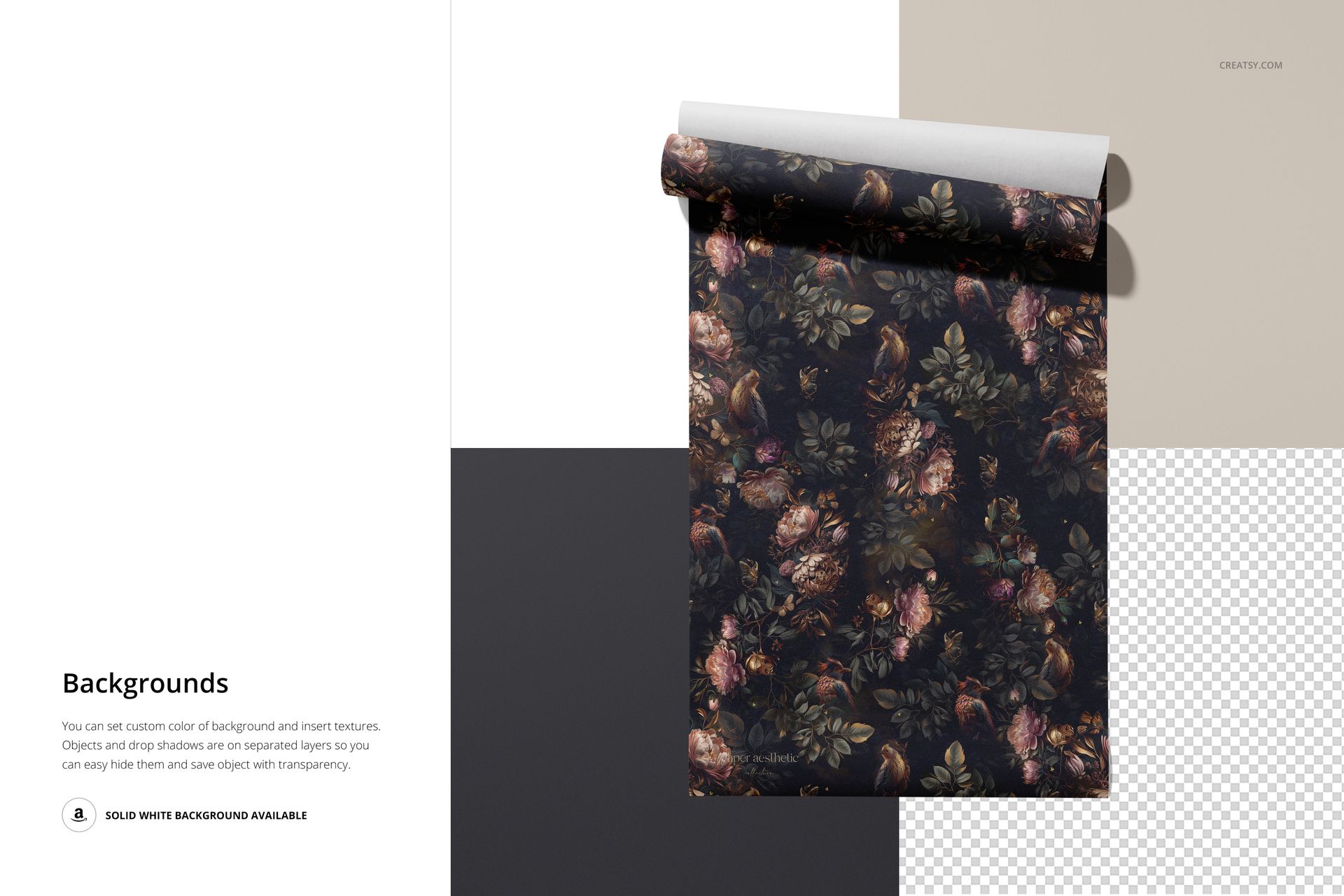
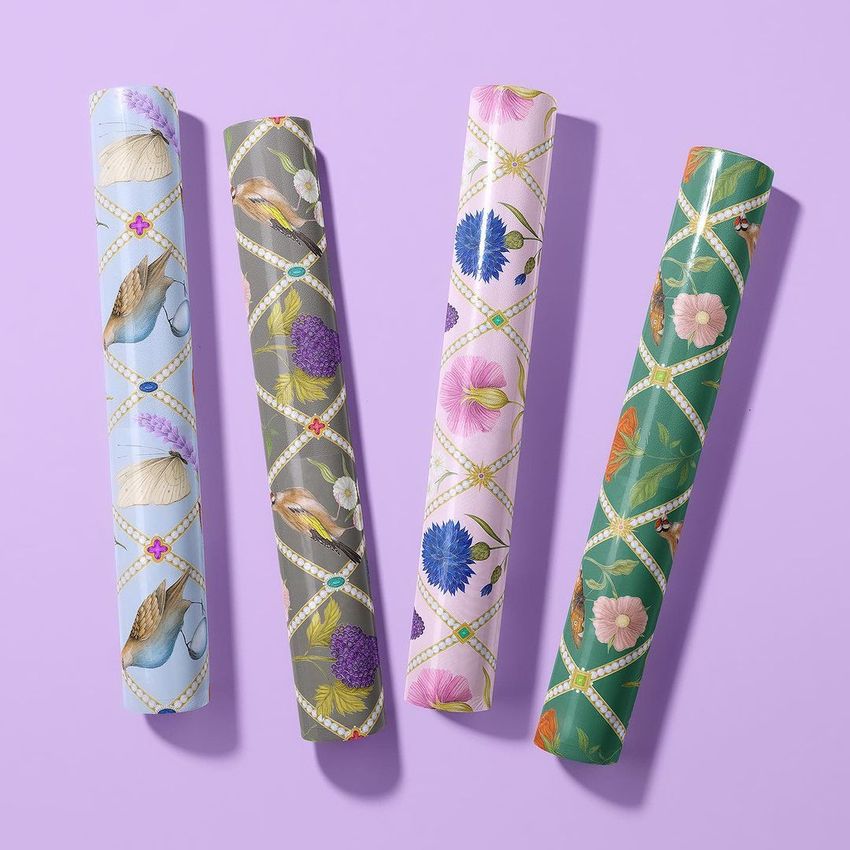
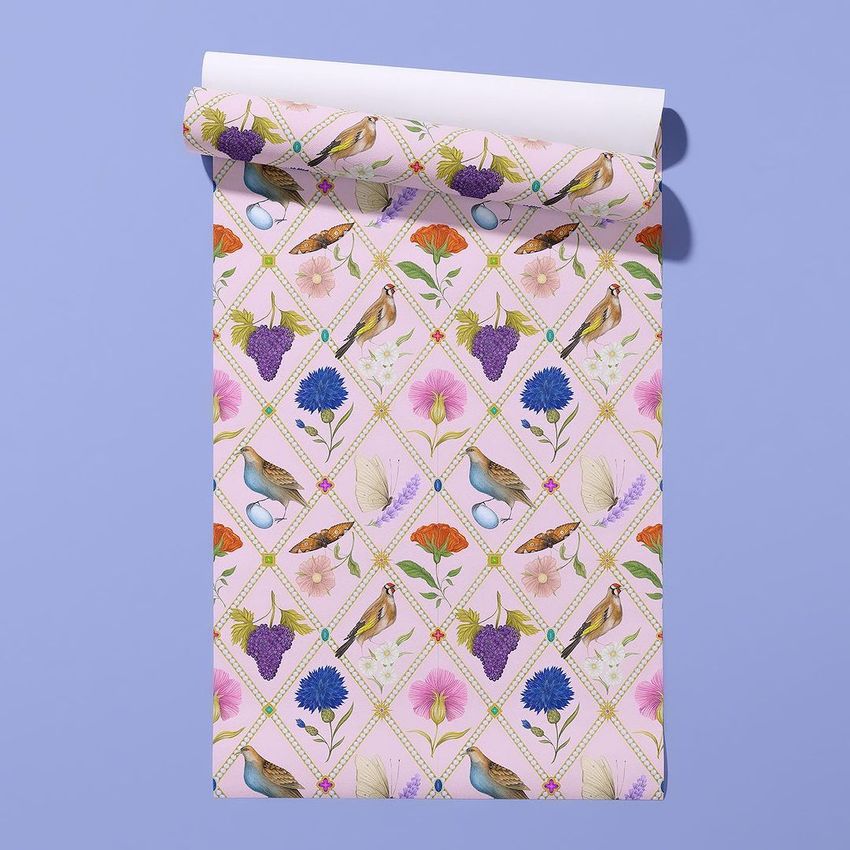
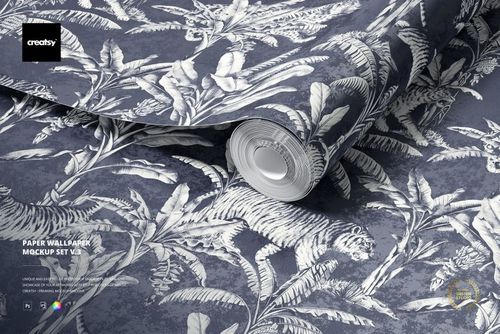
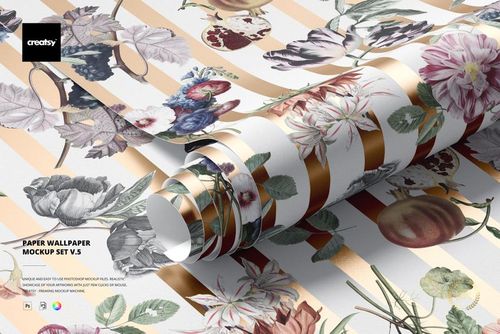
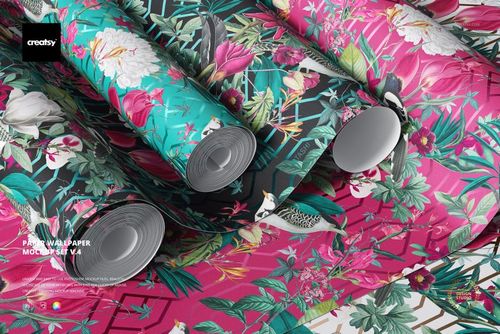
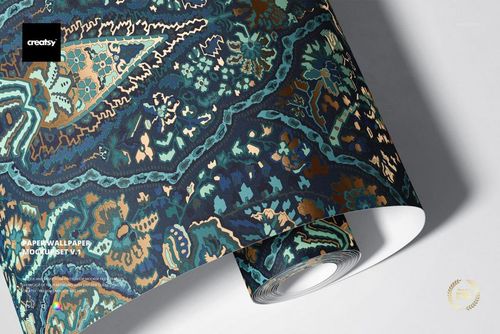
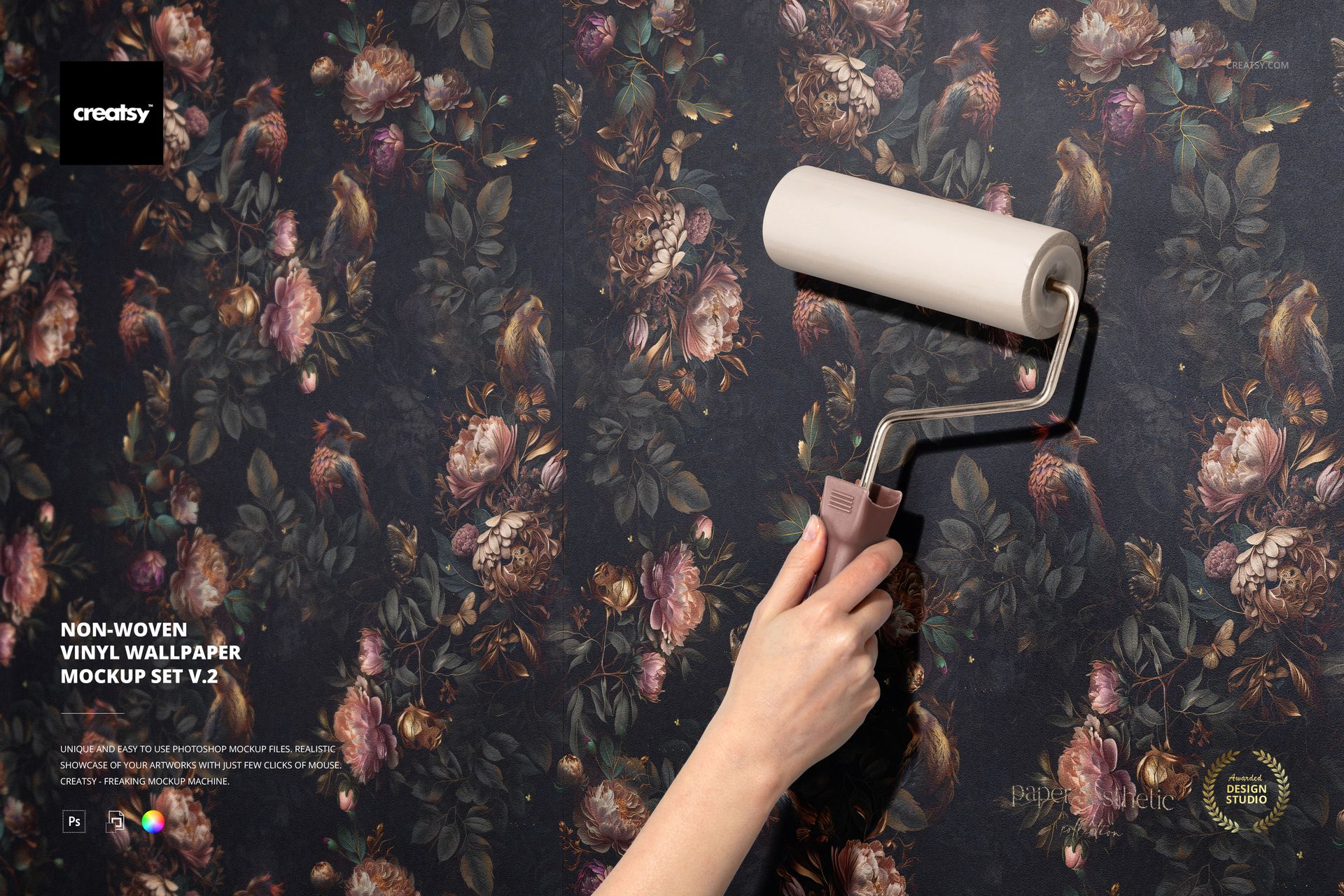
Present wallpaper from close-up texture to application on a wall with 6 PSD scenes. This version combines a flat textured sheet, a hand using a wallpaper roller, an unrolled roll, a roll close-up, a hanging partly unrolled sheet, and a group of four wrapped rolls.

What You Can Customize

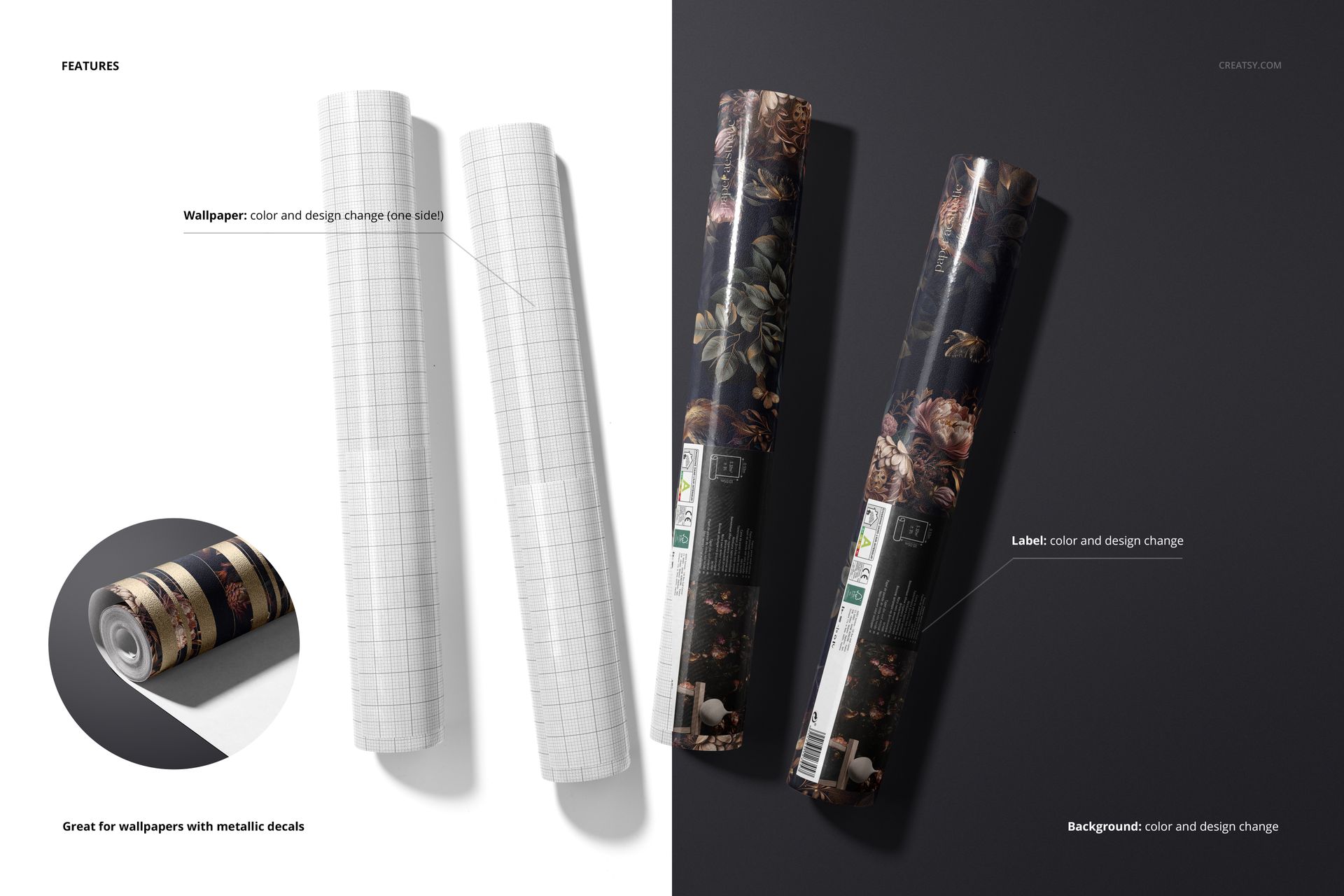
Insert your pattern through Smart Objects and adjust wallpaper colors. The editable design area is on one side of the wallpaper. Customize label artwork and colors in the wrapped-roll scene to show wallpaper packaging as part of a coordinated collection.

Use a solid background color, add a background design or texture, or export against transparency. Separate object and drop-shadow layers support these background options. Metallic design accents can be used to preview wallpaper with metallic decals.

Files and Compatibility

The download includes 6 layered PSD files, 6 JPG previews and a PDF user manual. PSD files include landscape 6000 × 4000 px and portrait 4000 × 6000 px formats at 300 DPI. Adobe Photoshop CC 2020 or later is required.

This is a digital mockup set. No physical wallpaper, tools or packaging are included. Preview patterns are not included. Featured artwork is by Paper Aesthetic.

File details

Compatibility
Adobe Photoshop
Package size
2.68 GB2.68 GB|2.87 GB2.87 GB
Files type
.psd, .jpg, .pdf
Files size
6000x4000
TEST FOR FREE

Made with Creatsy

Real designs. Real customers. See how creatives use Creatsy mockups to turn their artwork, branding, and product ideas into polished visuals.

MEET THE SHOP

Creatsy logo

Creatsy

Poland
4.8 (694)

Bring your ideas to life.

We're a family-run studio in Katowice, Poland, making PSD mockups by hand since 2016. Everything in this shop starts in our own studio. We shoot the photography, build the 3D, and put together every Smart Object PSD ourselves - then we test it, organize the layers, and only ship it once it actually works...
GO TO SHOP

HOW IT WORKS

3 clicks. That's it.

No tutorial needed. If you can copy-paste, you can use this.

  1. 1OpenDouble-click the smart object inside the PSD - in Adobe Photoshop, or free in your browser with Photopea.
  2. 2PasteDrop in your pattern, print, or artwork. Any design, any style.
  3. 3SaveHit save and the mockup wraps it in for you - shadows, folds, and lighting included.

FROM IDEA TO IMAGE

Built for real workflows

Skip the photo shoot Show your artwork on the real product type for approvals or listings - no studio, no model, no sample.

See it on the product, not a swatch Drop your file into the smart object and the scene's lighting and folds wrap around it, so you judge the real thing before you commit.

Smart Objects

Edit once and you're done. Your artwork drops into a smart object and the mockup updates itself - no masking, no warping by hand.

Perfectly Organized

Named layers and folders you can actually navigate. Find what you need, change what you want, and get out fast.

Print-Ready

High-resolution files built to hold up on screen and in print. Exact size and DPI are in this product's Details above.