ID: 1767645525 | Updated: Sep 11, 2023

Product Details

Tablecloth Fabric KO00 Mockup Set

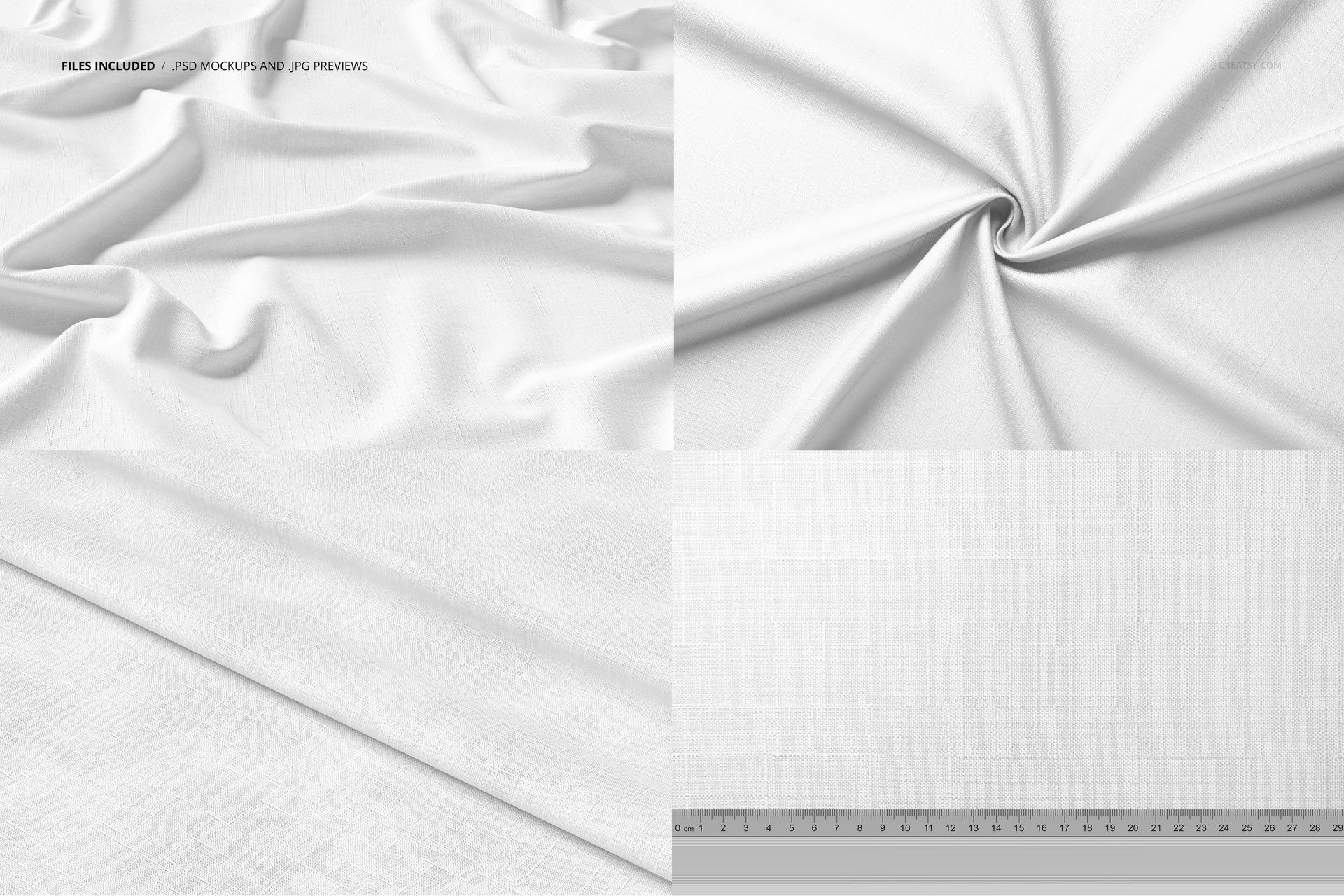
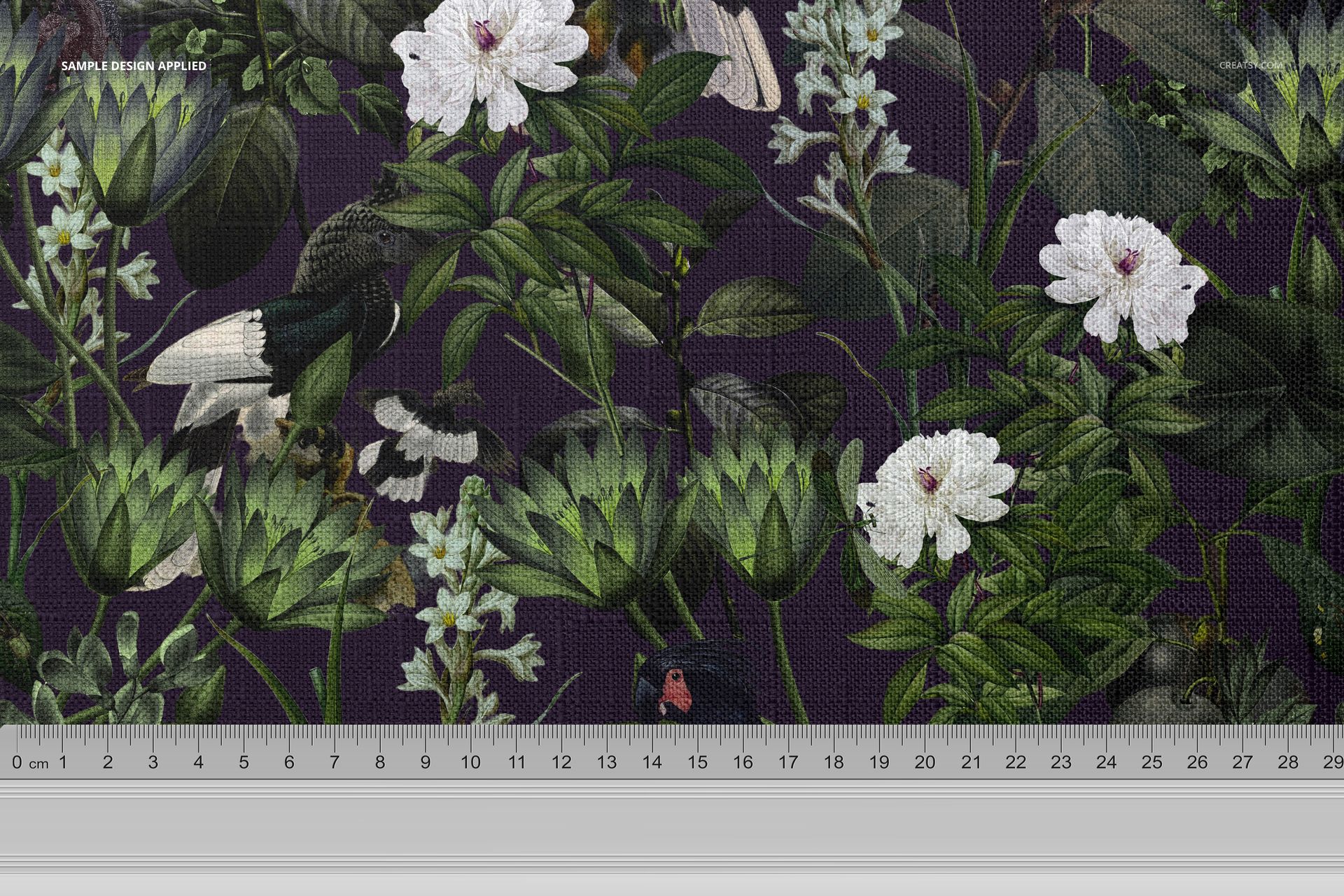
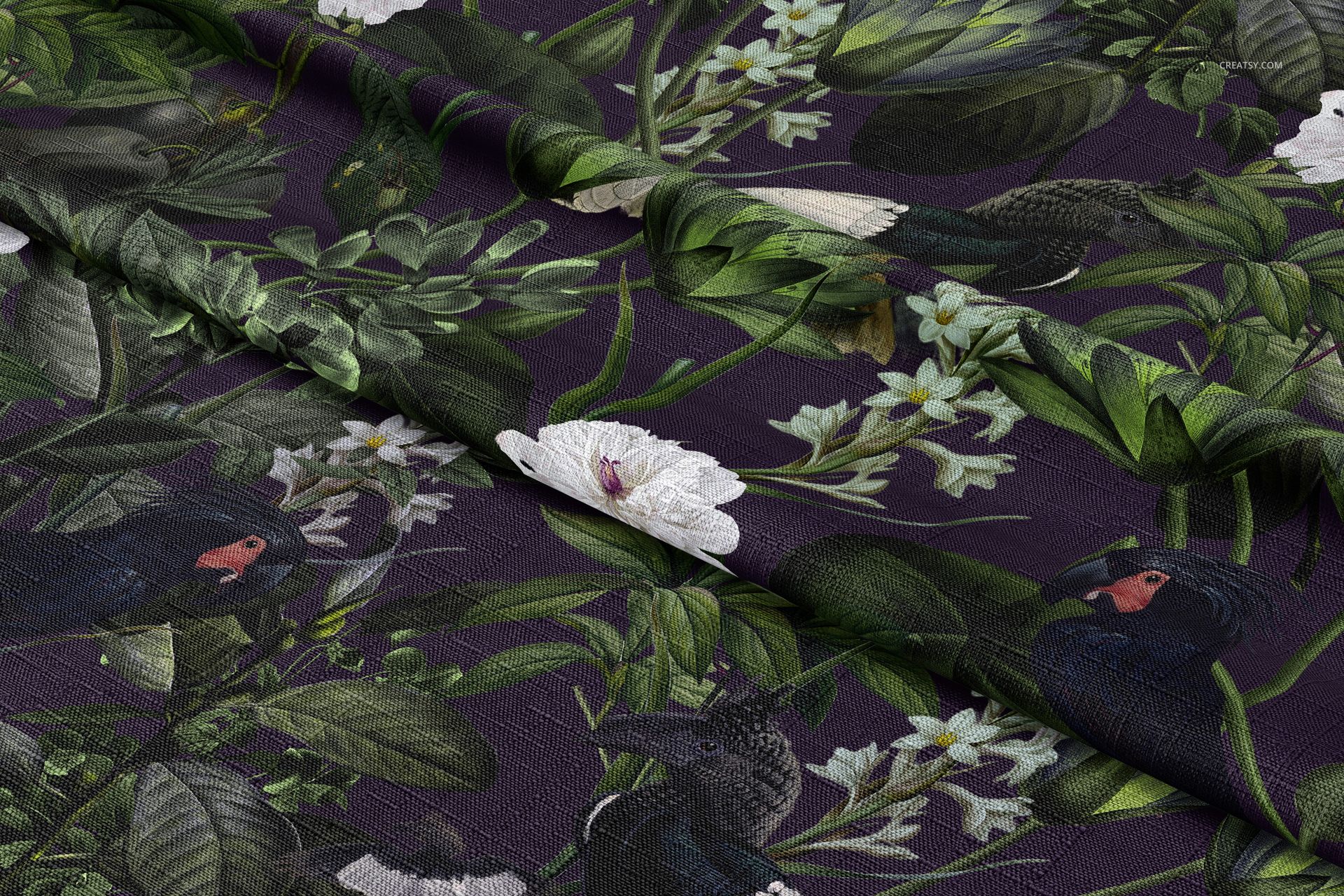
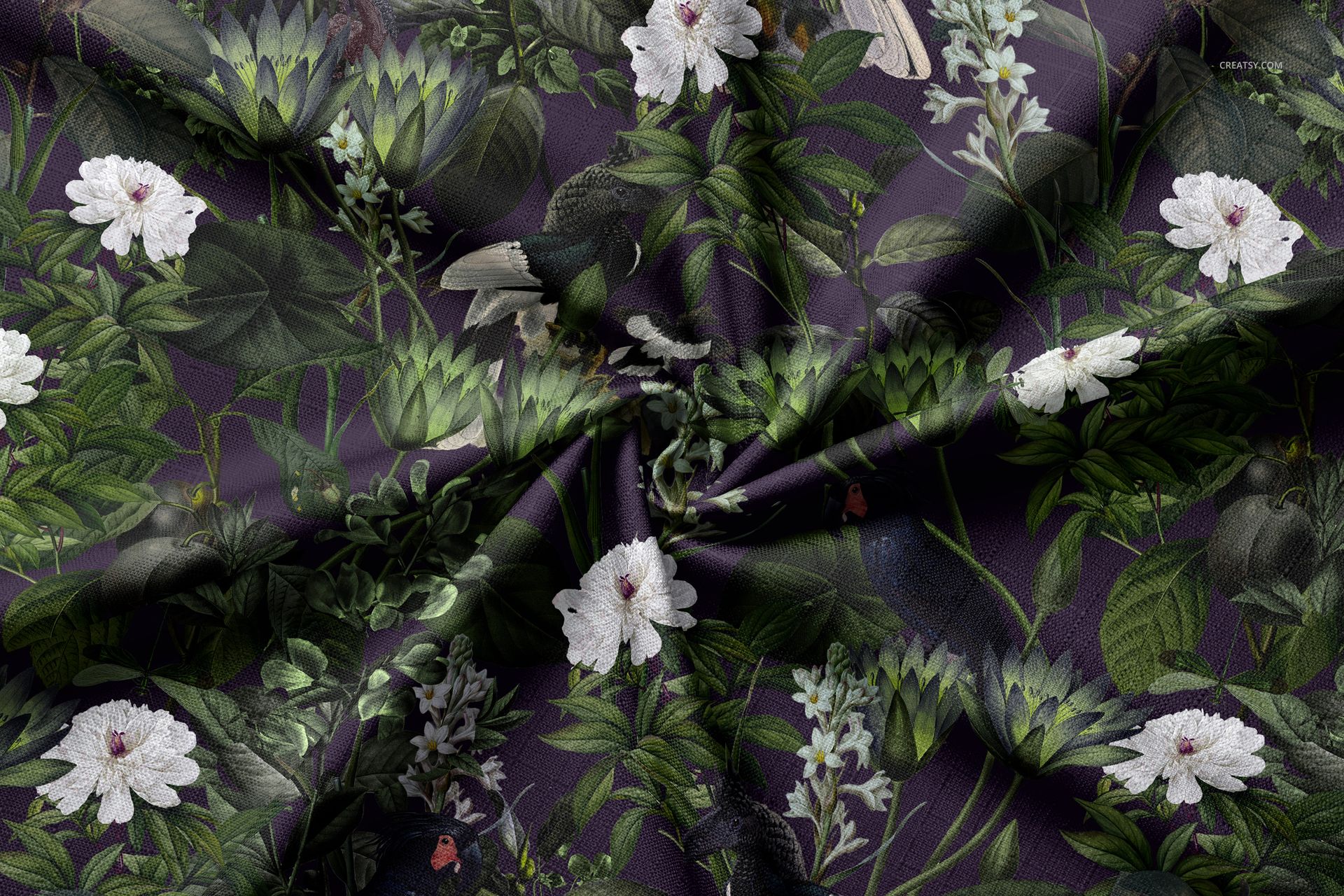
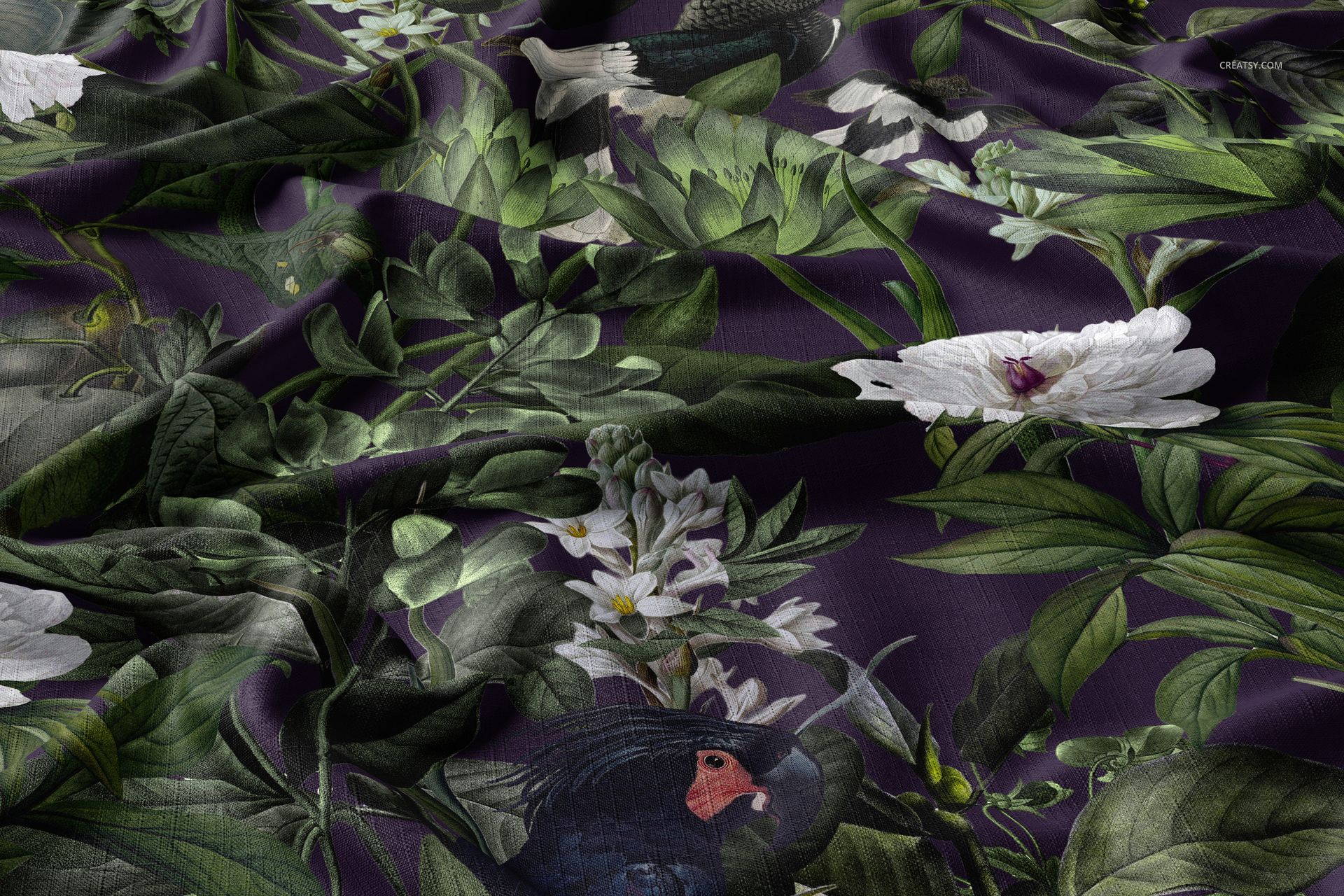
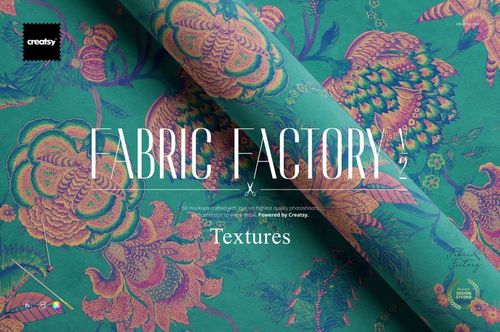
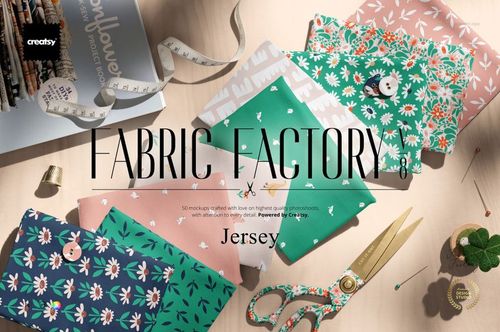
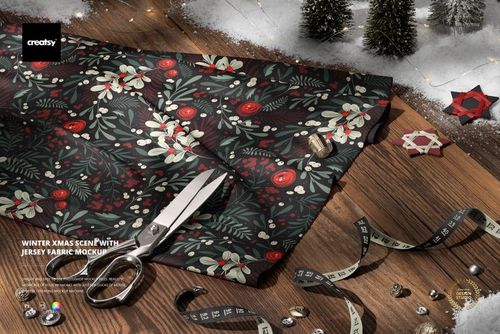
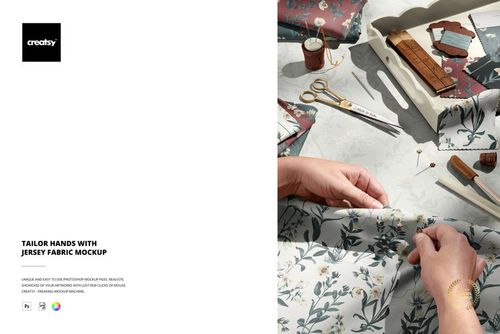
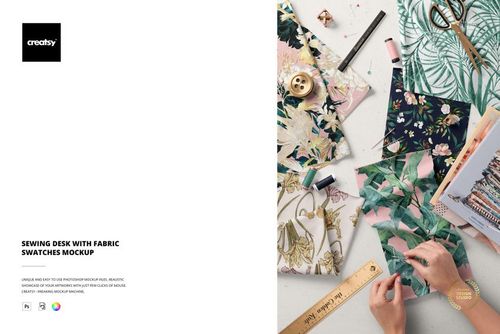
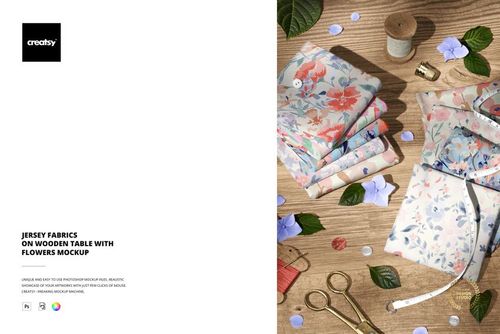
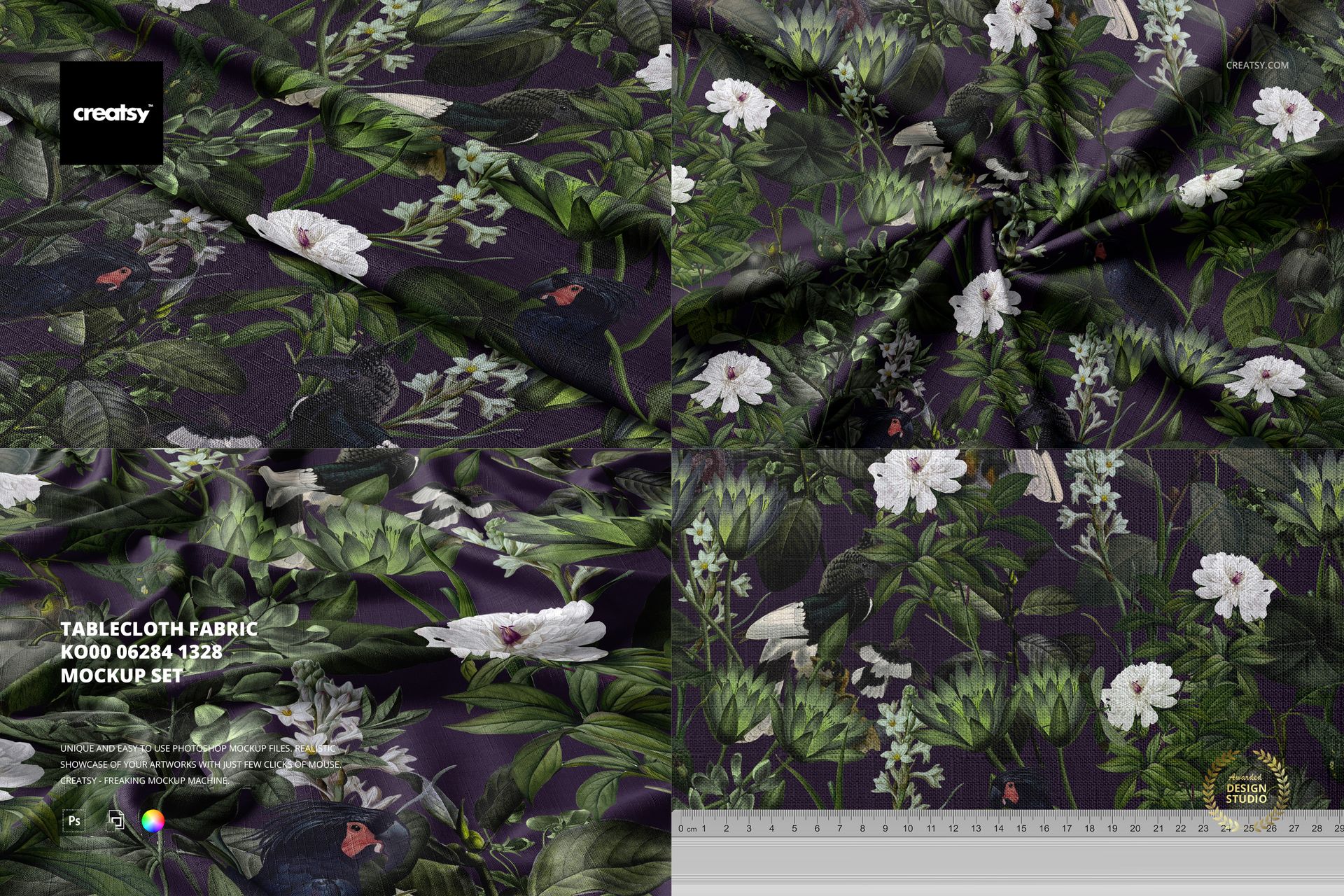
Turn a table linen print into a presentation that shows more than its repeat tile. Tablecloth Fabric KO00 Mockup Set offers four PSD files for displaying your artwork on fabric, with folds and surface detail that give each pattern a more tangible context.

Bring Your Textile Collection into Focus

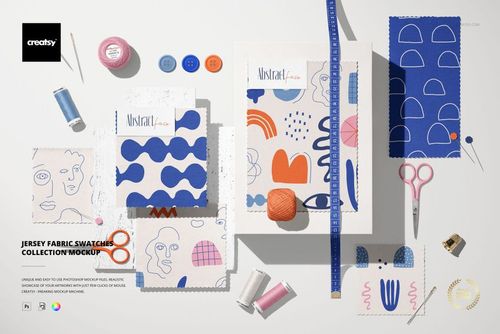
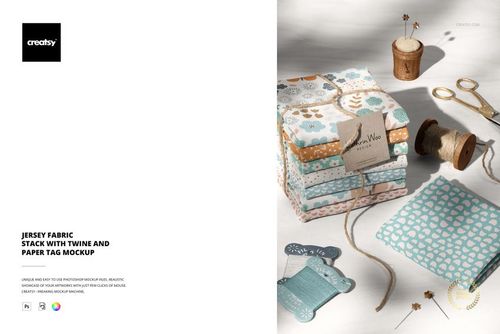
Use KO00 when developing a table linen range or presenting alternative directions for a client. Keep the same artwork across multiple views to show its visual character, or compare colorways to explain how a collection can work across different seasons.

  • Show tablecloth patterns as textile concepts for home linen collections.

  • Combine fabric detail and wider artwork views in one presentation.

  • Build product concept sheets, textile portfolio pages and buyer-facing collection previews.

What Is Included

  • 4 layered PSD mockup files.

  • Listed canvas resolution: 6000 x 4000 px at 300 dpi.

  • Organized layers for a clear editing workflow.

  • Adobe Photoshop CC 2020, version 21, or later, with the updated Warp tool.

Check the preview images for the supplied fabric views and available features. This is a digital presentation tool, not a production pattern or a physical textile sample.

Sample Artwork Credit

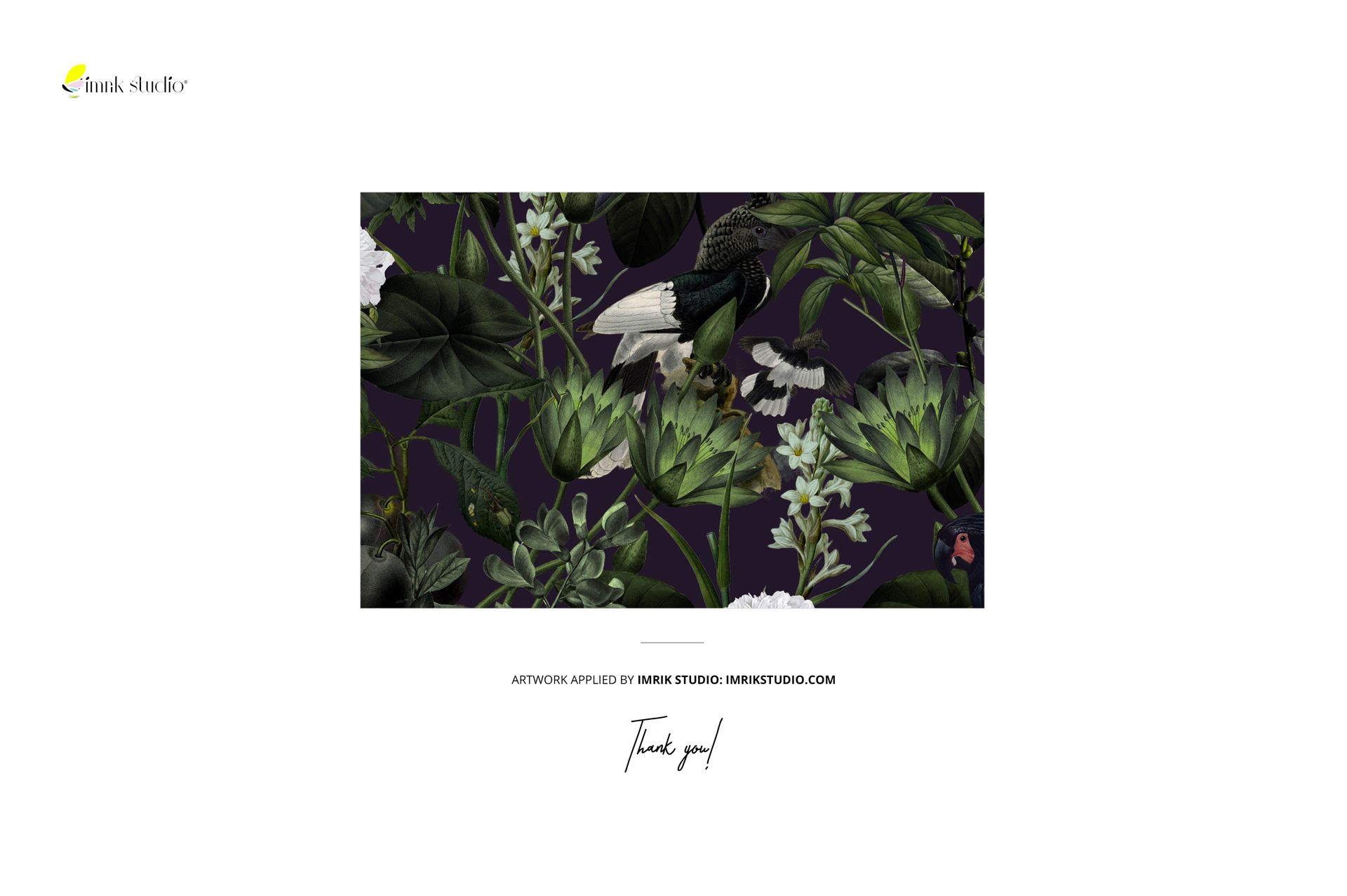
Preview pattern by Imrik Studio, imrikstudio.com. The sample artwork is not included in the main ZIP file.

File details

Compatibility
PhotopeaAdobe Photoshop
Package size
279 MB279 MB|293 MB293 MB
Files type
.psd, .jpg
Files size
6000x4000
FREE MOCKUPS

MEET THE SHOP

Creatsy logo

Creatsy

Poland
4.8 (716)

Bring your ideas to life.

We're a family-run studio in Katowice, Poland, making PSD mockups by hand since 2016. Everything in this shop starts in our own studio. We shoot the photography, build the 3D, and put together every Smart Object PSD ourselves - then we test it, organize the layers, and only ship it once it actually works...
GO TO SHOP

HOW IT WORKS

3 clicks. That's it.

No tutorial needed. If you can copy-paste, you can use this.

  1. 1OpenDouble-click the smart object inside the PSD - in Adobe Photoshop, or free in your browser with Photopea.
  2. 2PasteDrop in your pattern, print, or artwork. Any design, any style.
  3. 3SaveHit save and the mockup wraps it in for you - shadows, folds, and lighting included.

FROM IDEA TO IMAGE

Built for real workflows

Skip the photo shoot Show your artwork on the real product type for approvals or listings - no studio, no model, no sample.

See it on the product, not a swatch Drop your file into the smart object and the scene's lighting and folds wrap around it, so you judge the real thing before you commit.

Smart Objects

Edit once and you're done. Your artwork drops into a smart object and the mockup updates itself - no masking, no warping by hand.

Perfectly Organized

Named layers and folders you can actually navigate. Find what you need, change what you want, and get out fast.

Print-Ready

High-resolution files built to hold up on screen and in print. Exact size and DPI are in this product's Details above.