Fabric Bolts Builder Mockup Set
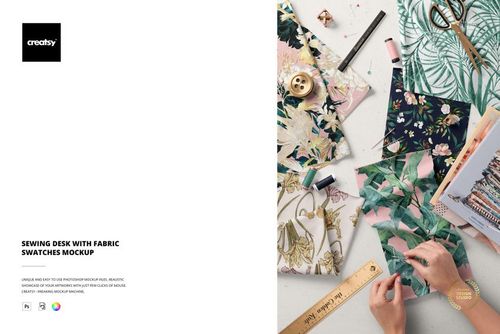
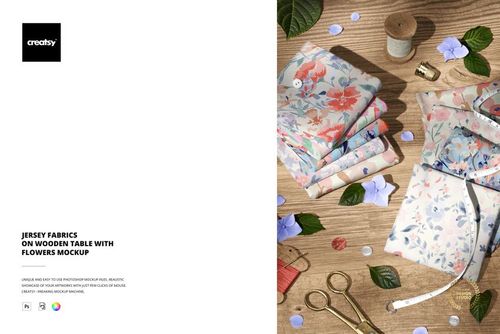
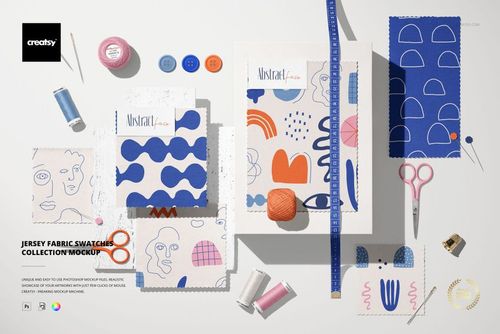
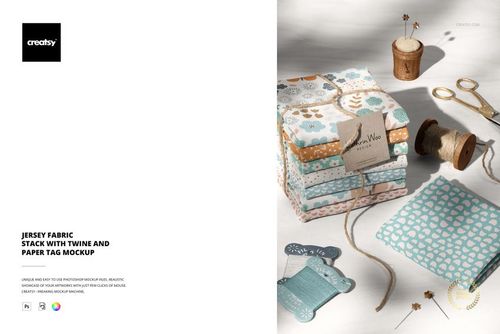
Build a coordinated fabric collection presentation with editable fabric bolts. Fabric Bolts Builder Mockup Set combines eight premade scenes with cotton and jersey fabric options, giving surface designers a practical starting point for custom textile layouts.
Present Your Collection with Purpose
Show how a hero print works alongside its supporting patterns instead of presenting each design in isolation. Arrange the available fabric bolts into a collection story, compare colorways and prepare visuals for fabric shop promotions, textile range previews or licensing proposals.
Build layouts using the fabric bolt elements provided in the set.
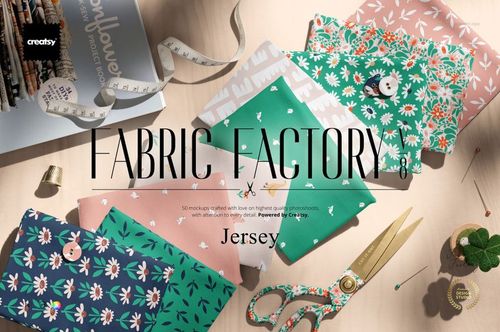
Present cotton and jersey versions of your print collection.
Start from eight premade scenes for a coordinated series of images.
What Is Included
8 editable mockup documents: 4 PSD and 4 PSB files.
Listed scene dimensions: 5 files at 6000 x 4000 px and 3 files at 4500 x 3000 px.
300 dpi; cotton and jersey fabric options in each scene.
Adobe Photoshop CC 2020 or later.
Organized layers for editing the supplied layouts.
Check the preview gallery for the supplied views and available features. This is a digital mockup product; no physical items are included.
Sample Artwork Credit
Preview artwork by My Clipart Store. Visit myclipartstore.com. Sample artwork is not included in the main ZIP file.