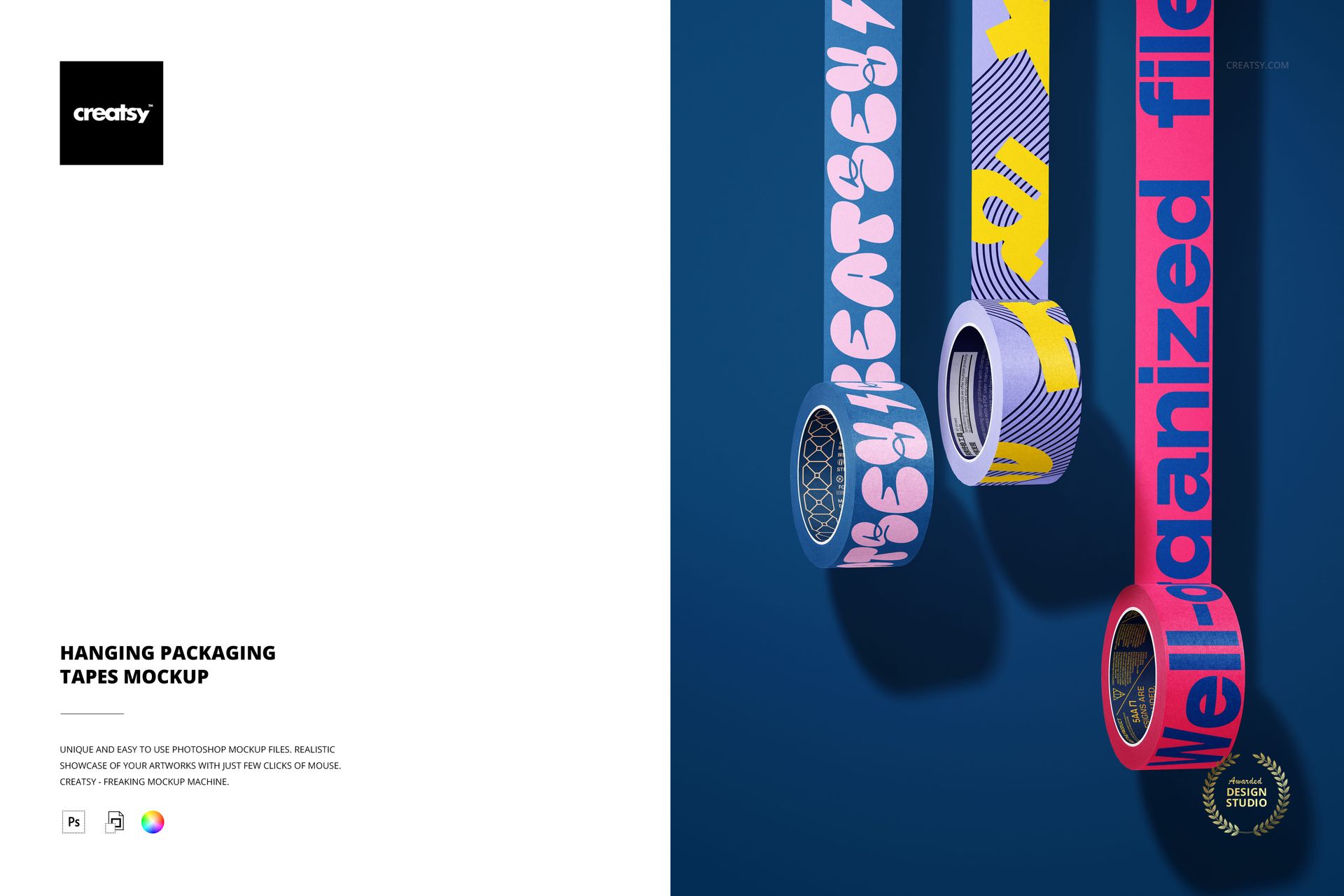
Put your own brand on a wall of hanging tape. This packaging tape mockup is one Photoshop scene with three rolls strung up on a colored wall, each trailing a strip of tape down the frame. Place your artwork on the tape, set the color and slide the rolls where you want them, and your design runs along every strip as if it were printed on real packing tape. The tape and the background both take your own color and design, so the whole shot is built around your label.
You get 1 PSD file at 6000 x 4000 px, 300 dpi. It opens in Adobe Photoshop from version CC2020, and it also works in Photopea, the free browser editor, so you can use it without a Photoshop subscription. Layers are named and well organized, and a JPG preview is included so you can see the layout before you start.
What is in the scene
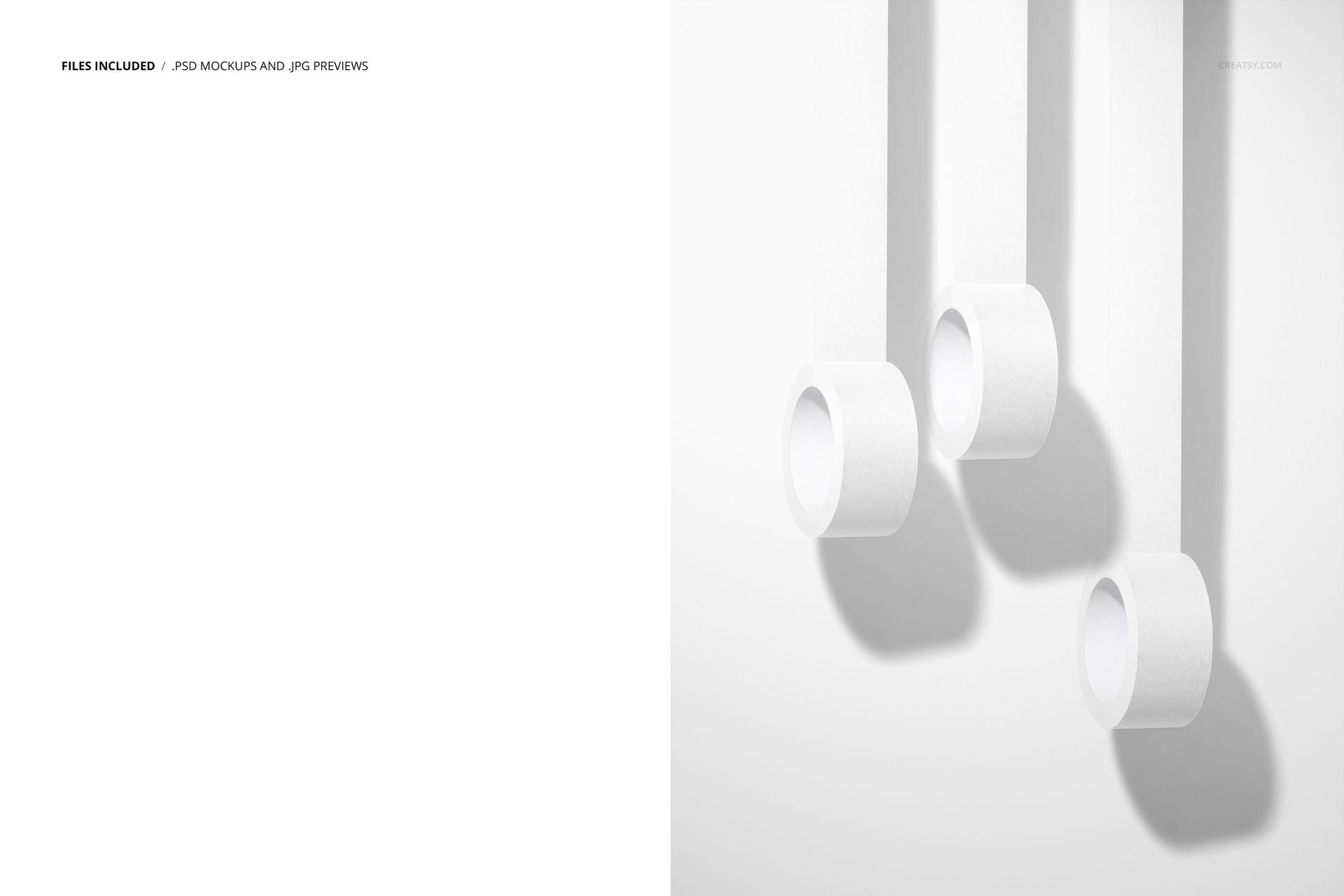
Three rolls of packaging tape hang from their own strips against a plain wall, set at different heights with soft shadows behind them. It reads like a product shot for a tape brand, and every roll is yours to design.
What you can change
Every part of the scene sits on smart objects, so your artwork drops straight in:
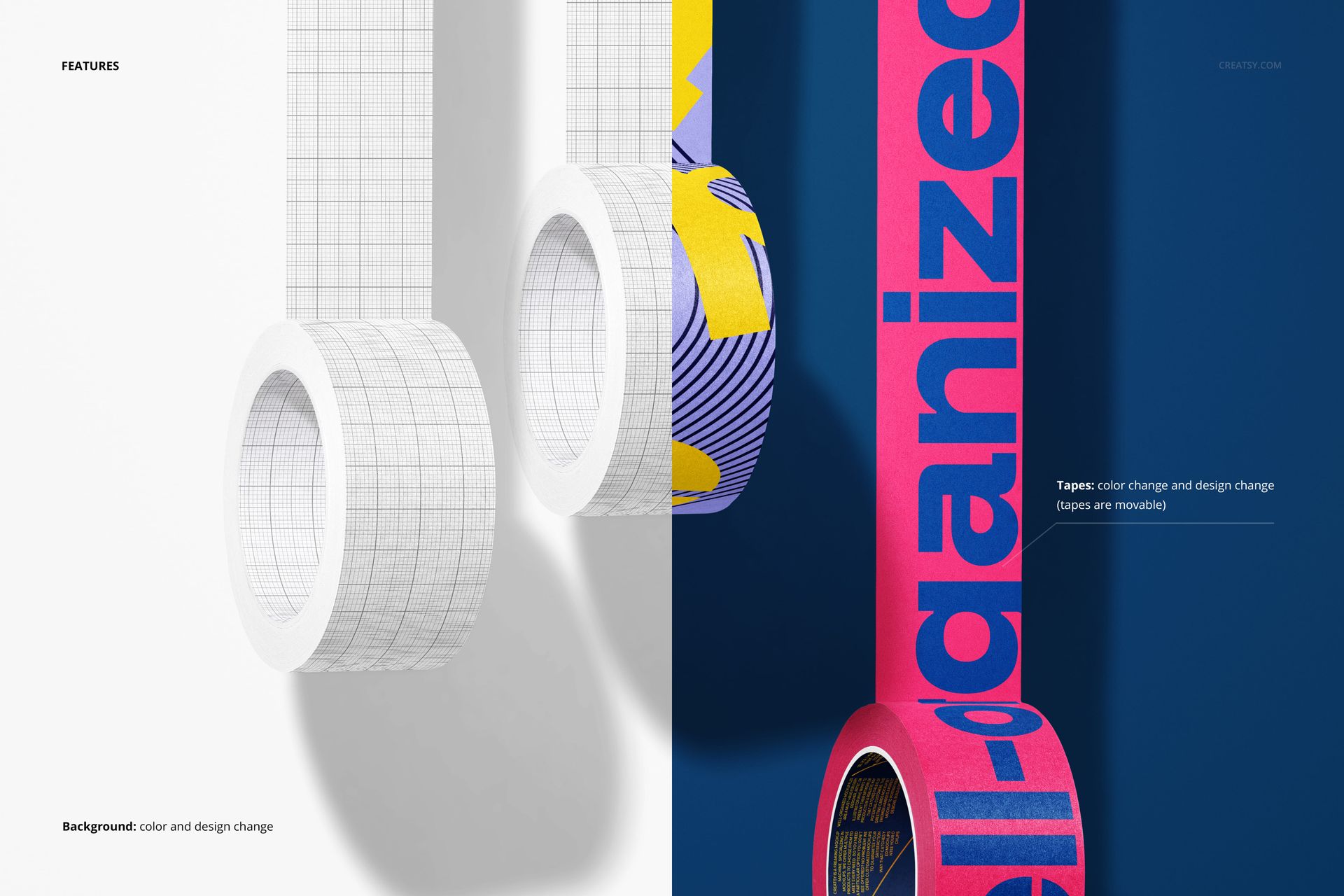
Tape color and design: put your own artwork on the tape and set the roll color, across all three rolls.
Movable rolls: each roll can be moved, so you can space them out or group them for a different layout.
Background color and design: change the wall color or place your own pattern or backdrop behind the tape.
How the edit works
Open a smart object, paste your design, save, and it maps onto the tape along the whole strip, following the curve of the roll and the hang of the tape. Set the tape color and the background, move the rolls if you want a new composition, and export. Because the artwork sits on smart objects, you can swap a design or recolor in a few seconds and try several label ideas from the one file.
Photoshop and Photopea
The file is built for Adobe Photoshop, version CC2020 or newer, and it also opens in Photopea. Photopea runs free in a browser and reads the PSD with its smart objects, so you can edit the tape without installing anything. Either way you get the same named layers and the same workflow.
Who it is for
Packaging designers, brand and identity studios, print shops and tape suppliers, and Etsy or Shopify sellers who print custom tape. Use it to show a branded packing tape to a client, to fill a shop listing, or to preview a run of printed tape before it goes to production.
What is in the download
One layered PSD scene with three tape rolls, plus a JPG preview, in a single download. Layers are named and grouped, so you always know which one holds the tape design, the roll color or the background.
File and software details
1 layered PSD file
6000 x 4000 px, 300 dpi
Adobe Photoshop CC2020 or newer
also works in Photopea, the free browser editor
tape color and design editable on three movable rolls
background color and design editable
named, well organized layers, JPG preview included
No print run, no photo shoot
Showing branded tape usually means printing a real roll, taping it up and lighting a shot. This mockup skips that: you drop your design onto the smart object, set the color, arrange the rolls and export a clean, ready image. It is a fast way to pitch a tape design to a client, test two or three directions side by side, or fill a shop listing before a single roll is printed.
Ideas you can build with it
Show a branded packing tape for an online shop, a washi or masking tape line for a stationery brand, kraft paper tape for an eco parcel, or a printed parcel tape for a courier. Because the rolls are movable and the background is yours, the same file can carry a whole range of tape products across your store and social feed.