Noissue Cards Mockup Set
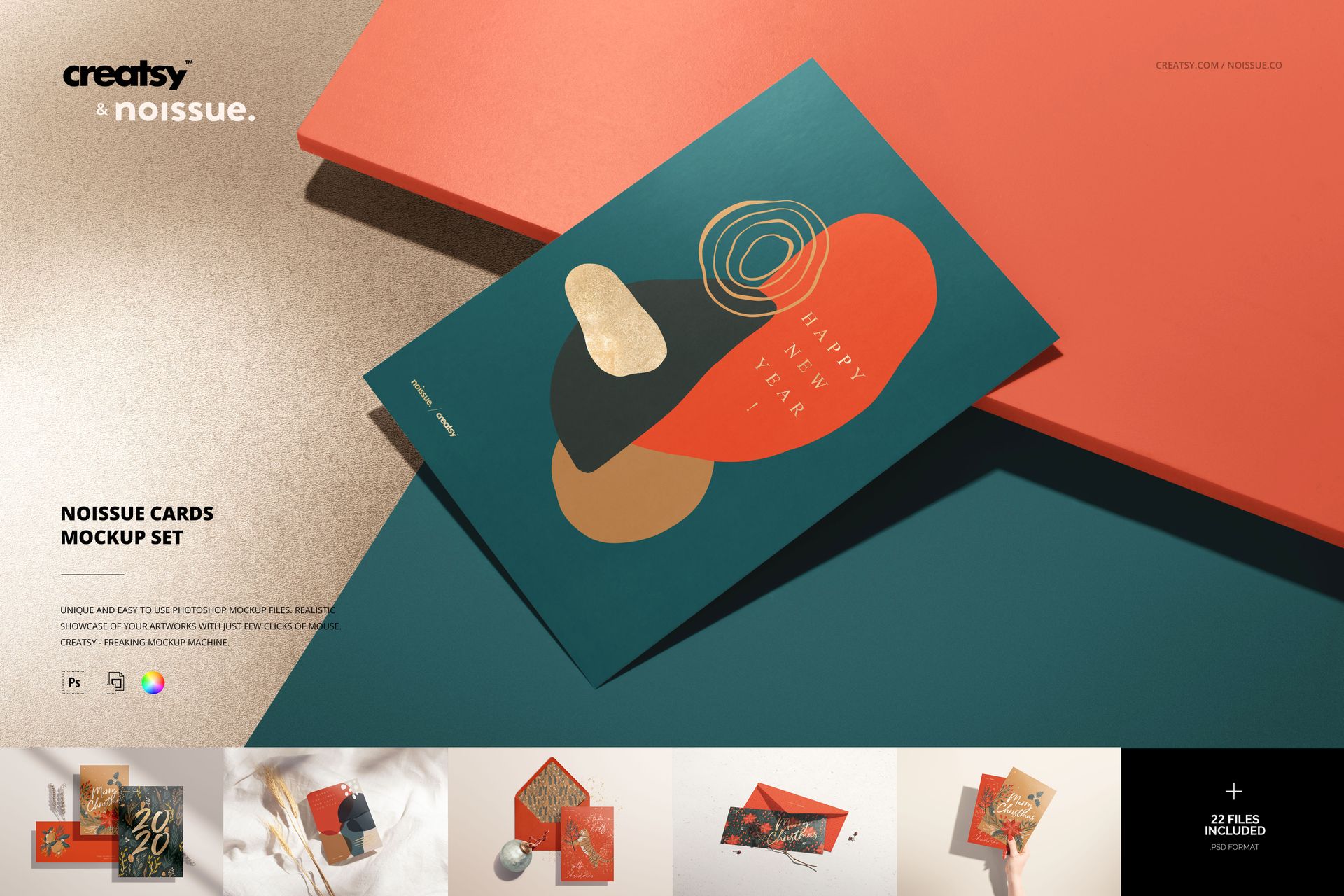
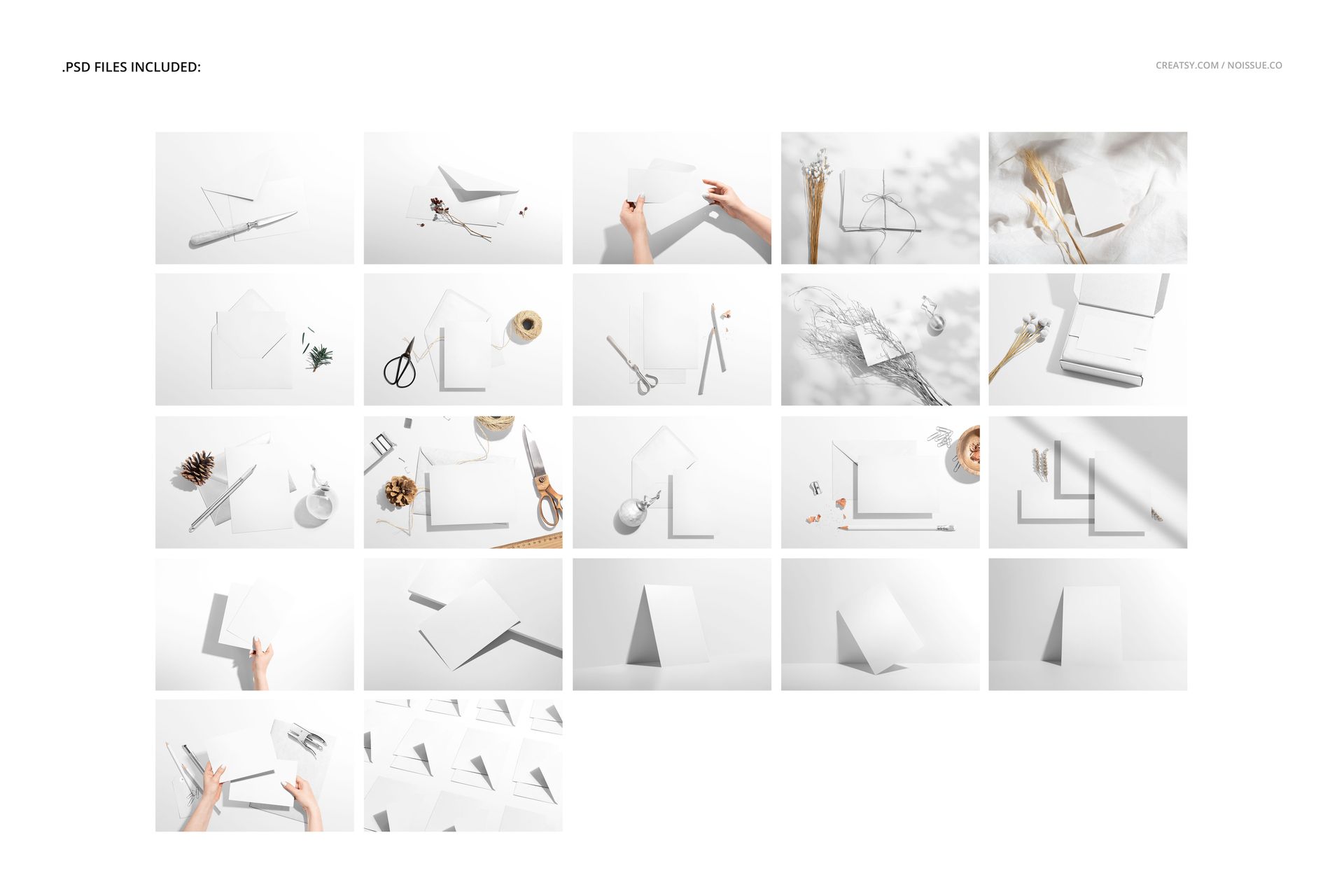
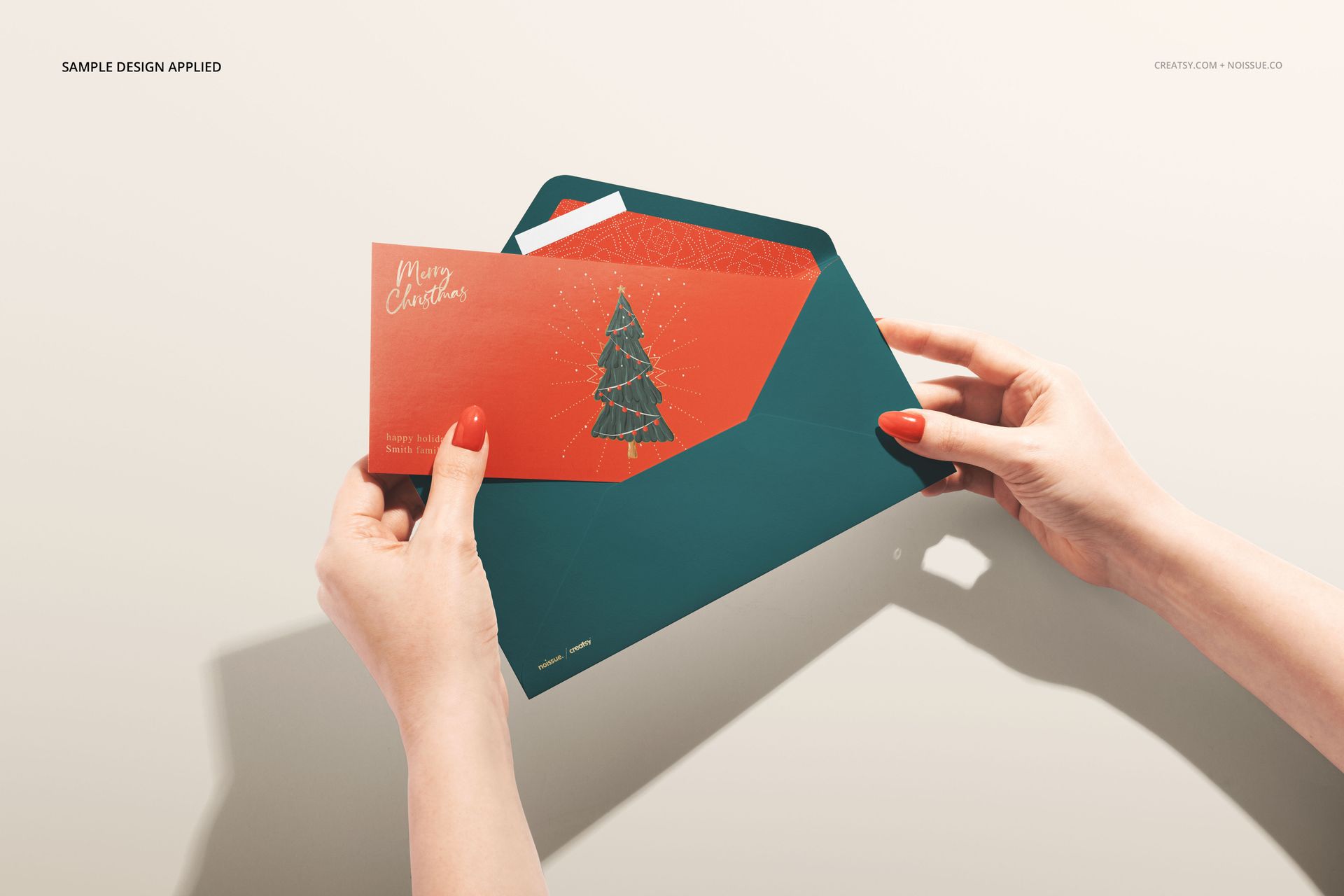
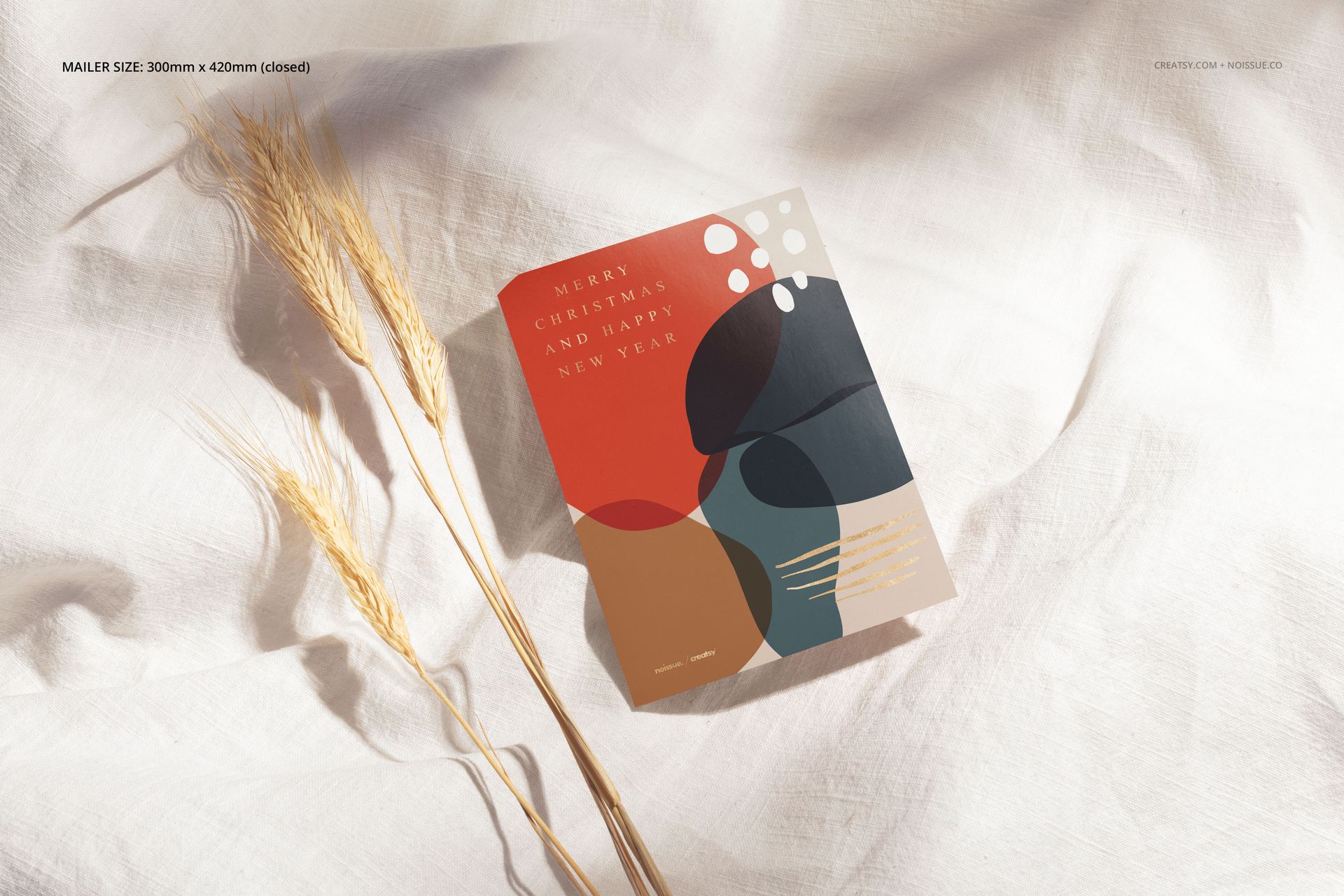
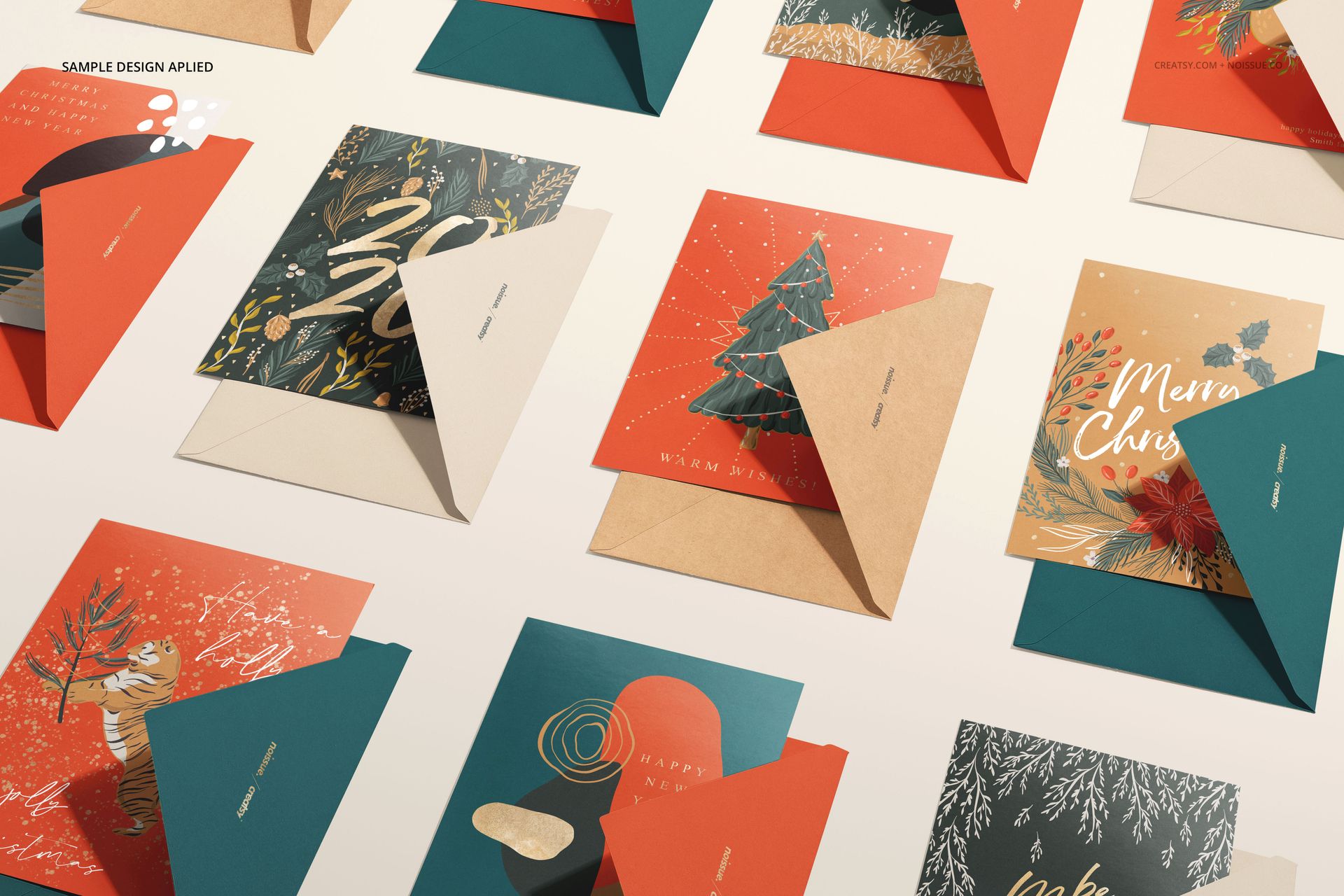
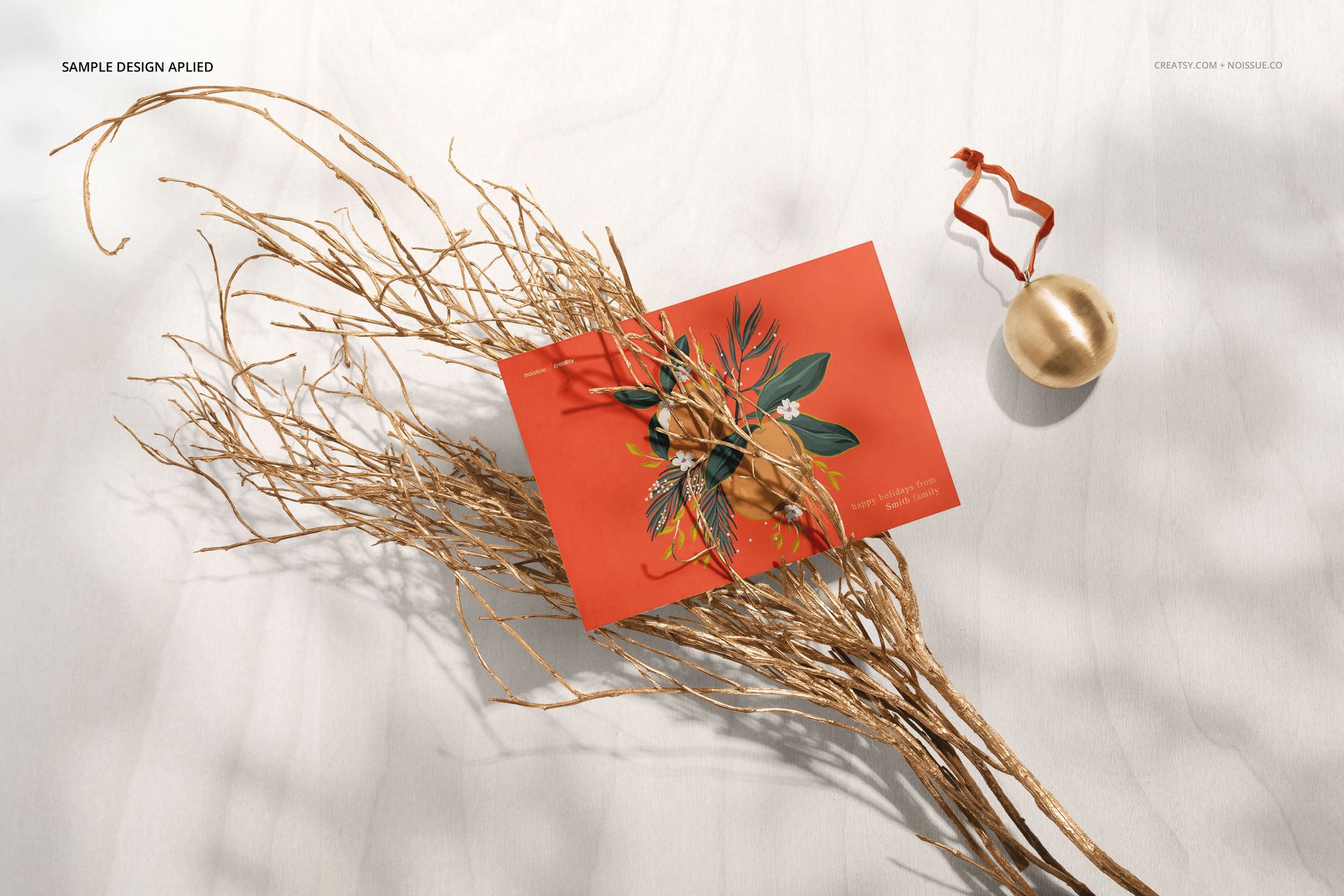
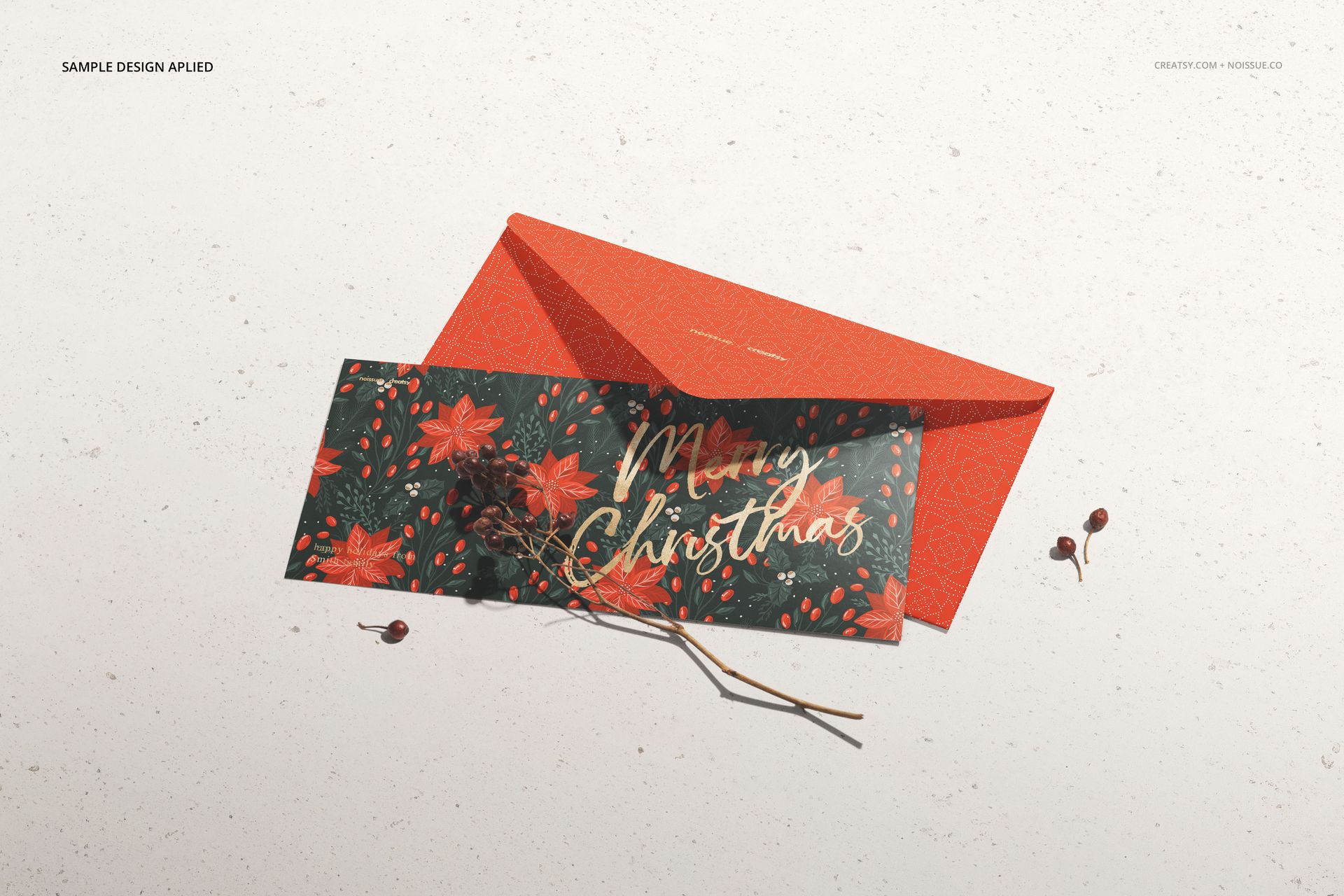
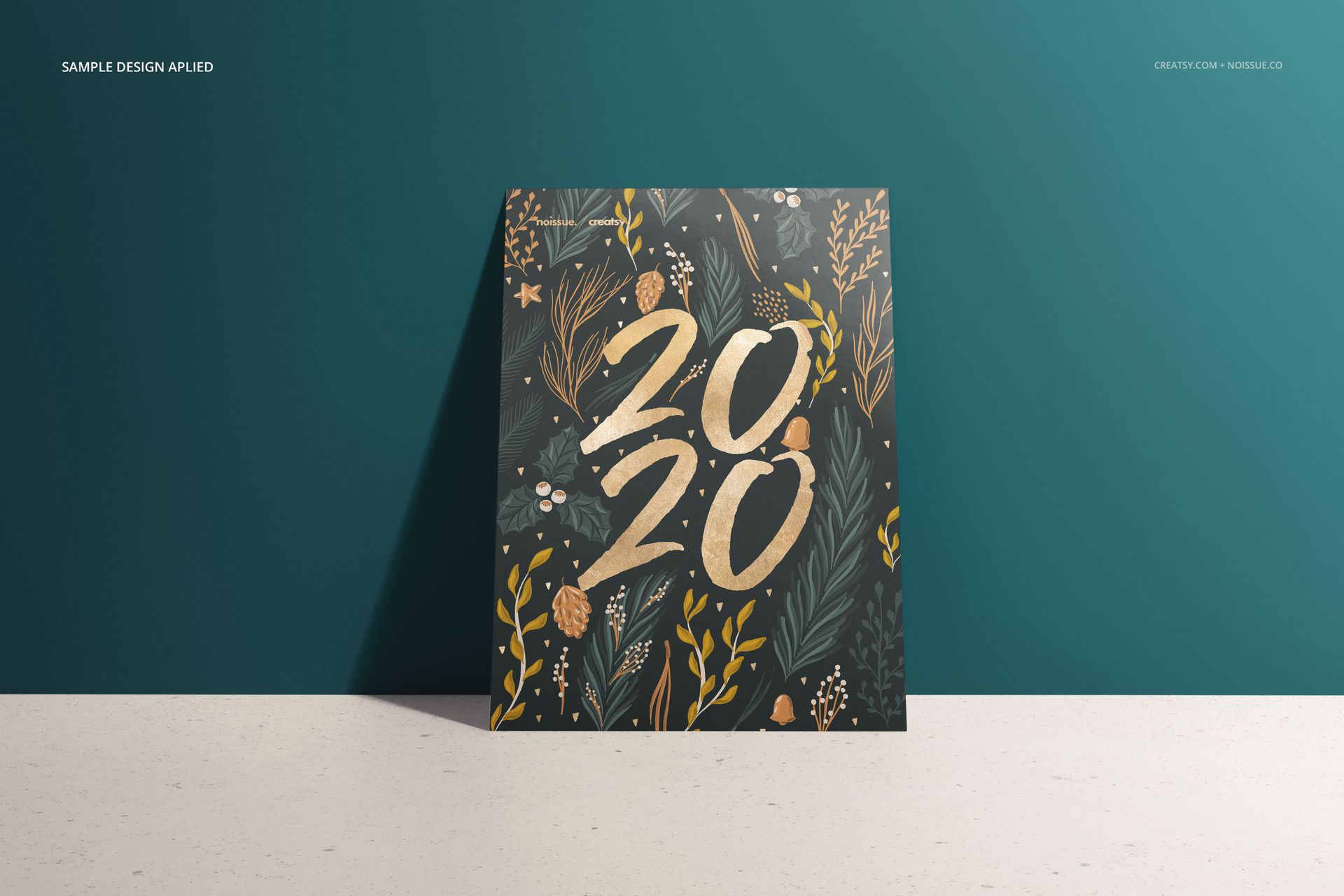
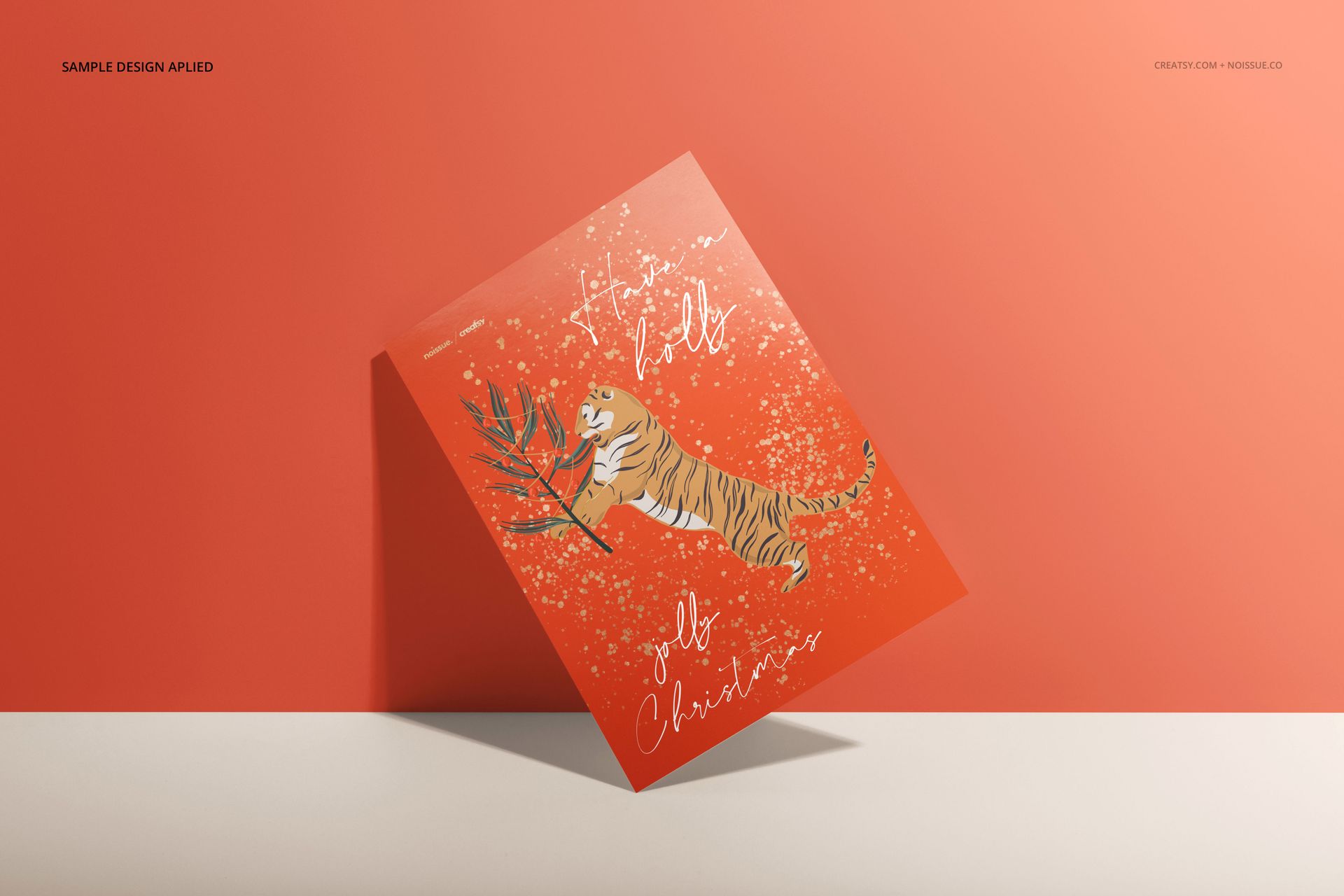
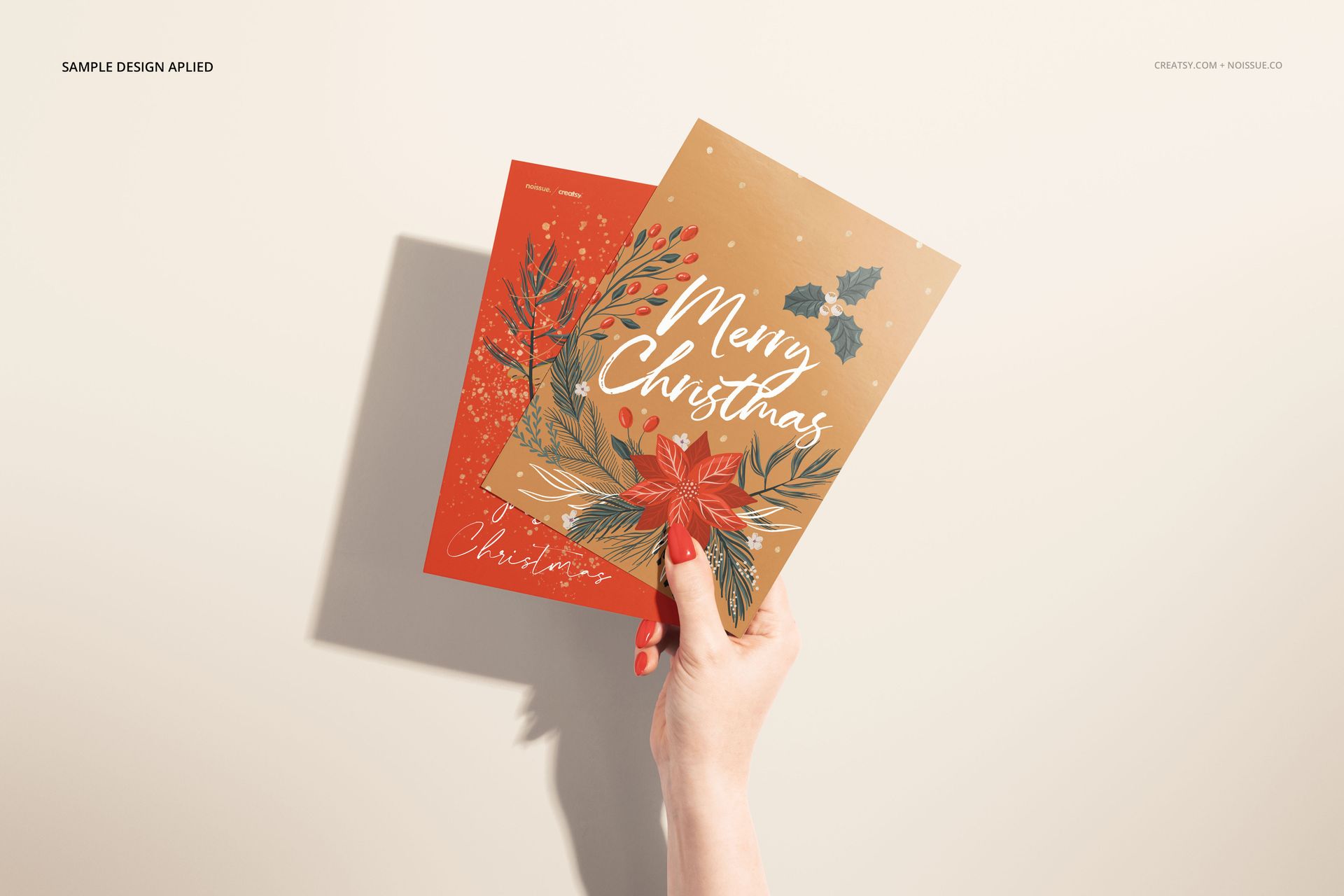
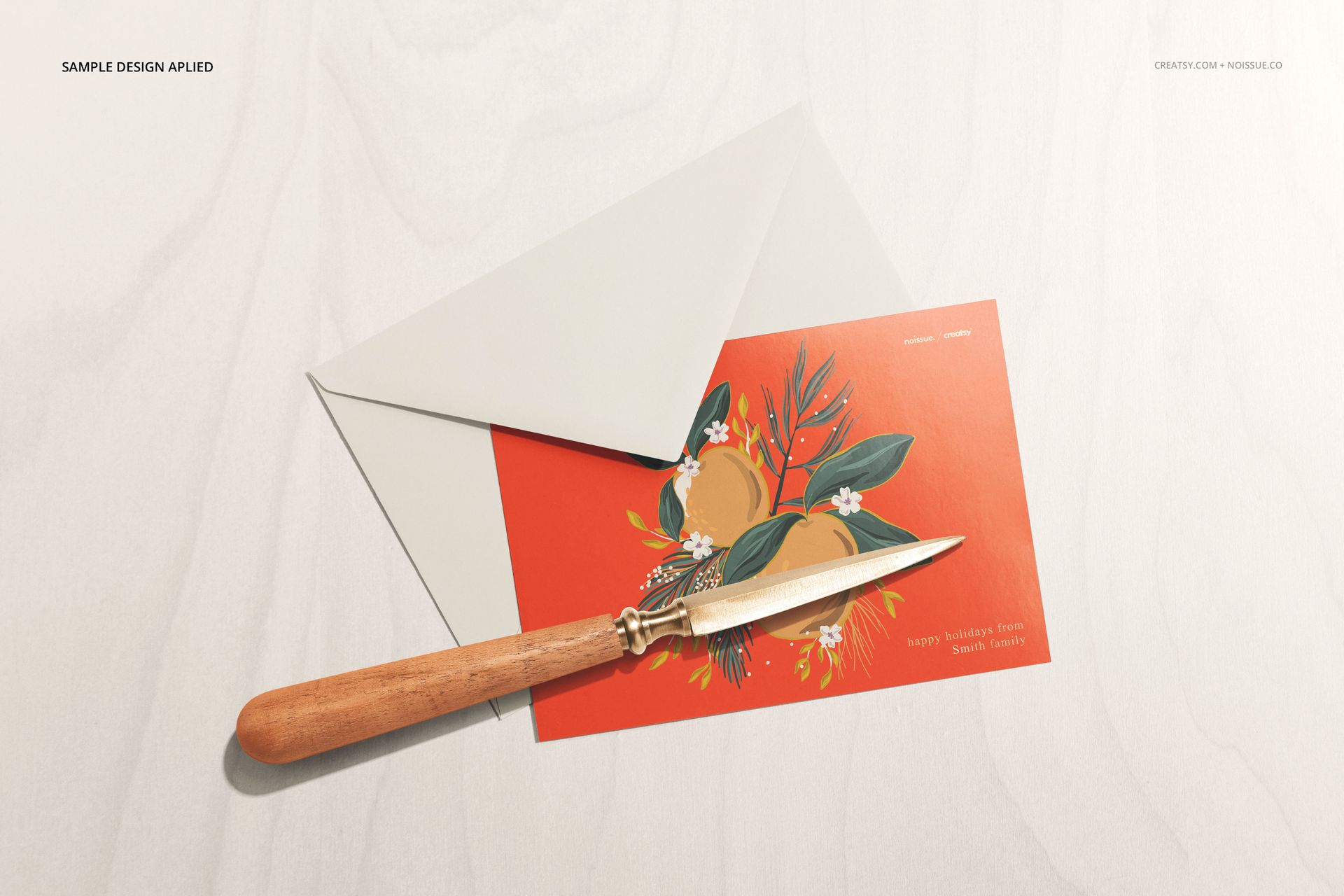
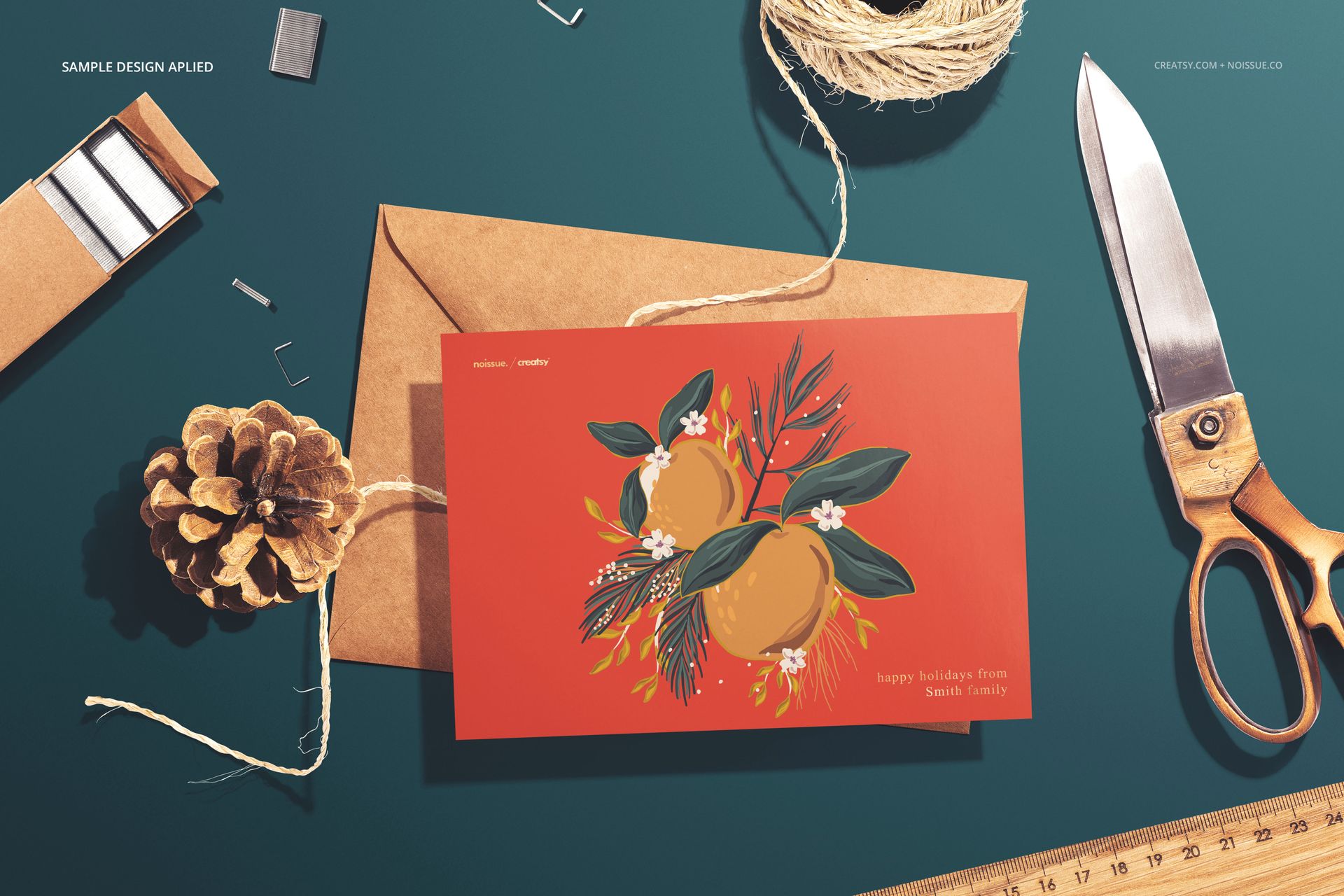
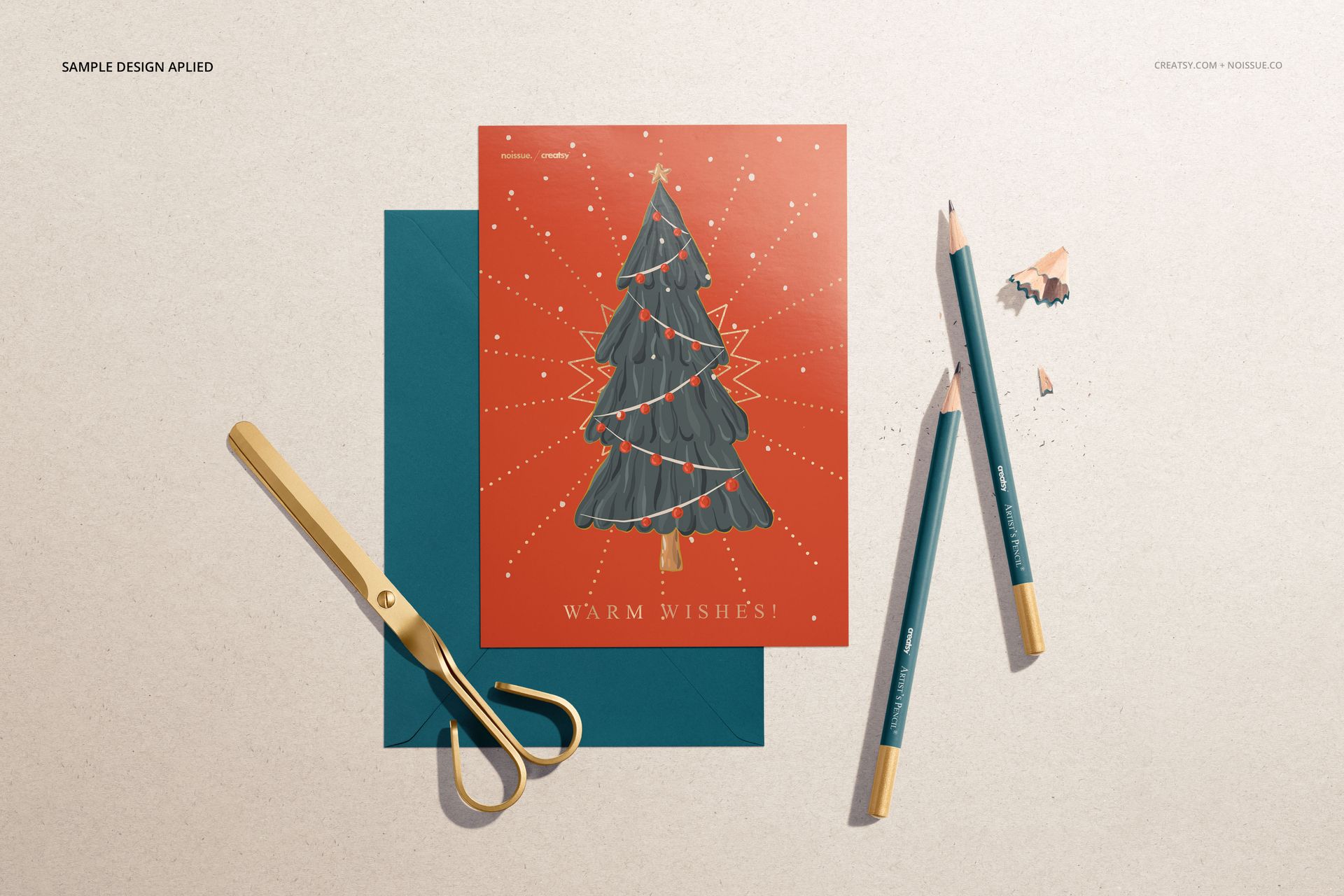
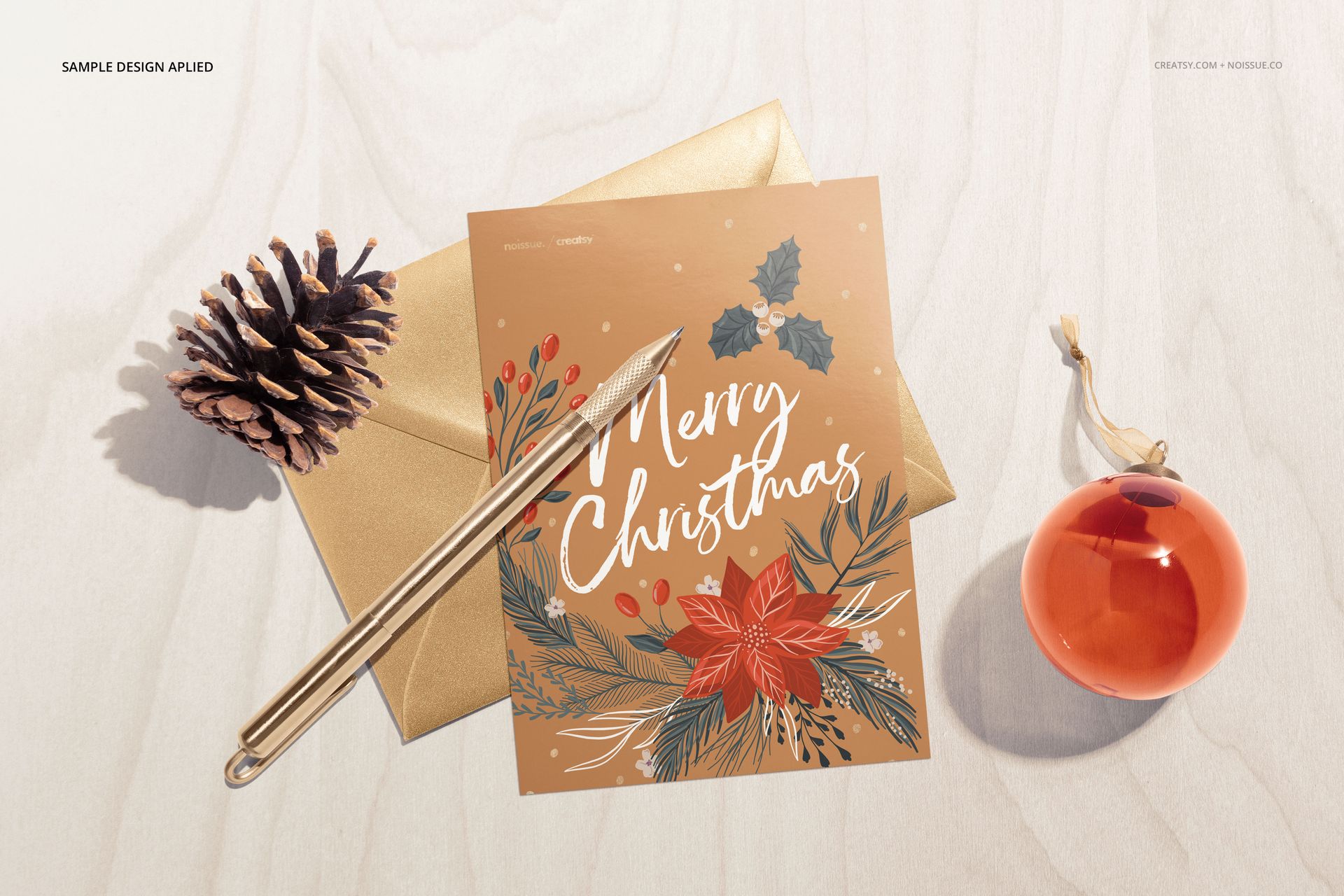
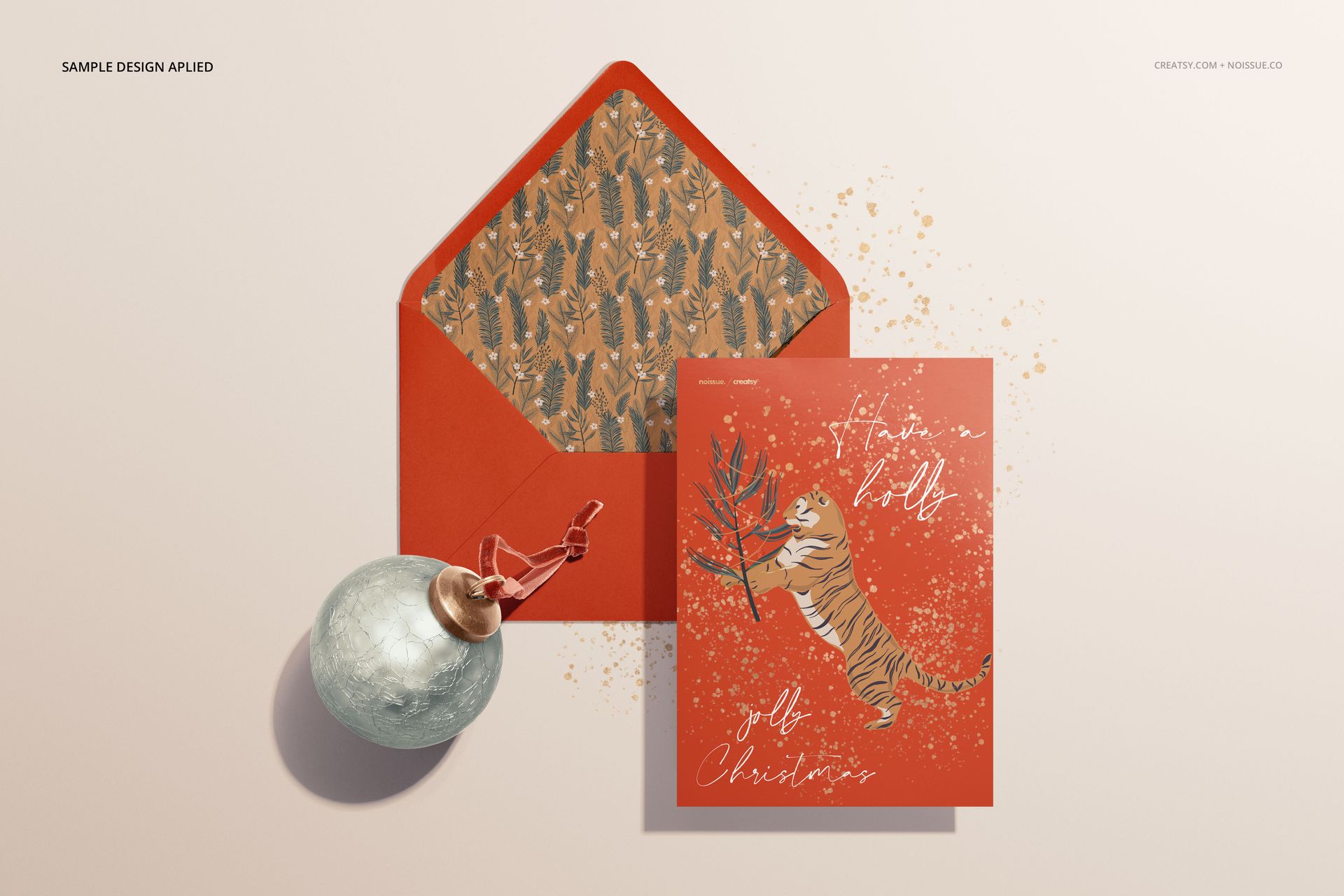
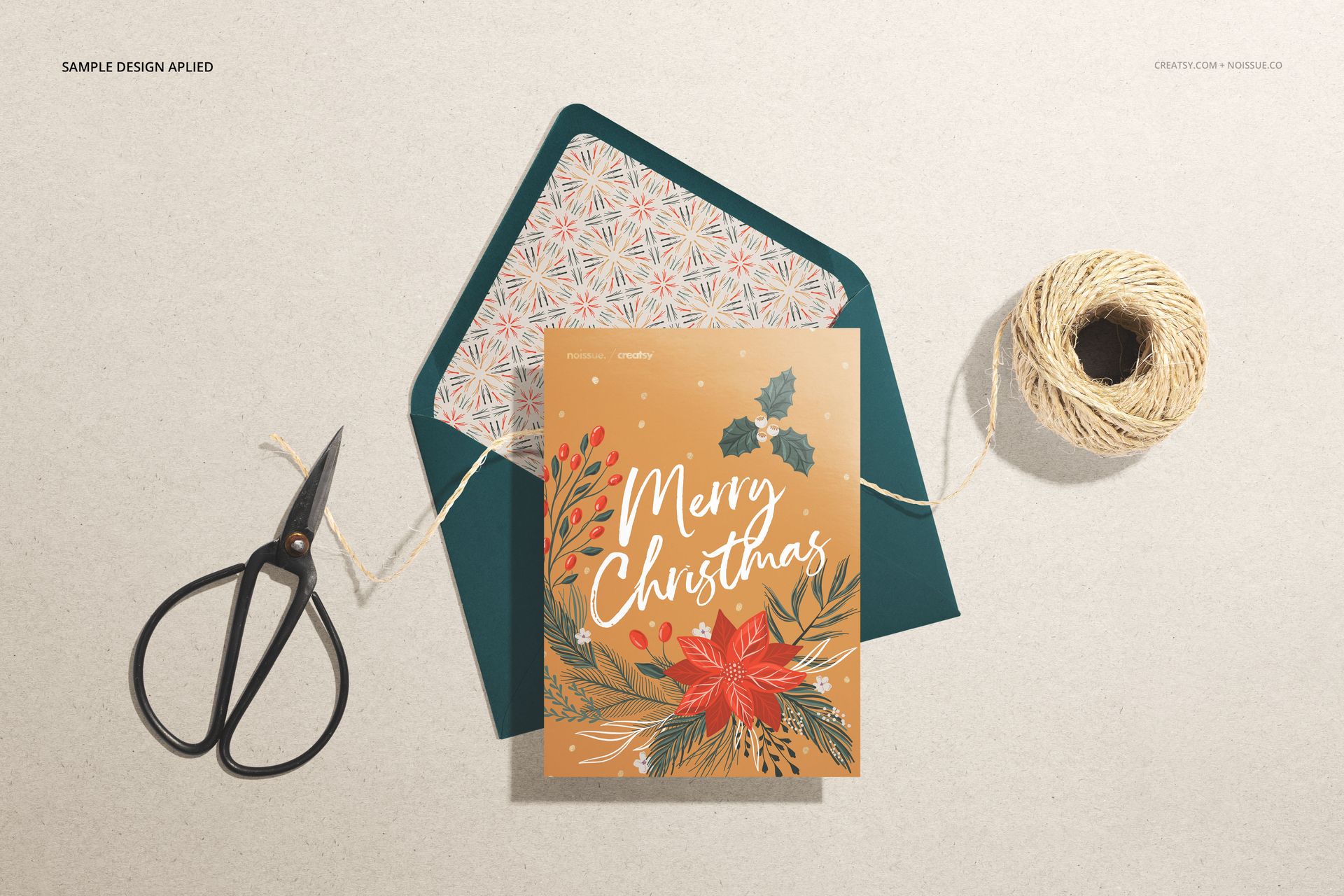
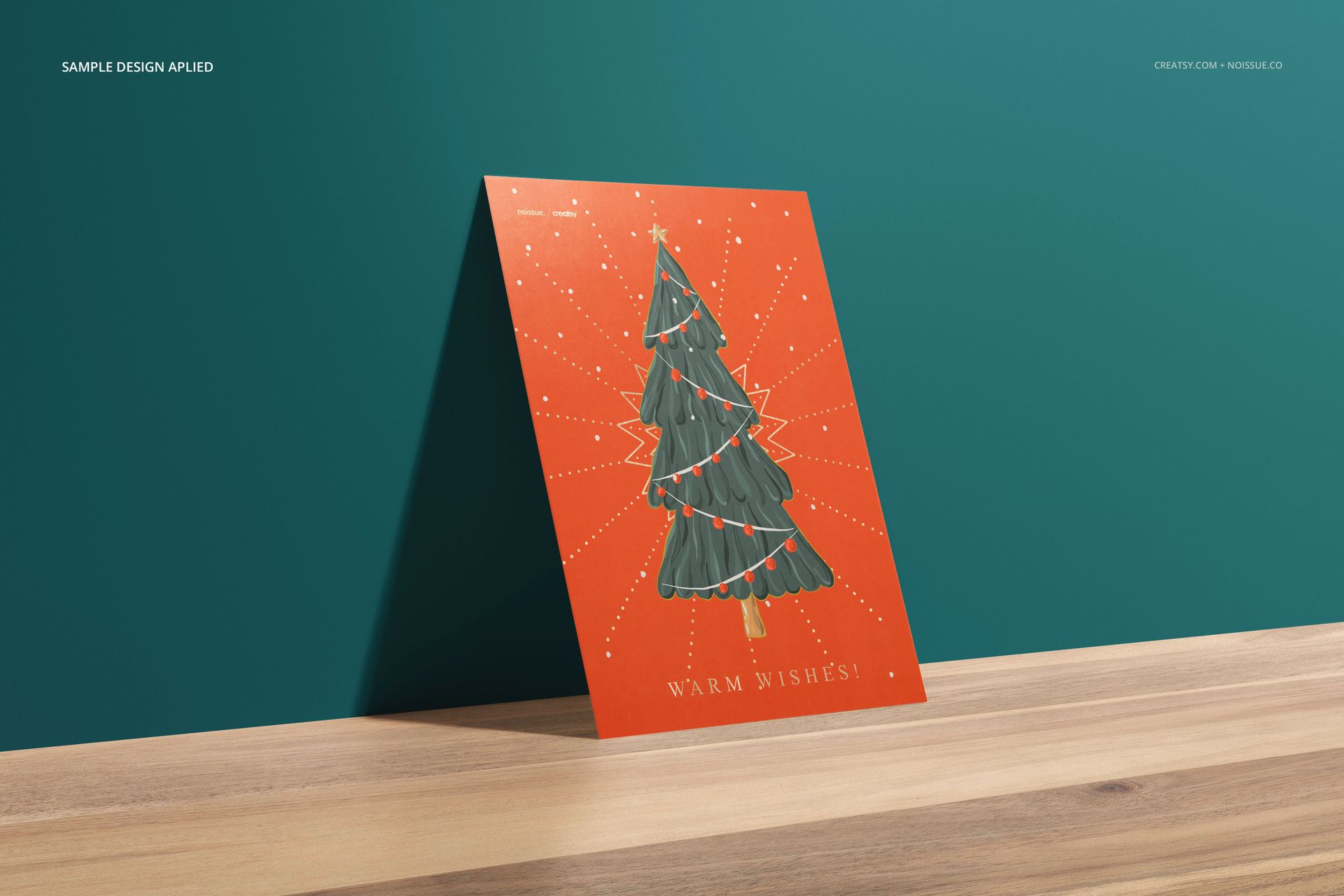
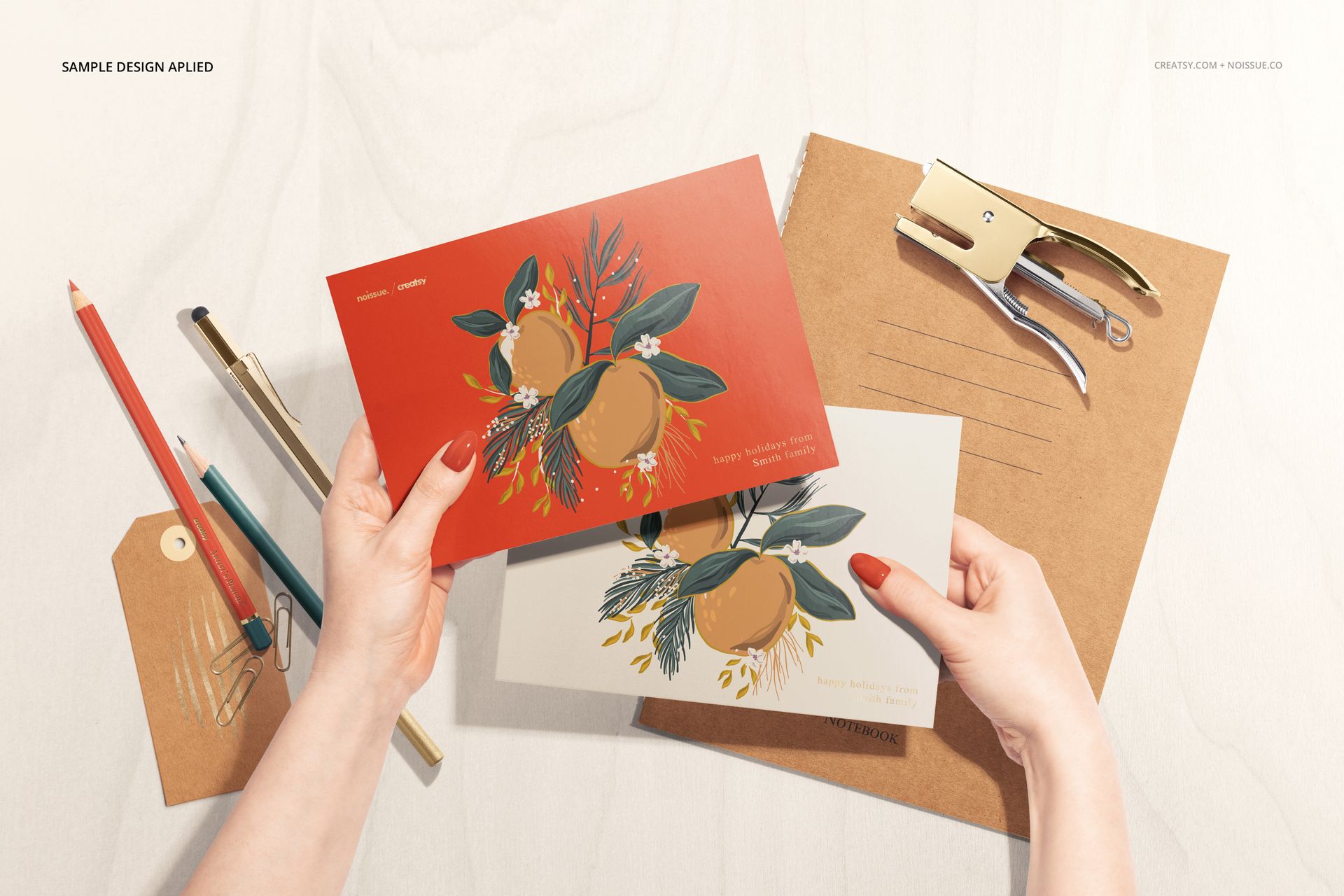
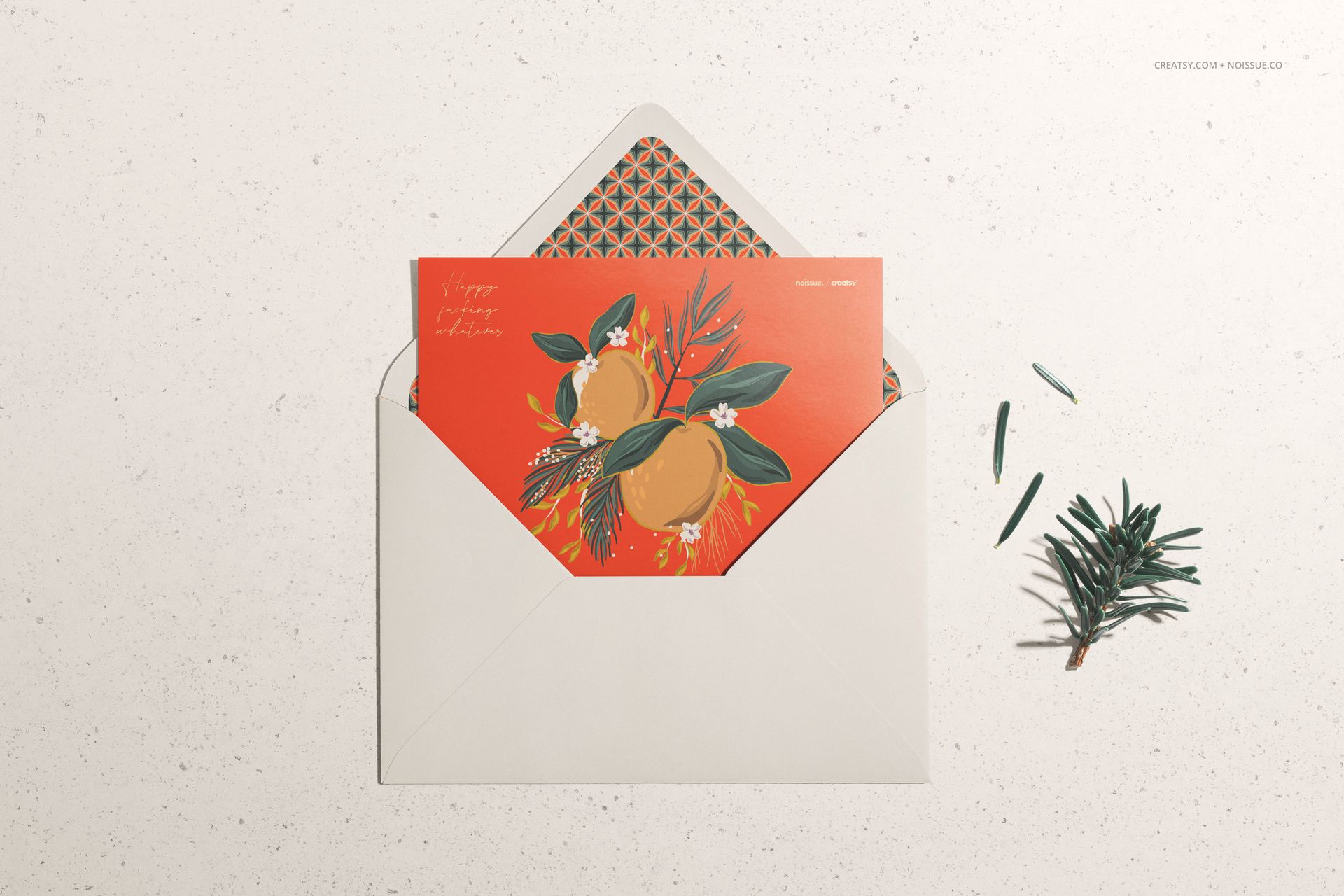
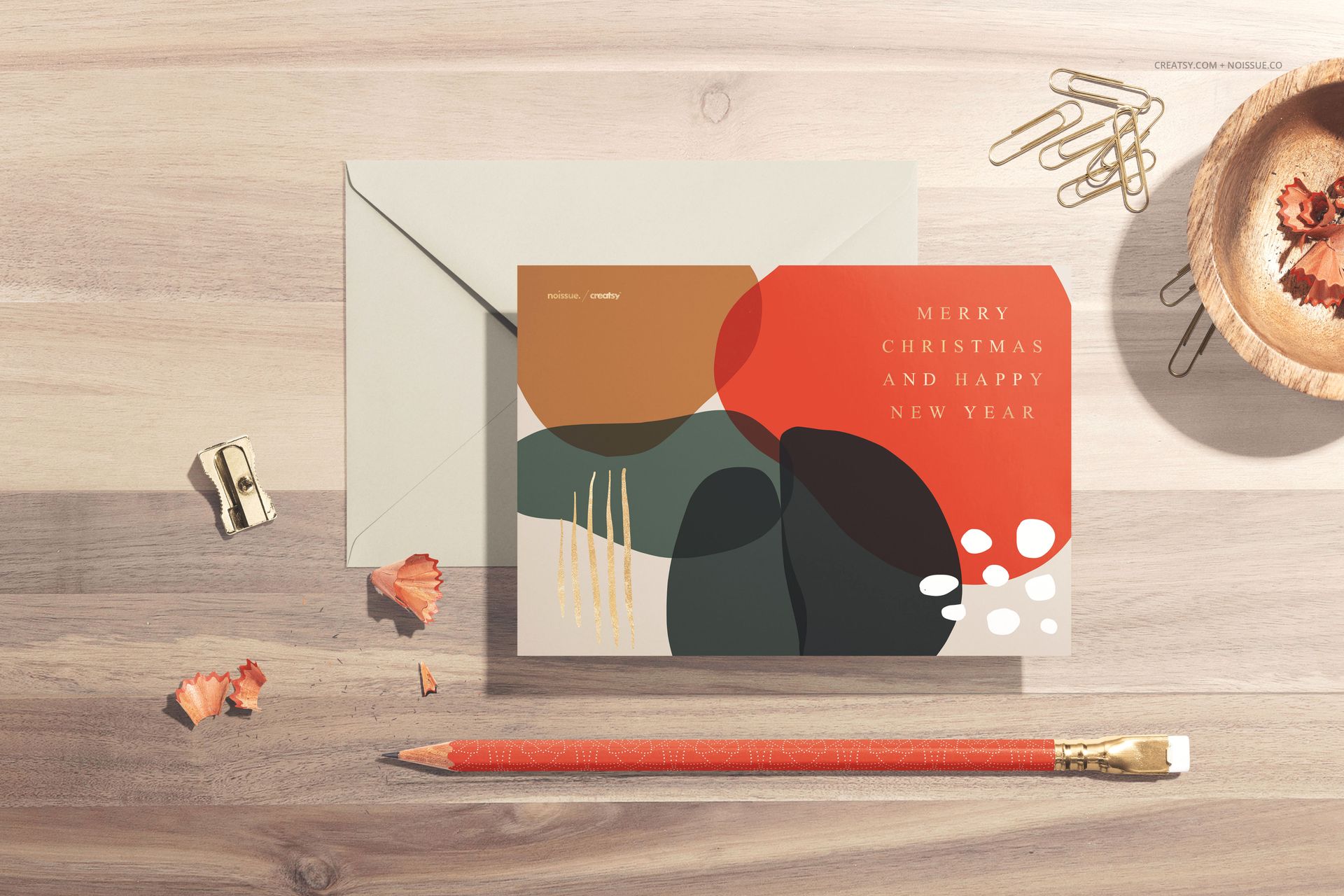
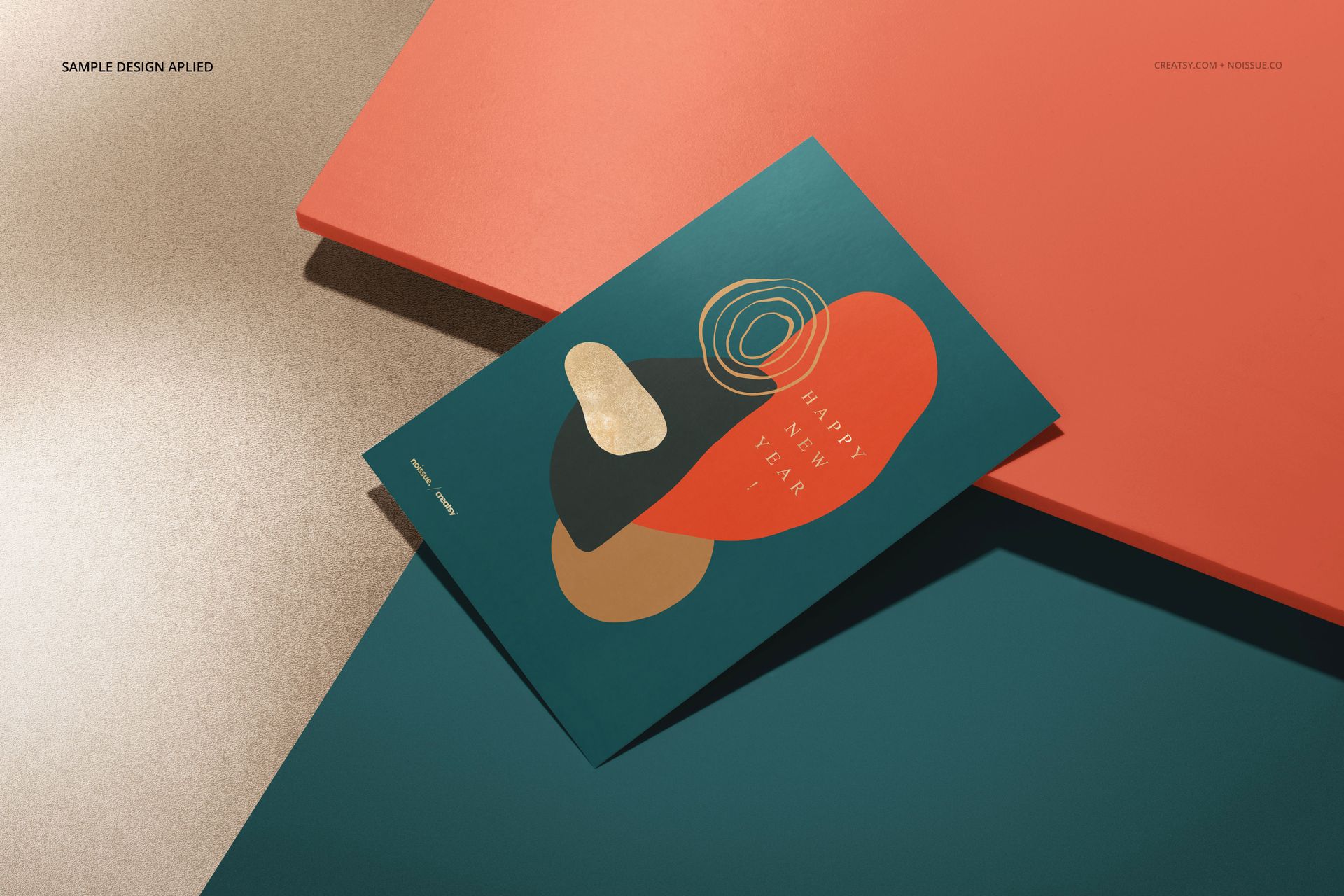
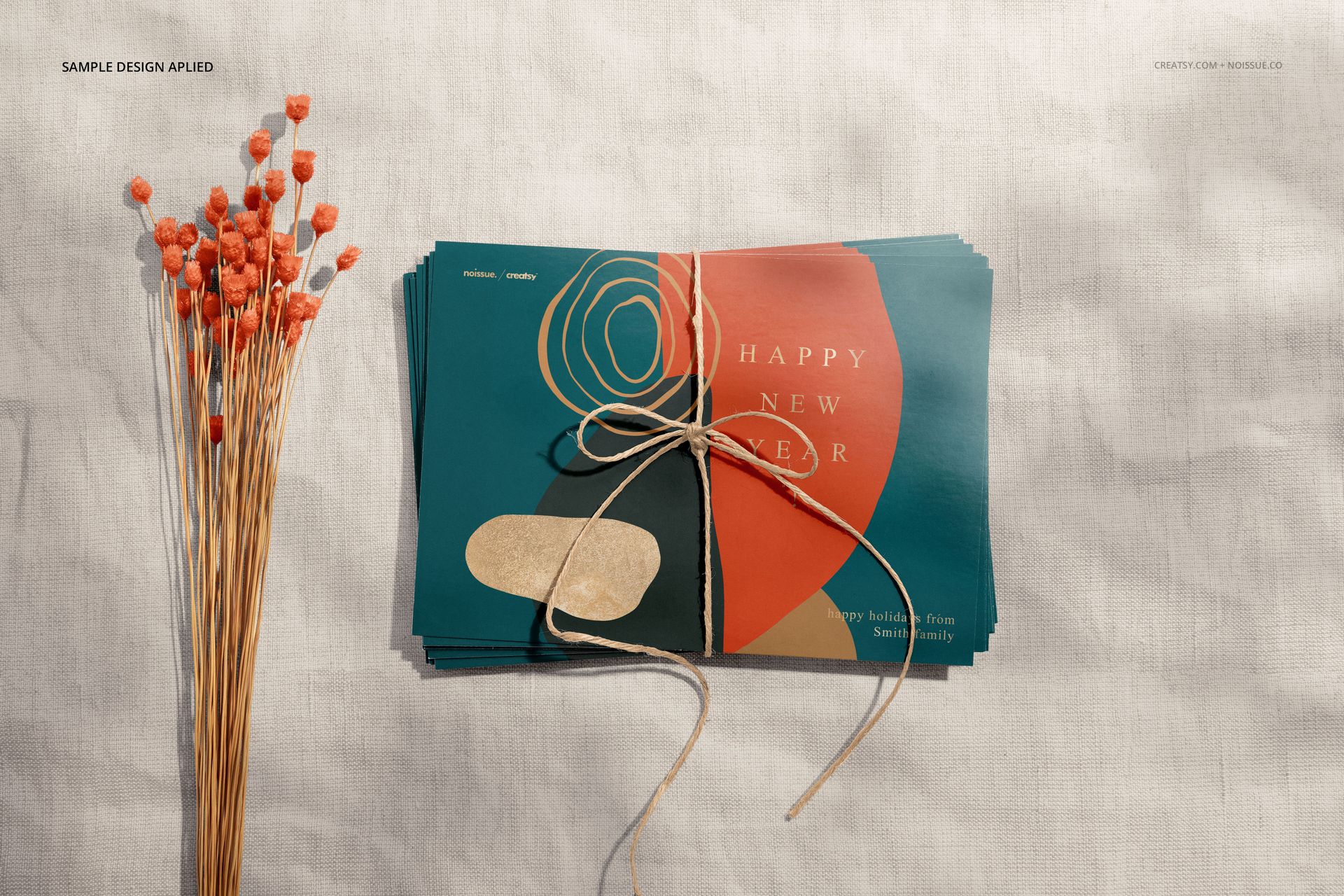
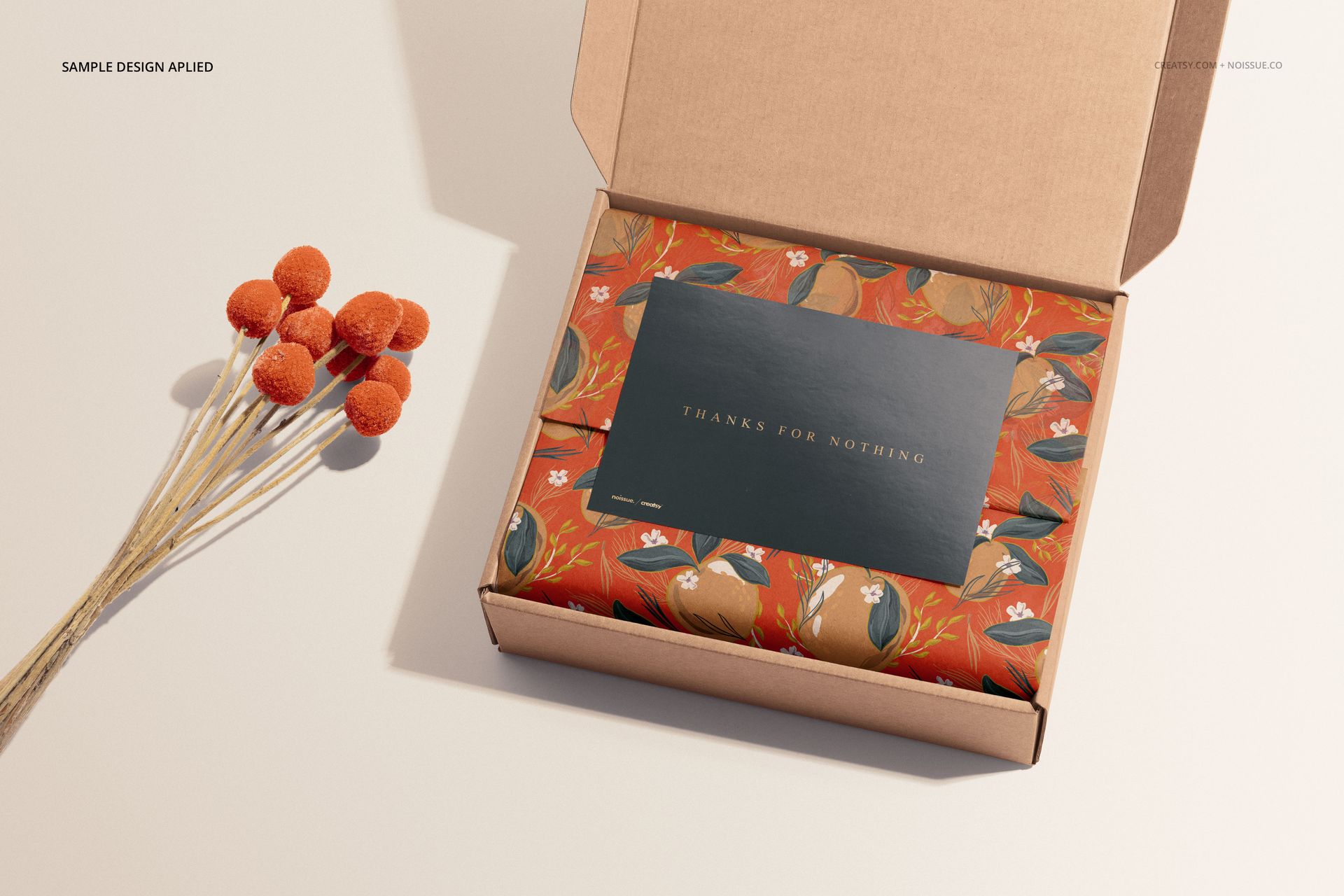
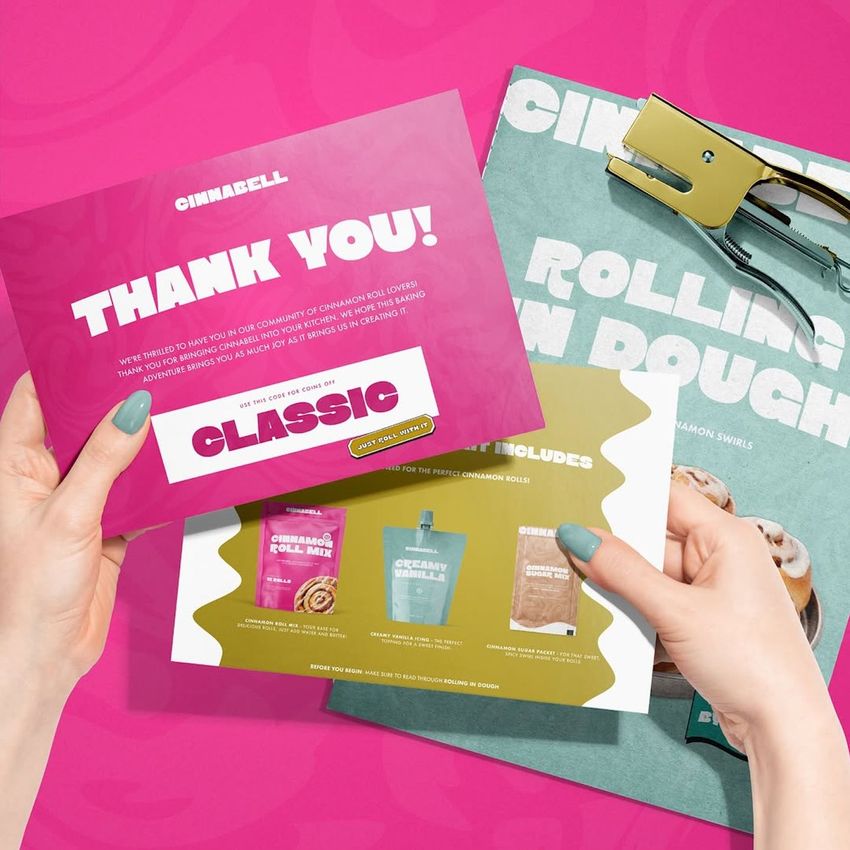
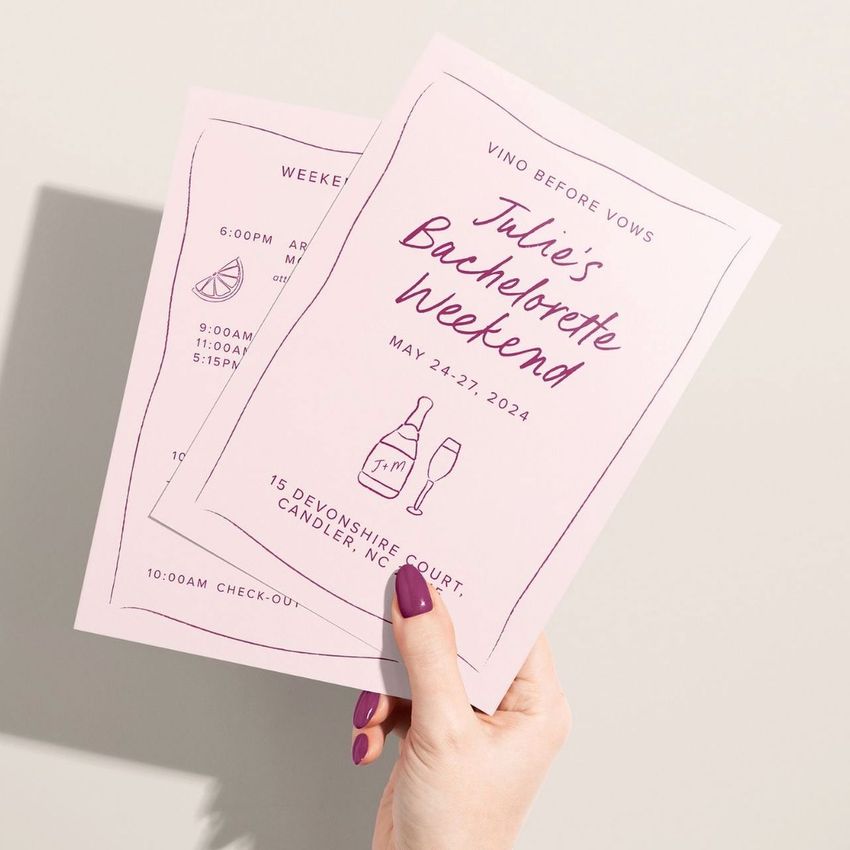
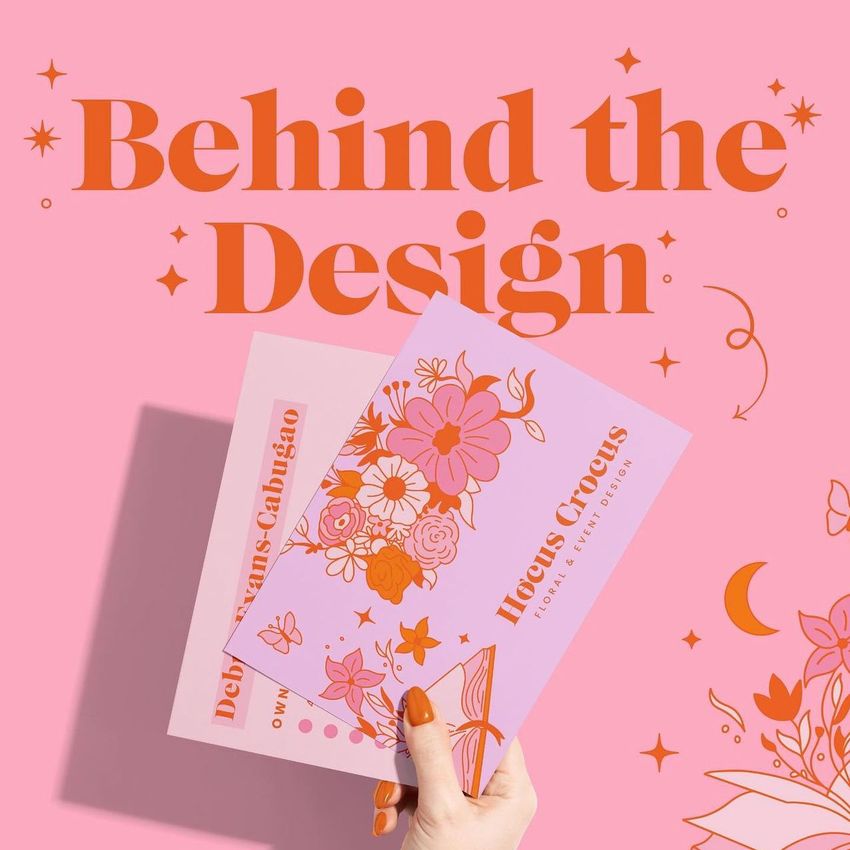
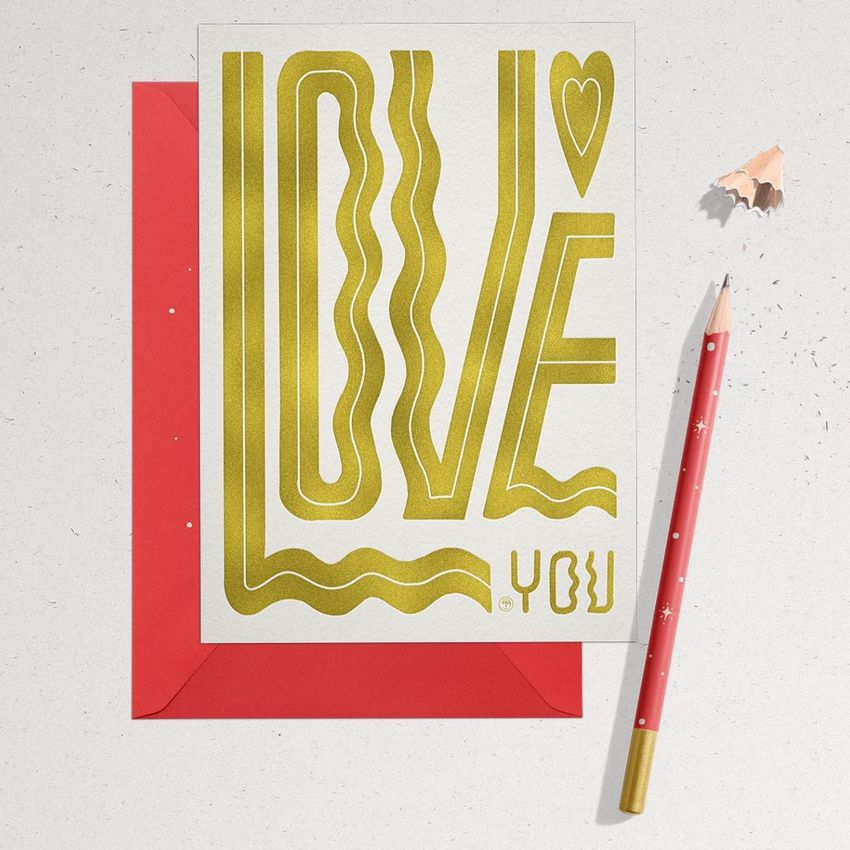
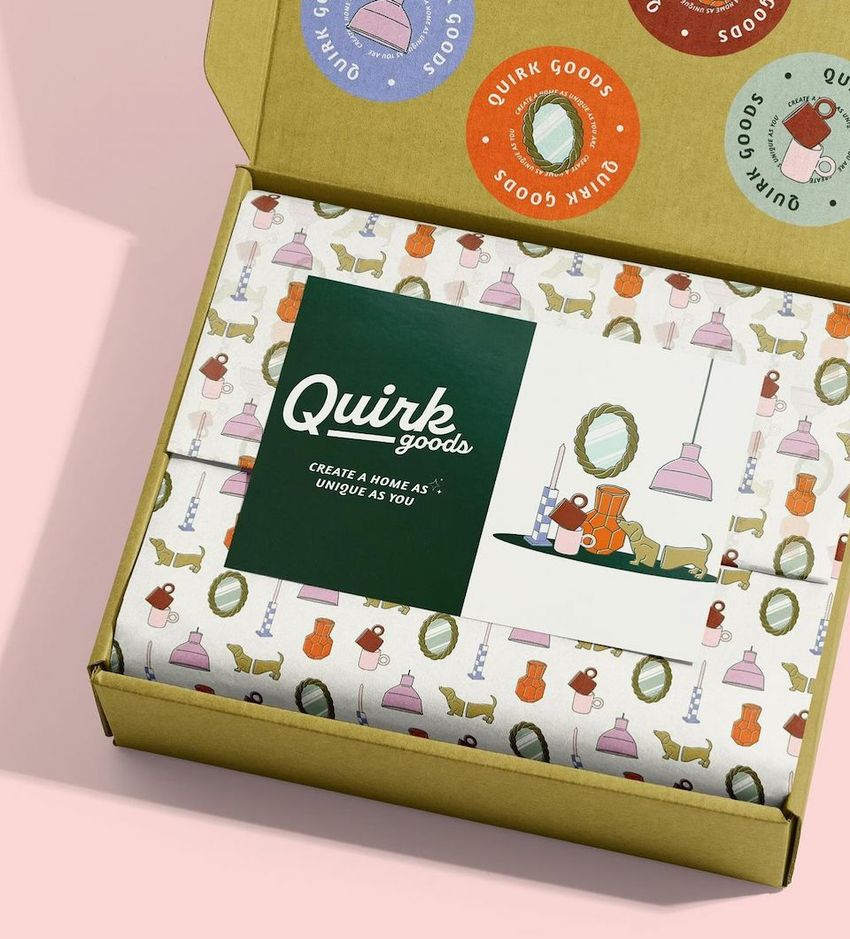
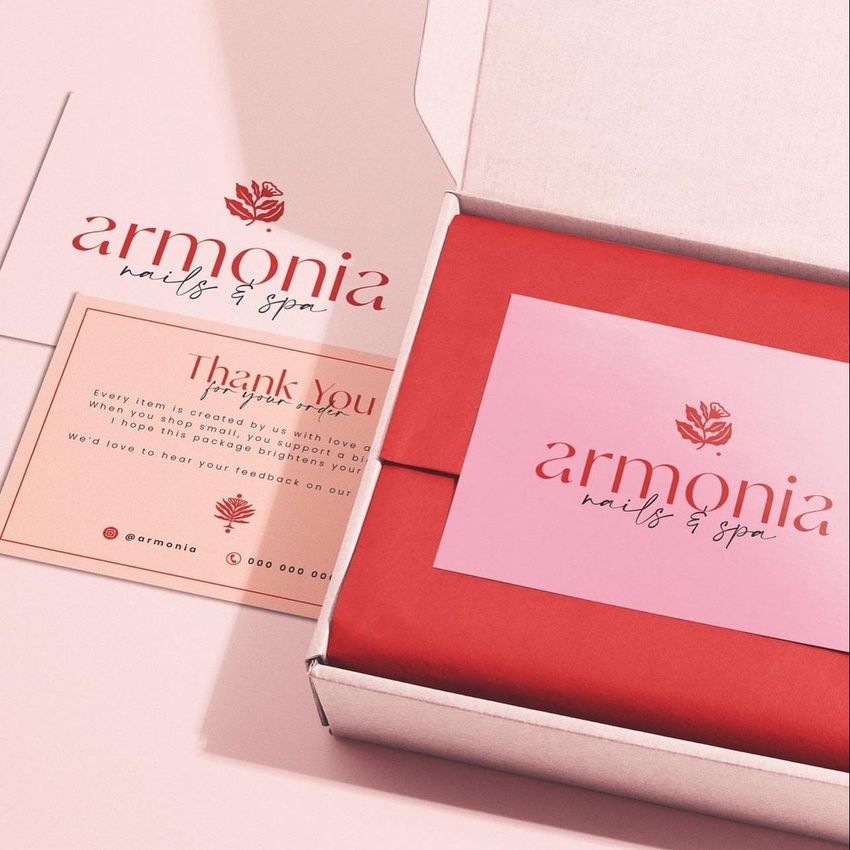
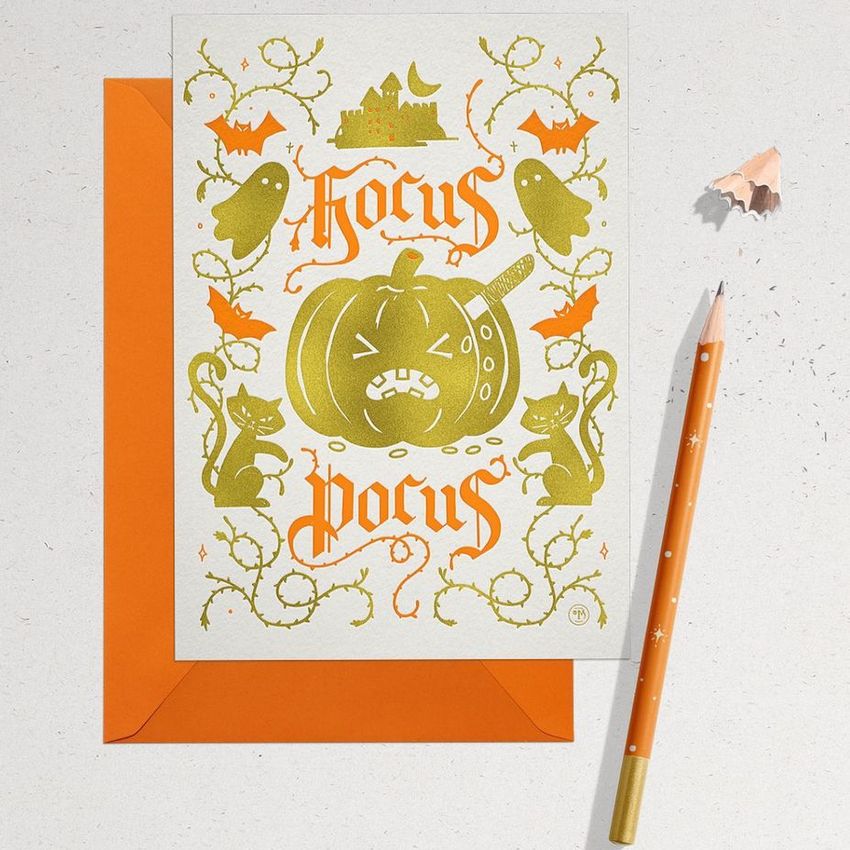
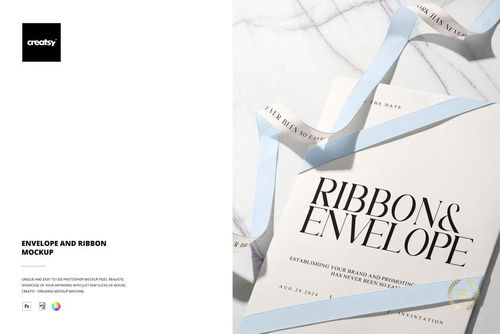
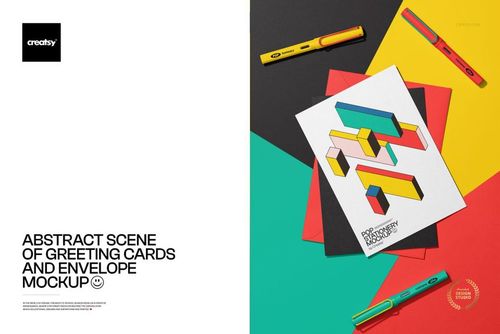
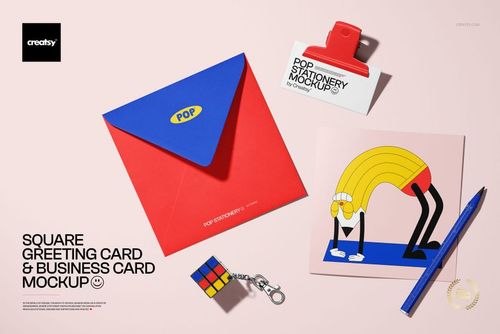
Present one stationery collection across 22 layered flat-lay scenes and three practical card formats. Rack, A6, and A5 cards appear in varied arrangements with envelopes, hands, craft tools, twine, pencils, pine cones, and other studio details, giving you both focused artwork views and broader collection images.
The range of layouts makes it easy to compare coordinated designs, show how artwork adapts to different proportions, and build a complete gallery without producing and photographing physical samples. Prepared shadows and highlights help each design sit naturally within the scene.
What Is Included
21 layered PSD mockup files and 1 layered PSB mockup file
22 editable mockup scenes in total
22 JPG scene previews and 5 separate JPG textures
1 PDF user manual
50 digital files in total
6000 × 4000 px at 300 DPI per editable scene
Compatibility with Adobe Photoshop CC2015 or newer and Photopea
Three Card Formats in One Collection
Rack card: 93 × 215 mm
A6 card: 105 × 148 mm
A5 card: 148 × 210 mm
Use the different proportions to preview a coordinated campaign across long rack cards, compact A6 cards, and larger A5 artwork while keeping the visual direction consistent.
Five Included Background Textures
The download includes two wooden textures plus kraft, concrete, and paper textures in JPG format. Use them to shift the mood from natural and tactile to clean and architectural without rebuilding the scene from scratch.
Easy Smart Object Editing
Open the prepared Smart Object, insert your artwork, save the edited layer, and return to the main file to review the result. Confirmed color and design controls, organized layers, and prepared shadows and highlights support efficient editing in Adobe Photoshop or Photopea.
Perfect For
Greeting card and stationery collections
Rack card, A6, and A5 artwork presentations
Illustration, lettering, and surface pattern portfolios
Client approvals and multi-format campaign previews
Online shop galleries, catalogs, and social content
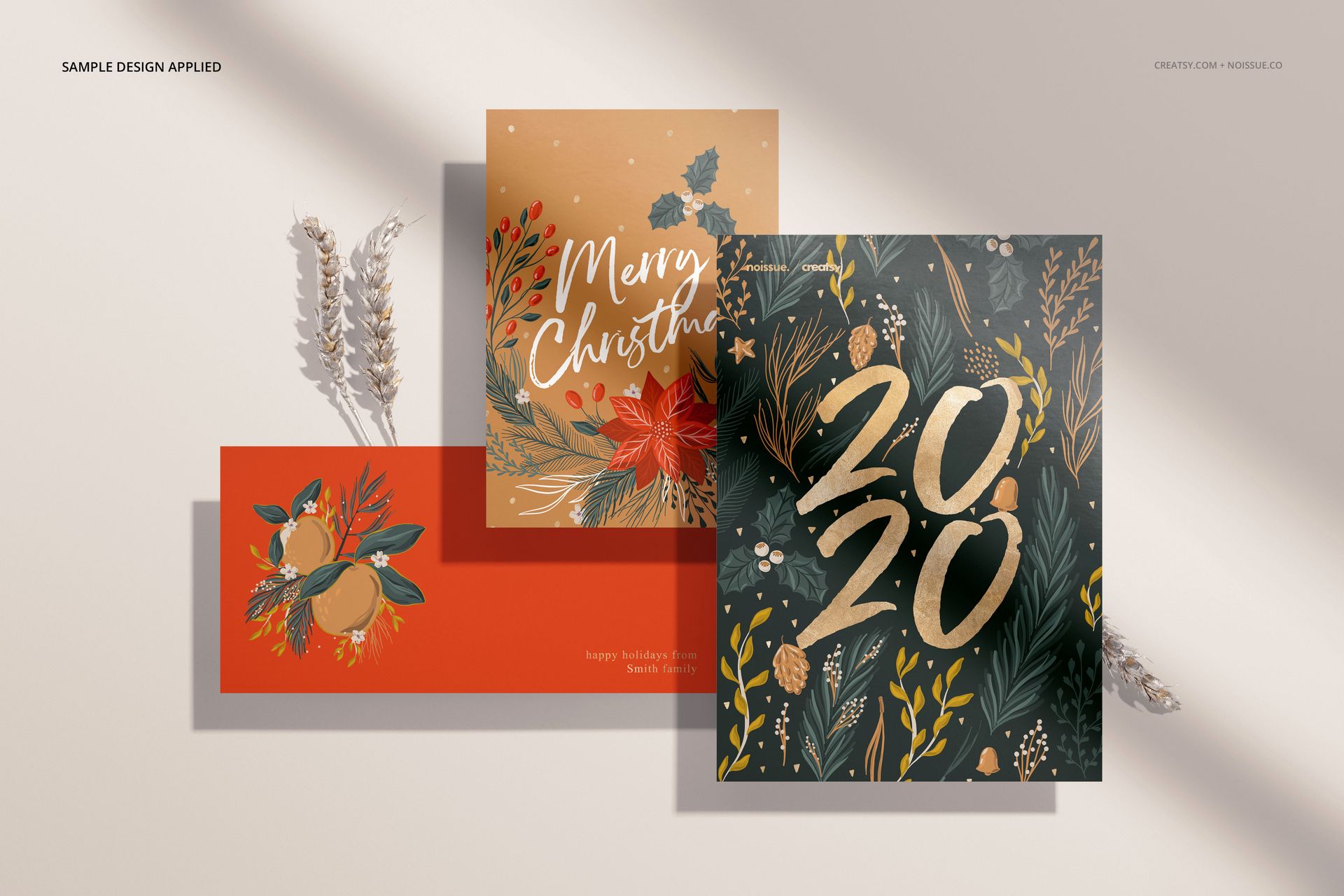
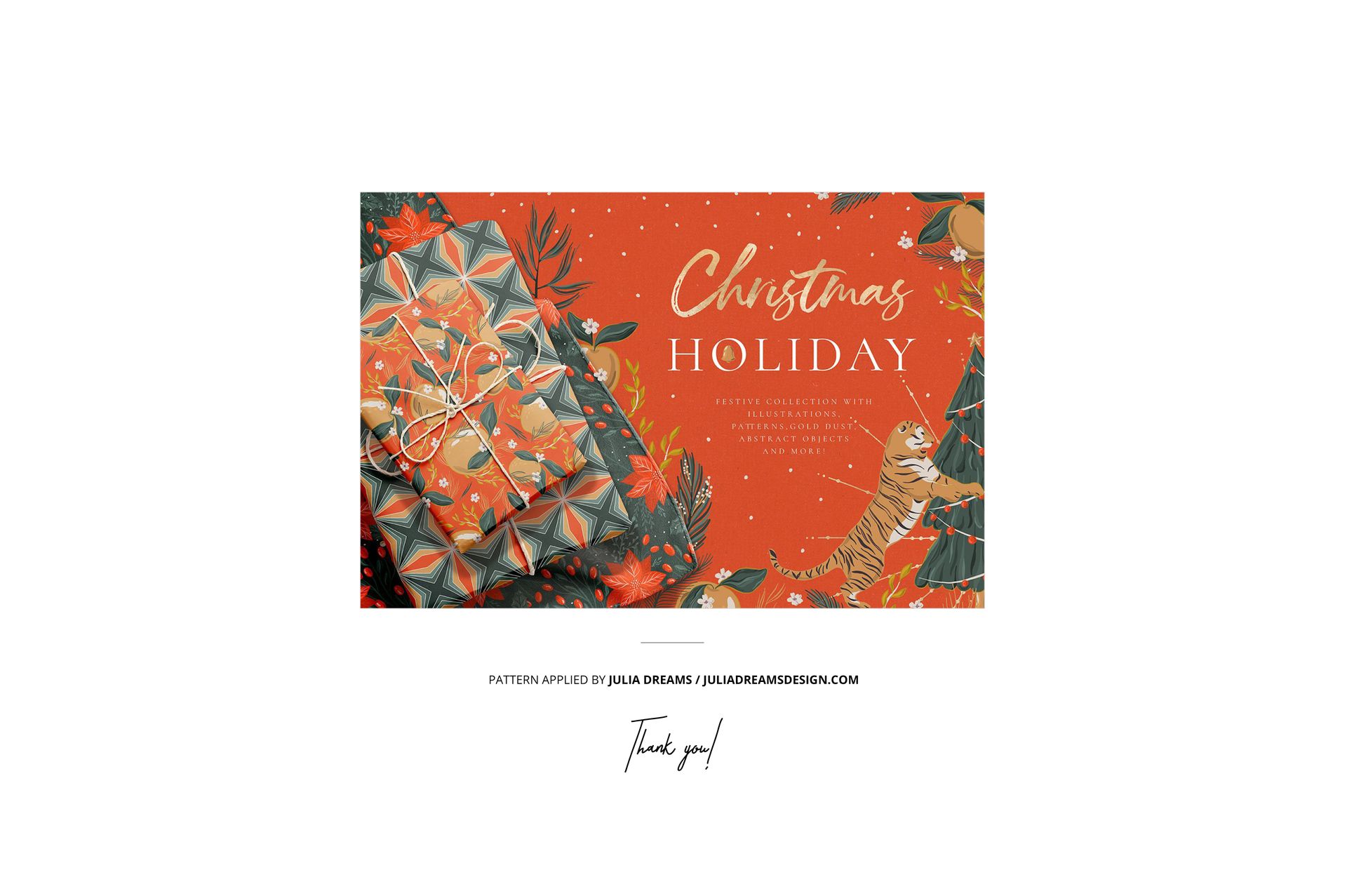
This is a digital mockup set. No physical cards, envelopes, craft tools, or props will be shipped. The sample patterns and artwork shown in the previews are not included.