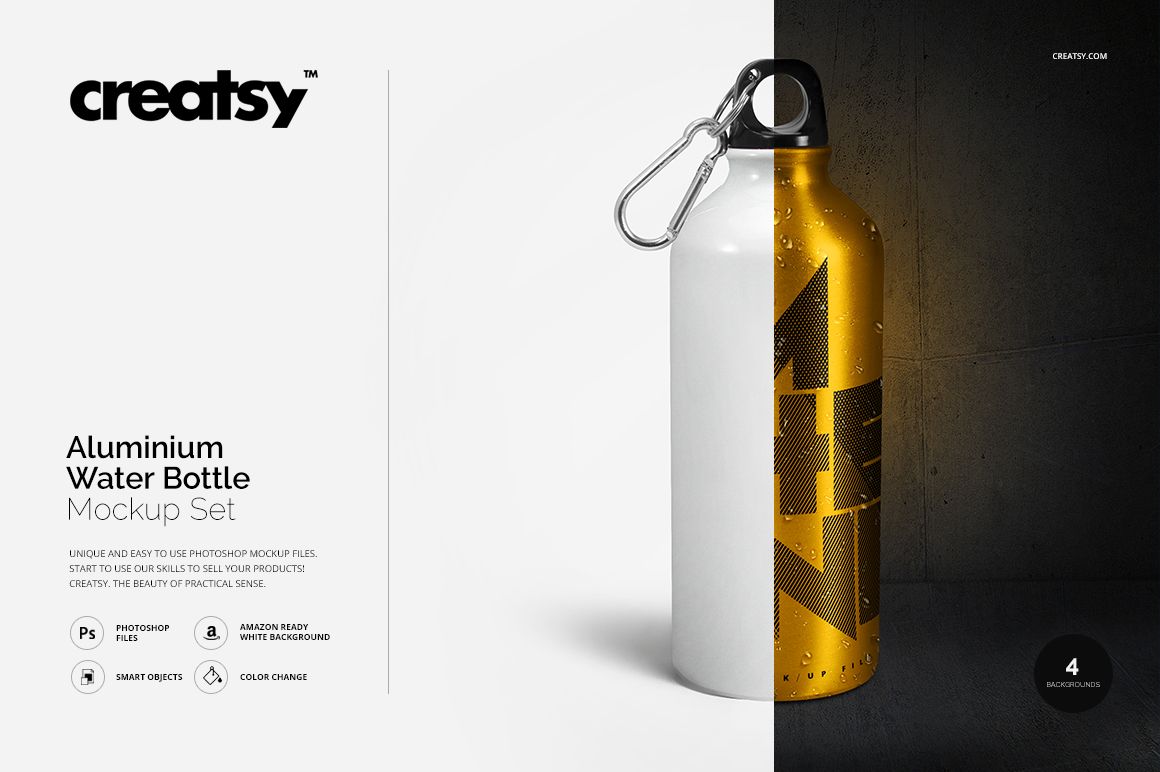
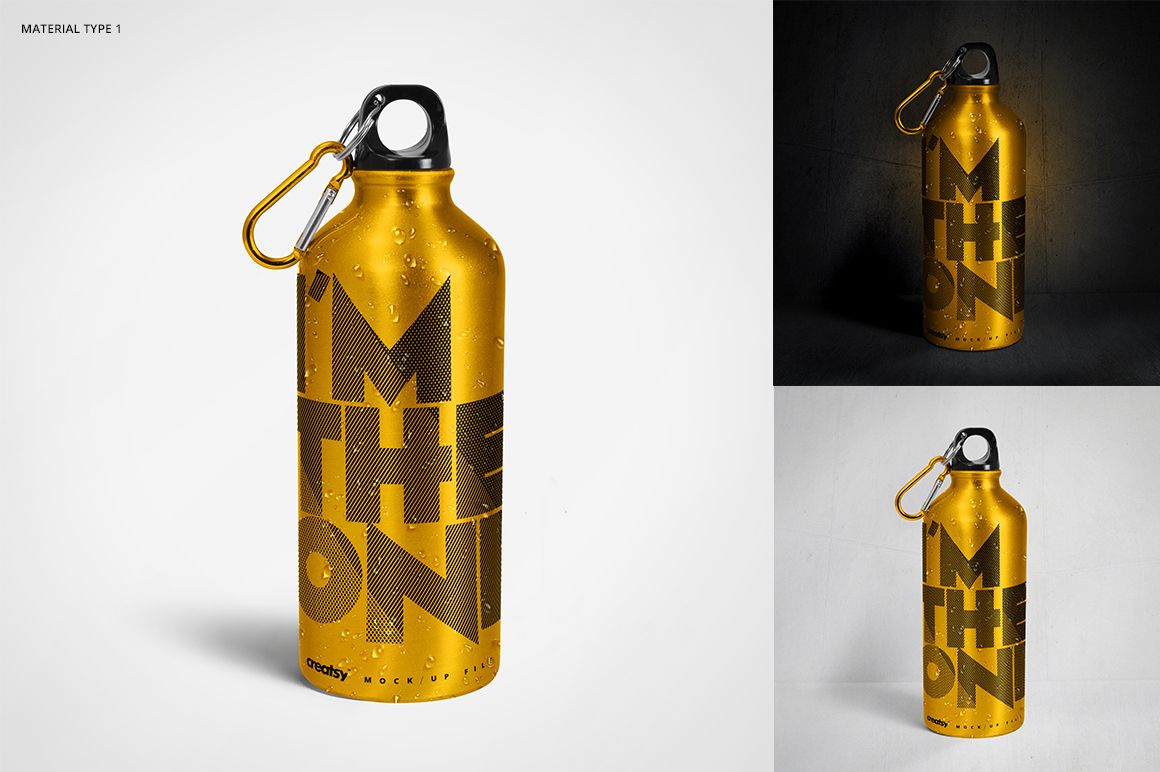
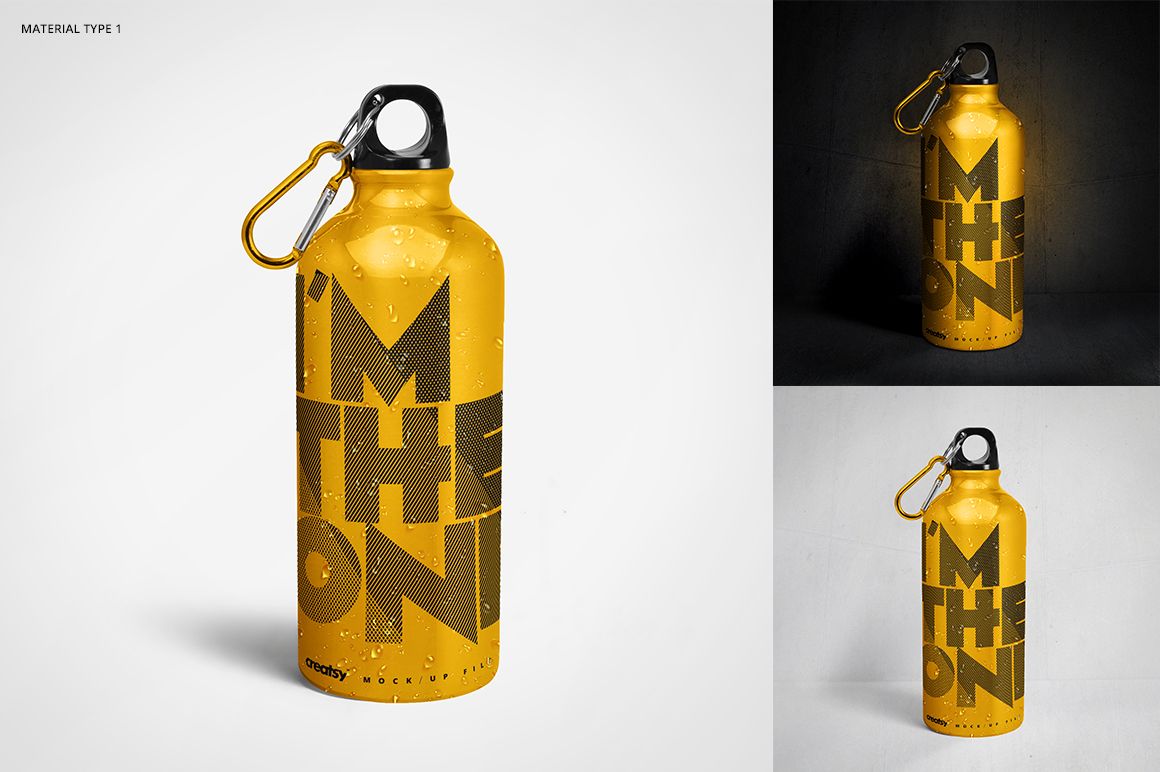
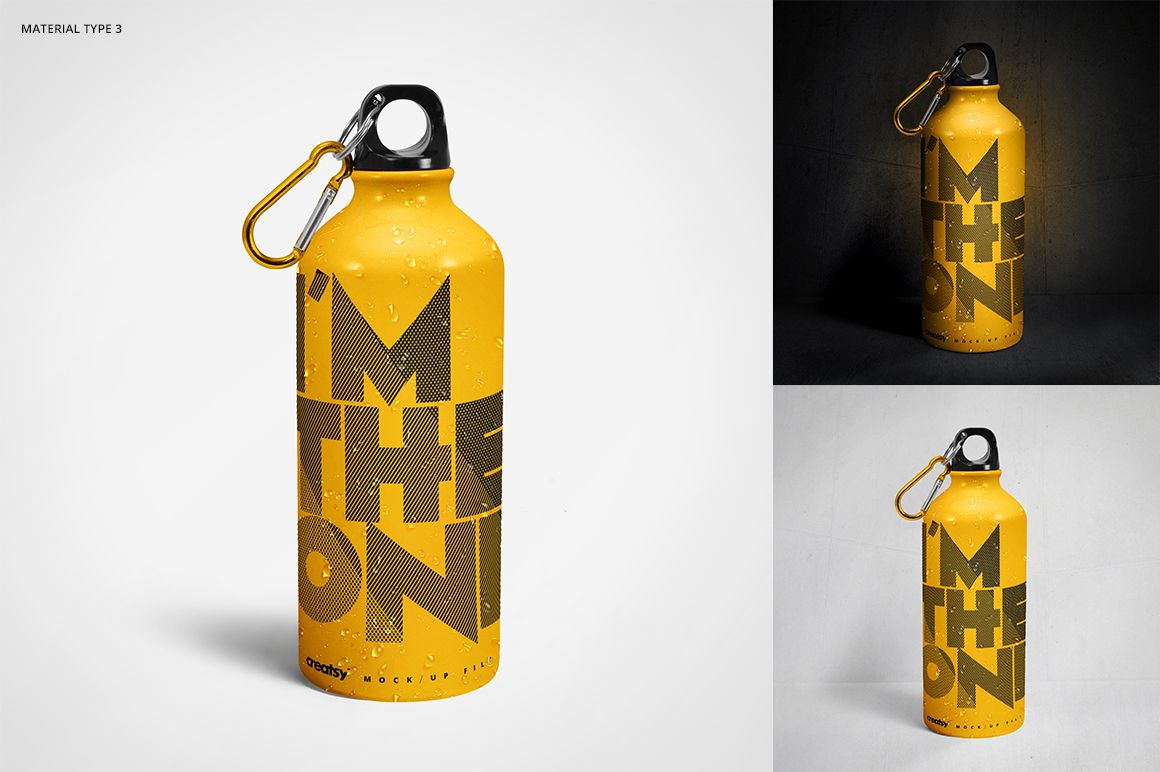
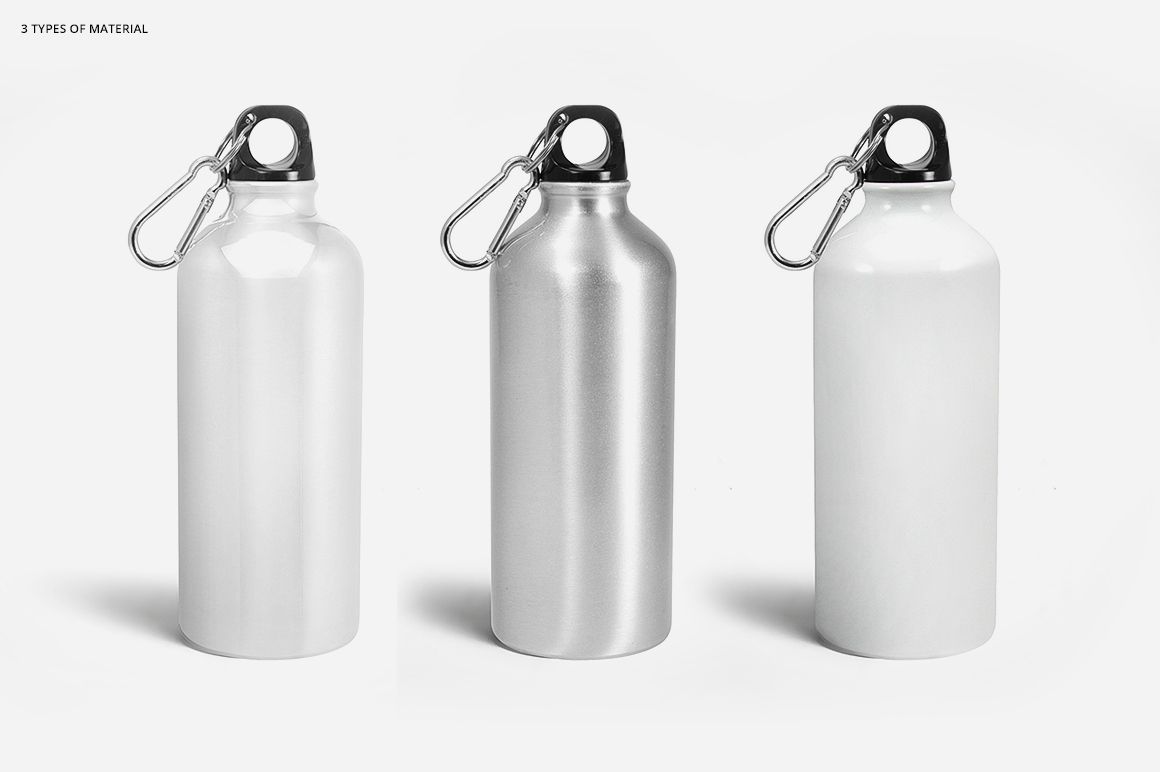
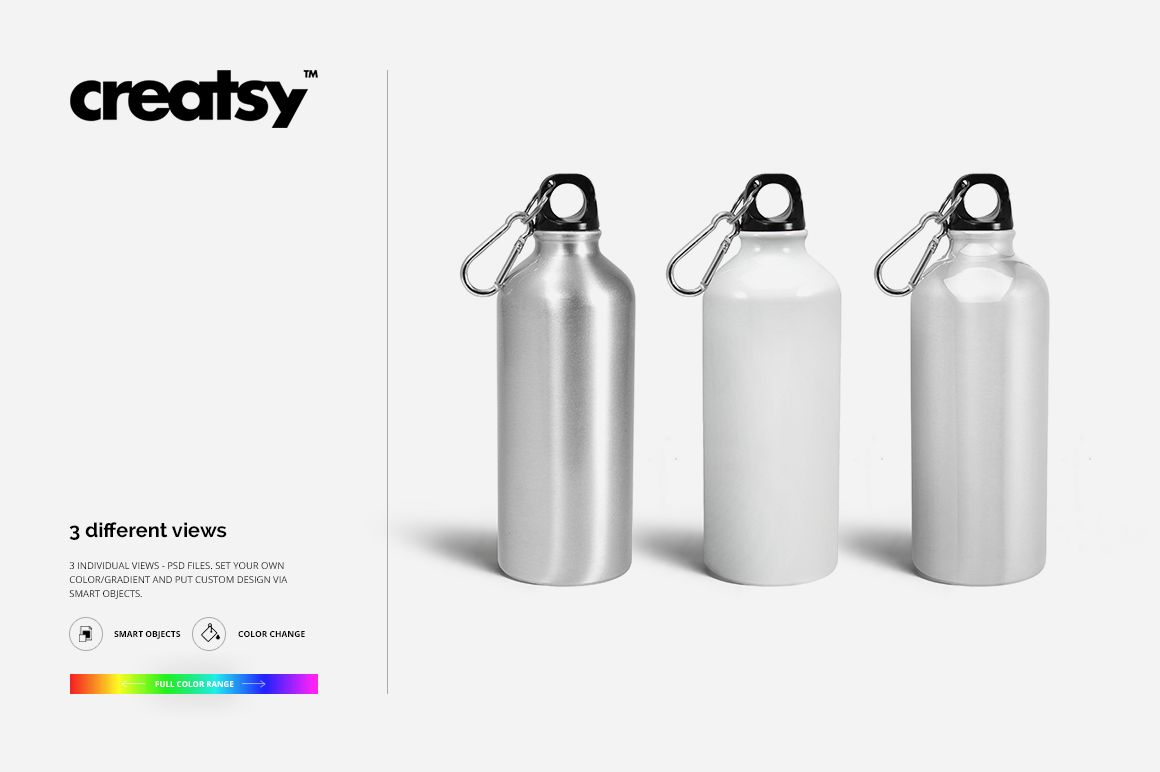
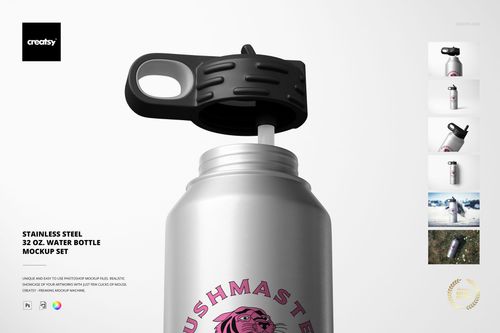
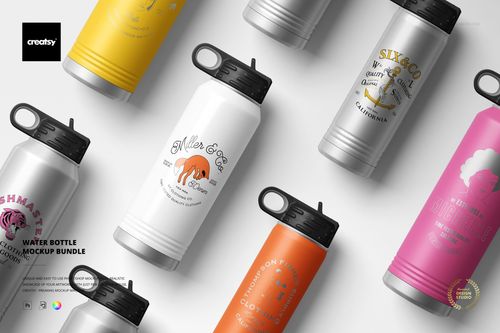
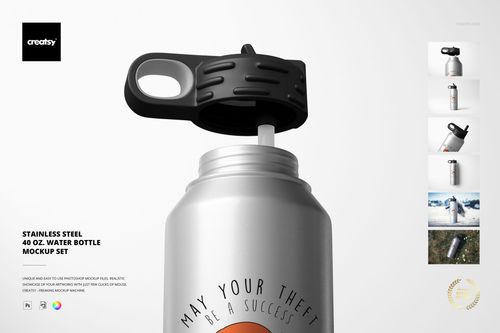
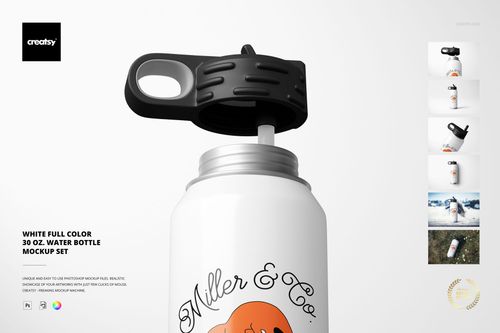
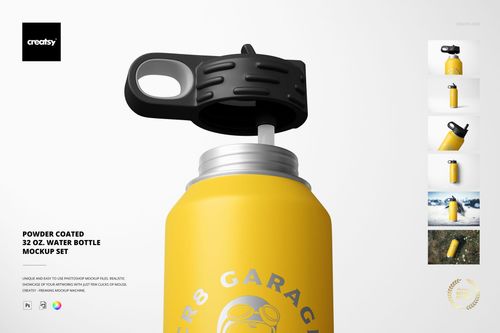
The Aluminium Water Bottle Mockup Set by Creatsy is an aluminium water bottle mockup built on six PSD files, 2500x2500 px at 300 dpi. Your label or pattern goes onto the metal surface, and the finish keeps its metallic look under your design.
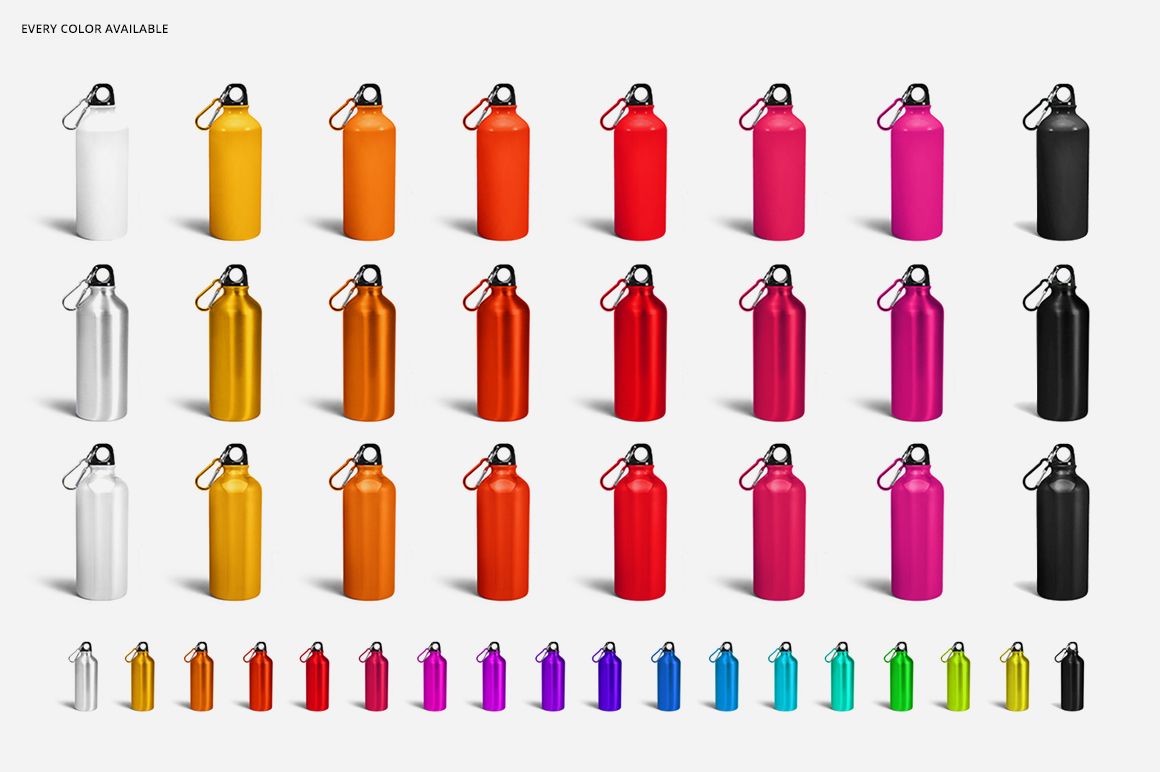
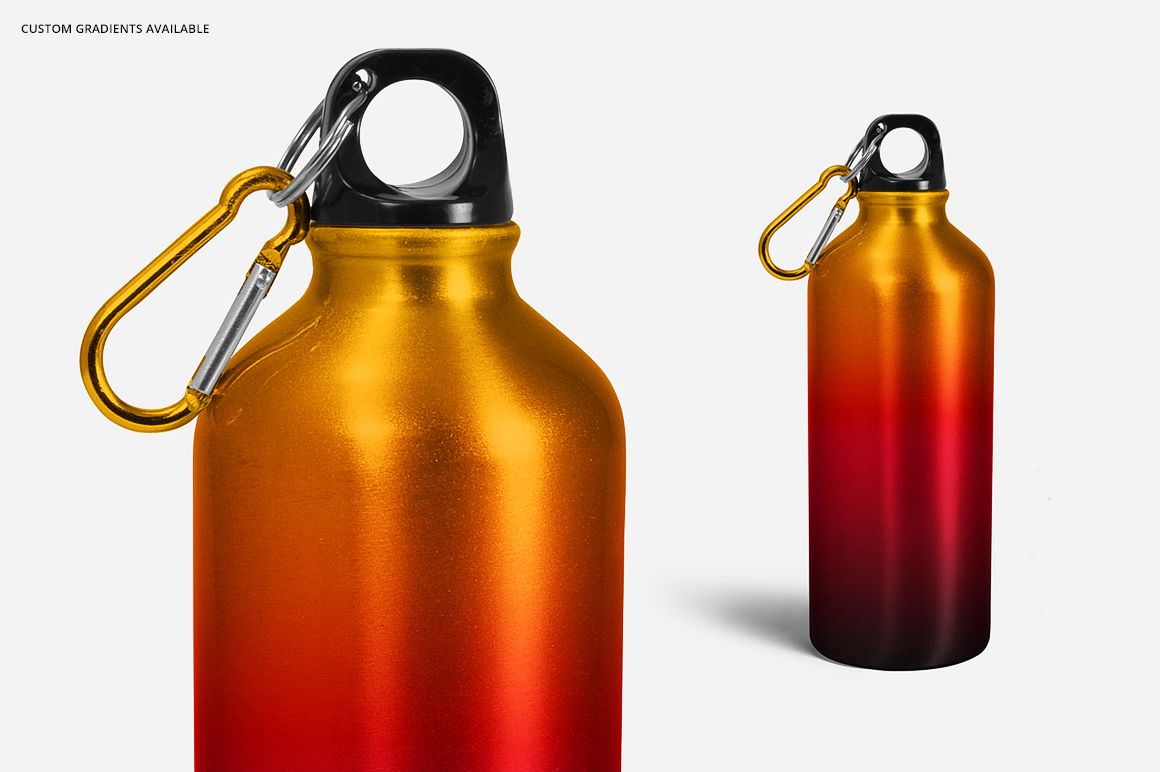
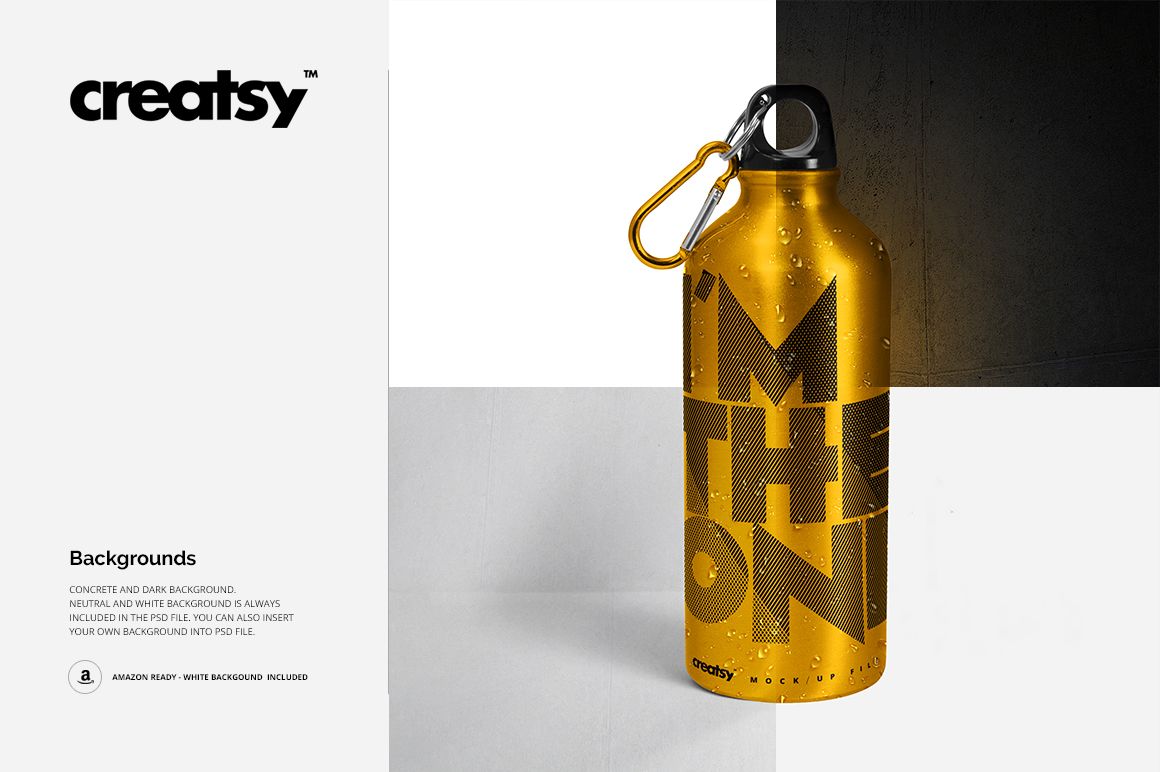
The bottle recolors with flat colors or gradients across the full range, and the design goes in through smart objects. Four backgrounds ship in the files: concrete, dark, neutral and white, with the white one Amazon-ready. There's also a set of water drops you can switch off, so the same shot works as a fresh-from-the-fridge photo or a clean studio image.
Three views cover the angles a listing needs, and a silver carabiner on the cap makes the bottle read as outdoor gear rather than a plain cylinder.
The lettering and color designs in the previews are sample artwork. They are not part of the mockup, so the bottle in the files is blank.
Use it for drinkware brands, gym and outdoor merch, promotional products and POD listings.
What you get
Six PSD files covering three views of the bottle
Smart object design change on the metal surface
Full color range with gradients
Four backgrounds: concrete, dark, neutral and white, the white one Amazon-ready
Removable water drops for a chilled look
Well organized, easy to follow layer stack
How it works
Open the PSD in Photoshop (CS6 or newer) or Photopea.
Double-click the smart object layer, paste your design, scale it, then save and close.
Set the bottle color or a gradient and pick a background.
Switch the water drops on or off, then export.
Specifications
Files: 6 layered PSD
Views: 3
Dimensions: 2500x2500 px, 300 dpi
Download: 13 files, 6 PSD, 6 JPG and 1 TIF
Package size: 253 MB (Windows), 265 MB (macOS)
Software: Adobe Photoshop CS6 or newer, or Photopea in a browser
License: Standard or Extended
Who it is for
Drinkware and outdoor brands, gym merch lines, promotional product studios, and POD sellers who need a metal bottle gallery without a product photographer.