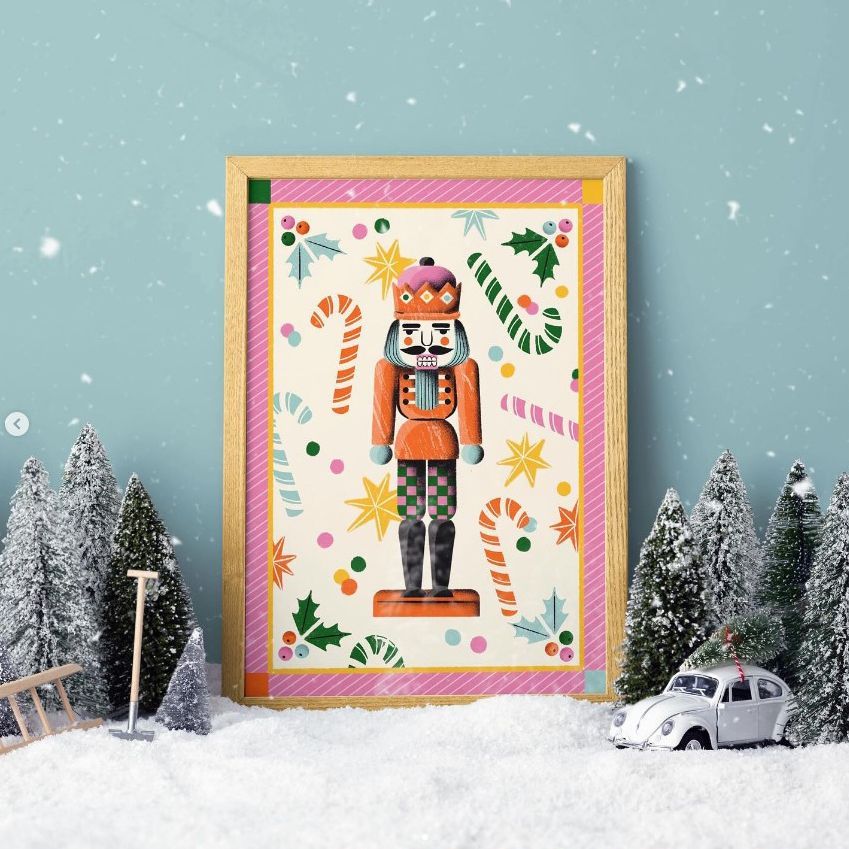
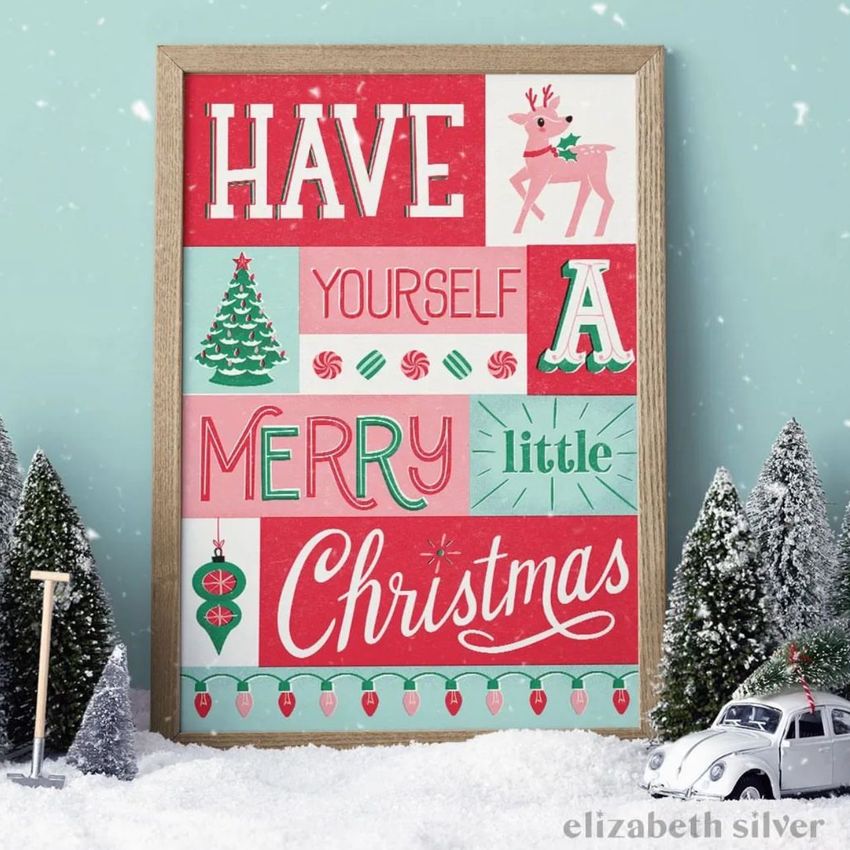
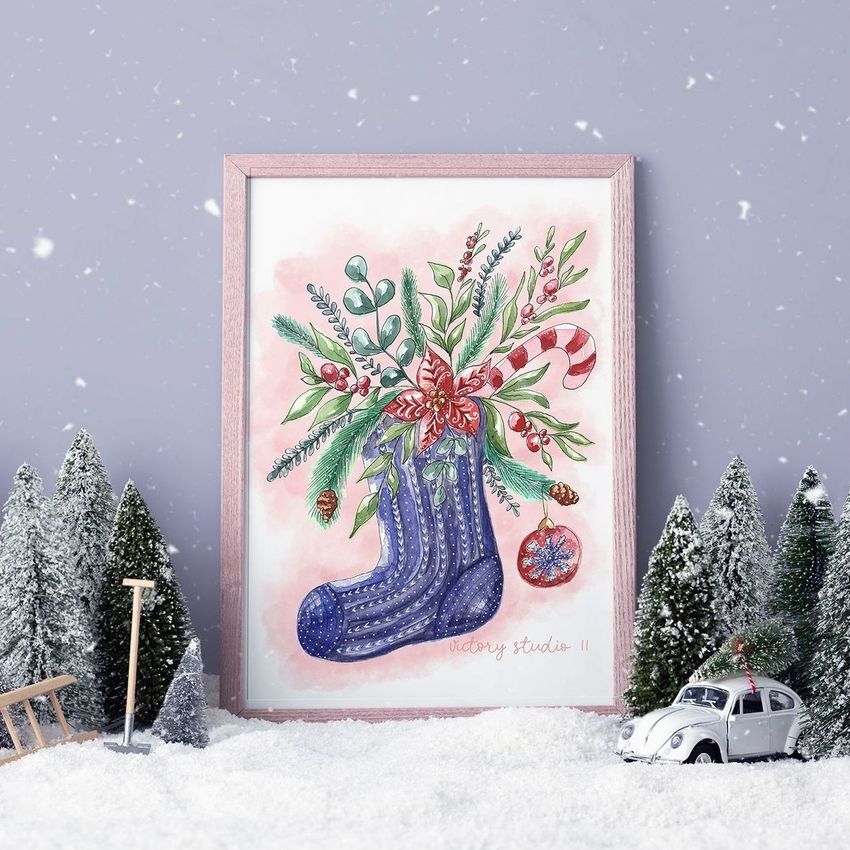
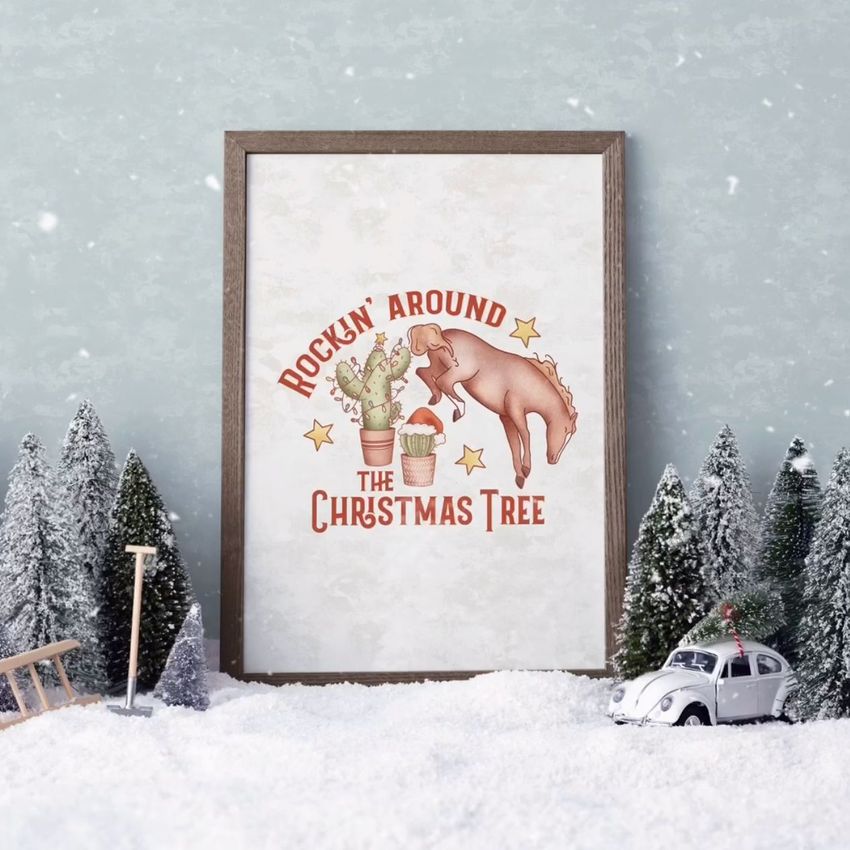
Christmas Picture Frame in Snow Mockup
This product is a part of Christmas Decor & Gift Wrapping Mockup Bundle IV
Product Details
Christmas Picture Frame in Snow Mockup
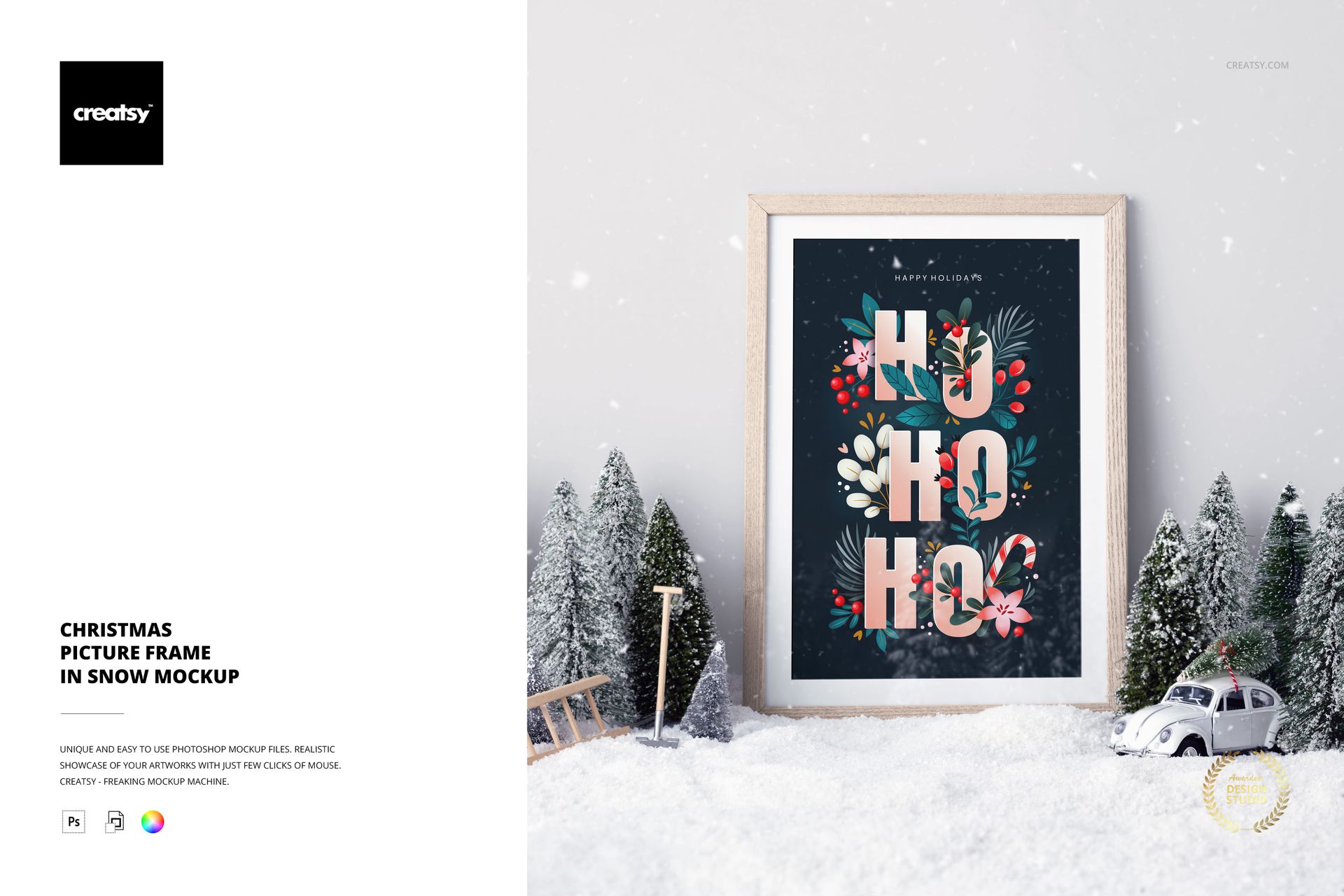
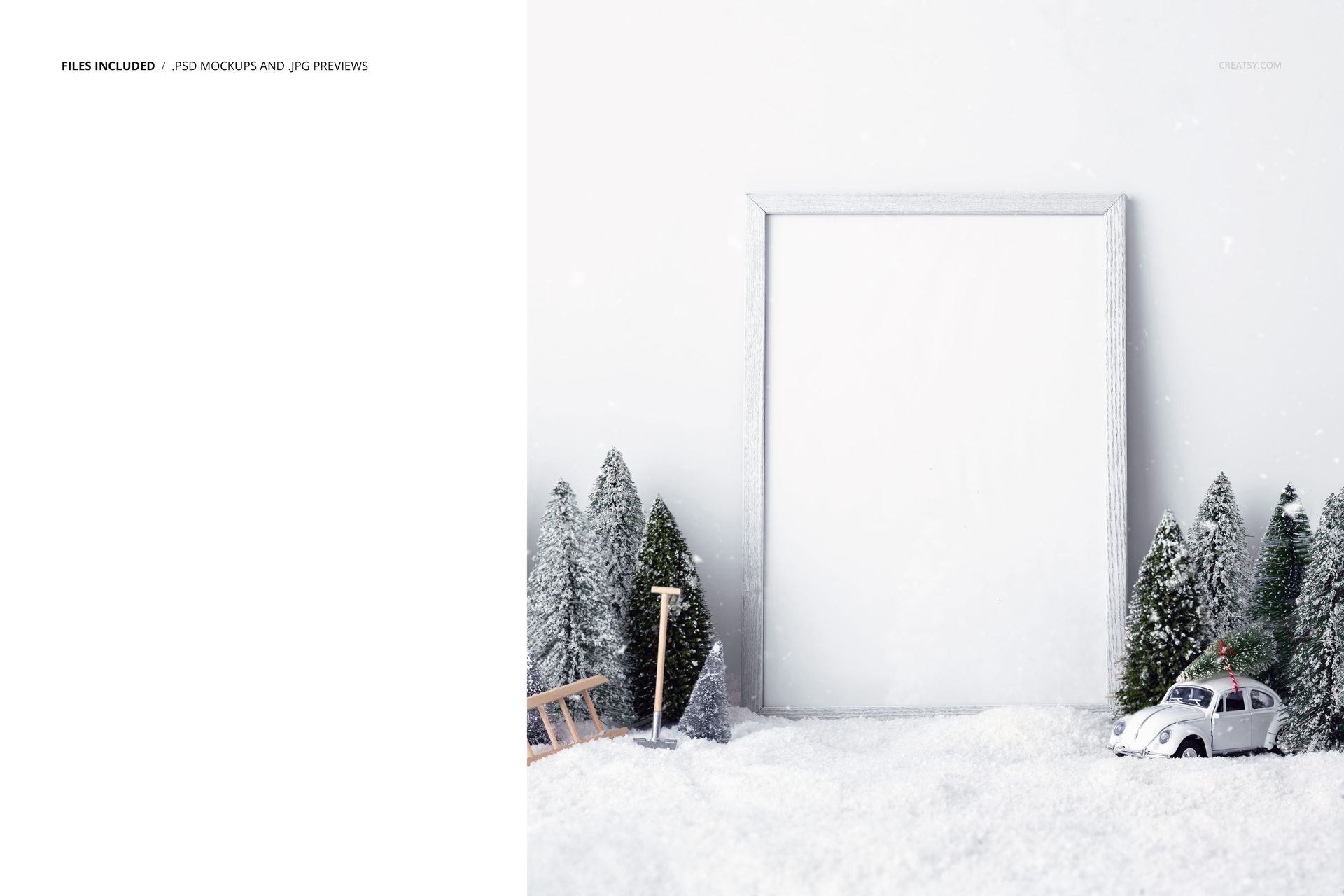
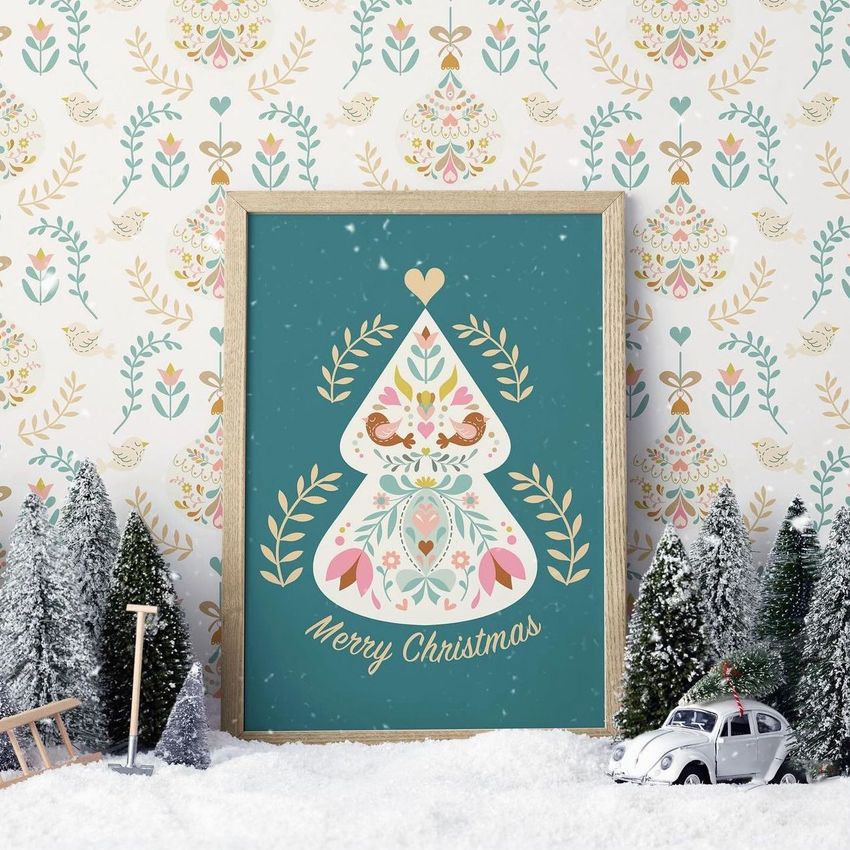
Immerse your art in a winter wonderland with our enchanting Christmas Picture Frame in Snow Mockup. This classic wooden picture frame takes center stage in a magical scene blanketed in snow and surrounded by miniature wonders, offering a unique blend of timeless elegance and festive fantasy.
Crafting Winter Magic: Customizing Your Picture Frame
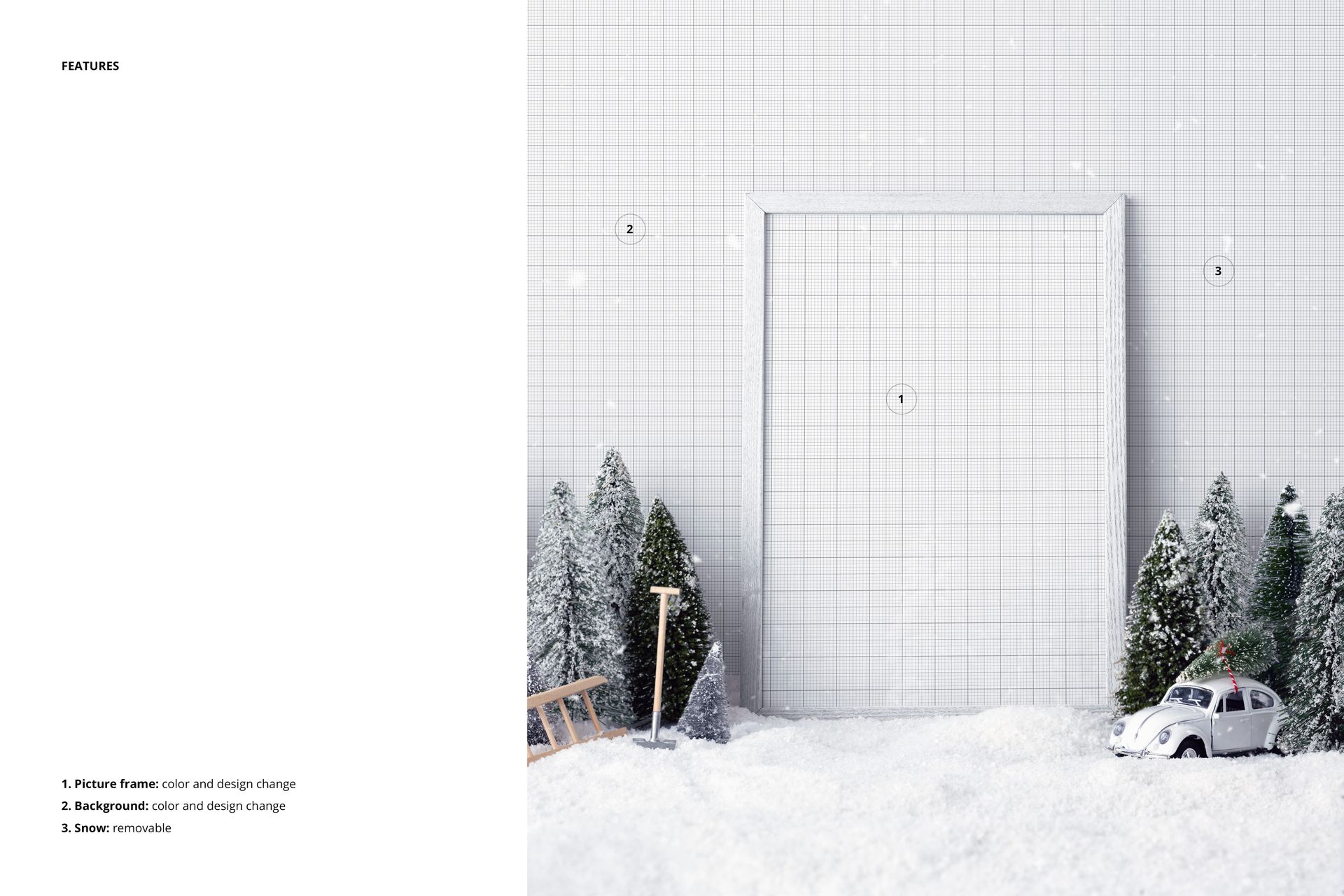
Turn your art into a winter masterpiece by customizing the Christmas Picture Frame. Edit the frame's color and design to seamlessly complement your artwork. Whether it's a cherished memory or a seasonal masterpiece, this mockup will add a touch of enchantment to your presentation.
A Snow-Kissed Fantasy: Drive into the Scene
Drive into a snow-kissed fantasy as the wooden frame becomes part of a whimsical holiday tableau. A miniature snowy forest emerges, creating a dreamlike backdrop. Watch tiny cars navigate the snowy landscape and a miniature shovel hint at the meticulous work of clearing the pathways. This mockup not only showcases your art, but invites viewers into a captivating winter world.
- Files work in Photoshop CC and Photopea;
- Pack includes 1 .psd file: 4000x6000 px, 300dpi;
- Check screenshots for all the features;
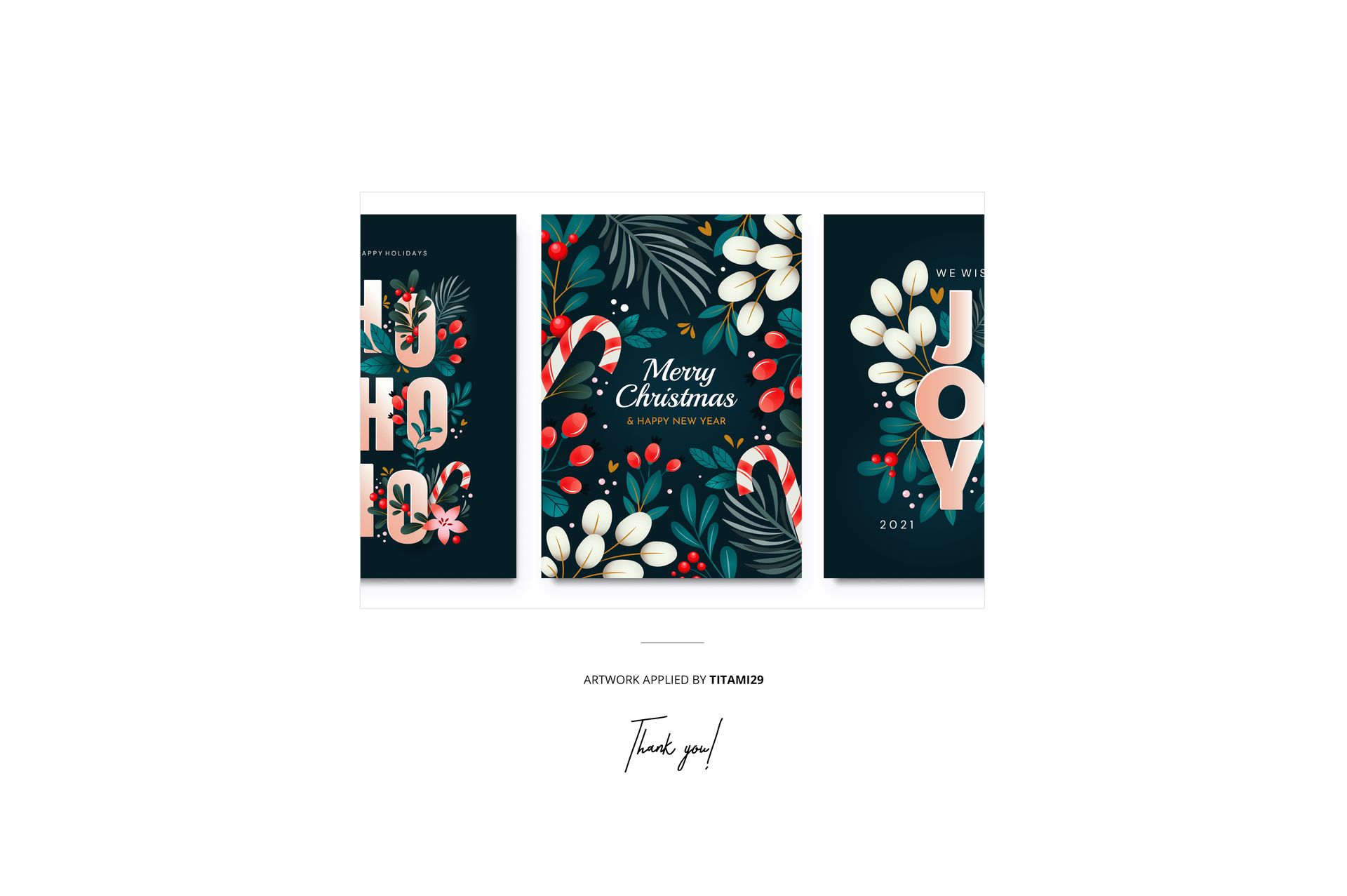
- Pattern applied on previews by Titami29;
- Patterns are NOT included, this product is a mockup intended for you to add your own designs.
File details
- Compatibility
- Number of files included
- 2
- Package size
- 91.9 MB
|96.4 MB
- Files type
- .psd, .jpg
- Files size
- 4000x6000


Made with Creatsy
Real designs. Real customers. See how creatives use Creatsy mockups to turn their artwork, branding, and product ideas into polished visuals.
MEET THE SHOP
- $1820$26.00
- $1890$27.00
- $1330$19.00
- $1330$19.00

HOW IT WORKS
3 clicks. That's it.
No tutorial needed. If you can copy-paste, you can use this.
- 1OpenDouble-click the smart object inside the PSD - in Adobe Photoshop, or free in your browser with Photopea.
- 2PasteDrop in your pattern, print, or artwork. Any design, any style.
- 3SaveHit save and the mockup wraps it in for you - shadows, folds, and lighting included.
FROM IDEA TO IMAGE
Built for real workflows
Skip the photo shoot Show your artwork on the real product type for approvals or listings - no studio, no model, no sample.
See it on the product, not a swatch Drop your file into the smart object and the scene's lighting and folds wrap around it, so you judge the real thing before you commit.
Smart Objects
Edit once and you're done. Your artwork drops into a smart object and the mockup updates itself - no masking, no warping by hand.
Perfectly Organized
Named layers and folders you can actually navigate. Find what you need, change what you want, and get out fast.
Print-Ready
High-resolution files built to hold up on screen and in print. Exact size and DPI are in this product's Details above.