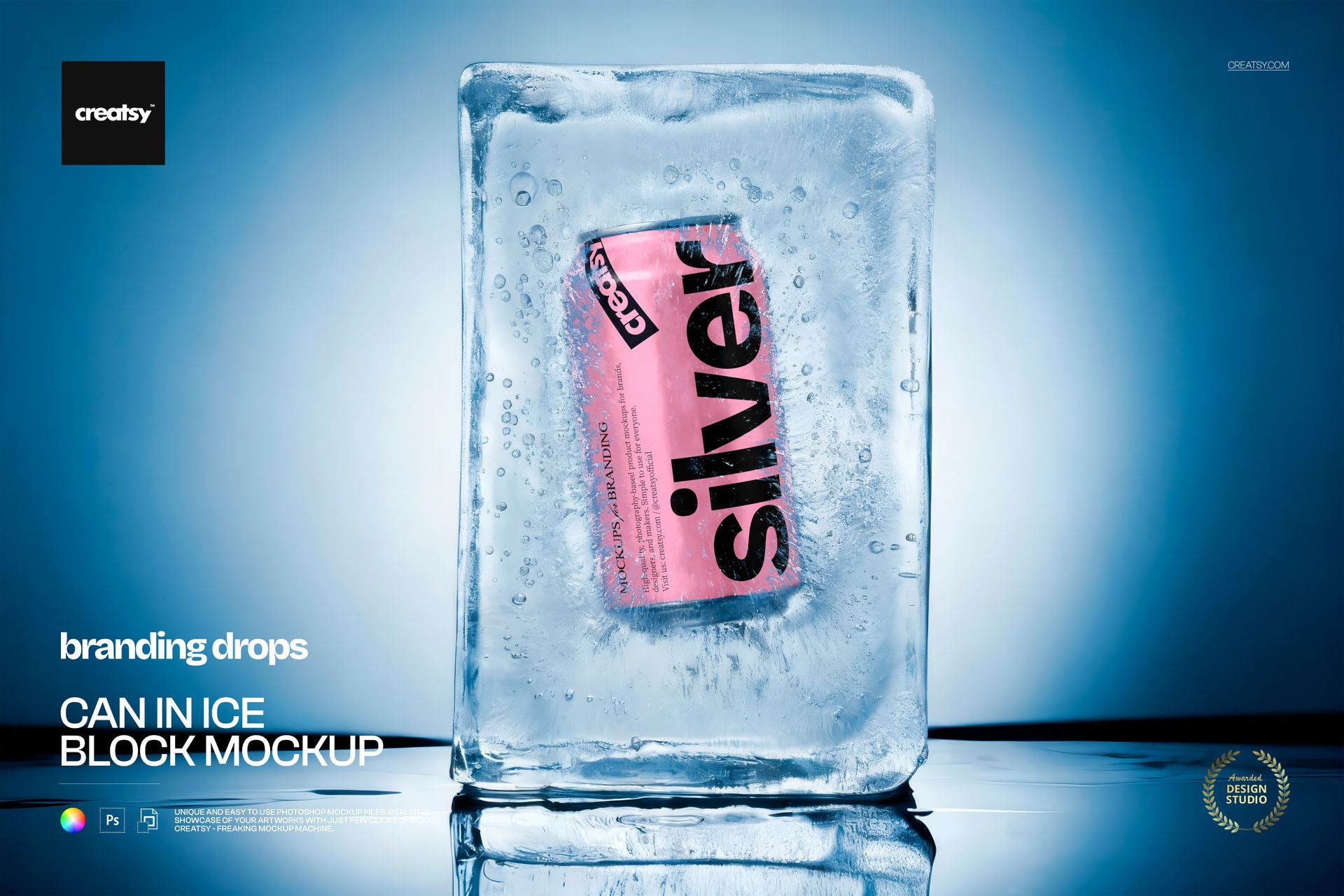
Beer can mockup frozen inside a block of ice
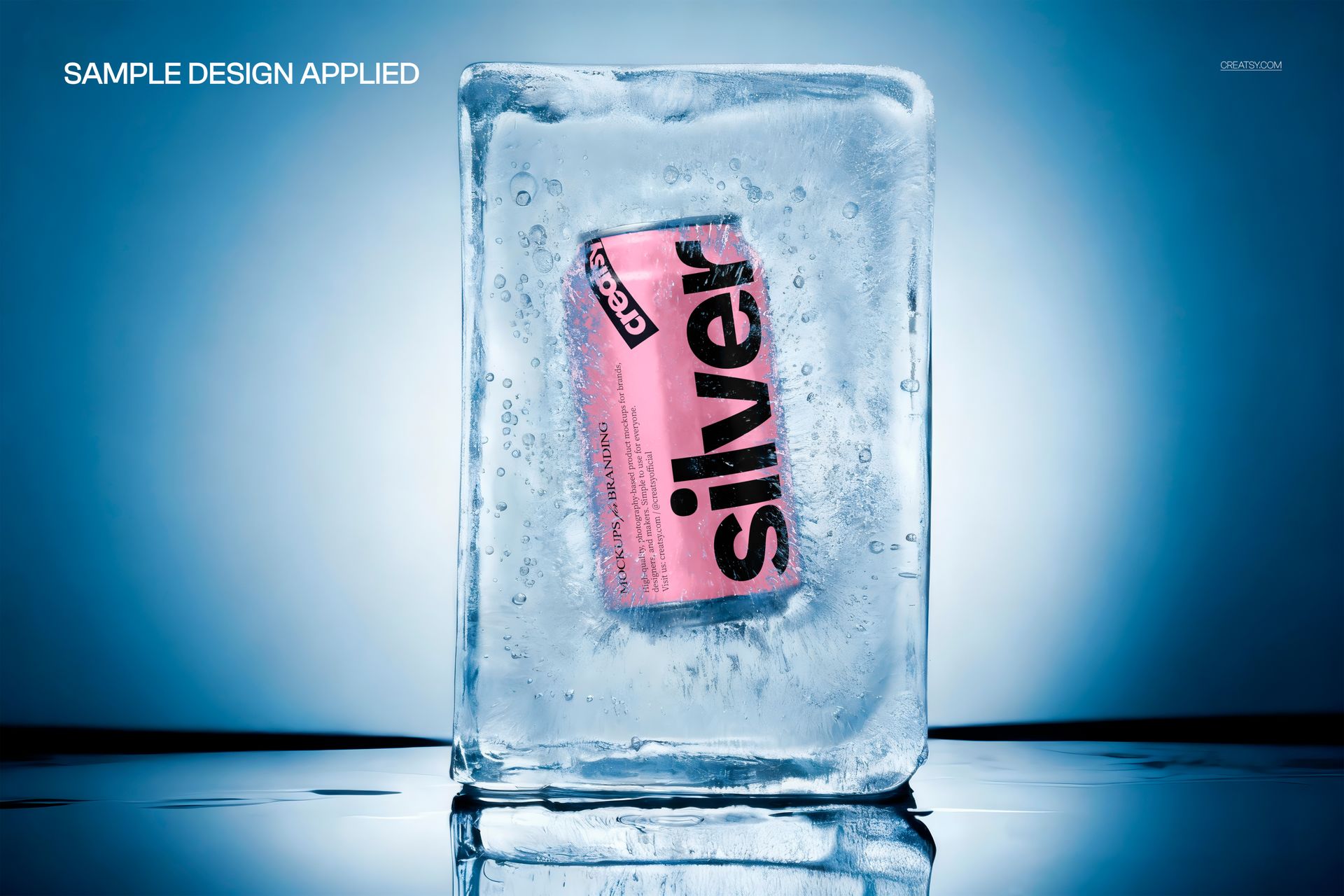
This is a beer can mockup with a drink can sealed inside a clear block of ice, lit in cool blue studio light. Drop your label design onto the can, recolor it, and you have an ice-cold product shot that sells refreshment on sight, with no photographer, no freezer full of props, and no printed can. It works just as well for soda, energy drinks, sparkling water, and hard seltzer as it does for beer.
The scene
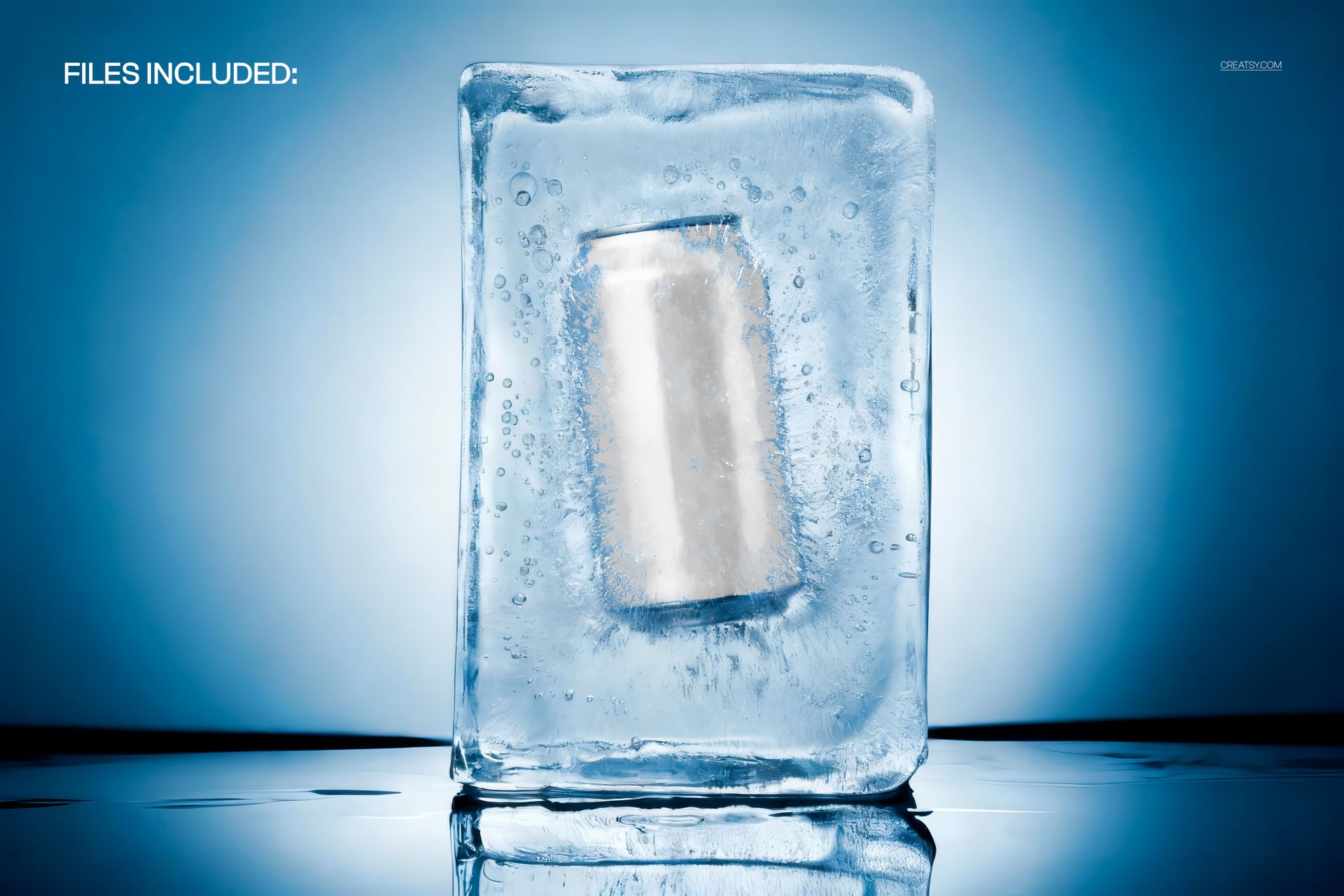
A single can sits frozen at the heart of a thick ice block, with frost, trapped bubbles, and a wet, reflective surface underneath. The whole frame reads cold and crisp, the kind of image that makes a drink look like it was just pulled from the deepest part of the cooler. Because the block and the backdrop never change, every label you load appears in the same frosty scene, so a range of flavors stays visually consistent.
What you can edit
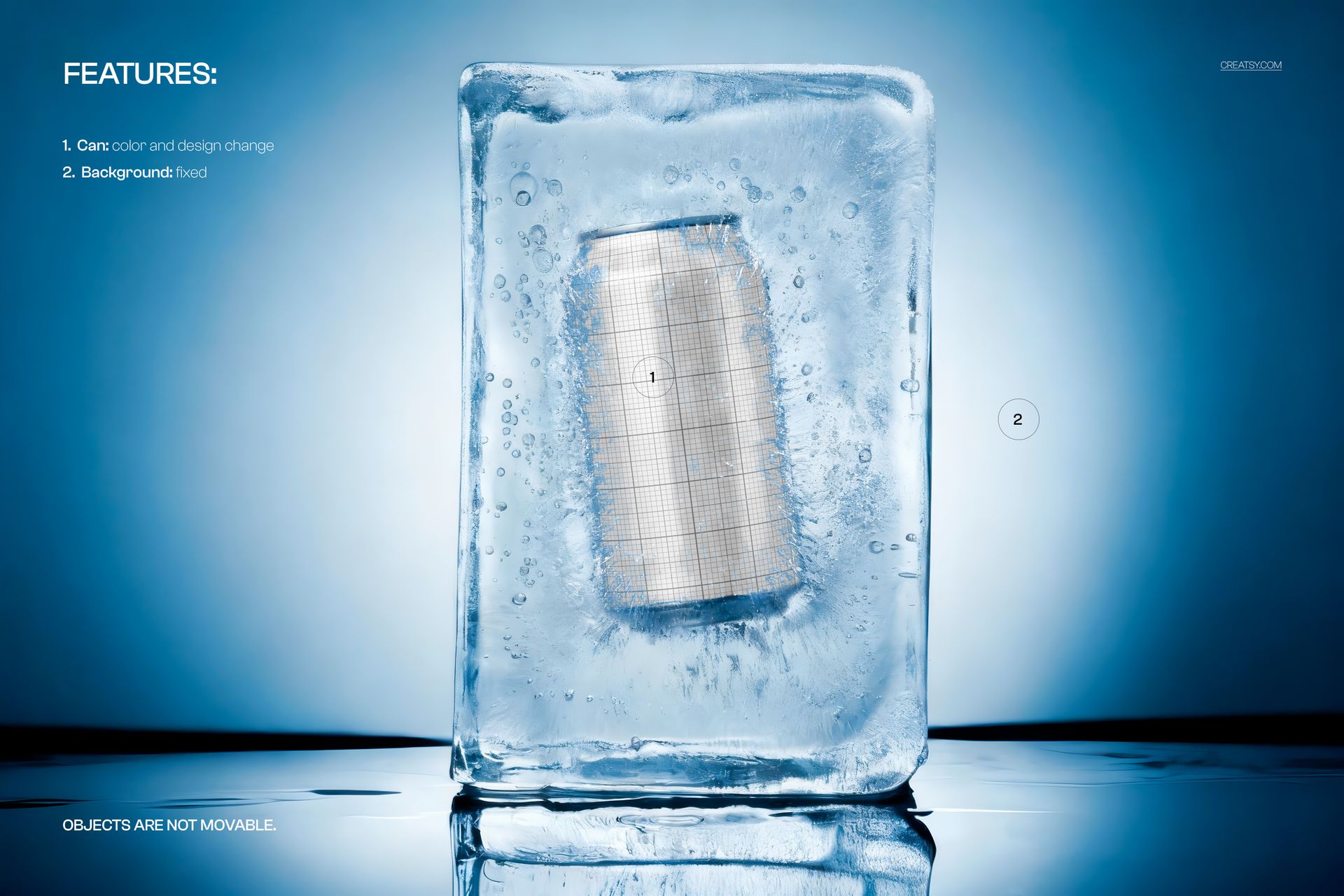
You edit the can. Its color changes, and your design goes on through a smart object, so a full wrap, a logo, or a flavor label sits on the can with the ice, frost, and highlights layered over it. The ice block and the background are fixed, and the objects do not move, so this is one dialed-in frozen angle rather than a scene you rebuild. That trade keeps the setup simple: you focus on the label, and the cold, glassy look is already done.
Why the frost does the selling
Cold is the single strongest cue a drink brand can show. A can buried in ice signals fresh, crisp, and thirst-quenching before a shopper reads a word, which is why beer, soda, and seltzer ads lean on frost and condensation. This mockup gives you that cue built in, so your label lands on an image that already says refreshment, instead of a flat can on white that leaves the mood up to the viewer.
How it works
Open the PSD in Photoshop or in Photopea, the free browser editor. Double-click the can smart object, drop in your artwork, and save, and it wraps onto the can with the frozen texture already on top. Recolor the can to match your brand, export a JPG or PNG, and the shot is ready for an Etsy listing, a store page, a social post, or an ad.
Print-ready detail
At 6000 x 4000 pixels and 300 dpi, the file has enough resolution for more than a web thumbnail. You can crop in tight on the frosted can face for a hero banner, or export the full frame for a poster, a shelf talker, or a trade-show panel, and the label detail and ice texture stay sharp. One master file covers the small listing image and the large print piece at the same time.
One scene, a full flavor range
Since the block, the light, and the angle stay put, a lineup of cans made from this file looks like a designed series rather than a set of mismatched photos. Swap the label and the can color for each flavor, export, and your shop or pitch deck shows a tidy, on-brand range. That consistency reads as professional in a crowded feed, and it costs nothing once the file is set up.
Specifications
1 layered PSD file
6000 x 4000 px, 300 dpi
Editable can color and design through a smart object
Fixed ice block and background, objects are not movable
Well organized, clearly named layers
Works in Adobe Photoshop CC2020 or newer and in Photopea
Package size about 179 MB
Who it is for
It fits breweries and craft beer labels, soda and energy drink makers, sparkling water and hard seltzer brands, and any drinks startup pitching a new can. Designers and agencies can use it to present a label concept to a client without a photo shoot. If you want an ice-cold, high-impact can shot in a few minutes, this delivers it and keeps working for every flavor you add.