Popcorn Paper Bag Mockup Set
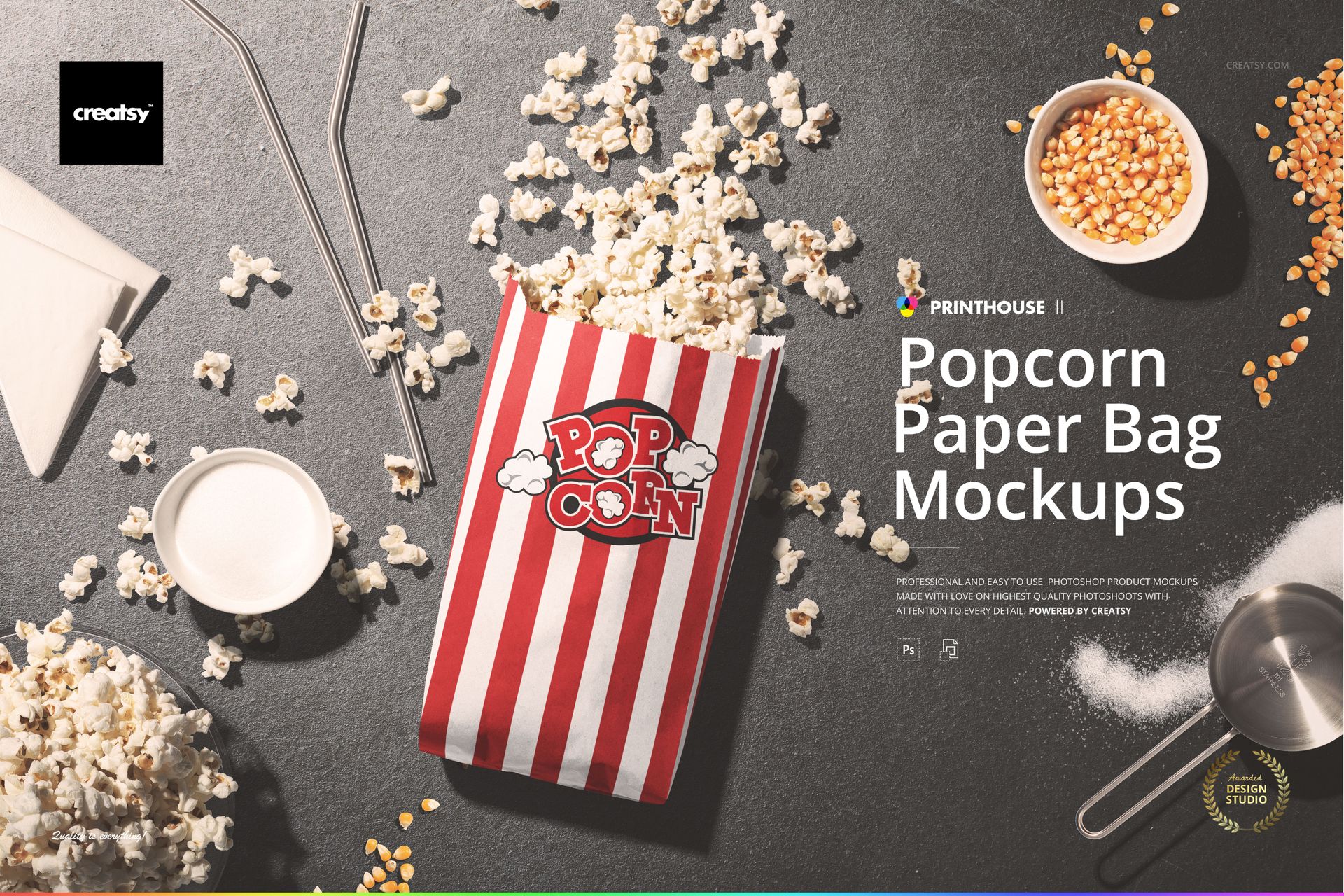
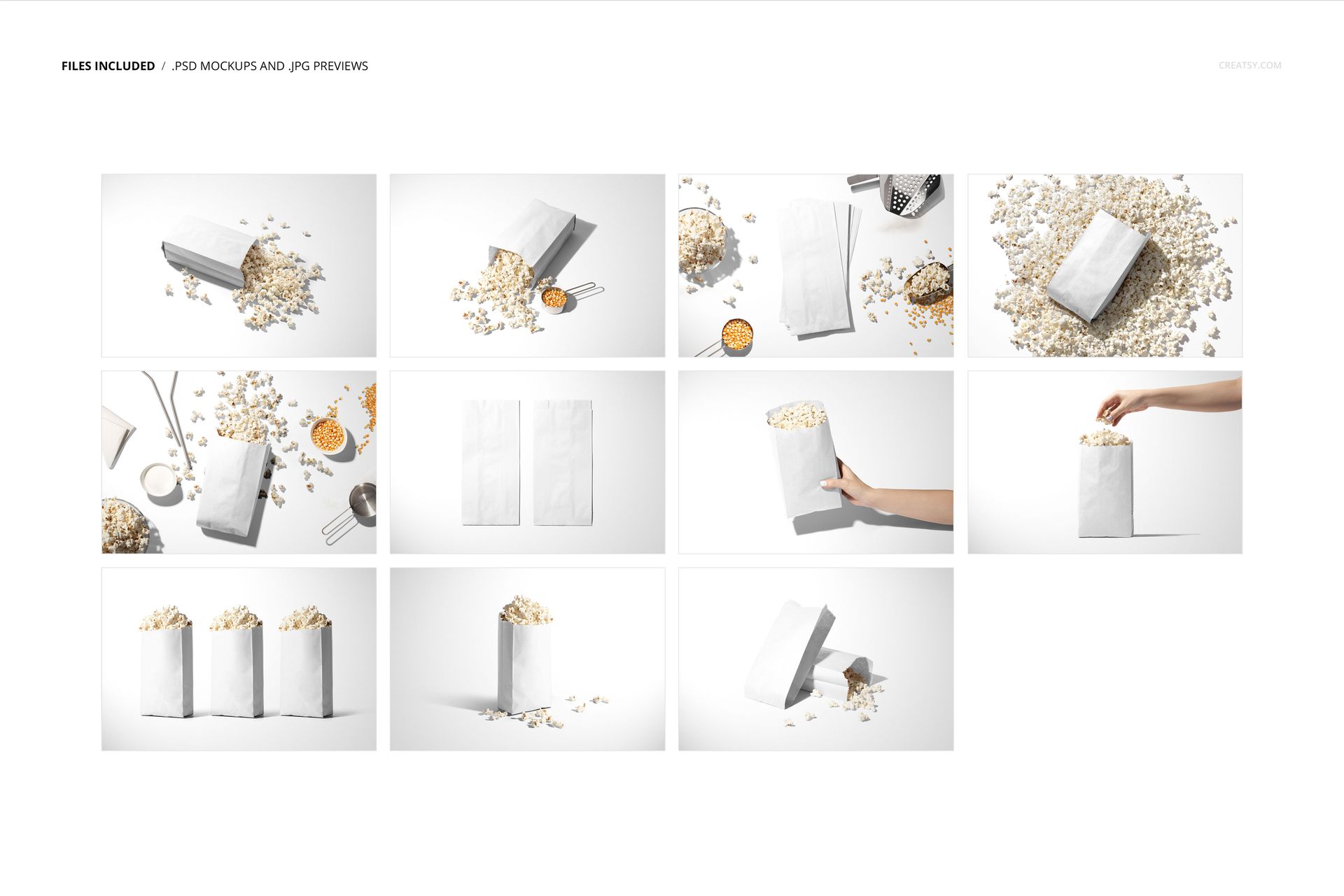
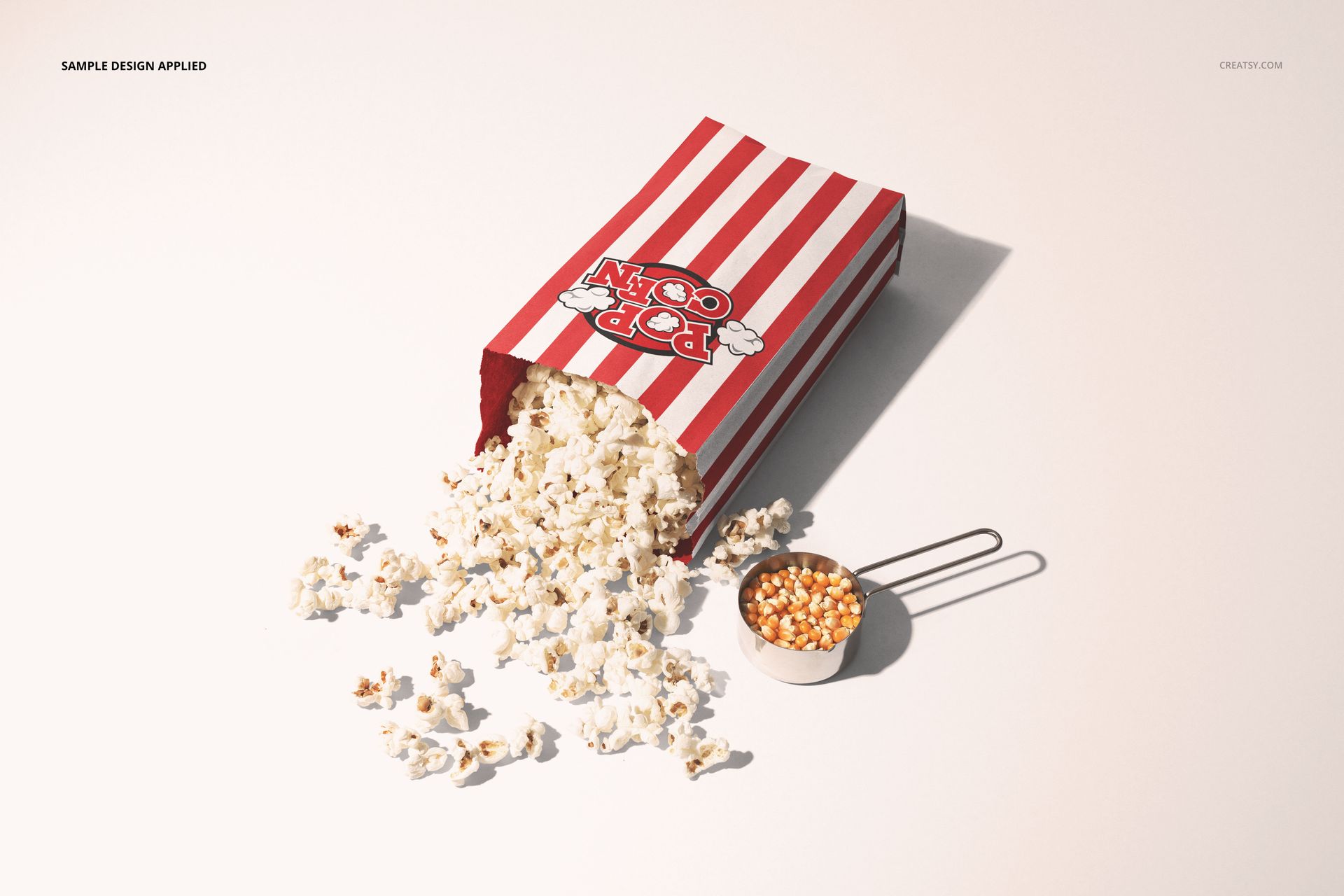
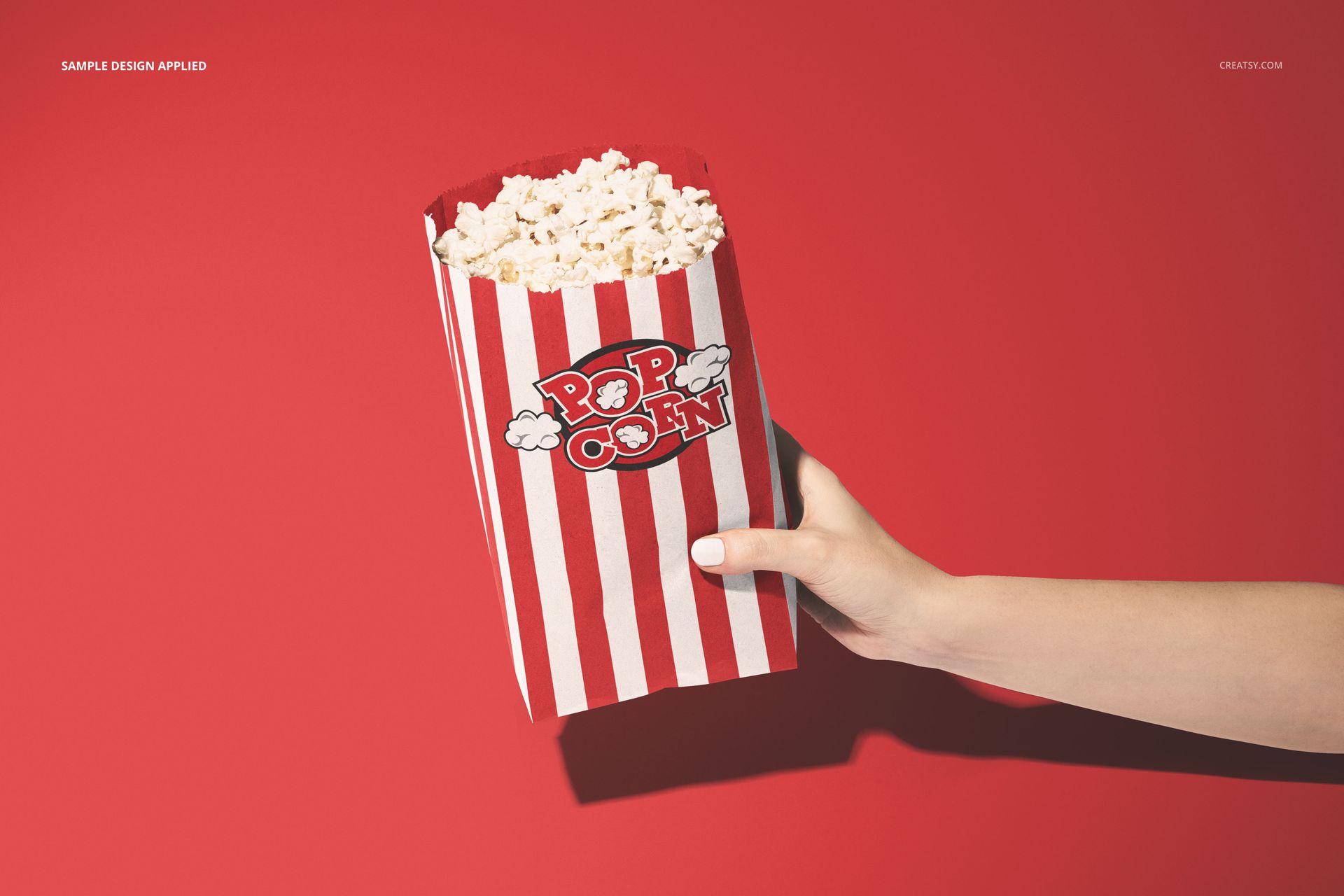
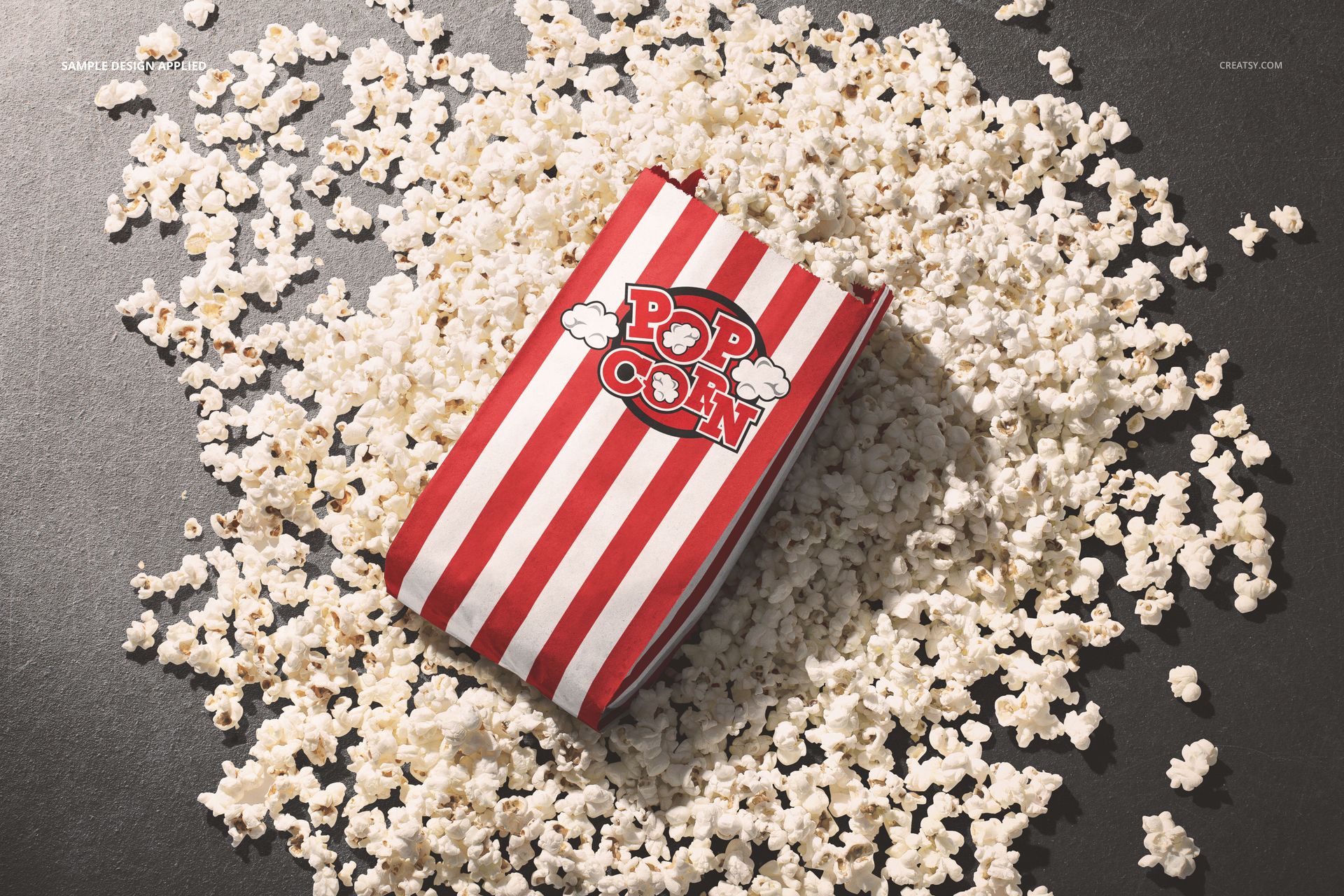
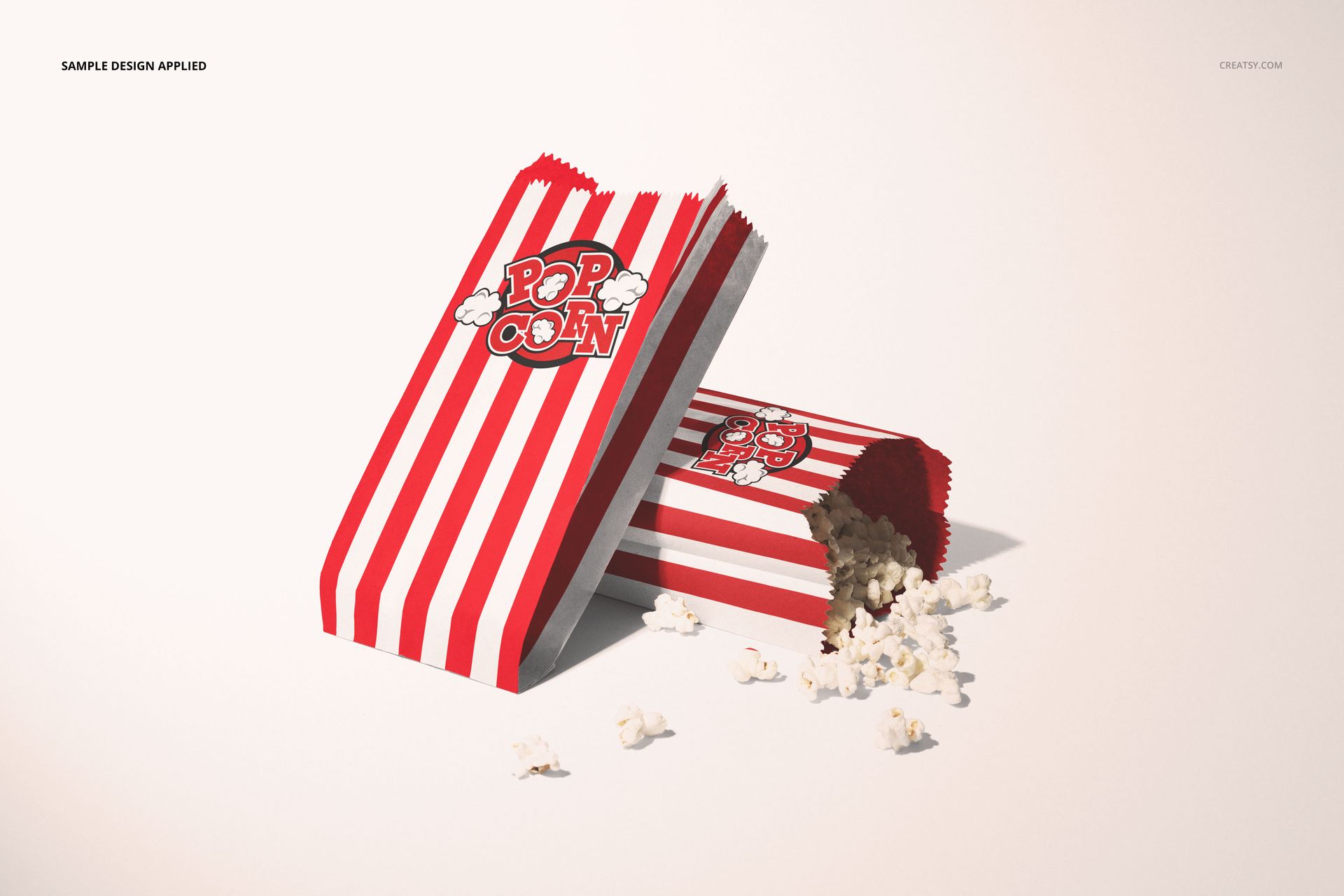
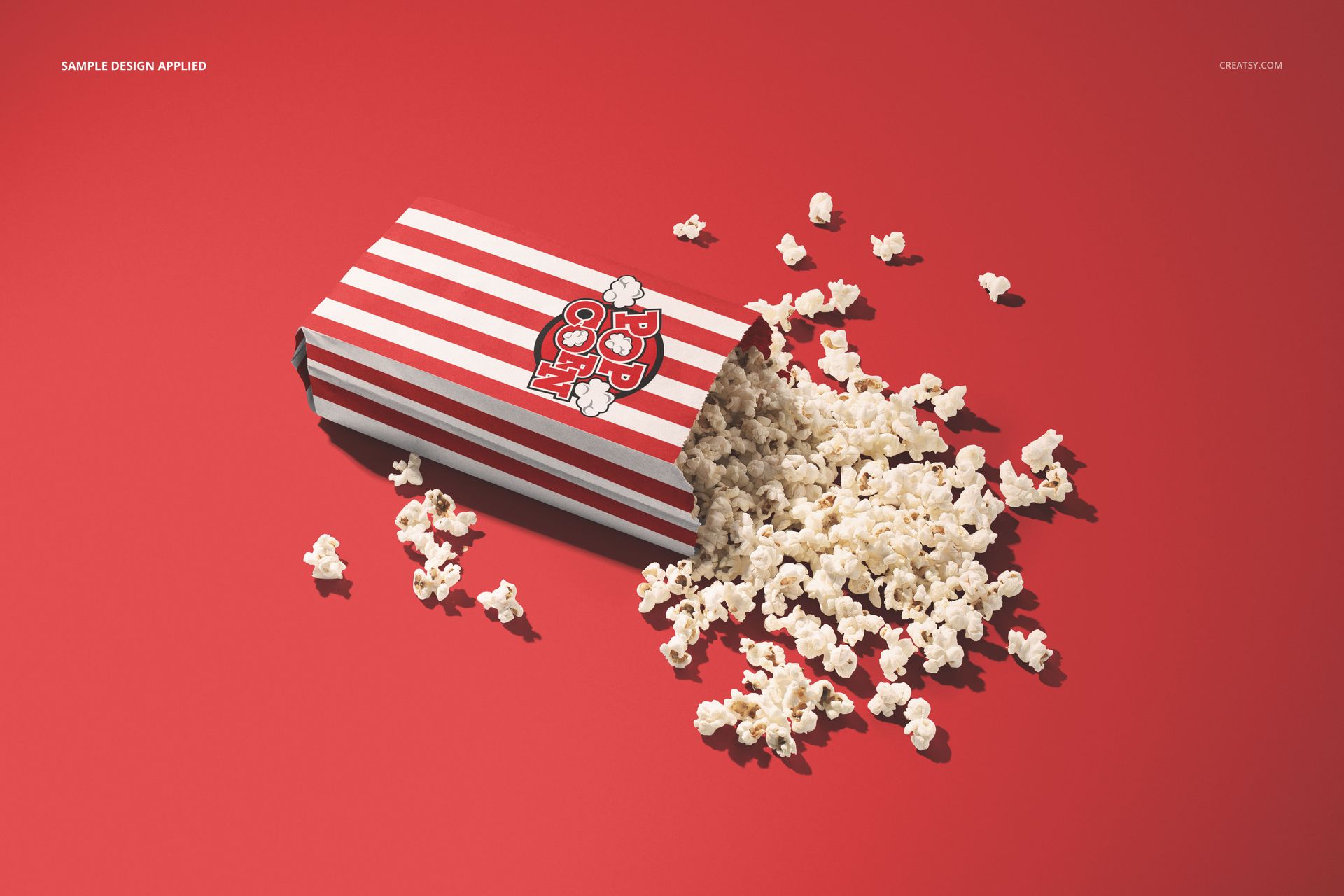
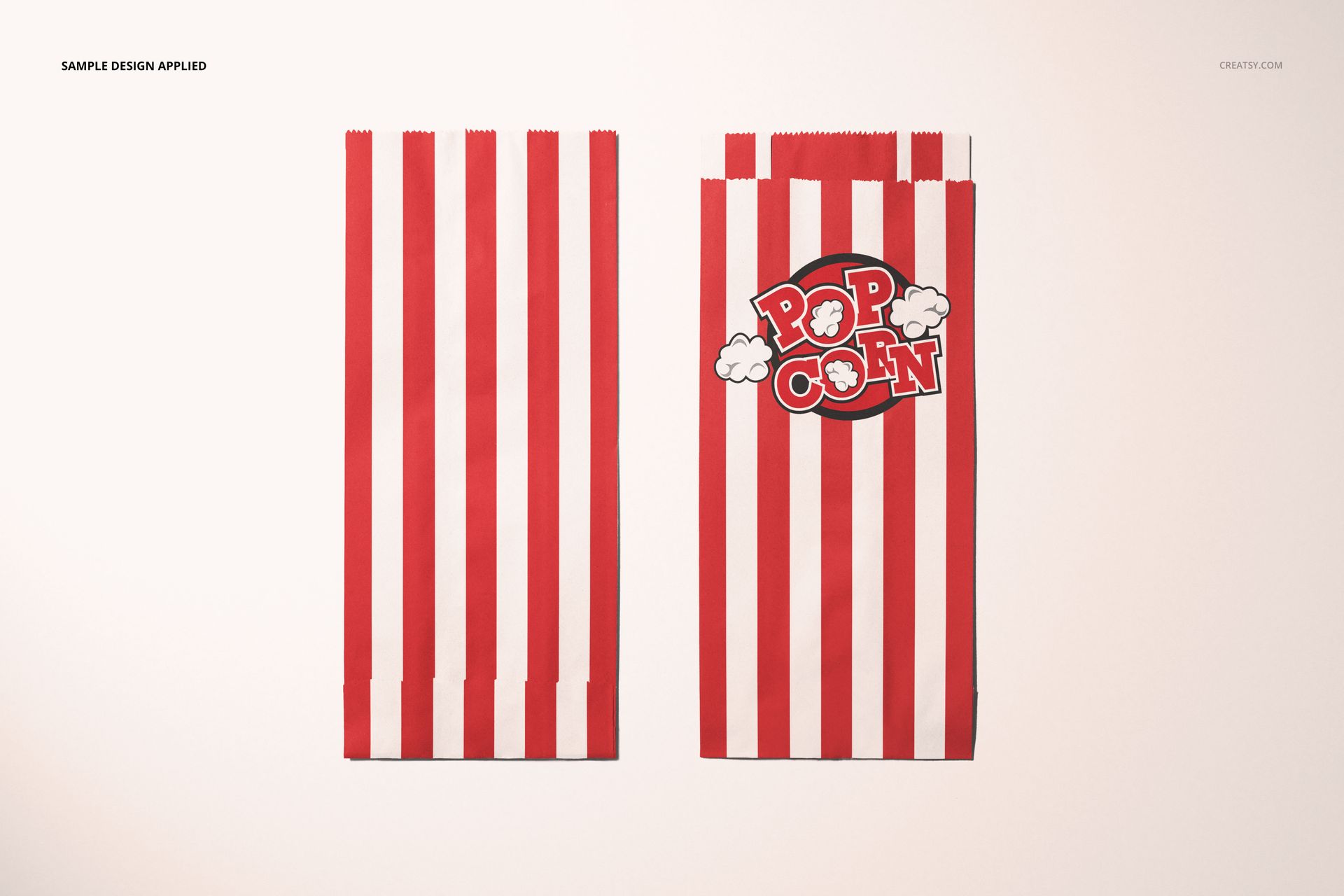
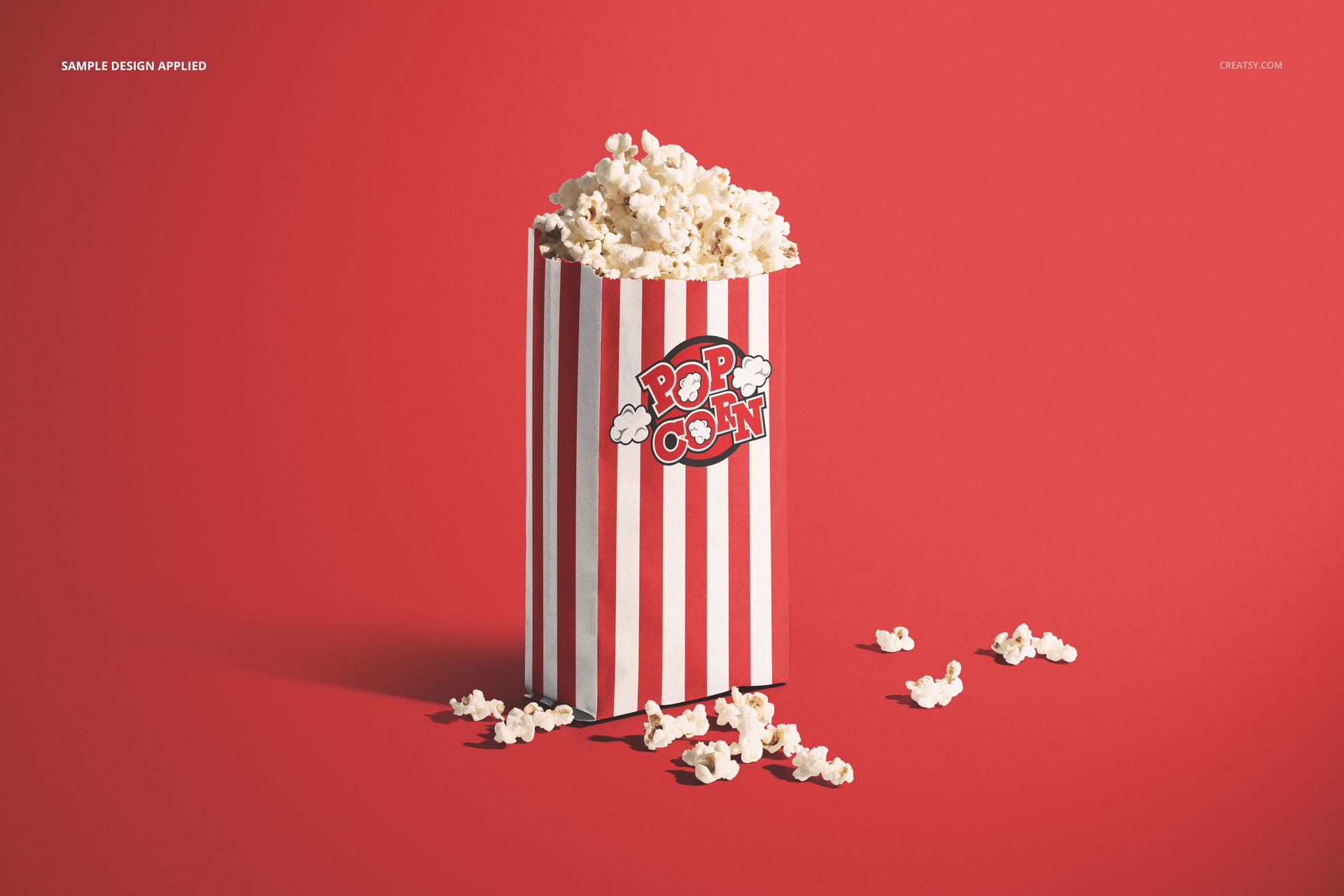
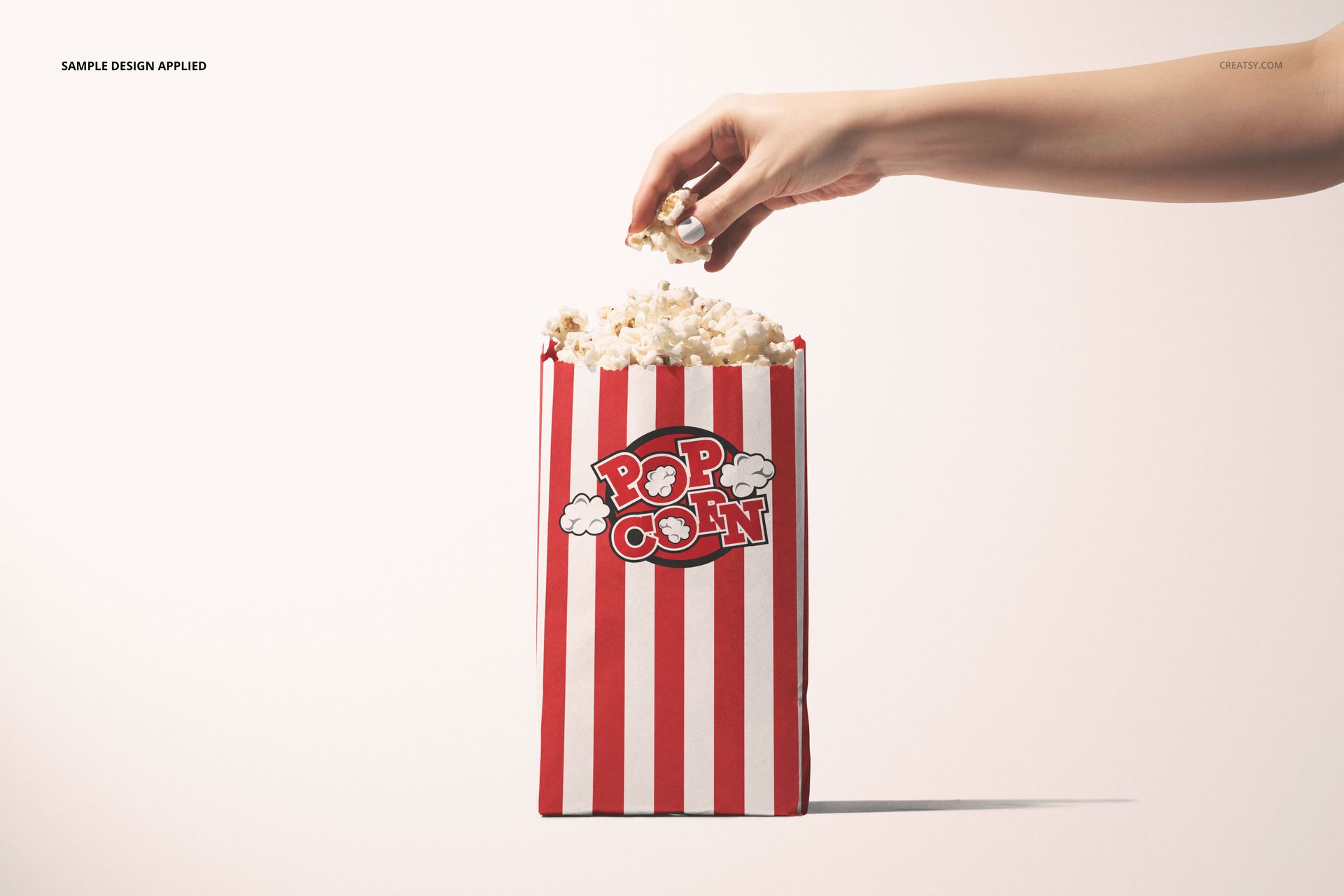
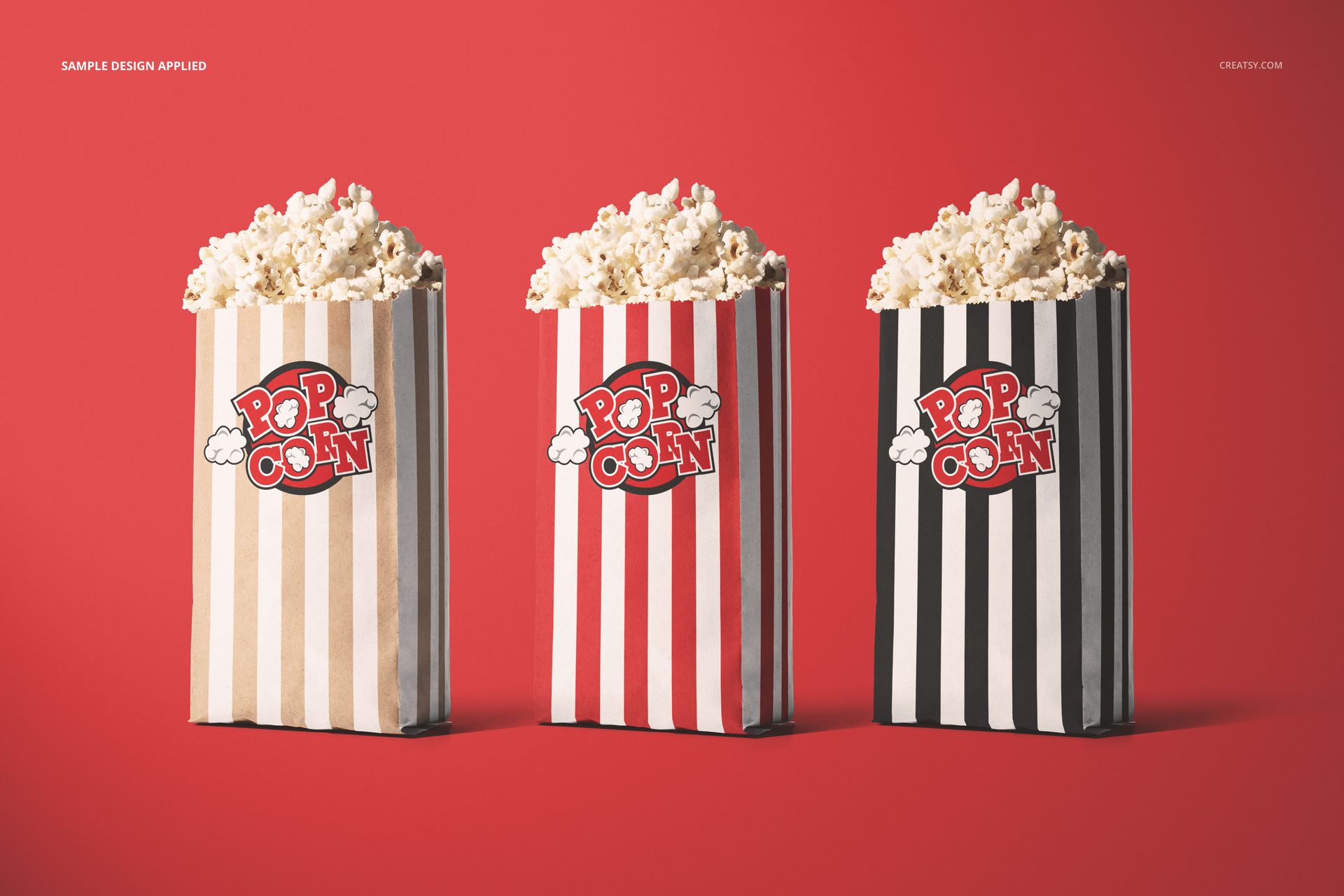
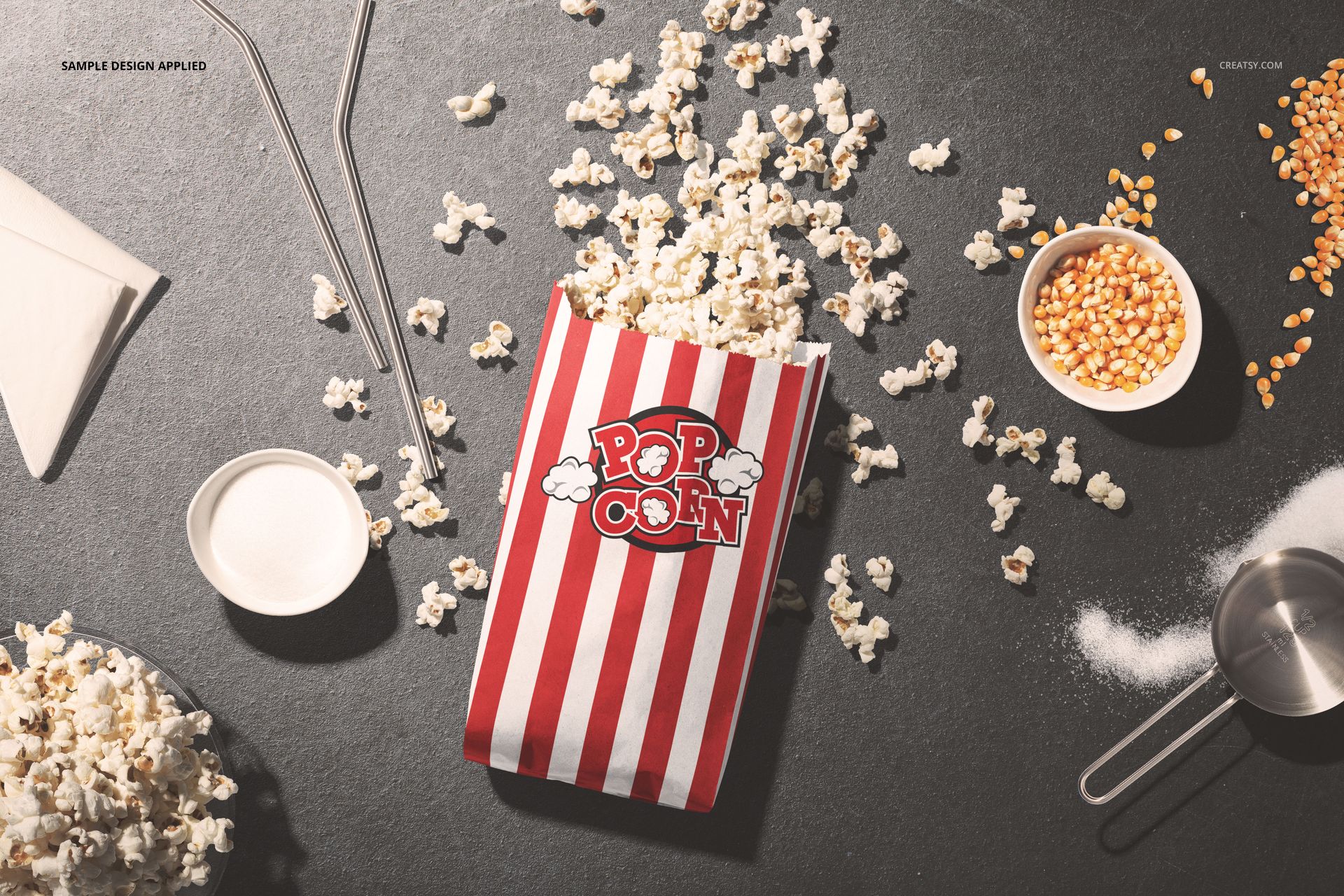
Take a popcorn packaging idea beyond one front view. This collection includes upright bags, overhead arrangements, spilled popcorn, hand-held presentations and a three-bag lineup. Use the different compositions to see how your typography, illustrations and color choices work across a complete snack brand gallery.
What Is Included
11 layered PSD bag scenes, each 6000 × 4000 px at 300 DPI.
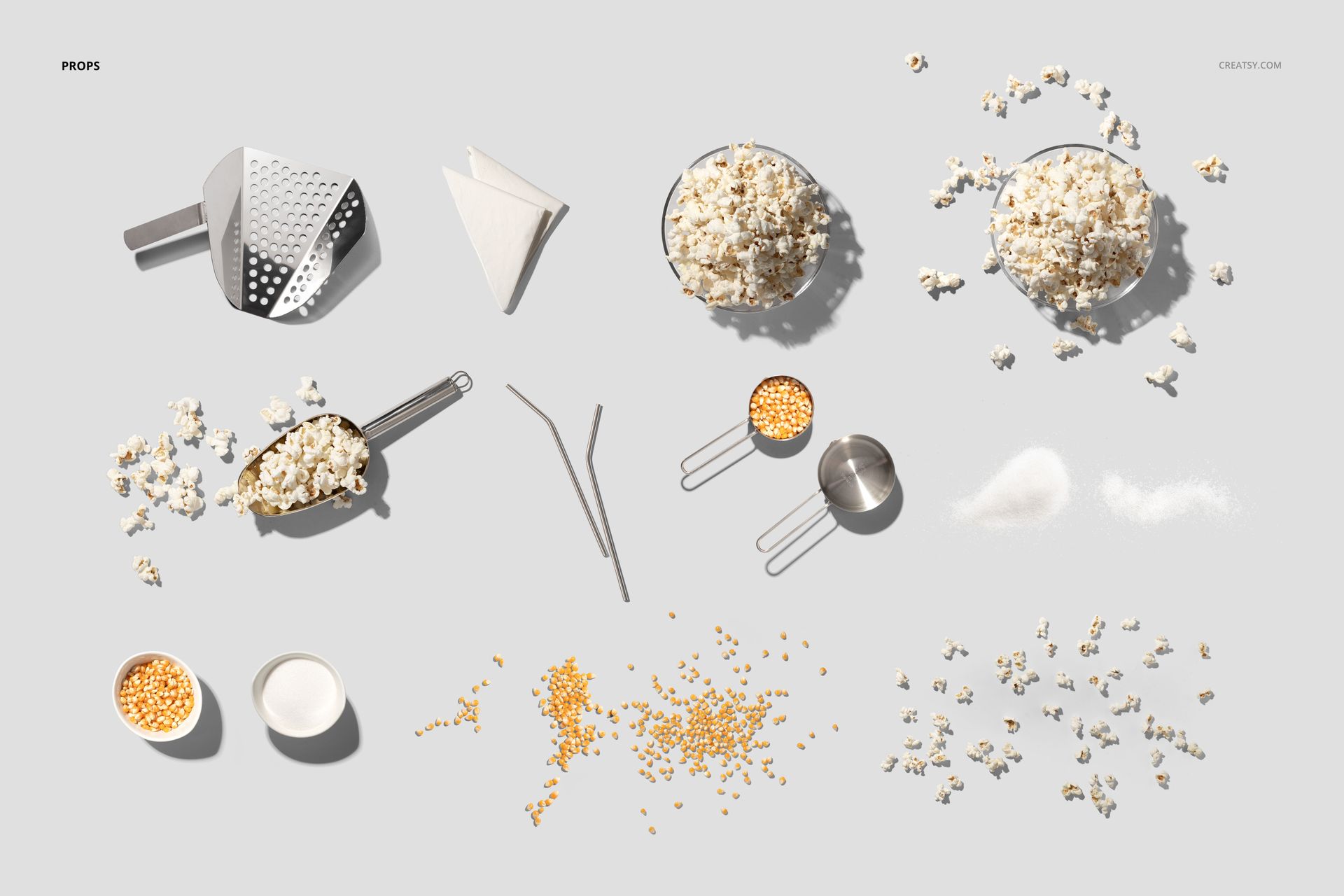
1 separate Props.psd file with supporting scene elements, bringing the PSD total to 12.
13 JPG files: 11 scene previews, 1 Props.jpg overview and 1 premade texture.
1 PDF user manual, 26 files in total.
From a Single Bag to a Full Cinema Snack Scene
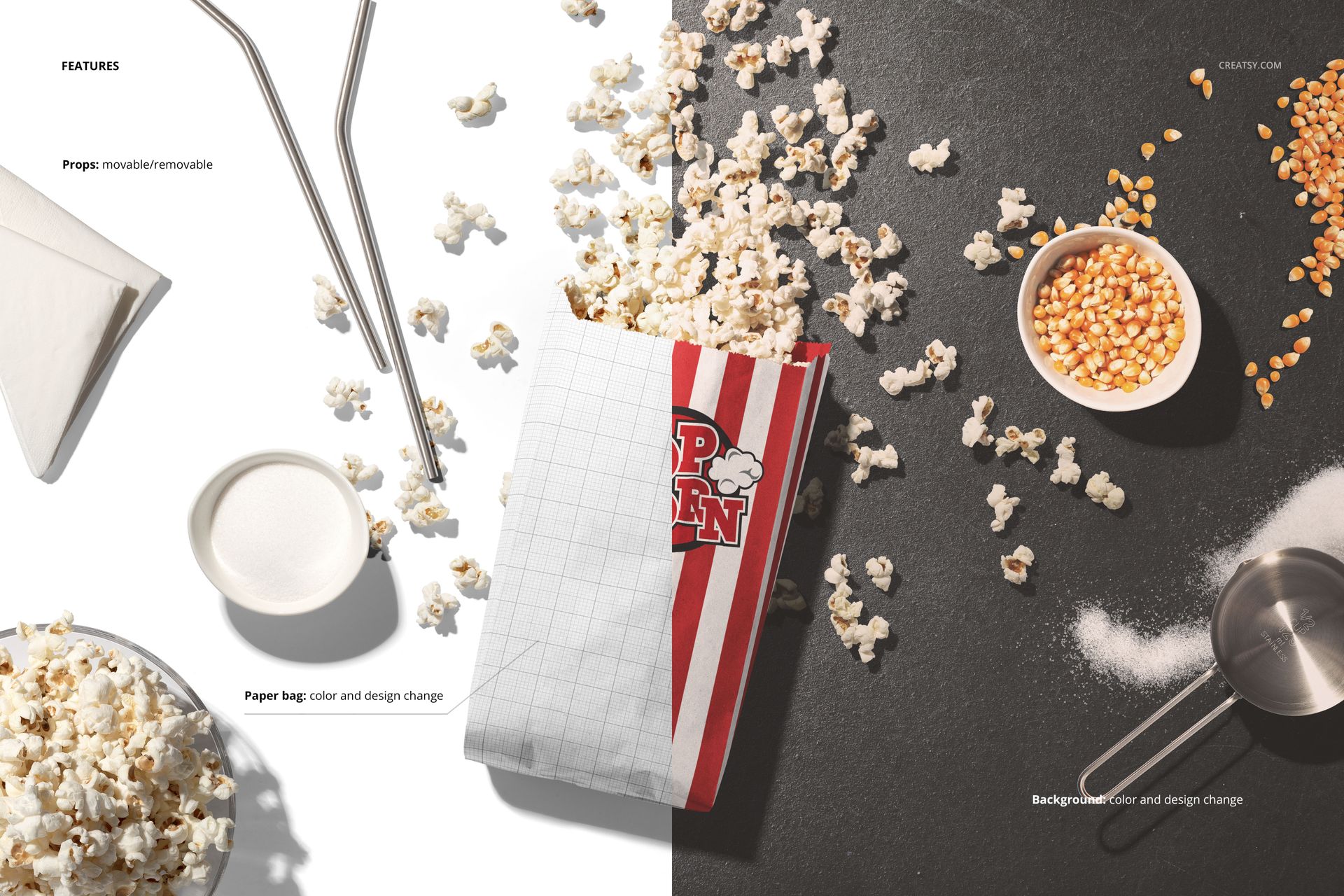
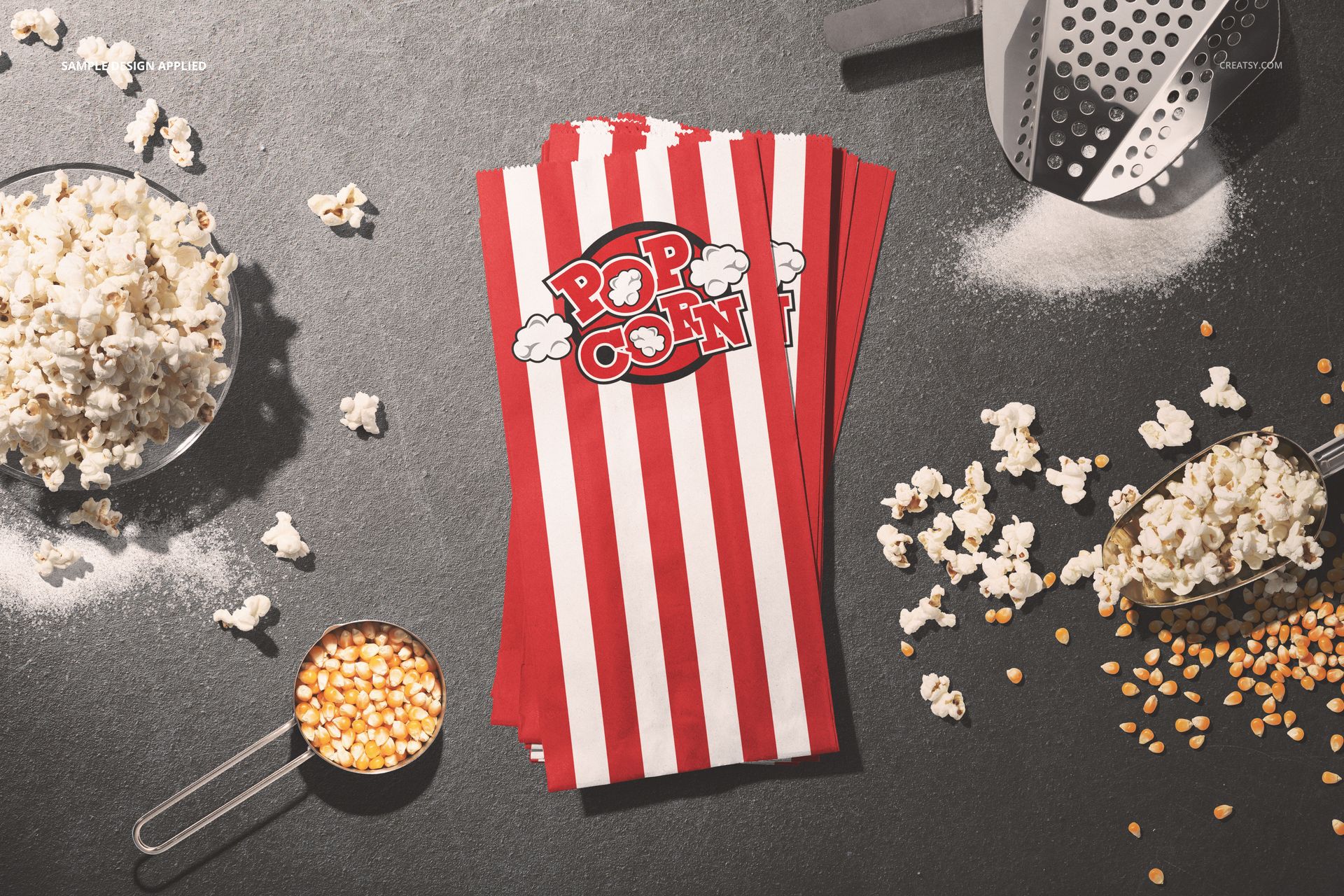
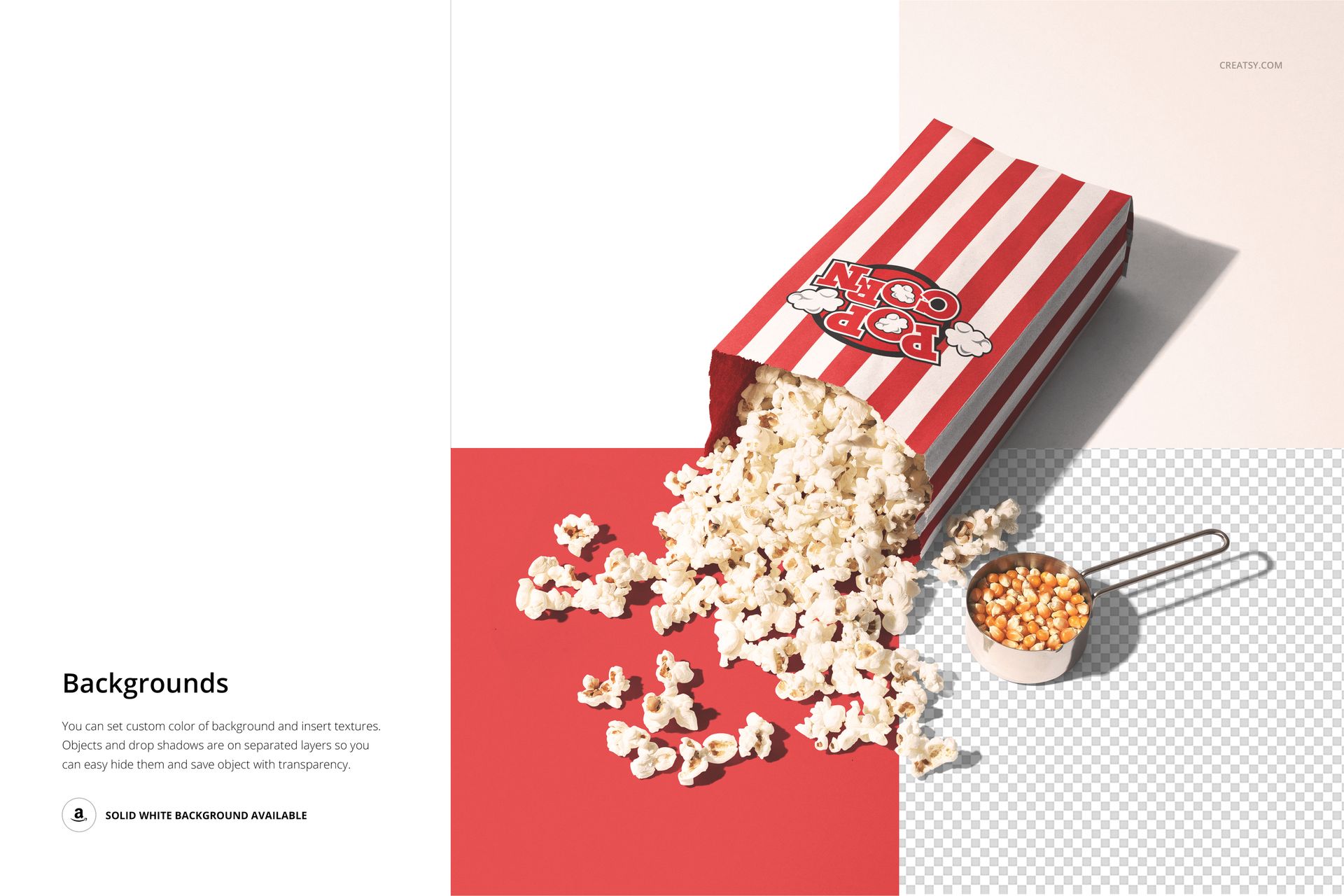
Change the paper bag color and design, customize the background color or design, and move or remove the supported props. The prop collection includes popcorn, kernels, scoops, bowls and other tabletop details. Keep a composition spare for label review, or add context for a cinema, event or snack campaign.
Easy Smart Object Editing
Edit your packaging artwork through Smart Objects in Adobe Photoshop CC2015 or newer, or Photopea. Use the organized layers and PDF manual to work through the scenes. Update one scene at a time and inspect the design around the bag folds before exporting your presentation.
Perfect For
Cinema concessions and popcorn brand presentations.
Snack packaging collections with several flavor colorways.
Festival, party and event packaging concepts.
Illustrators and packaging designers building a varied portfolio gallery.
This is a digital mockup set, not physical bags or a production template. Preview graphics and patterns are not included.