Notebook Mockup Set
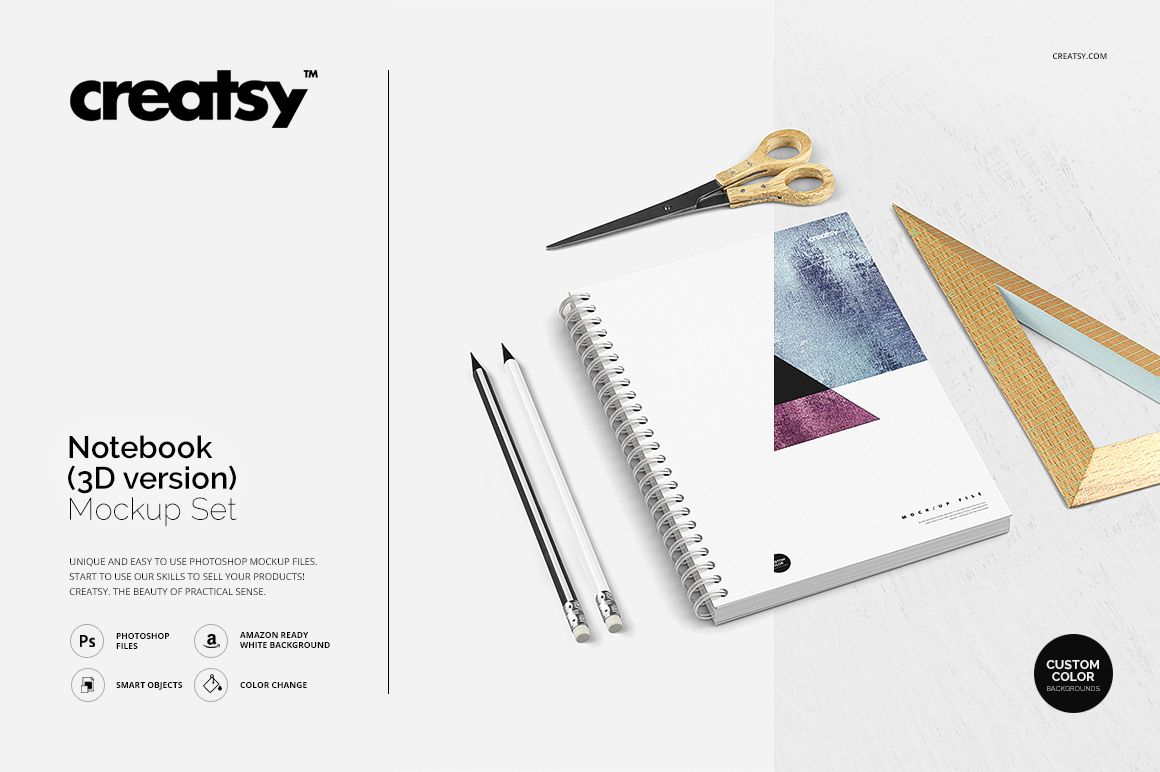
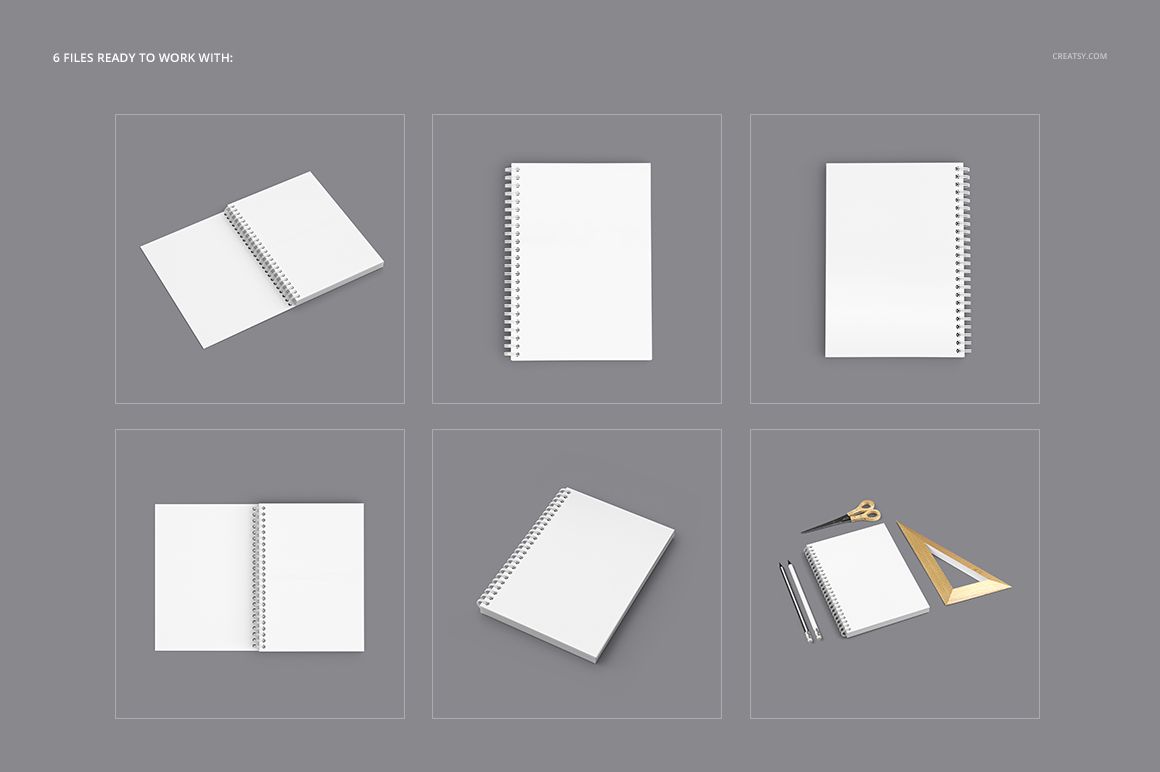
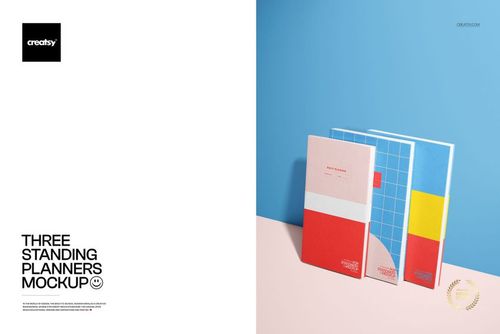
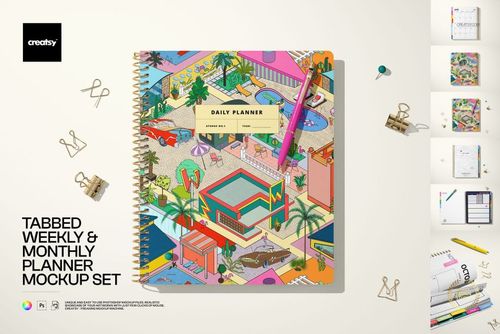
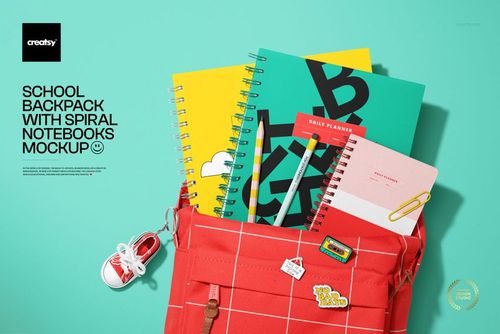
Build a complete notebook presentation without arranging a physical shoot. Six high-resolution PSD scenes move from clean cover views to angled products, open spreads and stationery-rich compositions, helping one design feel consistent across an entire gallery.
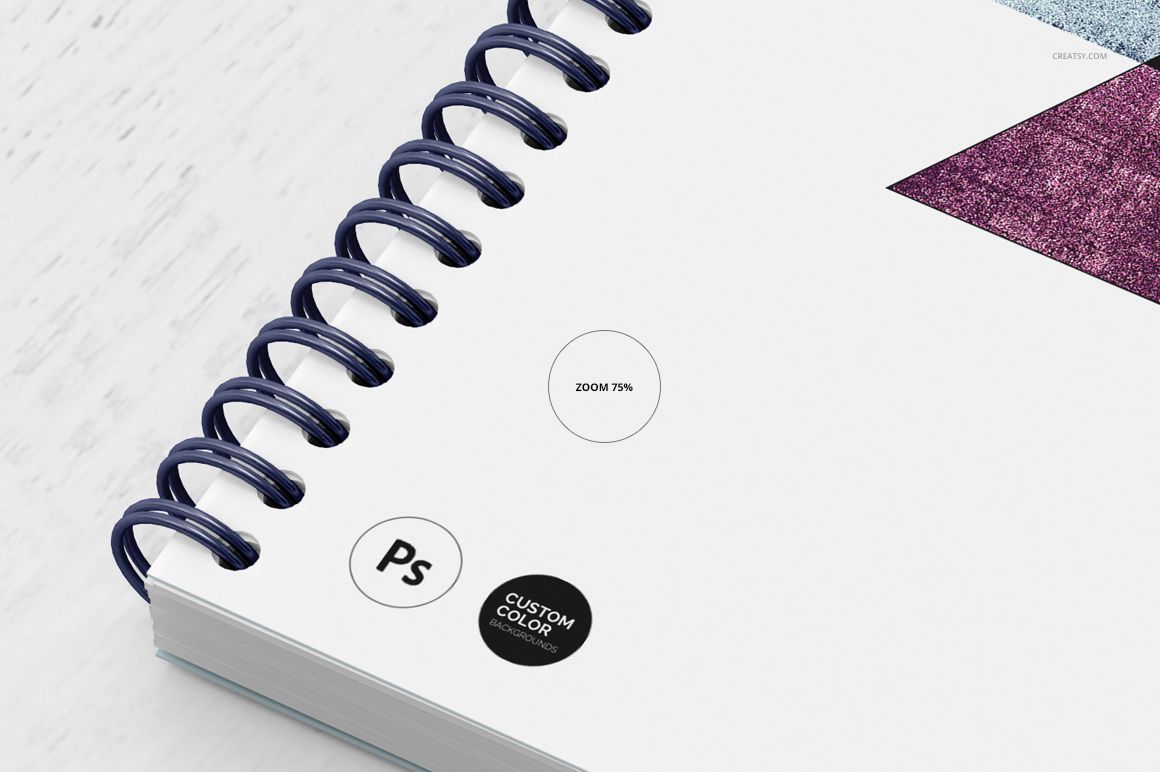
The 3D notebook construction keeps page stacks and spiral details clear, while the 4500 × 4500 px canvas makes comparisons easy. Show a cover, interior page treatment and binding color side by side before production.
What Is Included
6 layered PSD mockup files
6 JPG preview files
1 TIF guide file at 1000 × 1414 px
13 files in total
PSD and JPG files at 4500 × 4500 px
300 DPI per PSD
Smart Objects for artwork placement
Editable design and color options
Adobe Photoshop CS4 or newer and Photopea
Six 3D Notebook Views
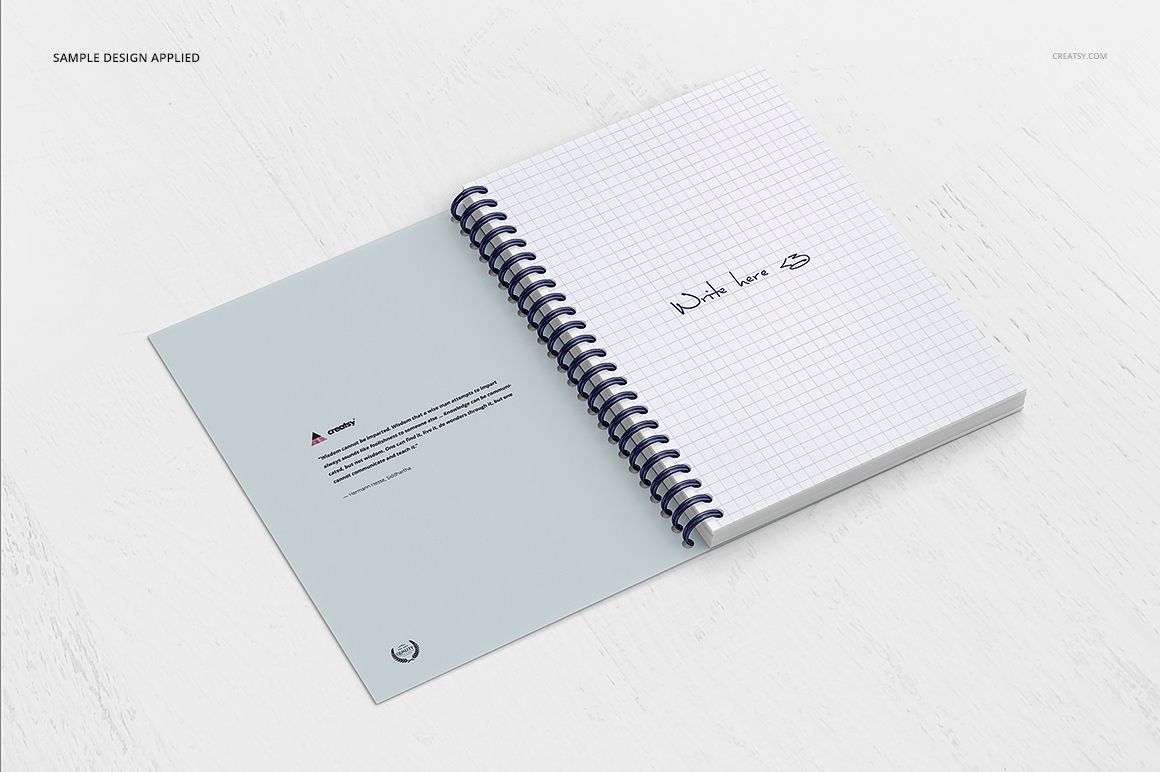
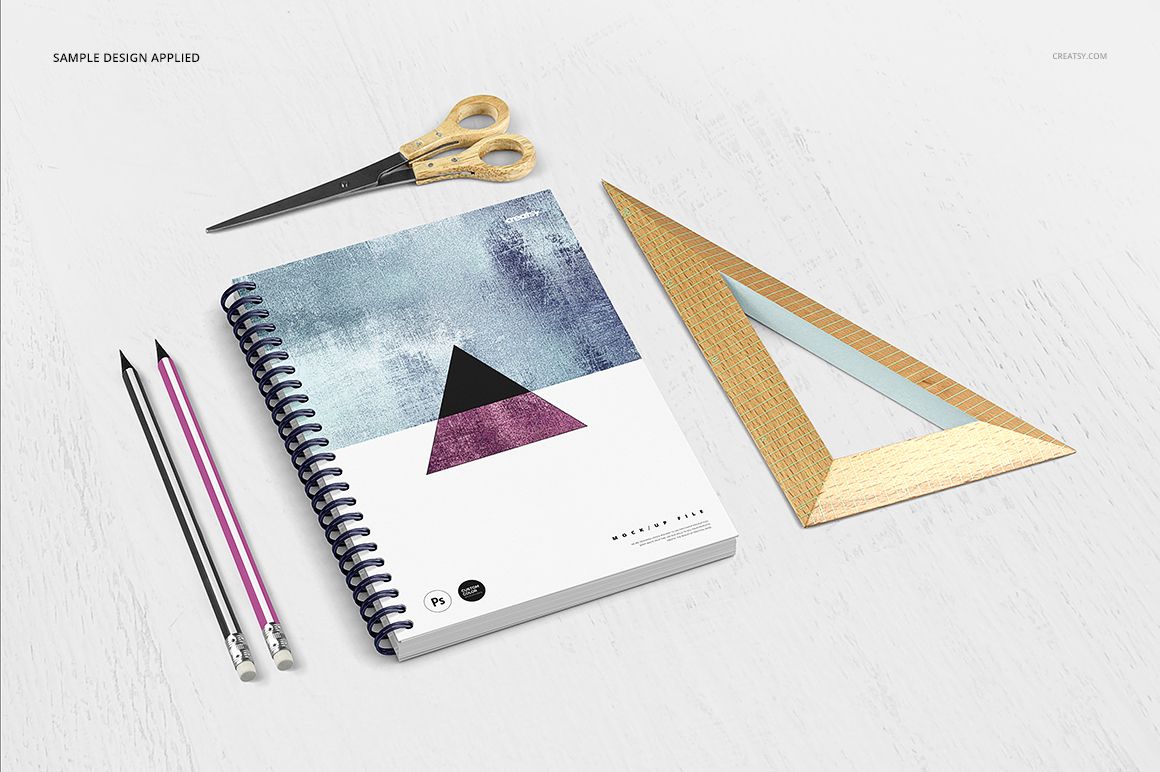
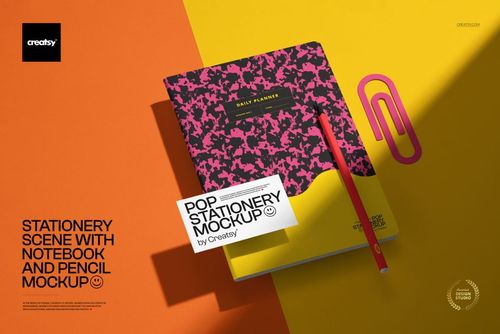
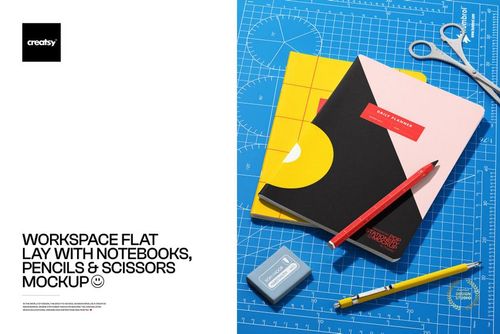
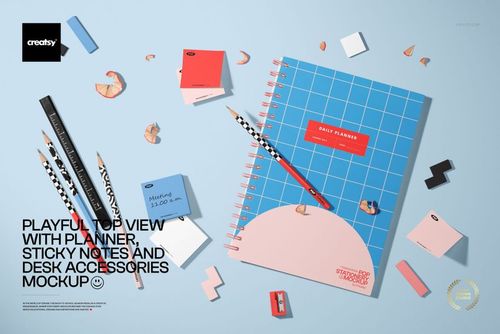
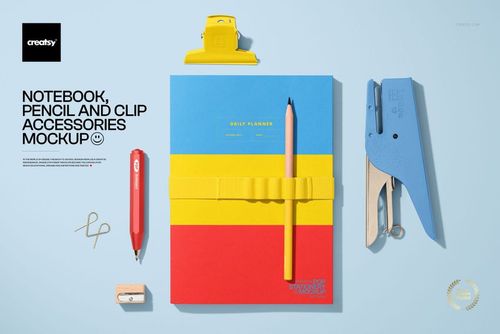
Use front-facing and angled covers, top-down layouts and open page spreads to show the notebook from several practical perspectives. Selected scenes include pencils, scissors and wooden rulers for a styled stationery context, while cleaner views keep attention on the product itself.
Customize Rings, Paper and Artwork
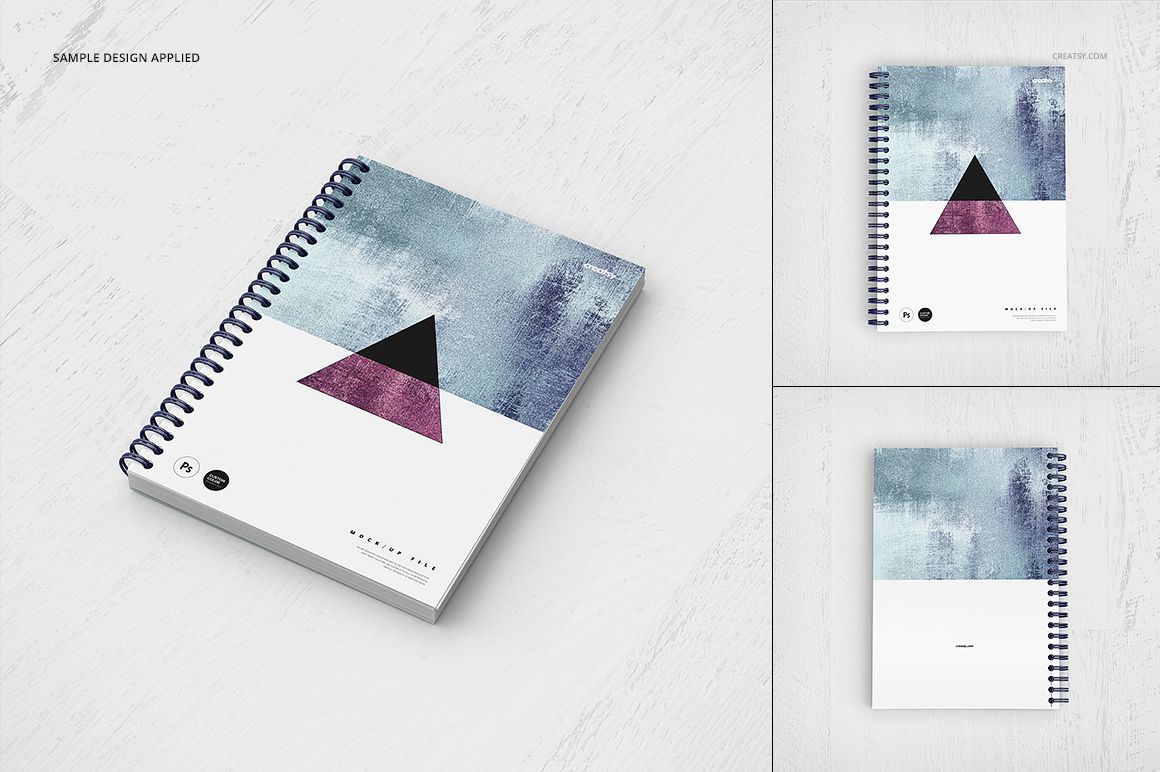
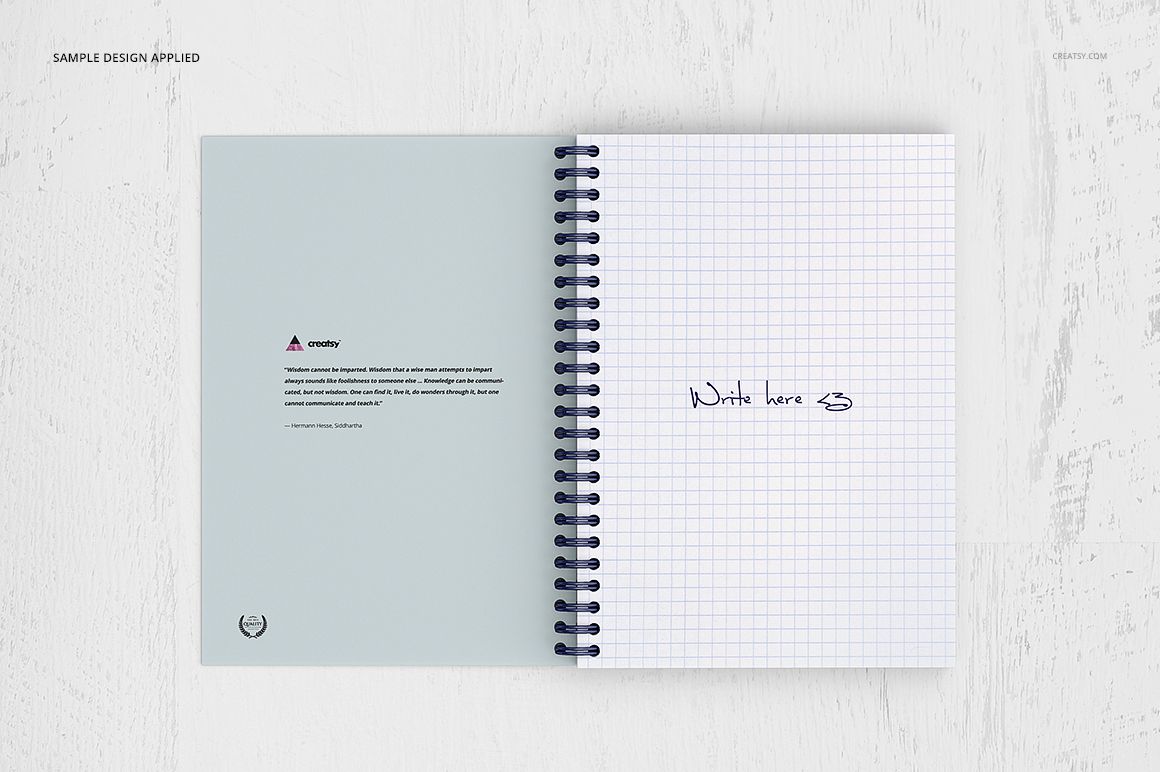
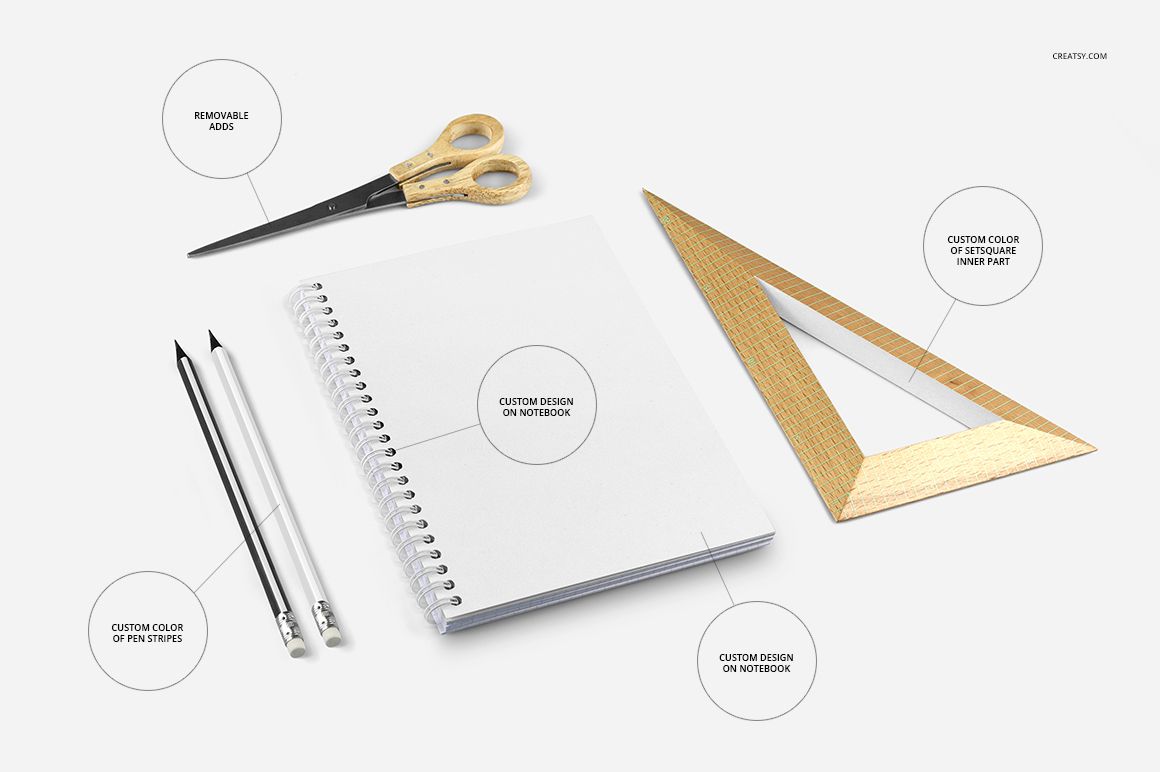
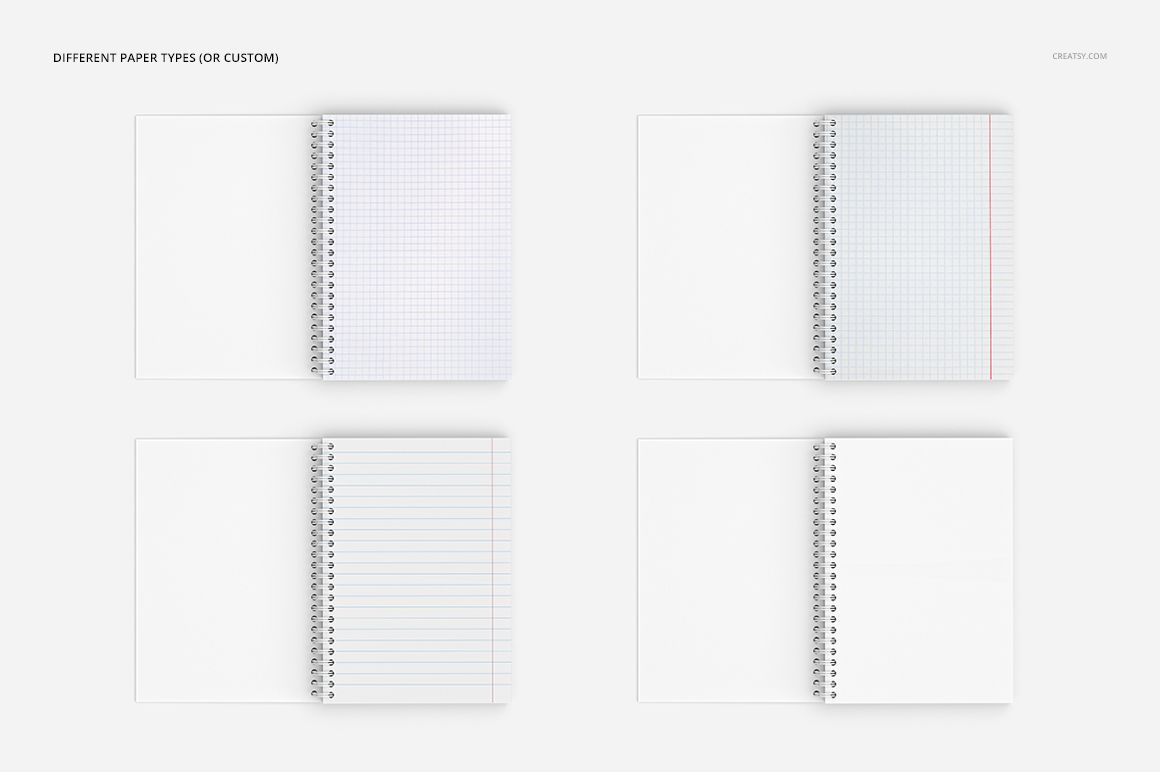
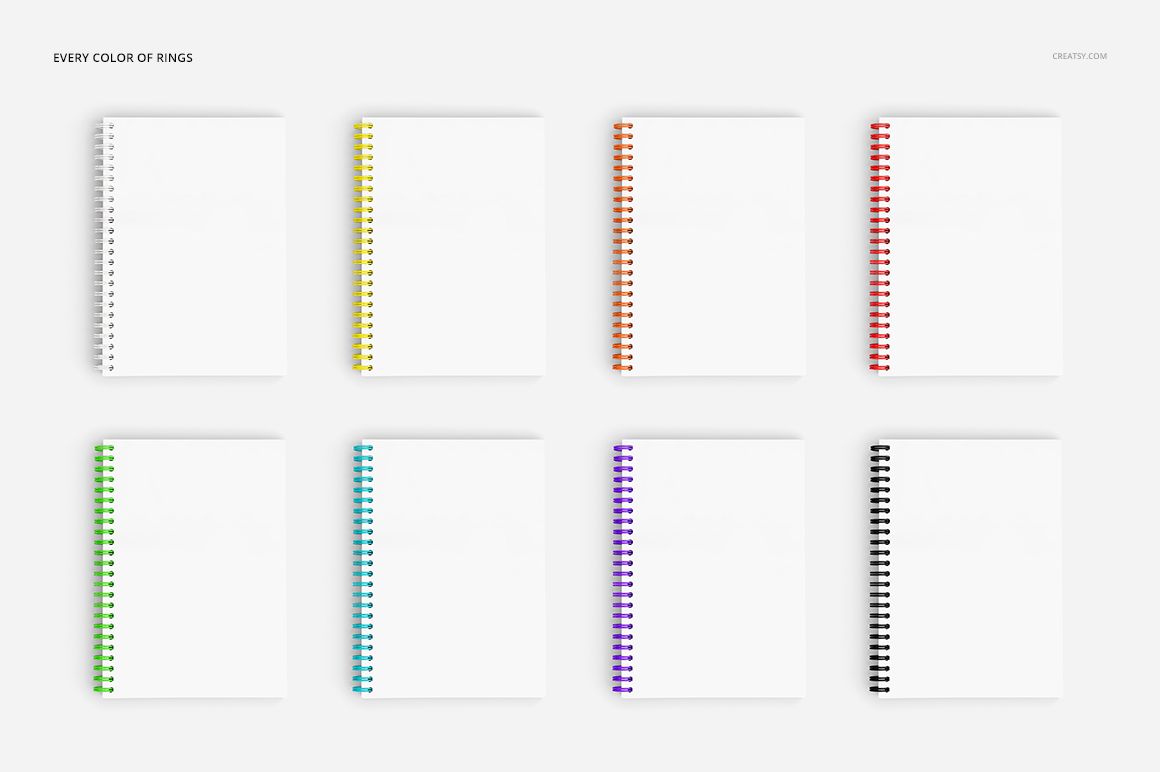
The preview boards confirm customizable spiral ring colors, different paper types or a custom page design, editable notebook artwork and color control for pen stripes. This makes it easy to coordinate the cover, pages, binding and props around one visual direction.
Easy Smart Object Editing
Open the designated Smart Object, place the cover or page artwork, save it and return to the scene. The mockup applies the design within the notebook perspective while preserving the visible spiral, page depth and lighting.
Flexible Background Options
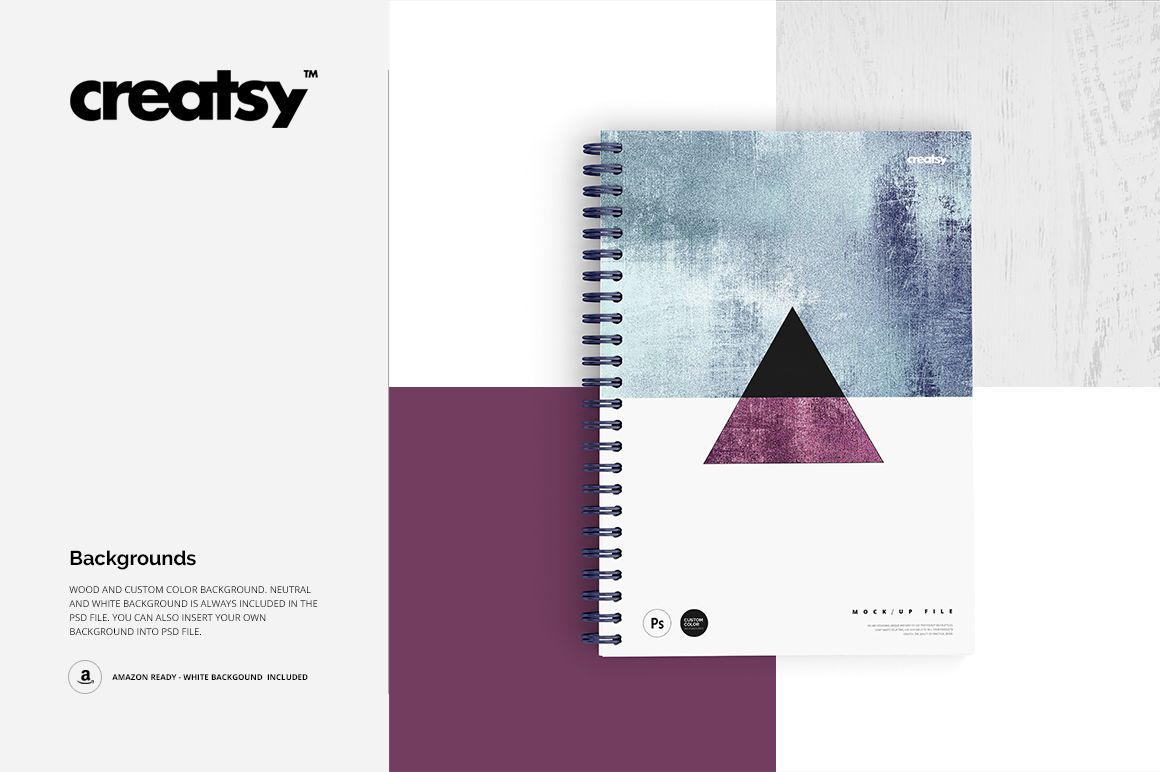
Choose wood, neutral, white or custom-color backgrounds, or insert your own background into the PSD. A clean white option is included for Amazon-ready product imagery and minimal marketplace presentations.
Perfect For
Notebook and journal cover presentations
Surface pattern and illustration portfolios
Stationery brand product galleries
Client reviews before printing
Coordinated ecommerce and social media graphics
This is a digital mockup product. The sample patterns and artwork shown in the preview images are not included.