Special Effects Vinyl Record in Golden Sand Mockup
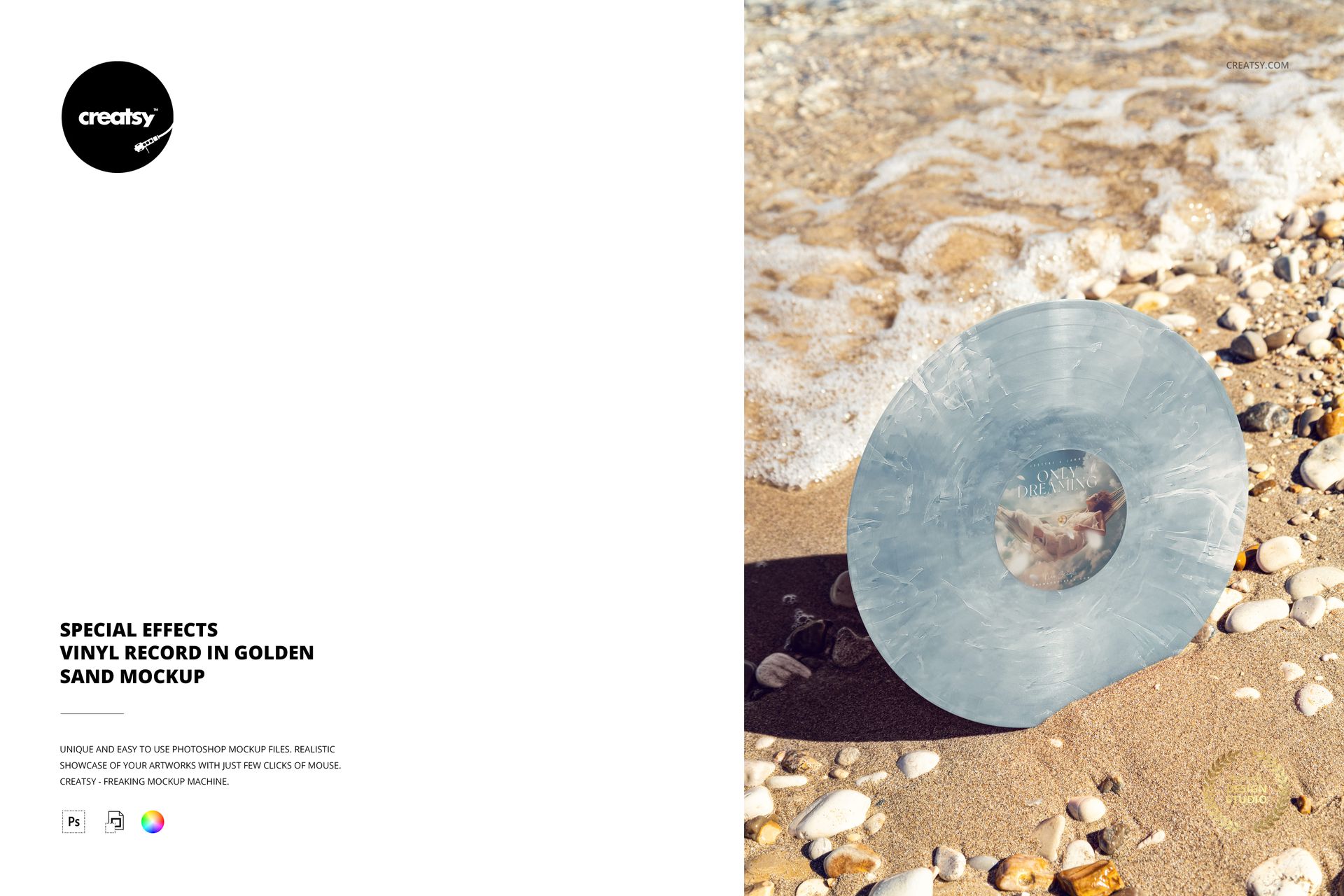
Stand your release artwork in the sun. This golden sand vinyl record mockup shows an upright disc set into the beach, with a crisp cast shadow and a foamy shoreline behind it. The angled presentation emphasizes the record face and gives a colored vinyl concept a warm, outdoor setting without a physical sample shoot.
One Scene, Multiple Vinyl Looks
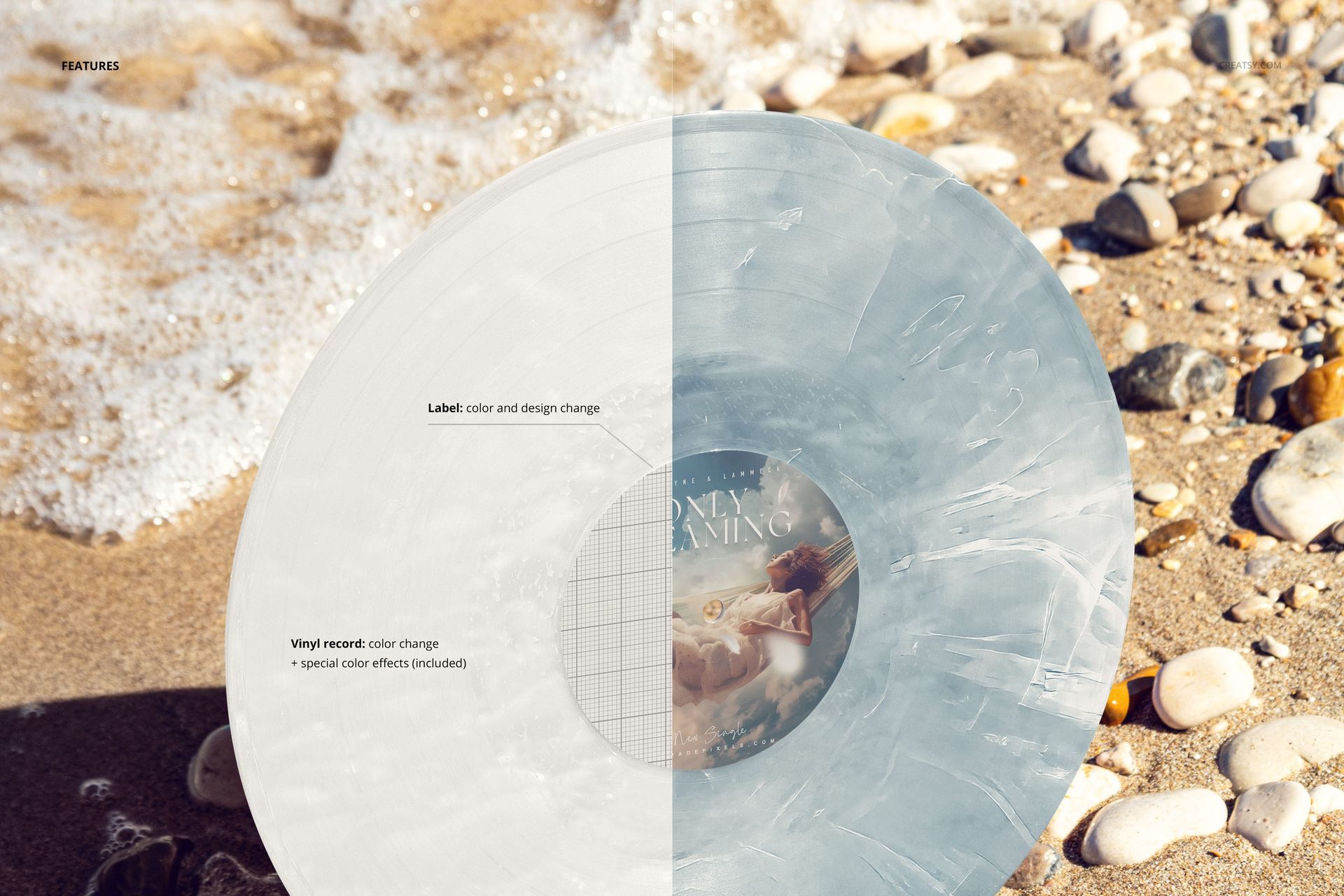
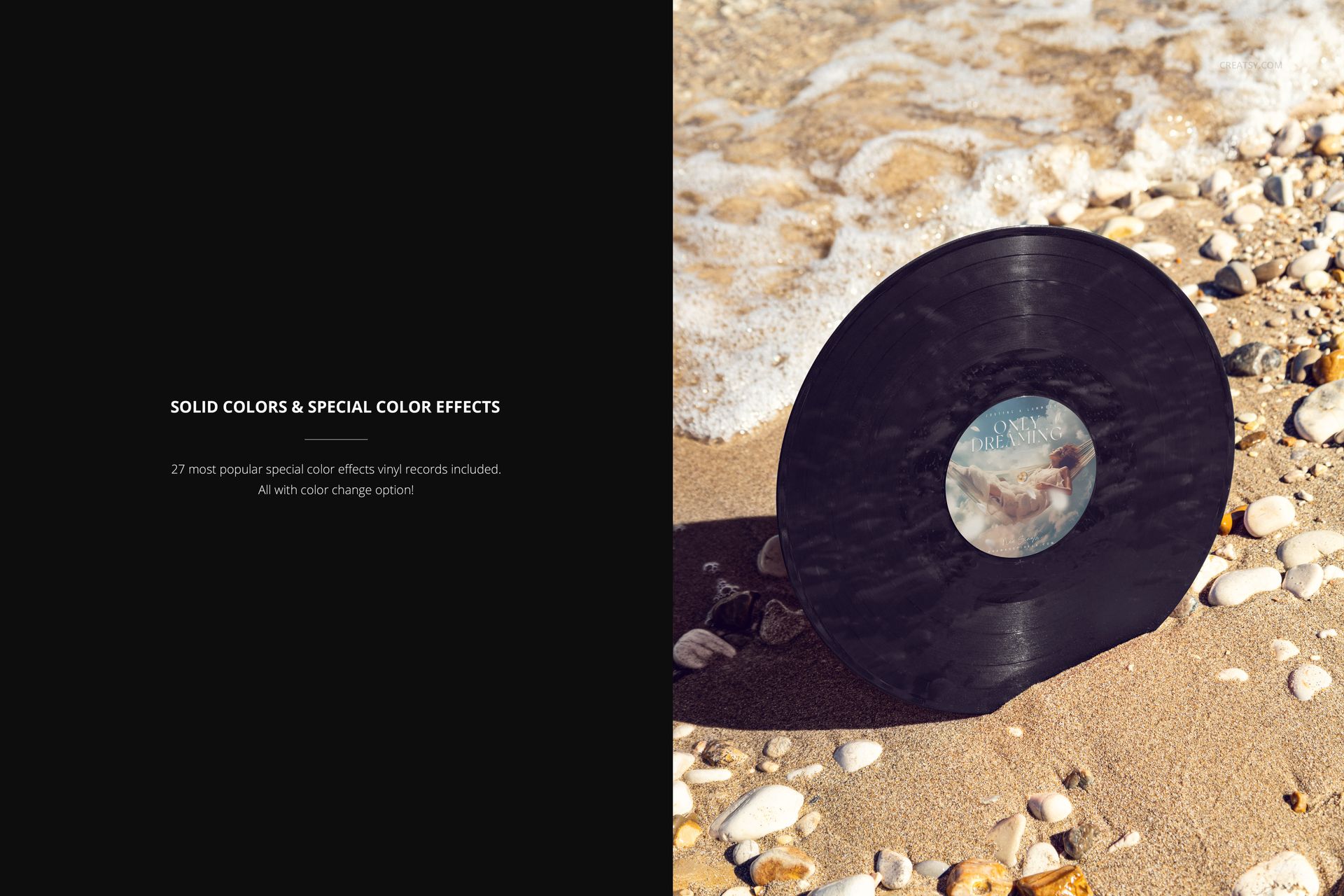
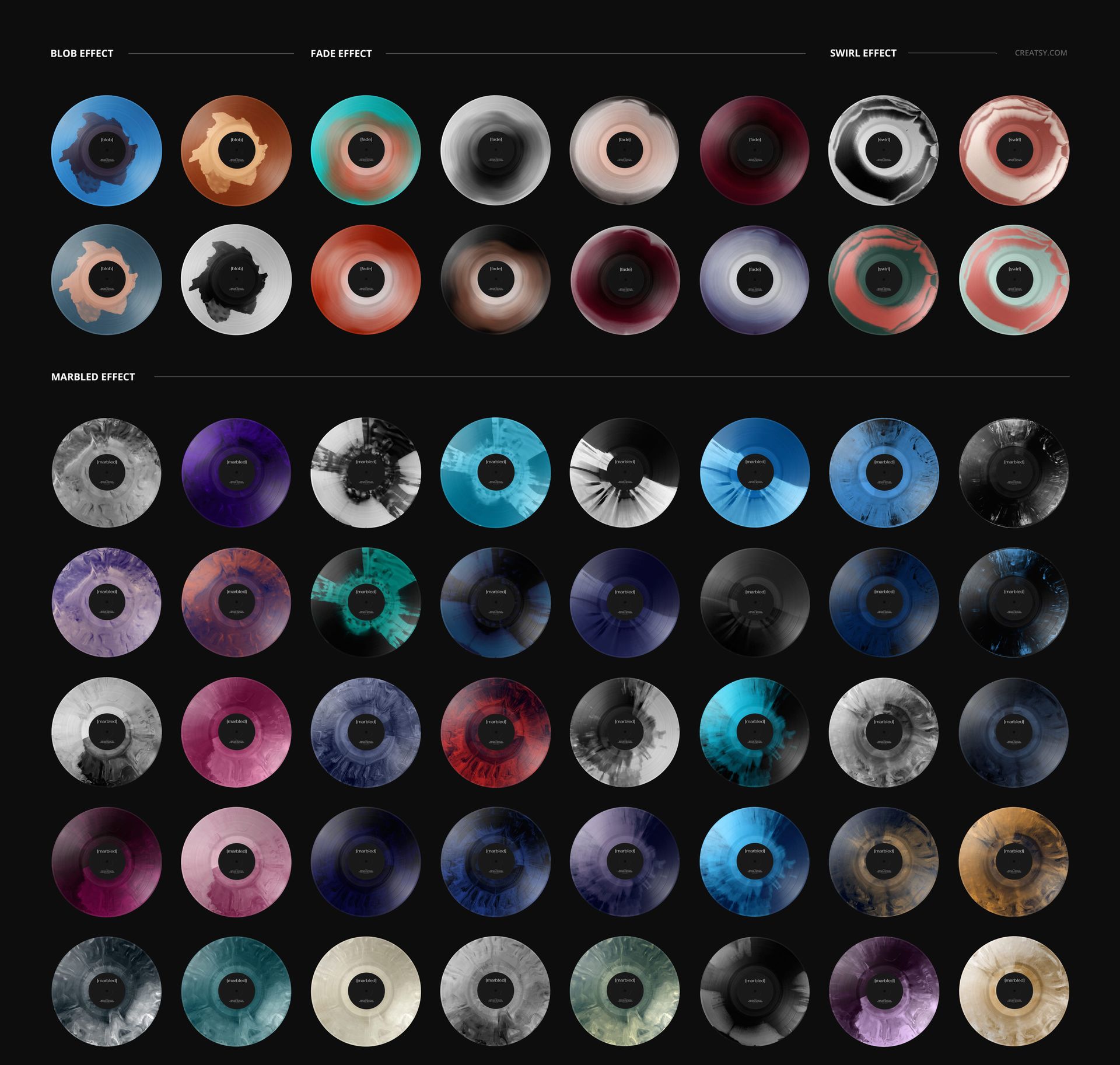
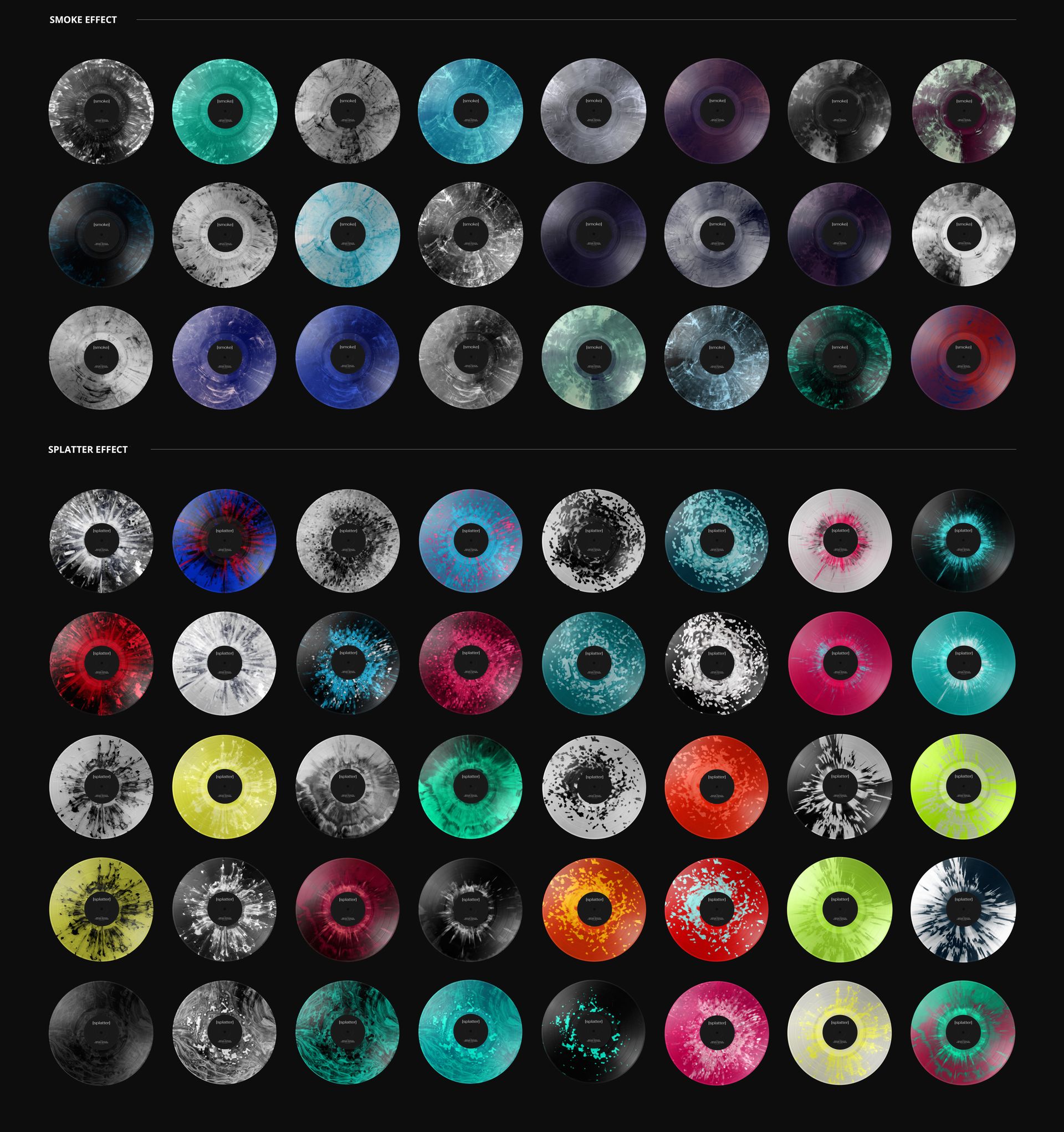
Customize the center-label artwork and color, then choose a solid vinyl color or one of 27 special color effects. Blob, fade, swirl, marbled, smoke and splatter finishes offer different ways to carry the label palette onto the record itself. The same upright scene can present a restrained monochrome edition or a more expressive color combination.
Download Contents
1 layered PSD mockup with an upright record in golden sand.
1 JPG preview, 2 files altogether.
Portrait canvas: 4000 × 6000 px at 300 DPI.
Editable label design and color, vinyl colors and 27 special color effects.
Easy Smart Object Editing
Use Adobe Photoshop or Photopea to open the PSD. Insert your artwork into the label Smart Object and save the Smart Object to update the record. Adjust the label and vinyl colors in the organized layers, choose the finish, and export your final presentation image.
For a Sunlit Release Campaign
A useful scene for record labels, musicians and designers building summer music announcements, vinyl edition proposals or portfolio images. The standing disc offers a different silhouette from a flat lay and keeps attention on the relationship between the center label and the surrounding vinyl.
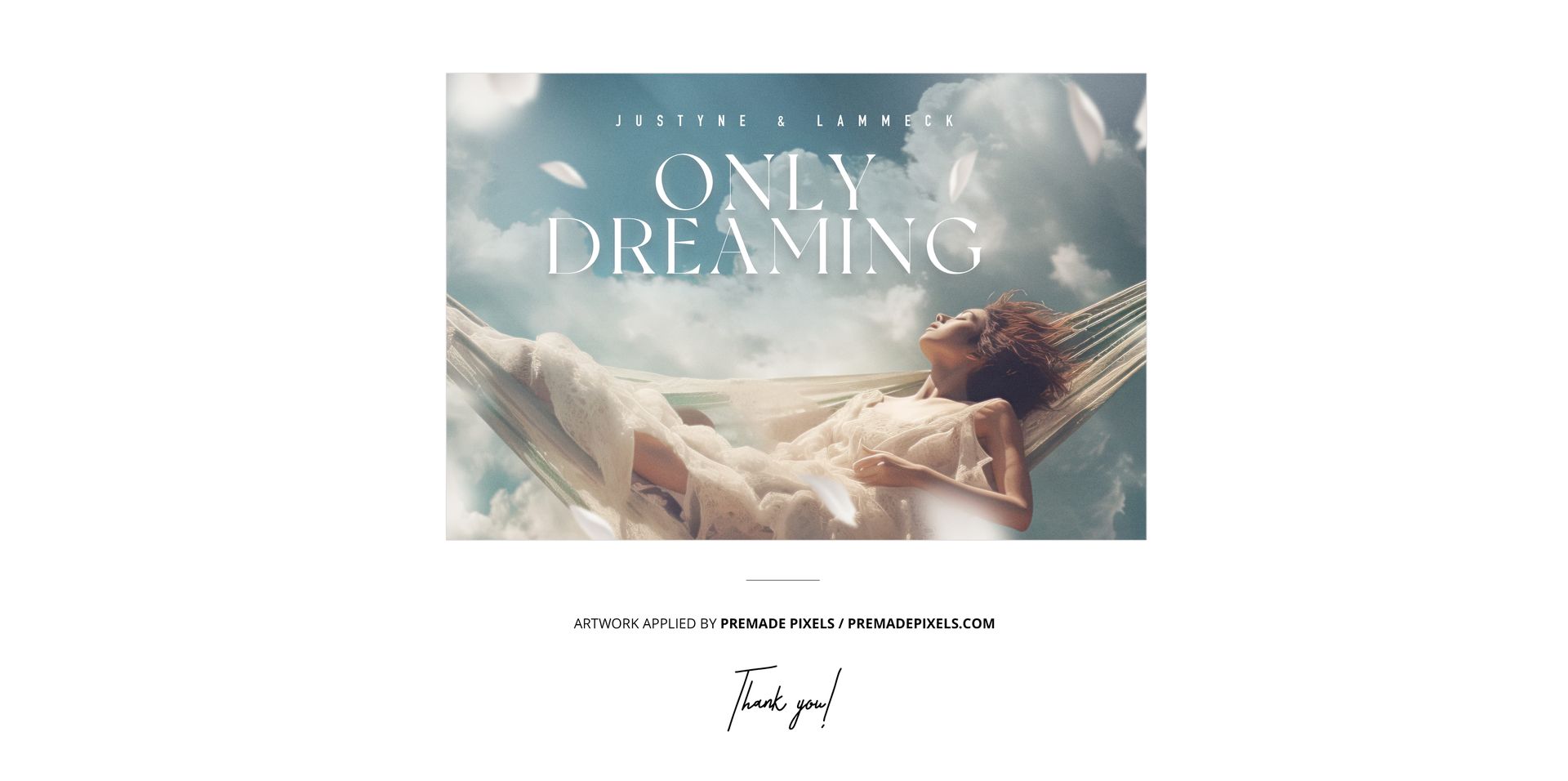
This is a digital mockup file, not a physical product. Sample artwork shown in the previews is excluded.